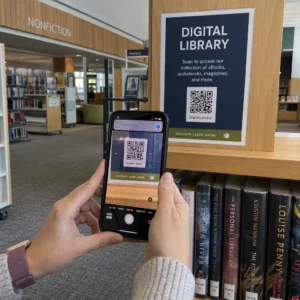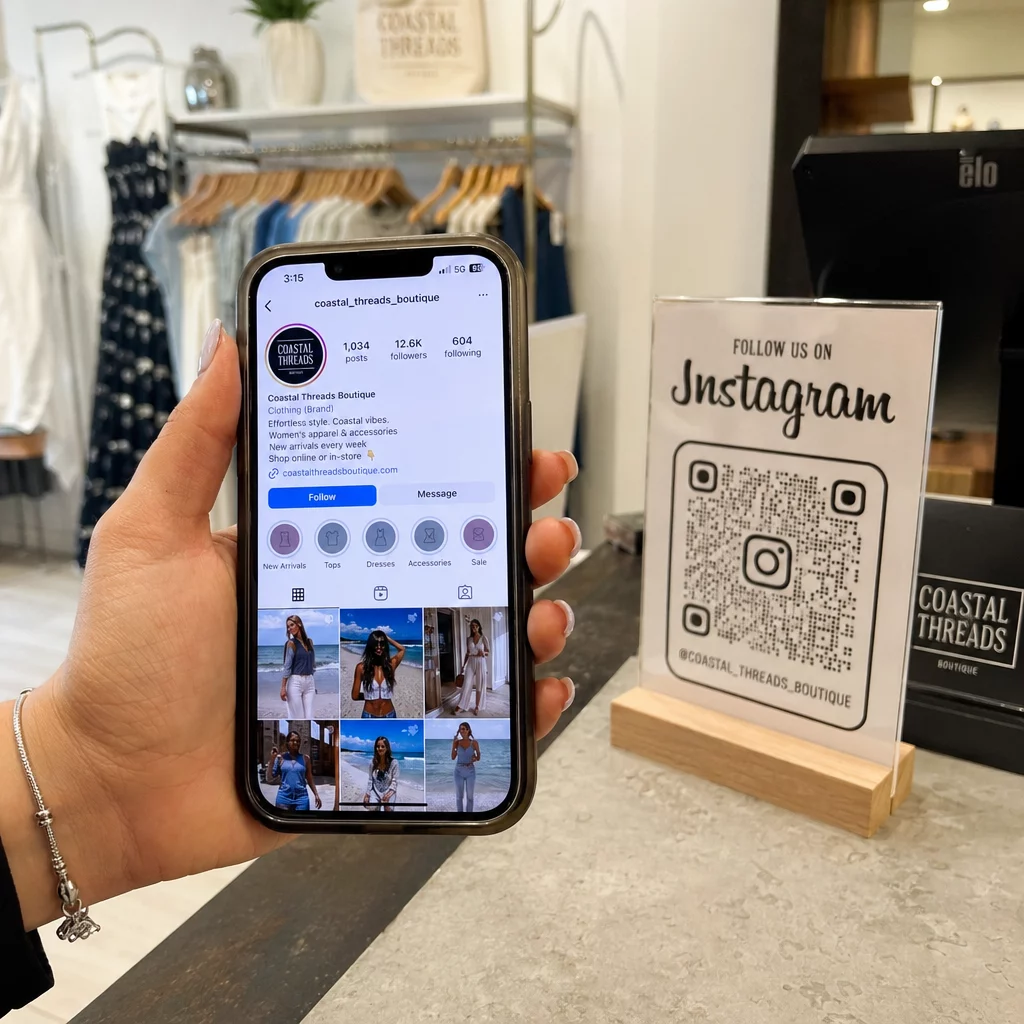
Struggling to get customers from your storefront to your Instagram profile without the friction of manual searching? Typing a username often leads to typos and lost engagement, which can stunt your digital growth. Generating a custom Instagram QR code bridges this gap, allowing followers to connect with your brand in a single scan.
How Instagram QR Codes Drive Business Engagement
Instagram QR codes act as a digital bridge between physical marketing materials and your social media content. While most users are familiar with linking to a profile, modern generators allow you to direct traffic to specific posts, Reels, or even location tags. This flexibility is vital because research suggests that 82% of consumers feel comfortable scanning QR codes from businesses they recognize. By placing these codes on physical touchpoints, you provide a seamless way for customers to view your portfolio, check reviews, or participate in a giveaway without the need to navigate the app manually.
When a user points their smartphone camera at the code, they receive a notification showing the content and can tap to perform the action. This instant gratification is a powerful tool for converting a casual passerby into a loyal follower. Whether you are linking to a specific post or your main profile, the goal is to reduce the steps between discovery and interaction.
Creating Your Instagram QR Code: Two Primary Methods
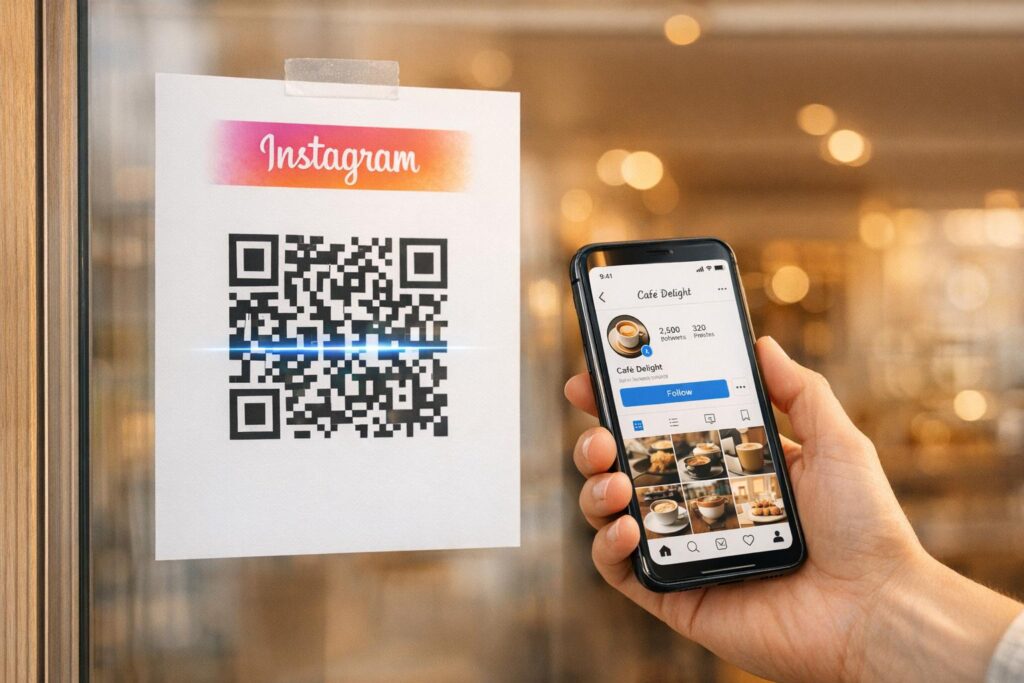
Business owners generally choose between the standard tool found within the Instagram app or more robust third-party platforms. The choice depends on whether you need a quick, one-off share or a long-term marketing asset that you can track and edit.
Using the Built-in Instagram Tool
The native Instagram generator is a straightforward solution for personal sharing or small-scale events. To access it, navigate to your profile, tap the menu in the top-right corner, and select “QR Code.” The app provides basic customization options, such as changing the background color or adding emojis. Instagram also recently introduced “Profile Cards,” which function as a digital business card by displaying your profile picture and bio alongside the code. While convenient, these codes are static, meaning the data is hard-coded and cannot be tracked or updated once you have printed the materials.
Generating Branded Codes with Pageloot
For professional marketing campaigns, using an Instagram QR code generator provides significantly more control. A primary advantage is the ability to create dynamic QR codes. Unlike static versions, dynamic codes allow you to update the linked URL – such as switching from a profile link to a seasonal promotion link – without needing to reprint your signage or packaging.
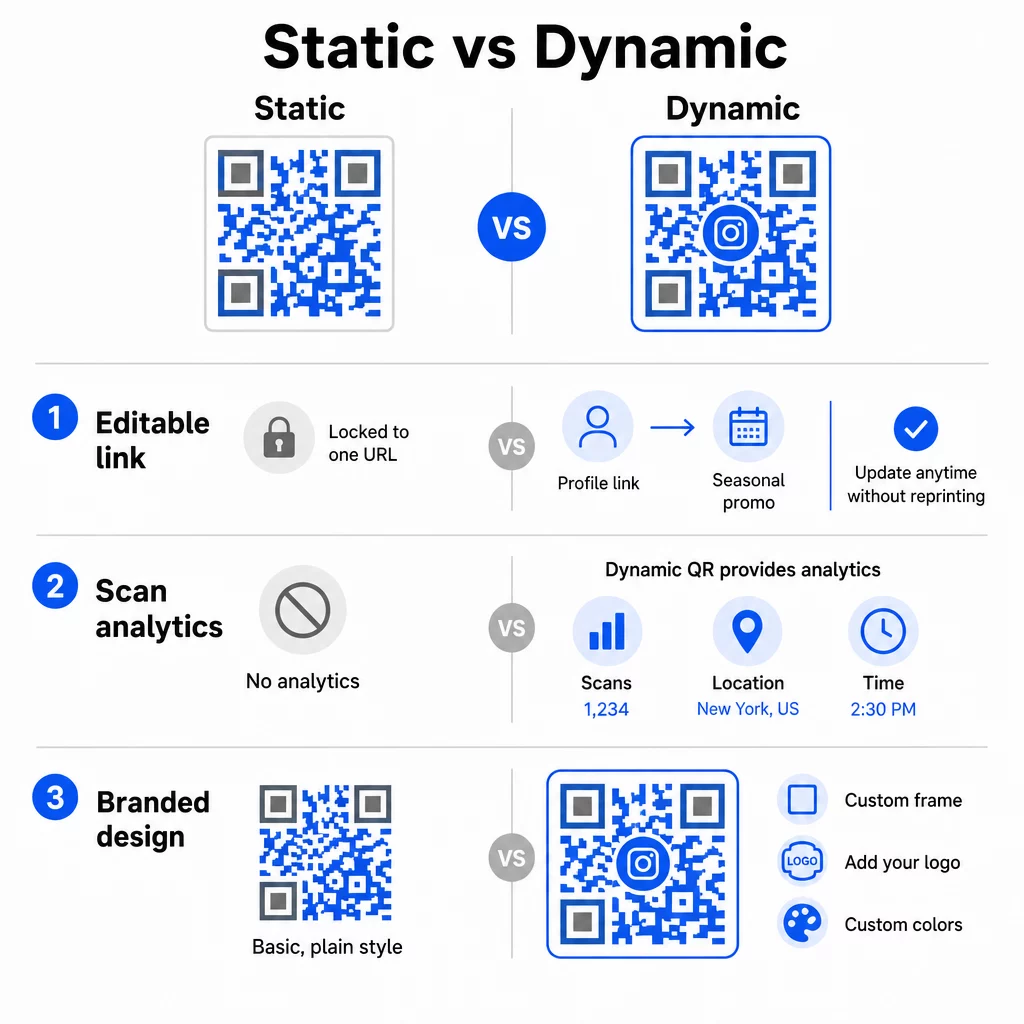
Beyond flexibility, professional tools offer deep customization. You can modify the frame, shape, and colors to ensure the code complements your brand aesthetic. Adding a brand logo to the center of the code can also increase trust and recognition, making it stand out against generic black-and-white patterns.
Monitor Your Campaign in Real-Time Want to see exactly where and when your customers are scanning your materials? Use the dynamic QR code generator to create trackable codes and access a full performance dashboard today.
Strategic Implementation Across Marketing Materials
The effectiveness of your Instagram QR code depends largely on where and how you place it. Strategic placement ensures that the code reaches your target audience at the peak of their interest.
Business Cards and Networking
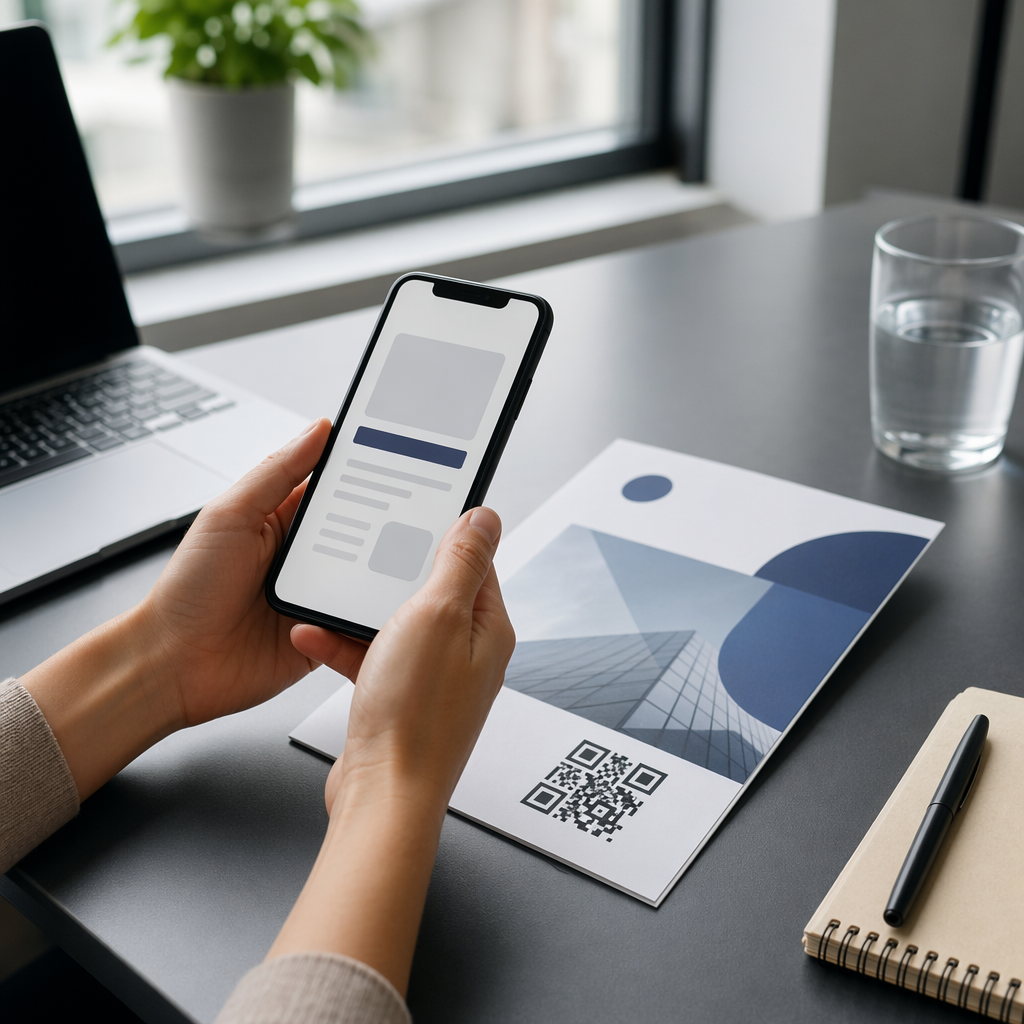
A modern business card design should focus on clarity rather than clutter. Instead of printing multiple social media handles, a single QR code can serve as a gateway to your entire digital presence. This interactive experience allows a networking contact to see your latest work or follow your profile instantly, ensuring you stay top-of-mind long after the meeting ends.
Signage and Product Packaging
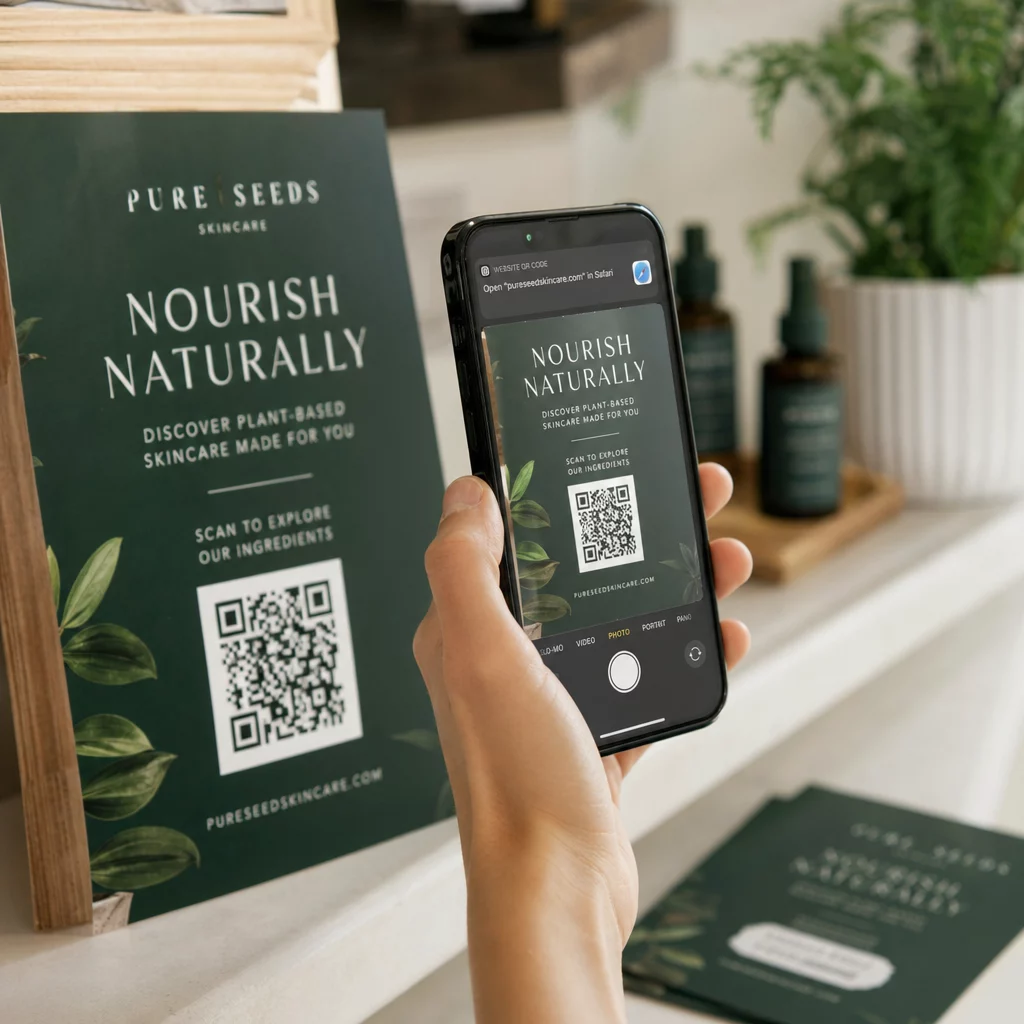
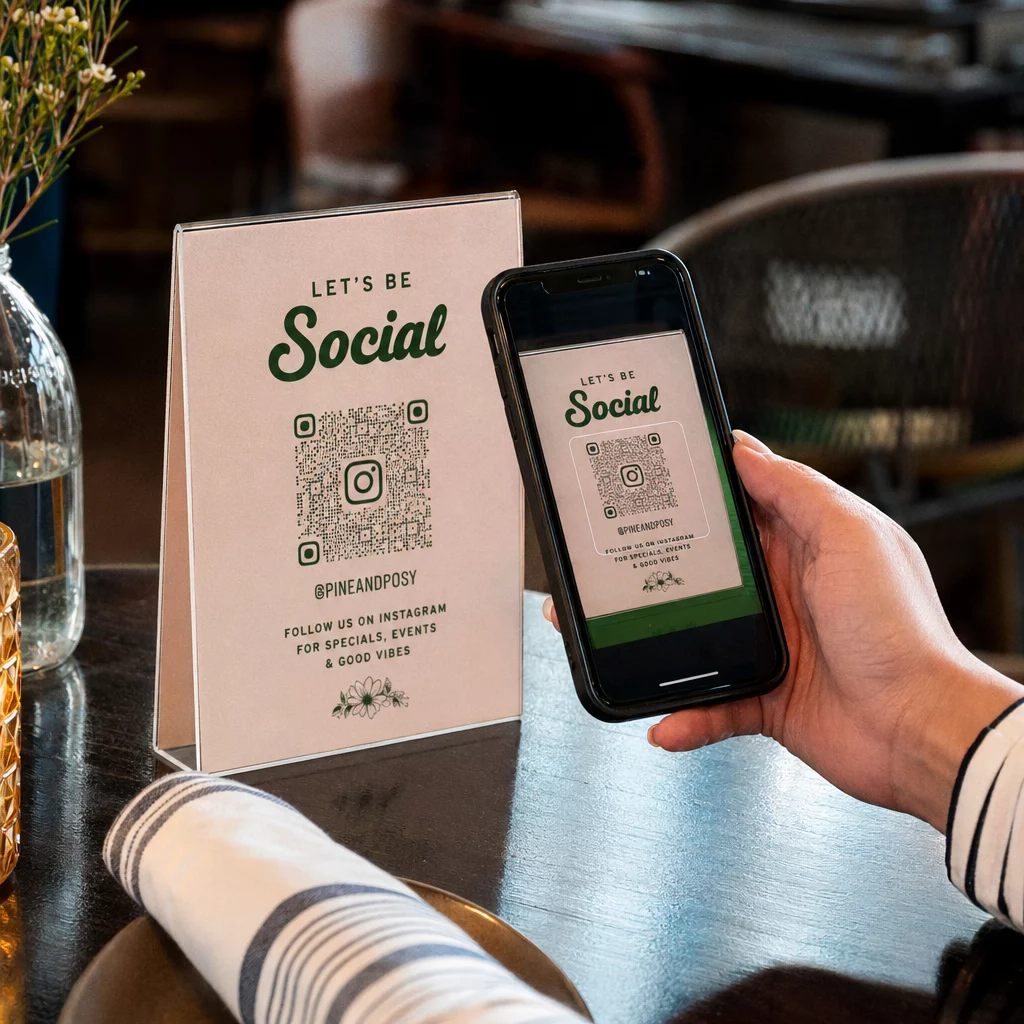
Physical locations like retail stores and restaurants benefit from placing QR codes on posters or table tents. For example, a restaurant can place a code on a menu that leads to a Reel showing how a popular dish is prepared. On product packaging, a code can link to a community page where customers post their own photos with the product, effectively turning the packaging into a social proof engine. Branded links in these campaigns can boost click-through rates by up to 39%, as they appear more professional and trustworthy to the consumer.
Technical Standards for Reliable Scanning
A QR code that fails to scan is a missed opportunity for engagement. To ensure your codes work every time, you must follow established best practices for QR code readability.
- Size and Distance: Follow the 10:1 size-to-distance rule, where the code is 1 unit wide for every 10 units of viewing distance. For close-range materials like business cards, the minimum size should be 0.8 x 0.8 inches (2 x 2 cm).
- Contrast and Color: Always use a dark foreground on a light background. High contrast is essential for the scanner to distinguish the modules.
- Quiet Zone: Maintain a clear border, known as a “quiet zone,” around the code. This space should be at least four modules wide to separate the code from surrounding text or graphics.
- Print Quality: Use vector formats like SVG or EPS for printing. These formats ensure that the QR code sizing remains crisp regardless of how much you scale it up for large posters or banners.
Testing is the final, non-negotiable step. Before finalizing any print run, scan your code under various lighting conditions and with different devices. This ensures that even users with older phone cameras can access your Instagram content without frustration.
Design a Branded Instagram Experience Ready to stand out from the competition? Use the QR code generator with logo to create a customized scan point that matches your brand identity perfectly.
By combining the accessibility of Instagram with the tracking and customization of professional QR tools, you can turn every physical touchpoint into a measurable growth opportunity. Whether you are using them on a storefront or a simple flyer, these codes simplify the customer journey and help build a stronger digital community around your brand.
Frequently Asked Questions
You can only do this if you use a dynamic QR code. Static codes generated within the Instagram app are permanent, but dynamic codes created through a third-party generator allow you to update the destination URL at any time without reprinting your materials.
For reliable scanning on packaging or business cards, the code should be at least 0.8 x 0.8 inches (20 x 20 mm). Denser codes or those with integrated logos may require slightly more space to maintain scannability.
While you cannot see the personal identity of individual scanners, dynamic QR codes provide analytics that show the total number of scans, the geographic location of the scanners, the time of day, and the type of device used.