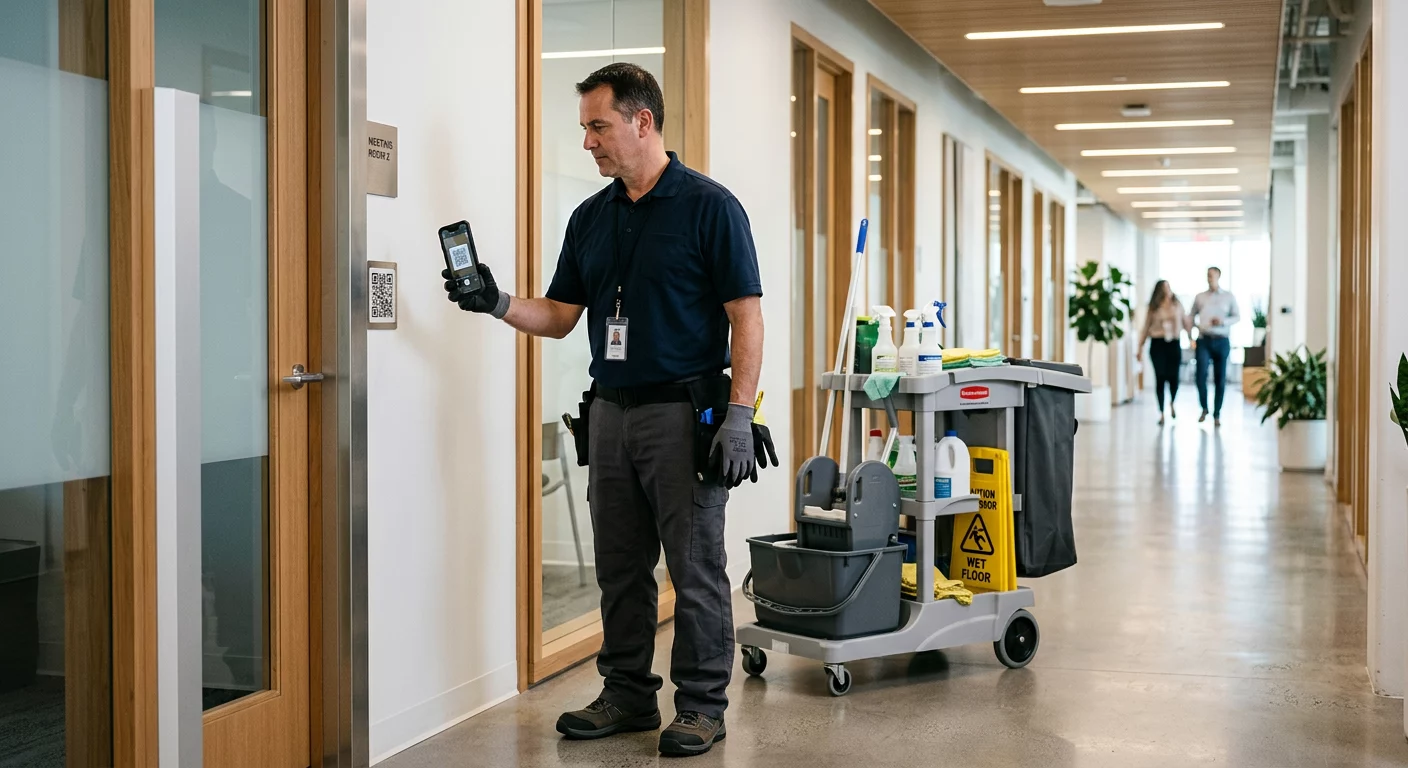
Can you prove that every room in your facility was properly sanitized today? Accountability gaps lead to client disputes and wasted labor costs when manual logs are falsified or lost. Using QR codes for cleaning operations provides a timestamped digital paper trail that verifies attendance and task completion in real time.
Why Manual Cleaning Logs Risk Your Operations
Traditional paper logs are prone to human error and lack the visibility required for modern facility management. Industry research indicates that up to 30% of manual logs contain errors stemming from illegible handwriting or incomplete entries. In the United States, nearly 25% of facilities report accountability gaps that result in over $500,000 in annual costs due to rework and client dissatisfaction.
Common failures in manual systems include buddy punching, where staff members clock in for colleagues who are not present, and significant task omission. Without room-specific prompts, housekeeping teams often overlook 20% to 40% of secondary cleaning tasks. Furthermore, manual systems create a delay in reporting; managers often discover missed inspections days after the fact, making it impossible to take immediate corrective action or address safety concerns.
Transforming Sites into Digital Checkpoints
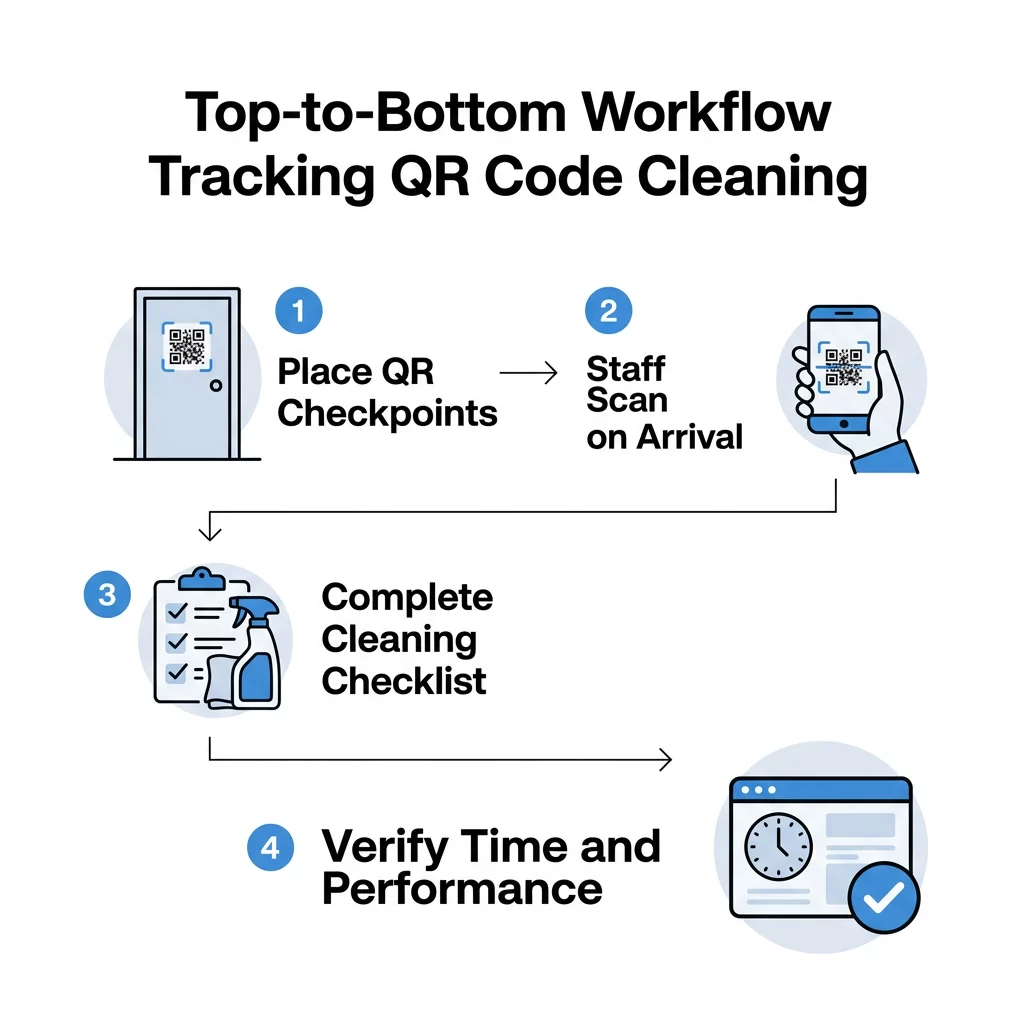
QR codes serve as digital anchors that bridge your physical facility with your management software. By placing a dynamic QR code on a door, equipment, or workstation, you create a mandatory checkpoint for staff. Unlike static codes, these digital links allow you to update the destination content at any time, ensuring your team always sees the most current cleaning protocols without you needing to replace the physical sticker.
When a cleaner arrives at a station, they use their smartphone to scan the code. This action instantly records their identity, location, and the exact time of the scan. You can configure these codes to launch specific tracking systems that require the user to acknowledge specific safety requirements or equipment checks before they begin their shift.
Verifying Attendance and Performance
The primary benefit of this digital transition is the creation of a verifiable audit trail. A single scan provides proof of presence, confirming the employee was physically at the site. For more detailed workflows, scanning a code can trigger a Google Form QR code that serves as a custom checklist for that specific area, such as a restroom or a breakroom. This ensures that high-touch surfaces are sanitized and supplies are refilled according to the specific needs of that zone.
Real-Time Productivity Monitoring
Integrating these scans with real-time dashboards allows you to monitor movement across your facility as it happens. Organizations that have digitized their tracking report a 40% reduction in missed tasks and a 70% improvement in audit readiness. These timestamped logs provide the concrete data needed to defend against client complaints or insurance claims regarding slip-and-fall incidents.
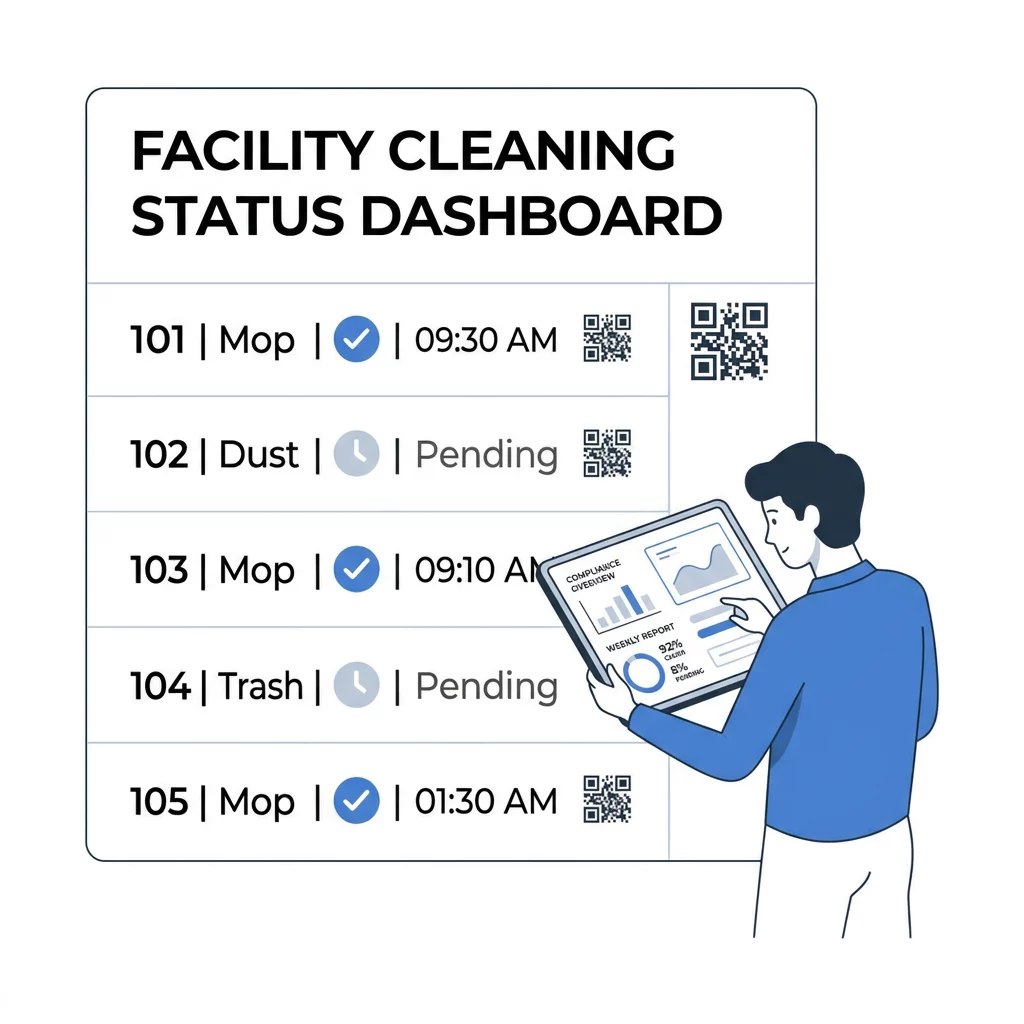
Simplify your staff management today. Use a professional QR code management platform to create, manage, and monitor your facility checkpoints from one centralized location.
Practical Implementation for Janitorial Teams
To successfully roll out a QR-code-based system, you must focus on durability and ease of use. Mount your codes on visible, flat surfaces like door frames or the sides of cleaning carts. Because janitorial work often involves chemicals and moisture, using weatherproof materials ensures the codes remain scannable over the long term.
Managing the complexity of a large facility requires a structured approach to data. You should assign a unique code to every specific zone to differentiate performance between high-traffic areas and low-usage rooms. For areas with poor connectivity, such as basements or mechanical rooms, ensure your scanning app supports offline syncing so data can upload once the worker returns to a Wi-Fi zone.
To prevent fraud, you can implement advanced features like geofencing. This technology ensures the code can only be scanned if the staff member’s device is within a predetermined distance of the actual site. Additionally, linking your codes to a comprehensive analytics dashboard helps you identify patterns in performance, such as specific times of day when tasks are most frequently missed.
Privacy and Legal Compliance
When you implement digital tracking, transparency with your workforce is essential for both morale and legal compliance. In the United States, labor laws like the FLSA and state regulations like the CCPA require that you notify employees about the data you are collecting.
- Provide clear notice to staff that scans collect timestamps and location data for work verification only.
- Limit data collection to working hours to avoid privacy disputes regarding employee movement during breaks.
- Follow data retention policies that store scan history only as long as necessary for business audits, typically between 30 and 90 days.
- Obtain explicit consent for any data collection that involves personal devices, ensuring your policy is documented in the employee handbook.
Think of the QR scanner like a high-speed reader that instantly updates your digital records with physical actions. By moving away from paper logs, you ensure that every task is documented, every shift is verified, and every client receives the consistent level of service they expect.
FAQ
Managers can utilize anti-fraud measures such as geofencing and dynamic codes. Geofencing requires the employee’s device to be physically near the checkpoint for the scan to register, while dynamic codes can be programmed to update at set intervals, preventing workers from using a saved photo of a code from a previous day.
No, most modern smartphones have the native ability to scan QR codes directly through the standard camera app. For older devices, several lightweight and free scanner applications are available that perform the same function without requiring a high-end device.
Yes, by using dynamic QR codes, you can update the linked checklist or destination URL instantly through your management dashboard. This allows you to adjust protocols for seasonal deep cleans or emergency sanitization without having to visit every physical location to swap out stickers.