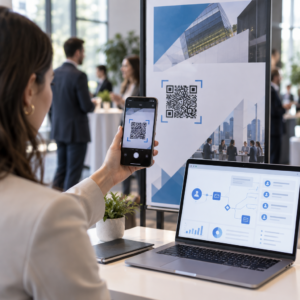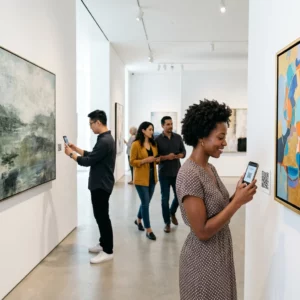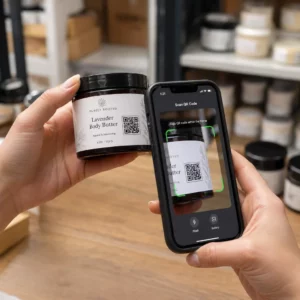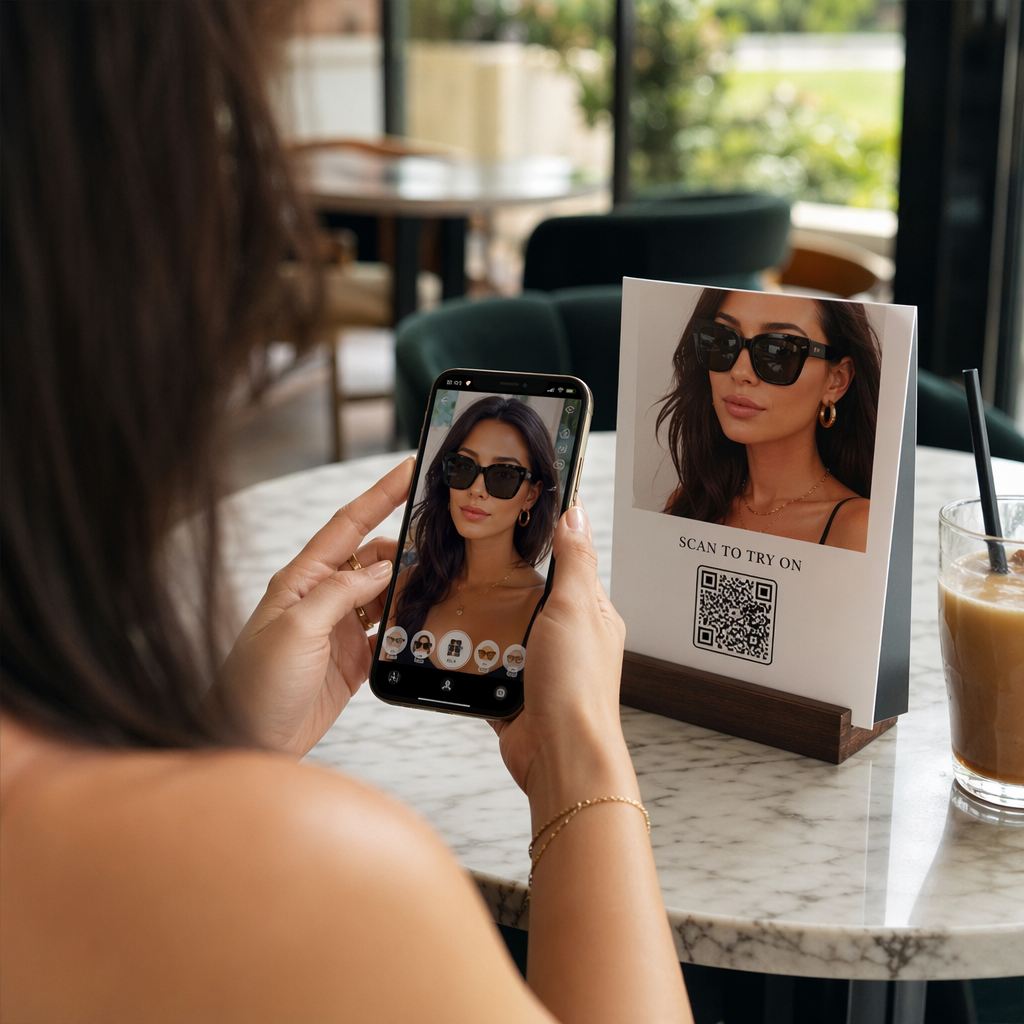
Are your Instagram engagement rates stagnating despite posting regular content? Standard posts often get lost in the feed, missing the chance to create interactive “try-on” moments that convert followers into customers. This guide explores how AR QR codes drive interaction and showcases the effective tools for your next digital campaign.
Why AR Filters Drive Instagram Engagement
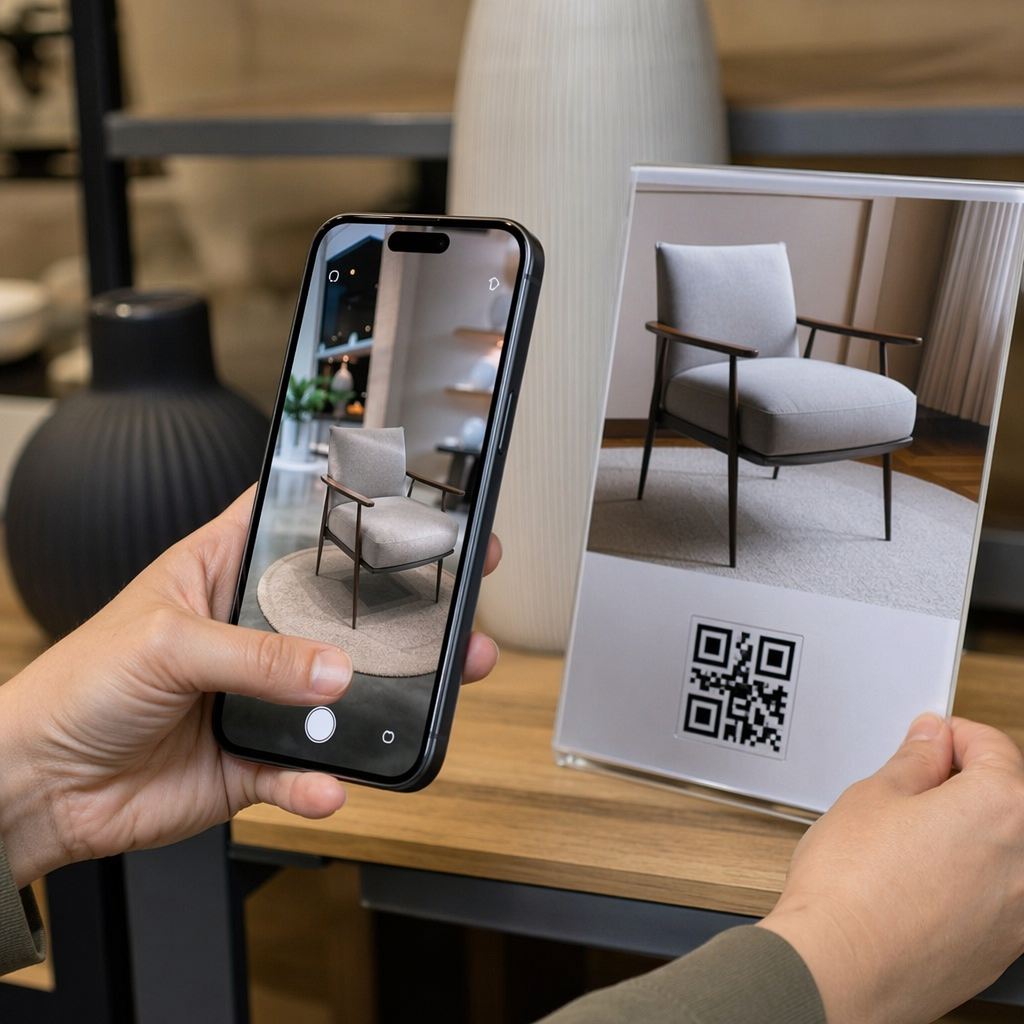
Augmented reality (AR) has shifted from a novelty to a core marketing requirement. Research indicates that brands using AR filters see 70% higher engagement rates than those relying on traditional filters. This is because AR transforms a passive viewing experience into an active one. When a user “tries on” a virtual pair of glasses or places a 3D furniture model in their room, they move from mere observation to active brand participation.
Media usefulness and enjoyment in AR experiences significantly enhance consumer engagement, which directly leads to stronger purchase intentions. Major brands like Nike, Dior, and Kylie Jenner have successfully utilized custom filters to build brand affinity. By integrating these experiences with QR codes, you bridge the gap between physical touchpoints – like product packaging or storefronts – and your digital Instagram environment.
Effective Platforms for AR QR Code Integration
As of early 2025, the landscape for Instagram AR has changed significantly. With the removal of third-party Meta Spark effects, many brands have pivoted to WebAR (browser-based AR) triggered by QR codes. This approach allows users to access interactive content without needing specialized apps, using the Instagram browser to facilitate the experience.
Pageloot AR QR Code Solutions
Pageloot provides a comprehensive platform for managing the connection between physical marketing materials and digital AR content. The platform allows you to create Instagram QR codes that can be fully customized with logos, brand colors, and specific frames to ensure they match your visual identity.
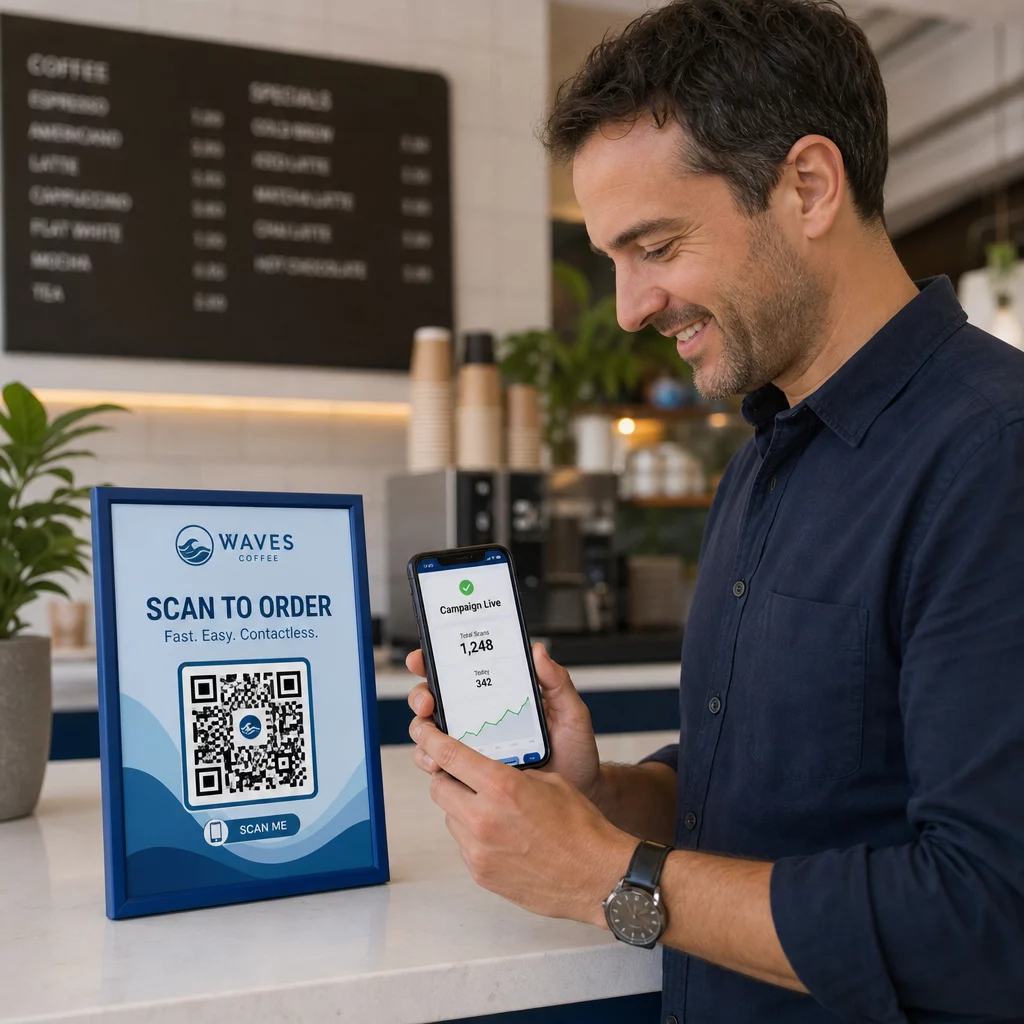
One of the most critical features for marketers is the use of dynamic codes. Unlike static versions, dynamic QR codes allow you to update the destination URL or the underlying AR model at any time without reprinting your marketing materials. This flexibility is essential for seasonal campaigns or when you need to pivot your strategy quickly. Furthermore, the built-in analytics provide real-time insights into scan locations and device types, helping you measure the ROI of your campaign.
Create Your Branded Instagram QR Code Boost your profile visibility and track every scan with a customized design. Start your Instagram QR code project with a free trial today.
8th Wall WebAR
8th Wall is a leading platform for creating app-free WebAR experiences. Because it functions entirely within the mobile browser, it bypasses the limitations of native app filters. Brands can place QR codes on interactive packaging or event displays that, when scanned, open an immersive 3D experience directly within the Instagram in-app browser. This platform is known for supporting complex 3D models and interactive storytelling that goes beyond simple face filters.
Zappar and Zap.works
Zappar offers a toolkit called Zap.works that focuses on mobile-first AR. It simplifies the process of creating “try-before-you-buy” moments. For example, a retail brand can place a QR code on a clothing tag. When the customer scans it, they can see an AR video of the garment in motion or use a filter to see different color options. These interactions are highly shareable on Instagram Stories, which helps drive organic reach and boosts customer engagement.
BlippAR WebAR SaaS
BlippAR provides a SaaS platform that specializes in virtual product demos and branded minigames. Their system generates AR QR codes that connect users to specific filter URLs. This is particularly effective for retail campaigns where a brand wants to deliver a personalized experience at the point of sale. Their customization tools allow you to match the QR code design to your Instagram aesthetic, ensuring brand consistency across all marketing channels.
Best Practices for Branded AR QR Codes
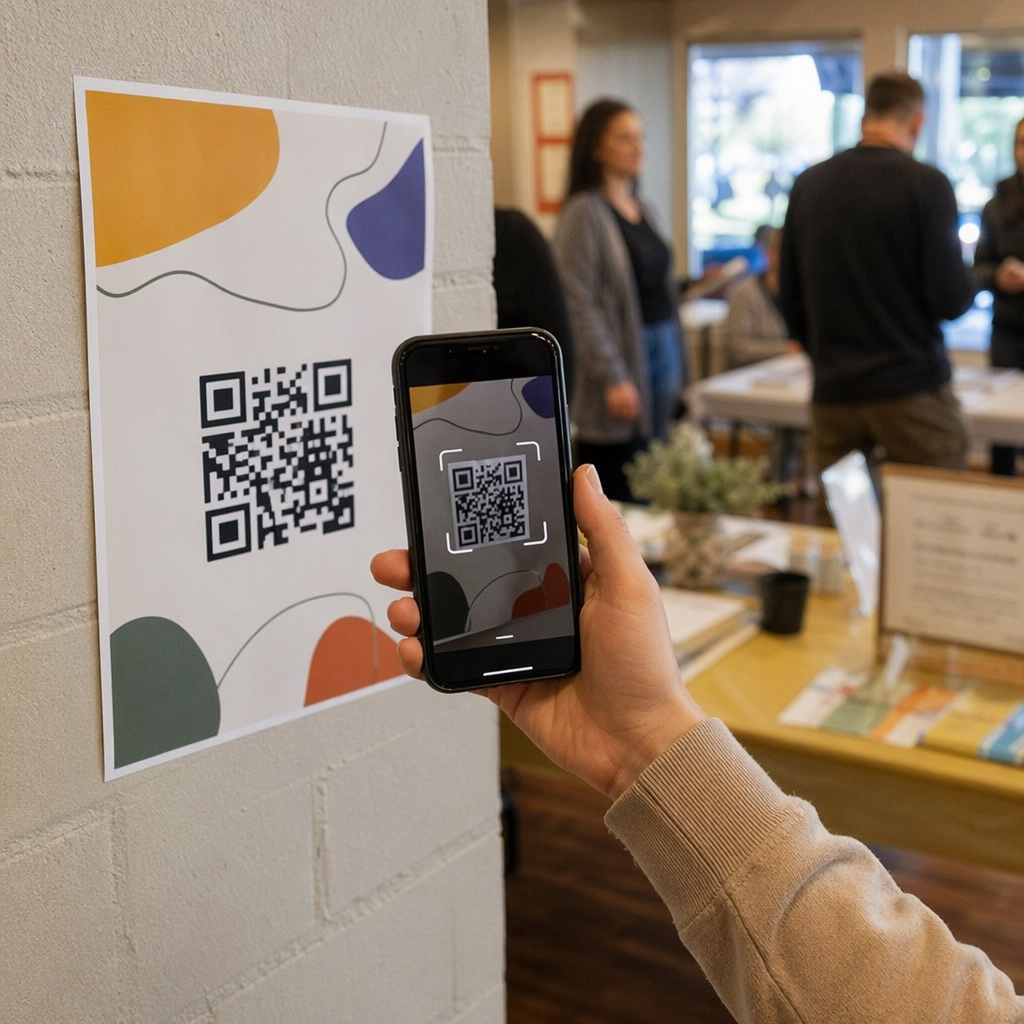
To maximize the effectiveness of your AR QR code campaign, you must focus on both technical scannability and visual appeal. A poorly designed code can lead to user frustration and missed engagement opportunities.
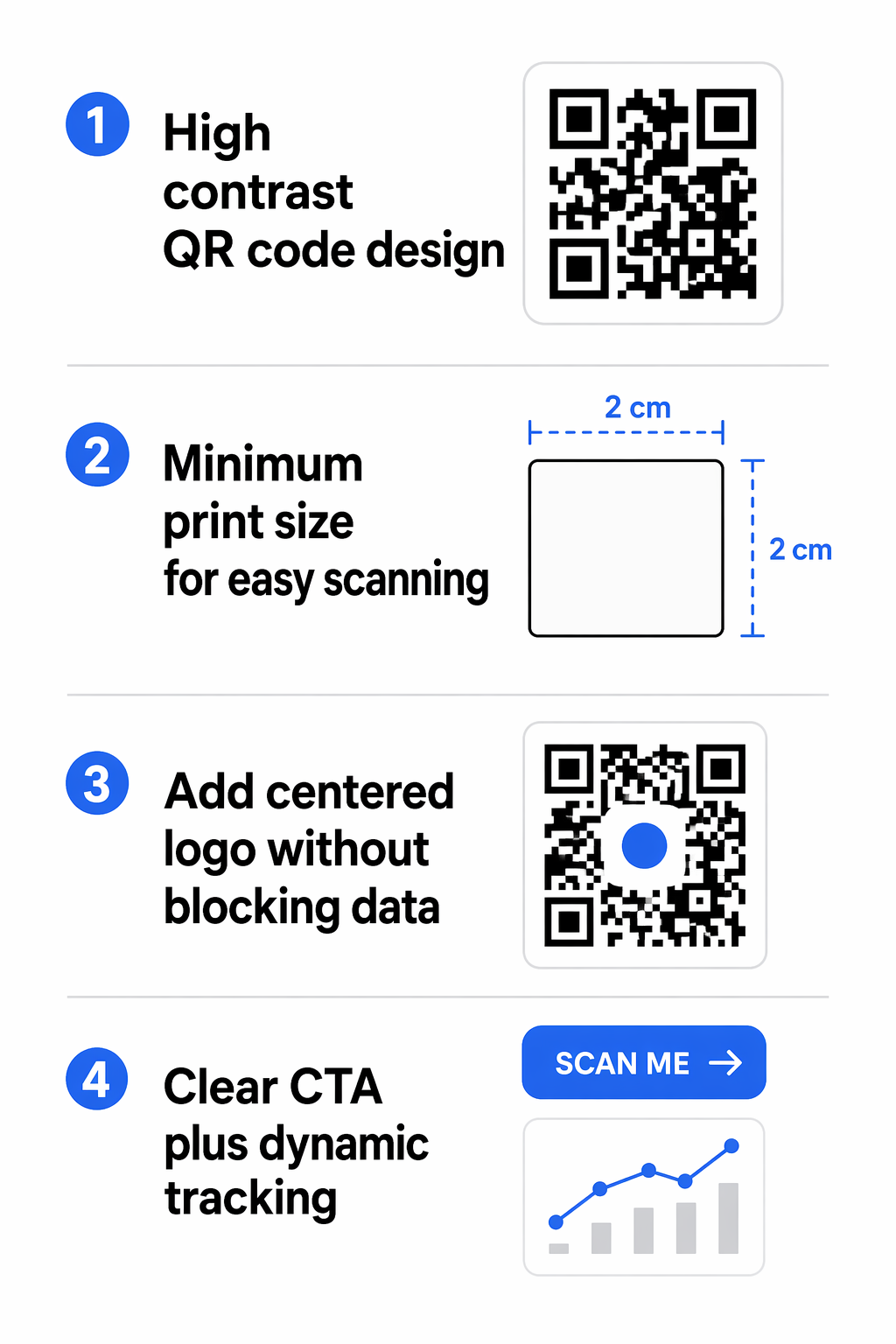
- Ensure high contrast by using dark colors for the QR code and a light background to improve camera readability.
- Keep the QR code size to at least 0.8 x 0.8 inches for print materials to ensure most smartphones can scan it easily.
- Incorporate your brand logo in the center of the code, ensuring it does not cover more than 30% of the data area.
- Add a clear call-to-action (CTA) such as “Scan to Try Our Filter” to provide users with a reason to interact.
- Use dynamic QR codes to track campaign performance and gather first-party data like scan time and location.
Monitor Your Campaign Performance Gain deep insights into how users interact with your AR content using real-time analytics. Use the Dynamic QR Code Generator to manage and track your social media campaigns.
Implementation Strategies for Businesses
Integrating AR QR codes into your existing marketing workflow requires a logical progression from the physical to the digital. For example, a cafe might use Instagram QR codes for business on their table tents. When scanned, the code could open an AR filter that places a digital version of a new dessert on the user’s table, encouraging them to take a photo and tag the business.
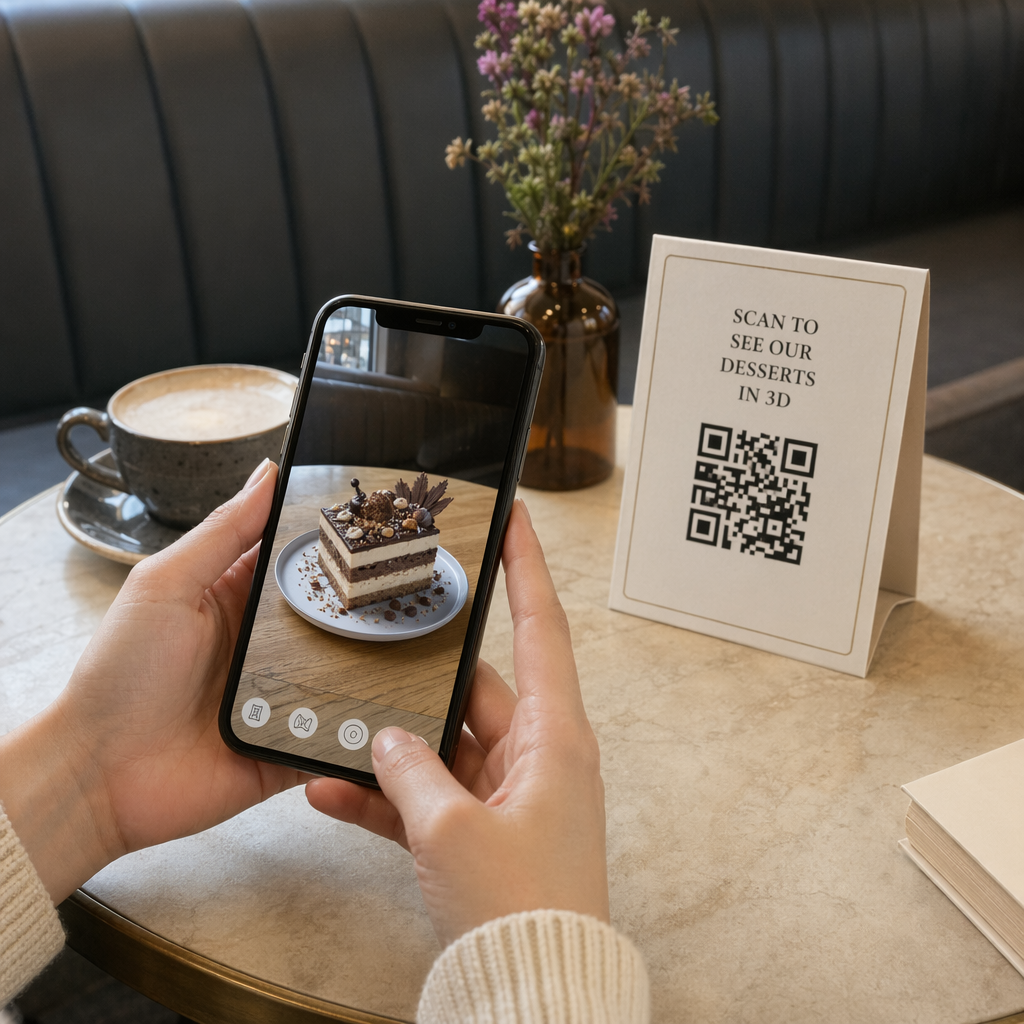
This strategy works because it bridges the gap between the physical product and the digital social space. By making the experience interactive and fun, you increase the likelihood that the user will share the content with their own followers, providing you with free, authentic promotion. For more inspiration on how to use these tools, you can review various AR QR code use cases in marketing that demonstrate successful cross-channel engagement.
Frequently Asked Questions
Yes, if you use a dynamic QR code. Dynamic codes allow you to change the destination URL at any time through your management dashboard without needing to change the printed code itself.
QR codes allow for instant access from physical objects like packaging, business cards, or posters. This removes the friction of a user having to search for your profile and click a link while they are interacting with your product in the real world.
No. Most modern smartphone cameras have native QR scanning capabilities. When using WebAR platforms, the experience opens directly in the mobile browser or the Instagram in-app browser.
Strategic use of AR QR code filters allows your brand to stand out in a crowded social landscape by offering genuine value and entertainment. By choosing the right platform and following design best practices, you can turn every physical touchpoint into a gateway for digital interaction. Start building your interactive presence today by creating a customized code through an Instagram QR code generator and see how augmented reality can transform your audience engagement.