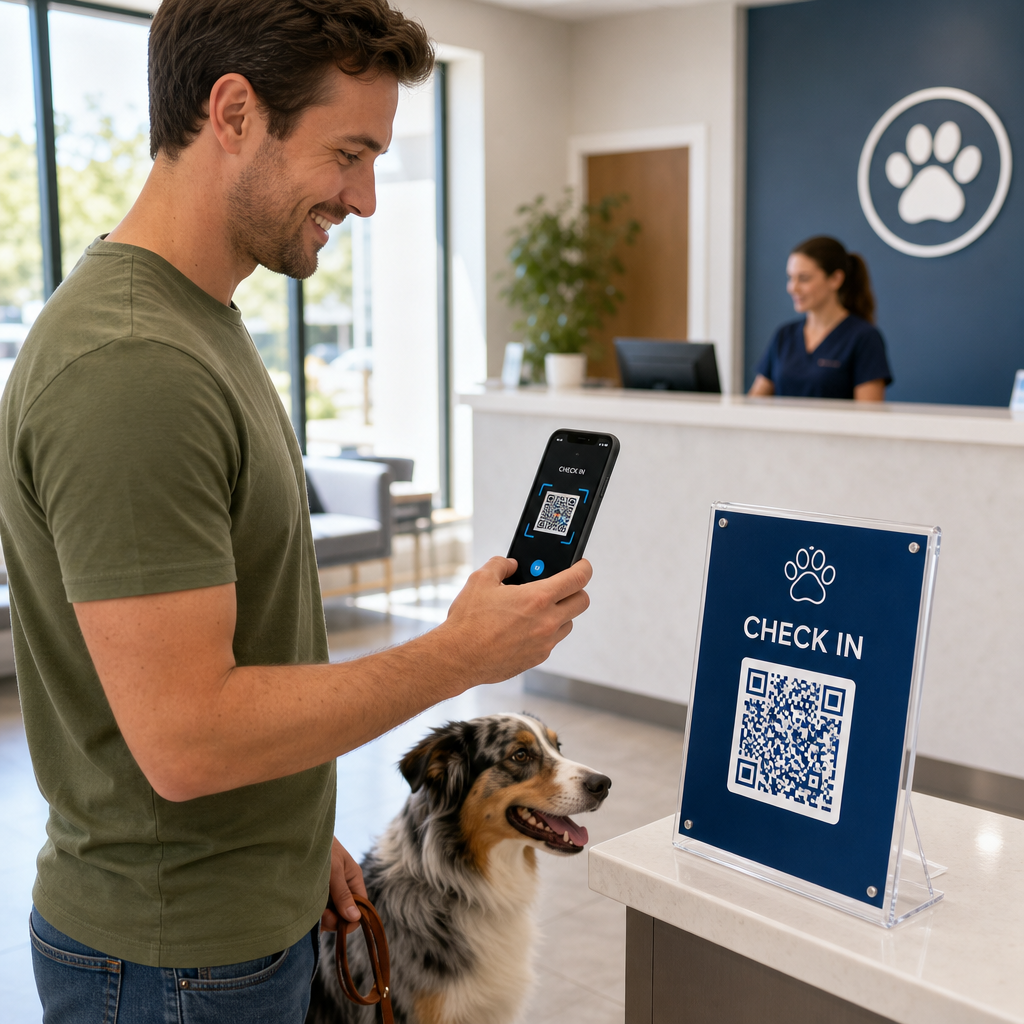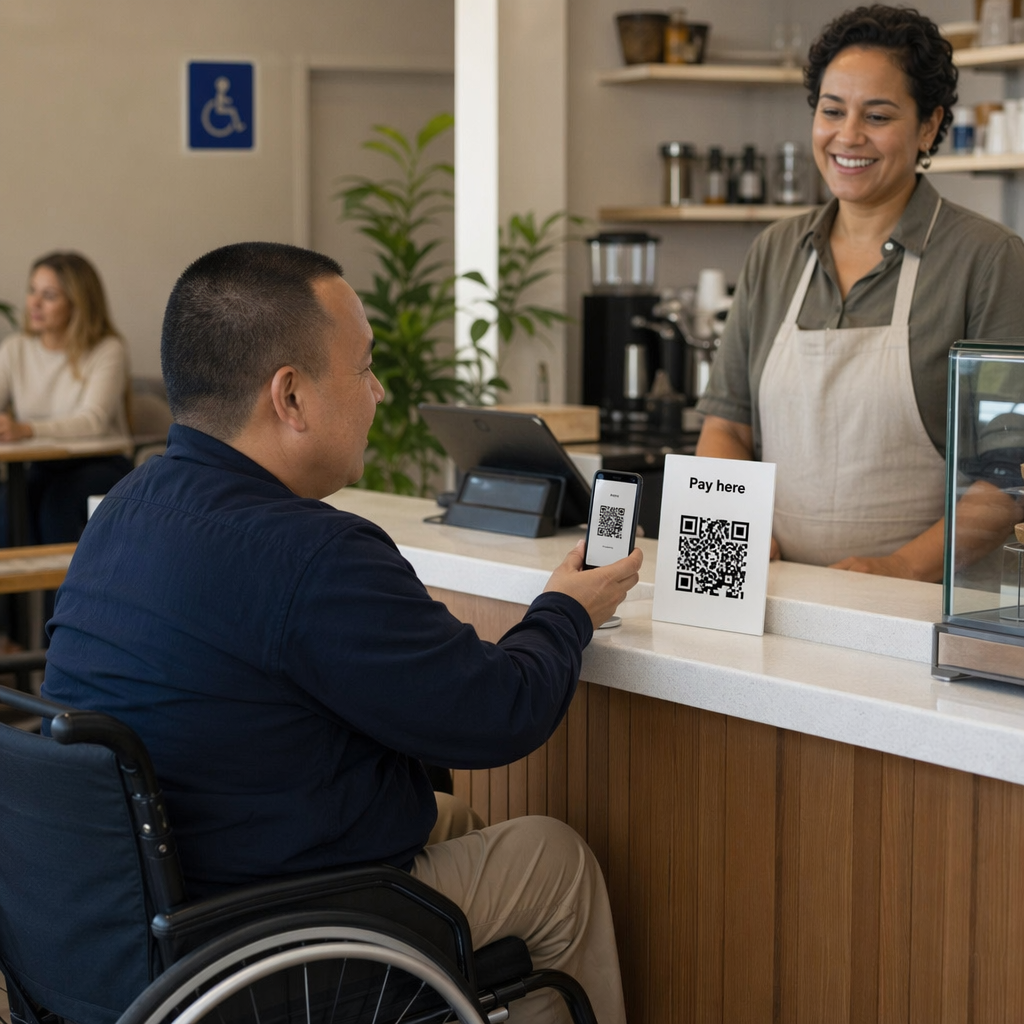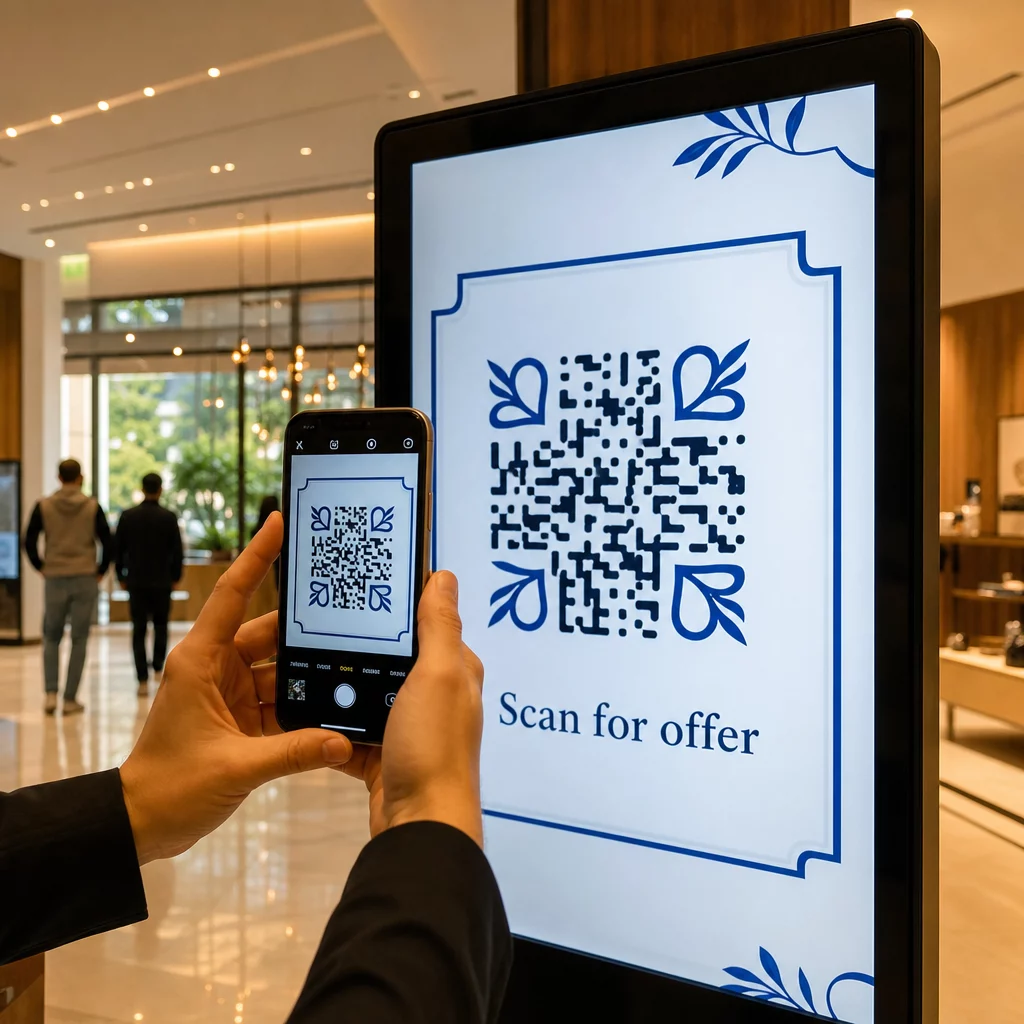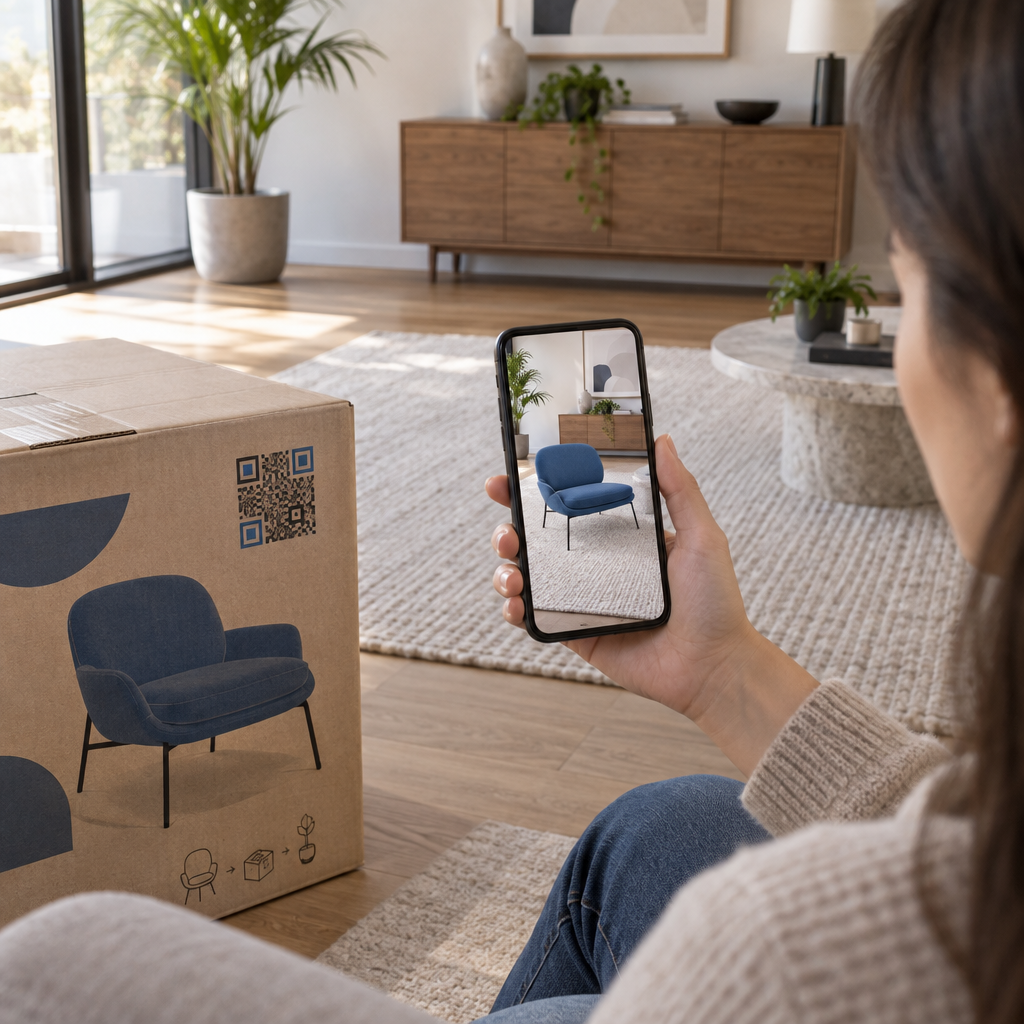
Are your customers struggling to visualize how your products look and fit before making a purchase? Flat product photography often fails to set clear expectations, leading to hesitation at checkout and higher return rates. Connecting quick response (QR) codes to browser-based augmented reality (AR) gives shoppers an interactive, 3D preview in their own physical space without downloading a separate application.
The Customer Journey: From Camera Scan to Live 3D Placement
Launching an AR product demonstration should require minimal effort from the user. Because modern smartphones have native QR scanning built directly into their camera apps, the entire journey takes only seconds.
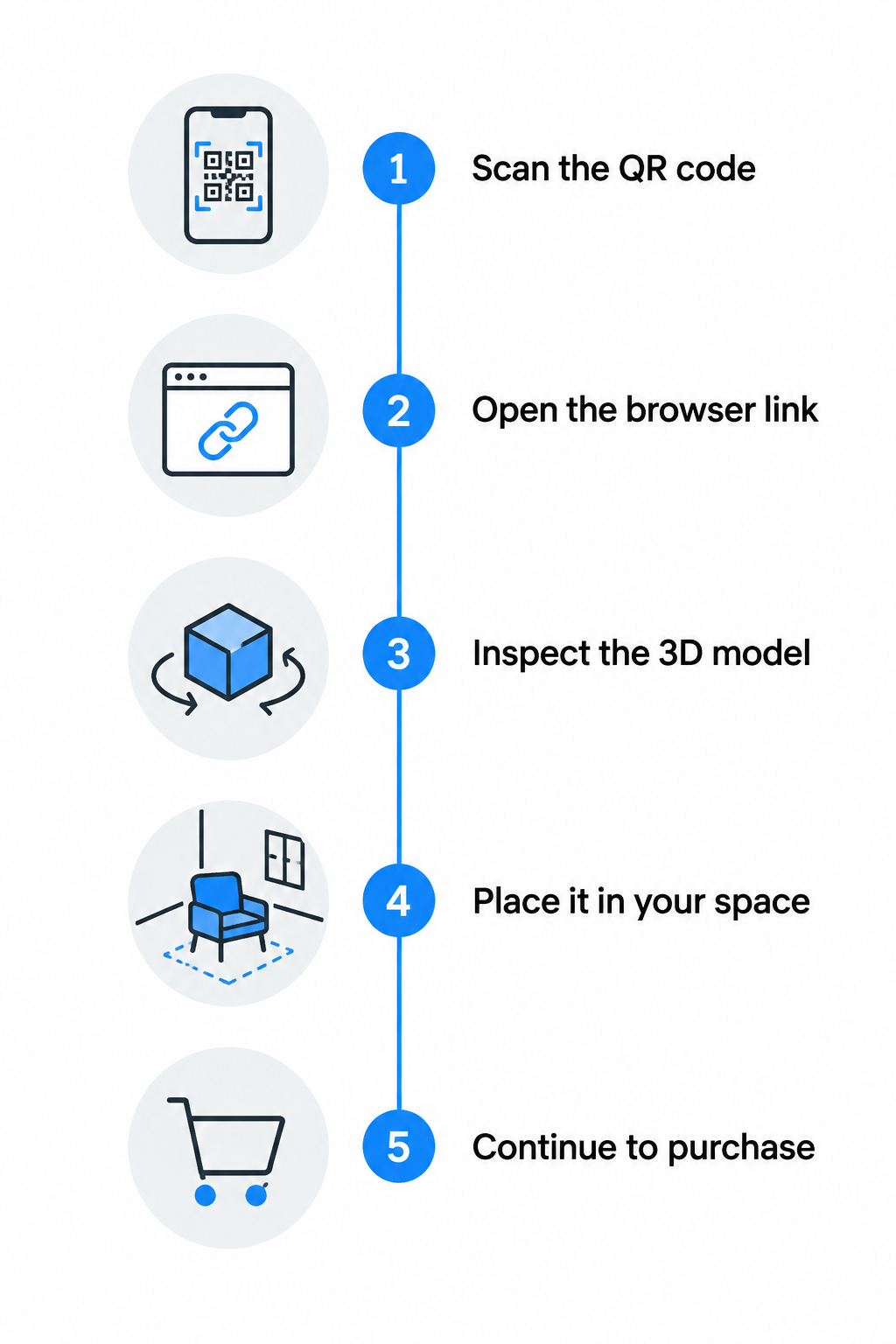
- Scan the code: The customer points their smartphone camera at an AR-enabled QR code printed on product packaging, an in-store display, or an unboxing insert.
- Open the web redirect: A native notification banner appears, allowing the user to open the destination link directly inside Safari or Google Chrome.
- Inspect the 3D canvas: The mobile browser renders a responsive 3D viewer where the customer can rotate the product 360 degrees, zoom in on manufacturing details, or toggle color variants.
- Activate AR placement: Tapping an on-screen button – such as “View in your space” – activates the camera feed, using motion sensors to place the model on a surface at a real-world 1:1 scale.
- Complete the conversion action: After viewing the product in their physical space, on-screen call-to-action buttons allow shoppers to add items to their cart, browse documentation, or order accessories.
This zero-friction workflow relies on WebAR (web-based augmented reality). By executing AR sessions inside standard mobile web browsers, you eliminate the drop-off associated with forcing customers to download native apps from an app store.
The Technical Setup: How Mobile Browsers Render AR
Mobile operating systems handle AR rendering through two distinct, native viewing engines. To deliver a seamless demo across both iOS and Android, your web setup must route traffic according to the user’s mobile platform.
| Technical Parameter | Apple iOS (AR Quick Look) | Google Android (Scene Viewer) |
|---|---|---|
| File Format | `.usdz` or `.reality` | `.glb` or `.gltf` 2.0 |
| Viewer Engine | AR Quick Look (WebKit / Safari) | Scene Viewer / WebXR (Chrome) |
| MIME Type | `model/vnd.usdz+zip` | `model/gltf-binary` |
| System Requirement | iOS 12+ running on A9 chip or later | Android 7.0+ with Google Play Services for AR |
| Launch Mechanism | `` link with `rel=”ar”` | Android Intent link (`intent://…`) |
| Fallback Path | Static 3D viewer or image canvas | Configured `browserfallbackurl` |
Apple AR Quick Look (iOS)
Apple devices use AR Quick Look, a built-in feature of Safari and WebKit. When an iOS user taps an anchor link marked with `rel=”ar”`, Safari bypasses standard web navigation and opens the linked `.usdz` model directly in Apple’s native 3D and AR viewer. The web server hosting the file must be configured to serve the file over HTTPS with the `model/vnd.usdz+zip` MIME type, ensuring Safari interprets the asset correctly.
Google Scene Viewer (Android)
Android devices running Android 7.0 or higher utilize Scene Viewer, powered by ARCore (Google Play Services for AR). Scene Viewer can be triggered directly via an Android Intent URL that points to a `.glb` asset. The intent allows developers to configure whether the session opens in standard 3D mode first (`3dpreferred`) or enters the AR camera environment immediately (`arpreferred`). If a device lacks ARCore support, the intent triggers a fallback URL (`S.browserfallbackurl`) to display an interactive web canvas instead of failing.
Unified Implementation with “
To avoid writing complex device-detection scripts, many teams use Google’s open-source “ web component. This lightweight JavaScript library automates OS routing by embedding a single HTML tag on your site:
“`html
<model-viewer
src=”product.glb”
ios-src=”product.usdz”
alt=”3D model of product”
ar
ar-modes=”scene-viewer webxr quick-look”
camera-controls>
“`
When scanned, the web page detects the mobile operating system. If the visitor is on an iPhone, it initiates Quick Look with the USDZ file. If the visitor is on Android, it initiates Scene Viewer with the GLB file.
3D Asset Guidelines for Fast-Loading Demos
An AR product demo must load quickly over mobile cellular networks. Heavy files create long wait times that cause visitors to exit the page before the 3D model appears. Following strict 3D optimization guidelines ensures your assets load smoothly while preserving physical realism.
- Keep file sizes compact: Aim for total asset weights between 4 MB and 10 MB. While platforms like Shopify allow uploads up to 500 MB for e-commerce product media, compact files guarantee rapid rendering on mobile cellular connections.
- Control polygon counts: Restrict geometry to stay under 50,000 to 100,000 triangles. Eliminate interior polygons that users never see, remove duplicate faces, and inspect the mesh for non-manifold edges.
- Apply standard PBR texturing: Use physically based rendering workflows to realistically replicate physical materials. Standard setups should include a base color map, a normal map for surface relief, and an ORM map that packs ambient occlusion, roughness, and metalness into red, green, and blue channels.
- Limit texture resolution: Cap image texture sizes at 2048 × 2048 pixels (2K). For small components or secondary details, use 1024 × 1024 pixels, compressing files into optimized JPG or WebP formats where supported.
- Maintain real-world scale: Model products at an exact 1:1 scale using metric units such as meters or centimeters. Incorrect scale causes AR engines to project models unrealistically large or small in the user’s room.
Designing and Printing Scannable AR QR Codes
The success of an AR campaign depends on whether the physical QR code scans reliably across different environments. Lighting shifts, physical surface curvature, and improper sizing can prevent phone cameras from reading the data. Follow core best practices for designing AR QR codes before sending materials to print:
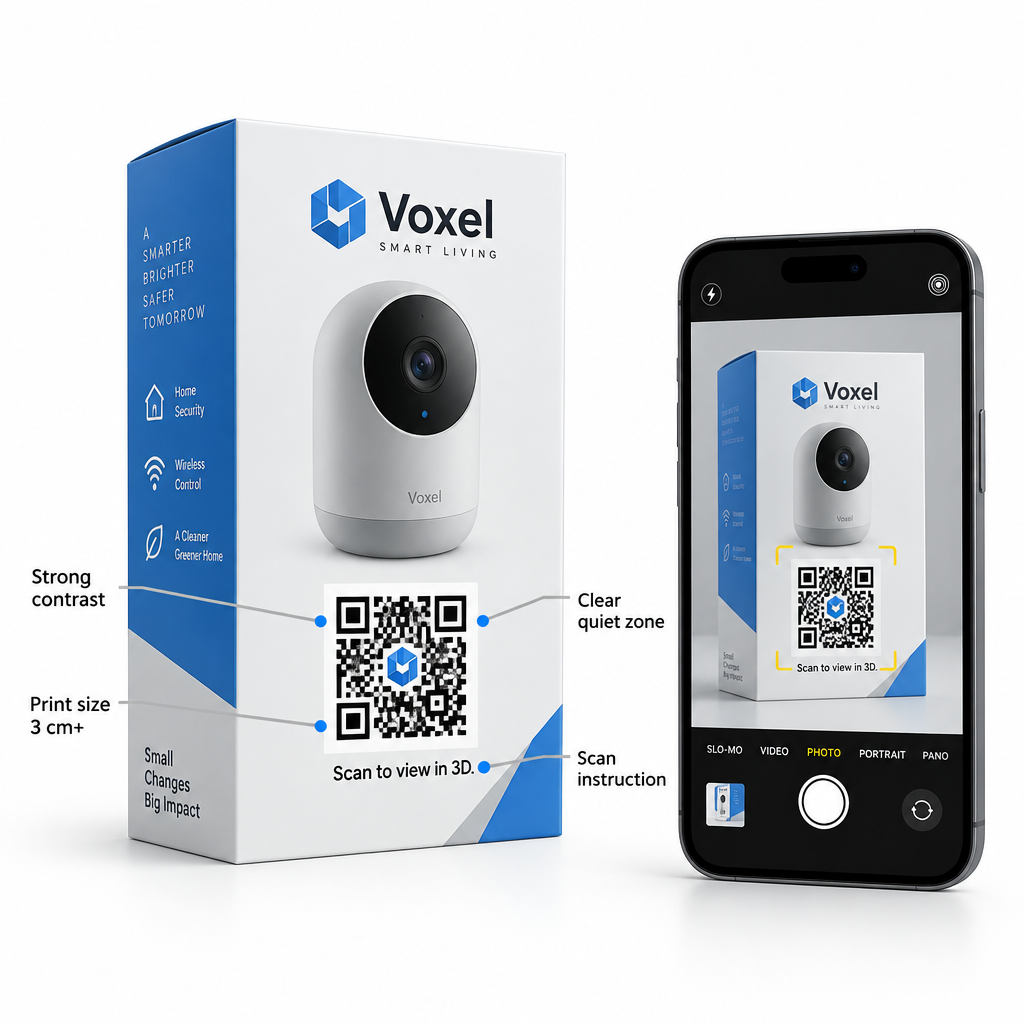
- Follow minimum sizing: For items viewed at arm’s length – such as tabletop retail displays, flyers, or interactive packaging – print codes at a minimum size of 1.2 × 1.2 inches (3 × 3 cm). Larger signage viewed from a distance requires proportionally larger dimensions.
- Maximize visual contrast: Maintain high contrast between the foreground pattern and the background. Dark foregrounds on solid white or light neutral backgrounds ensure reliable camera reading, while contrast ratios should exceed 4:1.
- Protect the quiet zone: Leave an uninterrupted blank border around the perimeter of the code that measures at least four modules wide to prevent surrounding packaging artwork from interfering with decoders.
- Set high error correction: When adding a brand logo to the center of a code, configure Level H (High) error correction. Level H withstands up to 30% visual obstruction, though logos should remain within 15% to 20% of the total code area.
- Provide clear instructions: Print an explicit call-to-action directly adjacent to the code, such as “Scan to view in 3D” or “Scan to test in your room,” so shoppers know what experience awaits them.
Managing AR Campaigns with Dynamic QR Codes
Static QR codes encode a fixed destination URL directly into their pattern. If you need to swap the 3D model, correct an asset URL, or run an A/B test on different landing pages, a static code cannot be modified – requiring costly reprints of physical materials.
Deploy and Update Your AR Demos Without Reprinting Need to update your 3D models, test new product variants, or monitor customer scans in real time? Use the Dynamic QR Code Generator to maintain full control over your destination links and track scan performance from a single dashboard.
Using dynamic codes routes the user through a short redirect link. This setup provides essential infrastructure for commercial campaigns:
- Update destinations post-print: Modify the underlying 3D asset URL, seasonal promotion, or landing page at any time without having to reprint physical packaging.
- Track real-time analytics: Measure total scans, geographic locations, and operating system breakdowns (iOS versus Android) to evaluate which print placements generate the highest engagement.
- Test competing landing experiences: Direct segments of your audience to different AR landing pages to compare whether launching an immediate camera placement converts better than an exploratory 3D canvas.
Dynamic codes can be created using a dedicated link QR code generator and applied across multiple touchpoints to bridge offline marketing with digital product demonstrations.
Connecting Offline Touchpoints to Interactive Sales
Augmented reality transforms static product packaging, retail signage, and print collateral into interactive digital showrooms. By eliminating separate mobile apps and serving lightweight 3D models through WebAR, you allow customers to inspect materials, test scale, and make confident purchasing decisions in seconds.
To learn more about deploying scannable campaigns across different sectors, explore Pageloot’s industry solutions or review creative interactive applications like how AR QR codes transform museum storytelling. To explore all customization styles, vector print formats, and tracking settings, browse the complete QR code feature overview and begin building your browser-based product experiences.
Frequently Asked Questions
No. By leveraging WebAR through native iOS AR Quick Look and Android Scene Viewer, customers view 3D models and place items in their room directly through mobile browsers like Safari and Chrome.
You need two formats: `.usdz` for Apple devices and `.glb` (glTF 2.0) for Android devices. You can host both assets and use a library like `<model-viewer>` to automatically serve the correct file based on the scanning device.
Dynamic QR codes allow you to edit destination links and update 3D models at any time without reprinting physical packaging. They also provide scan analytics, helping you measure user engagement and device breakdown across marketing campaigns.