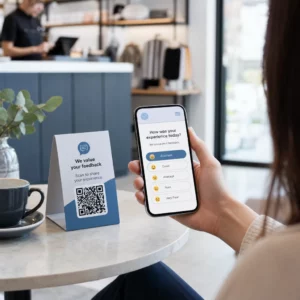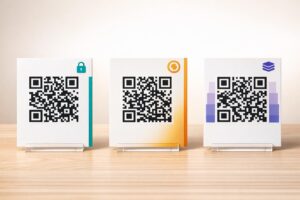
Are you struggling to fit multiple social links and email subscription forms onto your printed marketing materials? Cramming several URLs or separate codes onto a business card creates visual friction and lowers engagement. You can solve this by connecting your profiles and signup pages to a single, mobile-friendly QR code hub.
Why One Gateway Solves Multi-Link Clutter
When printing brochures, event flyers, or packaging, physical space is strictly limited. Displaying separate handles for every channel forces potential customers to manually search for each profile or guess which one offers the most relevant updates. This cognitive overload frequently results in abandoned scans.
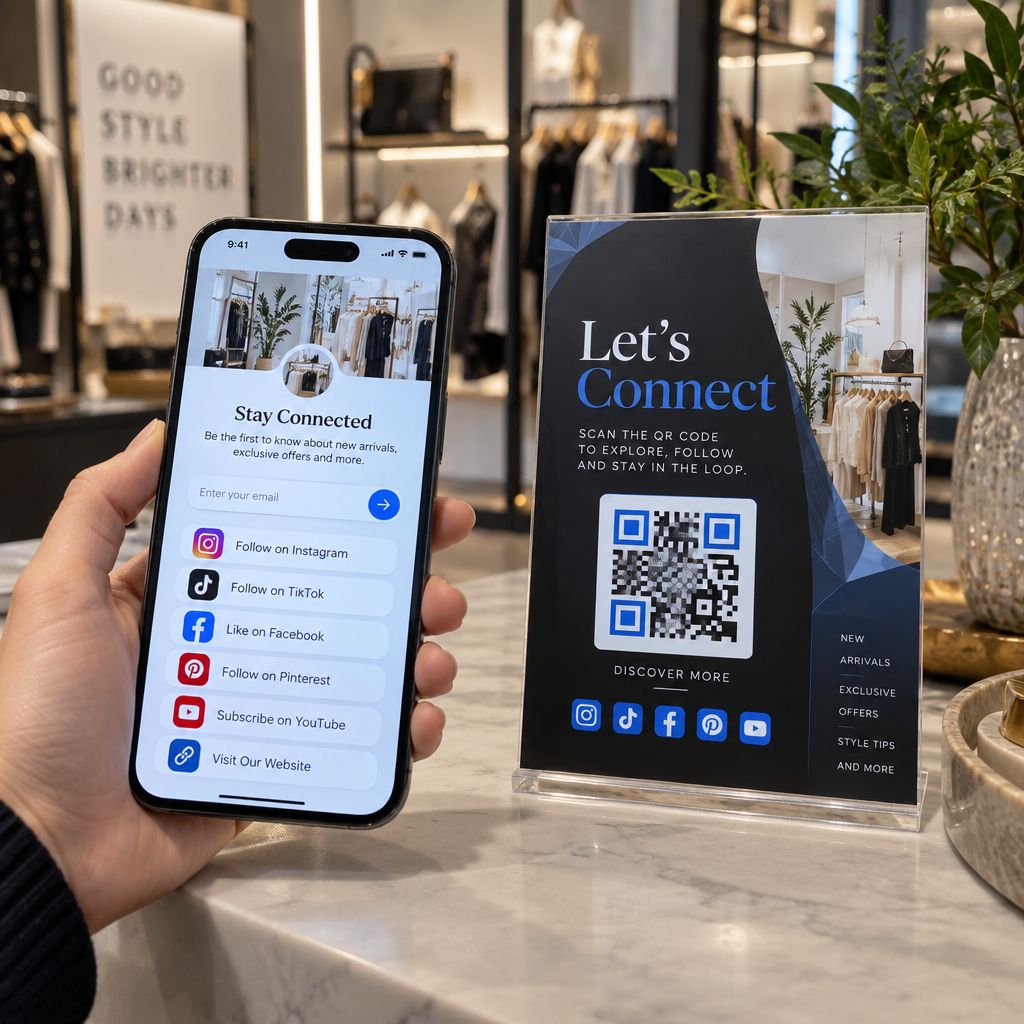
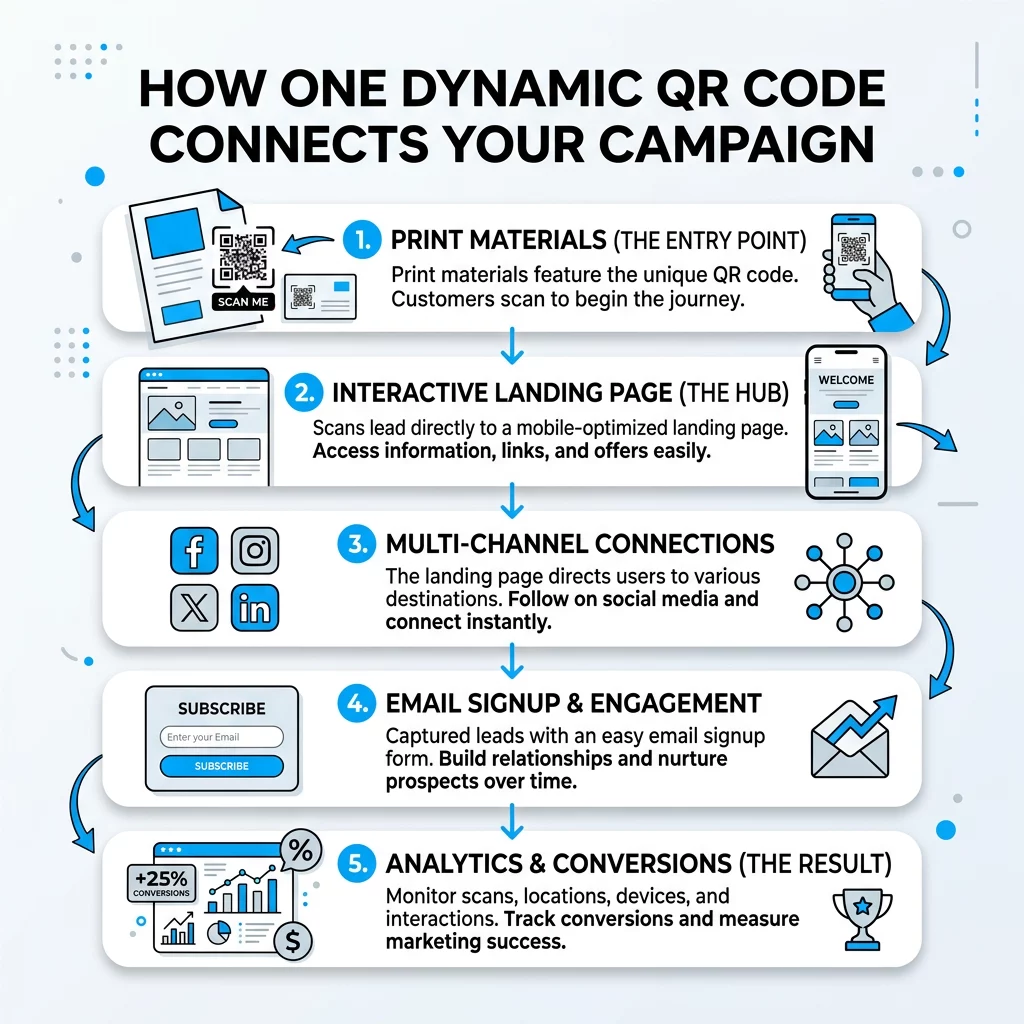
A single multi-destination code solves this friction by redirecting smartphones to a consolidated, mobile-responsive landing page. Instead of overcrowding your layout with disparate icons, you provide one clean gateway. Visitors tap the code once and immediately view all your active touchpoints in one organized layout, choosing whether to subscribe to your newsletter or follow your brand on their favorite platform.
How Dynamic QR Codes Power Multi-Channel Hubs
Connecting offline audiences to multiple destinations requires a dynamic QR code. Unlike static codes that permanently store a fixed web address in the pattern itself, a dynamic code redirects scanners through an editable short URL. This design gives you complete control over your destinations after printing.
Using a Multi QR Code Generator, you can build and host a centralized hub without setting up external servers. If you launch a new promotional video, adjust your newsletter incentive, or change your brand handle, you simply update the destinations inside your dashboard. The printed code remains completely unchanged, saving significant reprinting costs and keeping your marketing materials active indefinitely.
Create Your Multi-Link Landing Page Combine your social media profiles and newsletter signup forms into a single mobile hub. Build your custom page with the Multi QR Code Generator today.
Integrating Email Capture with Social Media Profiles
Capturing first-party contact data gives your business direct communication channels independent of platform algorithm shifts. When pairing an email list with social media QR codes, structure your layout so that higher-value conversions take visual priority.
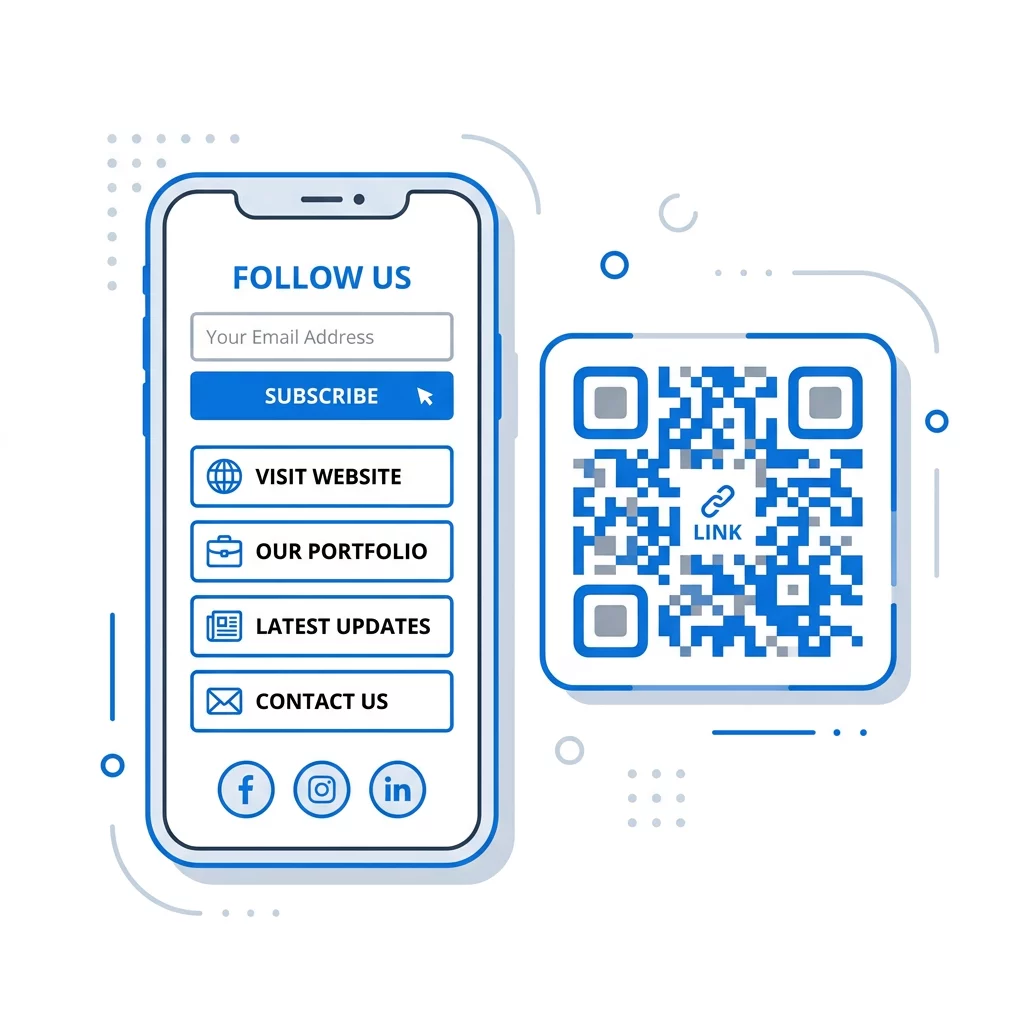
To design an effective lead funnel across print and digital touchpoints:
- Place your email subscription box at the top of the mobile screen above social channel buttons.
- Connect your email form to services like Mailchimp QR codes to send new subscribers directly into your automated onboarding sequence.
- Deploy a Google Form QR code generator when your campaign requires structured survey responses or event registrations alongside subscriber details.
- Provide a clear incentive for email registration, such as an exclusive discount, downloadable resource, or early access notice.
- Ensure all commercial email communications comply with CAN-SPAM regulations by incorporating your physical business address, providing an unambiguous opt-out mechanism, and processing unsubscribe requests within ten business days.
Design and Placement Rules for Reliable Scans
The success of your campaign relies on how quickly scanners can read your physical code and how easily visitors can navigate your branded landing pages. A code that fails to scan immediately creates frustration and lost opportunities.
To ensure your codes read reliably in every environment, maintain these production standards:
- Print the code at a minimum size of 0.8 × 0.8 inches (2 × 2 cm) for close-up items like business cards and receipts.
- Follow the 10:1 scanning ratio for signage, ensuring the code width equals at least one-tenth of the expected scanning distance.
- Maintain at least 55% contrast between the code and its background, ideally using dark modules on a solid light surface.
- Keep a quiet zone of at least four clear modules on every side, leaving the border entirely free of text, borders, or background imagery.
- Position the physical code at eye level in well-lit areas, avoiding reflective materials, curved packaging folds, and sharp angles.
- Review established best practices for QR codes on social media campaigns to ensure your calls to action provide clear scanning guidance.
- Test your code under bright, dim, and natural lighting across multiple iOS and Android devices prior to large-scale print runs.
Tracking Performance Across Marketing Touchpoints
Deploying dynamic codes allows you to evaluate your print campaigns with the same precision as digital ads. Using a Dynamic QR Code Generator lets you measure offline user intent in real time through comprehensive analytics dashboards.
You can review total and unique scan volumes, observe peak engagement times, and evaluate performance broken down by scanning city and country. Device metrics reveal whether visitors interact via iOS or Android, helping you optimize your landing page interface for prevailing operating systems. By adding custom campaign parameters to individual print batches, you can easily determine whether storefront window displays, conference flyers, or retail packaging generate the highest volume of newsletter subscribers and social followers.
Building Your Integrated Marketing Hub
Connecting offline audiences to your entire online presence does not require complex technical workflows or crowded print layouts. Consolidating your touchpoints through a dedicated social media QR code generator gives your customers an effortless way to choose their preferred channel while driving qualified traffic to your email signup forms.
Begin by outlining your primary call to action, assemble your key profile links, and generate an editable dynamic QR code to streamline your offline-to-online marketing strategy.
Frequently Asked Questions
Yes, as long as you generate a dynamic QR code. The dashboard lets you edit destination links or modify your landing page content at any time without needing to redesign or reprint your physical assets.
For close-range materials like business cards and brochures, the minimum size is 0.8 × 0.8 inches (2 × 2 cm). For signs viewed from greater distances, apply the 10:1 distance-to-size rule, making the code width one-tenth of the scanning distance.
Aim for three to five primary links. Keeping your options focused prevents decision fatigue and ensures your most important action, such as joining an email newsletter, remains prominent.