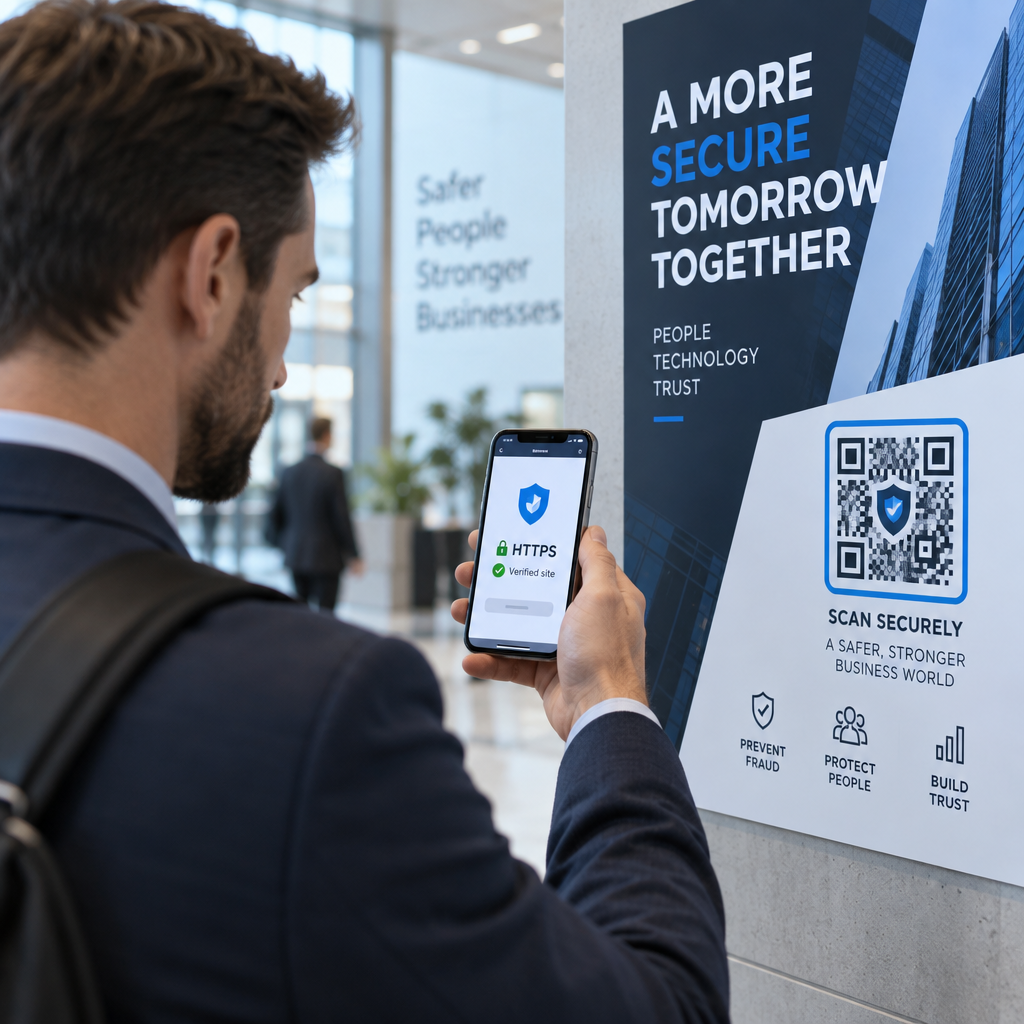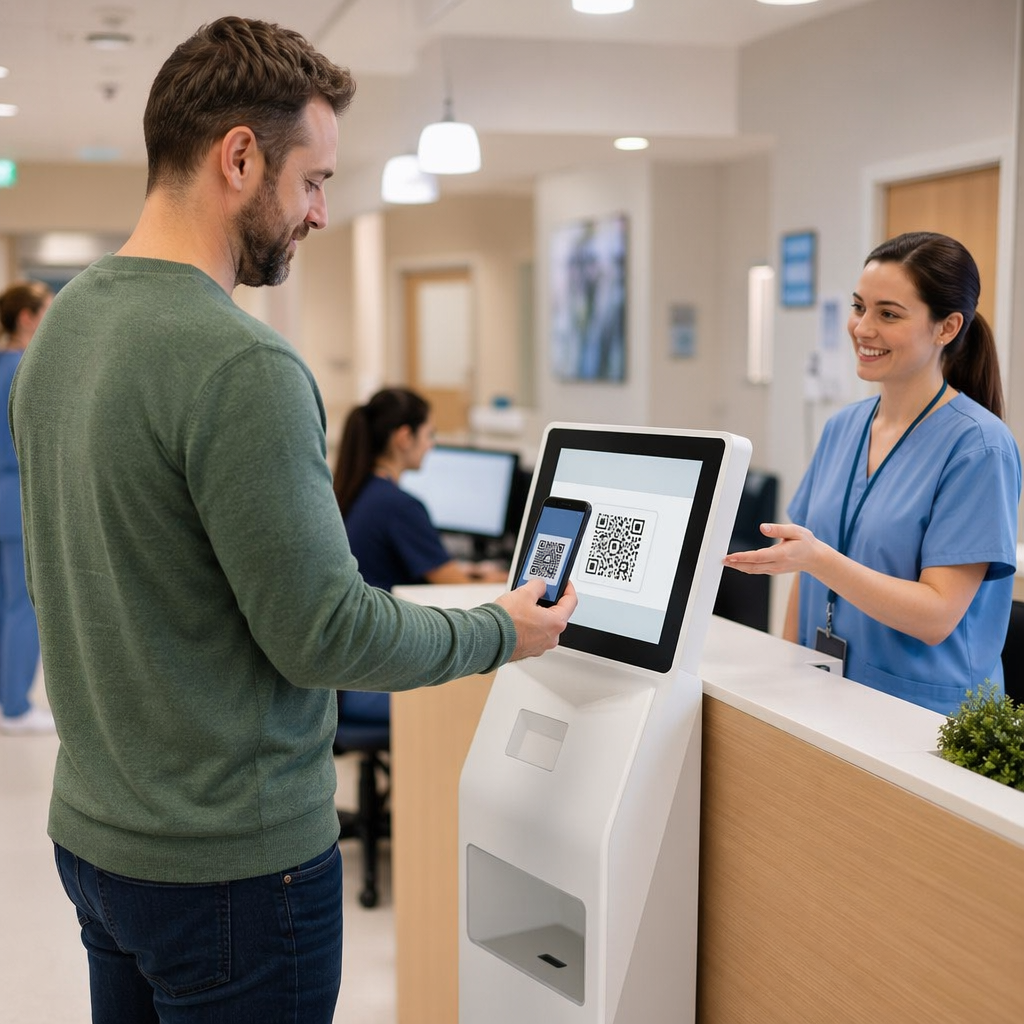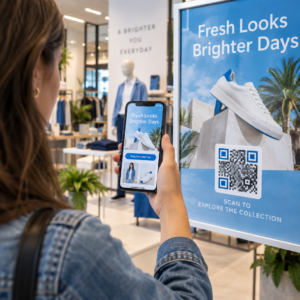
How can you bridge the physical gap between your property or exhibit and a truly immersive digital experience? When visitors cannot access detailed information instantly, you lose their attention and potential engagement. This guide explains how to launch seamless virtual tours using QR codes to keep your audience connected to your location.
Boosting Real Estate Leads with Instant Access
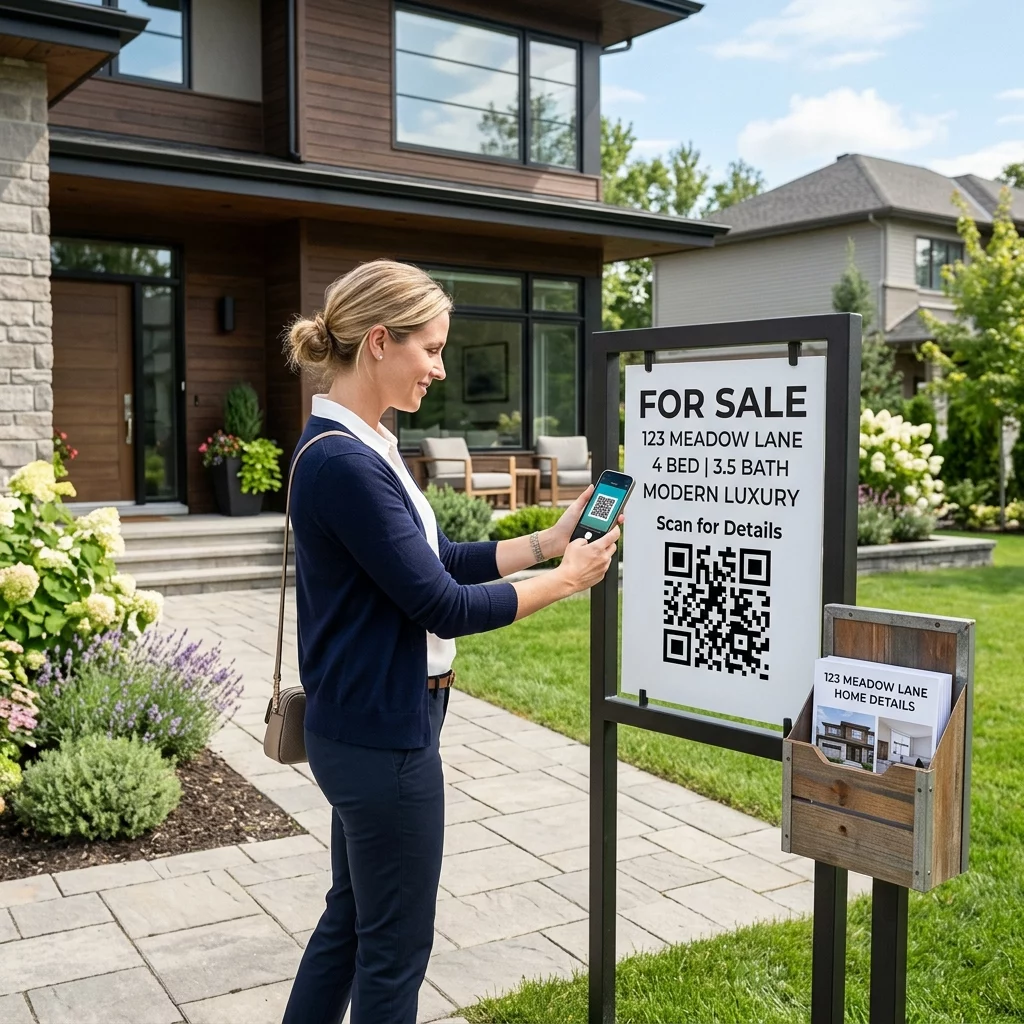
Real estate agents use QR codes to connect physical yard signs with high-end digital showings. By placing a code on a yard sign or brochure, you allow potential buyers to view 360-degree virtual tours, floor plans, and pricing updates without needing an agent present on-site. This immediate access can boost leads by as much as 40%, as prospects are more likely to engage when the information they want is a single scan away. If the building is not built yet, 3D floor plans made from the architect’s drawings give buyers the same view before construction ends.
Using a link QR code generator allows you to connect prospects to these detailed property listings instantly. Because market conditions often shift, many professionals prefer dynamic codes. These allow you to update the destination URL – perhaps switching from a video tour to an open house schedule – without the cost or effort of reprinting your physical signage.
Enhance your listings: Use a link QR code generator to give buyers instant access to virtual showings and property details.
Transforming Museum Exhibits into Interactive Stories
Museum curators use QR codes to turn static displays into interactive storytelling hubs. Rather than relying on limited wall text, a small code on an exhibit label can unlock 3D models, audio guides, or AR storytelling experiences. This technology layers digital information onto physical artifacts, creating immersive opportunities that were once difficult to implement.
The M+ Museum in Hong Kong successfully engaged over 113,000 visitors by integrating AR codes throughout their galleries, resulting in 148,000 total scans. This approach also enhances accessibility by providing multilingual content to a global audience with a single scan. For curators, the data provided by these codes is invaluable. Scan analytics reveal which exhibits capture the most interest and identify peak visiting times, which helps you optimize floor layouts and educational programming. You can find more detailed implementation strategies in our guide on virtual art tours.
Optimizing Tourism and Wayfinding Experiences
Tourism professionals use QR codes to provide contactless navigation and rich destination content. Whether at a historical landmark or a busy city center, codes placed on wayfinding signs can lead to specific Google Maps locations or digital brochures.
In New Brunswick, tourism boards achieved a 1.77% engagement rate by placing QR codes on direct mail flyers that linked to interactive destination content. This method bridges the gap between traditional print marketing and modern digital exploration. You can also use a PDF QR code generator to share hiking maps or city guides that visitors can save directly to their devices. This practice significantly reduces paper waste while ensuring travelers have the most up-to-date information in their pockets.
Guide your visitors: Use our Google Maps QR code generator to help tourists find landmarks and attractions with a single scan.
Technical Standards for Reliable Scanning
Ensuring a seamless virtual tour requires adhering to specific technical standards. Factors such as distance from a real estate sign or low lighting in a museum gallery can hinder scannability if you do not follow best practices for QR code readability.
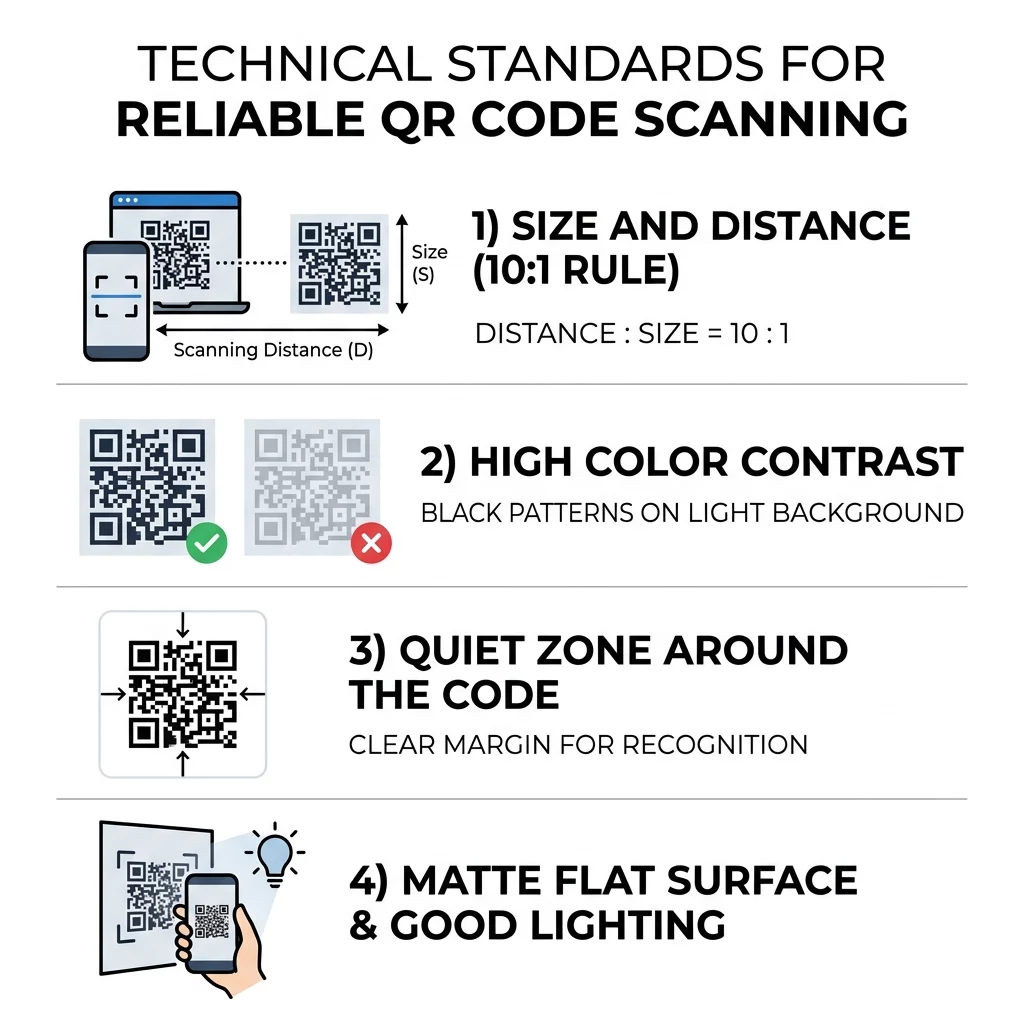
- Sizing and Distance: Follow the 10:1 rule, meaning for every 10 inches of expected scanning distance, your QR code should be at least 1 inch wide.
- Color Contrast: Maintain a high contrast ratio between the code and its background, ideally at least 4.5:1, to ensure accessibility.
- Quiet Zones: Maintain an empty margin around the code to prevent interference from nearby text or graphics.
- Surface Selection: Avoid reflective or curved materials, choosing matte finishes for outdoor signs to prevent sun glare.
High contrast is essential for reliability, and you can learn more about choosing the right colors in our QR code color contrast best practices guide.
Comparing Static and Dynamic QR Codes
When launching virtual experiences, choosing between static and dynamic codes is a critical decision. Static codes are fixed; if the destination URL changes, the code must be reprinted. In contrast, dynamic codes allow for mid-campaign adjustments and provide detailed analytics on user behavior. These features align with QR code usability best practices by ensuring your links never lead to broken or outdated content.
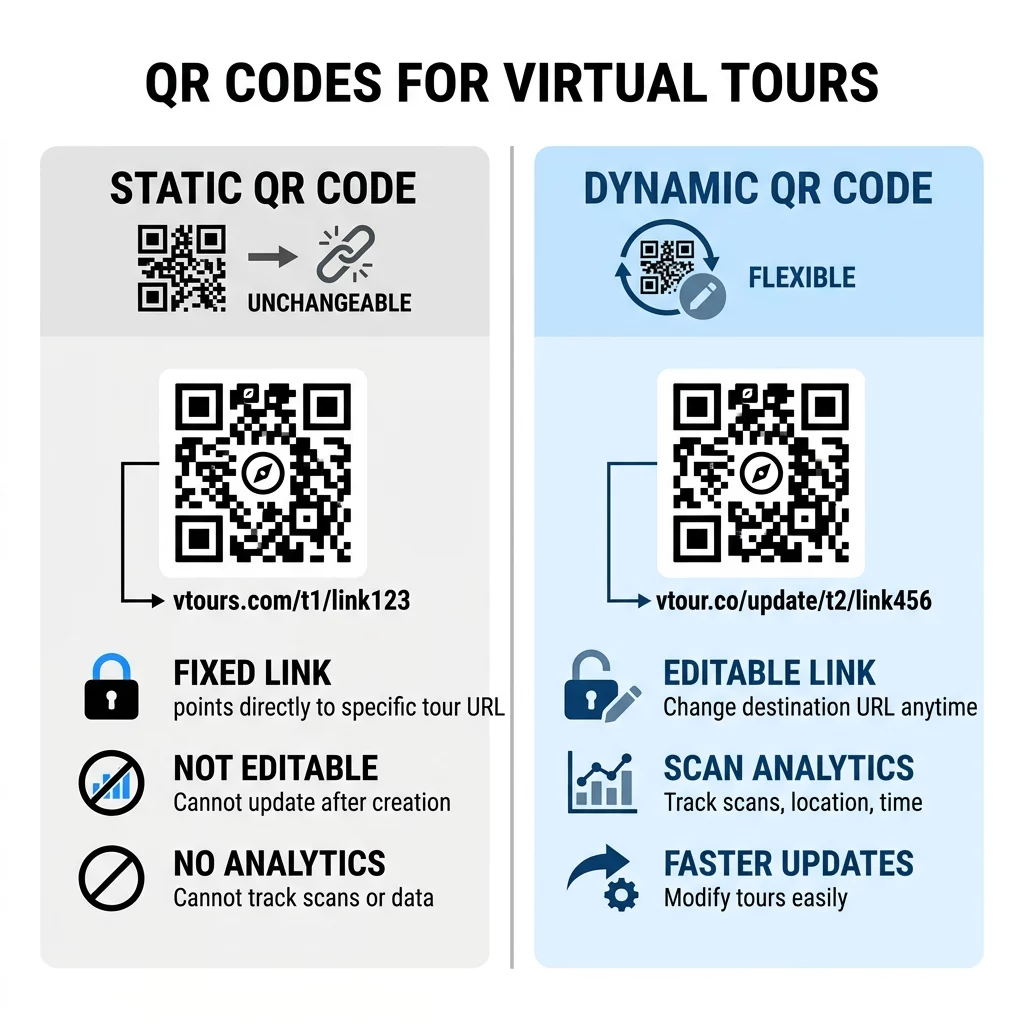
| Feature | Static QR Codes | Dynamic QR Codes |
|---|---|---|
| Editability | Fixed destination URL | Update destination anytime |
| Analytics | No tracking available | Scans, location, and device data |
| Scan Speed | Slower due to dense patterns | Faster with short redirect URLs |
| Best Use | Permanent Wi-Fi or text | Real estate and museums |
Integrating QR codes into physical locations turns every sign and label into a gateway for digital engagement. By following technical standards and utilizing dynamic tools, you ensure your virtual tours are accessible, trackable, and easy to manage.
Boost your engagement: Start creating dynamic QR codes with Pageloot today to connect your physical space with the digital world and track visitor interest in real-time.
Frequently Asked Questions
For a yard sign viewed from a sidewalk, use the 10:1 rule. If the scanning distance is 10 feet, the code should be at least 12 inches wide. For closer viewing on a brochure, 1.2 to 1.6 inches is sufficient.
Yes. By using dynamic QR codes, you can access analytics that show the total number of scans, the time of day, and the type of device used. This data helps curators understand which displays are most popular.
No. Most modern smartphones have QR scanning capabilities built into their native camera apps. Users simply point their camera at the code to trigger the virtual tour or digital experience.