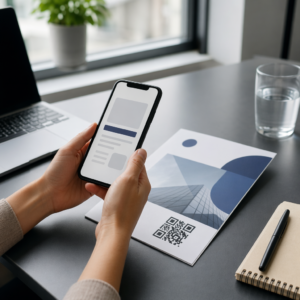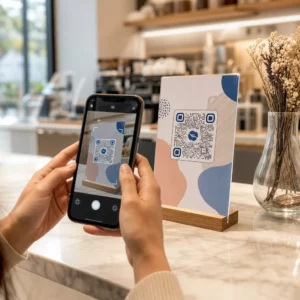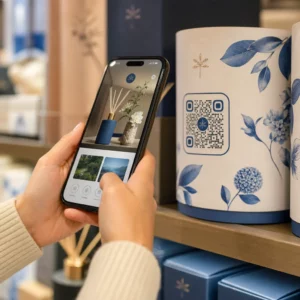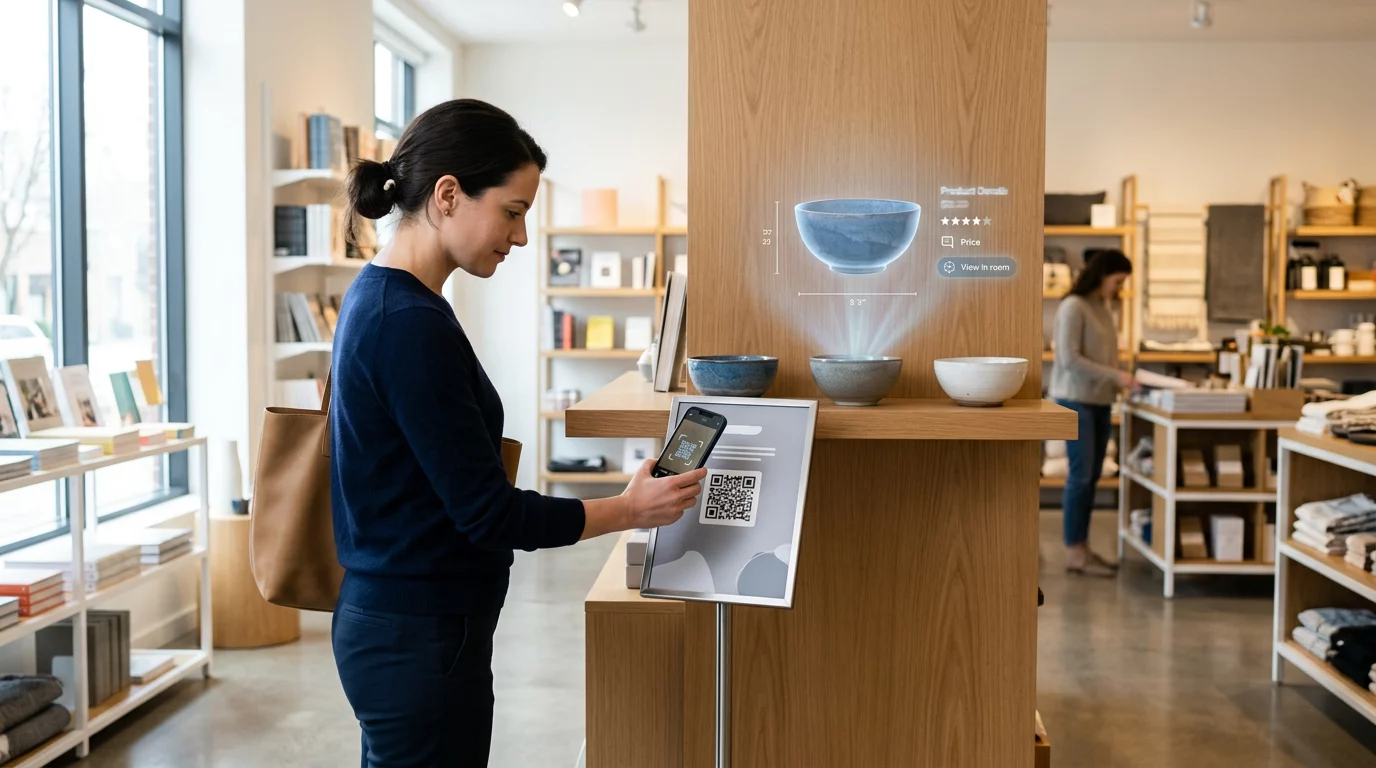
Are your retail displays failing to stop shoppers in their tracks? Static signage often disappears into the background, causing missed sales opportunities and low customer engagement. This guide explores how combining QR codes with augmented reality (AR) creates immersive shopping experiences that drive conversions and strengthen brand loyalty.
Why AR and QR Codes Work Together
Retailers are increasingly turning to augmented reality to bridge the gap between physical products and digital content. Research indicates that products featuring AR content can achieve 94% higher conversion rates than those without. This trend is reflected in broader QR code scanning trends, where US smartphone scans are projected to reach 100 million by 2025.
By using a dynamic QR code, you can trigger these experiences directly from a smartphone browser using a technology known as Web AR. This eliminates the need for customers to download a dedicated app, removing a significant point of friction. When you implement augmented reality product experiences, you allow users to interact with 3D models in their real-world environment, which significantly increases purchasing confidence.
Real-World Examples of AR QR Codes in Retail
Successful brands have already mastered the art of combining these technologies to improve dwell time and reduce return rates. By examining these leaders, you can find inspiration for your own digital-physical strategy.
IKEA: Virtual Furniture Placement
IKEA uses QR codes on catalogs and packaging to solve the problem of space doubt. By scanning a code, users can place a true-to-scale 3D model of a sofa or desk in their room via their phone’s camera. This visualization strategy helped IKEA see a 27% increase in online basket sizes in 2022. To replicate this success, you might place QR codes on small item tags in-store to show customers how those items look as part of a fully furnished room.
19 Crimes: Interactive Storytelling Labels
The wine brand 19 Crimes revolutionized interactive packaging by making their labels talk. Scanning the QR code on the bottle triggers an AR animation where historical figures come to life to share their stories. This approach turned a standard bottle into a piece of entertainment, driving thousands of social media shares. Marketers can use similar storytelling to explain a brand’s heritage or the “farm-to-table” journey of a food product.
Share galleries, instructions, or brand stories instantly using Pageloot’s Image QR Code Generator to create interactive labels that engage your customers.
Sephora: Virtual Beauty Try-Ons
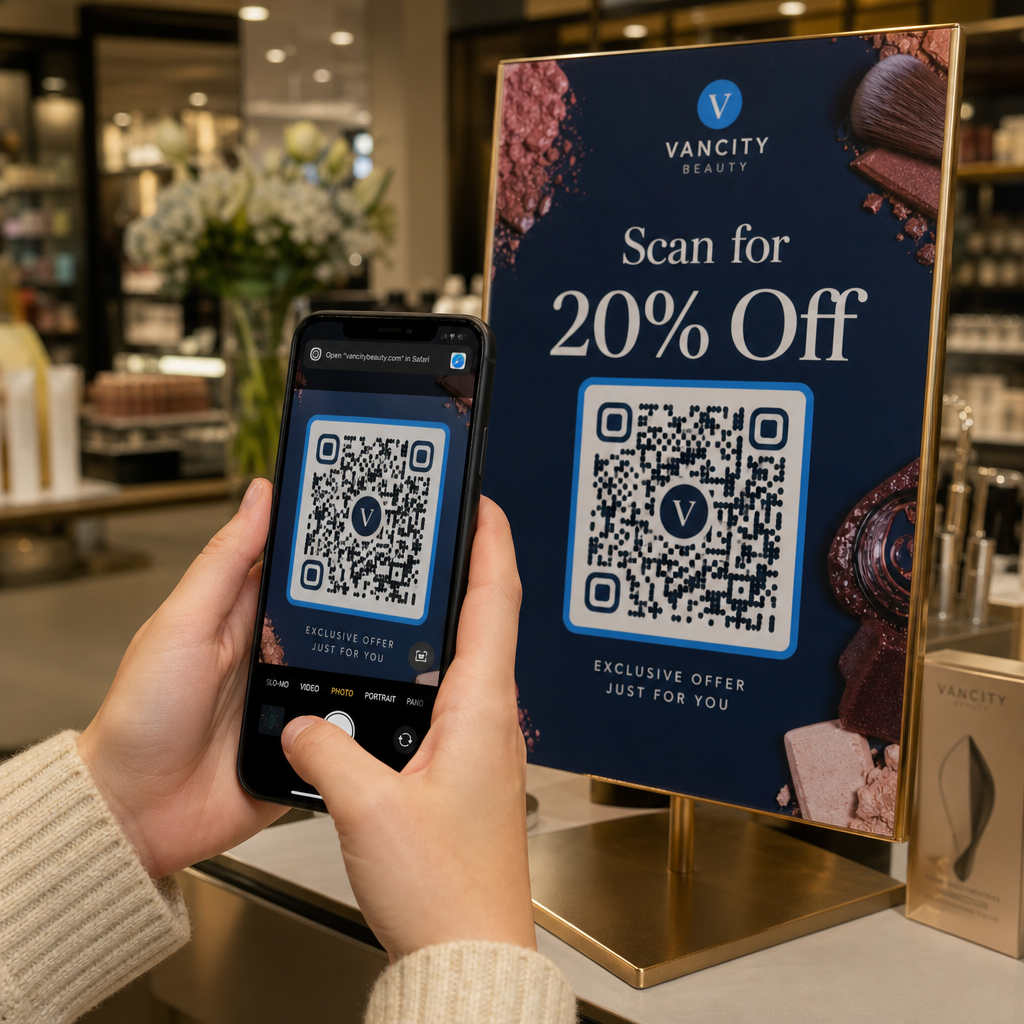
In the beauty industry, virtual try-ons solve the challenge of product testing without physical samples. Sephora utilizes QR codes on in-store displays and marketing materials to allow customers to see how different shades of lipstick or eyeshadow look on their own faces via an AR filter. This technology has been linked to a 3.2x lift in conversions because it allows for personalized beauty advice at the point of sale.
Puma and Nike: Store Navigation and Styling
Sportswear giants use strategic QR code placements to enhance the physical store experience. Puma uses codes on shoe tags to trigger AR selfies with a mascot and provide digital store navigation. Similarly, Nike’s “Style” stores use codes on mannequins to unlock AR holograms that show products in motion and offer styling suggestions. These interactive zones have resulted in 25% longer dwell times compared to traditional store sections.
Coca-Cola: Personalized Engagement
Coca-Cola frequently uses QR codes on cans to create personalized “video memory makers.” During holiday campaigns, scanning a can allows users to create custom AR messages or view iconic polar bears in their own environment. This strategy is particularly effective for collecting first-party data while building deep emotional engagement during peak shopping seasons. You can further refine this by using geotargeted QR codes to offer city-specific AR filters or local holiday greetings.
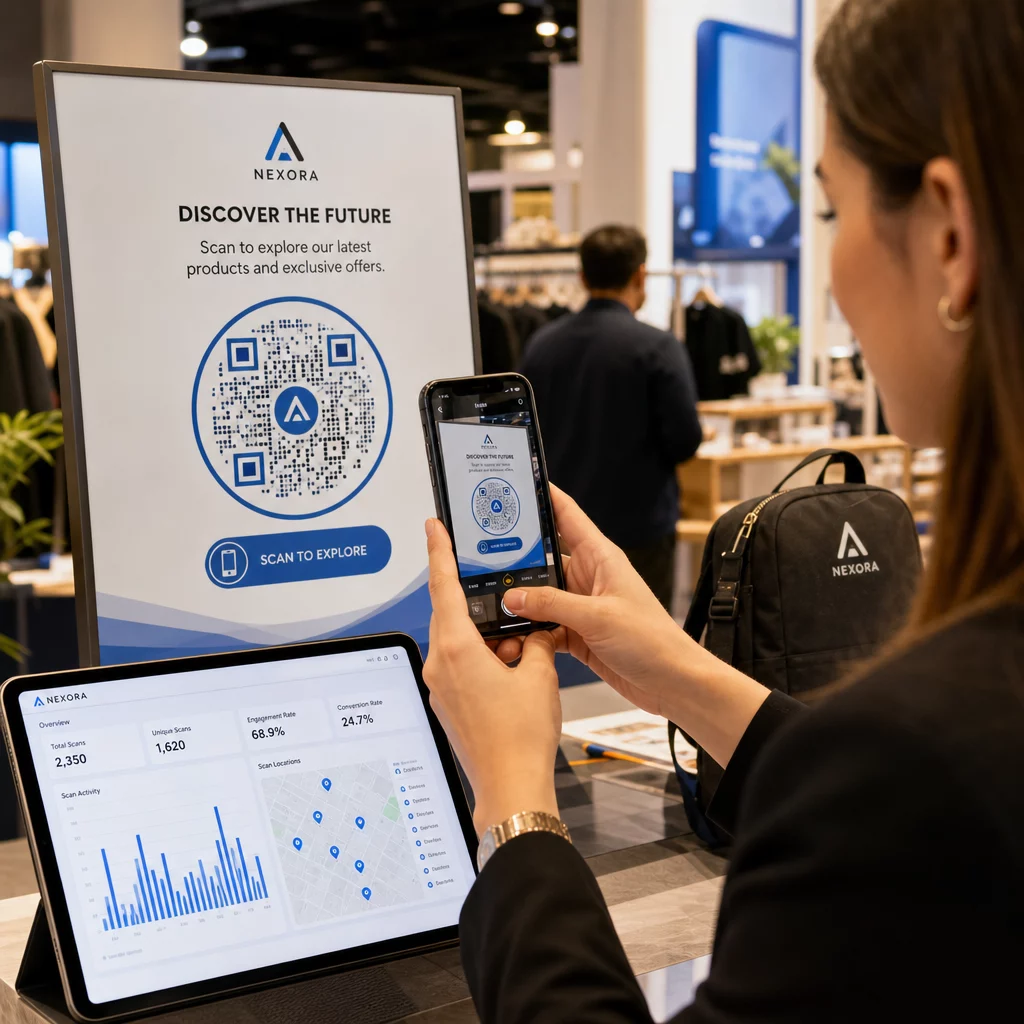
Create dynamic links with built-in analytics to see which of your AR experiences are driving the most traffic by using a Link QR Code Generator.
Campaign Ideas for AR Retail Experiences
Integrating AR and QR codes offers endless possibilities for creative marketing. Beyond basic product visualizations, consider these campaign ideas to differentiate your brand:
- Create an “Unboxing” AR experience on toy packaging that shows a product in action before the customer even opens the box.
- Launch an in-store scavenger hunt where scanning specific QR codes unlocks AR hints and a final discount code at checkout to boost QR code loyalty programs.
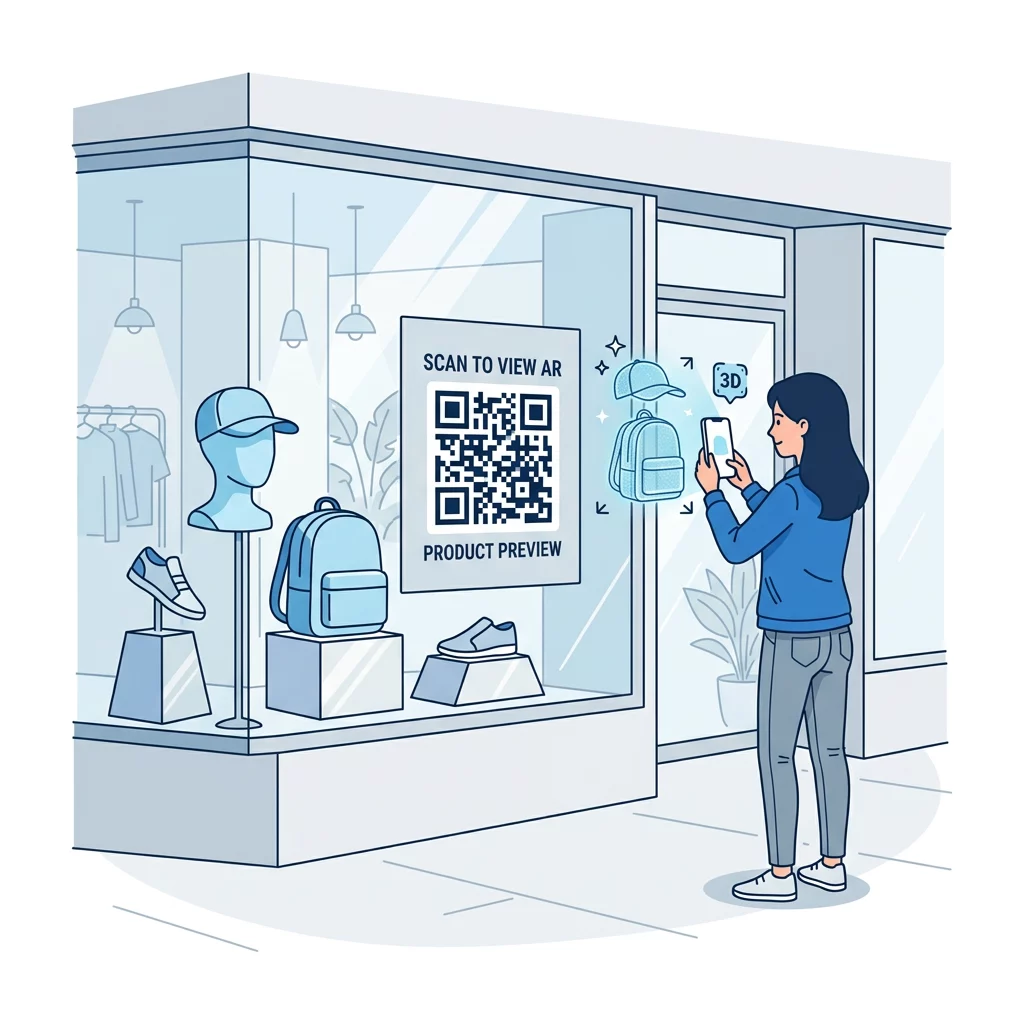
- Use codes on window displays that allow passersby to view and buy products through an AR “virtual window” even when the store is closed.
- Include QR codes on technical gear tags that reveal an AR “X-ray” view of hidden features like waterproof layers or specialized cushioning.
Technical Best Practices for Deployment
To ensure your AR campaign is accessible and effective, follow these technical guidelines during the design and printing phases:
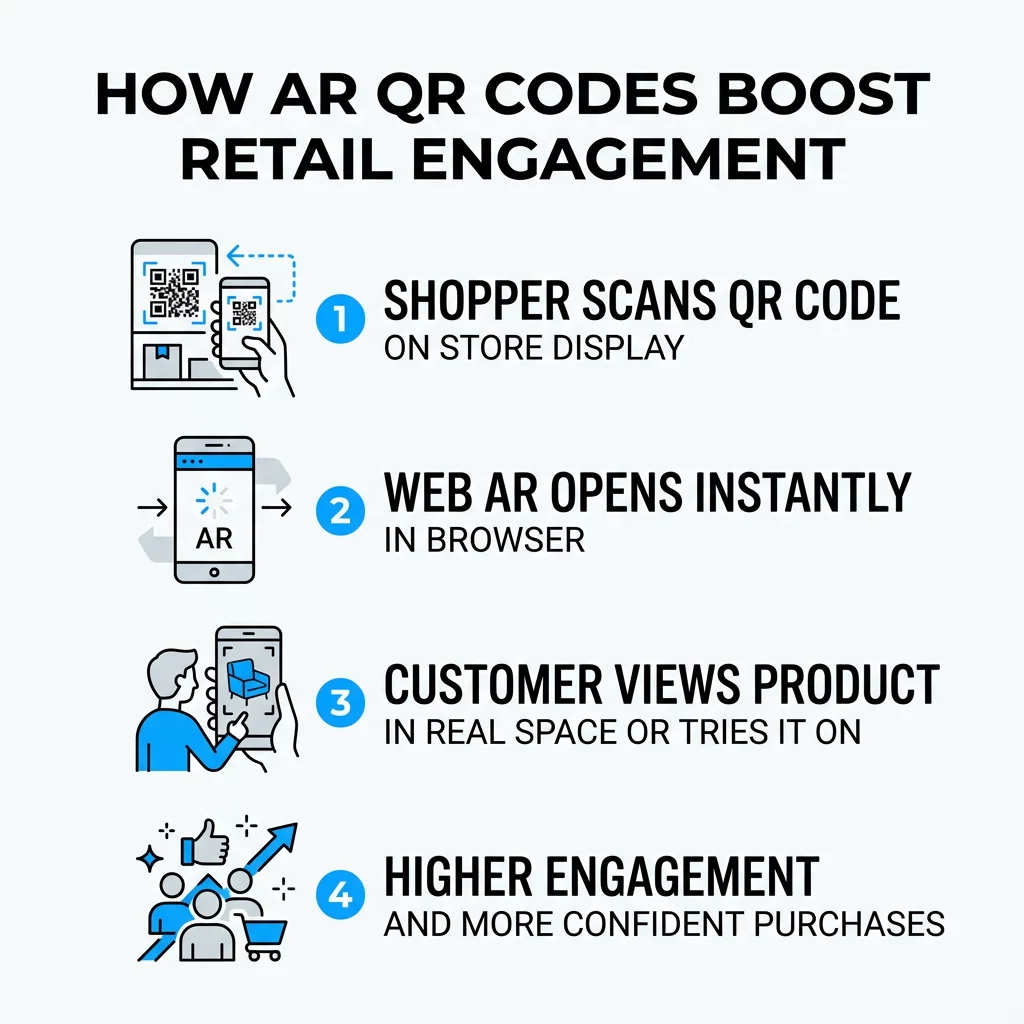
- Prioritize Web-Based AR to avoid the friction of app downloads; ensure your 3D models are in USDZ format for Apple devices and GLB for Android.
- Use dynamic QR codes so you can update the AR content or 3D model without having to reprint your physical packaging or signage.
- Maintain high contrast by using a dark code on a light background to ensure scannability under varied retail lighting conditions.
- Ensure the code is a minimum of 1 x 1 inch (2.5 x 2.5 cm) for product packaging, and scale up significantly for codes meant to be scanned from a distance.
- Include a clear call-to-action (CTA) such as “Scan to see this in your home” to set expectations and encourage interaction.
FAQ
No, most modern experiences use Web AR. This allows the augmented reality content to launch directly in the smartphone’s default browser after scanning the code, providing a seamless experience for the user.
Yes, as long as you use a dynamic QR code. Dynamic codes allow you to change the destination URL or the hosted 3D file at any time through your management dashboard without needing to replace the printed materials.
For the best compatibility, you should use USDZ files for iOS devices and GLB or GLTF files for Android. Many AR QR code generators now support hosting these files directly to simplify the deployment process. Implementing AR through QR codes transforms the shopping journey from a passive viewing experience into an active digital interaction. By following the lead of innovators like IKEA and Nike, you can reduce returns, increase engagement, and provide the interactive “wow” factor that modern consumers expect. Ready to bring your products to life with immersive digital content? Start your free 14-day trial with Pageloot and create your first AR-enabled QR code today.