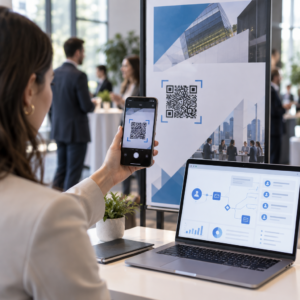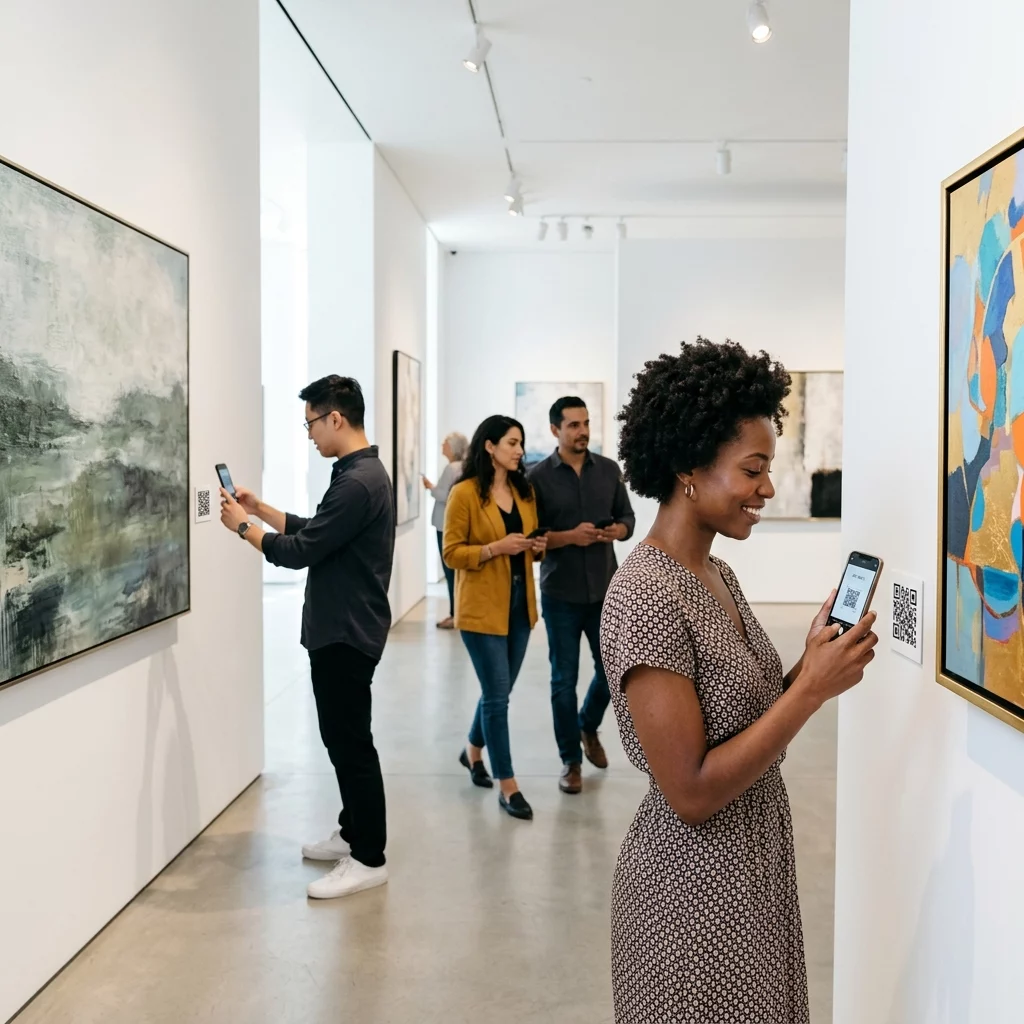
Do you struggle to provide deep context for your exhibits without cluttering gallery walls with text? Traditional printed labels have limited space, often leaving visitors with unanswered questions and a static viewing experience. By linking physical artworks to digital content via QR codes, you can offer immersive, multimedia virtual tours directly on your visitors’ smartphones.
Why Mobile Experiences Matter in Modern Galleries
With more than 83 million U.S. smartphone users scanning QR codes regularly, visitors have come to expect mobile-first interactions during public outings. In a gallery or museum setting, these codes serve as a vital bridge between a physical object and a wealth of digital information that simply wouldn’t fit on a standard wall placard. By using QR codes for art galleries, you can modernize your space while keeping the focus on the art itself.
This digital approach offers several practical benefits for curators and gallery owners:
- Conserving physical wall space to maintain a minimalist aesthetic.
- Offering multimedia guides such as artist interviews or curated soundtracks.
- Providing instant multilingual support by detecting the user’s phone language settings.
- Improving accessibility for the visually or hearing impaired through audio descriptions and sign language videos.
Curating Digital Content for Interactive Tours
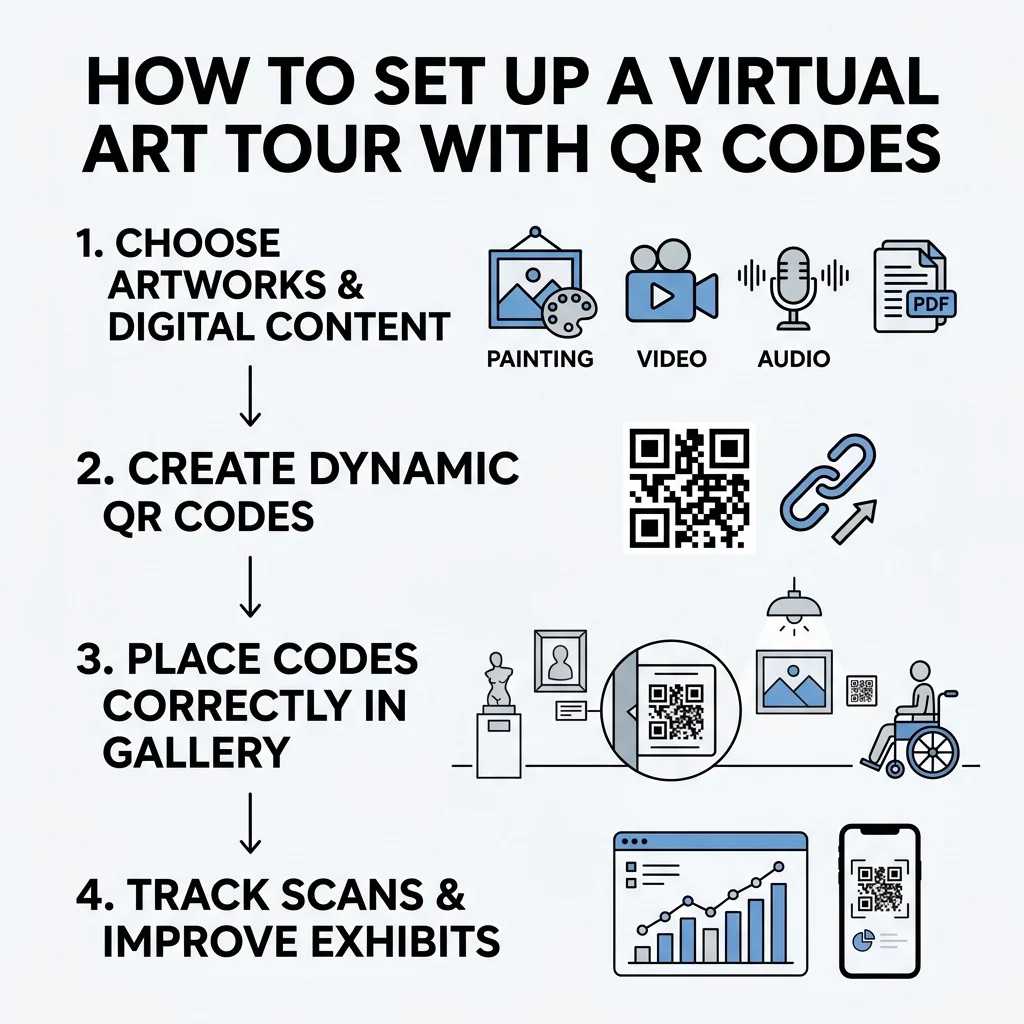
To build a compelling virtual experience, you must first determine what digital “layer” best complements each piece. For example, linking to artist interviews using a YouTube QR code generator allows visitors to hear about the creative process in the artist’s own voice. If the exhibit requires more academic depth, you might provide a digital catalog or scholarly essay through a PDF QR code generator.
Visual learners often appreciate seeing the evolution of a piece, which can be achieved by displaying early sketches or drafts via an image QR code generator. For a truly immersive experience, many institutions now use AR QR codes for museum storytelling, allowing static displays to come to life through 3D models or layered digital animations.
Designing and Customizing Your QR Codes
Once your content is hosted online, the next step is to make a QR code that aligns with your gallery’s aesthetic. Standard black-and-white squares can sometimes feel clinical or out of place in a creative environment. You can customize the colors to match your exhibition’s branding, incorporate your gallery’s logo, and use frames with clear call-to-action (CTA) text like “Scan for Audio Guide” to encourage engagement.
The Advantages of Dynamic Technology
When setting up a professional exhibit, it is essential to use dynamic QR codes rather than static ones. Dynamic codes allow you to change the destination URL or update the digital content without ever needing to reprint the physical label. This flexibility is invaluable if you decide to update an artist’s biography or change a linked video mid-exhibition. Furthermore, these codes allow for a cleaner design because they encode a short redirect URL, which results in a less dense and more easily scannable pattern.
Transform your gallery with a mobile-first tour. Try Pageloot’s Dynamic QR Code Generator to create and manage your exhibit content in one place.
Technical Standards for Reliable Scannability
Technical reliability is the foundation of a positive visitor experience. A QR code that fails to scan immediately causes frustration and leads to disengagement. To prevent this, ensure your codes meet the minimum size of 0.8 x 0.8 inches for close-range viewing. For larger displays, follow the 10:1 rule, where the size of the code is roughly one-tenth of the scanning distance. For instance, a code viewed from 20 inches away should be at least 2 inches wide. You should also consult QR code usability best practices to ensure your codes are compliant with international standards.
Color choice and materials also play a significant role in readability. You should maintain a high QR code color contrast ratio (at least 4.5:1) and always use dark foreground colors on a light background. Printing your codes on matte paper or vinyl is recommended, as glossy surfaces can create glare under gallery spotlights, making it difficult for smartphone sensors to focus on the code pattern.
Strategic Placement Within the Gallery Space
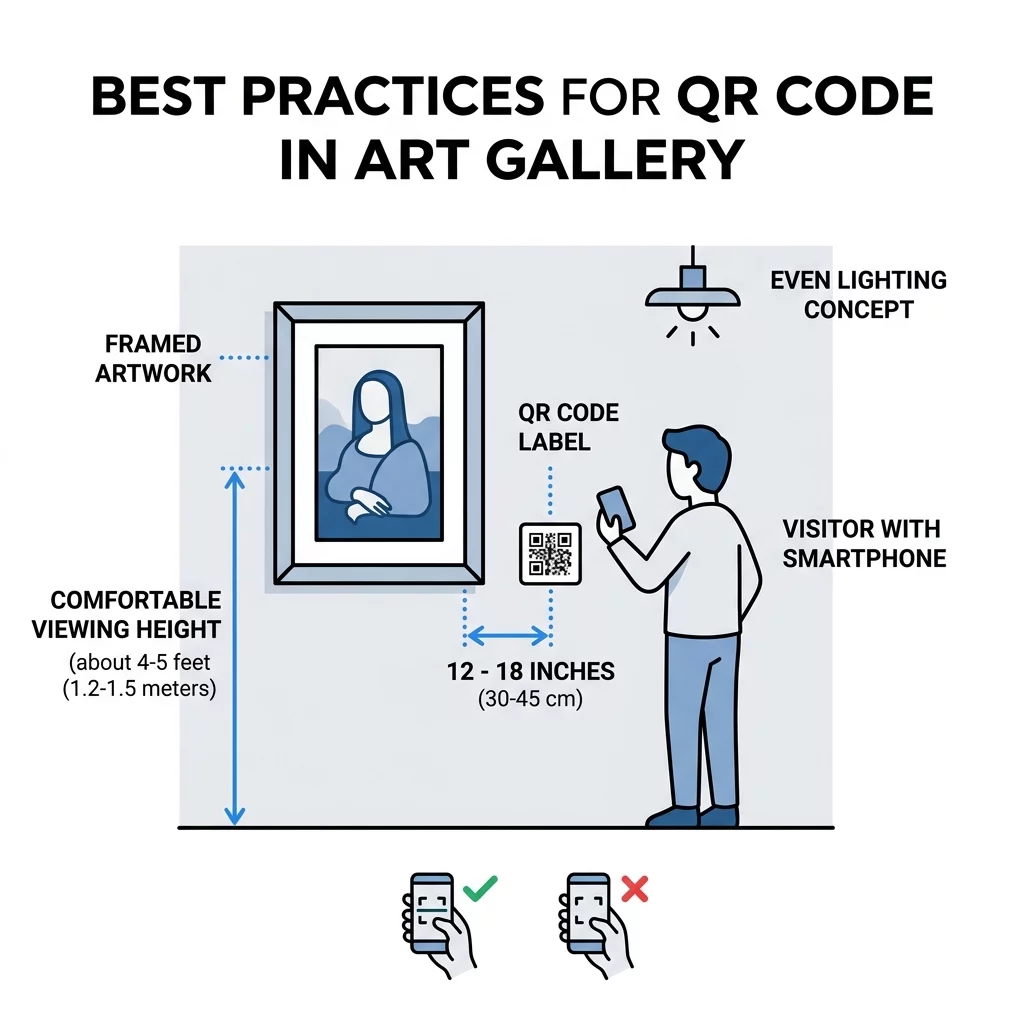
Effective placement ensures the tour is accessible without interfering with the visual appreciation of the art. Codes should be positioned at a height of 3 to 5 feet from the ground, which makes them comfortable for both standing adults and visitors in wheelchairs. For specific guidance on layout, you can review how to use QR codes for virtual tours to see how other institutions manage flow.
Position the code approximately 12 to 18 inches to the side or below the artwork. This distance prevents visitors from physically blocking the art while they scan. Additionally, ensure the lighting around the code is even and free of harsh shadows, as consistent lighting is critical for the smartphone camera to decode the information quickly.
Tracking Visitor Engagement Through Analytics
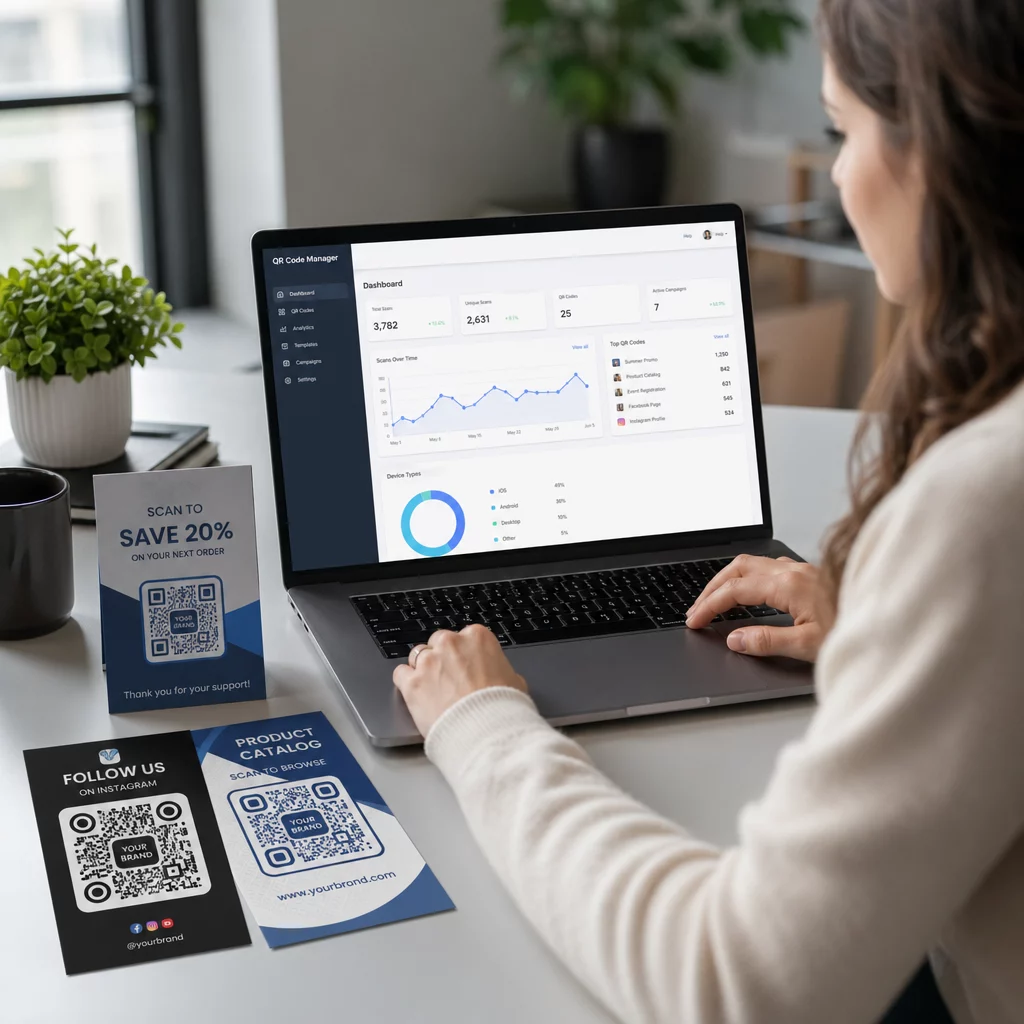
One of the greatest advantages of digital tours is the ability to collect actionable data. By using dynamic codes, you can access an analytics dashboard that shows which artworks are generating the most interest. This data includes the total number of scans, the time of day visitors are most active, and even the type of devices used.
Case studies from institutions like the Whitney Museum and Meow Wolf show that QR-integrated exhibits significantly increase “dwell time” – the amount of time a visitor remains engaged with a specific artwork. For example, the M+ museum in Hong Kong recorded 148,000 visitor interactions via QR codes, proving that modern audiences are eager for deep, digital-first storytelling. These insights can help you make more informed decisions about future exhibition layouts and featured artists.
Frequently Asked Questions
No, most modern smartphones have native QR scanning capabilities built into the camera app. Visitors simply point their camera at the code, and a notification link appears instantly.
To mitigate connectivity issues, you should optimize your digital content to be lightweight and fast-loading. You can also provide a “Scan to Download” option at the gallery entrance so visitors can access an offline-capable version of the tour.
Absolutely. Many galleries use a link QR code generator to direct potential buyers to a price list, a “request more information” form, or a direct purchase page for prints and exhibition catalogs.
By integrating QR codes into your gallery, you transform a silent viewing into an active, educational, and trackable journey. You can start by selecting a single piece of art and creating its first digital companion using a QR code generator today.