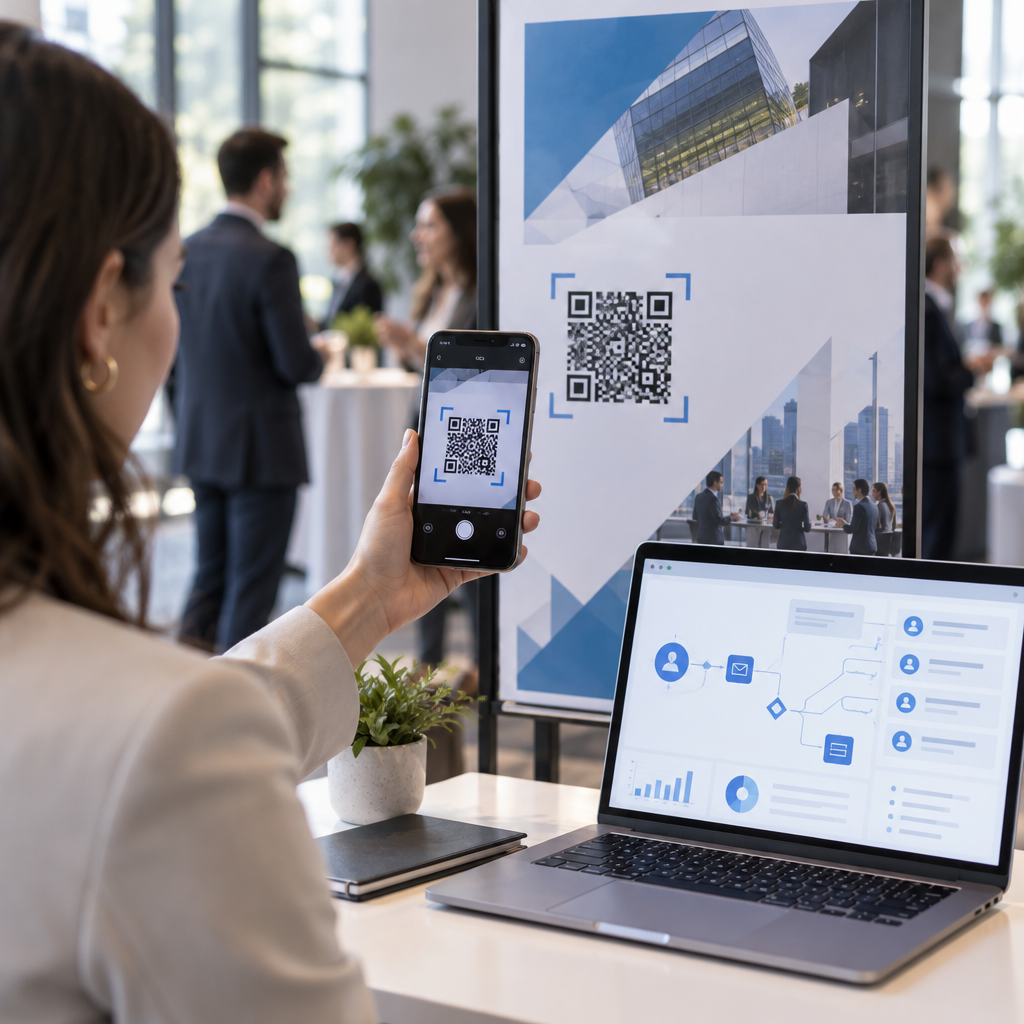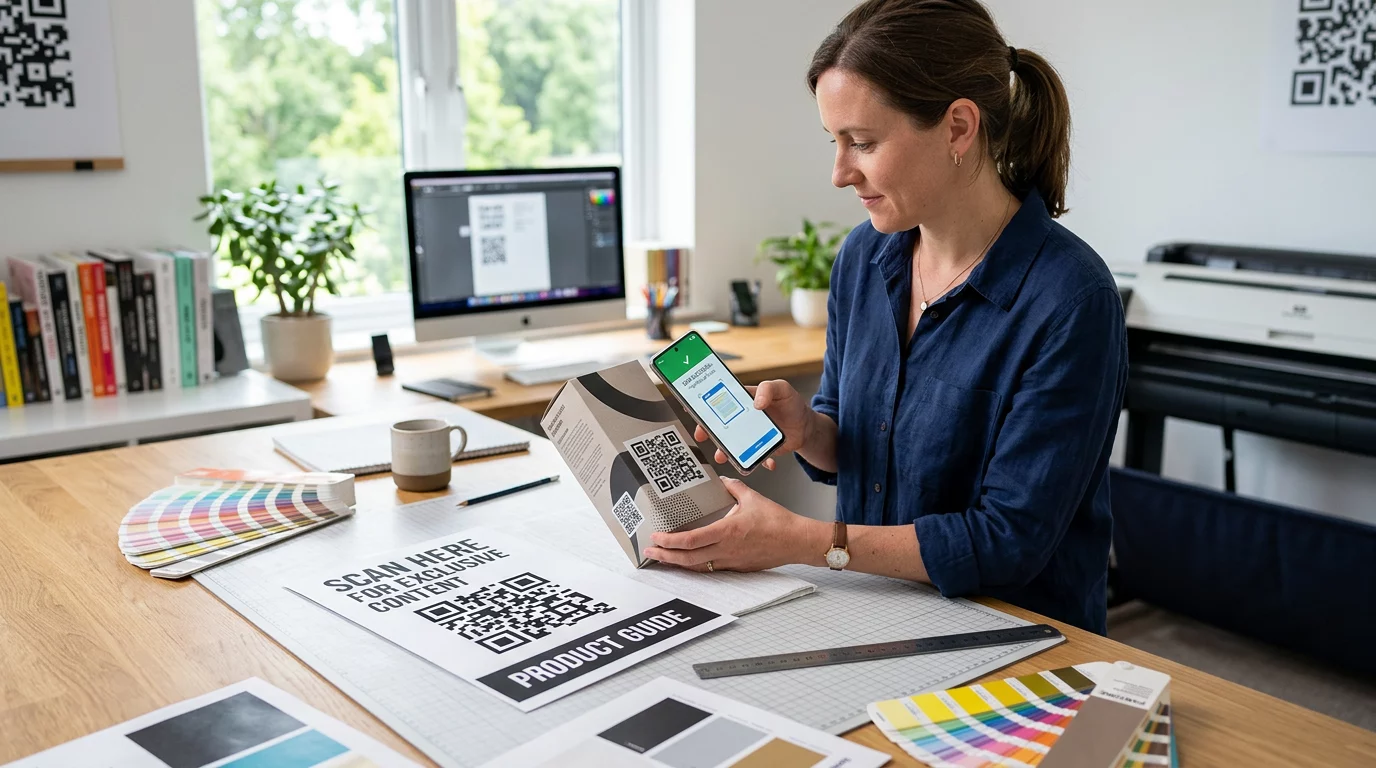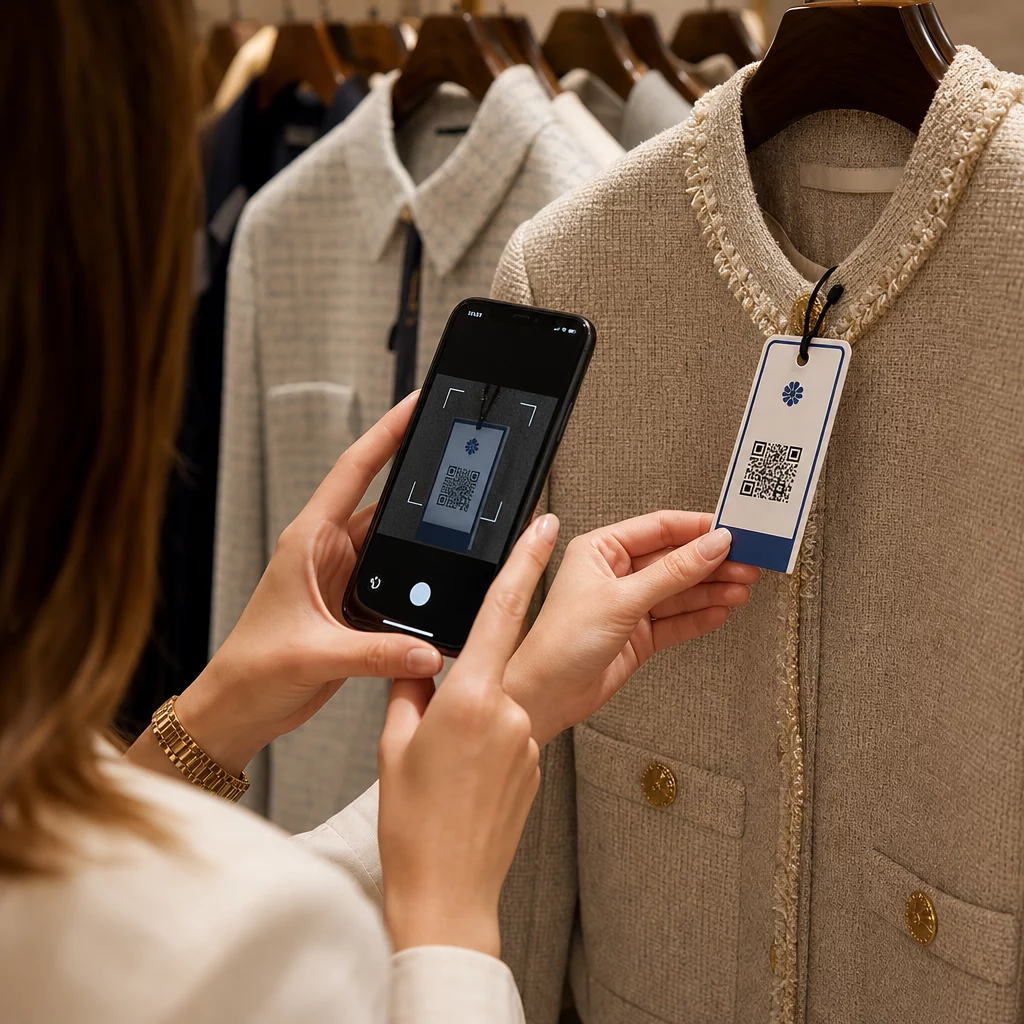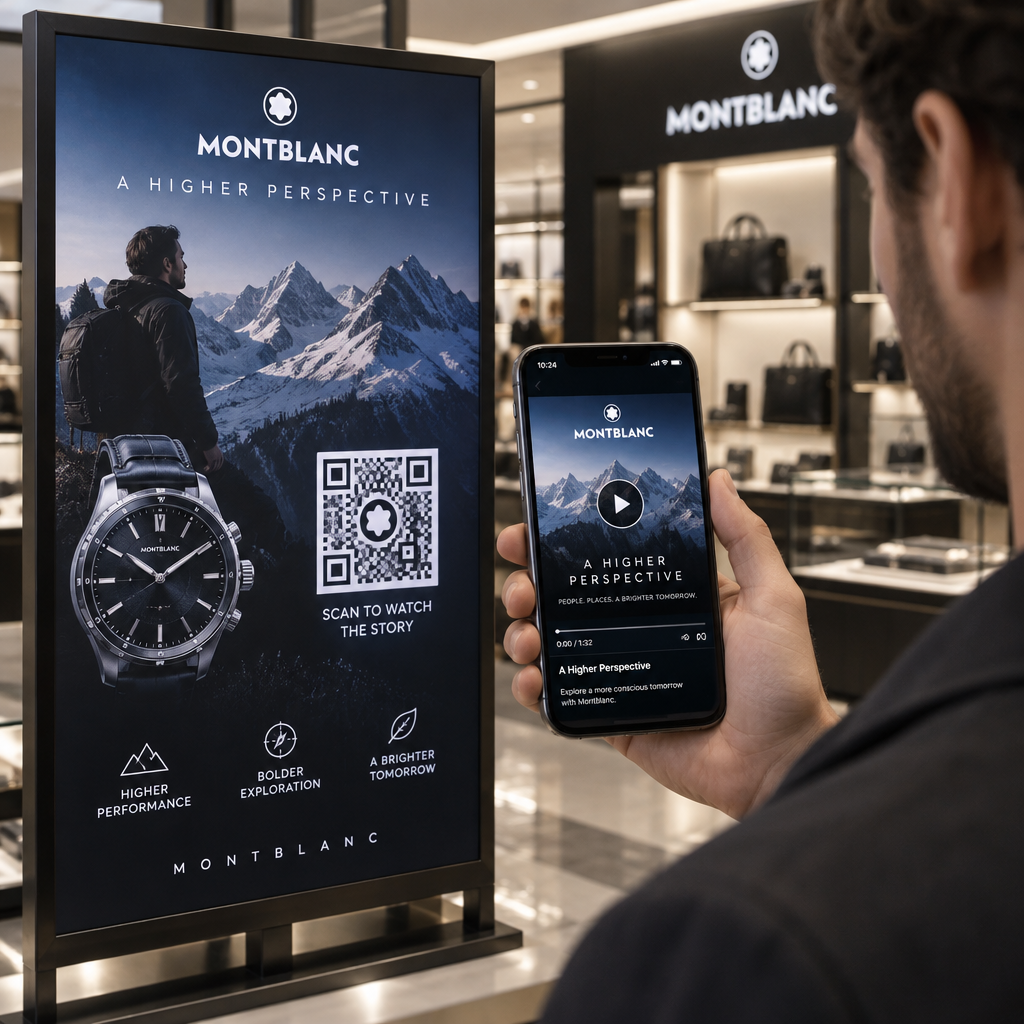
Are you struggling to connect your printed marketing materials with your digital video content? When potential customers must manually search for a URL, they lose interest and walk away from your brand message. Learning how to make a QR code for a video bridges that physical-digital divide by giving viewers instant access with a quick camera scan.
Choose Your Video Source and Hosting
Before generating a code, you must decide where your video lives online, as this determines how users access it. For public campaigns, product demos, or brand storytelling, video platforms offer the smoothest experience. Using a dedicated YouTube QR code generator allows you to route scanners directly to a specific video or your entire channel without worrying about hosting bandwidth or mobile compression limits.
If your content involves private training or client assets, cloud platforms like Google Drive, Vimeo, or Dropbox provide controlled sharing. When using cloud hosting, ensure link permissions are set so anyone with the link can view the video, eliminating login friction. YouTube and Vimeo also support unlisted videos, which do not appear in public searches but stream seamlessly for anyone scanning the code.
For direct media distribution, you can also upload files directly into your QR generator. In this workflow, MP4 remains the standard format because it provides optimal visual clarity alongside efficient file sizes, keeping load times swift over mobile network connections.
How to Create a Video QR Code
Generating an active code takes just a few moments when using a dedicated link QR code generator.
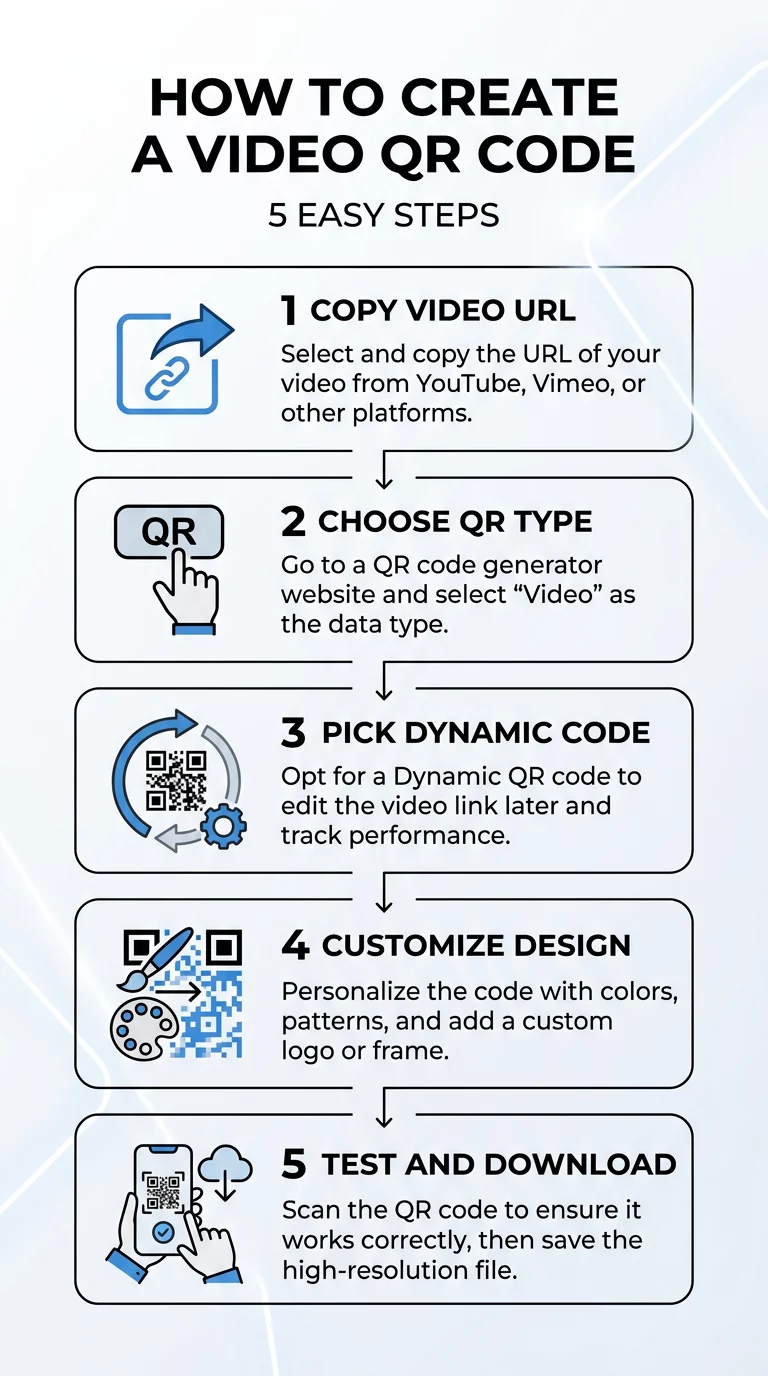
- Copy your video link from your hosting provider or cloud storage folder.
- Select the destination type inside the generator tool and paste your target URL.
- Choose a dynamic code so you can update destinations later and collect scan analytics.
- Customize your design by incorporating brand colors, custom frames, and your company logo.
- Test the code across multiple smartphone cameras to confirm reliable playback.
- Download your high-resolution asset in vector format for print or raster format for digital use.
Launch Your Video Campaign Instantly Need a responsive, editable QR code to share your video assets? Use the Dynamic QR Code Generator to create customized codes and update your destination links at any time without reprinting.
Customizing Your QR Code for Higher Engagement
Generic black-and-white pixel grids often look like clinical barcodes and fail to catch attention. Adding design elements transforms the pattern into an eye-catching call to action that encourages interaction, particularly when creating interactive video experiences on packaging or event signage.
Adding a centered brand logo reassures scanners that the link is legitimate and safe to open. To ensure readability, keep your logo within 25% to 30% of the overall code surface area so it does not obscure critical data modules. Modern generators apply error correction algorithms (such as Level Q or Level H), which reconstruct hidden data blocks even when partially covered by imagery.
Visual contrast is equally essential for optical sensors. Smartphone cameras locate modules by reading light reflectance – darker modules absorb light while lighter modules reflect it. Maintain at least 55% contrast between foreground patterns and the background. Avoid low-contrast color pairings, faint pastels, and inverted palettes, as these optical variations frequently trigger scan failures.
Technical Specifications for Reliable Printing
Physical placement requires careful planning to prevent reading errors in the field. When placing video codes on flyers or mounting them on promotional posters, adhere to standard technical specifications:
| Specification | Recommended Standard | Practical Reason |
|---|---|---|
| Minimum Size | 0.8 x 0.8 inches (2 x 2 cm) | Gives standard mobile camera lenses sufficient optical surface area to focus clearly. |
| Scanning Ratio | 10:1 (Distance to Size) | Keeps the code legible; an asset viewed from 10 feet away requires a 12-inch wide code. |
| Quiet Zone | 4 modules of clear space | Prevents adjacent artwork, typography, and image borders from distorting data edges. |
| Print Resolution | 300 DPI (or vector SVG/EPS) | Eliminates pixelation and module blurring during commercial press runs. |
Position your printed codes in flat, uncluttered areas near eye level – between 3.5 and 5.5 feet from the floor – so users can scan comfortably without bending or stretching. Avoid material folds, box seams, and glossy laminates that create harsh camera glare.
Monitoring Video Performance with Dynamic QR Codes
Printing a static QR code creates a permanent, unchangeable link with zero visibility into consumer behavior. In contrast, dynamic codes route users through an editable redirect URL, granting access to detailed marketing intelligence and comprehensive tracking QR codes capabilities.
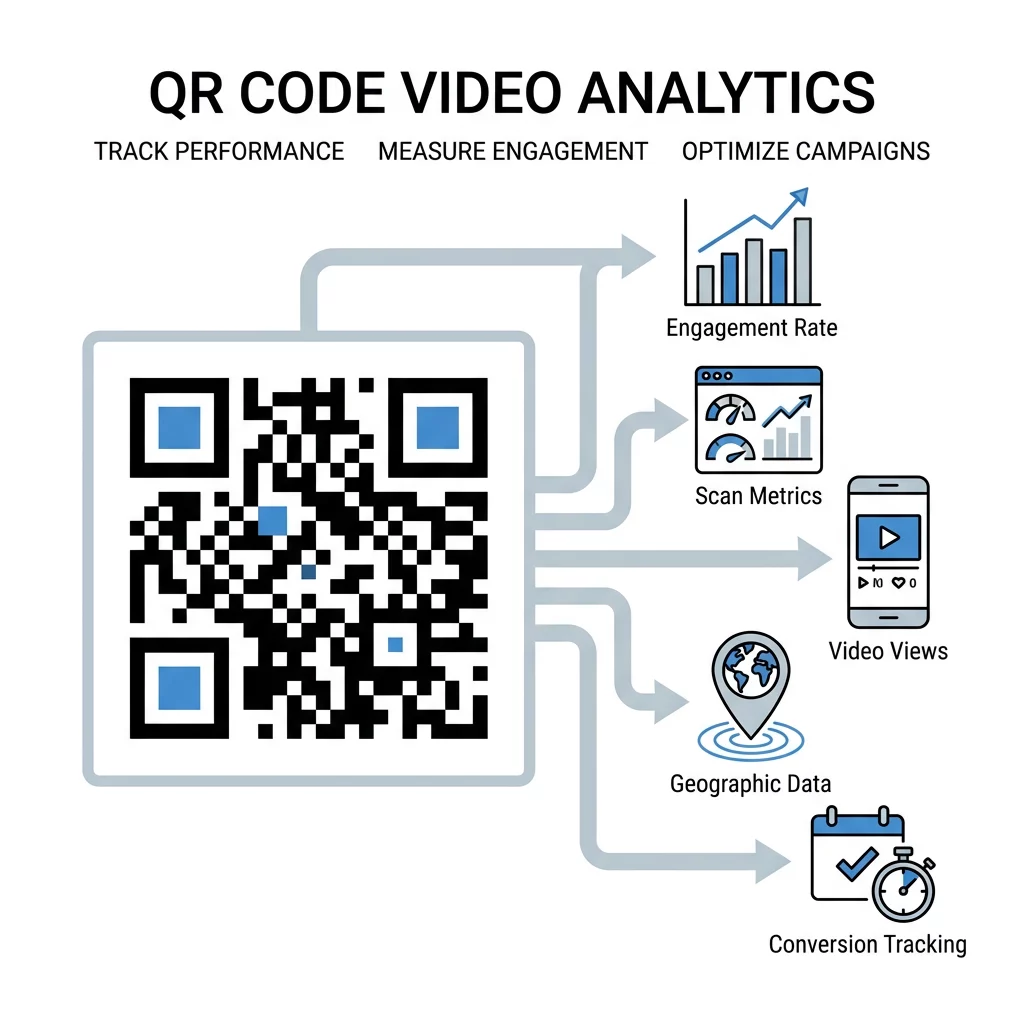
Dynamic analytics provide measurable campaign insights across multiple data points:
- Scan volumes: Track total interactions alongside unique visitors to evaluate campaign reach.
- Time metrics: Identify peak engagement periods by tracking precise hours and dates of user activity.
- Geographic regions: Pinpoint top-performing physical cities and distribution locations.
- Device operating systems: Discover whether your audience streams from iOS or Android hardware to optimize landing pages.
If you rotate your marketing strategy or replace your video asset, dynamic codes let you update the destination URL within your dashboard instantly, saving your team significant reprinting costs and eliminating dead links.
Bridging the physical world with digital video removes barriers between your audience and your message. By hosting your files properly, respecting essential print dimensions, and deploying trackable dynamic links, you turn everyday physical surfaces into high-converting video channels. Start building your custom video QR code today to drive higher viewer engagement across your marketing touchpoints.
Frequently Asked Questions
Yes, provided you create a dynamic QR code. Dynamic codes utilize an editable redirect URL, allowing you to update the target video link in your management dashboard at any time without changing or reprinting the physical code.
MP4 encoded with H.264 video compression is the industry standard for mobile playback. It delivers an optimal balance of sharp visual quality and low file size, ensuring that scanning users experience fast loading speeds even on standard cellular data connections.
Scanning issues typically stem from low contrast between the foreground and background, missing quiet zones around the perimeter, or sizing the code too small for the user’s scanning distance. Ensure high contrast, leave four modules of blank space around the border, and test across multiple devices before printing.