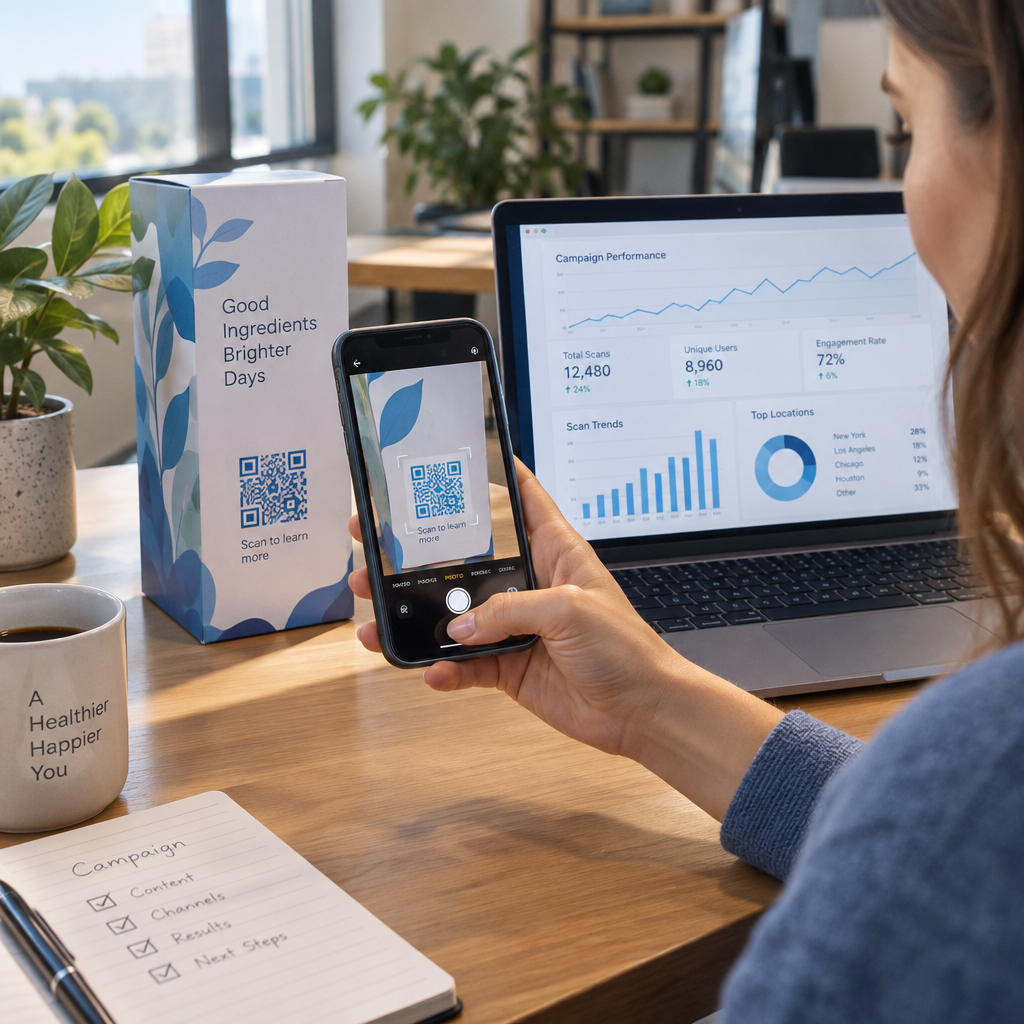
Are you struggling to connect offline marketing materials with your digital data pipeline? Missing physical touchpoint data prevents you from creating tailored customer experiences that drive repeat sales. Learn how to capture real-time scan data and use smart QR codes to deliver targeted, personalized interactions.
The Role of QR Codes in First-Party Data Collection
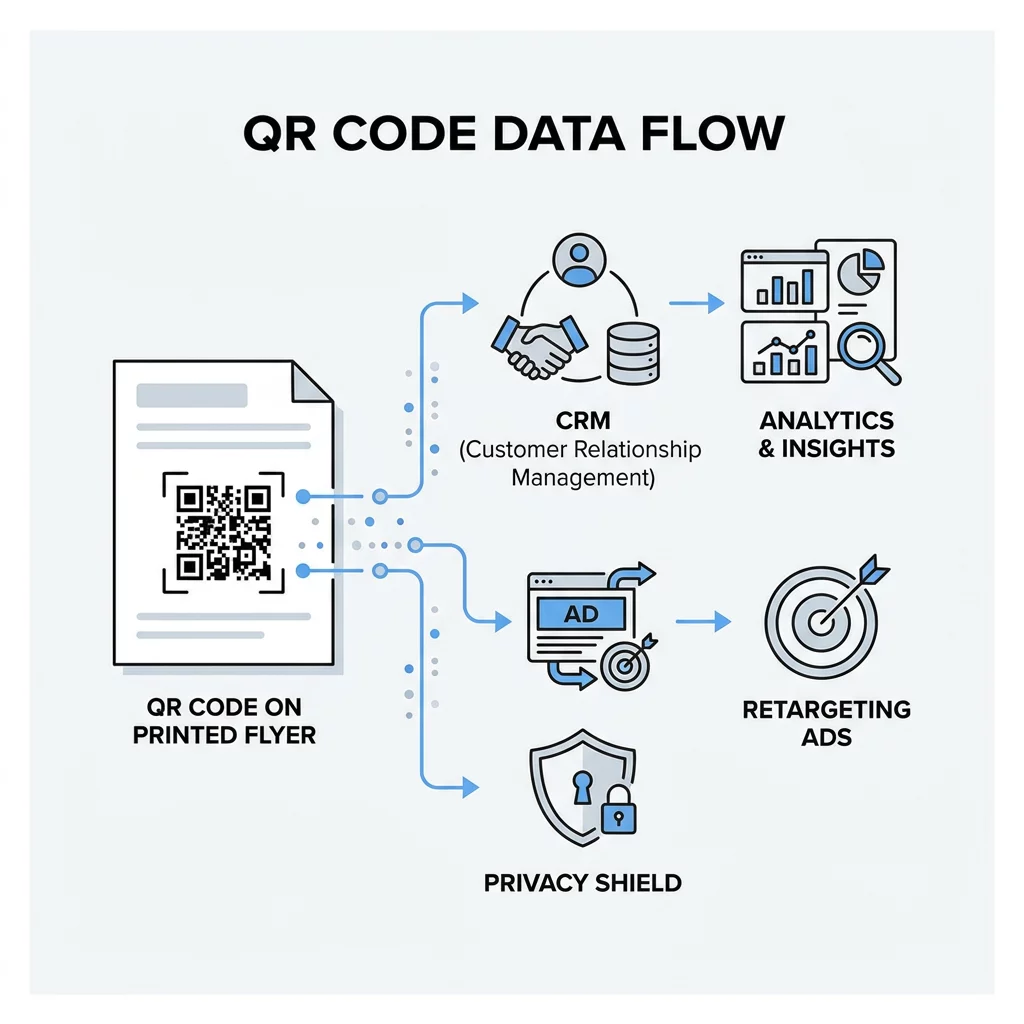
As third-party cookies disappear, marketing teams must rely on first-party data gathered directly from customer interactions. Physical touchpoints like print ads, event signage, and retail packaging have traditionally operated as blind spots. Dynamic QR codes close this gap by converting physical products into direct digital entry points for your customer relationship management (CRM) software.
When a customer scans a code, your system immediately logs engagement context without relying on third-party tracking scripts. Research shows that 71% of consumers expect companies to provide personalized interactions, and 76% express frustration when experiences feel generic. Placing scannable touchpoints on physical packaging allows you to identify specific interests right at the moment of intent, creating opportunities to boost customer engagement through contextual follow-ups.
Key Engagement Metrics Captured by Dynamic Codes
To collect actionable marketing data, you need to use dynamic QR codes rather than static ones. Static codes permanently embed a fixed URL into their matrix pattern, making tracking impossible once printed. Dynamic QR codes direct scanners through a lightweight redirect server, recording technical metrics before loading the final destination.
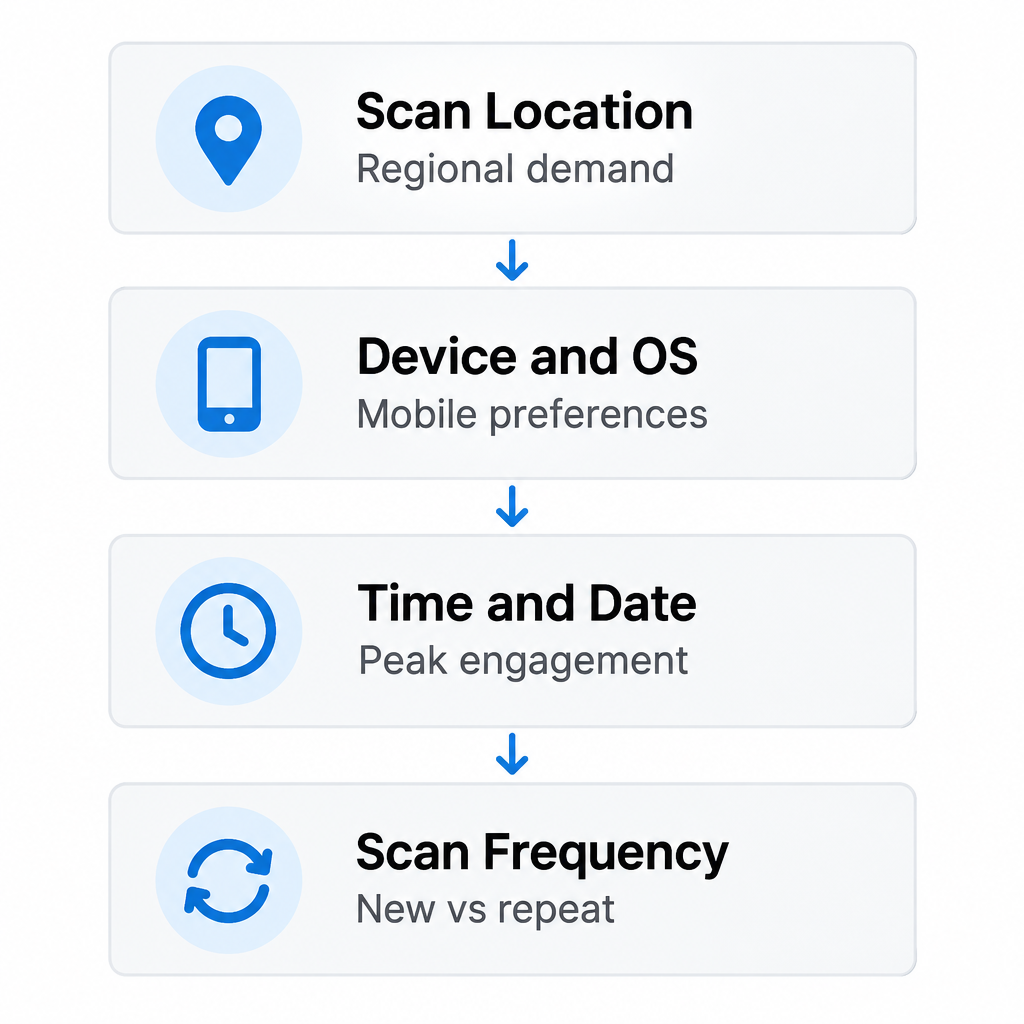
| Data Metric | Marketing Value | Practical Application |
|---|---|---|
| Scan Location | Reveals geographic demand hotspots | Direct local advertising budget to high-performing cities |
| Device and OS | Identifies mobile platform preferences | Tailor mobile landing pages for iOS or Android users |
| Time and Date | Pinpoints peak interaction hours | Schedule email drops and live promotions during peak hours |
| Scan Frequency | Distinguishes unique from repeat visitors | Segment first-time scanners from highly engaged loyalists |
Dynamic routing allows you to adjust destination URLs anytime without reprinting physical collateral. Reviewing scan distribution through QR code tracking helps you evaluate whether in-store signage, mailed flyers, or packaging inserts generate the highest engagement rates across different regions.
Monitor Your Campaign in Real-Time Want to see exactly where and when your customers are scanning your materials? Use the Dynamic QR Code Generator to create trackable codes and access a full performance dashboard today.
Practical Strategies for Data-Driven Personalization
Collecting interaction metrics creates value when you translate that information into relevant content delivery. Effective campaigns establish segmentation rules before personalizing the final offer. By sorting scanners into distinct customer groups, you ensure every individual encounters an experience aligned with their immediate context.
- Route scanners by geographic location to automatically show local inventory, nearest store hours, or regional promotions.
- Adapt content based on device operating systems to send users to the correct mobile application download page.
- Customize messaging according to time of day, displaying breakfast options in the morning and dinner specials in the evening.
- Deliver dedicated mobile experiences using responsive custom landing pages tailored to the specific product packaging scanned.
Applying advanced marketing personalization strategies helps prevent common marketing pitfalls. Poorly executed personalization can alienate customers if content feels intrusive or inaccurate. Keeping recommendations directly tied to the scanned item ensures the interaction remains helpful and relevant.
Integrating Scan Data with Your Tech Stack
QR code analytics provide deeper business insights when connected directly to your existing marketing platforms. Isolating scan metrics within a siloed platform limits your ability to track post-scan conversions across the broader buyer journey.
Marketers should always attach UTM parameters to the destination URLs inside dynamic codes. Appending tags like `utmsource=print`, `utmmedium=qrcode`, and `utmcampaign=summersale` ensures that Google Analytics 4 logs offline visits alongside digital traffic. You can then measure conversion events, session duration, and ecommerce purchases generated by physical print assets.
Connecting interactive forms expands your lead capture workflows. Using a Google Form QR code generator lets you gather newsletter sign-ups, event registrations, or warranty activations that flow straight into your CRM. You can also implement direct codes for customer feedback collection to route service inquiries directly to support teams. Furthermore, modern campaigns increasingly use AI-driven QR marketing to automate segmentation and optimize creative designs dynamically.
Balancing Personalization with Consumer Privacy
Effective personalization requires consumer trust, and capturing user data comes with legal and operational responsibilities. Modern privacy regulations such as the CCPA and CPRA in the United States require companies to disclose what data they collect and provide clear opt-out mechanisms.
- State clearly on your printed collateral or initial mobile screen what content users will receive upon scanning.
- Practice data minimization by capturing only the data fields essential for completing the immediate interaction.
- Use aggregate reporting metrics like city-level IP data rather than requesting intrusive real-time GPS location permissions without justification.
- Provide explicit opt-in checkboxes on mobile capture forms before adding contact details to automated marketing sequences.
Maintaining clear standards for balancing personalization and privacy protects your brand from reputational damage and regulatory fines. When consumers understand how their data enhances their experience, they share information willingly.
Optimizing Scans for Measurable Growth
Transforming print collateral into measurable digital entry points gives your marketing team real-time visibility into real-world behavior. Dynamic QR codes provide the flexibility to update destinations on demand, monitor performance through detailed analytics, and deliver context-rich experiences directly to mobile devices.
Review your scan metrics weekly through advanced QR analytics to see which physical placements, cities, and time slots drive the strongest engagement. Use these insights to refine your creative designs, test alternative landing page offers, and build an integrated marketing engine that bridges offline interest with digital revenue.
Frequently Asked Questions
Static QR codes encode a fixed destination URL directly into the pixel pattern, making it impossible to edit the link or record scan analytics after printing. Dynamic QR codes route scanners through a short redirect link, allowing you to track scan metrics like location, device type, and time while letting you update the destination URL at any time.
Standard QR code scans only provide aggregated technical data, such as city-level location, operating system, and timestamp. To collect personal identities like names or email addresses, you must direct users to a mobile landing page or signup form where they voluntarily submit their details.
Add standard UTM parameters to your destination URL before generating your dynamic QR code. When users scan the code, Google Analytics 4 records the traffic source, medium, and campaign tags, allowing you to track post-scan user sessions and mark specific completion events as conversions.