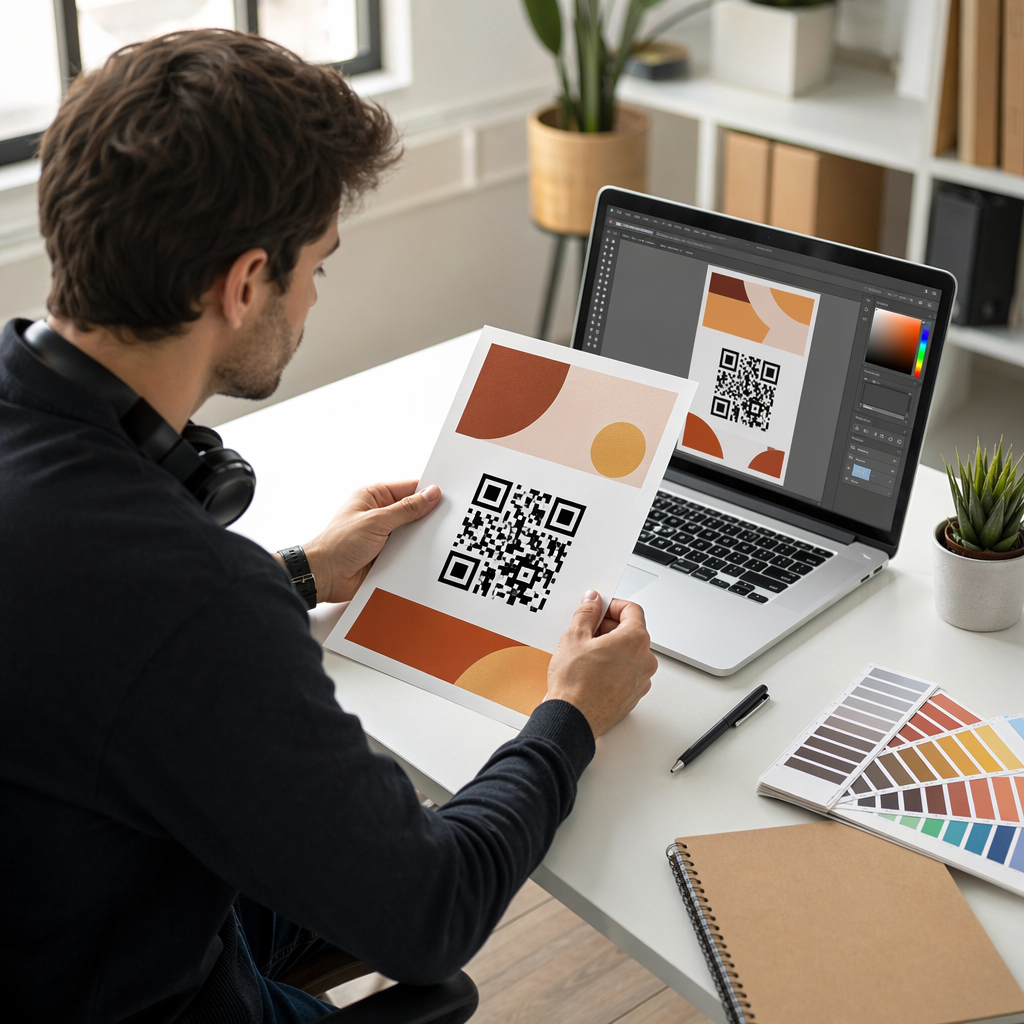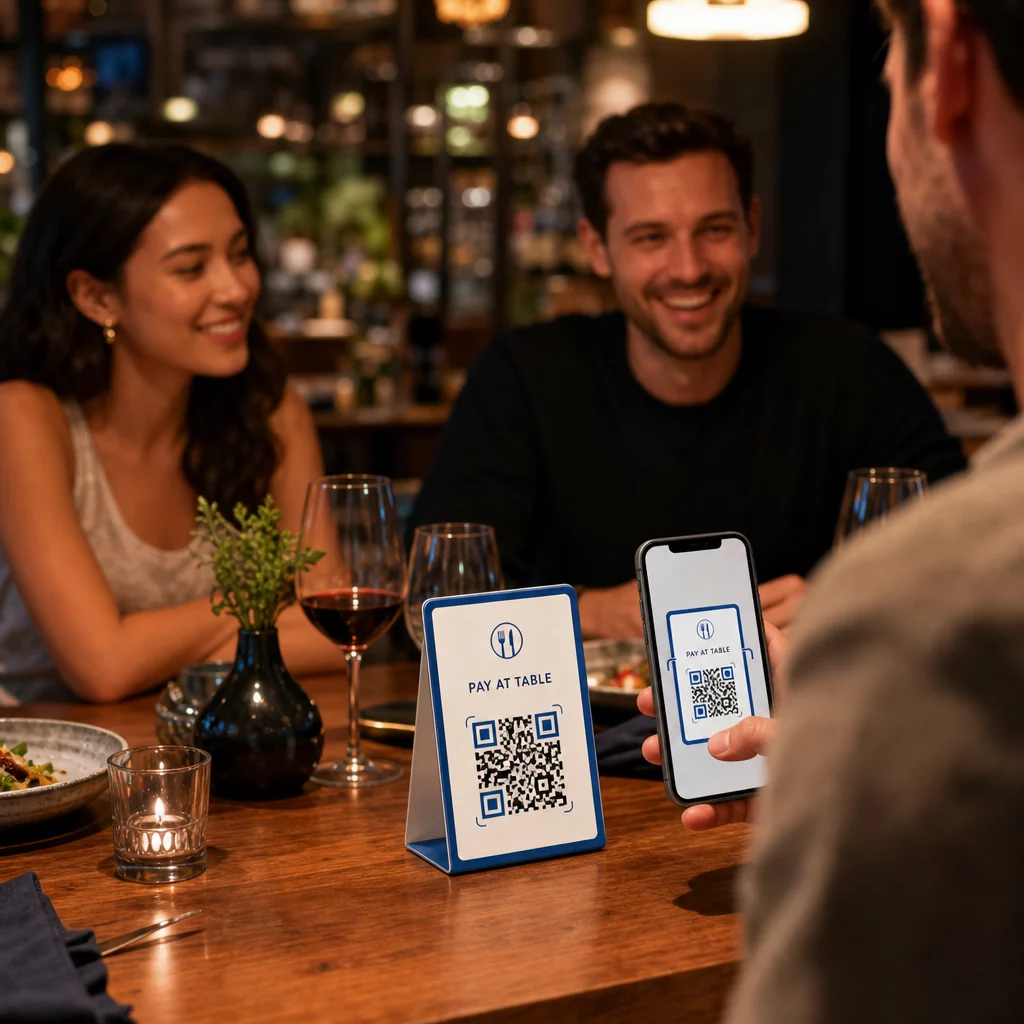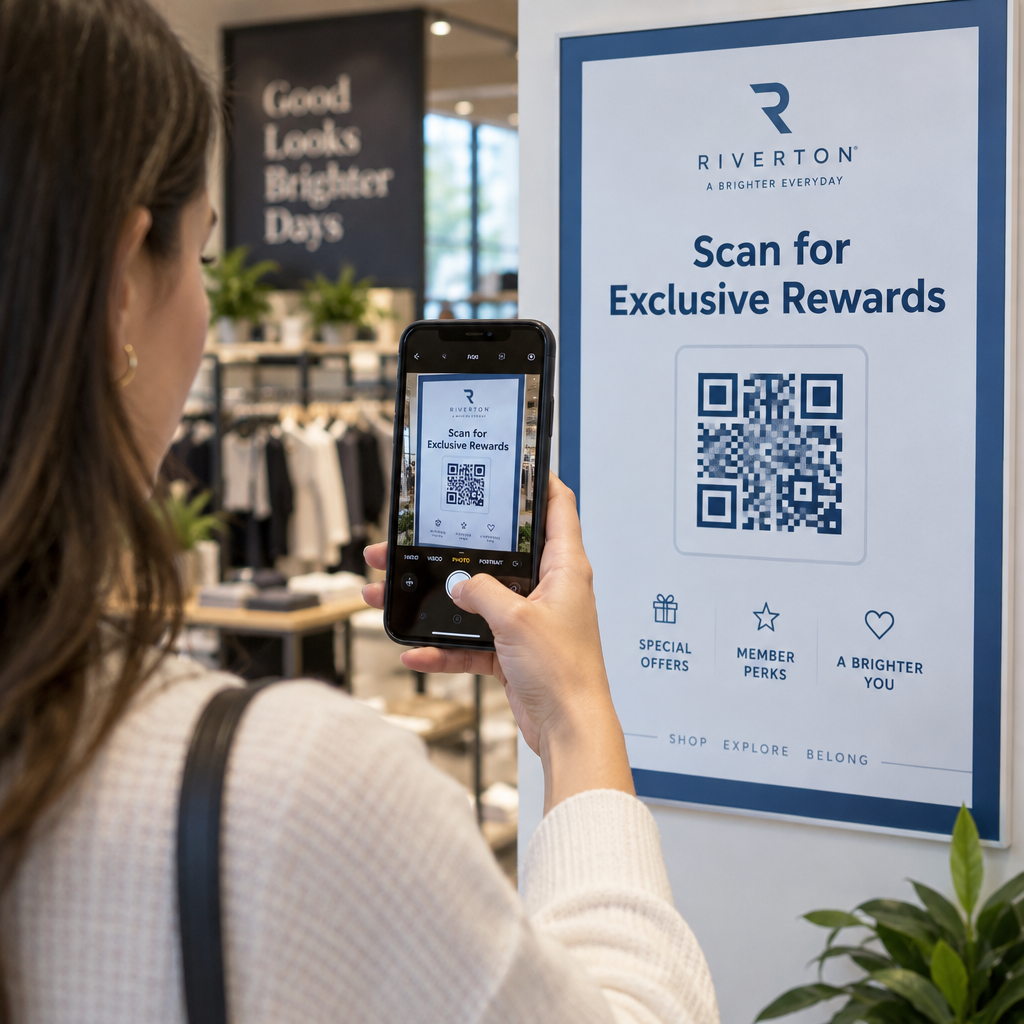
Are your customers struggling to scan the QR codes on your printed materials? A failed scan creates friction, leads to abandoned interactions, and harms brand trust. Here are the core technical and design practices you need to ensure your QR codes scan instantly and reliably every time.
Why Color Contrast Is the Foundation of Scannability
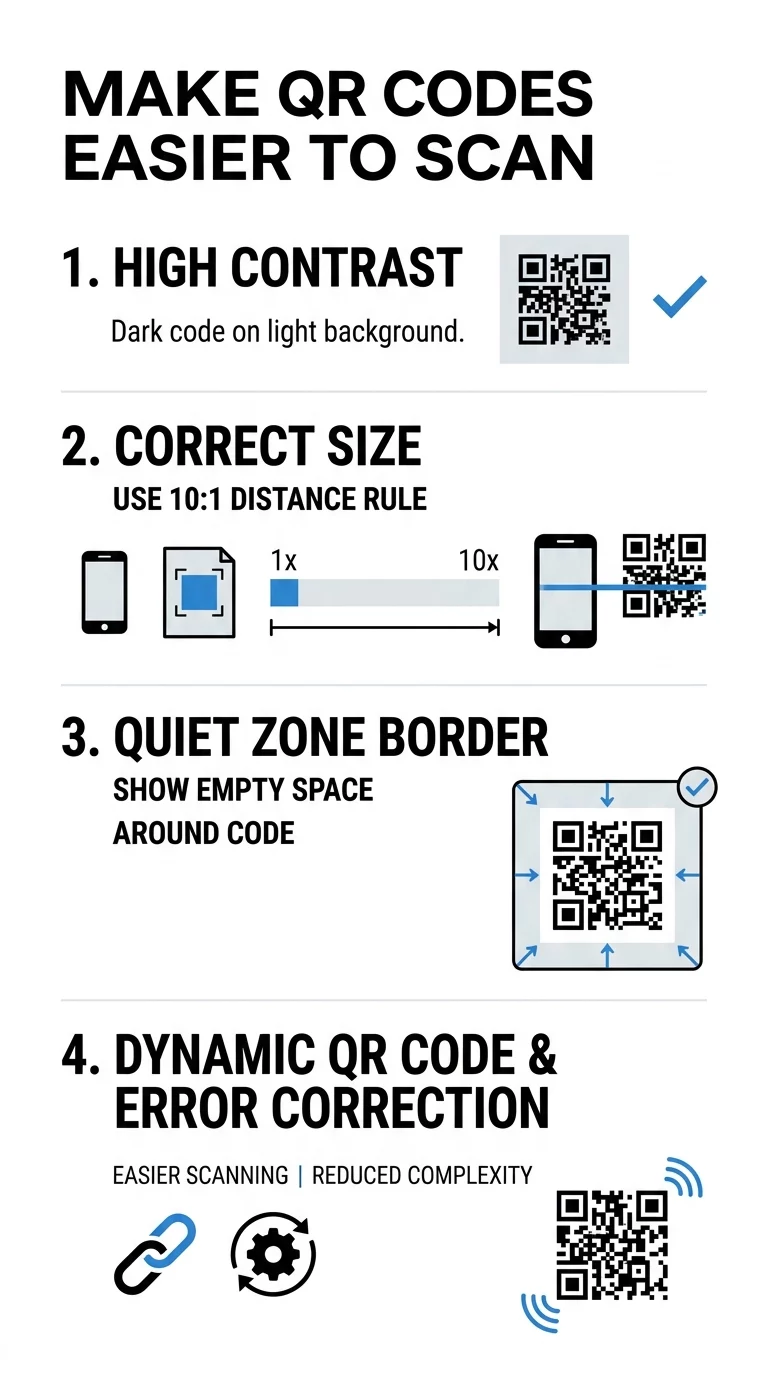
The most common reason a QR code fails to scan is insufficient color contrast. Smartphone cameras and dedicated barcode readers detect data by measuring the difference in light reflection between the dark modules and the lighter background. Think of the modules like sponges that absorb light and the background like a mirror that reflects it. If the foreground and background shades are too similar, the sensor cannot distinguish the data pattern, and the scan fails.
To ensure consistent scannability, use dark colors for the foreground modules and light colors for the background. Black on white delivers the highest optical contrast, but you can incorporate brand colors as long as you maintain a contrast ratio of at least 4.5:1. Avoid using red, yellow, or light orange for data modules because red-light sensors and lower-end smartphone cameras struggle to read warm, light wavelengths. For detailed color pairing recommendations, review our guide on QR code color contrast best practices.
Inverted designs, which feature light modules on a dark background, often create operational issues. While inverted codes look sleek in graphic layouts, some native camera applications cannot process inverted polarity without third-party scanning software. Sticking to a dark-on-light arrangement ensures universal compatibility across all mobile operating systems.
Sizing Guidelines and the 10:1 Distance Ratio
A QR code that is too small for its viewing environment cannot be resolved by standard camera lenses. The required size of your code directly correlates with the physical distance between the user and the printed asset. To find the right proportions, apply the 10:1 scanning ratio: the code’s width and height should equal at least one-tenth of the expected scanning distance. For example, if a customer will scan a poster from 10 feet away, the QR code must be at least 1 foot (12 inches) wide.
For handheld items scanned at arm’s length, adhere to established minimums to avoid unreadable pixelation. Never print a code smaller than 0.8 x 0.8 inches (2 x 2 cm) for standard distribution. When designing for different media, follow these baseline dimensions:
| Application Format | Minimum Dimensions | Recommended Distance |
|---|---|---|
| Business cards | 0.8 x 0.8 in (2.0 x 2.0 cm) | Handheld (arm’s length) |
| Packaging and labels | 1.0 x 1.0 in (2.5 x 2.5 cm) | Handheld / countertop |
| Flyers and brochures | 1.2 x 1.2 in (3.0 x 3.0 cm) | Handheld / reading desk |
| Indoor posters | 2.0 x 2.0 in (5.0 x 5.0 cm) | 20 inches to 3 feet |
| Outdoor banners | 12.0 x 12.0 in (30.0 x 30.0 cm) | 10 feet or greater |
For a comprehensive breakdown of measurements across complex surfaces, consult our detailed QR code size guide.
Protecting the Quiet Zone for Fast Detection
The quiet zone is the clear, unprinted margin surrounding the exterior of a QR code. This clean border tells the camera sensor where the surrounding design ends and the data grid begins. If text, graphics, or the cut edge of a page bleed into this perimeter, the scanning software cannot isolate the position detection patterns located in the corners.
The international ISO/IEC 18004 standard requires a quiet zone width of at least four modules on all four sides. If your code’s individual data squares measure 2 millimeters across, you must maintain at least 8 millimeters of blank space around the entire code. Rather than shrinking this boundary to fit a crowded layout, scale down the overall QR code slightly to protect the quiet zone.
Generate High-Resolution QR Codes Need a code that follows all spacing and contrast standards automatically? Use our free QR code generator to build clean, fully scannable assets for any medium.
Managing Data Density and Error Correction
The amount of information encoded directly dictates the complexity of the QR grid. When you encode long website URLs or extensive alphanumeric strings into a static code, the matrix subdivides into hundreds of tiny modules. Denser codes require exceptional camera resolution and ideal lighting, making them prone to scan failures.
To keep your code simple and readable, use dynamic QR codes that link to short redirect URLs. Because the embedded text string remains brief, the visual pattern stays sparse and the modules remain large. Review our guide on understanding QR code data limits to see how character volume affects grid size.
Data density also interacts with Reed–Solomon error correction, which allows a code to remain functional even if parts of it are obscured or scratched. QR codes support four error correction tiers:
- Level L (Low): Restores up to 7% of missing data, suitable for clean digital displays.
- Level M (Medium): Restores up to 15% of missing data, ideal for most standard print marketing.
- Level Q (Quartile): Restores up to 25% of missing data, recommended for high-wear environments.
- Level H (High): Restores up to 30% of missing data, mandatory when embedding custom logos.
Selecting a higher level expands the overall module count, so balance your need for durability against module density. Learn how these algorithms safeguard your assets in our overview of how error correction works in editable QR codes.
Adding Logos and Custom Branding Safely
Incorporating a company logo into your code builds brand authority and reassures users that the destination is secure. However, placing artwork inside the matrix acts as deliberate visual obstruction. To preserve scannability, you must follow strict formatting rules when styling custom codes.
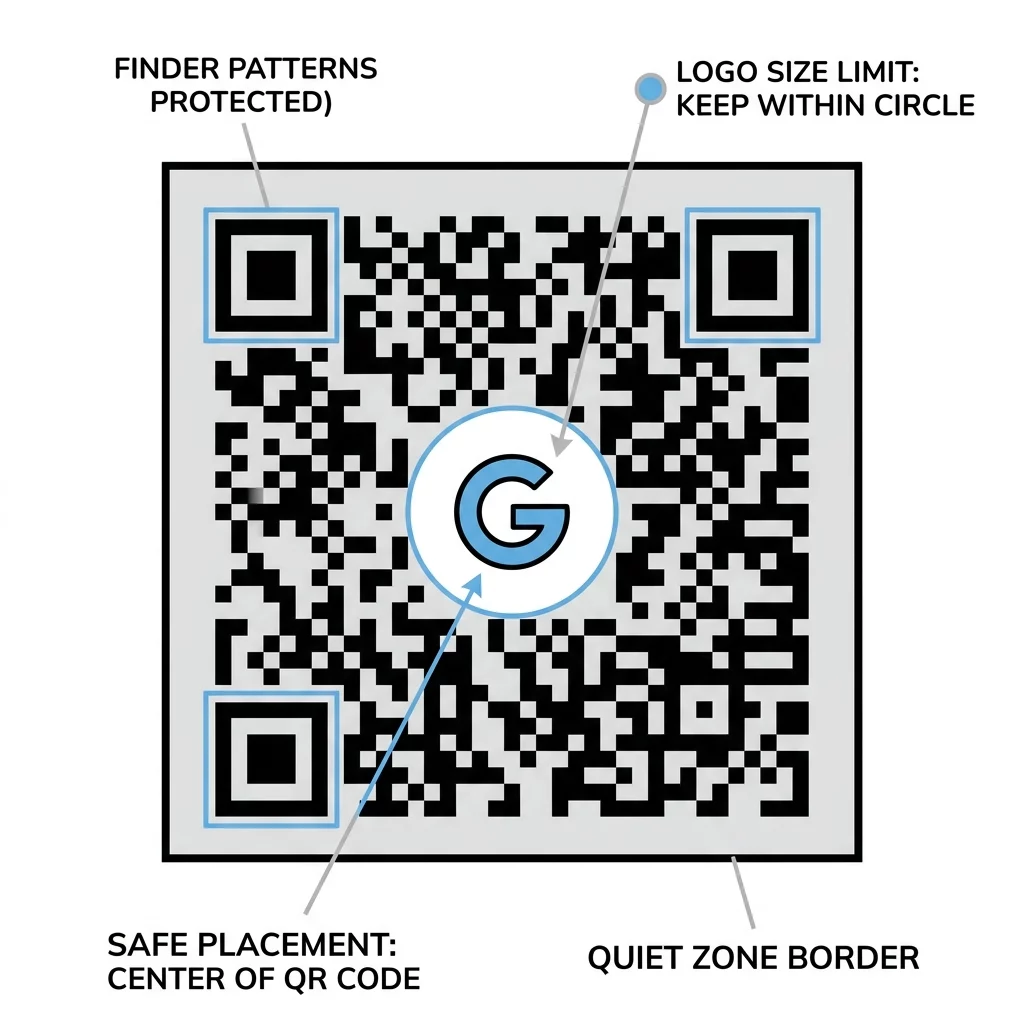
Keep your logo positioned directly in the center of the code and ensure it occupies no more than 20% to 30% of the total surface area. Never obscure the three large position detection patterns in the corners, as scanners rely on these markers to determine orientation. Whenever you introduce brand marks, set your error correction to Level H so the scanner can reconstruct the covered modules. You can configure these safeguards using our dedicated QR code generator with logo.
Strategic Placement and Surface Selection
Where and how you position a QR code determines whether customers can physically scan it. Even a properly formatted code will fail if placed on an inaccessible or reflective surface. Follow practical placement rules to make scanning seamless:
- Position printed codes at eye level, roughly 3.5 to 5.5 feet from the floor, to avoid awkward bending or stretching.
- Print on smooth, matte materials rather than high-gloss laminate or reflective foil that creates blinding glare.
- Avoid placing codes across folds, seams, perforated edges, or curved packaging surfaces that distort module geometry.
- Surround the code with a concise call to action that tells users why they should scan and what they will receive.
For expanded deployment strategies across print, packaging, and digital signage, explore our guide to QR code placement in marketing.
Testing Across Devices and Print Media
Never send a QR code to mass production without testing it under real-world conditions. A design that scans effortlessly on a high-end smartphone screen in an office can fail when printed on textured cardboard under dim warehouse lights.
Export your files in vector formats like SVG, EPS, or high-resolution print PDF rather than compressed JPEG files. Vector files preserve sharp module edges regardless of scaling. Before deployment, test your printed prototype from various angles, distances, and lighting conditions across both iOS and Android devices. If your scans fail during testing, diagnose the issue using our checklist on why your QR code is not working or verify your destination using our free online QR code scanner.
Combine high contrast, adequate sizing, ample quiet zones, and vector file exports to ensure your audience engages with your campaign smoothly. Adhering to these technical standards turns every printed piece into a dependable gateway to your digital content. Explore our comprehensive best practices for QR code readability to refine your next marketing campaign.
Frequently Asked Questions
While standards allow smaller dimensions under ideal lab conditions, the practical minimum for handheld marketing materials is 0.8 x 0.8 inches (2 x 2 cm). Codes smaller than this frequently fail on older smartphones or in suboptimal lighting.
Dim environments reduce the visible contrast between the modules and the background, making it harder for camera sensors to decode data. For codes placed in low-light venues, use high-contrast black-on-white designs and set error correction to Level Q or H.
You should avoid gradients and shadows because they introduce intermediate mid-tones that confuse scanner software. Scanners rely on binary light-and-dark separation, so stick to solid colors for both foreground modules and backgrounds.