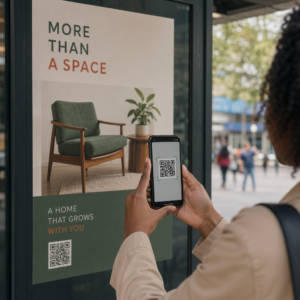
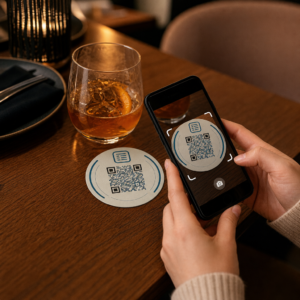
Trebuie să-ți ajuți clienții să-ți găsească locația fără a-i face să tasteze o adresă? Introducerea manuală a adresei creează fricțiune – și vizitatori frustrați. Acest ghid te va îndruma cum să transformi orice locație Google Maps într-un cod QR scanabil în câteva minute.
Obținerea linkului locației tale Google Maps
Înainte de a genera orice, ai nevoie de linkul corect de pe Google Maps. Linkul pe care îl copiezi determină exact unde ajung utilizatorii atunci când scanează, așa că precizia este importantă aici.
Găsește și Fixează Locația Ta
Deschide Google Maps și caută destinația ta. Poți introduce un nume de afacere precum “Starbucks Times Square”, o adresă stradală completă sau un reper recunoscut. Dacă locația nu are o adresă formală – un loc în aer liber, o intrare într-un parc, o parcare – apasă și menține apăsat pe mobil (sau dă clic pe desktop) pentru a plasa un pin exact în acel loc.
Odată fixat, mărește și confirmă că marcatorul se află în punctul corect. Dacă direcționezi oamenii către o intrare specifică, mai degrabă decât către amprenta generală a clădirii, ajustează în consecință. Acest pas suplimentar previne confuzia atunci când sosesc vizitatorii.
Copiază Linkul Locației
Cu locația confirmată, atinge sau dă clic pe Distribuie butonul:
- Pe mobil: Atinge numele locației din partea de jos a ecranului, apoi atinge pictograma Partajare (săgeată în sus) și selectează “Copiază în clipboard”.”
- Pe desktop: Dă clic pe Partajare în panoul de informații sau sub meniul cu trei puncte, apoi selectează “Copiază linkul”.”
URL-ul copiat este de obicei un link scurtat, cum ar fi `maps.app.goo.gl/xyz123`. Linkurile mai scurte produc coduri QR mai curate, mai puțin dense, care se scanează mai fiabil. Înainte de a continua, lipește linkul într-un browser pentru a confirma că deschide locația corectă.
Diferite tipuri de linkuri servesc scopuri diferite:
| Tipul linkului | Ce face | Exemplu de caz de utilizare |
|---|---|---|
| Link Locație | Deschide o anumită afacere sau adresă | Partajarea unei vitrine sau a unui birou |
| Link Căutare | Afișează rezultate pentru o interogare de căutare | Afișarea “restaurantelor din apropierea locației” |
| Link Indicații | Deschide o rută de navigație predefinită | Ghidarea oaspeților de la un aeroport la un hotel |
Pentru Coduri QR utilizate pentru indicații și partajarea adresei, un Link Locație sau un Link Indicații funcționează de obicei cel mai bine – acestea omit pasul de căutare și duc utilizatorul direct la navigare.
Generarea codului QR
Cu linkul pregătit, vizitați Generează cod QR Google Maps și lipiți URL-ul în câmpul de introducere. Selectați tipul de cod QR – “Link” sau “Hărți” – și codul se generează instantaneu.
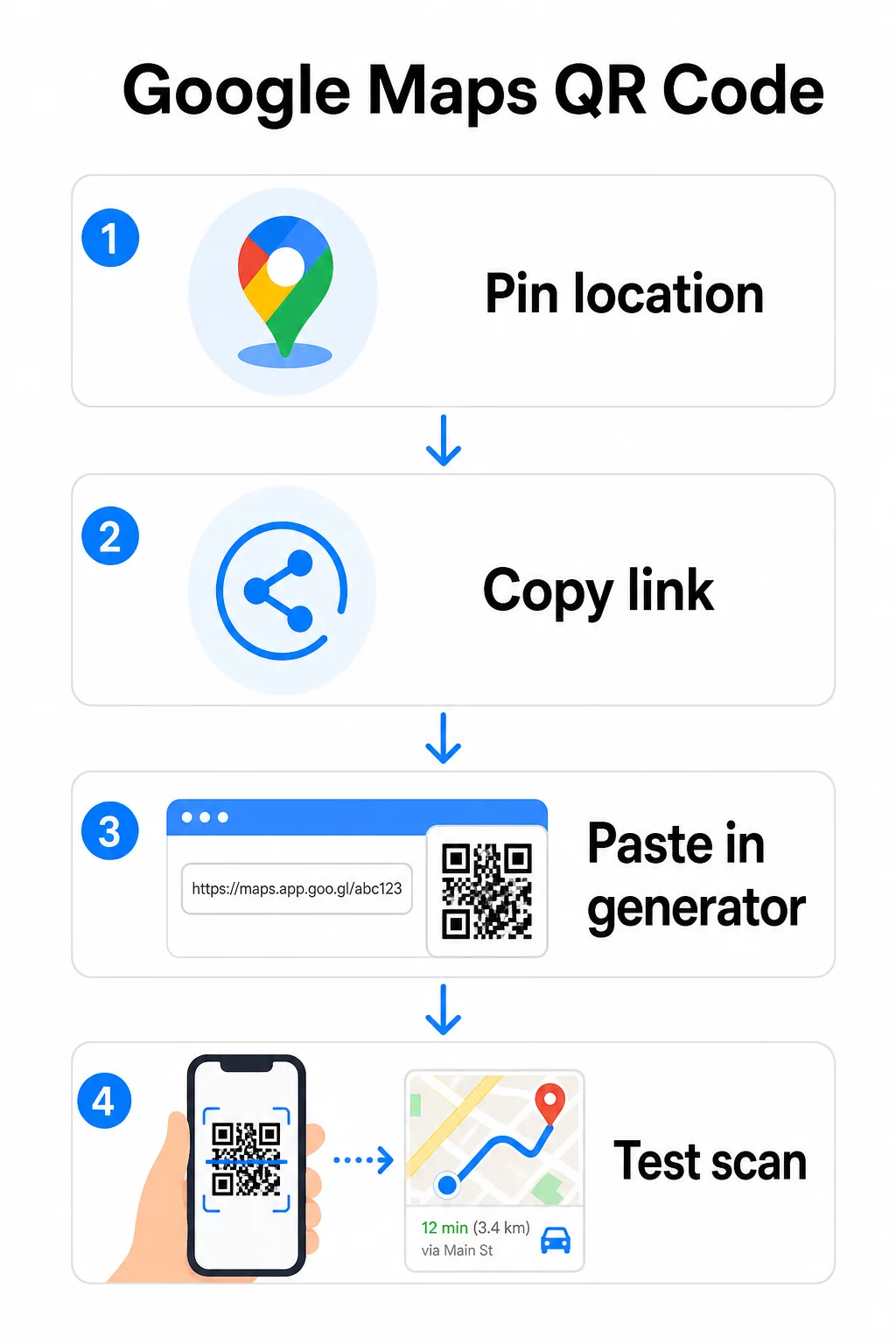
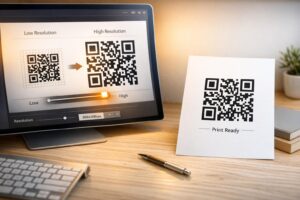
Pentru o locație permanentă, fără a fi nevoie să schimbați destinația, un cod QR static este gratuit și nu expiră niciodată. Descărcați-l ca PNG și sunteți gata să-l utilizați.
Trebuie să vă actualizați locația sau să urmăriți datele de scanare? Folosește Generator de coduri QR Pageloot pentru a crea un cod dinamic care vă permite să schimbați destinația oricând din tabloul de bord – nu este necesară reimprimarea.
Static vs. Dinamic: De care aveți nevoie?
Un cod QR static codifică linkul Google Maps direct în model. Este permanent, gratuit și funcționează fără niciun cont. Compromisul: dacă locația dvs. se schimbă, trebuie să generați și să reimprimați un cod nou.
Un cod QR dinamic stochează în schimb o adresă URL scurtă de redirecționare. Controlați unde indică acea redirecționare din tabloul de bord Pageloot. Aceasta înseamnă:
- Puteți actualiza destinația fără a atinge codul imprimat
- Obțineți analize în timp real – număr de scanări, tipuri de dispozitive, locații geografice și sincronizare
- Puteți testa și schimba linkurile de destinație pentru evenimente sezoniere sau locații temporare
Dacă imprimați coduri pe semnalizare permanentă, staticul funcționează bine. Pentru campanii, evenimente, locații pop-up sau orice situație în care destinația s-ar putea schimba, codurile dinamice sunt alegerea practică.
Personalizarea codului QR
Un cod QR simplu alb-negru funcționează, dar unul branduit funcționează mai bine. Opțiunile de personalizare Pageloot vă permit:
- Adăugați logo-ul companiei dvs. în centrul codului
- Schimbați culorile pentru a se potrivi cu paleta brandului dvs. (păstrați modelele întunecate pe un fundal deschis pentru o scanare fiabilă)
- Alegeți dintre diferite forme de module: Rotund, Liniat sau Diamant
- Adăugați un cadru de apel la acțiune cu text precum “Scanați pentru indicații” sau “Găsiți-ne pe hărți”
Când adăugați un logo sau culori, utilizați nivelul de corecție a erorilor Q sau H. Aceste setări permit codului QR să rămână scanabil chiar dacă până la 25–30% din model este obturat de un logo sau de o deteriorare minoră. Păstrați logo-urile la cel mult 30% din suprafața totală a codului și asigurați-vă că nu se suprapun peste cele trei pătrate de “căutare” din colțuri.
Pentru materiale tipărite, descărcați codul ca fișier SVG, PDF sau EPS. Aceste formate vectoriale rămân clare la orice dimensiune – esențial pentru imprimarea de format mare, cum ar fi posterele sau semnalizarea magazinelor.
Doriți un cod de locație complet personalizat? Cel Generator de coduri QR pentru linkuri suportă culori personalizate, logo-uri și stiluri de cadru cu o perioadă de încercare gratuită de 14 zile – nu este necesar un card de credit.
Testare înainte de publicare
Testați întotdeauna codul QR înainte de a-l trimite la tipar sau de a-l utiliza într-o campanie live. Un cod defect sau direcționat greșit dăunează încrederii și irosește costurile de imprimare.
Parcurgeți această listă de verificare:
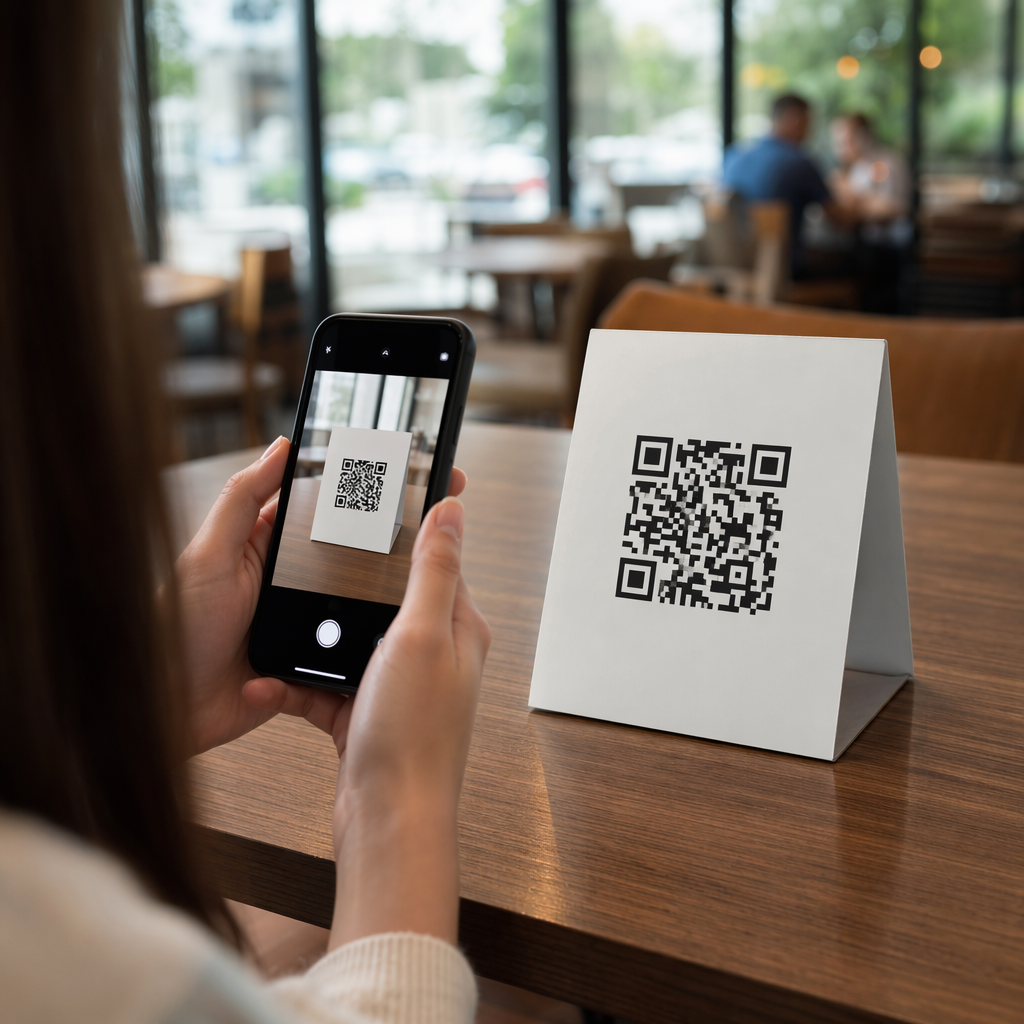
- Scanați cu aplicația nativă a camerei telefonului, atât pe iOS, cât și pe Android
- Confirmați că linkul deschide locația corectă în Google Maps
- Testați pe un dispozitiv fără aplicația Google Maps instalată – ar trebui să redirecționeze către Google Maps în browser
- Scanați de la mai multe distanțe și în diferite condiții de iluminare
- Dacă ați personalizat designul, confirmați că pătratele de căutare din colțuri și zona liniștită (marginea goală din jurul codului) sunt neobstrucționate
Pentru utilizare la imprimare, o dimensiune minimă de 2 × 2 inchi (aproximativ 5 × 5 cm) asigură că majoritatea dispozitivelor pot scana fiabil de la distanță mică. Pentru materiale vizualizate de la distanță – postere, bannere, vitrine – măriți proporțional. O regulă generală: codul ar trebui să fie de cel puțin o zecime din distanța de la care oamenii îl vor scana.
Probleme comune și soluții:
| Problemă de scanare | Soluție |
|---|---|
| Cod neclar sau pixelat | Exportați ca SVG, PDF sau EPS pentru imprimare |
| Scanerul nu recunoaște codul | Măriți contrastul; fundal închis pe fundal deschis |
| Logo-ul blochează scanarea | Asigurați-vă că logo-ul nu acoperă pătratele din colț; utilizați o corecție a erorilor mai mare |
| Cod prea mic | Măriți la cel puțin 2 × 2 inci pentru materiale fizice |
| Linkul deschide locația greșită | Re-verificați linkul de partajare copiat din Google Maps înainte de a genera |
Pentru mai multe detalii despre dimensiuni, contrast și standarde de plasare, consultați cele mai bune practici pentru lizibilitatea codurilor QR și de utilizare a codurilor QR.
Unde să utilizați codurile QR Google Maps
Odată testat, codul tău QR este gata de implementat pe canalele tipărite și digitale:
Materiale tipărite:
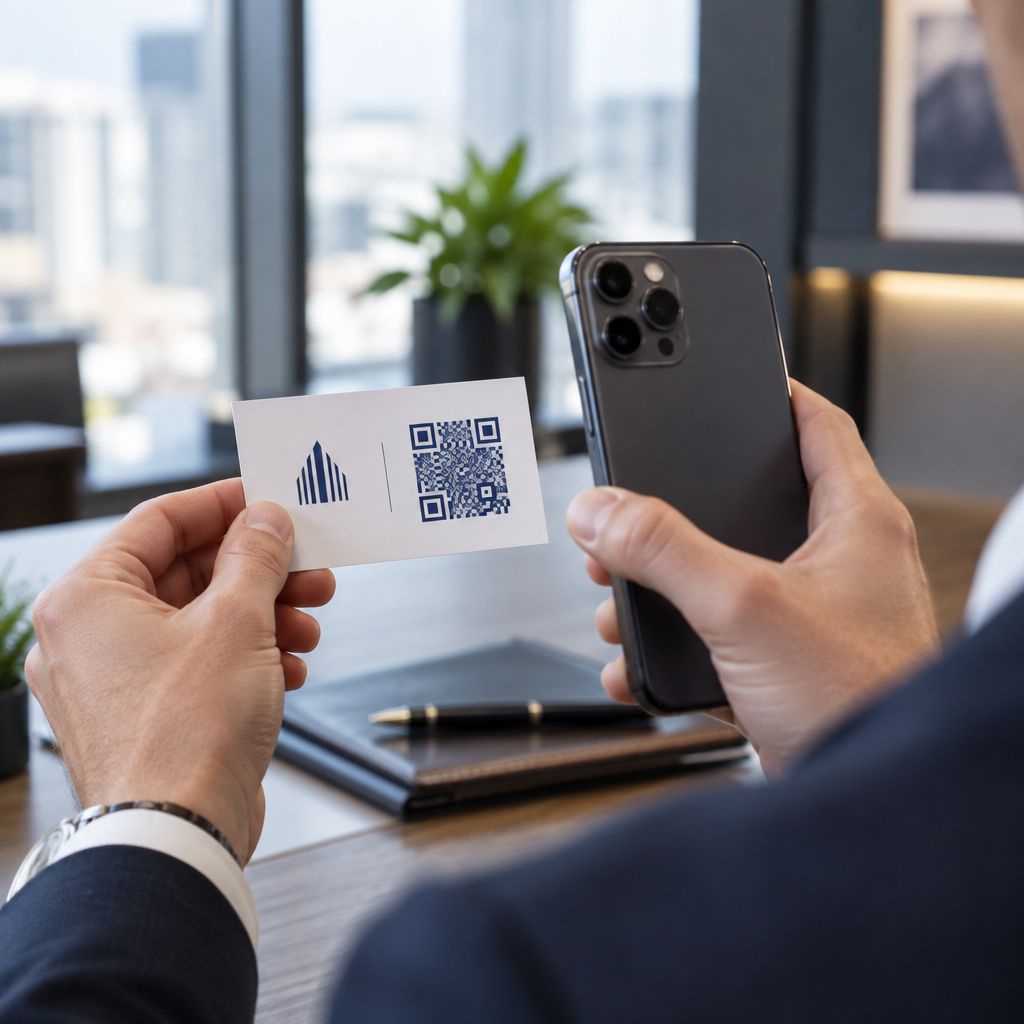
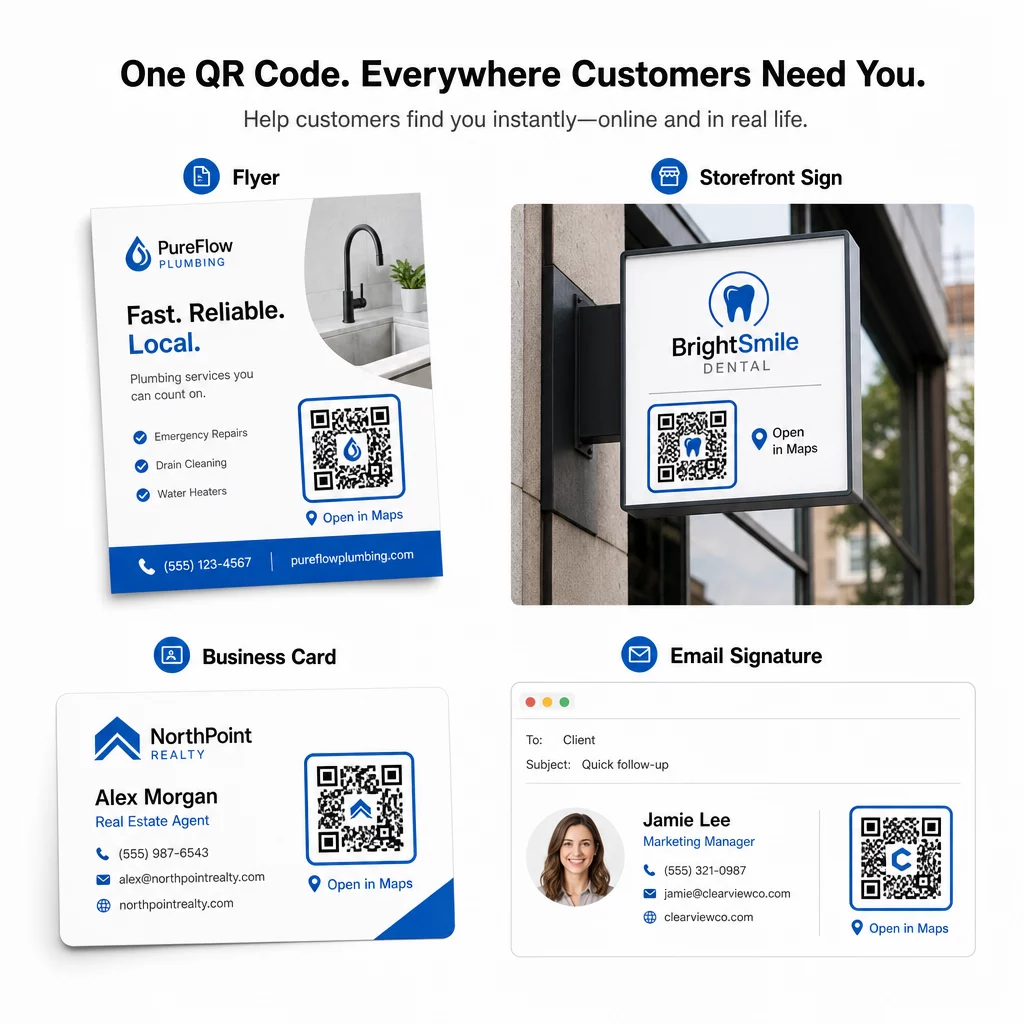
- Cărți de vizită – înlocuiește adresele tipărite cu un cod scanabil
- Flyere și broșuri – ghidează oaspeții evenimentului direct către locație
- Vitrine și semne de ușă – ajută clienții să găsească parcare sau intrări alternative
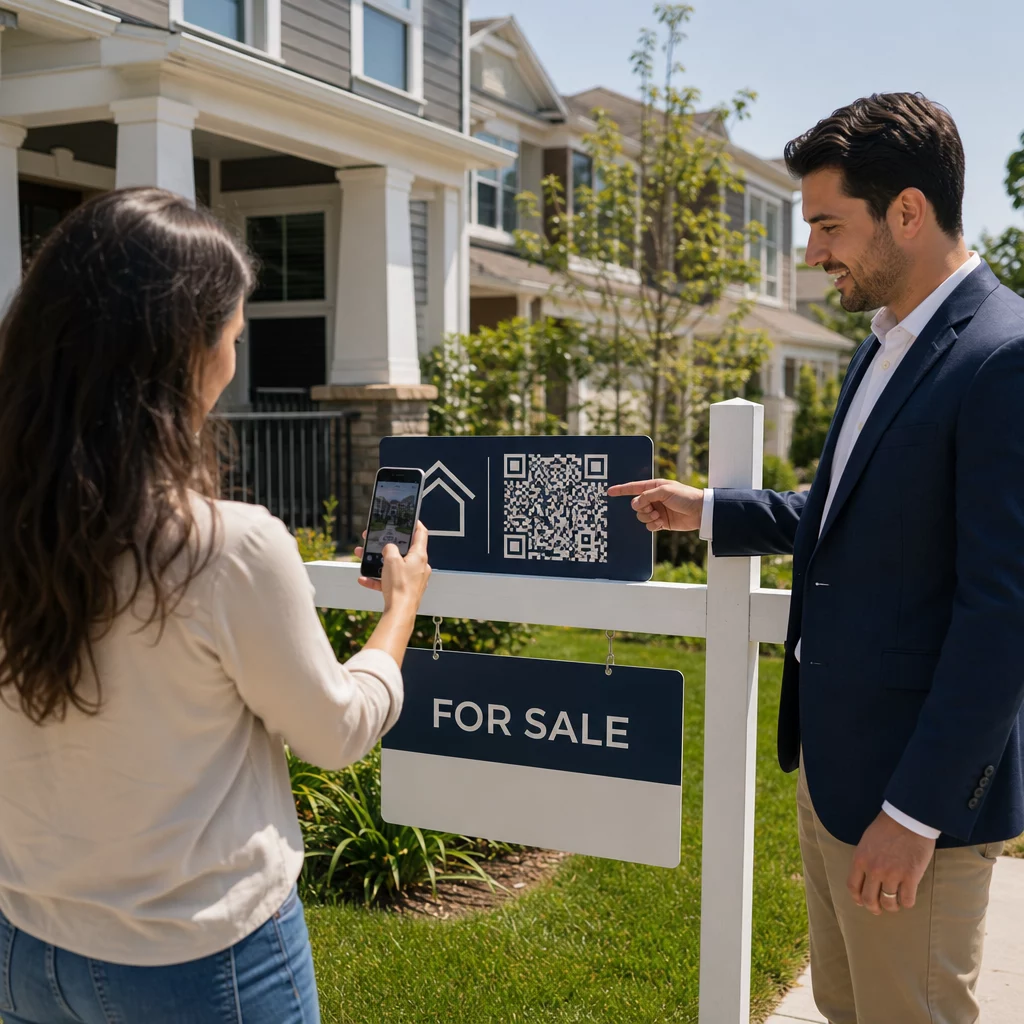
- Panouri imobiliare – direcționează cumpărătorii către locațiile de vizionare
- Ambalaje de produs – conectează clienții la locația ta fizică de vânzare cu amănuntul
Canale digitale:
- Semnături de e-mail – înlocuiește adresele statice cu un cod de locație scanabil
- Postări și Povești pe rețelele sociale – promovează o nouă locație sau un loc de eveniment
- Subsoluri de site web – permite vizitatorilor să deschidă indicațiile de orientare cu o singură atingere
- Meniuri digitale – ajută clienții să găsească o a doua locație sau un birou de catering
În fiecare plasare, include un apel la acțiune clar lângă cod. “Scanează pentru Indicații” sau “Deschide în Hărți” le spune utilizatorilor exact ce se întâmplă atunci când scanează, ceea ce crește implicarea. Pentru îndrumări privind poziționarea și dimensionarea pe diferite materiale, the Ghid de plasare a codurilor QR pentru marketing acoperă în detaliu recomandările specifice formatului.
Comparație Planuri Pageloot
| FUNCȚIE | Plan Gratuit | Planul Pro | Personalizat/Enterprise |
|---|---|---|---|
| Tipul de cod QR | Doar Static | Dinamic și Static | Dinamic și Static |
| Linkuri Editabile | Nu | Da | Da |
| Analiză scanări | Niciuna | În timp real (locație, dispozitiv) | Istoric complet și informații de specialitate |
| Limită Anuală de Scanări | Nelimitat (static) | 250,000 | Personalizat |
| Personalizare | De bază (culori, logo) | Opțiuni avansate de design | Integrare completă a brandului |
| Preț Lunar | $0 | $38.34 | $106.52 |
Planul gratuit acoperă coduri statice permanente, fără expirare și scanări nelimitate. Planurile plătite deblochează editarea dinamică, analize în timp real și personalizare avansată. Un plan Starter începe de la $4.86/lună cu 2 coduri dinamice și 15.000 de scanări anuale – potrivit pentru afacerile mici care testează formatul. Toate planurile plătite includ o perioadă de încercare gratuită de 14 zile, fără a fi necesar un card de credit.
Așa cum a spus Lucas Jansen, un dezvoltator imobiliar care utilizează codurile QR de locație de la Pageloot:
“Acesta este un instrument excelent, iar codurile QR te duc exact acolo unde vrei.”
Pentru locații permanente, un cod static gratuit este cea mai simplă cale. Pentru orice necesită actualizări, urmărire sau măsurarea campaniilor, codurile dinamice îți oferă flexibilitatea și datele necesare pentru a te îmbunătăți în timp. Începe prin a copia linkul tău de Google Maps, generând codul tău la Generează cod QR Google Maps, și testarea acestuia pe un dispozitiv real înainte de a fi lansat.
Întrebări frecvente
Pentru majoritatea utilizărilor, copiați Linkul Locației de la butonul Partajare din Google Maps – acesta deschide locația exactă direct în Google Maps sau într-un browser. Dacă doriți să trimiteți utilizatorii direct la navigarea pas cu pas dintr-un punct de plecare fix, utilizați în schimb un Link de Indicații. Întotdeauna lipiți mai întâi linkul într-un browser pentru a confirma că duce la locația corectă înainte de a genera codul.
După ce ați fixat locația dvs. în Google Maps, utilizați butonul Partajare și copiați URL-ul pe care îl oferă. Acest link este legat de coordonatele specifice ale pinului, nu doar de o căutare generală. Evitați să copiați URL-ul din bara de adrese a browserului dvs. în timp ce navigați pe hartă – acea versiune s-ar putea să nu ducă în mod fiabil la punctul fixat. Lipiți linkul de Partajare într-un browser pentru a verifica înainte de a genera codul QR.
Utilizați un format vectorial – SVG, EPS sau PDF – pentru orice aplicație de imprimare. Fișierele vectoriale se scalează la orice dimensiune fără a pierde claritatea, spre deosebire de exporturile PNG sau JPEG care pot apărea pixelate la dimensiuni mari de imprimare. Pentru materialele tipărite, asigurați-vă, de asemenea, că rezoluția este de cel puțin 300 DPI și că codul măsoară cel puțin 2 × 2 inci pentru o scanare fiabilă de la distanță mică.