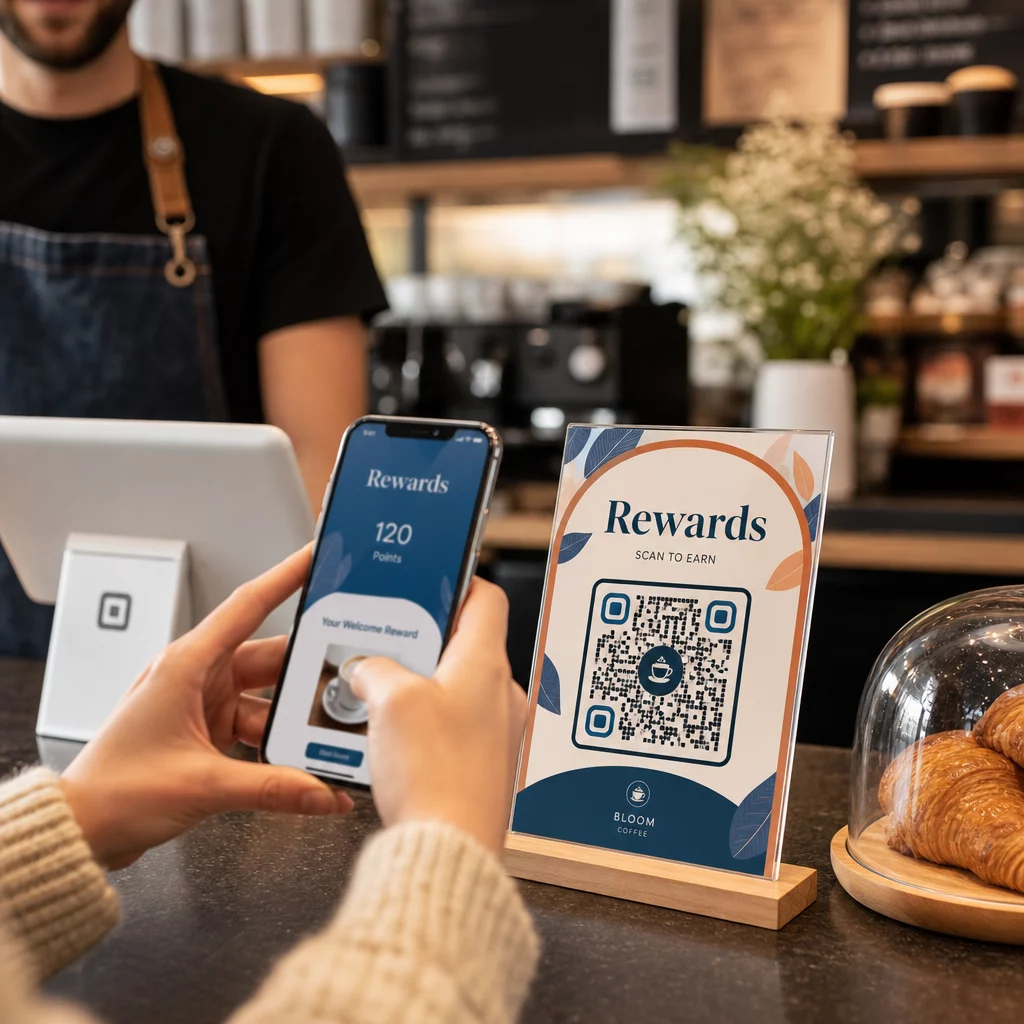
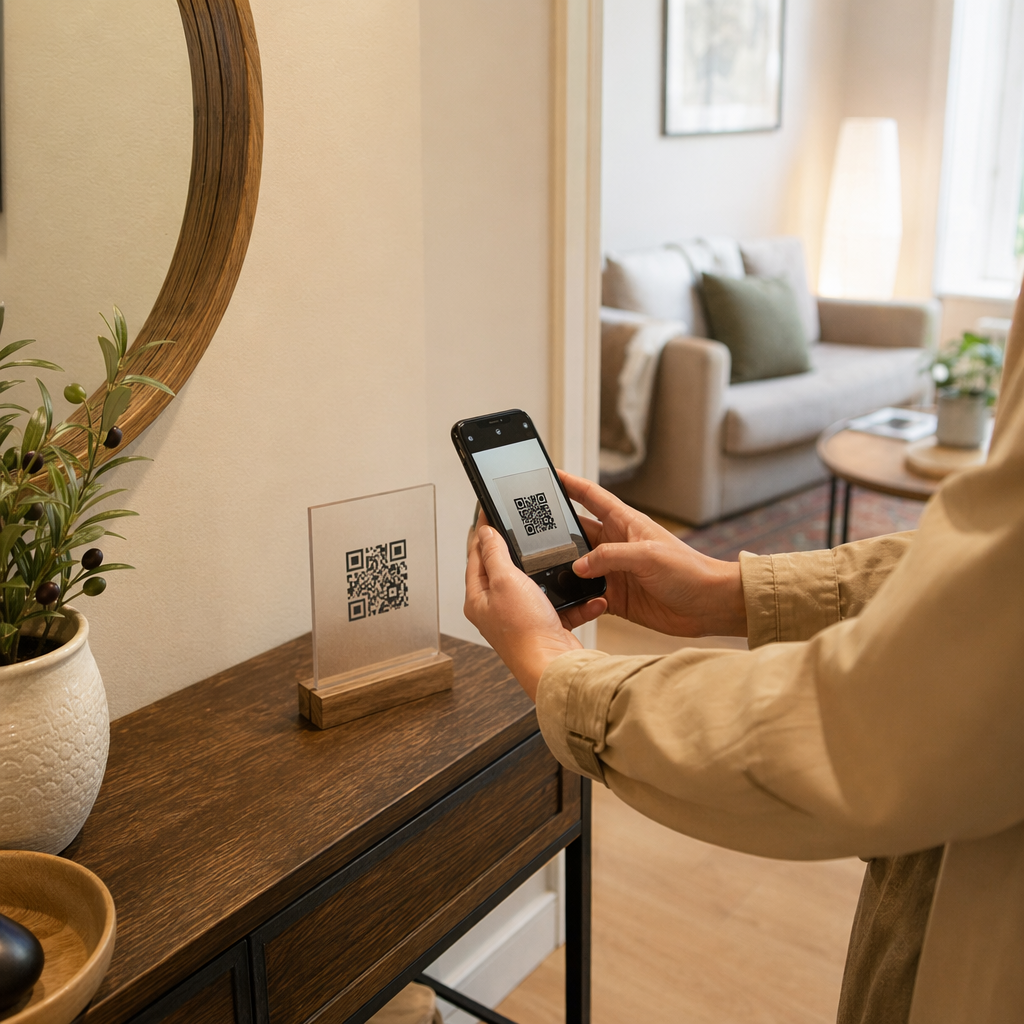
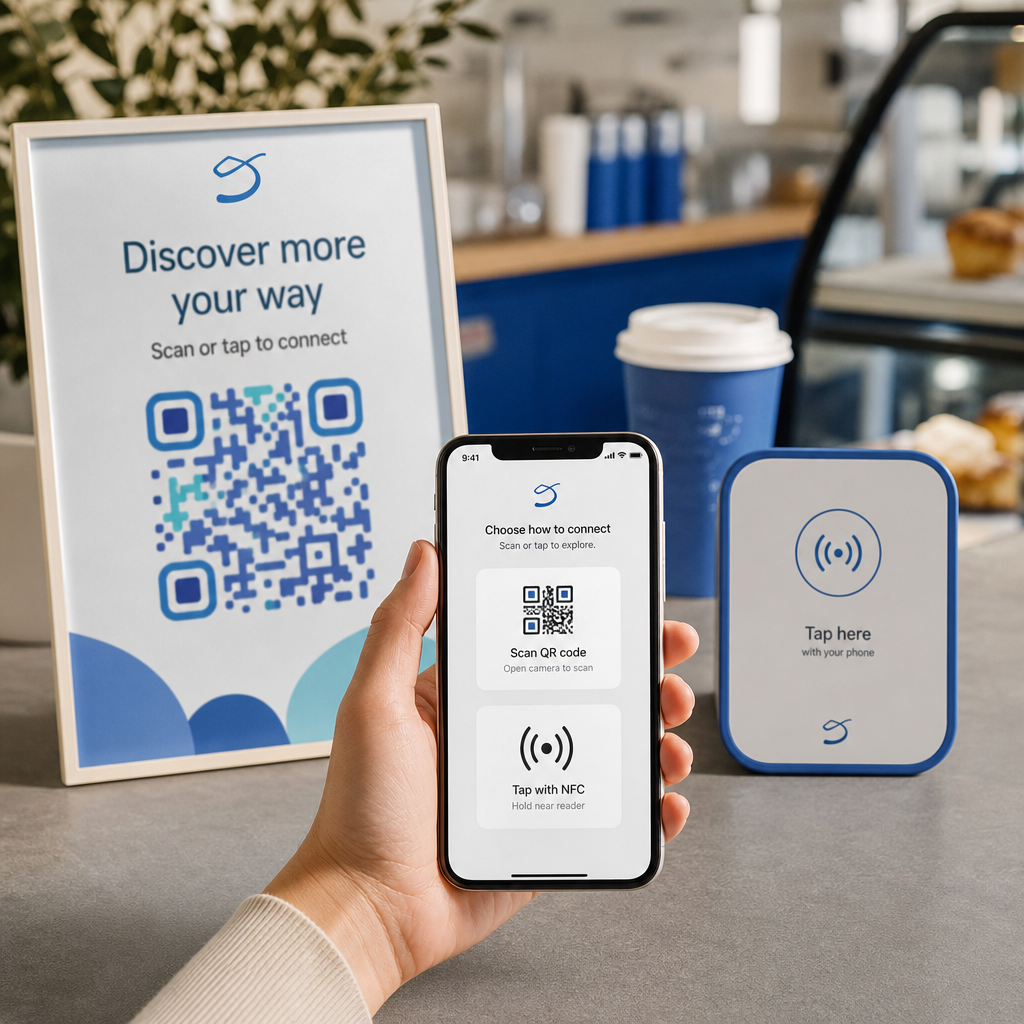
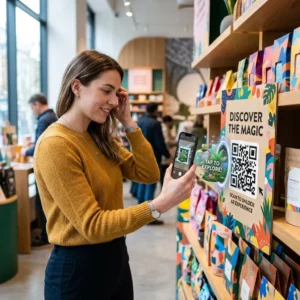
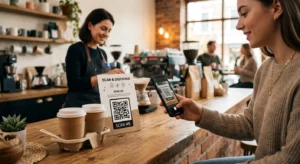
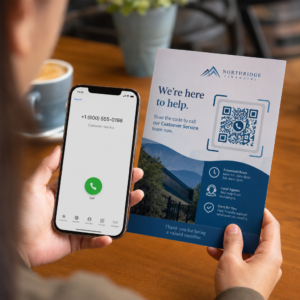
Ali morate strankam pomagati najti vašo lokacijo, ne da bi morale vnašati naslov? Ročni vnos naslova povzroča trenje – in razočarane obiskovalce. Ta vodnik vas popelje skozi pretvorbo katere koli lokacije Google Zemljevidov v skenabilno QR kodo v nekaj minutah.
Pridobivanje povezave do vaše lokacije v Google Zemljevidih
Preden karkoli ustvarite, potrebujete pravo povezavo iz Google Zemljevidov. Povezava, ki jo kopirate, določa, kam točno pristanejo uporabniki, ko skenirajo, zato je natančnost tukaj pomembna.
Poiščite in pripnite svojo lokacijo
Odprite Google Zemljevide in poiščite svojo destinacijo. Vnesete lahko ime podjetja, kot je “Starbucks Times Square”, celoten ulični naslov ali prepoznavno znamenitost. Če lokacija nima uradnega naslova – zunanje prizorišče, vhod v park, parkirišče – pritisnite in držite na mobilni napravi (ali kliknite na namizju), da spustite žebljiček na točno določeno mesto.
Ko je pripeto, povečajte in potrdite, da je označevalec na pravem mestu. Če ljudi usmerjate na določen vhod namesto na splošni tloris stavbe, ustrezno prilagodite. Ta dodaten korak preprečuje zmedo, ko obiskovalci prispejo.
Kopirajte povezavo do lokacije
Ko je vaša lokacija potrjena, tapnite ali kliknite Delite gumb:
- Na mobilni napravi: Tapnite ime lokacije na dnu zaslona, nato tapnite ikono za skupno rabo (puščica navzgor) in izberite “Kopiraj v odložišče”.”
- Na namizju: Kliknite Skupna raba v informacijski plošči ali pod menijem s tremi pikami, nato izberite “Kopiraj povezavo”.”
Kopirani URL je običajno skrajšana povezava, kot je `maps.app.goo.gl/xyz123`. Krajše povezave ustvarjajo čistejše, manj goste QR kode, ki se zanesljiveje skenirajo. Preden nadaljujete, prilepite povezavo v brskalnik, da potrdite, da se odpre pravilna lokacija.
Različne vrste povezav služijo različnim namenom:
| Vrsta povezave | Kaj počne | Primer uporabe |
|---|---|---|
| Povezava do lokacije | Odpre določeno podjetje ali naslov | Deljenje izložbe ali pisarne |
| Povezava za iskanje | Prikaže rezultate za iskalno poizvedbo | Prikaz “restavracij v bližini prizorišča” |
| Povezava za navodila | Odpre vnaprej nastavljeno navigacijsko pot | Usmerjanje gostov z letališča do hotela |
Za QR kode, uporabljene za navodila in deljenje naslova, povezava do lokacije ali povezava za navodila običajno deluje najbolje – preskočita korak iskanja in uporabnika neposredno preusmerita v navigacijo.
Generiranje vaše QR kode
Ko imate povezavo pripravljeno, obiščite Generator QR kode za Google Maps in prilepite svoj URL v vnosno polje. Izberite vrsto QR kode – “Povezava” ali “Zemljevidi” – in koda se bo takoj generirala.
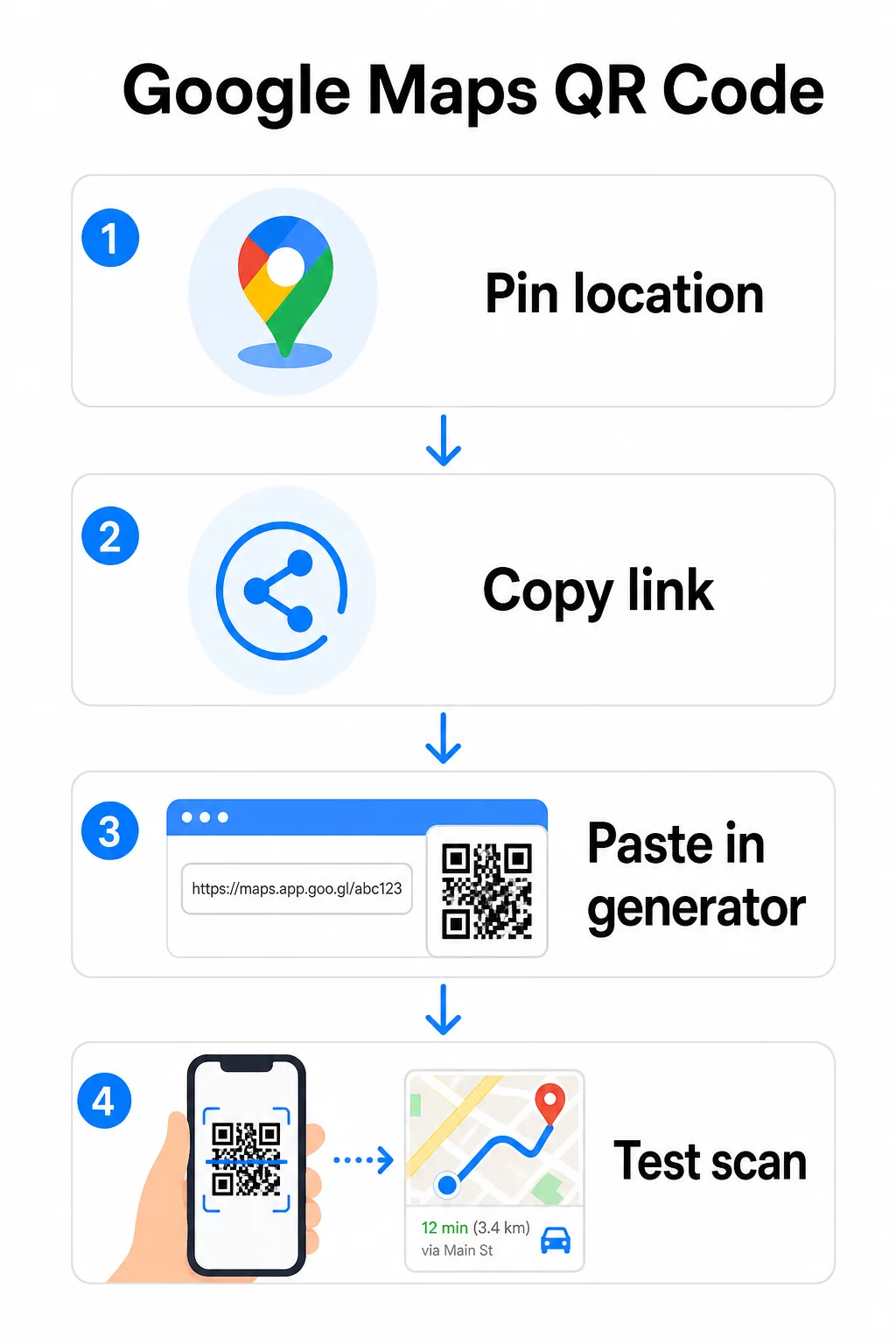
Za stalno lokacijo, kjer ni potrebe po spreminjanju destinacije, je statična koda QR je brezplačen in nikoli ne poteče. Prenesite ga kot PNG in pripravljeni ste ga uporabiti.
Morate posodobiti svojo lokacijo ali slediti podatkom o skeniranju? Uporabi Generator QR kode Pageloot za ustvarjanje dinamične kode, ki vam omogoča, da kadar koli spremenite destinacijo iz vaše nadzorne plošče – ponovno tiskanje ni potrebno.
Statično proti dinamičnemu: Katerega potrebujete?
Statična QR koda kodira povezavo Google Zemljevidov neposredno v vzorec. Je trajna, brezplačna in deluje brez kakršnega koli računa. Slabost: če se vaša lokacija spremeni, morate ustvariti in ponovno natisniti novo kodo.
Dinamična QR koda namesto tega shrani kratek preusmeritveni URL. Vi nadzorujete, kam ta preusmeritev kaže iz vaše nadzorne plošče Pageloot. To pomeni:
- Destinacijo lahko posodobite, ne da bi se dotaknili natisnjene kode
- Prejmete analitiko v realnem času – število skeniranj, vrste naprav, geografske lokacije in čas
- Lahko preizkusite in zamenjate destinacijske povezave za sezonske dogodke ali začasna prizorišča
Če tiskate kode na trajne oznake, statične delujejo dobro. Za kampanje, dogodke, začasne lokacije ali katero koli situacijo, kjer se destinacija lahko spremeni, so dinamične kode praktična izbira.
Prilagajanje vaše QR kode
Navadna črno-bela QR koda deluje, vendar blagovna znamka deluje bolje. Možnosti prilagoditve Pageloot vam omogočajo:
- Dodajte logotip vašega podjetja v sredino kode
- Spremenite barve, da se ujemajo z vašo blagovno paleto (za zanesljivo skeniranje ohranite temne vzorce na svetlem ozadju)
- Izbirajte med različnimi oblikami modulov: Okrogli, Črtica ali Diamant
- Dodajte okvir s pozivom k dejanju z besedilom, kot je “Skeniraj za navodila” ali “Poišči nas na zemljevidih”
Pri dodajanju logotipa ali barv uporabite raven popravljanja napak Q ali H. Te nastavitve omogočajo, da QR koda ostane berljiva, tudi če je do 25–30% vzorca zakritega z logotipom ali manjšo poškodbo. Logotipi naj ne presegajo 30% celotne površine kode in zagotovite, da ne prekrivajo treh vogalnih “iskalnih” kvadratov.
Za tiskane materiale prenesite svojo kodo kot datoteko SVG, PDF ali EPS. Ti vektorski formati ostanejo ostri pri kateri koli velikosti – kar je ključno za tiskanje velikih formatov, kot so plakati ali izložbene table.
Želite popolnoma blagovno znamko lokacijske kode? Vprašanje Generator QR kod za povezave podpira barve po meri, logotipe in sloge okvirjev s 14-dnevno brezplačno preizkusno dobo – kreditna kartica ni potrebna.
Testiranje pred objavo
Vedno preizkusite svojo QR kodo, preden jo natisnete ali uporabite v živi kampanji. Pokvarjena ali napačno usmerjena koda škoduje zaupanju in povzroča nepotrebne stroške tiskanja.
Preverite ta kontrolni seznam:
- Skenirajte z izvorno aplikacijo kamere vašega telefona na iOS in Android
- Potrdite, da se povezava odpre na pravilni lokaciji v Google Zemljevidih
- Preizkusite na napravi brez nameščene aplikacije Google Zemljevidi – preusmeriti bi se moralo na Google Zemljevide v brskalniku
- Skenirajte z različnih razdalj in pod različnimi svetlobnimi pogoji
- Če ste prilagodili zasnovo, potrdite, da so vogalni iskalni kvadrati in tiha cona (prazen rob okoli kode) neovirani
Za tiskano uporabo, minimalna velikost 2 × 2 palca (približno 5 × 5 cm) zagotavlja, da lahko večina naprav zanesljivo skenira od blizu. Za materiale, ki so vidni od daleč – plakate, transparente, izložbe – sorazmerno povečajte. Splošno vodilo: koda naj bo vsaj desetina razdalje, s katere jo bodo ljudje skenirali.
Pogoste težave in rešitve:
| Težava pri skeniranju | Rešitev |
|---|---|
| Zamegljena ali pikselizirana koda | Izvozi kot SVG, PDF ali EPS za tisk |
| Skener ne prepozna kode | Povečajte kontrast; temna ospredje na svetlem ozadju |
| Logotip blokira skeniranje | Prepričajte se, da logotip ne pokriva vogalnih kvadratov; uporabite višjo korekcijo napak |
| Koda je premajhna | Povečajte na vsaj 2 × 2 palca za fizične materiale |
| Povezava odpre napačno lokacijo | Ponovno preverite kopirano povezavo za skupno rabo v Google Zemljevidih pred generiranjem |
Za več podrobnosti o standardih velikosti, kontrasta in postavitve glejte najboljšim praksam za berljivost QR kod in smernice za uporabnost QR kod.
Kje uporabiti QR kode Google Zemljevidov
Once tested, your QR code is ready to deploy across print and digital channels:
Print materials:
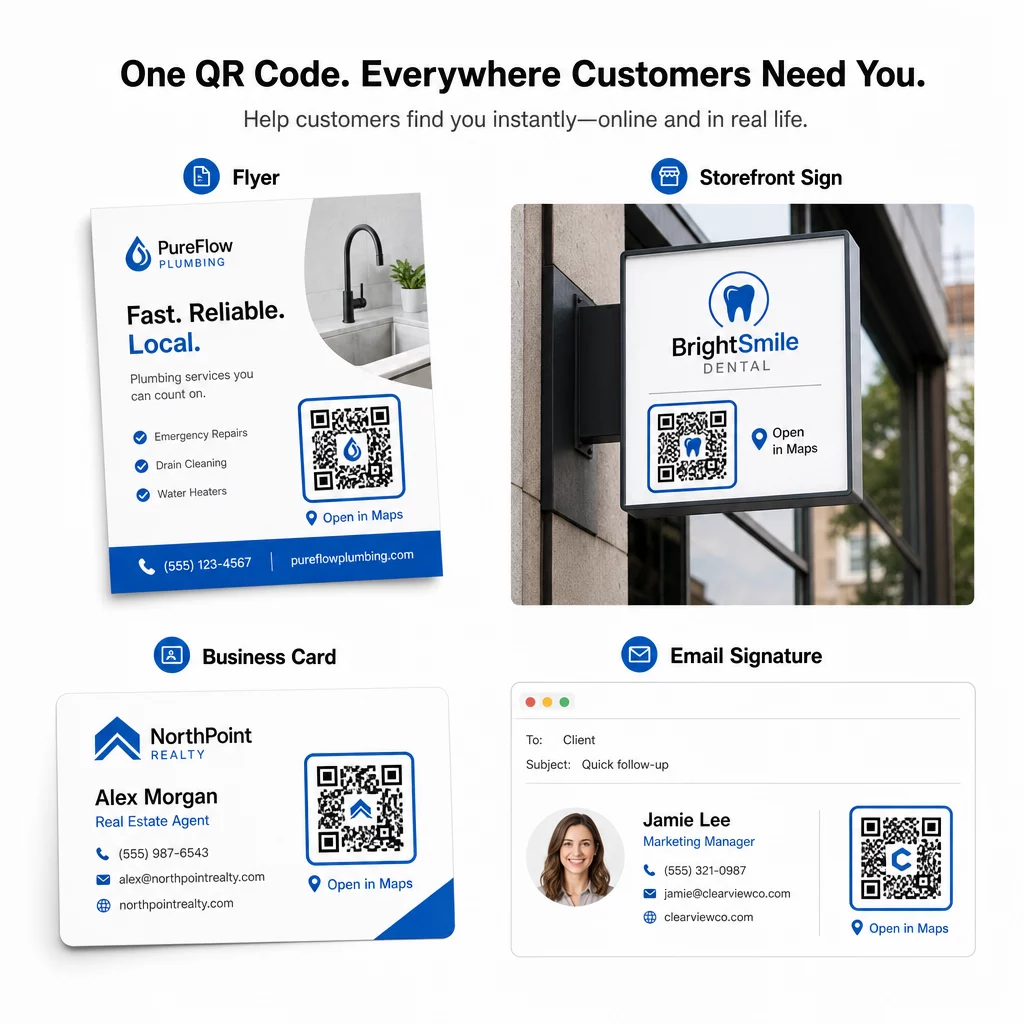
- Business cards – replace printed addresses with a scannable code
- Flyers and brochures – guide event guests directly to the venue
- Storefront windows and door signs – help customers find parking or alternate entrances
- Real estate signage – direct buyers to open house locations
- Product packaging – link customers to your physical retail location
Digital channels:
- Email signatures – replace static addresses with a scannable location code
- Social media posts and Stories – promote a new location or event venue
- Website footers – let visitors open directions in one tap
- Digital menus – help diners find a second location or catering office
In every placement, include a clear call-to-action near the code. “Scan for Directions” or “Open in Maps” tells users exactly what happens when they scan, which increases engagement. For guidance on positioning and sizing across different materials, the Vodnik za namestitev kode QR za trženje covers format-specific recommendations in detail.
Pageloot Plan Comparison
| FUNKCIJA | Free Plan | Pro načrt | Po meri/Podjetje |
|---|---|---|---|
| Vrsta kode QR | Samo statično | Dinamično in statično | Dinamično in statično |
| Povezave, ki jih je mogoče urejati | Ne | Da | Da |
| Analitika skeniranj | Brez | V realnem času (lokacija, naprava) | Celotna zgodovina in strokovni vpogledi |
| Letna omejitev skeniranj | Neomejeno (statično) | 250,000 | Po meri |
| Prilagajanje | Osnovno (barve, logotip) | Napredne možnosti oblikovanja | Popolna integracija blagovne znamke |
| Mesečna cena | $0 | $38.34 | $106.52 |
Brezplačni načrt vključuje trajne statične kode brez poteka veljavnosti in neomejeno število skeniranj. Plačljivi načrti omogočajo dinamično urejanje, analitiko v realnem času in napredno prilagoditev. Začetni načrt se začne pri $4,86/mesec z 2 dinamičnima kodama in 15.000 letnimi skeniranji – primerno za mala podjetja, ki preizkušajo format. Vsi plačljivi načrti vključujejo 14-dnevno brezplačno preizkusno obdobje brez potrebe po kreditni kartici.
Kot je dejal Lucas Jansen, razvijalec nepremičnin, ki uporablja Pagelootove QR kode za lokacijo:
“To je odlično orodje in QR kode vas popeljejo točno tja, kamor želite.”
Za stalne lokacije je brezplačna statična koda najpreprostejša pot. Za vse, kar zahteva posodobitve, sledenje ali merjenje kampanj, vam dinamične kode nudijo prilagodljivost in podatke za izboljšanje skozi čas. Začnite s kopiranjem povezave Google Zemljevidov, ustvarjanjem kode na Generator QR kode za Google Maps, in testiranje na pravi napravi, preden gre v živo.
Pogosta vprašanja
Za večino uporab kopirajte povezavo do mesta iz gumba Deli v Google Zemljevidih – odpre natančno lokacijo neposredno v Google Zemljevidih ali brskalniku. Če želite uporabnike poslati naravnost v navigacijo po korakih iz določene začetne točke, namesto tega uporabite povezavo za navodila. Vedno najprej prilepite povezavo v brskalnik, da potrdite, da se razreši na pravo mesto, preden ustvarite kodo.
Ko ste pripeli svojo lokacijo v Google Zemljevidih, uporabite gumb Deli in kopirajte URL, ki ga ponuja. Ta povezava je vezana na specifične koordinate pripetega mesta, ne le na splošno iskanje. Izogibajte se kopiranju URL-ja iz naslovne vrstice brskalnika med brskanjem po zemljevidu – ta različica se morda ne bo zanesljivo razrešila na pripeto točko. Prilepite povezavo za skupno rabo v brskalnik, da preverite, preden ustvarite kodo QR.
Uporabite vektorski format – SVG, EPS ali PDF – za katero koli tiskarsko aplikacijo. Vektorske datoteke se prilagodijo kateri koli velikosti, ne da bi izgubile ostrino, za razliko od izvozov PNG ali JPEG, ki so lahko pikselizirani pri velikih tiskarskih dimenzijah. Za tiskane materiale poskrbite tudi, da je vaša ločljivost vsaj 300 DPI in da koda meri vsaj 2 × 2 palca za zanesljivo skeniranje od blizu.