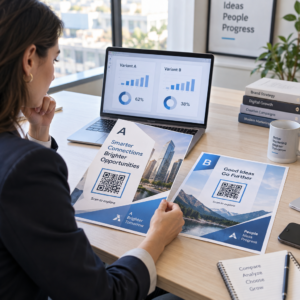
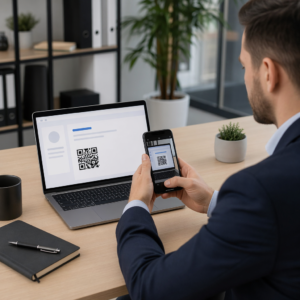
צריך עזרה ללקוחות למצוא את המיקום שלך מבלי לגרום להם להקליד כתובת? הזנת כתובת ידנית יוצרת חיכוך – ומבקרים מתוסכלים. מדריך זה מראה לך כיצד להפוך כל מיקום במפות Google לקוד QR סריקה תוך דקות.
קבלת קישור המיקום שלך במפות Google
לפני שאתה מייצר משהו, אתה צריך את הקישור הנכון ממפות Google. הקישור שאתה מעתיק קובע בדיוק לאן משתמשים יגיעו כשהם סורקים, ולכן דיוק כאן חשוב.
מצא ונעץ את המיקום שלך
פתח את מפות Google וחפש את היעד שלך. אתה יכול להזין שם עסק כמו “סטארבקס טיימס סקוור”, כתובת רחוב מלאה, או ציון דרך מוכר. אם למיקום אין כתובת רשמית – מקום חיצוני, כניסה לפארק, חניון – לחץ והחזק בנייד (או לחץ בשולחן העבודה) כדי להפיל סיכה בנקודה המדויקת.
לאחר שנעצת, התקרב וודא שהסמן יושב בנקודה הנכונה. אם אתה מכוון אנשים לכניסה ספציפית ולא לטביעת הרגל הכללית של הבניין, התאם בהתאם. שלב נוסף זה מונע בלבול כאשר מבקרים מגיעים.
העתק את קישור המיקום
לאחר אישור המיקום שלך, הקש או לחץ על ה- שיתוף כפתור:
- בנייד: הקש על שם המיקום בתחתית המסך, ולאחר מכן הקש על סמל השיתוף (חץ כלפי מעלה) ובחר “העתק ללוח”.”
- במחשב שולחני: לחץ על שתף בחלונית המידע או מתחת לתפריט שלוש הנקודות, ולאחר מכן בחר “העתק קישור”.”
כתובת ה-URL שהועתקה היא בדרך כלל קישור מקוצר כמו `maps.app.goo.gl/xyz123`. קישורים קצרים יותר מייצרים קודי QR נקיים יותר, פחות צפופים, הנסרקים בצורה אמינה יותר. לפני שתמשיך, הדבק את הקישור לדפדפן כדי לוודא שהוא פותח את המיקום הנכון.
סוגי קישורים שונים משרתים מטרות שונות:
| סוג קישור | מה הוא עושה | דוגמה למקרה שימוש |
|---|---|---|
| קישור למקום | פותח עסק או כתובת ספציפיים | שיתוף חזית חנות או משרד |
| קישור חיפוש | מציג תוצאות עבור שאילתת חיפוש | הצגת “מסעדות ליד המקום” |
| קישור ניווט | פותח מסלול ניווט מוגדר מראש | ניתוב אורחים משדה תעופה למלון |
ל קודי QR המשמשים לניווט ושיתוף כתובות, קישור למקום או קישור ניווט עובדים בדרך כלל בצורה הטובה ביותר – הם מדלגים על שלב החיפוש ומכניסים את המשתמש ישירות לניווט.
יצירת קוד ה-QR שלך
כשהקישור שלך מוכן, בקר ב- מפות גוגל: מחולל קוד QR למיקום והדבק את כתובת ה-URL שלך בשדה הקלט. בחר את סוג קוד ה-QR – “קישור” או “מפות” – והקוד ייווצר באופן מיידי.
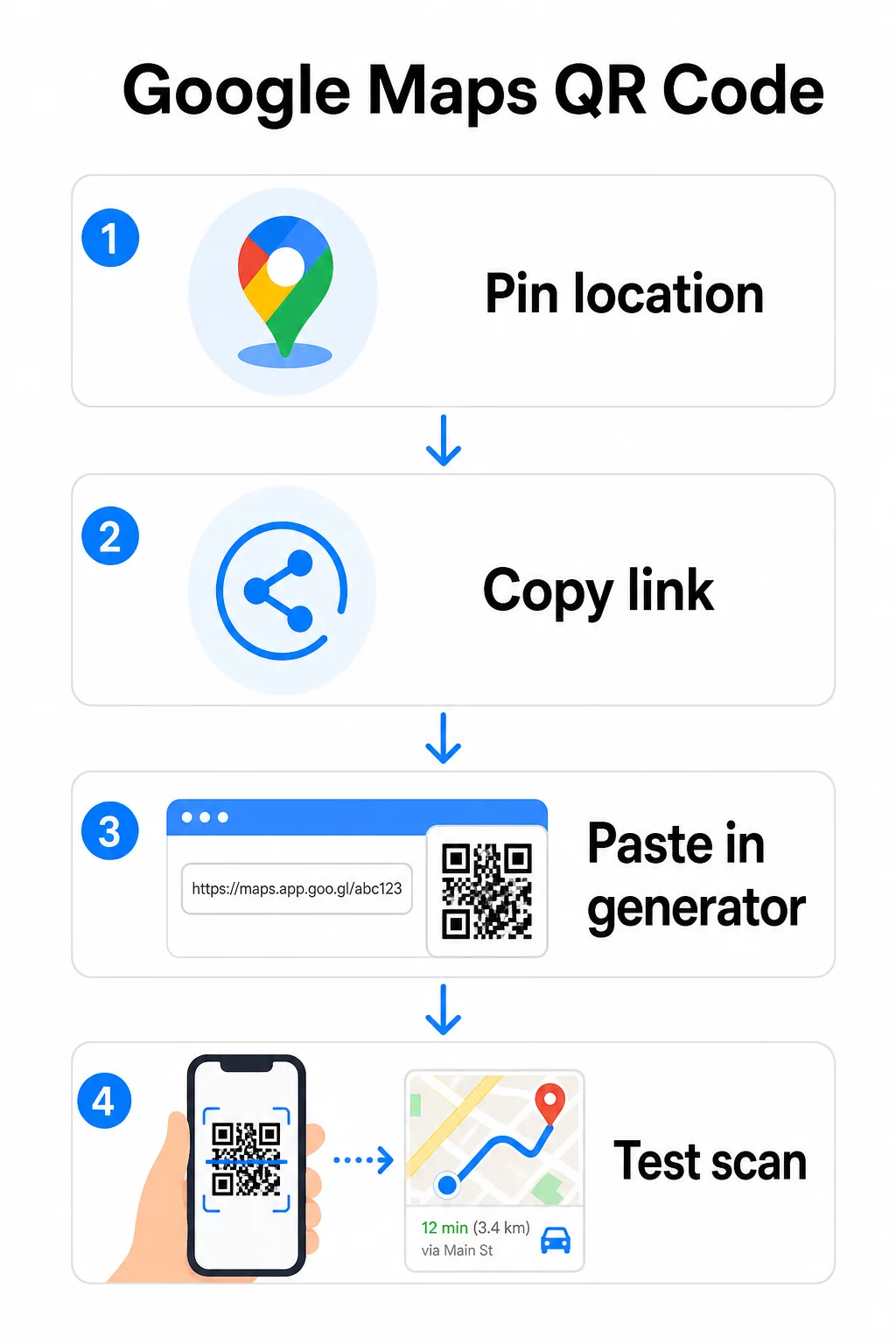
עבור מיקום קבוע ללא צורך לשנות את היעד, א קוד QR סטטי הוא חינם ולעולם אינו פג תוקף. הורד אותו כ-PNG ואתה מוכן להשתמש בו.
צריך לעדכן את המיקום שלך או לעקוב אחר נתוני סריקה? להשתמש ב מחולל קוד QR של Pageloot כדי ליצור קוד דינמי המאפשר לך לשנות את היעד בכל עת מלוח המחוונים שלך – ללא צורך בהדפסה מחדש.
סטטי מול דינמי: באיזה מהם אתה צריך?
קוד QR סטטי מקודד את קישור מפות Google ישירות לתוך התבנית. הוא קבוע, חינם, ועובד ללא צורך בחשבון כלשהו. הפשרה: אם המיקום שלך משתנה, עליך ליצור ולהדפיס מחדש קוד חדש.
קוד QR דינמי מאחסן במקום זאת כתובת URL קצרה להפניה מחדש. אתה שולט לאן ההפניה הזו מצביעה מלוח המחוונים של Pageloot שלך. המשמעות היא:
- אתה יכול לעדכן את היעד מבלי לגעת בקוד המודפס
- אתה מקבל ניתוח נתונים בזמן אמת – ספירת סריקות, סוגי מכשירים, מיקומים גיאוגרפיים ותזמון
- אתה יכול לבדוק ולהחליף קישורי יעד עבור אירועים עונתיים או מקומות זמניים
אם אתה מדפיס קודים על שילוט קבוע, סטטי עובד מצוין. עבור קמפיינים, אירועים, מיקומים זמניים (pop-up), או כל מצב שבו היעד עשוי להשתנות, קודים דינמיים הם הבחירה המעשית.
התאמה אישית של קוד ה-QR שלך
קוד QR פשוט בשחור-לבן עובד, אך קוד ממותג מניב ביצועים טובים יותר. אפשרויות ההתאמה האישית של Pageloot מאפשרות לך:
- הוסף את לוגו החברה שלך למרכז הקוד
- שנה צבעים כדי להתאים לפלטת הצבעים של המותג שלך (שמור על דפוסים כהים על רקע בהיר לסריקה אמינה)
- בחר מבין צורות מודולים שונות: עגול, קו מקווקו או יהלום
- הוסף מסגרת קריאה לפעולה עם טקסט כמו “סרוק להוראות הגעה” או “מצא אותנו במפות”
כשמוסיפים לוגו או צבעים, השתמשו ב- רמת תיקון שגיאות Q או H. הגדרות אלו מאפשרות לקוד ה-QR להישאר סריקה גם אם עד 25–30% מהתבנית מוסתר על ידי לוגו או נזק קל. שמרו על לוגואים שלא יעלו על 30% מהשטח הכולל של הקוד וודאו שהם אינם חופפים את שלוש הריבועים הפינתיים “מאתרים”.
עבור חומרי הדפסה, הורידו את הקוד שלכם כקובץ SVG, PDF או EPS. פורמטים וקטוריים אלו נשארים חדים בכל גודל – קריטי להדפסה בפורמט גדול כמו פוסטרים או שלטי חנויות.
רוצים קוד מיקום ממותג במלואו? ה מחולל קודי QR לקישורים תומך בצבעים מותאמים אישית, לוגואים וסגנונות מסגרת עם ניסיון חינם למשך 14 יום – ללא צורך בכרטיס אשראי.
בדיקה לפני פרסום
תמיד בדקו את קוד ה-QR שלכם לפני שאתם מתחייבים להדפסה או לקמפיין חי. קוד שבור או שגוי פוגע באמון ומבזבז עלויות הדפסה.
עברו על רשימת הבדיקה הזו:
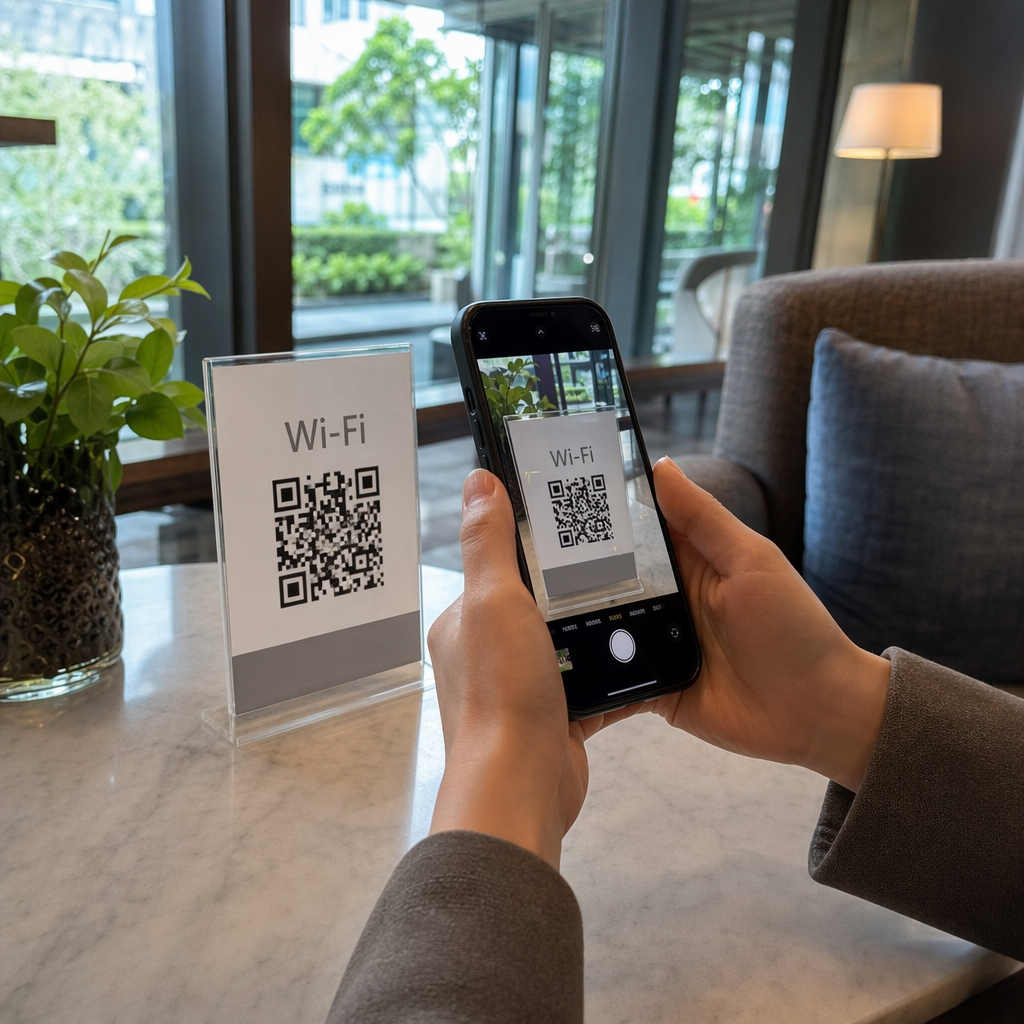
- סרקו עם אפליקציית המצלמה המובנית של הטלפון שלכם גם ב-iOS וגם באנדרואיד
- ודאו שהקישור פותח את המיקום הנכון במפות Google
- בדקו במכשיר ללא אפליקציית מפות Google מותקנת – הוא אמור להפנות למפות Google בדפדפן
- סרקו ממרחקים שונים ובתנאי תאורה שונים
- אם התאמתם אישית את העיצוב, ודאו שריבועי האיתור הפינתיים ואזור השקט (הגבול הריק סביב הקוד) אינם חסומים
לשימוש בהדפסה, גודל מינימלי של 2 × 2 אינץ' (כ-5 × 5 ס"מ) מבטיח שרוב המכשירים יוכלו לסרוק באופן אמין מטווח קרוב. עבור חומרים הנצפים מרחוק – פוסטרים, באנרים, חלונות ראווה – הגדל באופן פרופורציונלי. הנחיה כללית: הקוד צריך להיות לפחות עשירית מהמרחק שממנו אנשים יסרקו אותו.
בעיות נפוצות ופתרונות:
| בעיית סריקה | פתרון |
|---|---|
| קוד מטושטש או מפוקסל | ייצא כ-SVG, PDF או EPS להדפסה |
| סורק לא מזהה קוד | הגבר ניגודיות; חזית כהה על רקע בהיר |
| לוגו חוסם סריקה | ודא שהלוגו לא מכסה את הריבועים בפינות; השתמש בתיקון שגיאות גבוה יותר |
| קוד קטן מדי | הגדל ללפחות 2 × 2 אינץ' עבור חומרים פיזיים |
| קישור נפתח במיקום שגוי | אמת מחדש את קישור השיתוף שהועתק במפות Google לפני יצירה |
לפרטים נוספים על גודל, ניגודיות ותקני מיקום, ראה שיטות עבודה מומלצות לקריאות קודי QR ו הנחיות השימושיות של קוד QR.
היכן להשתמש בקודי QR של מפות Google
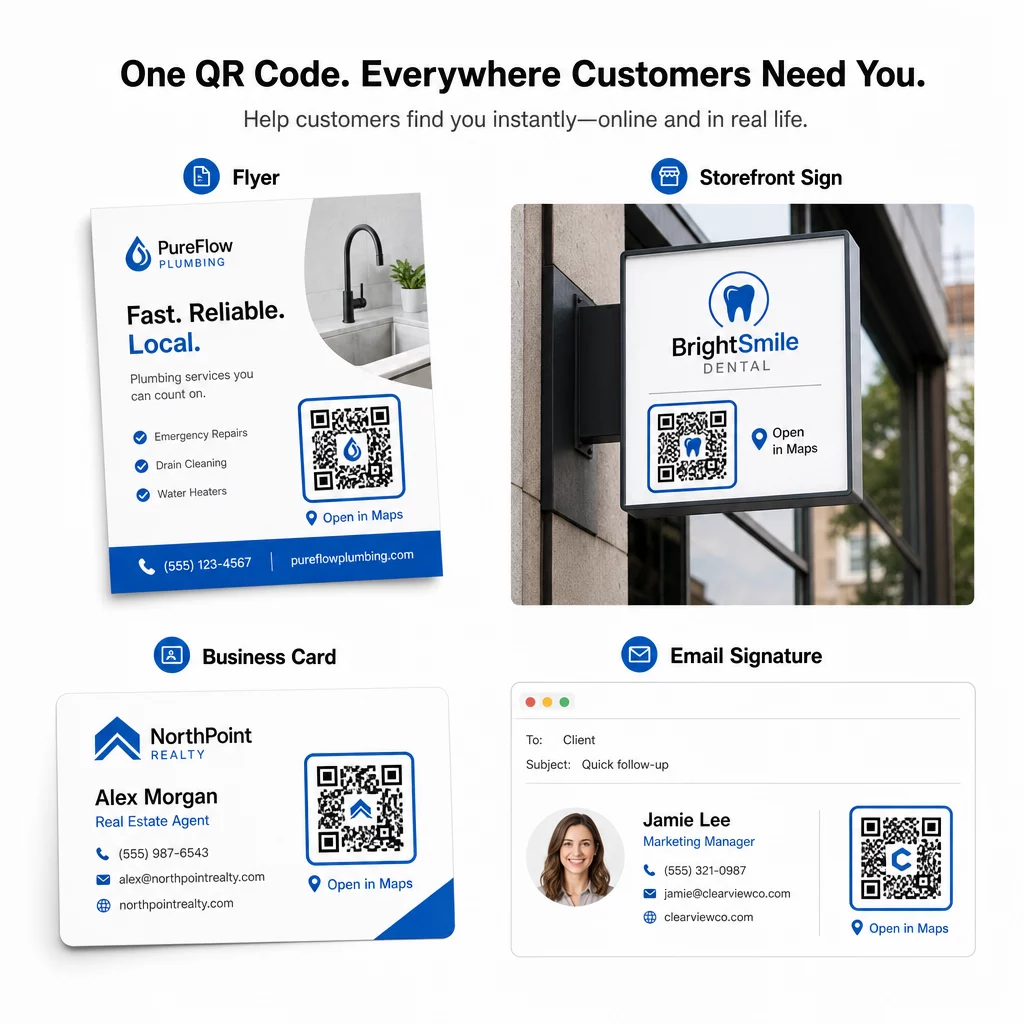
לאחר בדיקה, קוד ה-QR שלך מוכן לפריסה בכל ערוצי הדפוס והדיגיטל:
חומרי דפוס:
- כרטיסי ביקור – החלף כתובות מודפסות בקוד סריקה
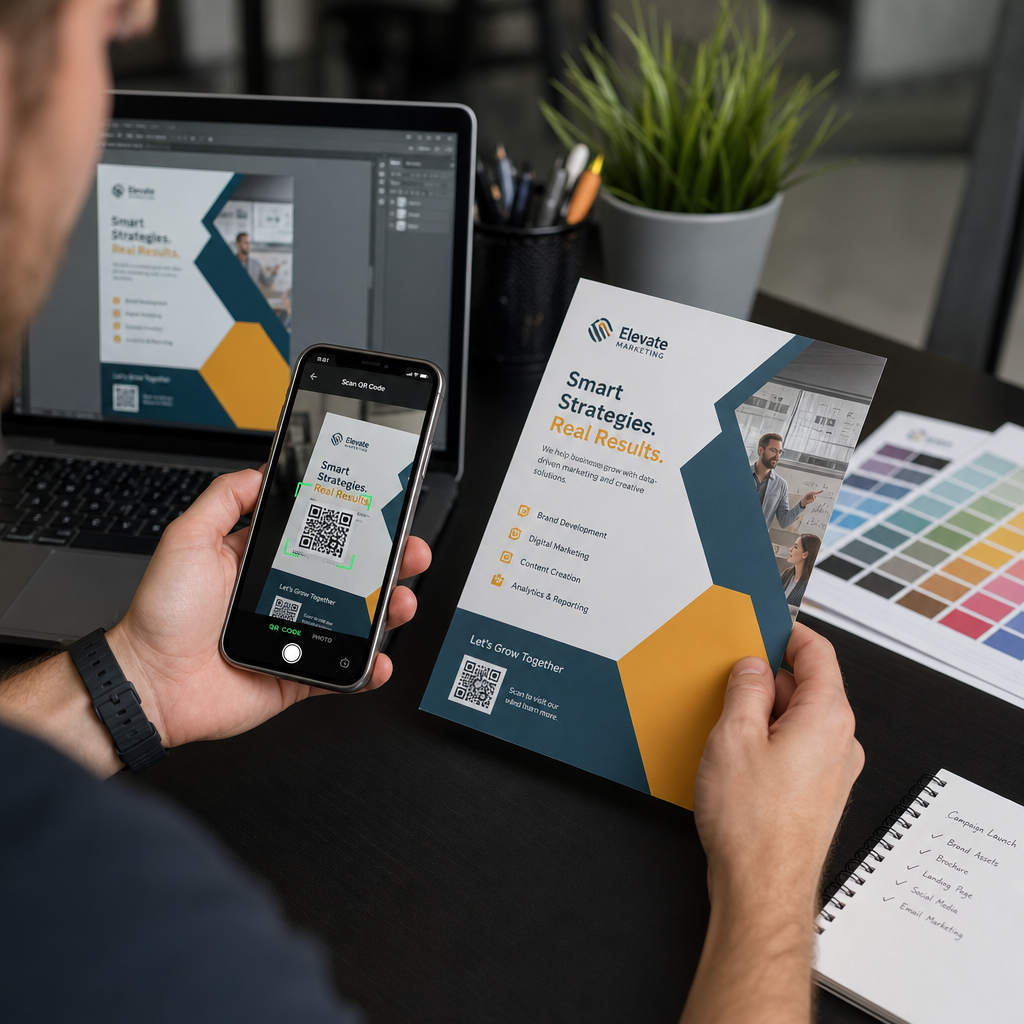
- פליירים וחוברות – הכוון אורחי אירועים ישירות למקום האירוע
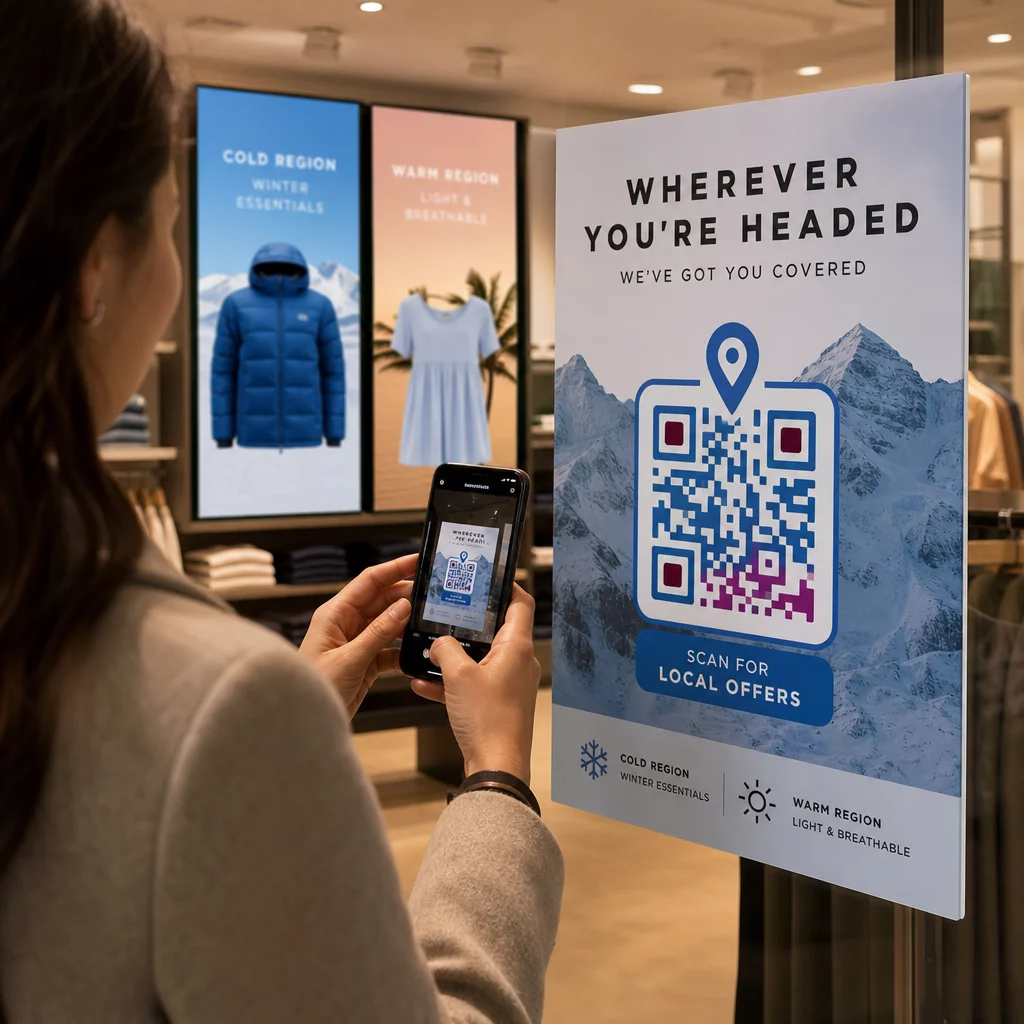
- חלונות ראווה ושלטי דלת – עזור ללקוחות למצוא חניה או כניסות חלופיות
- שילוט נדל"ן – הכוון קונים למיקומי בתים פתוחים
- אריזות מוצרים – קשר לקוחות למיקום החנות הפיזית שלך
ערוצים דיגיטליים:
- חתימות אימייל – החלף כתובות סטטיות בקוד מיקום סריקה
- פוסטים וסטוריז ברשתות חברתיות – קדם מיקום חדש או מקום אירוע
- פוטרים של אתרים – אפשר למבקרים לפתוח הנחיות בלחיצה אחת
- תפריטים דיגיטליים – עזור לסועדים למצוא מיקום שני או משרד קייטרינג
בכל מיקום, כלול קריאה ברורה לפעולה ליד הקוד. ״סרוק להנחיות״ או ״פתח במפות״ אומר למשתמשים בדיוק מה קורה כשהם סורקים, מה שמגביר את המעורבות. להנחיות לגבי מיקום וגודל בחומרים שונים, ה- מדריך הצבת קוד QR לשיווק מכסה המלצות ספציפיות לפורמט בפירוט.
השוואת תוכניות Pageloot
| תכונה | תוכנית חינם | תוכנית פרו | מותאם אישית/ארגוני |
|---|---|---|---|
| סוג קוד QR | סטטי בלבד | דינמי וסטטי | דינמי וסטטי |
| קישורים ניתנים לעריכה | לא | כן | כן |
| ניתוח סריקות | אין | בזמן אמת (מיקום, מכשיר) | היסטוריה מלאה ותובנות מומחים |
| מגבלת סריקות שנתית | ללא הגבלה (סטטי) | 250,000 | מותאם אישית |
| התאמה אישית | בסיסי (צבעים, לוגו) | אפשרויות עיצוב מתקדמות | אינטגרציה מלאה של המותג |
| מחיר חודשי | $0 | $38.34 | $106.52 |
התוכנית החינמית כוללת קודים סטטיים קבועים ללא תפוגה וסריקות ללא הגבלה. תוכניות בתשלום פותחות עריכה דינמית, ניתוח נתונים בזמן אמת והתאמה אישית מתקדמת. תוכנית Starter מתחילה ב-$4.86 לחודש עם 2 קודים דינמיים ו-15,000 סריקות שנתיות – מתאימה לעסקים קטנים הבודקים את הפורמט. כל התוכניות בתשלום כוללות ניסיון חינם למשך 14 יום ללא צורך בכרטיס אשראי.
כפי שלוקאס יאנסן, יזם נדל"ן המשתמש בקודי QR למיקום של Pageloot, אמר:
“זהו כלי מצוין וקודי ה-QR לוקחים אותך בדיוק לאן שאתה רוצה.”
עבור מיקומים קבועים, קוד סטטי חינמי הוא הדרך הפשוטה ביותר. עבור כל דבר הדורש עדכונים, מעקב או מדידת קמפיינים, קודים דינמיים מעניקים לך את הגמישות והנתונים לשיפור לאורך זמן. התחל בהעתקת קישור Google Maps שלך, יצירת הקוד שלך ב- מפות גוגל: מחולל קוד QR למיקום, ובדיקתו על מכשיר אמיתי לפני שהוא עולה לאוויר.
שאלות נפוצות
לרוב השימושים, העתיקו את קישור המקום מכפתור השיתוף במפות Google – הוא פותח את המיקום המדויק ישירות במפות Google או בדפדפן. אם ברצונכם לשלוח משתמשים ישירות לניווט צעד-אחר-צעד מנקודת התחלה קבועה, השתמשו במקום זאת בקישור ניווט. תמיד הדביקו את הקישור קודם כל לדפדפן כדי לוודא שהוא מוביל למקום הנכון לפני יצירת הקוד.
לאחר סימון המיקום שלך במפות Google, השתמש בלחצן השיתוף והעתק את כתובת ה-URL שהוא מספק. קישור זה מקושר לקואורדינטות הסיכה הספציפיות, ולא רק לחיפוש כללי. הימנע מהעתקת כתובת ה-URL משורת הכתובת של הדפדפן שלך בזמן גלישה במפה – גרסה זו עשויה לא להפנות באופן אמין לנקודה המסומנת. הדבק את קישור השיתוף לדפדפן כדי לוודא לפני יצירת קוד ה-QR.
השתמשו בפורמט וקטורי – SVG, EPS, או PDF – עבור כל יישום הדפסה. קובצי וקטור ניתנים להגדלה לכל גודל מבלי לאבד חדות, בניגוד לייצואי PNG או JPEG שיכולים להיראות מפוקסלים בממדי הדפסה גדולים. עבור חומרי הדפסה, ודאו גם שהרזולוציה שלכם היא לפחות 300 DPI ושהקוד מודד לפחות 2 × 2 אינץ' לסריקה אמינה מטווח קרוב.