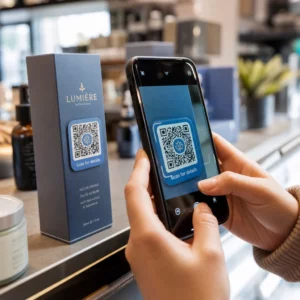
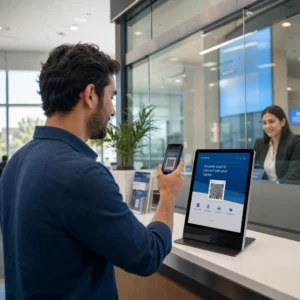
Müşterilerin adres yazmalarına gerek kalmadan konumunuzu bulmalarına yardımcı olmanız mı gerekiyor? Manuel adres girişi sürtünme ve hayal kırıklığına uğramış ziyaretçiler yaratır. Bu kılavuz, herhangi bir Google Haritalar konumunu dakikalar içinde taranabilir bir QR koduna dönüştürmenizi sağlar.
Google Haritalar Konum Bağlantınızı Alma
Herhangi bir şey oluşturmadan önce, Google Haritalar'dan doğru bağlantıya ihtiyacınız var. Kopyaladığınız bağlantı, kullanıcıların taradıklarında tam olarak nereye ineceklerini belirler, bu nedenle burada hassasiyet önemlidir.
Konumunuzu Bulun ve Sabitleyin
Google Haritalar'ı açın ve hedefinizi arayın. “Starbucks Times Square” gibi bir işletme adı, tam bir sokak adresi veya tanınabilir bir dönüm noktası girebilirsiniz. Konumun resmi bir adresi yoksa – açık hava mekanı, park girişi, otopark – tam noktaya bir raptiye bırakmak için mobilde basılı tutun (veya masaüstünde tıklayın).
Sabitlendikten sonra, yakınlaştırın ve işaretleyicinin doğru noktada oturduğunu onaylayın. İnsanları genel bina ayak izi yerine belirli bir girişe yönlendiriyorsanız, buna göre ayarlayın. Bu ek adım, ziyaretçiler geldiğinde karışıklığı önler.
Konum Bağlantısını Kopyalayın
Konumunuz onaylandıktan sonra, şuraya dokunun veya tıklayın: Paylaşın düğmesi:
- Mobilde: Ekranın altındaki konum adına dokunun, ardından Paylaş simgesine (yukarı ok) dokunun ve “Panoya Kopyala”yı seçin.”
- Masaüstünde: Bilgi panelinde veya üç nokta menüsünün altında Paylaş'a tıklayın, ardından “Bağlantıyı Kopyala”yı seçin.”
Kopyalanan URL genellikle `maps.app.goo.gl/xyz123` gibi kısaltılmış bir bağlantıdır. Daha kısa bağlantılar, daha güvenilir bir şekilde taranan daha temiz, daha az yoğun QR kodları üretir. Devam etmeden önce, doğru konumu açtığını doğrulamak için bağlantıyı bir tarayıcıya yapıştırın.
Farklı bağlantı türleri farklı amaçlara hizmet eder:
| Bağlantı Türü | Ne İşe Yarar | Örnek Kullanım Durumu |
|---|---|---|
| Yer Bağlantısı | Belirli bir işletmeyi veya adresi açar | Bir mağaza veya ofis paylaşma |
| Arama Bağlantısı | Bir arama sorgusu için sonuçları görüntüler | “Mekana yakın restoranları” gösterme” |
| Yol Tarifi Bağlantısı | Önceden ayarlanmış bir navigasyon rotasını açar | Misafirleri bir havaalanından otele yönlendirme |
İçin Yol tarifleri ve adres paylaşımı için kullanılan QR kodları, bir Yer Bağlantısı veya Yol Tarifi Bağlantısı genellikle en iyi sonucu verir – arama adımını atlayarak kullanıcıyı doğrudan navigasyona yönlendirirler.
QR Kodunuzu Oluşturma
Bağlantınız hazır olduğunda, ziyaret edin Google Maps QR Kod Oluşturucu ve URL'nizi giriş alanına yapıştırın. QR kodu türünü – “Bağlantı” veya “Haritalar” – seçin ve kod anında oluşturulur.
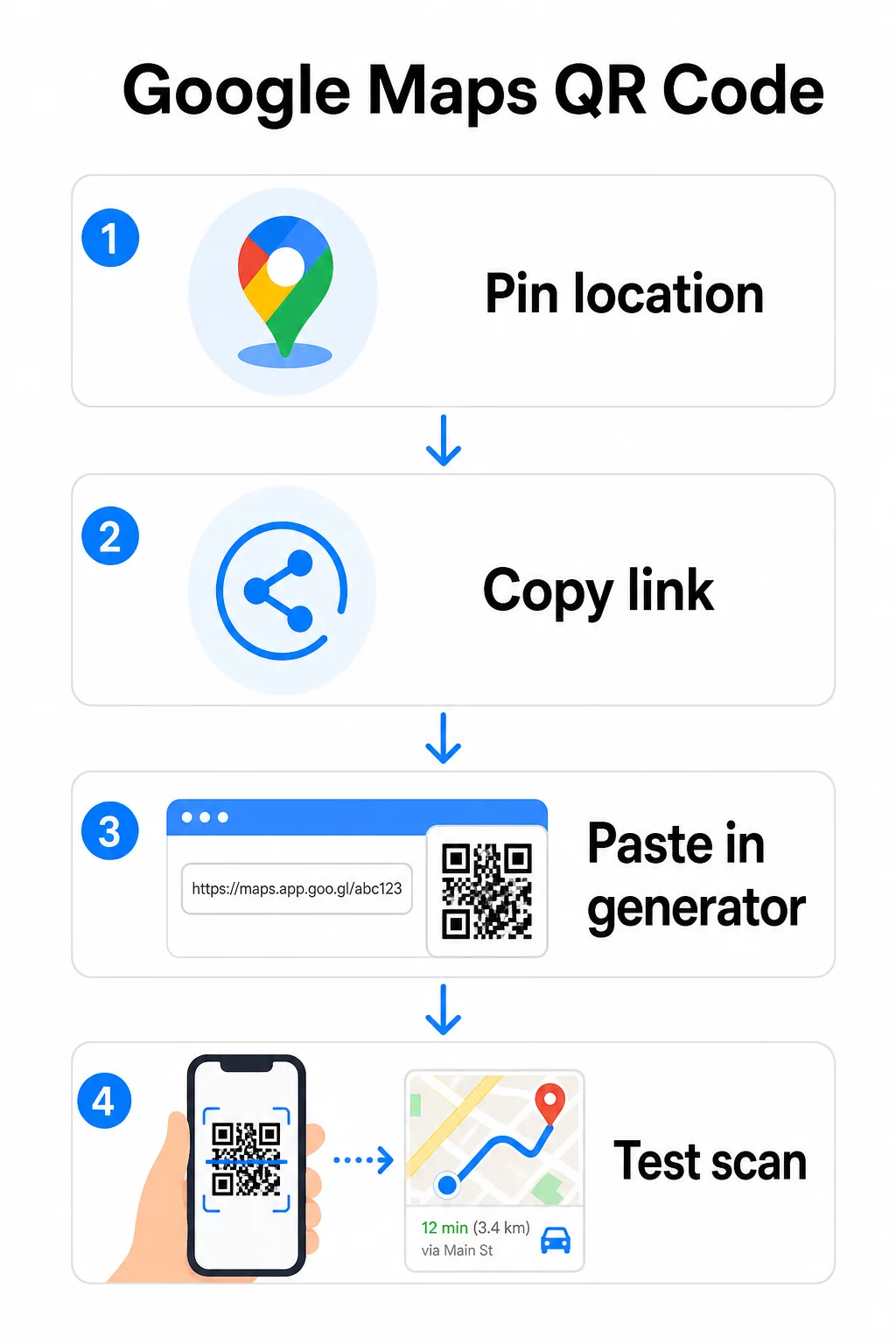
Hedefi değiştirmeye gerek olmayan kalıcı bir konum için, bir Statik QR kodu ücretsizdir ve asla süresi dolmaz. PNG olarak indirin ve kullanıma hazırsınız.
Konumunuzu güncellemeniz veya tarama verilerini izlemeniz mi gerekiyor? Kullan Pageloot QR Kodu Oluşturucu kontrol panelinizden istediğiniz zaman hedefi değiştirmenize olanak tanıyan dinamik bir kod oluşturmak için – yeniden yazdırmaya gerek yok.
Statik mi, Dinamik mi: Hangisine İhtiyacınız Var?
Statik bir QR kodu, Google Haritalar bağlantısını doğrudan desene kodlar. Kalıcıdır, ücretsizdir ve herhangi bir hesap olmadan çalışır. Dezavantajı: konumunuz değişirse, yeni bir kod oluşturmanız ve yeniden yazdırmanız gerekir.
Dinamik bir QR kodu bunun yerine kısa bir yönlendirme URL'si depolar. Bu yönlendirmenin Pageloot kontrol panelinizden nereye işaret ettiğini siz kontrol edersiniz. Bu şu anlama gelir:
- Basılı koda dokunmadan hedefi güncelleyebilirsiniz
- Gerçek zamanlı analizler alırsınız – tarama sayıları, cihaz türleri, coğrafi konumlar ve zamanlama
- Mevsimlik etkinlikler veya geçici mekanlar için hedef bağlantıları test edebilir ve değiştirebilirsiniz
Kalıcı tabelalara kod basıyorsanız, statik olanlar iyi çalışır. Kampanyalar, etkinlikler, pop-up konumlar veya hedefin değişebileceği herhangi bir durum için dinamik kodlar pratik bir seçimdir.
QR Kodunuzu Özelleştirme
Sade siyah-beyaz bir QR kodu çalışır, ancak markalı bir kod daha iyi performans gösterir. Pageloot'un özelleştirme seçenekleri size şunları sağlar:
- Şirket logonuzu kodun ortasına ekleyin
- Marka paletinize uyacak şekilde renkleri değiştirin (güvenilir tarama için koyu desenleri açık bir arka plan üzerinde tutun)
- Farklı modül şekilleri arasından seçim yapın: Yuvarlak, Çizgi veya Elmas
- “Yol Tarifi İçin Tara” veya “Bizi Haritalarda Bulun” gibi metinlerle bir Harekete Geçirici Mesaj çerçevesi ekleyin”
Logo veya renk eklerken, kullanın hata düzeltme seviyesi Q veya H. Bu ayarlar, desenin -30“una kadar bir logo veya küçük bir hasar tarafından gizlenmiş olsa bile QR kodunun taranabilir kalmasını sağlar. Logoları kodun toplam alanının ”undan fazla tutmayın ve üç köşedeki "bulucu" karelerle çakışmadığından emin olun.
Basılı materyaller için kodunuzu SVG, PDF veya EPS dosyası olarak indirin. Bu vektör formatları her boyutta keskin kalır – posterler veya mağaza tabelaları gibi büyük formatlı baskılar için kritik öneme sahiptir.
Tamamen markalı bir konum kodu mu istiyorsunuz? Bu Bağlantı QR Kod Oluşturucu 14 günlük ücretsiz deneme sürümüyle özel renkleri, logoları ve çerçeve stillerini destekler – kredi kartı gerekmez.
Yayınlamadan Önce Test Etme
QR kodunuzu baskıya veya canlı bir kampanyaya geçmeden önce daima test edin. Bozuk veya yanlış yönlendirilmiş bir kod güveni zedeler ve baskı maliyetlerini boşa harcar.
Bu kontrol listesini uygulayın:
- Hem iOS hem de Android'de telefonunuzun yerel kamera uygulamasıyla tarayın
- Bağlantının Google Haritalar'da doğru konumu açtığını onaylayın
- Google Haritalar uygulaması yüklü olmayan bir cihazda test edin – tarayıcıda Google Haritalar'a yönlendirmesi gerekir
- Birden fazla mesafeden ve farklı aydınlatma koşullarında tarayın
- Tasarımı özelleştirdiyseniz, köşe bulucu karelerin ve sessiz bölgenin (kodun etrafındaki boş kenarlık) engellenmediğini onaylayın
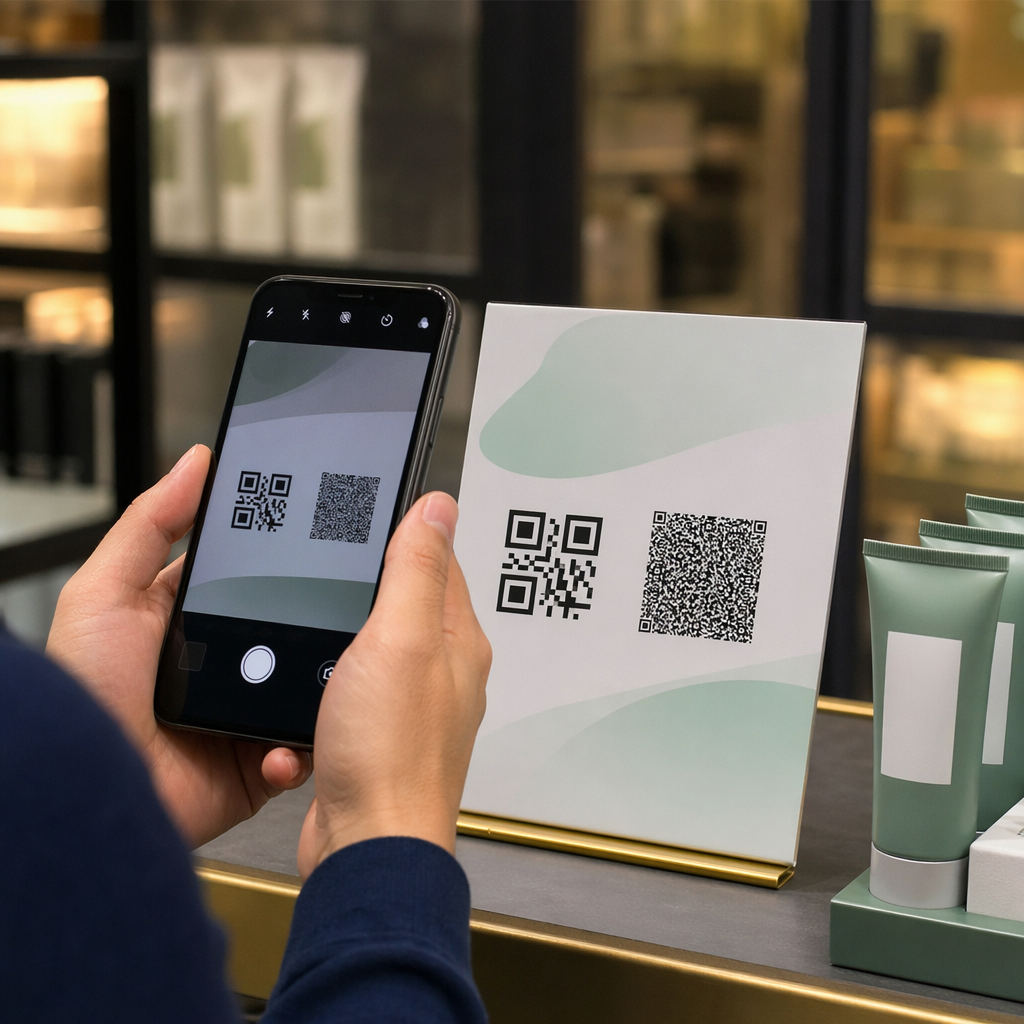
Baskı kullanımı için minimum boyut 2 × 2 inç (yaklaşık 5 × 5 cm) çoğu cihazın yakın mesafeden güvenilir bir şekilde tarayabilmesini sağlar. Uzaktan görülen materyaller (posterler, afişler, vitrinler) için orantılı olarak büyütün. Genel bir kılavuz: kod, insanların tarayacağı mesafenin en az onda biri kadar olmalıdır.
Sık karşılaşılan sorunlar ve çözümleri:
| Tarama Sorunu | Çözüm |
|---|---|
| Bulanık veya pikselli kod | Baskı için SVG, PDF veya EPS olarak dışa aktarın |
| Tarayıcı kodu tanıyamıyor | Kontrastı artırın; açık arka plan üzerinde koyu ön plan |
| Logo taramayı engelliyor | Logonun köşe karelerini kapatmadığından emin olun; daha yüksek hata düzeltme kullanın |
| Kod çok küçük | Fiziksel materyaller için en az 2 × 2 inç'e çıkarın |
| Bağlantı yanlış konumu açıyor | Oluşturmadan önce Google Haritalar'daki kopyalanan Paylaş bağlantısını yeniden doğrulayın |
Boyutlandırma, kontrast ve yerleştirme standartları hakkında daha fazla ayrıntı için bkz. QR kodu okunabilirliği için en iyi uygulamaları ve QR kodu kullanılabilirlik yönergelerine bakın.
Google Haritalar QR Kodları Nerede Kullanılır
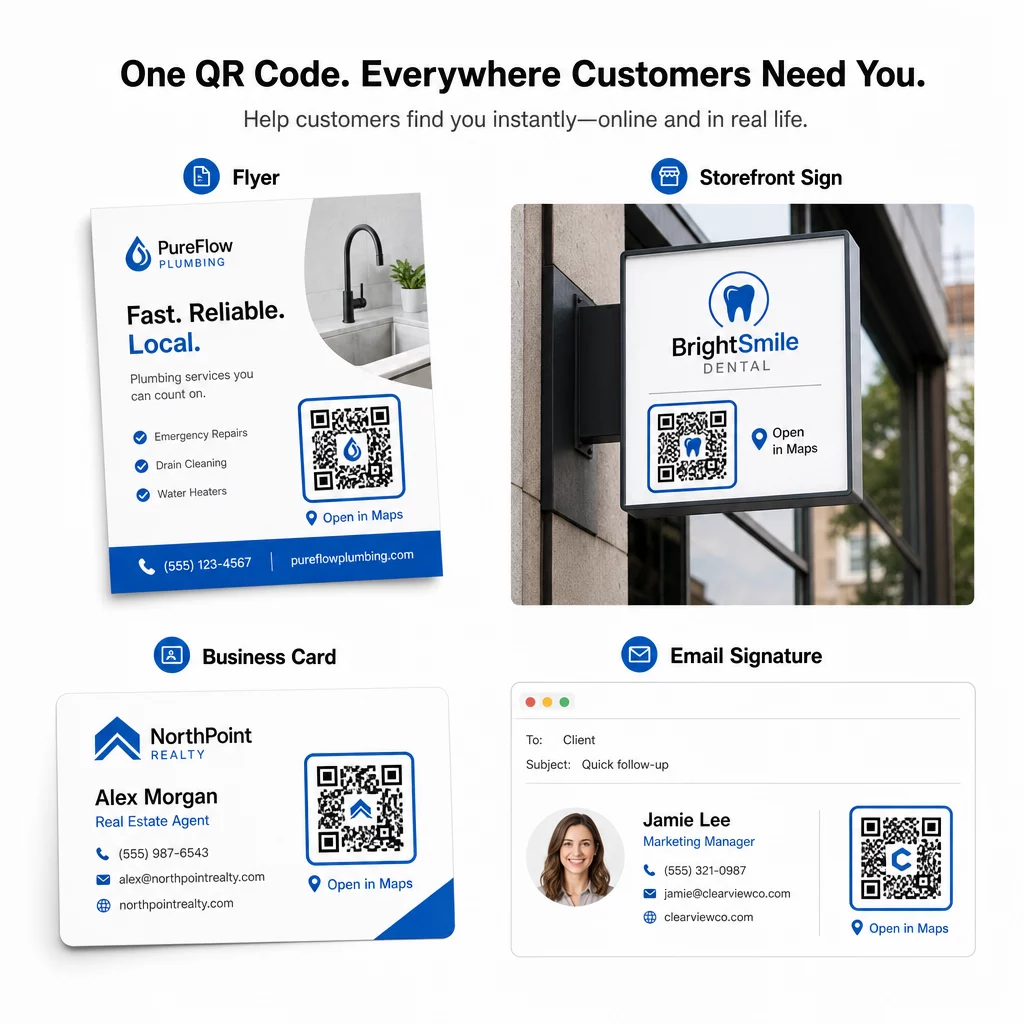
Test edildikten sonra, QR kodunuz basılı ve dijital kanallarda dağıtıma hazırdır:
Basılı materyaller:
- Kartvizitler – basılı adresleri taranabilir bir kodla değiştirin
- El ilanları ve broşürler – etkinlik misafirlerini doğrudan mekana yönlendirin
- Mağaza vitrinleri ve kapı tabelaları – müşterilerin park yeri veya alternatif girişler bulmasına yardımcı olun
- Emlak tabelaları – alıcıları açık ev konumlarına yönlendirin
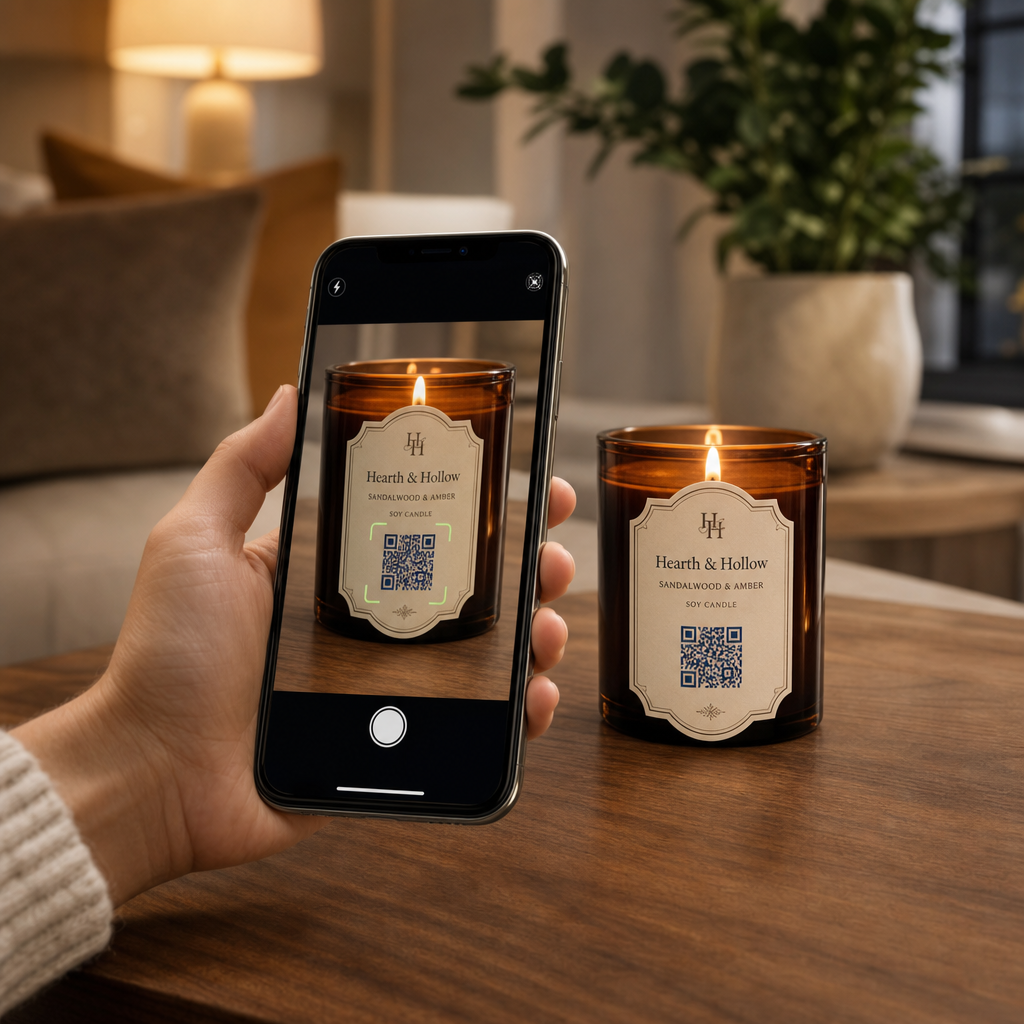
- Ürün ambalajı – müşterileri fiziksel perakende konumunuza bağlayın
Dijital kanallar:
- E-posta imzaları – statik adresleri taranabilir bir konum koduyla değiştirin
- Sosyal medya gönderileri ve Hikayeleri – yeni bir konumu veya etkinlik mekanını tanıtın
- Web sitesi altbilgileri – ziyaretçilerin tek dokunuşla yol tariflerini açmasını sağlayın
- Dijital menüler – yemek yiyenlerin ikinci bir konum veya catering ofisi bulmasına yardımcı olun
Her yerleştirmede, kodun yakınına net bir harekete geçirici mesaj ekleyin. “Yol Tarifi İçin Tara” veya “Haritalarda Aç” kullanıcıya taradığında tam olarak ne olacağını söyler, bu da etkileşimi artırır. Farklı materyallerde konumlandırma ve boyutlandırma konusunda rehberlik için, Pazarlama için QR kodu yerleştirme rehberi biçime özel önerileri ayrıntılı olarak kapsar.
Pageloot Plan Karşılaştırması
| ÖZELLİK | Ücretsiz Plan | Pro Plan | Özel/Kurumsal |
|---|---|---|---|
| QR Kod Türü | Yalnızca Statik | Dinamik ve Statik | Dinamik ve Statik |
| Düzenlenebilir Bağlantılar | Hayır | Evet | Evet |
| Tarama Analizleri | Yok | Gerçek Zamanlı (konum, cihaz) | Tam geçmiş ve uzman görüşleri |
| Yıllık Tarama Limiti | Sınırsız (statik) | 250,000 | Özel |
| özelleştirme | Temel (renkler, logo) | Gelişmiş tasarım seçenekleri | Tam marka entegrasyonu |
| Aylık Fiyat | $0 | $38.34 | $106.52 |
Ücretsiz plan, süresi dolmayan kalıcı statik kodları ve sınırsız taramayı kapsar. Ücretli planlar, dinamik düzenleme, gerçek zamanlı analizler ve gelişmiş özelleştirmeyi etkinleştirir. Başlangıç planı, 2 dinamik kod ve 15.000 yıllık tarama ile ayda 4,86 ABD dolarından başlar – formatı test eden küçük işletmeler için uygundur. Tüm ücretli planlar, kredi kartı gerektirmeyen 14 günlük ücretsiz deneme içerir.
Pageloot'un konum QR kodlarını kullanan bir emlak geliştiricisi olan Lucas Jansen'ın dediği gibi:
“Bu mükemmel bir araç ve QR kodları sizi tam olarak istediğiniz yere götürüyor.”
Kalıcı konumlar için ücretsiz bir statik kod en basit yoldur. Güncelleme, takip veya kampanya ölçümü gerektiren her şey için dinamik kodlar size zamanla gelişme esnekliği ve verisi sağlar. Google Haritalar bağlantınızı kopyalayarak, kodunuzu şurada oluşturarak başlayın: Google Maps QR Kod Oluşturucu, ve yayına almadan önce gerçek bir cihazda test ederek.
Sıkça sorulan sorular
Çoğu kullanım için, Google Haritalar'daki Paylaş düğmesinden Yer Bağlantısını kopyalayın – bu, tam konumu doğrudan Google Haritalar'da veya bir tarayıcıda açar. Kullanıcıları sabit bir başlangıç noktasından doğrudan adım adım navigasyona göndermek isterseniz, bunun yerine bir Yol Tarifi Bağlantısı kullanın. Kodu oluşturmadan önce doğru noktaya çözümlendiğini doğrulamak için bağlantıyı her zaman önce bir tarayıcıya yapıştırın.
Google Haritalar'da konumunuzu sabitledikten sonra, Paylaş düğmesini kullanın ve sağladığı URL'yi kopyalayın. Bu bağlantı, sadece genel bir arama değil, belirli sabitleme koordinatlarına bağlıdır. Haritada gezinirken tarayıcınızın adres çubuğundan URL'yi kopyalamaktan kaçının – o sürüm sabitlenmiş noktaya güvenilir bir şekilde çözümlenmeyebilir. QR kodunu oluşturmadan önce Paylaş bağlantısını doğrulamak için bir tarayıcıya yapıştırın.
Herhangi bir baskı uygulaması için vektör formatı – SVG, EPS veya PDF – kullanın. Vektör dosyaları, büyük baskı boyutlarında pikselli görünebilen PNG veya JPEG dışa aktarımlarının aksine, keskinliğini kaybetmeden her boyuta ölçeklenebilir. Baskı materyalleri için ayrıca çözünürlüğünüzün en az 300 DPI olduğundan ve güvenilir yakın mesafe taraması için kodun en az 2 × 2 inç boyutunda olduğundan emin olun.