Google Maps QR Code Generator

Paste a Google Maps link and get a location QR code that opens the place in Google Maps on any phone. Add your logo and colors, then download it as PNG, SVG or PDF. Free, no signup needed to download.

Frame

Style

Frame

Frame color

Background color

Text above color

Text below color

QR Code design

Body

Body color

Edges

Frame type

Edge frame color

Ball type

Edge ball color

Trusted by 20,000+ companies in 110 countries

What is a Google Maps QR code?

A Google Maps QR code is a QR code that holds a link to a place or a route in Google Maps. When someone scans it with a phone camera, Google Maps opens on that place with the Directions button ready. Nobody has to type an address.

A location QR code works for a shop, an office, an event venue, a parking spot or a meeting point. It also works for a route: a directions link opens Google Maps with your address already set as the destination. Anyone with a phone camera can scan it, and they do not need any extra app.

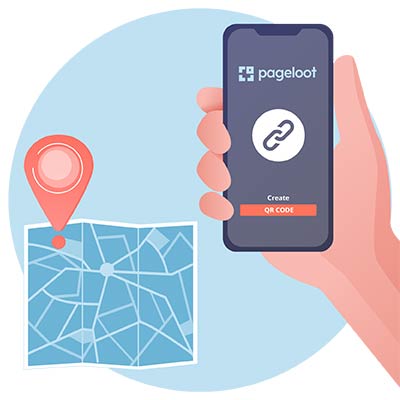
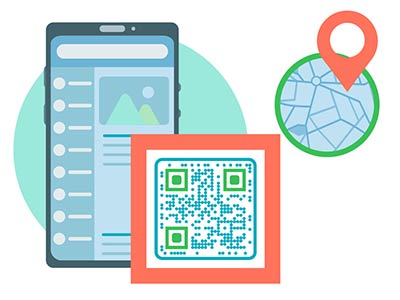
Location QR code generator opened on a smartphone

Create a QR Code for Google Maps
Examples

Tap on the images to zoom in

How to get the Google Maps link for your QR code

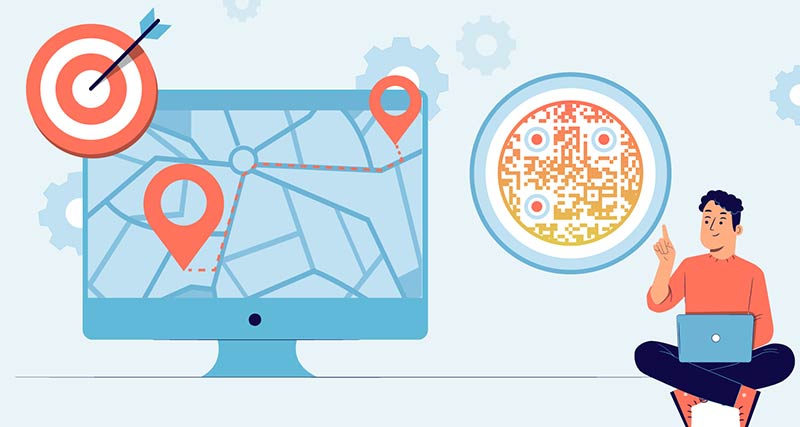
putting the right location in the QR Code generator on smartphone to create Google Maps QR Code
On a phone

Open the Google Maps app and search for the place, or tap it on the map. Tap Share, then Copy. Some phones word it Copy to clipboard. The link usually starts with maps.app.goo.gl.

Pageloot QR Code Generator website to create a map QR Code
On a computer

Go to google.com/maps and search for the place. In the left panel, click Share, then Copy link. This link is shorter than the one in your browser’s address bar, which makes a simpler code that is easier to scan.

phone scanning a QR code on a website
For directions

Click Directions, enter your address as the destination and use Share to copy the link. A shared route also holds its starting point, so for a public sign use the destination-only link described below.

location on Google Maps displayed on the phone after scanning the QR code
Paste it and test

Paste the link into the generator at the top of this page. Before you print, scan the code with your own phone and check that the pin is on the right door.

Create a location QR code

Free 14-day trial. No credit card required.

Different styles of QR codes created

How to Create a Google Maps QR Code?

Open maps

Open Google Maps and search for the exact location you want to convert into a QR code.
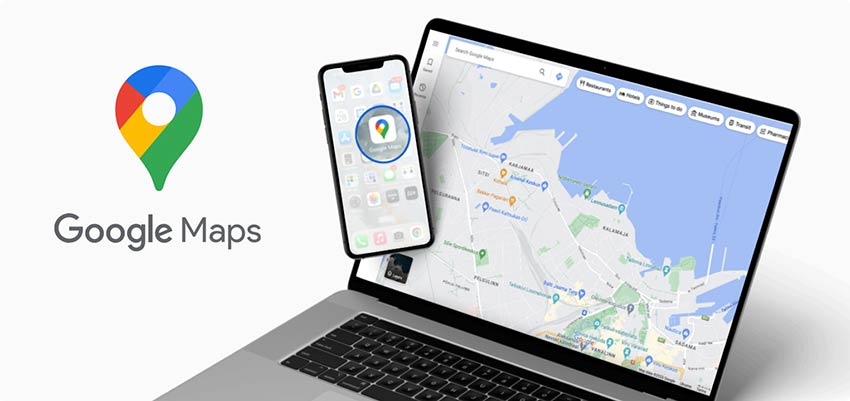
Google Maps QR opened on a laptop screen and highlights Google Maps app on a phone
Choose a location

Drop a pin on Google Maps in the place you want to add and copy the link to that dropped pin.
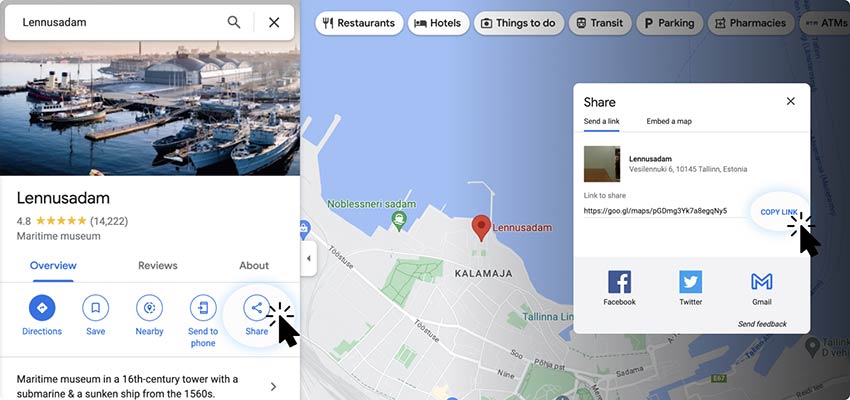
copy link to certain location for QR Code in Google Maps
Copy location link

Copy the Google Maps location link and paste it into the Google Maps QR code generator.
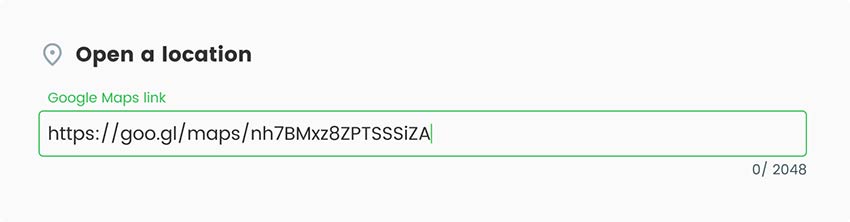
adding the link to address in Google Maps to QR code generator
Add style

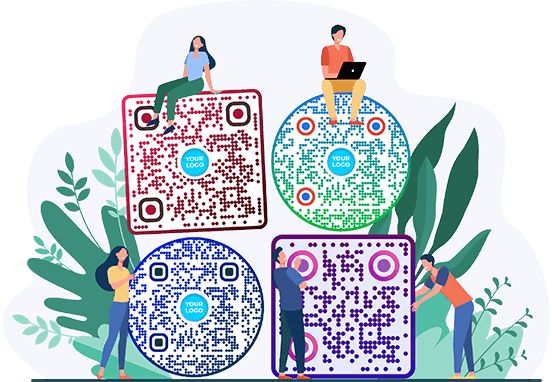
You can completely transform a simple QR code to match your style. Customize your Google Maps QR code with colors, backgrounds, frames, logos, and shapes to match your brand. You can also change the size and shape of the code.

in ‘Style & Frame’ section in Google Maps QR code generator, choose style and frame of the QR code
Download QR code

Save the final version of your custom-generated QR code. To download your QR code Map you simply need to click on the “Download QR code” button on the right side of the page.
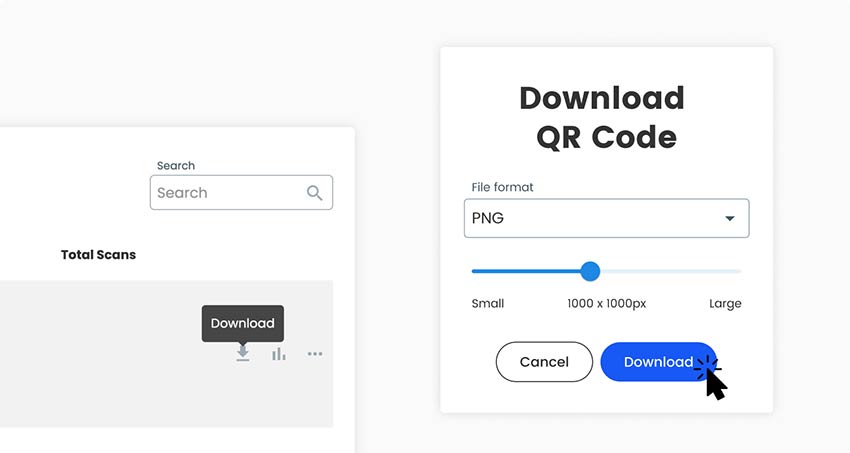
Click on blue ‘Download’ button to save your Google Maps QR code
All done!

Why Use a Google Maps QR Code for Your Business Location?

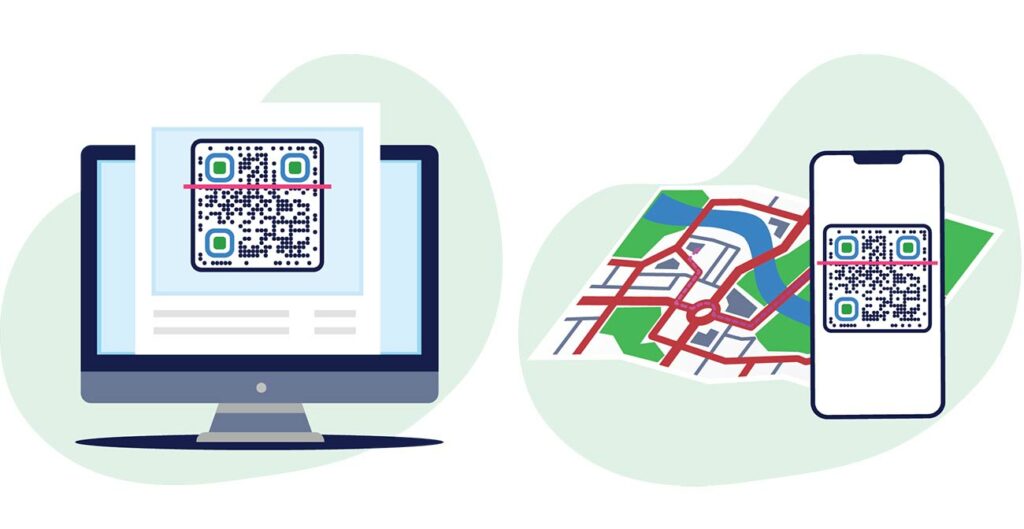
Showing how a location code can be created on desktop and smartphone

A location QR code saves visitors from typing an address, and it saves you from explaining the way. It suits places where people see a sign, a flyer or an invitation and want to be on their way a minute later: a shop door, a venue entrance, a delivery point.

Static or dynamic? A static code is enough when the place will not change. Choose a dynamic code if you might move, if one printed piece must point to different venues over time, or if you want to see how many people scan it, and when, where and on which device. With a dynamic code you change the destination in your Pageloot account and the printed code follows. Tick Edit later or Track scans above to start a free 14-day trial.

Place link, dropped pin or directions: which link to use

Place link. Search for a business or an address, then use Share. The link opens the place page with its name, photos, opening hours and a Directions button. Use it for a shop, restaurant or office that is listed on Google Maps.

Dropped pin. For a place without an address, such as a field, a back entrance, a parking area or a meeting point at an event, press and hold on the map on a phone, or click on the map on a computer, to drop a pin. Then use Share. The link opens exactly at that spot.

Directions link. To send people to your address from wherever they are, use this format and replace the end with your address, with plus signs instead of spaces: https://www.google.com/maps/dir/?api=1&destination=Your+Address+City. Without a starting point, Google Maps normally begins at the person’s current location.

Paste any of these three links into the generator. Check each one on your own phone first.

Frequently asked questions

Open Google Maps, find the place, then use Share and copy the link. Paste it into the generator at the top of this page, add your logo or colors, and download the code. Scan it with your phone before you print it.

A Google Maps location is just a link. On a phone, tap Share, then Copy. On a computer, click Share, then Copy link. Paste that link into the generator. If the place has no address, drop a pin on the map first and share the pin.

With a static code, yes. The code holds the old link, so a new place needs a new code. With a dynamic code you change the destination in your Pageloot account and the printed code follows. Tick Edit later above to start a free 14-day trial.

Only a link. The link holds the place or the coordinates. Google Maps shows the name, photos and opening hours when the page opens. The code does not hold your opening hours or a description. For that, link to your business listing or to a page on your website.

Yes. Paste your link into the generator on this page and download a PNG, SVG or PDF without an account. An email may be asked. Scan tracking and editing the destination later need a Pageloot account with a 14-day free trial.

Use a directions link as the destination. In Google Maps click Directions and use Share, or type https://www.google.com/maps/dir/?api=1&destination= followed by your address with plus signs instead of spaces. A link without a starting point normally begins at the person’s own location.

The code itself has no date in it. What matters is the link: if the place is removed or the link changes, the code opens an error. A dynamic code becomes inactive when a paid plan ends, except on the lifetime deal.

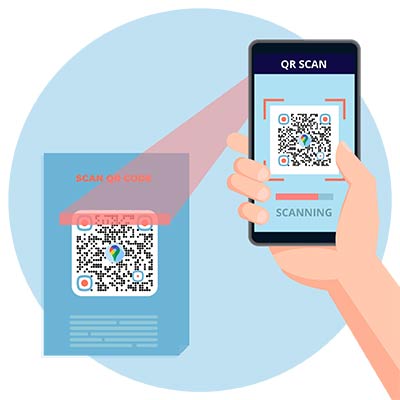
Open your phone’s camera and point it at the code. Tap the link that appears. Google Maps opens on the place, or the place opens in your browser if the app is not installed. On older phones, use a QR scanner app.

Frequently asked questions icon
More questions?

Contact us and we’ll be happy to help!

Trusted by top brands
Rated 4.8 out of 5

4.86 / 5 stars rating

Hugo Laurent
Hugo Laurent
★★★★★
Restaurant owner
The most easy and reliable QR code Generator ever. PDF files can be uploaded instantly. Our restaurant menus are now digital.

Lucas Jansen
Lucas Jansen
★★★★★
Real estate developer
This is an excellent tool and the QR codes take you to just where you want. We only use the location QR code but there are so many useful features.

Emma Moretti
Emma Moretti
★★★★★
Retail products
Easy to use and quick. It works great and creates a perfect images, so employees can download my vCard.
Hugo Laurent
Hugo Laurent
★★★★★
Restaurant owner
The most easy and reliable QR code Generator ever. PDF files can be uploaded instantly. Our restaurant menus are now digital.
Lucas Jansen
Lucas Jansen
★★★★★
Real estate developer
This is an excellent tool and the QR codes take you to just where you want. We only use the location QR code but there are so many useful features.
Emma Moretti
Emma Moretti
★★★★★
Retail products
Easy to use and quick. It works great and creates a perfect images, so employees can download my vCard.
Create a location QR code

Free 14-day trial. No credit card required.

QR code generator dashboard preview

Where to use a Google Map QR code?
Examples

Tap on the images to zoom in

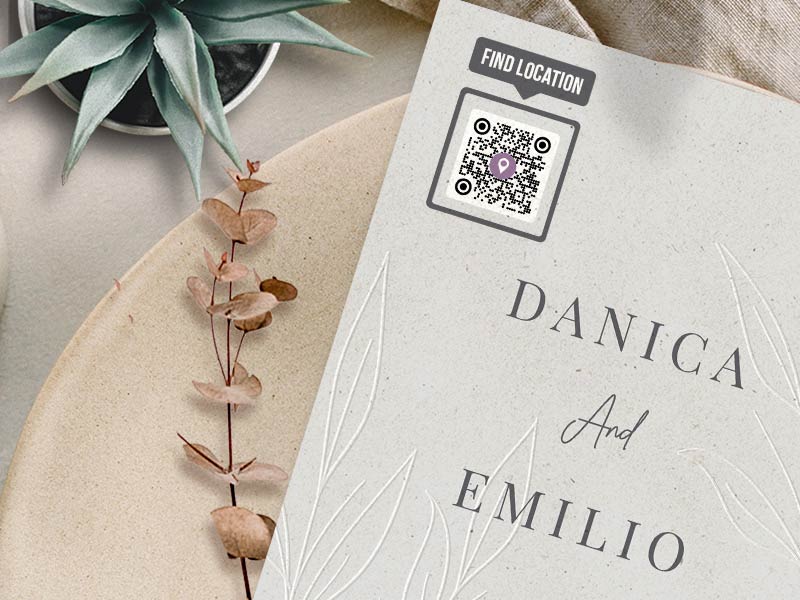
Google Maps QR Code on a wedding invitation

Shop doors and windows

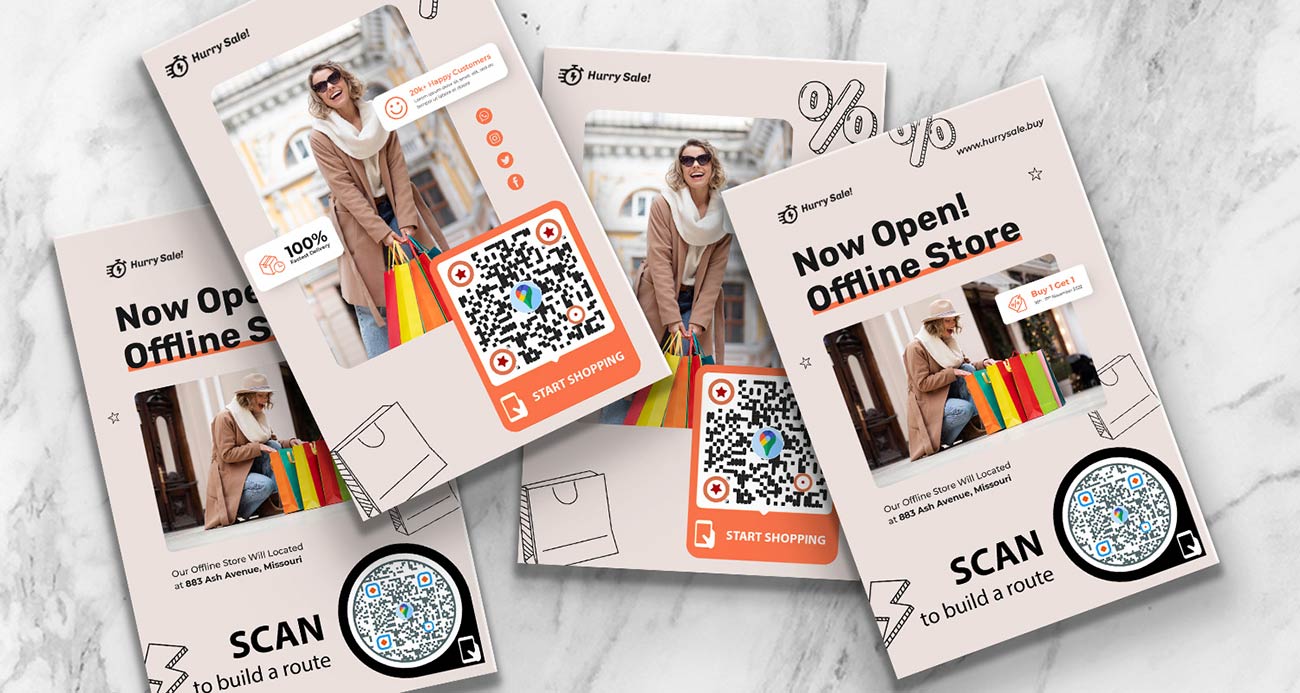
Put the code on the door or window with a short call to action such as “Scan for directions”. Customers who find your street but not your entrance, and delivery drivers who need the right door, can open the pin in one scan. Place a dropped pin on the real entrance if your listed address points to the building’s other side.

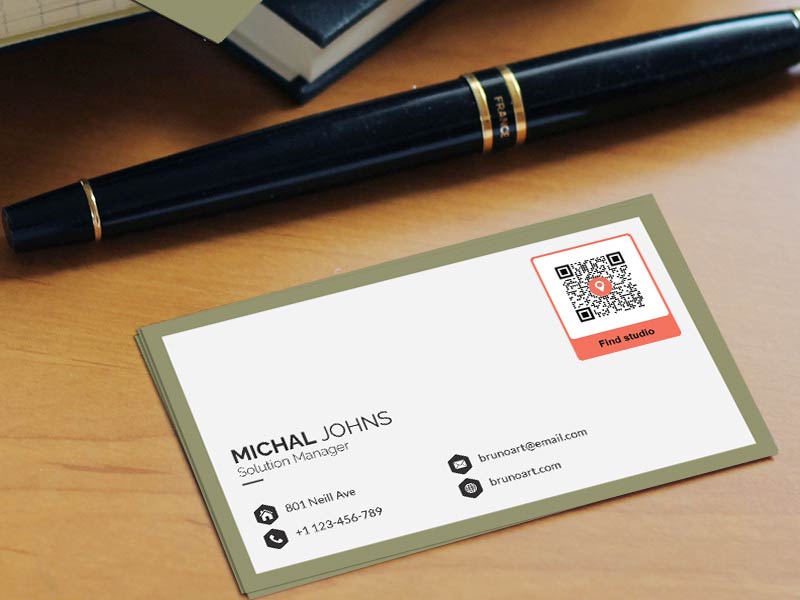
Location QR Code on business card

Event venue signs

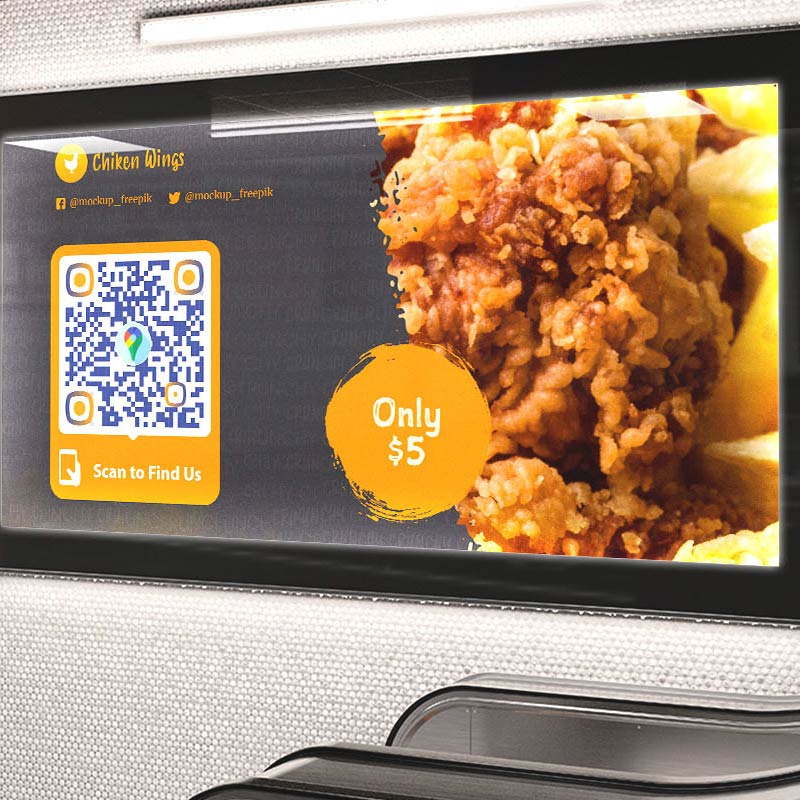
At a festival, conference or fair, use a dropped pin for the exact gate, parking area or meeting point. Show the code on the ticket, the program and the sign at the road. If one printed piece must serve several venues across the year, use a dynamic code and change the destination for each event.

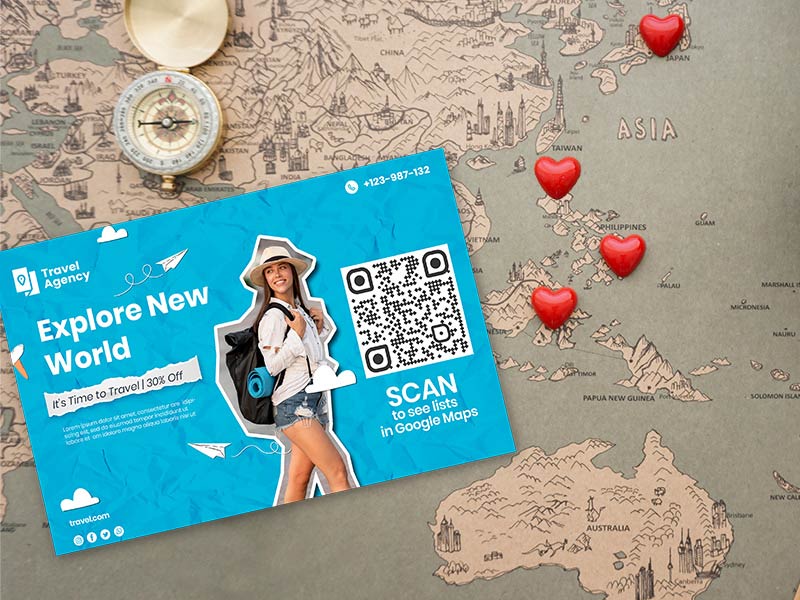
QR Code leading to lists in Google Maps printed on a promo flyer for travel agency

Flyers and posters

Add the code next to the address on a flyer, a poster or a business card. People who read the offer at the bus stop can open the route to your shop right away. Print it at least 2 x 2 cm (0.8 in), and larger on posters that are read from a distance.

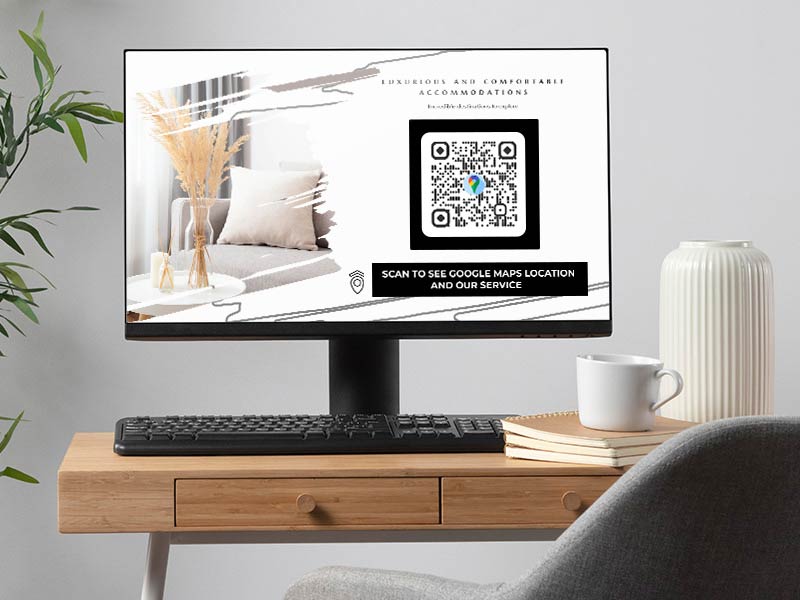
QR Code with location on a website

Wedding invitations

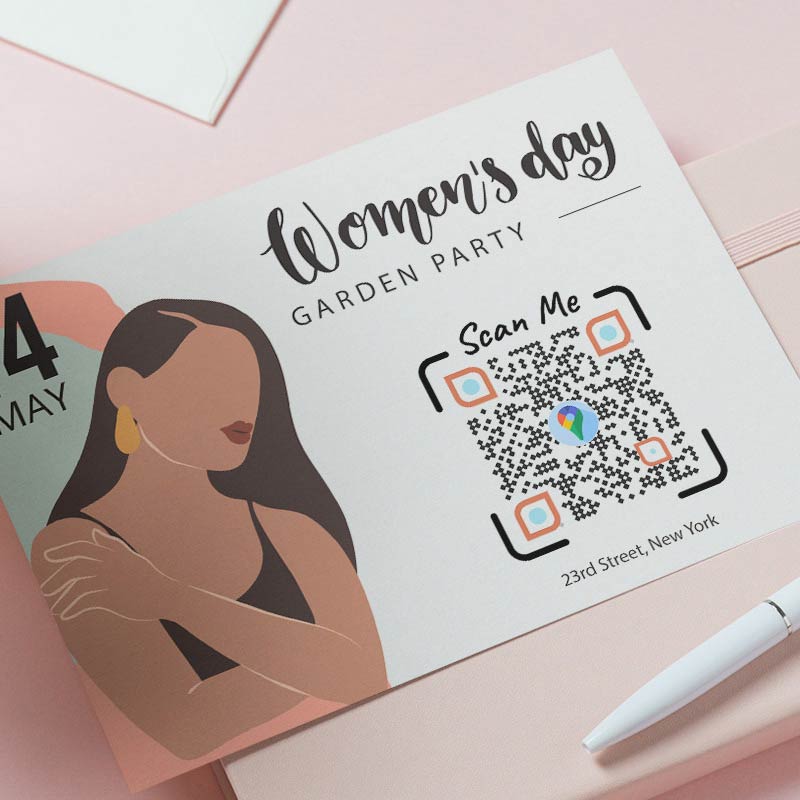
Print a code for the ceremony venue and one for the party venue on the invitation. Guests who travel from far away get the route on their phone, with parking and the entrance included if you drop the pin there. The wedding date is fixed, so a static code is enough.

Where to place the code so people scan it

Google Maps QR code not working? Check these first

The pin is in the wrong place

Google Maps may have matched a similar address, or the pin was dropped a few meters off. Open your link on a phone, zoom in and check that the pin sits on the entrance. If the listing is wrong, drop a pin by hand on the door and share that instead. For large sites such as a campus, a mall or a hospital, put the pin at the entrance visitors should use.

customizing a QR Code with call-to-action button and branding
a webpage with location icons on a map near QR Code image
The link is wrong or cut off

A link that was copied only in part opens an error or a different place. Copy it again from Share. Check that it opens one place and not a list of search results. Do not run the link through another link shortener: a code with two redirects stops working if either one fails.

It opens in the browser, not in the Maps app

That depends on the phone, not on the code. If the Google Maps app is installed, most phones open the link there. If not, the place opens in the browser, with the pin and a Directions button. On Android you can check Open by default in the Google Maps app settings.

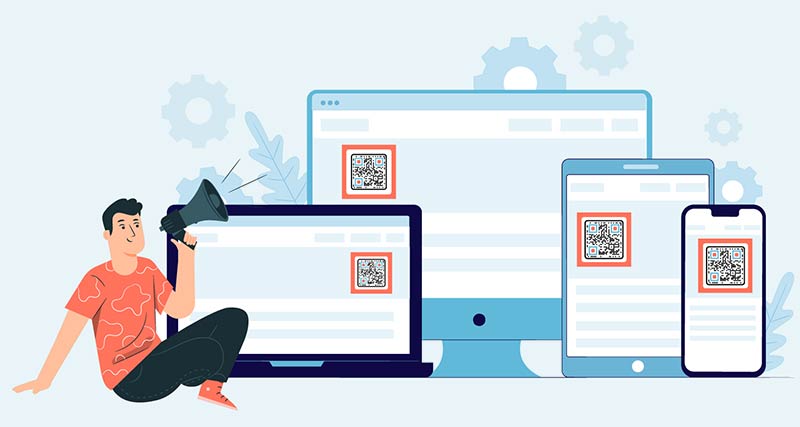
A QR Code with location showed on laptop, computer, tablet, and phone
creating QR Code online using phone
The code is too small or does not scan

Print it at least 2 x 2 cm (0.8 in), bigger if people scan from a distance. A very long link makes a denser code, so use the short Share link. Keep strong contrast and a white border, and avoid printing on curved or shiny surfaces.

Why make your Google Maps QR code with Pageloot

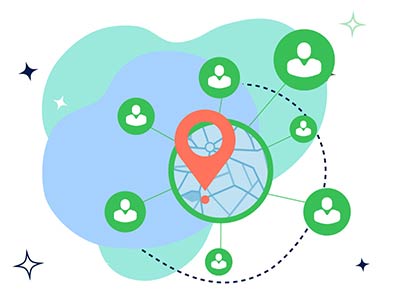
a QR code map with icons showing access to one file from different parts of the world
Free to download

Make and download your code without creating an account.

dashboard with Google Maps QR Code analytics
Your logo and colors

Add a frame with a call to action, change the colors and shapes, and put your logo in the middle.

reviewing QR Code analytics dashboard with key data points and graphs
Print-ready files

Download PNG for screens and documents, or SVG and PDF for sharp printing at any size.

QR Code with a landing page displayed on a phone and location showed on map
Move without reprinting

With a dynamic code you can point the same printed code to a new address when you move or change venue.

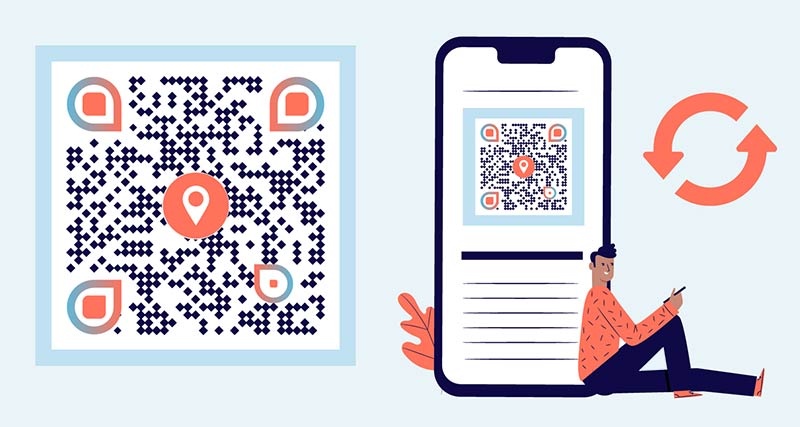
updating Google Maps QR Code using Pageloot QR Code Generator
See every scan

A dynamic code shows how many people scanned it, and when, where and on which device, so you know which sign or flyer works.

graph near location QR Code showing rise with an arrow going up
Works on every phone

iPhone and Android cameras read QR codes without any extra app.

GL-08

Learn more about Google Maps QR codes

A festival flyer with QR code to register for pre-sale
QR Codes forEvents
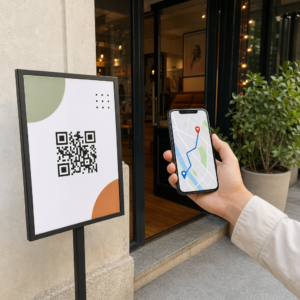
Scanning QR for directions
QR Codes forDirections

Get 30% off your first purchase

Use the code:

Share your MP3 files

Sign up to create PDF QR codes

Upload and display everything you need:

  • Audio files
  • Podcasts
  • Music

14-day free trial with sign-up.
QR codes expire after trial.

sign up to create an audio mp3 QR code

Get more scans with frames

Sign up to add more frames to your QR codes

Call-to-action frames help your customers interact with the QR Code easily. Try them out!

14-day free trial with sign-up.
QR codes expire after trial.

Sign up to add more frames to your QR codes

Add more style with shapes

Signup to create more shapes

QR Codes don’t have to be square. Try switching it up to fit your brand’s image.

14-day free trial with sign-up.
QR codes expire after trial.

Signup to create more shapes

Add a logo to your QR Code

Sign up to add your logo to QR codes

Make your QR code stand out by adding your logo and brand to it.

14-day free trial with sign-up.
QR codes expire after trial.

Sign up to add your logo to QR codes

Smart App Store redirects

Sign up to create an app store QR code

Add your App links to our smart App Store QR Code. The users are redirected based on their device.

14-day free trial with sign-up.
QR codes expire after trial.

Sign up to create an app store QR code

Upload an image to a QR Code

Sign up to create image QR codes

Share your images easily. Change any image dynamically within seconds.

14-day free trial with sign-up.
QR codes expire after trial.

Sign up to create image QR codes

Share your PDF files

Sign up to create PDF QR codes

Upload and display everything you need:

  • Menus & price lists
  • Instructions
  • Any documents

14-day free trial with sign-up.
QR codes expire after trial.

Sign up to create PDF QR codes

Edit later without printing

Sign up to edit your QR codes without printing again

Dynamic QR Codes let you change the contents of your QR Code without having to print new ones.

14-day free trial with sign-up.
QR codes expire after trial.

Sign up to edit your QR codes without printing again

When? Where? Track your QR Code scans

Sign up to track your QR codes

Discover which of your QR Codes receive the most scans and what excites your clients the most.

14-day free trial with sign-up.
QR codes expire after trial.

Sign up to track your QR codes

Print ready files available

Sign up to create vector QR codes like PDF and SVG

.EPS, .PDF, .SVG

Want to download your QR Codes in HD resolution? Get vector or pixel formats that are ready to be printed.

14-day free trial with sign-up.
QR codes expire after trial.

Sign up to create vector QR codes like PDF and SVG

Please wait. Your QR Code is loading... loading...

Make it your own

Sign up to save your QR code for later

Get more scans by creating awesome QR Codes with different colors, logos and call-to-action frames.

14-day free trial with sign-up.
QR codes expire after trial.

Sign up to save your QR code for later