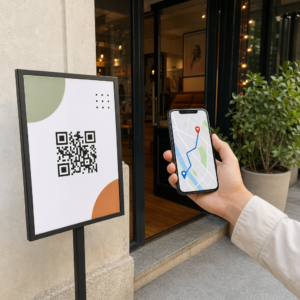
Paste a Google Maps link and get a location QR code that opens the place in Google Maps on any phone. Add your logo and colors, then download it as PNG, SVG or PDF. Free, no signup needed to download.
Google Карти QR
Плъзнете PDF тук, или кликнете, за да изберете
0 / 2048
0 / 2048
0 / 2048
Рамка
Стил
Рамка
10
/ 30
8
/ 30
Цвят на рамката
Фонов цвят
Текст над цвета
Текст под цвета
Дизайн на QR код
Тяло
Цвят на каросерията
Ръбове
Тип рамка
Цвят на рамката на ръба
Тип топка
Цвят на топката на ръба
Добавяне на лого
Доверени от над 20 000 компании в 110 държави
Какво представлява QR кодът на Google Maps?
A Google Maps QR code is a QR code that holds a link to a place or a route in Google Maps. When someone scans it with a phone camera, Google Maps opens on that place with the Directions button ready. Nobody has to type an address.
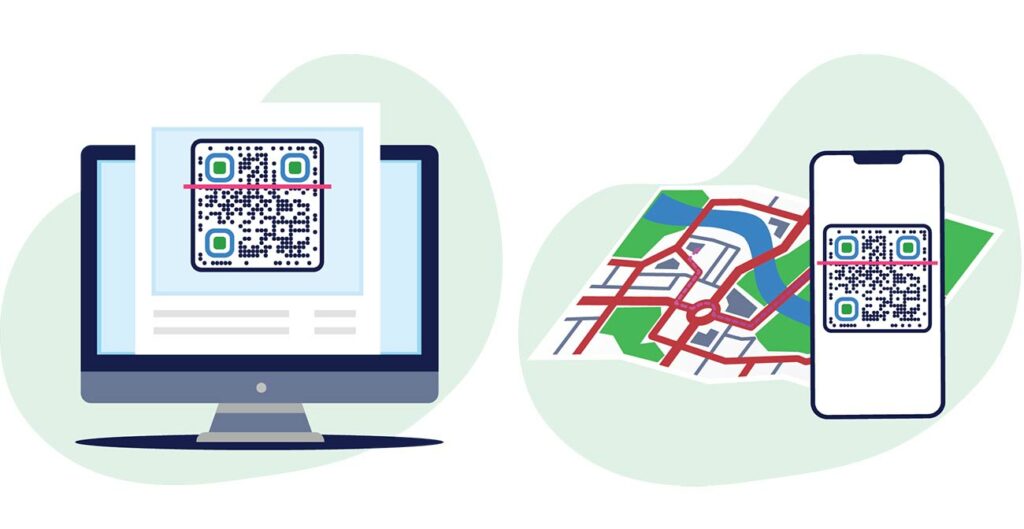
A location QR code works for a shop, an office, an event venue, a parking spot or a meeting point. It also works for a route: a directions link opens Google Maps with your address already set as the destination. Anyone with a phone camera can scan it, and they do not need any extra app.
Open the Google Maps app and search for the place, or tap it on the map. Tap Дял, then Копие. Some phones word it Copy to clipboard. The link usually starts with maps.app.goo.gl.
On a computer
Go to google.com/maps and search for the place. In the left panel, click Дял, then Копирай връзка. This link is shorter than the one in your browser’s address bar, which makes a simpler code that is easier to scan.
For directions
Кликнете Упътвания, enter your address as the destination and use Дял to copy the link. A shared route also holds its starting point, so for a public sign use the destination-only link described below.
Paste it and test
Paste the link into the generator at the top of this page. Before you print, scan the code with your own phone and check that the pin is on the right door.
Създаване на QR код за местоположение
Безплатен 14-дневен пробен период. Не се изисква кредитна карта.
Отворете Google Maps и потърсете точното местоположение, което искате да конвертирате в QR код.
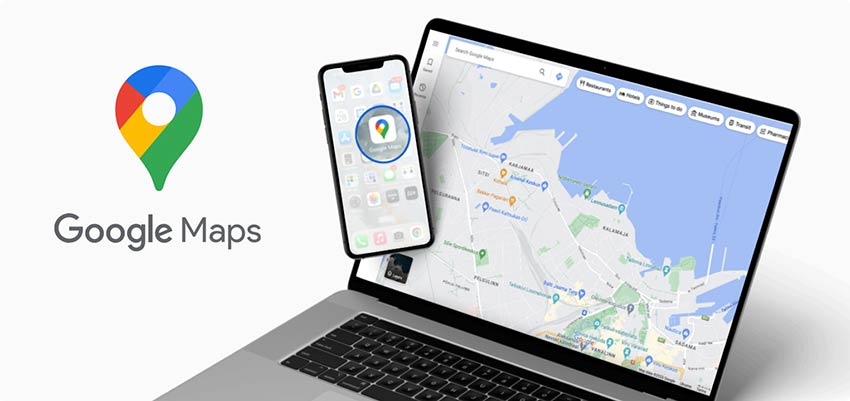
Изберете местоположение
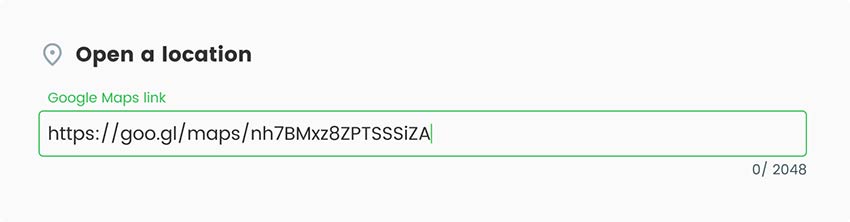
Пуснете карфица в Google Maps на мястото, което искате да добавите, и копирайте връзката към тази пусната карфица.
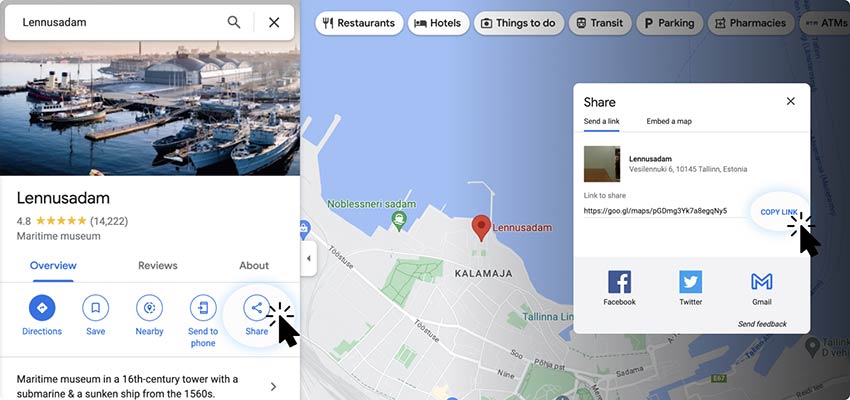
Копиране на връзката за местоположение
Копирайте връзката към местоположението в Google Maps и я поставете в генератора на QR кодове на Google Maps.
Добавяне на стил
Можете напълно да трансформирате един обикновен QR код, за да съответства на вашия стил. Персонализирайте вашия QR код в Google Maps с цветове, фонове, рамки, лога и форми, за да съответстват на вашата марка. Можете също така да промените размера и формата на кода.
Изтегляне на QR код
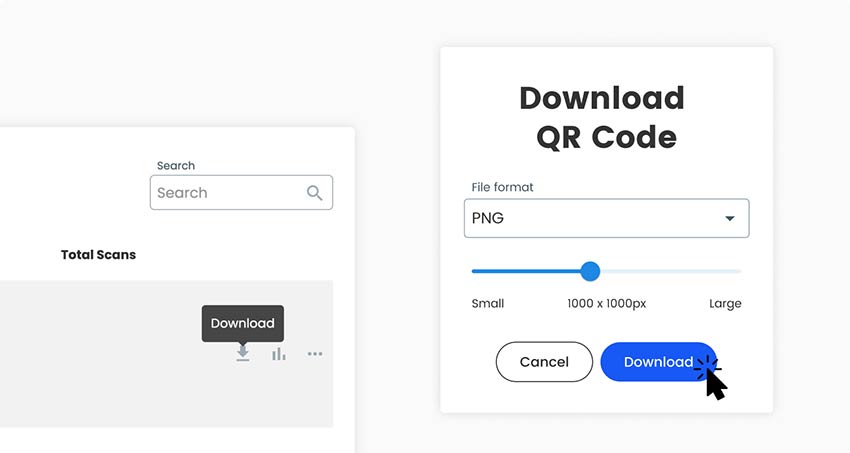
Запазете окончателната версия на генерирания по поръчка QR код. За да изтеглите своя QR код Карта, просто трябва да кликнете върху бутона "Изтегляне на QR код" в дясната част на страницата.
Всичко е готово!
Защо да използвате QR код на Google Maps за местоположението на вашия бизнес?
A location QR code saves visitors from typing an address, and it saves you from explaining the way. It suits places where people see a sign, a flyer or an invitation and want to be on their way a minute later: a shop door, a venue entrance, a delivery point.
Static or dynamic? A static code is enough when the place will not change. Choose a dynamic code if you might move, if one printed piece must point to different venues over time, or if you want to see how many people scan it, and when, where and on which device. With a dynamic code you change the destination in your Pageloot account and the printed code follows. Tick Редактирайте по-късно или Сканиране на песни горе, за да започнете безплатен 14-дневен пробен период.
Place link, dropped pin or directions: which link to use
Place link. Search for a business or an address, then use Share. The link opens the place page with its name, photos, opening hours and a Directions button. Use it for a shop, restaurant or office that is listed on Google Maps.
Dropped pin. For a place without an address, such as a field, a back entrance, a parking area or a meeting point at an event, press and hold on the map on a phone, or click on the map on a computer, to drop a pin. Then use Share. The link opens exactly at that spot.
Directions link. To send people to your address from wherever they are, use this format and replace the end with your address, with plus signs instead of spaces: https://www.google.com/maps/dir/?api=1&destination=Your+Address+City. Without a starting point, Google Maps normally begins at the person’s current location.
Paste any of these three links into the generator. Check each one on your own phone first.
Open Google Maps, find the place, then use Share and copy the link. Paste it into the generator at the top of this page, add your logo or colors, and download the code. Scan it with your phone before you print it.
A Google Maps location is just a link. On a phone, tap Share, then Copy. On a computer, click Share, then Copy link. Paste that link into the generator. If the place has no address, drop a pin on the map first and share the pin.
With a static code, yes. The code holds the old link, so a new place needs a new code. With a dynamic code you change the destination in your Pageloot account and the printed code follows. Tick Edit later above to start a free 14-day trial.
Only a link. The link holds the place or the coordinates. Google Maps shows the name, photos and opening hours when the page opens. The code does not hold your opening hours or a description. For that, link to your business listing or to a page on your website.
Yes. Paste your link into the generator on this page and download a PNG, SVG or PDF without an account. An email may be asked. Scan tracking and editing the destination later need a Pageloot account with a 14-day free trial.
Use a directions link as the destination. In Google Maps click Directions and use Share, or type https://www.google.com/maps/dir/?api=1&destination= followed by your address with plus signs instead of spaces. A link without a starting point normally begins at the person’s own location.
The code itself has no date in it. What matters is the link: if the place is removed or the link changes, the code opens an error. A dynamic code becomes inactive when a paid plan ends, except on the lifetime deal.
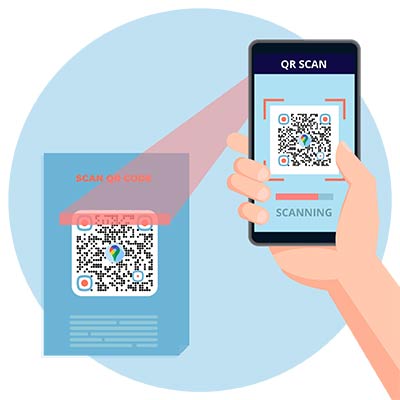
Open your phone’s camera and point it at the code. Tap the link that appears. Google Maps opens on the place, or the place opens in your browser if the app is not installed. On older phones, use a QR scanner app.
Най-лесният и надежден генератор на QR кодове някога. PDF файловете могат да се качват незабавно. Нашите ресторантски менюта вече са цифрови.
Лукас Янсен
★★★★★
Строител на недвижими имоти
Това е отличен инструмент и QR кодовете ви отвеждат точно там, където искате. Използваме само QR кода за местоположение, но има толкова много полезни функции.
Ема Морети
★★★★★
Продукти на дребно
Лесен за използване и бърз. Работи чудесно и създава перфектни изображения, така че служителите могат да изтеглят моята vCard.
Хюго Лоран
★★★★★
Собственик на ресторант
Най-лесният и надежден генератор на QR кодове някога. PDF файловете могат да се качват незабавно. Нашите ресторантски менюта вече са цифрови.
Лукас Янсен
★★★★★
Строител на недвижими имоти
Това е отличен инструмент и QR кодовете ви отвеждат точно там, където искате. Използваме само QR кода за местоположение, но има толкова много полезни функции.
Ема Морети
★★★★★
Продукти на дребно
Лесен за използване и бърз. Работи чудесно и създава перфектни изображения, така че служителите могат да изтеглят моята vCard.
Създаване на QR код за местоположение
Безплатен 14-дневен пробен период. Не се изисква кредитна карта.
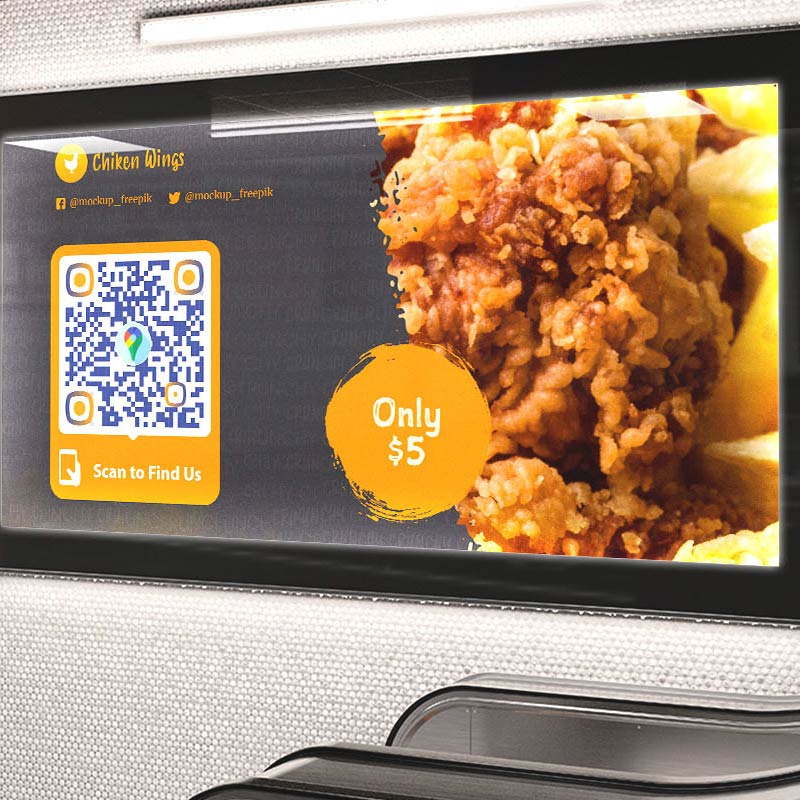
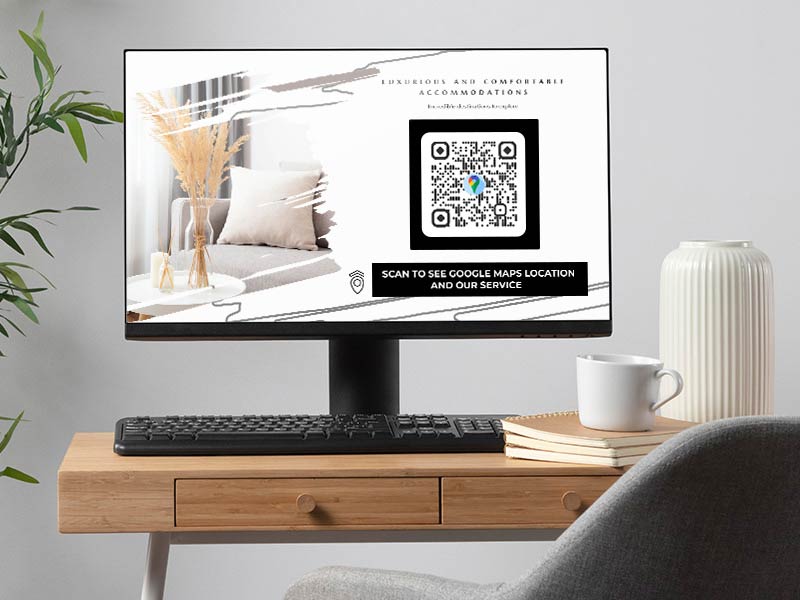
Put the code on the door or window with a short call to action such as “Scan for directions”. Customers who find your street but not your entrance, and delivery drivers who need the right door, can open the pin in one scan. Place a dropped pin on the real entrance if your listed address points to the building’s other side.
Event venue signs
At a festival, conference or fair, use a dropped pin for the exact gate, parking area or meeting point. Show the code on the ticket, the program and the sign at the road. If one printed piece must serve several venues across the year, use a dynamic code and change the destination for each event.
Флаери и плакати
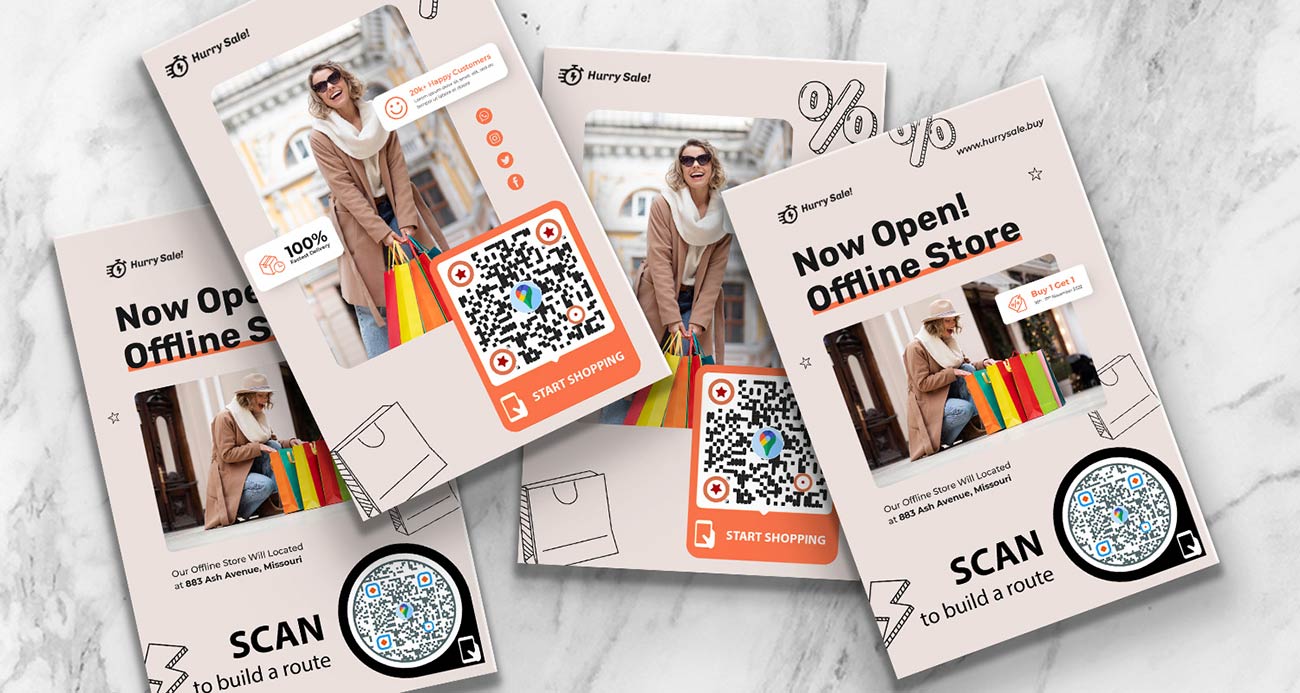
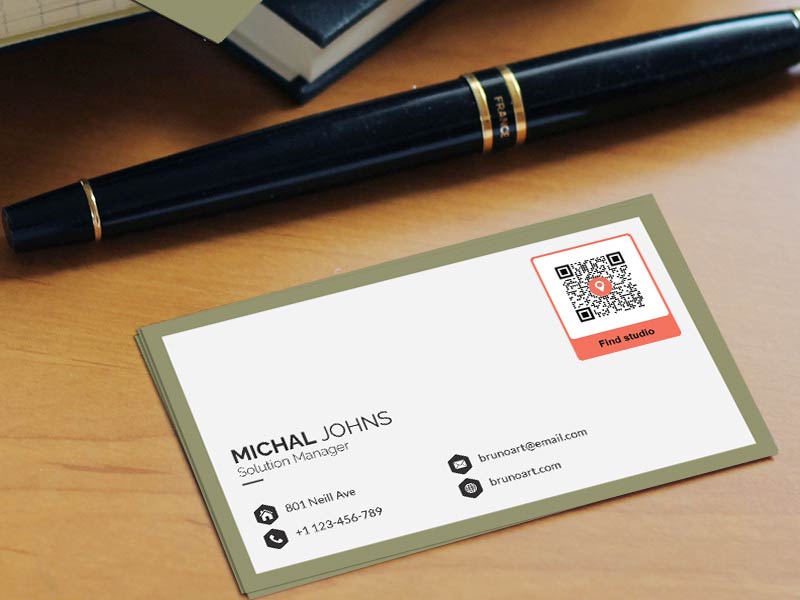
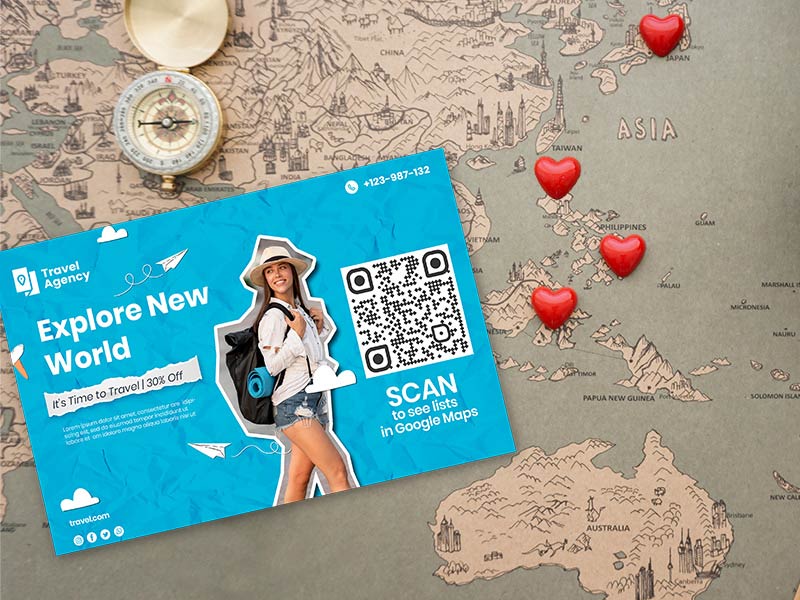
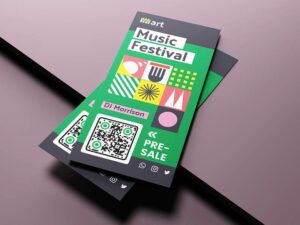
Add the code next to the address on a flyer, a poster or a business card. People who read the offer at the bus stop can open the route to your shop right away. Print it at least 2 x 2 cm (0.8 in), and larger on posters that are read from a distance.
Wedding invitations
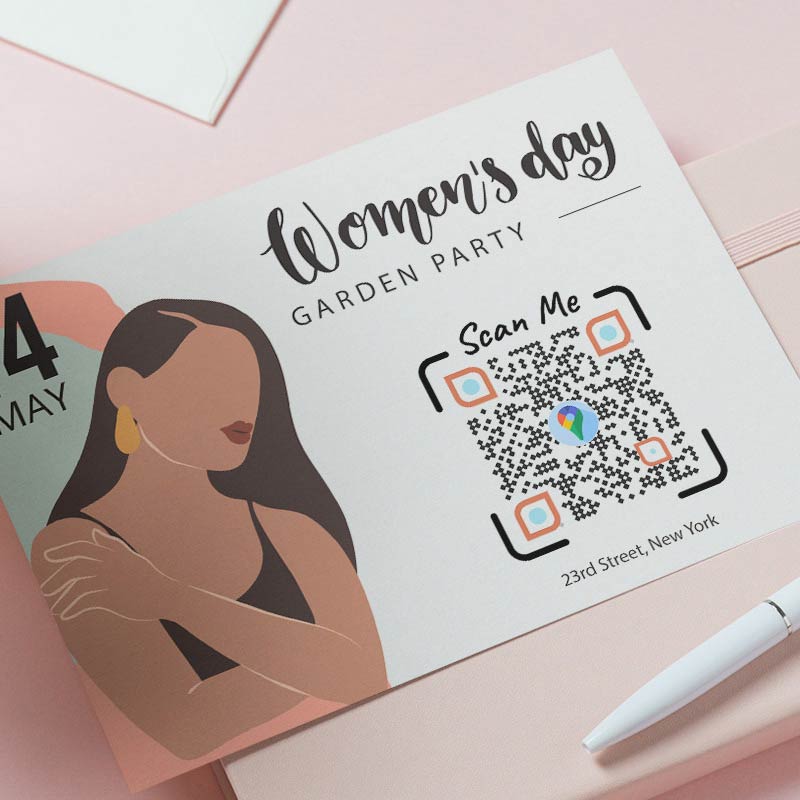
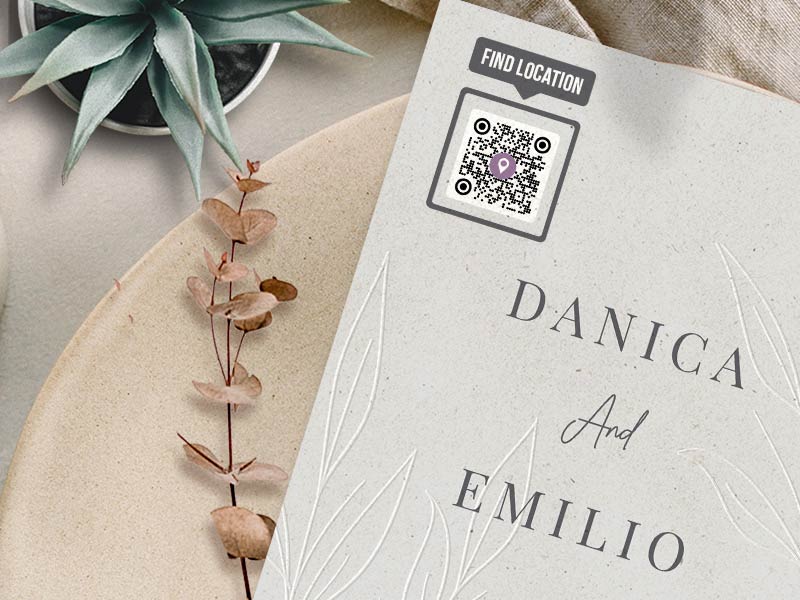
Print a code for the ceremony venue and one for the party venue on the invitation. Guests who travel from far away get the route on their phone, with parking and the entrance included if you drop the pin there. The wedding date is fixed, so a static code is enough.
Where to place the code so people scan it
Put it where people look for the way Place the code at eye level next to the door, the gate or the address line, not on the back of a leaflet.
Add a short call to action Use a frame with words such as "Scan for directions". People scan when they know what they get.
Keep it dark on light Use a dark code on a light background, keep a white border around it and do not stretch the image.
Test on two phones Scan from the distance people will really stand at, on one iPhone and one Android phone, before you print.
Google Maps QR code not working? Check these first
The pin is in the wrong place
Google Maps may have matched a similar address, or the pin was dropped a few meters off. Open your link on a phone, zoom in and check that the pin sits on the entrance. If the listing is wrong, drop a pin by hand on the door and share that instead. For large sites such as a campus, a mall or a hospital, put the pin at the entrance visitors should use.
The link is wrong or cut off
A link that was copied only in part opens an error or a different place. Copy it again from Дял. Check that it opens one place and not a list of search results. Do not run the link through another link shortener: a code with two redirects stops working if either one fails.
It opens in the browser, not in the Maps app
That depends on the phone, not on the code. If the Google Maps app is installed, most phones open the link there. If not, the place opens in the browser, with the pin and a Directions button. On Android you can check Open by default in the Google Maps app settings.
The code is too small or does not scan
Print it at least 2 x 2 cm (0.8 in), bigger if people scan from a distance. A very long link makes a denser code, so use the short Share link. Keep strong contrast and a white border, and avoid printing on curved or shiny surfaces.
Why make your Google Maps QR code with Pageloot
Безплатно за изтегляне
Създайте и изтеглете своя код, без да създавате акаунт.
Вашето лого и цветове.
Добавете рамка с призив за действие, променете цветовете и формите и поставете логото си в средата.
Файлове, готови за печат
Изтеглете PNG за екрани и документи, или SVG и PDF за рязък печат във всякакъв размер.
Move without reprinting
With a dynamic code you can point the same printed code to a new address when you move or change venue.
Вижте всяко сканиране
A dynamic code shows how many people scanned it, and when, where and on which device, so you know which sign or flyer works.
Работи на всеки телефон
Камерите на iPhone и Android четат QR кодове без нужда от допълнително приложение.