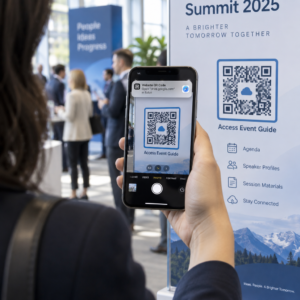
Zastanawiałeś się kiedyś, co tak naprawdę dzieje się w ciągu pół sekundy między skierowaniem telefonu na kod QR a wylądowaniem na stronie internetowej? Proces ten jest szybszy niż się wydaje, a jego zrozumienie pomaga tworzyć kody, które zawsze skanują się niezawodnie.
Czym właściwie jest kod QR
Kod QR to dwuwymiarowa matryca czarno-białych kwadratów ułożonych w unikalny wzór. W przeciwieństwie do tradycyjnego kodu kreskowego – który koduje dane w jednej poziomej linii o zmiennej szerokości pasków – kod QR przechowuje informacje zarówno poziomo, jak i pionowo. To właśnie to zapewnia mu znacznie większą pojemność danych i sprawia, że jest czytelny z wielu orientacji.
Każdy kod QR składa się z kilku funkcjonalnych obszarów:
- Wzorce wyszukiwania – trzy duże kwadraty w rogach, które pomagają skanerowi zlokalizować kod, określić jego orientację i znaleźć jego krawędzie, nawet gdy kod jest przechylony
- Wzorce synchronizacji – naprzemienne czarno-białe moduły biegnące między wzorcami wyszukiwania, które definiują strukturę siatki i pomagają skanerowi prawidłowo określić rozmiar każdego modułu
- Strefa ciszy – pusta biała margines otaczający kod, o szerokości co najmniej czterech modułów, który oddziela go od otaczającej grafiki, dzięki czemu skaner może wykryć jego granice
- Informacje o formacie – dedykowany obszar w pobliżu wzorców wyszukiwania, który przechowuje poziom korekcji błędów i wzorzec maskowania, dzięki czemu skaner dokładnie wie, jak interpretować dane
- Moduły danych – pojedyncze czarno-białe kwadraty, w których znajduje się rzeczywista zakodowana treść, odczytywane jako binarne jedynki (czarne) i zera (białe)
Dane w tych modułach mogą być kodowane w kilku trybach: tylko numerycznym, alfanumerycznym, 8-bitowych bajtach binarnych lub Kanji. Kod QR w wersji 1 ma 21×21 modułów; kod w wersji 40 rozszerza się do 177×177 i może pomieścić do 7 089 znaków numerycznych, 4 296 znaków alfanumerycznych lub 2 953 bajtów danych binarnych. Dowiedz się więcej o tym, jak działają te kompromisy w przewodniku po limity danych kodu QR.
Proces skanowania, krok po kroku
Kiedy kierujesz aparat na kod QR, wieloetapowy proces rozwija się w milisekundach.

Krok 1: Przechwytywanie obrazu
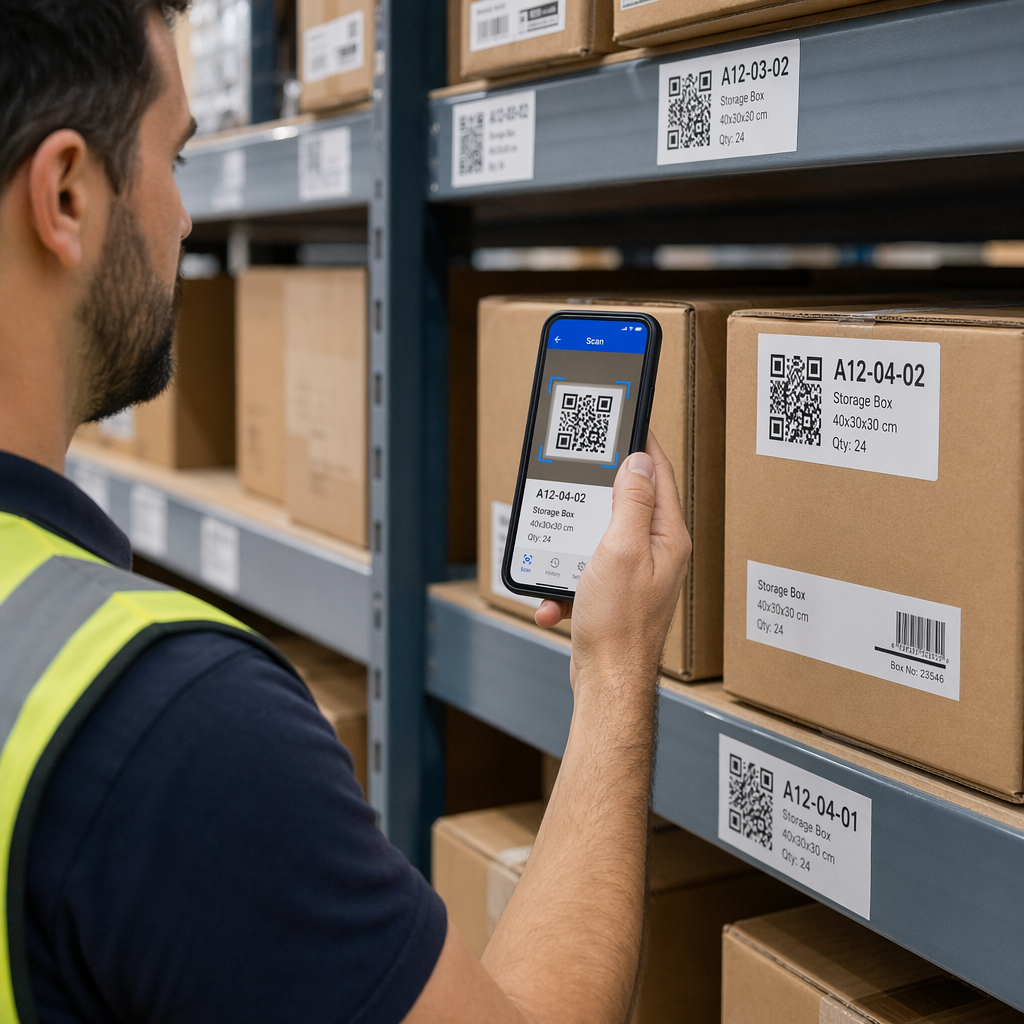
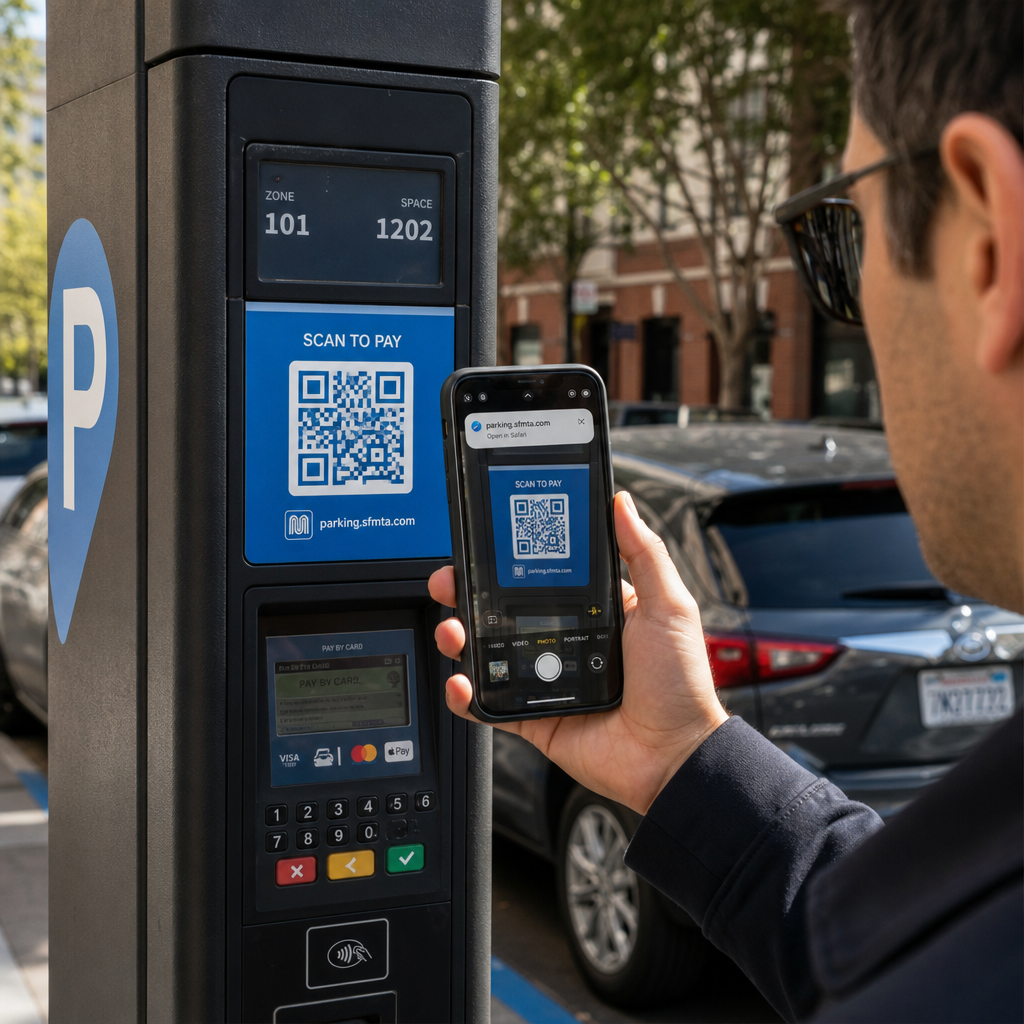
Kamera rejestruje dwuwymiarową siatkę jako obraz wizualny. Jest to surowy sygnał wejściowy – fotografia czarno-białego wzoru. Większość nowoczesnych aparatów w smartfonach radzi sobie z tym bez dedykowanej aplikacji do skanowania. Jeśli chcesz zrozumieć pełen zakres sposobów wyzwalania skanowania na różnych urządzeniach, przewodnik po skanowaniu kodów QR szczegółowo opisuje procesy na iPhone'ach, Androidzie, tabletach i komputerach stacjonarnych.
Krok 2: Wykrywanie wzoru
Oprogramowanie skanera wykorzystuje rozpoznawanie wzorców do zlokalizowania kodu QR w obrazie. Szuka trzech wzorców wyszukiwania w rogach. Po ich znalezieniu skaner określa:
- Gdzie kod jest umieszczony w kadrze
- W jakim kierunku jest zorientowany (nawet jeśli jest obrócony lub lekko przekrzywiony)
- Gdzie znajdują się krawędzie kodu
Ten krok jest powodem, dla którego kody QR pozostają czytelne pod kątem – wzorce wyszukiwania dostarczają algorytmowi wystarczającej geometrii do skorygowania zniekształceń.
Krok 3: Próbkowanie siatki i ekstrakcja danych
Po ustaleniu pozycji i orientacji kodu, skaner odczytuje wzorce synchronizacji i znaczniki wyrównania, aby zrozumieć strukturę siatki. Następnie próbkuje każdy moduł w określonej ścieżce zygzakowatej – od prawej do lewej, następnie w górę, a potem w dół – zaczynając od znanej pozycji i przechodząc przez każdy moduł danych, aż do osiągnięcia wskaźnika końca.
Przemierzając tę ścieżkę, skaner odczytuje:
- A wskaźnik trybu (cztery moduły), który określa typ kodowania – numeryczny, alfanumeryczny, bajtowy lub Kanji
- A wskaźnik liczby znaków który określa, ile znaków jest zakodowanych
- Pozostałe słowa kodowe danych do końca strumienia danych
Krok 4: Korekcja błędów
Po odczytaniu modułów danych skaner przetwarza słowa kodowe korekcji błędów. Kody QR używają korekcji błędów Reeda-Solomona, która osadza nadmiarowe dane, umożliwiające odtworzenie oryginalnej treści nawet wtedy, gdy część kodu jest fizycznie uszkodzona lub zasłonięta.
Istnieją cztery standardowe poziomy korekcji błędów:
| Poziom | Zdolność odzyskiwania | Najlepiej stosować do |
|---|---|---|
| L (Niski) | ~7% | Czyste środowiska wewnętrzne |
| M (średni) | ~15% | Ogólne materiały marketingowe |
| Q (kwartyl) | ~25% | Zastosowania przemysłowe lub zewnętrzne |
| H (Wysoki) | ~30% | Kody z logo, trudne warunki |
Wyższa korekcja błędów oznacza, że kod może przetrwać większe uszkodzenia, ale wymaga również więcej modułów, co sprawia, że ogólny symbol jest gęstszy. Jeśli dodajesz logo do kodu QR lub umieszczasz go w miejscu narażonym na warunki atmosferyczne, wybór poziomu H jest właściwym posunięciem. Aby uzyskać głębsze spojrzenie na to, jak ten kompromis sprawdza się w praktyce, zobacz artykuł na temat Jak działa korekcja błędów w edytowalnych kodach QR.
Krok 5: Dekodowanie do treści czytelnej dla człowieka
Po zrekonstruowaniu bitów danych skaner dekoduje sekwencję binarną zgodnie z trybem kodowania kodu QR. Czarne kwadraty stają się jedynkami, a białe kwadraty zerami. Ten ciąg binarny jest następnie konwertowany na treść czytelną dla człowieka – adres URL, numer telefonu, blok tekstu, informacje kontaktowe lub dowolny inny typ danych, do przenoszenia którego kod został pierwotnie stworzony.
Jeśli kod zawiera adres URL, Twoje urządzenie wyświetla monit o jego otwarcie. To jest moment, w którym proces skanowania przekazuje kontrolę Twojej przeglądarce lub aplikacji.
Wypróbuj darmowy skaner kodów QR Pageloot Potrzebujesz zdekodować kod QR bezpośrednio z obrazu lub kamery internetowej? Ten Skaner kodów QR Pageloot działa w każdej nowoczesnej przeglądarce – nie wymaga pobierania aplikacji.
Czym skanery QR różnią się od skanerów kodów kreskowych
Podstawowa fizyka jest podobna: oba typy skanerów oświetlają wzór, wykrywają odbite światło i dekodują wynik. Jednak standardowy laserowy skaner kodów kreskowych odczytuje w jednej poziomej linii, dlatego może obsługiwać tylko kody kreskowe 1D. Odczyt kodu QR 2D wymaga czujnika opartego na obrazie, który jednocześnie rejestruje cały wzór.
Aby bezpośrednio porównać, jak te dwa formaty różnią się możliwościami i przypadkami użycia, nasz wyjaśnienie działania skanera kodów kreskowych szczegółowo omawia system oświetlenia, czujnik i komponenty dekodera – a także porównanie kodu kreskowego z kodem QR analizuje, który format ma większy sens dla różnych zastosowań biznesowych.
Co sprawia, że kod QR jest łatwy (lub trudny) do zeskanowania
Zrozumienie procesu skanowania ujawnia, dlaczego pewne wybory projektowe szkodzą czytelności:
- Niski kontrast – skaner rozróżnia moduły na podstawie różnicy w odbiciu światła między obszarami czarnymi i białymi; kod wydrukowany na szaro na jasnym tle nie przechodzi tego testu
- Brak strefy ciszy – bez wyraźnego białego marginesu skaner nie jest w stanie niezawodnie zlokalizować krawędzi kodu, zwłaszcza jeśli w pobliżu znajdują się tekst lub grafika
- Zbyt mały jak na odległość oglądania – obowiązuje zasada 10:1: na każde 10 cm odległości skanowania kod powinien mieć co najmniej 1 cm szerokości; praktyczne minimum dla druku z bliskiej odległości to 2×2 cm
- Odwrócone lub niekonwencjonalne kolory – jasne moduły na ciemnym tle mogą mylić rozpoznawanie wzorców w niektórych skanerach
- Rozmyty lub spikselowany obraz – obrazy rastrowe o niskiej rozdzielczości rozpadają się w skali druku; formaty wektorowe, takie jak SVG lub EPS, pozostają ostre w każdym rozmiarze
Aby uzyskać kompleksowe wskazówki dotyczące rozmiaru, kontrastu, umiejscowienia i testowania, artykuł na temat najlepsze praktyki czytelności kodów QR omawia każdy czynnik ze szczegółowymi zaleceniami.

Twórz kody stworzone do skanowania Plik generator kodów QR Pageloot pozwala tworzyć, dostosowywać i testować kody QR z odpowiednią korekcją błędów, kontrastem i formatem dla Twojego konkretnego przypadku użycia – a kody dynamiczne można aktualizować po wydrukowaniu bez generowania nowego obrazu.
Statyczne vs. Dynamiczne kody QR: Co widzi skaner
Z perspektywy skanera każdy kod QR wygląda tak samo: matryca modułów kodująca ciąg danych. Różnica między kodami statycznymi a dynamicznymi polega na tym, co te dane zawierają.
A statyczny kod QR koduje bezpośrednio ostateczne miejsce docelowe – pełny adres URL, tekst lub informacje kontaktowe są wbudowane w moduły w momencie tworzenia. Zmiana treści oznacza wygenerowanie nowego kodu.
A dynamiczny kod QR koduje krótki adres URL przekierowania, który wskazuje na serwer. Po zeskanowaniu to przekierowanie kieruje użytkownika do dowolnego miejsca docelowego, które właściciel kodu aktualnie ustawił. Oznacza to, że fizyczny kod nigdy się nie zmienia, ale jego zachowanie można natychmiast zaktualizować. Kody dynamiczne umożliwiają również śledzenie skanów – każde skanowanie rejestruje punkt danych, który pokazuje, kiedy i gdzie kod został zeskanowany, na jakim urządzeniu i jak często.
Jeśli kampania z kodami QR musi być mierzalna lub powiązana treść może się zmienić, kody dynamiczne są praktycznym wyborem. Dla firm porównujących pełną gamę opcji aplikacji skanujących i tego, czego szukać w narzędziu do skanowania, Porównanie aplikacji do skanowania kodów QR obejmuje główne opcje.
Najczęściej zadawane pytania
Nie. Większość smartfonów z systemem iOS 11 lub nowszym oraz nowoczesne urządzenia z systemem Android może skanować kody QR bezpośrednio za pomocą wbudowanej aplikacji aparatu. Aby uzyskać większą kontrolę – na przykład skanowanie z zapisanego obrazu lub sprawdzanie historii skanowania – dedykowane narzędzie, takie jak skaner QR Pageloot, działa z każdej przeglądarki bez konieczności instalacji.
Najczęstsze przyczyny to niski kontrast, brak strefy ciszy, kod zbyt mały do odległości oglądania lub obraz zbyt rozmyty, aby rozróżnić moduły. Starsze urządzenia z aparatami o niższej rozdzielczości są bardziej wrażliwe na te problemy. Testowanie na wielu urządzeniach przed drukowaniem i używanie wyższych poziomów korekcji błędów (Q lub H) zmniejsza ryzyko niepowodzeń. Pełną listę przyczyn i rozwiązań znajdziesz w przewodniku dotyczącym niedziałających kodów QR.
Kod QR w wersji 40 na najniższym poziomie korekcji błędów może zakodować do 7089 znaków numerycznych, 4296 znaków alfanumerycznych lub 2953 bajty danych binarnych. W praktyce krótsze adresy URL i prostsza zawartość tworzą mniej gęste kody, które skanują się szybciej i bardziej niezawodnie. Pełne zestawienie kompromisów między wersją, pojemnością i korekcją błędów jest omówione w przewodniku po limitach danych kodów QR.