Oled kunagi mõelnud, mis tegelikult toimub poole sekundi jooksul, kui suunad oma telefoni QR-koodile ja jõuad veebilehele? Protsess on kiirem, kui see paistab, ja selle mõistmine aitab sul luua koode, mis skaneeruvad iga kord usaldusväärselt.
Mis QR-kood tegelikult on
QR-kood on kahemõõtmeline mustvalgete ruutude maatriks, mis on paigutatud unikaalsesse mustrisse. Erinevalt traditsioonilisest vöötkoodist – mis kodeerib andmeid ühes horisontaalses reas erineva laiusega ribadena – salvestab QR-kood teavet nii horisontaalselt kui ka vertikaalselt. See annab talle palju suurema andmemahutavuse ja muudab selle loetavaks mitmest suunast.
Iga QR-kood koosneb mitmest funktsionaalsest piirkonnast:
- Otsingumustrid – kolm suurt ruutu nurkades, mis aitavad skanneril koodi leida, selle orientatsiooni määrata ja servi tuvastada, isegi kui kood on kallutatud
- Ajastusmustrid – vahelduvad mustvalged moodulid, mis kulgevad otsingumustrite vahel, määratledes ruudustiku struktuuri ja aidates skanneril iga mooduli suurust õigesti määrata
- Vaikne tsoon – koodi ümbritsev tühi valge äär, vähemalt neli moodulit lai, mis eraldab selle ümbritsevast graafikast, et skanner saaks selle piire tuvastada
- Vorminguteave – spetsiaalne ala otsingumustrite lähedal, mis salvestab veaparanduse taseme ja maskeerimismustri, et skanner teaks täpselt, kuidas andmeid tõlgendada
- Andmemoodulid – üksikud mustvalged ruudud, kus asub tegelik kodeeritud sisu, loetakse binaarseteks ühtedeks (must) ja nullideks (valge)
Nendes moodulites olevad andmed saab kodeerida mitmes režiimis: ainult numbriline, tähtnumbriline, 8-bitised binaarbaidid või Kanji. Versioon 1 QR-kood on 21×21 moodulit; Versioon 40 kood laieneb 177×177-le ja mahutab kuni 7089 numbrilist märki, 4296 tähtnumbrilist märki või 2953 baiti binaarandmeid. Lisateavet nende kompromisside kohta leiate juhendist QR-koodi andmepiirangud.
Skaneerimisprotsess, samm-sammult
Kui suunate kaamera QR-koodile, toimub mitmeastmeline protsess millisekundite jooksul.

Samm 1: Pildi jäädvustamine
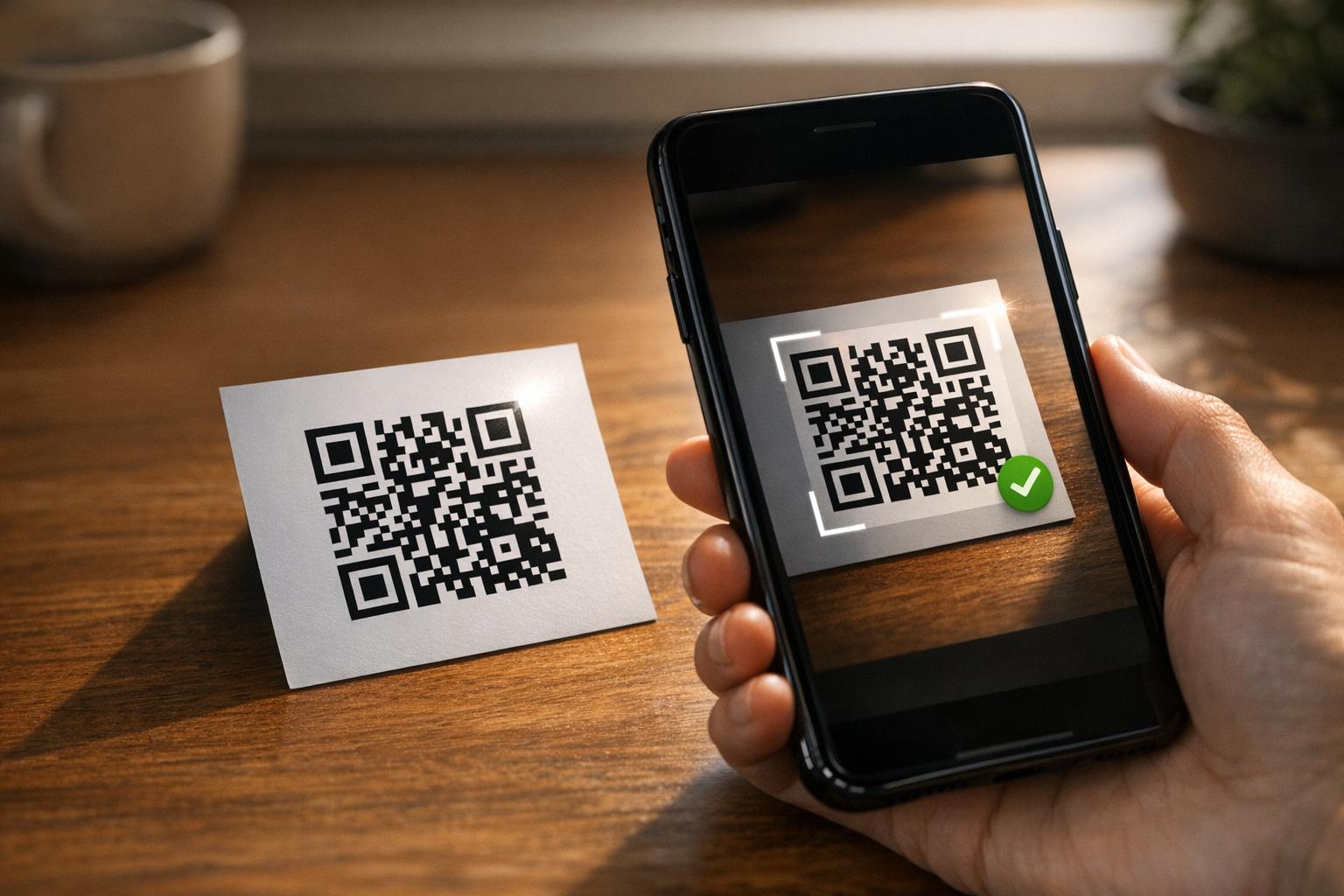
Kaamera jäädvustab kahemõõtmelise ruudustiku visuaalse pildina. See on toorandmed – mustvalge mustri foto. Enamik kaasaegseid nutitelefoni kaameraid saab sellega hakkama ilma spetsiaalse skannimisrakenduseta. Kui soovite mõista kõiki erinevaid viise skannimise käivitamiseks erinevates seadmetes, siis QR-koodide skannimise juhend käsitleb üksikasjalikult iPhone'i, Androidi, tahvelarvuti ja lauaarvuti töövooge.
Samm 2: Mustri tuvastamine
Skanneri tarkvara kasutab mustrituvastust, et leida pildilt QR-kood. See otsib nurkadest kolme leidmismustrit. Pärast leidmist määrab skanner:
- Kus kood on kaadris paigutatud
- Millises suunas see on orienteeritud (isegi kui see on pööratud või veidi viltu)
- Kus on koodi servad
See samm on põhjus, miks QR-koodid jäävad nurga all loetavaks – leidmismustrid annavad algoritmile piisavalt geomeetriat moonutuste korrigeerimiseks.
Samm 3: Ruudustiku proovivõtt ja andmete eraldamine
Kui koodi asukoht ja orientatsioon on kindlaks tehtud, loeb skanner ajastusmustreid ja joondusmärke, et mõista ruudustiku struktuuri. Seejärel võtab see igast moodulist proove kindlal siksakilisel teel – paremalt vasakule, siis üles ja alla – alustades teadaolevast asukohast ja liikudes läbi iga andmemooduli, kuni lõpunäidik on saavutatud.
Seda teed läbides loeb skanner:
- A režiimi indikaator (neli moodulit), mis määrab kodeerimistüübi – numbriline, tähtnumbriline, bait või Kanji
- A märgiarvu indikaator mis näitab, mitu märki on kodeeritud
- Ülejäänud andmete koodisõnad kuni andmevoo lõpuni
4. samm: Veaparandus
Pärast andmemoodulite lugemist töötleb skanner veaparanduse koodisõnu. QR-koodid kasutavad Reed-Solomoni veaparandust, mis sisaldab üleliigseid andmeid, mis võimaldavad algse sisu taastada isegi siis, kui osa koodist on füüsiliselt kahjustatud või varjatud.
On neli standardiseeritud veaparanduse taset:
| Tase | Taastamisvõime | Parim kasutusala |
|---|---|---|
| L (madal) | ~7% | Puhtad siseruumid |
| M (keskmine) | ~15% | Üldised turundusmaterjalid |
| Q (kvartiil) | ~25% | Tööstuslik või välistingimustes kasutamine |
| H (kõrge) | ~30% | Logodega koodid, karmid tingimused |
Kõrgem veaparandus tähendab, et kood talub rohkem kahjustusi, kuid nõuab ka rohkem mooduleid, muutes üldise sümboli tihedamaks. Kui lisate QR-koodile logo või paigutate selle ilmastikule avatud kohta, on taseme H valimine õige otsus. Sügavama ülevaate saamiseks, kuidas see kompromiss praktikas välja näeb, vaadake artiklit teemal kuidas vigaparandus toimib muudetavates QR-koodides.
5. samm: Dekodeerimine inimloetavaks sisuks
Kui andmebitid on rekonstrueeritud, dekodeerib skanner binaarjada vastavalt QR-koodi kodeerimisrežiimile. Mustad ruudud muutuvad ühtedeks ja valged ruudud nullideks. See binaarjada teisendatakse seejärel inimloetavaks sisuks – URL-iks, telefoninumbriks, tekstiplokiks, kontaktandmeteks või mis tahes muuks andmetüübiks, mida kood algselt kandma oli ehitatud.
Kui kood sisaldab URL-i, kuvab teie seade selle avamiseks viipa. See on hetk, mil skaneerimisprotsess antakse üle teie brauserile või rakendusele.
Proovige Pagelooti tasuta QR-koodi skannerit Kas peate dekodeerima QR-koodi otse pildilt või veebikaamerast? The Pagelooti QR-koodi skanner töötab igas kaasaegses brauseris – rakenduse allalaadimine pole vajalik.
Kuidas QR-skannerid erinevad vöötkoodiskanneritest
Aluspõhine füüsika on sarnane: mõlemat tüüpi skannerid valgustavad mustrit, tuvastavad peegeldunud valgust ja dekodeerivad tulemuse. Kuid standardne laser-vöötkoodiskanner loeb ühes horisontaalses reas, mistõttu see suudab käsitleda ainult 1D vöötkoode. 2D QR-koodi lugemine nõuab pildipõhist sensorit, mis jäädvustab kogu mustri korraga.
Nende kahe formaadi võimekuse ja kasutusjuhtude otseseks võrdluseks on vöötkoodiskanneri selgitus hõlmab üksikasjalikult valgustussüsteemi, sensorit ja dekoodri komponente – ning vöötkoodi vs. QR-koodi võrdlus selgitab, milline formaat on erinevate ärakenduste jaoks mõistlikum.
Mis teeb QR-koodi skaneerimise lihtsaks (või raskeks)
Skaneerimisprotsessi mõistmine näitab, miks teatud disainivalikud loetavust kahjustavad:
- Madal kontrast – skanner eristab mooduleid mustade ja valgete alade vahelise valguse peegelduse erinevuse järgi; heledal taustal halliga trükitud kood ei läbi seda testi
- Puuduv vaikne tsoon – ilma selge valge veeriseta ei suuda skanner usaldusväärselt koodi servi leida, eriti kui ümbritsev tekst või graafika on lähedal
- Vaatamiskauguse jaoks liiga väike – kehtib 10:1 reegel: iga 10 cm skaneerimiskauguse kohta peaks kood olema vähemalt 1 cm lai; praktiline miinimum lähitrüki kasutamisel on 2×2 cm
- Inverteeritud või ebatavalised värvid – heledad moodulid tumedal taustal võivad mõnes skanneris mustrituvastust segadusse ajada
- Udune või pikseldatud väljund – madala resolutsiooniga rasterpildid lagunevad trükimastaabis; vektormingid nagu SVG või EPS jäävad igas suuruses teravaks
Põhjaliku juhendi saamiseks suuruse, kontrasti, paigutuse ja testimise kohta on artikkel teemal QR-koodi loetavuse parimate tavadega käsitleb iga tegurit konkreetsete soovitustega.

Loo skaneerimiseks loodud koode See Pageloot QR-koodi generaatorit võimaldab teil luua, kohandada ja testida QR-koode õige veaparanduse, kontrasti ja vorminguga teie konkreetse kasutusjuhtumi jaoks – ja dünaamilisi koode saab pärast printimist värskendada ilma uut pilti genereerimata.
Staatilised vs. dünaamilised QR-koodid: mida skanner näeb
Skanneri vaatenurgast näeb iga QR-kood välja ühesugune: moodulite maatriks, mis kodeerib andmestringi. Erinevus staatiliste ja dünaamiliste koodide vahel seisneb selles, mida need andmed sisaldavad.
A staatiline QR-kood kodeerib lõppsihtkoha otse – täielik URL, tekst või kontaktandmed on loomise ajal moodulitesse sisse küpsetatud. Sisu muutmine tähendab uue koodi genereerimist.
A dünaamiline QR-kood kodeerib lühikese ümbersuunamise URL-i, mis osutab serverile. Skaneerimisel suunab see ümbersuunamine kasutaja edasi sihtkohta, mille koodi omanik on parasjagu määranud. See tähendab, et füüsiline kood ei muutu kunagi, kuid selle käitumist saab koheselt värskendada. Dünaamilised koodid võimaldavad ka skaneerimise jälgimist – iga skaneerimine registreerib andmepunkti, mis näitab, millal ja kus kood skaneeriti, millisel seadmel ja kui tihti.
Kui QR-koodi kampaania peab olema mõõdetav või lingitud sisu võib muutuda, on dünaamilised koodid praktiline valik. Ettevõtetele, kes võrdlevad skannerirakenduste kõiki võimalusi ja mida skaneerimisvahendis otsida, on see QR-koodi skannimise rakenduste võrdlus hõlmab peamisi valikuid.
Korduma kippuvad küsimused
Ei. Enamik nutitelefone, mis kasutavad iOS 11 või uuemat, ja kaasaegsed Android-seadmed saavad skannida QR-koode otse läbi oma kaamerarakenduse. Suurema kontrolli jaoks – näiteks skannimine salvestatud pildilt või skannimisajaloo kontrollimine – töötab spetsiaalne tööriist nagu Pageloot QR-skanner igas brauseris ilma installimiseta.
Kõige levinumad põhjused on madal kontrast, puuduv vaikne tsoon, vaatamiskauguse jaoks liiga väike kood või liiga udune pilt, et mooduleid eristada. Vanemad madalama resolutsiooniga kaameratega seadmed on nende probleemide suhtes tundlikumad. Testimine mitme seadmega enne printimist ja kõrgemate veaparandustasemete (Q või H) kasutamine vähendab rikete tõenäosust. Vaata täielikku põhjuste ja lahenduste loetelu QR-koodi mittetöötamise juhendist.
Versioon 40 QR-kood madalaima veaparandustaseme juures suudab kodeerida kuni 7089 numbrilist märki, 4296 tähtnumbrilist märki või 2953 baiti binaarandmeid. Praktikas loovad lühemad URL-id ja lihtsam sisu vähem tihedaid koode, mis skaneerivad kiiremini ja usaldusväärsemalt. Versiooni, mahutavuse ja veaparanduse kompromisside täielik ülevaade on käsitletud QR-koodi andmepiirangute juhendis.