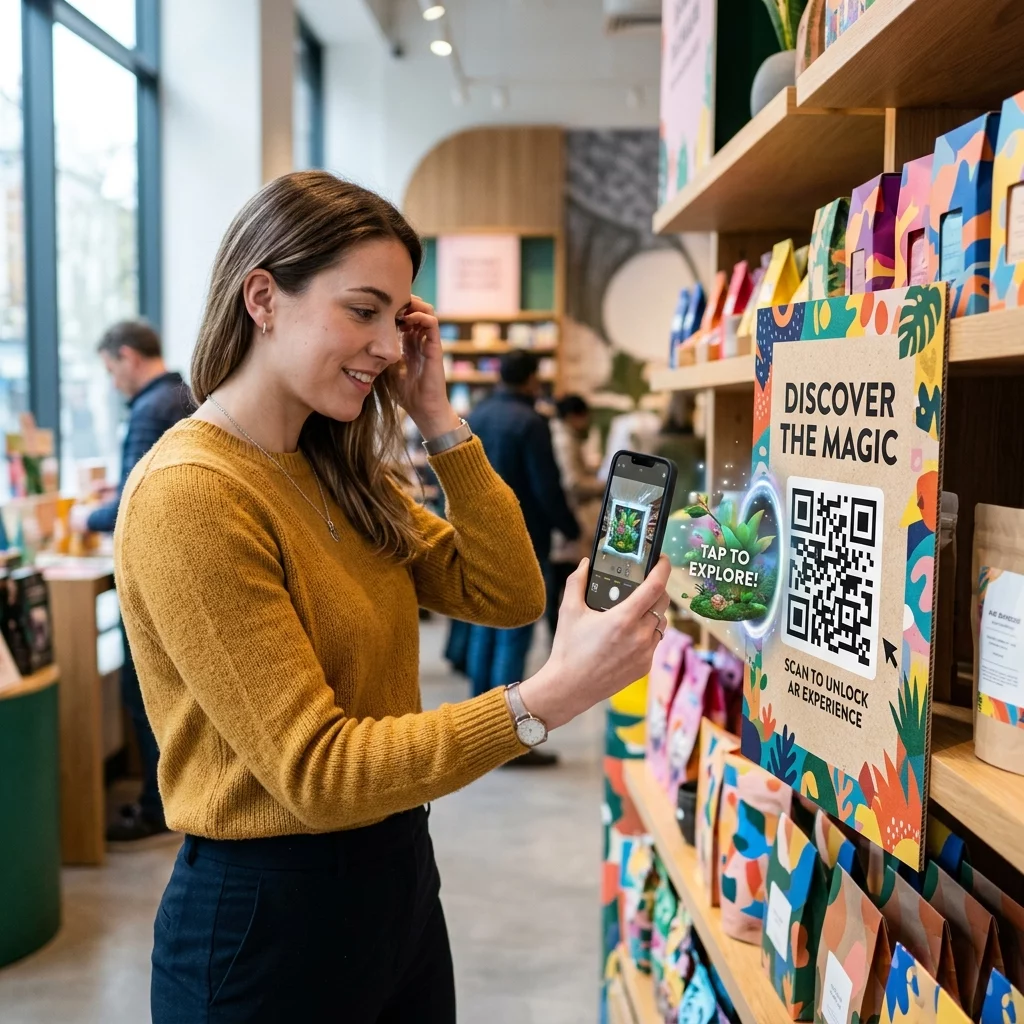
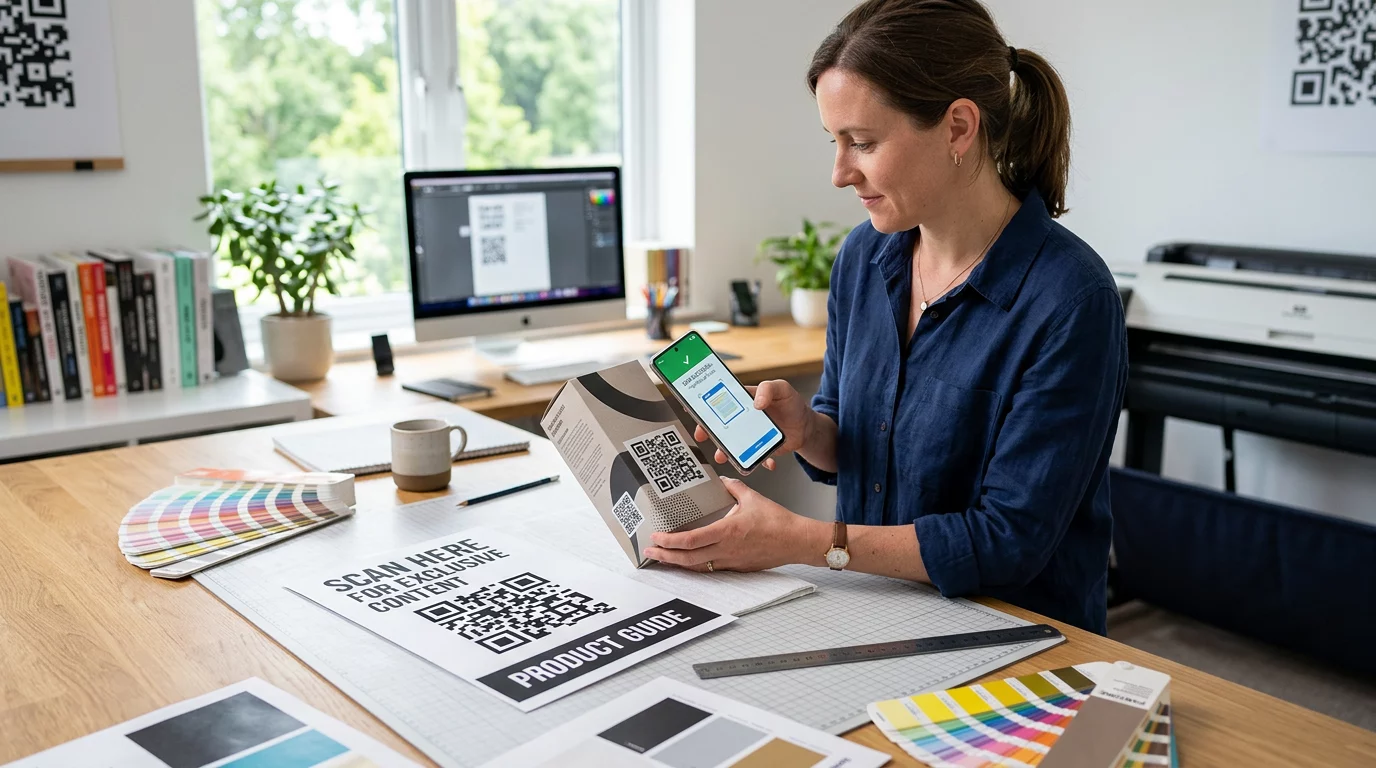
Da li ste se ikada zapitali šta se zapravo dešava u pola sekunde između usmeravanja telefona ka QR kodu i otvaranja veb stranice? Proces je brži nego što izgleda, a razumevanje toga vam pomaže da kreirate kodove koji se pouzdano skeniraju svaki put.
Šta je zapravo QR kod
QR kod je dvodimenzionalna matrica crno-belih kvadrata raspoređenih u jedinstvenom obrascu. Za razliku od tradicionalnog bar koda – koji kodira podatke u jednoj horizontalnoj liniji različitih širina traka – QR kod skladišti informacije i horizontalno i vertikalno. To mu daje mnogo veći kapacitet podataka i čini ga čitljivim iz više orijentacija.
Svaki QR kod je izgrađen od nekoliko funkcionalnih regiona:
- Obrasci za pronalaženje – tri velika kvadrata u uglovima koji pomažu skeneru da locira kod, odredi njegovu orijentaciju i pronađe njegove ivice, čak i kada je kod nagnut
- Obrasci za tajming – naizmenični crno-beli moduli koji se protežu između obrazaca za pronalaženje, definišući strukturu mreže i pomažući skeneru da pravilno odredi veličinu svakog modula
- Tiha zona – prazna bela margina koja okružuje kod, široka najmanje četiri modula, koja ga odvaja od okolne grafike kako bi skener mogao da detektuje njegove granice
- Informacije o formatu – namenski prostor blizu obrazaca za pronalaženje koji skladišti nivo korekcije grešaka i obrazac maskiranja, tako da skener tačno zna kako da interpretira podatke
- Moduli podataka – pojedinačni crno-beli kvadrati gde se nalazi stvarni kodirani sadržaj, čitani kao binarne jedinice (crno) i nule (belo)
Podaci u tim modulima mogu biti kodirani u nekoliko režima: samo numerički, alfanumerički, 8-bitni binarni bajtovi ili Kanji. QR kod verzije 1 ima 21×21 modul; kod verzije 40 se proširuje na 177×177 i može da sadrži do 7.089 numeričkih znakova, 4.296 alfanumeričkih znakova ili 2.953 bajta binarnih podataka. Saznajte više o tome kako ove kompromise funkcionišu u vodiču za ograničenja podataka QR koda.
Proces skeniranja, korak po korak
Kada usmerite kameru ka QR kodu, višestepeni proces se odvija u milisekundama.

Korak 1: Snimanje slike
Kamera snima dvodimenzionalnu mrežu kao vizuelnu sliku. Ovo je sirovi ulaz – fotografija crno-belog uzorka. Većina modernih kamera pametnih telefona može to da uradi bez ikakve namenske aplikacije za skeniranje. Ako želite da razumete ceo spektar načina za pokretanje skeniranja na različitim uređajima, pogledajte vodič za skeniranje QR kodova detaljno pokriva radne tokove za iPhone, Android, tablet i desktop.
Korak 2: Detekcija uzorka
Softver skenera koristi prepoznavanje uzoraka da bi locirao QR kod unutar slike. Traži tri obrasca za pronalaženje u uglovima. Kada ih pronađe, skener određuje:
- Gde je kod pozicioniran u okviru
- U kom je smeru orijentisan (čak i ako je rotiran ili blago iskrivljen)
- Gde su ivice koda
Ovaj korak je razlog zašto QR kodovi ostaju čitljivi pod uglom – obrasci za pronalaženje daju algoritmu dovoljno geometrije da ispravi izobličenje.
Korak 3: Uzorkovanje mreže i ekstrakcija podataka
Kada su pozicija i orijentacija koda utvrđene, skener čita obrasce za merenje vremena i markere za poravnanje kako bi razumeo strukturu mreže. Zatim uzorkuje svaki modul specifičnom cik-cak putanjom – s desna na levo, pa gore pa dole – počevši od poznate pozicije i prolazeći kroz svaki modul podataka dok se ne dođe do indikatora kraja.
Dok prolazi ovom putanjom, skener čita:
- А. indikator režima (četiri modula) koji određuje tip kodiranja – numerički, alfanumerički, bajt ili Kanji
- А. indikator broja znakova koji navodi koliko je znakova kodirano
- Preostali kodne reči podataka do kraja toka podataka
Korak 4: Ispravljanje grešaka
Nakon čitanja modula podataka, skener obrađuje kodne reči za ispravljanje grešaka. QR kodovi koriste Reed–Solomon ispravljanje grešaka, koje ugrađuje redundantne podatke koji omogućavaju rekonstrukciju originalnog sadržaja čak i kada je deo koda fizički oštećen ili zaklonjen.
Postoje četiri standardizovana nivoa ispravljanja grešaka:
| Nivo | Kapacitet oporavka | Najbolje se koristi za |
|---|---|---|
| Л (низак) | ~7% | Čista unutrašnja okruženja |
| М (средњи) | ~15% | Opšti marketinški materijali |
| К (квартил) | ~25% | Industrijska ili spoljna upotreba |
| Х (високо) | ~30% | Kodovi sa logotipima, teški uslovi |
Više ispravljanje grešaka znači da kod može preživeti više oštećenja, ali takođe zahteva više modula, čineći celokupan simbol gušćim. Ako dodajete logotip QR kodu ili ga postavljate negde izloženo vremenskim uslovima, odabir nivoa H je pravi potez. Za dublji uvid u to kako se ova kompromisna situacija odvija u praksi, pogledajte članak o kako korekcija grešaka funkcioniše u QR kodovima koji se mogu uređivati.
Korak 5: Dekodiranje u sadržaj čitljiv ljudima
Kada se bitovi podataka rekonstruišu, skener dekodira binarnu sekvencu prema režimu kodiranja QR koda. Crni kvadrati postaju jedinice, a beli kvadrati nule. Taj binarni niz se zatim pretvara u sadržaj čitljiv ljudima – URL, telefonski broj, blok teksta, kontakt informacije ili bilo koji drugi tip podataka za koji je kod prvobitno napravljen.
Ako kod sadrži URL, vaš uređaj prikazuje upit za otvaranje. To je trenutak kada se proces skeniranja prebacuje na vaš pretraživač ili aplikaciju.
Isprobajte Pageloot-ov besplatni QR skener Trebate dekodirati QR kod direktno sa slike ili vaše veb kamere? The Pageloot skener QR kodova radi u bilo kom modernom pretraživaču – nije potrebno preuzimanje aplikacije.
Kako se QR skeneri razlikuju od skenera bar kodova
Osnovna fizika je slična: oba tipa skenera osvetljavaju obrazac, detektuju reflektovanu svetlost i dekodiraju rezultat. Ali standardni laserski skener bar kodova čita u jednoj horizontalnoj liniji, zbog čega može da obrađuje samo 1D bar kodove. Čitanje 2D QR koda zahteva senzor zasnovan na slici koji odjednom snima ceo obrazac.
Za direktno poređenje kako se ova dva formata razlikuju po mogućnostima i scenarijima upotrebe, the objašnjenje skenera bar kodova detaljno pokriva sistem osvetljenja, senzor i komponente dekodera – i the poređenje bar koda i QR koda raščlanjuje koji format ima više smisla za različite poslovne primene.
Šta čini QR kod lakim (ili teškim) za skeniranje
Razumevanje procesa skeniranja otkriva zašto određeni dizajnerski izbori štete čitljivosti:
- Nizak kontrast – skener razlikuje module po razlici u refleksiji svetlosti između crnih i belih površina; kod odštampan sivom bojom na bledoj pozadini ne prolazi ovaj test
- Nedostajuća tiha zona – bez jasne bele margine, skener ne može pouzdano da locira ivice koda, posebno ako su okolni tekst ili grafika blizu
- Previše mali za udaljenost gledanja – primenjuje se pravilo 10:1: za svakih 10 cm udaljenosti skeniranja, kod bi trebalo da bude širok najmanje 1 cm; praktični minimum za štampanu upotrebu izbliza je 2×2 cm
- Inverzne ili nekonvencionalne boje – svetli moduli na tamnoj pozadini mogu zbuniti prepoznavanje uzoraka kod nekih skenera
- Zamućen ili pikselizovan izlaz – rasterske slike niske rezolucije se raspadaju pri štampanju; vektorski formati kao što su SVG ili EPS ostaju oštri pri bilo kojoj veličini
Za sveobuhvatne smernice o veličini, kontrastu, postavljanju i testiranju, članak o najbolje prakse čitljivosti QR kodova pokriva svaki faktor sa specifičnim preporukama.

Kreirajte kodove napravljene za skeniranje Тхе Pageloot QR generator kodova omogućava vam da kreirate, prilagodite i testirate QR kodove sa ispravnom korekcijom grešaka, kontrastom i formatom za vaš specifičan slučaj upotrebe – a dinamički kodovi se mogu ažurirati nakon štampanja bez generisanja nove slike.
Statički naspram dinamičkih QR kodova: Šta skener vidi
Iz perspektive skenera, svaki QR kod izgleda isto: matrica modula koja kodira niz podataka. Razlika između statičkih i dinamičkih kodova je u tome šta ti podaci sadrže.
А. статички КР код direktno kodira konačno odredište – puna URL adresa, tekst ili kontakt informacije su ugrađeni u module prilikom kreiranja. Promena sadržaja znači generisanje novog koda.
А. динамички КР код kodira kratku URL adresu za preusmeravanje koja ukazuje na server. Kada se skenira, to preusmeravanje prosleđuje korisnika na bilo koje odredište koje je vlasnik koda trenutno postavio. To znači da se fizički kod nikada ne menja, ali se njegovo ponašanje može odmah ažurirati. Dinamički kodovi takođe omogućavaju praćenje skeniranja – svako skeniranje registruje tačku podataka koja pokazuje kada i gde je kod skeniran, na kom uređaju i koliko često.
Ako kampanja QR kodova treba da bude merljiva ili se povezani sadržaj može promeniti, dinamički kodovi su praktičan izbor. Za preduzeća koja upoređuju ceo spektar opcija aplikacija za skeniranje i šta tražiti u alatu za skeniranje, the Poređenje aplikacija za skeniranje QR kodova pokriva glavne opcije.
Često postavljana pitanja
Ne. Većina pametnih telefona koji koriste iOS 11 ili noviji i moderni Android uređaji mogu skenirati QR kodove direktno putem izvorne aplikacije kamere. Za veću kontrolu – kao što je skeniranje sa sačuvane slike ili provera istorije skeniranja – namenski alat poput Pageloot QR skenera radi iz bilo kog pretraživača bez instalacije.
Najčešći uzroci su nizak kontrast, nedostajuća tiha zona, kod koji je premali za udaljenost gledanja, ili slika koja je previše mutna da bi se razrešili moduli. Stariji uređaji sa kamerama niže rezolucije su osetljiviji na ove probleme. Testiranje na više uređaja pre štampanja, i korišćenje viših nivoa korekcije grešaka (Q ili H), smanjuje šansu za neuspehe. Pogledajte kompletnu listu uzroka i rešenja u vodiču za QR kod koji ne radi.
QR kod verzije 40 na najnižem nivou korekcije grešaka može da kodira do 7.089 numeričkih znakova, 4.296 alfanumeričkih znakova ili 2.953 bajta binarnih podataka. U praksi, kraći URL-ovi i jednostavniji sadržaj proizvode manje guste kodove koji se brže i pouzdanije skeniraju. Potpuni pregled kompromisa između verzije, kapaciteta i korekcije grešaka obuhvaćen je u vodiču za ograničenja podataka QR koda.