האם תהיתם פעם מה באמת קורה בחצי השנייה שבין הפניית הטלפון שלכם לקוד QR לבין הנחיתה בדף אינטרנט? התהליך מהיר ממה שהוא נראה, והבנתו עוזרת לכם ליצור קודים שנסרקים באופן אמין בכל פעם.
מהו למעשה קוד QR
קוד QR הוא מטריצה דו-ממדית של ריבועים שחורים ולבנים המסודרים בתבנית ייחודית. בניגוד לברקוד מסורתי – שמקודד נתונים בקו אופקי יחיד בעל רוחבי פס משתנים – קוד QR מאחסן מידע הן אופקית והן אנכית. זה מה שמעניק לו קיבולת נתונים גדולה בהרבה והופך אותו לקריא ממספר כיוונים.
כל קוד QR בנוי ממספר אזורים פונקציונליים:
- תבניות איתור (Finder patterns) – שלושת הריבועים הגדולים בפינות שעוזרים לסורק לאתר את הקוד, לקבוע את כיוונו ולמצוא את קצוותיו, גם כשהקוד מוטה
- תבניות תזמון (Timing patterns) – מודולים מתחלפים של שחור-לבן הרצים בין תבניות האיתור המגדירים את מבנה הרשת ועוזרים לסורק לקבוע נכון את גודל כל מודול
- אזור שקט – השוליים הלבנים הריקים המקיפים את הקוד, ברוחב של לפחות ארבעה מודולים, המפרידים אותו מגרפיקה סביבתית כך שהסורק יוכל לזהות את גבולותיו
- מידע פורמט (Format information) – אזור ייעודי ליד תבניות האיתור המאחסן את רמת תיקון השגיאות ותבנית המיסוך כך שהסורק יודע בדיוק כיצד לפרש את הנתונים
- מודולי נתונים (Data modules) – הריבועים השחורים-לבנים הבודדים שבהם נמצא התוכן המקודד בפועל, הנקראים כאחדות בינאריות (שחור) ואפסים (לבן)
הנתונים במודולים אלה יכולים להיות מקודדים במספר מצבים: מספרי בלבד, אלפאנומרי, בתים בינאריים של 8 סיביות, או קאנג'י. קוד QR בגרסה 1 הוא בגודל 21×21 מודולים; קוד בגרסה 40 מתרחב ל-177×177 ויכול להכיל עד 7,089 תווים מספריים, 4,296 תווים אלפאנומריים, או 2,953 בתים של נתונים בינאריים. למדו עוד על אופן פעולת פשרות אלו במדריך ל מגבלות נתוני קוד QR.
תהליך הסריקה, צעד אחר צעד
כאשר אתם מכוונים מצלמה לקוד QR, תהליך רב-שלבי מתרחש במילישניות.

שלב 1: לכידת תמונה
המצלמה לוכדת את הרשת הדו-ממדית כתמונה ויזואלית. זוהי הקלט הגולמי – צילום של התבנית בשחור-לבן. רוב מצלמות הסמארטפונים המודרניות יכולות להתמודד עם זה ללא כל אפליקציית סריקה ייעודית. אם ברצונך להבין את מגוון הדרכים המלא להפעלת סריקה במכשירים שונים, ה מדריך לסריקת קודי QR מכסה בפירוט זרימות עבודה של אייפון, אנדרואיד, טאבלט ומחשב שולחני.
שלב 2: זיהוי תבניות
תוכנת הסורק משתמשת בזיהוי תבניות כדי לאתר את קוד ה-QR בתוך התמונה. היא מחפשת את שלוש תבניות האיתור בפינות. לאחר שנמצאו, הסורק קובע:
- היכן הקוד ממוקם במסגרת
- באיזה כיוון הוא מכוון (גם אם הוא מסובב או מוטה מעט)
- היכן נמצאים קצוות הקוד
שלב זה הוא הסיבה לכך שקודי QR נשארים קריאים בזווית – תבניות האיתור מספקות לאלגוריתם מספיק גיאומטריה כדי לתקן עיוותים.
שלב 3: דגימת רשת וחילוץ נתונים
לאחר שנקבעו מיקום הקוד וכיוונו, הסורק קורא את תבניות התזמון וסימני היישור כדי להבין את מבנה הרשת. לאחר מכן הוא דוגם כל מודול בנתיב זיגזג ספציפי – מימין לשמאל, למעלה ואז למטה – החל ממיקום ידוע ועובר דרך כל מודול נתונים עד שמגיעים למחוון הסיום.
כשהוא עובר בנתיב זה, הסורק קורא:
- א מחוון מצב (ארבעה מודולים) המציין את סוג הקידוד – מספרי, אלפאנומרי, בייט או קאנג'י
- א מחוון ספירת תווים שמציין כמה תווים מקודדים
- הנותרים מילות קוד נתונים עד סוף זרם הנתונים
שלב 4: תיקון שגיאות
לאחר קריאת מודולי הנתונים, הסורק מעבד את מילות קוד תיקון השגיאות. קודי QR משתמשים ב- תיקון שגיאות ריד-סולומון, המטמיע נתונים עודפים המאפשרים את בנייתו מחדש של התוכן המקורי גם כאשר חלק מהקוד ניזוק פיזית או מוסתר.
ישנן ארבע רמות מתוקננות של תיקון שגיאות:
| רמה | יכולת שחזור | מתאים במיוחד ל- |
|---|---|---|
| L (נמוך) | ~7% | סביבות פנימיות נקיות |
| M (בינוני) | ~15% | חומרי שיווק כלליים |
| ש (רבעון) | ~25% | שימוש תעשייתי או חיצוני |
| H (גבוה) | ~30% | קודים עם לוגואים, תנאים קשים |
תיקון שגיאות גבוה יותר משמעותו שהקוד יכול לשרוד יותר נזק, אך גם דורש יותר מודולים, מה שהופך את הסמל הכולל לצפוף יותר. אם אתם מוסיפים לוגו לקוד QR או מניחים אותו במקום החשוף למזג האוויר, בחירה ברמה H היא הבחירה הנכונה. למבט מעמיק יותר על האופן שבו פשרה זו באה לידי ביטוי בפועל, ראו את המאמר בנושא כיצד פועל תיקון שגיאות בקודי QR הניתנים לעריכה.
שלב 5: פענוח לתוכן קריא לאדם
לאחר שביטי הנתונים משוחזרים, הסורק מפענח את הרצף הבינארי בהתאם למצב הקידוד של קוד ה-QR. ריבועים שחורים הופכים לאחדות וריבועים לבנים הופכים לאפסים. מחרוזת בינארית זו מומרת לאחר מכן לתוכן קריא לאדם – כתובת אתר (URL), מספר טלפון, בלוק טקסט, פרטי קשר, או כל סוג נתונים אחר שהקוד נבנה במקור כדי לשאת.
אם הקוד מכיל כתובת אתר (URL), המכשיר שלך מציג הנחיה לפתוח אותה. זה הרגע שבו תהליך הסריקה עובר לדפדפן או לאפליקציה שלך.
נסה את סורק קודי ה-QR החינמי של Pageloot צריך לפענח קוד QR ישירות מתמונה או ממצלמת האינטרנט שלך? ה- סורק קודי QR של Pageloot פועל בכל דפדפן מודרני – אין צורך בהורדת אפליקציה.
כיצד סורקי QR שונים מסורקי ברקוד
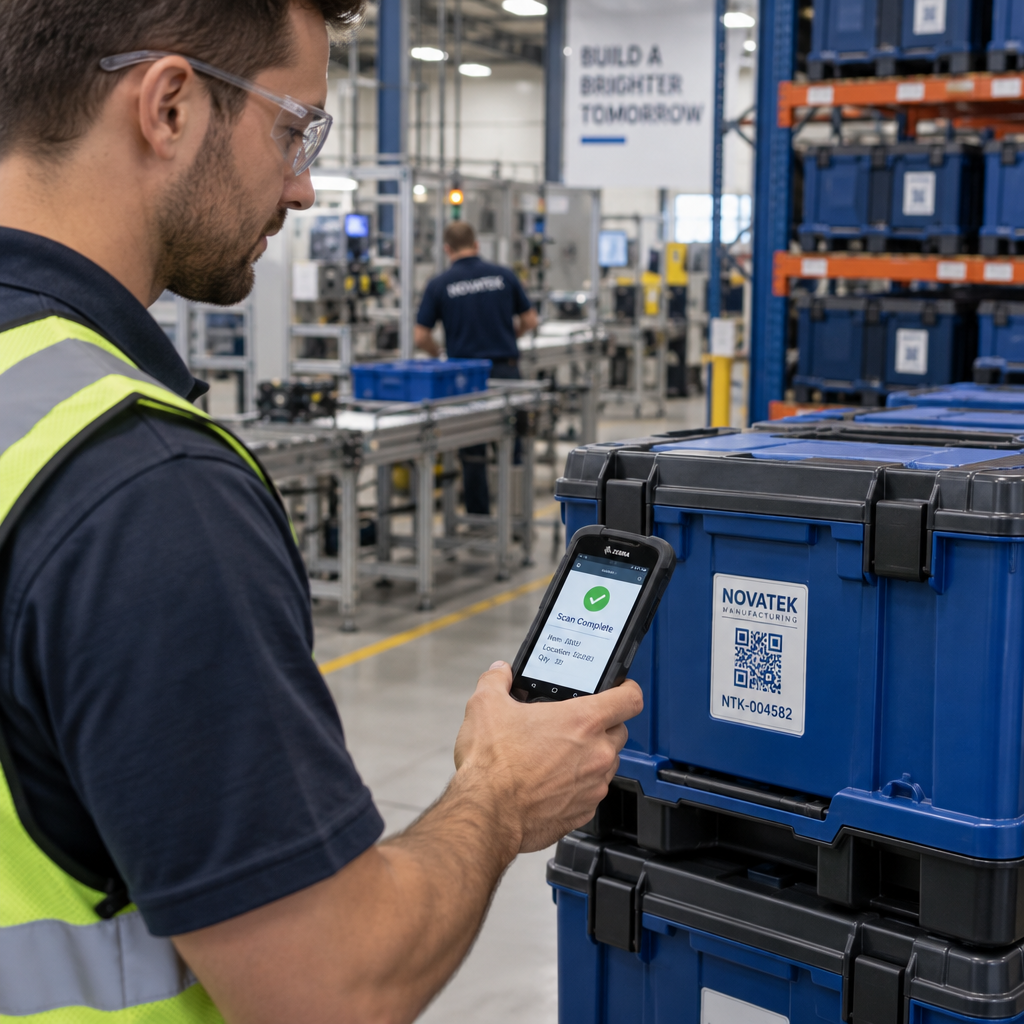
הפיזיקה הבסיסית דומה: שני סוגי הסורקים מאירים תבנית, מזהים אור מוחזר ומפענחים את התוצאה. אך סורק ברקוד לייזר סטנדרטי קורא בשורה אופקית אחת, ולכן הוא יכול לטפל רק בברקודים חד-ממדיים (1D). קריאת קוד QR דו-ממדי (2D) דורשת חיישן מבוסס תמונה הלוכד את התבנית המלאה בבת אחת.
להשוואה ישירה כיצד שני פורמטים אלה שונים ביכולות ובמקרי שימוש, ה- הסבר על סורק ברקוד מכסה בפירוט את מערכת התאורה, החיישן ורכיבי המפענח – וכן ה- השוואת ברקוד מול קוד QR מפרט איזה פורמט הגיוני יותר עבור יישומים עסקיים שונים.
מה הופך קוד QR לקל (או קשה) לסריקה
הבנת תהליך הסריקה חושפת מדוע בחירות עיצוביות מסוימות פוגעות בקריאות:
- ניגודיות נמוכה – הסורק מבחין בין מודולים לפי ההבדל בהחזר האור בין אזורים שחורים ולבנים; קוד המודפס באפור על רקע בהיר נכשל במבחן זה
- אזור שקט חסר – ללא שוליים לבנים ברורים, הסורק אינו יכול לאתר באופן מהימן את קצוות הקוד, במיוחד אם טקסט או גרפיקה סמוכים
- קטן מדי למרחק הצפייה – חל כלל 10:1: על כל 10 ס"מ של מרחק סריקה, הקוד צריך להיות ברוחב של לפחות 1 ס"מ; המינימום המעשי לשימוש בהדפסה מטווח קרוב הוא 2×2 ס"מ
- צבעים הפוכים או לא קונבנציונליים – מודולים בהירים על רקע כהה יכולים לבלבל זיהוי תבניות בחלק מהסורקים
- פלט מטושטש או מפוקסל – תמונות רסטר ברזולוציה נמוכה מתפרקות בקנה מידה של הדפסה; פורמטים וקטוריים כמו SVG או EPS נשארים חדים בכל גודל
להדרכה מקיפה בנושא גודל, ניגודיות, מיקום ובדיקה, המאמר על שיטות עבודה מומלצות לקריאות קודי QR מכסה כל גורם עם המלצות ספציפיות.

צור קודים הבנויים לסריקה ה מחולל קודי QR של Pageloot מאפשר לך לבנות, להתאים אישית ולבדוק קודי QR עם תיקון שגיאות, ניגודיות ופורמט נכונים למקרה השימוש הספציפי שלך – וקודים דינמיים ניתנים לעדכון לאחר ההדפסה מבלי ליצור תמונה חדשה.
קודי QR סטטיים לעומת דינמיים: מה רואה הסורק
מנקודת מבטו של הסורק, כל קוד QR נראה זהה: מטריצה של מודולים המקודדים מחרוזת נתונים. ההבדל בין קודים סטטיים לדינמיים הוא מה שהנתונים הללו מכילים.
א קוד QR סטטי מקודד את היעד הסופי ישירות – כתובת האתר המלאה, הטקסט או פרטי הקשר מוטמעים במודולים בזמן היצירה. שינוי התוכן פירושו יצירת קוד חדש.
א קוד QR דינמי מקודד כתובת אתר קצרה להפניה מחדש המצביעה על שרת. כאשר הוא נסרק, ההפניה מחדש הזו מעבירה את המשתמש לכל יעד שהוגדר כרגע על ידי בעל הקוד. המשמעות היא שהקוד הפיזי לעולם אינו משתנה, אך התנהגותו ניתנת לעדכון מיידי. קודים דינמיים גם מאפשרים מעקב אחר סריקות – כל סריקה רושמת נקודת נתונים המציגה מתי והיכן הקוד נסרק, באיזה מכשיר ובאיזו תדירות.
אם קמפיין קוד QR צריך להיות מדיד או שהתוכן המקושר עשוי להשתנות, קודים דינמיים הם הבחירה המעשית. עבור עסקים המשווים את מגוון האפשרויות המלא של אפליקציות סורק ומה לחפש בכלי סריקה, ה- השוואת אפליקציות סריקת קוד QR סוקר את האפשרויות העיקריות.
שאלות נפוצות
לא. רוב הסמארטפונים המריצים iOS 11 ואילך ומכשירי אנדרואיד מודרניים יכולים לסרוק קודי QR ישירות דרך אפליקציית המצלמה המובנית. לשליטה רבה יותר – כגון סריקה מתמונה שמורה או בדיקת היסטוריית סריקות – כלי ייעודי כמו סורק ה-QR של Pageloot פועל מכל דפדפן ללא צורך בהתקנה.
הסיבות הנפוצות ביותר הן ניגודיות נמוכה, אזור שקט חסר, קוד קטן מדי למרחק הצפייה, או תמונה מטושטשת מדי כדי לזהות את המודולים. מכשירים ישנים יותר עם מצלמות ברזולוציה נמוכה רגישים יותר לבעיות אלו. בדיקה במספר מכשירים לפני ההדפסה, ושימוש ברמות תיקון שגיאות גבוהות יותר (Q או H), מפחית את הסיכוי לכשלים. ראה את הרשימה המלאה של הסיבות והתיקונים במדריך "קוד QR לא עובד".
קוד QR בגרסה 40 ברמת תיקון השגיאות הנמוכה ביותר יכול לקודד עד 7,089 תווים מספריים, 4,296 תווים אלפאנומריים, או 2,953 בתים של נתונים בינאריים. בפועל, כתובות URL קצרות יותר ותוכן פשוט יותר מייצרים קודים פחות צפופים הנסרקים מהר יותר ובאופן אמין יותר. הפירוט המלא של פשרות הגרסה, הקיבולת ותיקון השגיאות מכוסה במדריך מגבלות הנתונים של קוד QR.