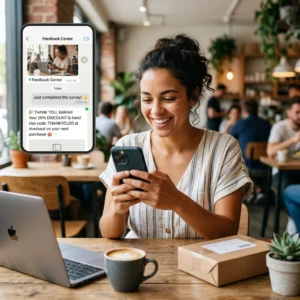
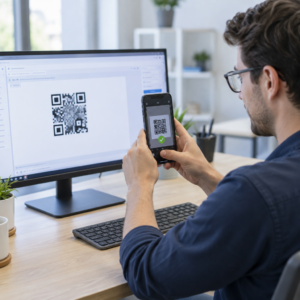
Czy Twoje drukowane materiały marketingowe generują zerowy mierzalny ruch? Fizyczne punkty styku, takie jak ulotki, opakowania i oznakowanie, są trudne do powiązania z wynikami cyfrowymi – chyba że strategicznie użyjesz kodów QR. Ten przewodnik omawia, jak generować marketingowe kody QR i używać ich do śledzenia wydajności, zwiększania zaangażowania i łączenia świata offline z online.
Dlaczego firmy używają kodów QR w marketingu
Kody QR rozwiązują fundamentalny problem w marketingu: przenoszenie kogoś z fizycznej powierzchni do cyfrowego miejsca docelowego bez konieczności pisania. Skanowanie zajmuje mniej niż sekundę. Ta łatwość dostępu przekłada się bezpośrednio na większe zaangażowanie – dlatego ich przyjęcie znacznie wzrosło, wykraczając poza wczesne, nieudane wdrożenia z 2011 roku.
Wtedy Best Buy i Macy’s były jednymi z pierwszych marek, które testowały kody QR na dużą skalę. Technologia nie była problemem – wolny mobilny internet, ograniczona penetracja smartfonów i strony docelowe tylko na komputery stacjonarne zabiły doświadczenie, zanim się zaczęło. Dziś te bariery zniknęły. Szybki mobilny internet, natywne skanowanie aparatem na iOS i Androidzie oraz zoptymalizowane pod kątem urządzeń mobilnych doświadczenia internetowe sprawiły, że kody QR stały się naprawdę praktyczne.
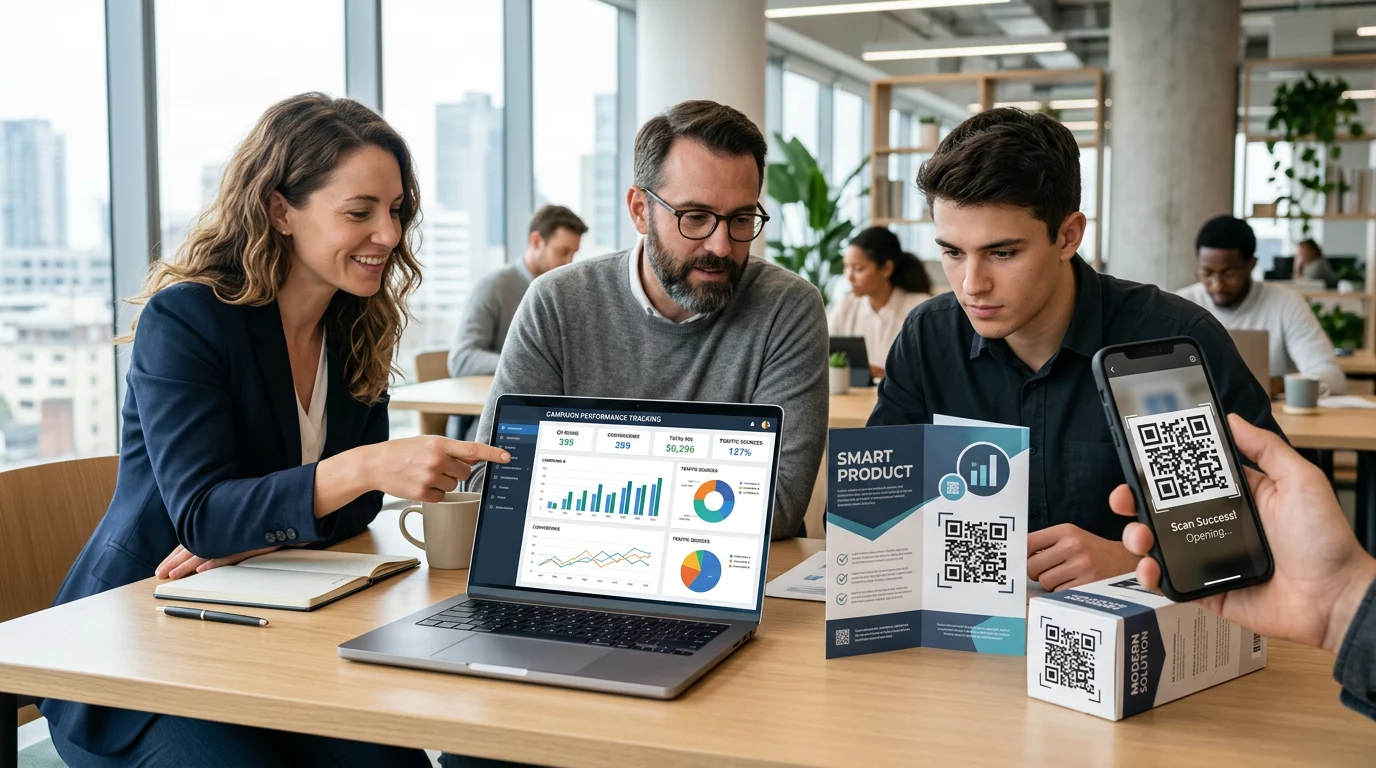
Z perspektywy marketingowej prawdziwą zaletą nie jest tylko wygoda – to dane. Kiedy używasz dynamiczne kody QR, każde skanowanie generuje zapis: kiedy to się stało, gdzie, na jakim urządzeniu i w ramach której kampanii. To rodzaj danych atrybucyjnych, które kiedyś były dostępne wyłącznie dla kanałów cyfrowych.
Rozpocznij śledzenie swoich kampanii z kodami QR Chcesz zobaczyć dane skanowania w czasie rzeczywistym, podziały geograficzne i analitykę urządzeń dla każdego wdrożonego kodu? Użyj Generator kodów QR do tworzenia śledzalnych, edytowalnych kodów z wbudowanym panelem wydajności.
Statyczne vs. Dynamiczne kody QR: Których powinieneś użyć?
Zanim wygenerujesz kod, musisz wybrać odpowiedni typ. Rozróżnienie ma znaczenie dla zastosowań marketingowych.
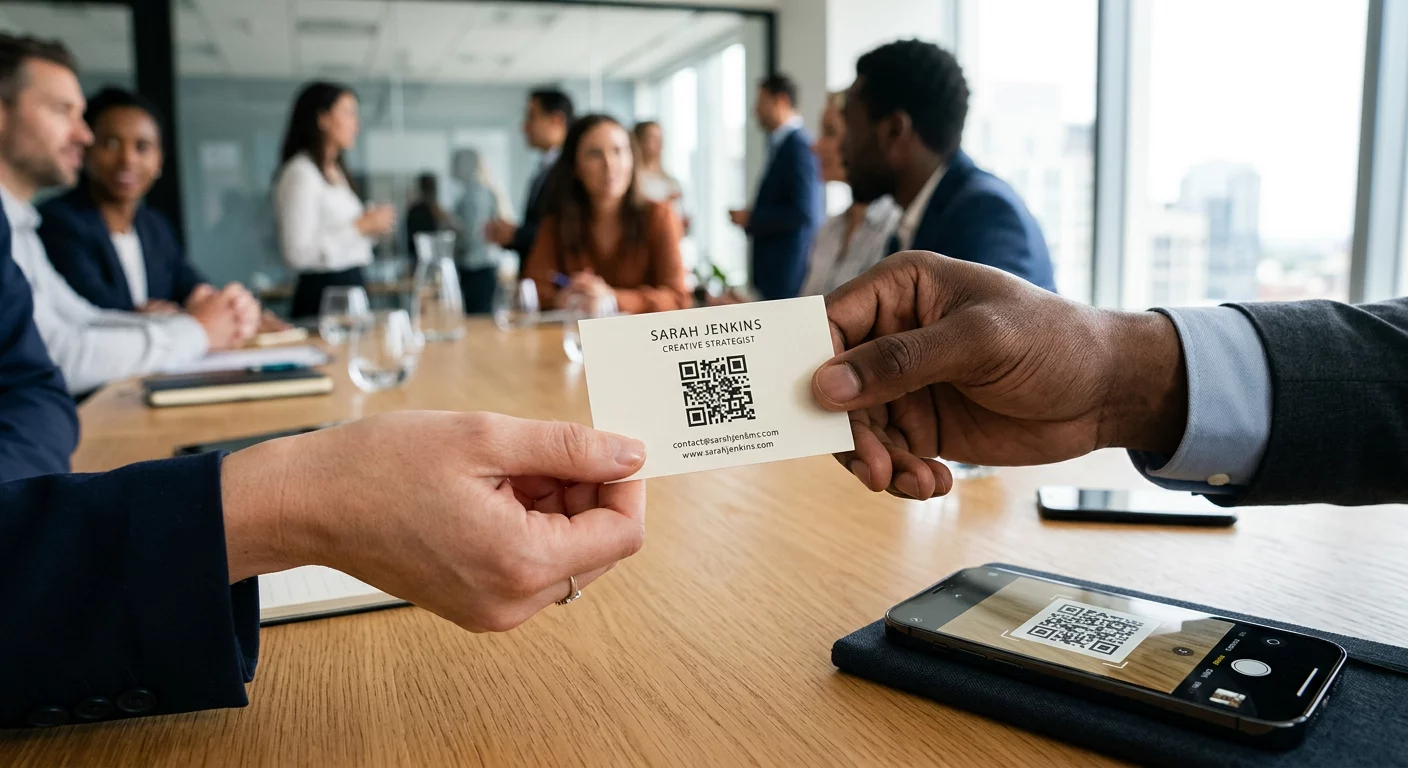
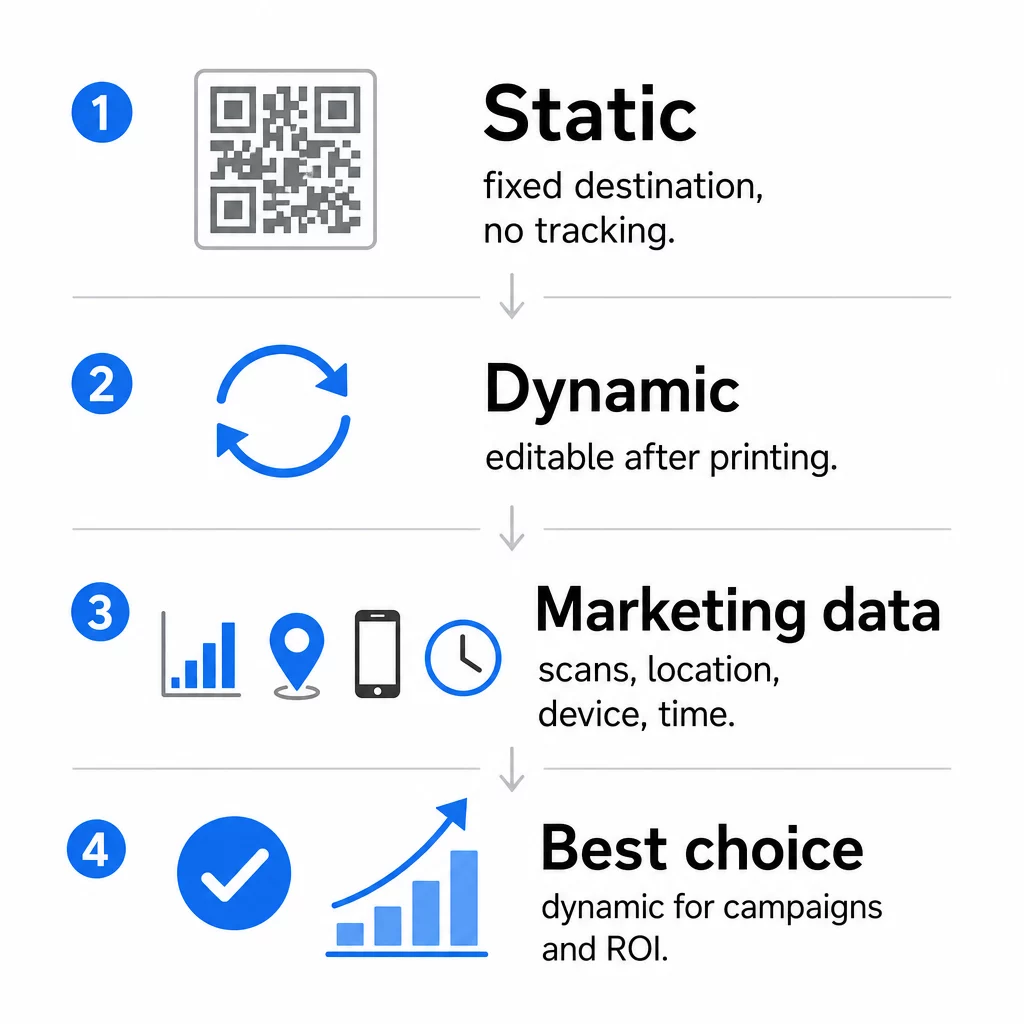
Statyczne kody QR kodują dane bezpośrednio w samym wzorze. Po wydrukowaniu miejsca docelowego nie można zmienić. Nie mają wbudowanego śledzenia, generują gęstsze wzory dla złożonych adresów URL i nie oferują elastyczności po wdrożeniu. Działają dobrze w przypadku stałych, niskiego ryzyka zastosowań, takich jak hasło Wi-Fi lub stała wizytówka.
Dynamiczne kody QR kodują krótki adres URL przekierowania. Rzeczywiste miejsce docelowe jest przechowywane na platformie zarządzania i może być aktualizowane w dowolnym momencie – nawet po wydrukowaniu. Oznacza to, że możesz naprawić uszkodzony link, zamienić sezonową stronę docelową lub przekierować do nowej promocji bez ponownego drukowania ani jednego materiału.
W przypadku kampanii marketingowych, dynamiczne kody QR są prawie zawsze lepszym wyborem. Obsługują analitykę w czasie rzeczywistym, testy A/B, śledzenie parametrów UTM i geolokalizację. Jeśli mierzysz ROI z materiałów drukowanych, to właśnie dynamiczne kody to umożliwiają.
Jak wygenerować kod QR do celów marketingowych
Tworzenie kodu QR dla kampanii zajmuje mniej niż pięć minut. Oto jak działa ten proces za pomocą Pageloot:
- Wybierz typ kodu QR – Wybierz typ treści, który odpowiada Twojemu celowi: URL, PDF, vCard, formularz, link do sklepu z aplikacjami, dane logowania do Wi-Fi, wideo lub inny format. The generator kodów QR z linkiem jest najczęstszym punktem wyjścia dla ruchu w kampanii.
- Wprowadź swój cel – Wklej adres URL lub prześlij plik, do którego ma prowadzić kod. Do celów śledzenia użyj adresu URL z tagami UTM, aby skany pojawiały się jako odrębne źródło w Google Analytics.
- Dostosuj wygląd – Dodaj swoje logo, ustaw kolory marki, wybierz styl ramki i napisz wezwanie do działania. Markowe kody QR konsekwentnie przewyższają ogólne czarno-białe, ponieważ budują wizualne zaufanie i wyróżniają się na materiałach drukowanych. The Generator kodów QR z logo sprawia, że jest to proste.
- Pobierz w odpowiednim formacie – Do druku pobierz plik wektorowy (EPS, PDF lub SVG), aby zapewnić ostry wydruk w dowolnym rozmiarze. Nigdy nie używaj obrazu rastrowego o niskiej rozdzielczości do produkcji drukowanej.
- Przetestuj przed wydrukiem – Zeskanuj kod samodzielnie, używając wielu urządzeń i w różnych warunkach oświetleniowych. Jeśli nie działa na starszym Androidzie lub przy słabym oświetleniu, dostosuj projekt przed rozpoczęciem druku.
Stwórz markowy kod QR w kilka minut Plik Generator kodów QR z logo pozwala dostosować kolory, dodać logo i zastosować ramki z wezwaniem do działania – wszystko z jednego pulpitu nawigacyjnego.
Dziewięć sposobów wykorzystania kodów QR w marketingu
Kieruj ruch na stronę docelową
Kod QR usuwa każdą barierę między fizycznym punktem styku a stroną docelową Twojej kampanii. Klienci nie muszą wpisywać adresu URL ani szukać Twojej marki – jedno skanowanie przenosi ich bezpośrednio tam, gdzie ich potrzebujesz. Zawsze łącz kod z wyraźnym wezwaniem do działania, które wyjaśnia, co otrzymają po zeskanowaniu: zniżkę, przewodnik, formularz rezerwacji lub ekskluzywną treść.
Wyślij wiadomość bezpośrednią
Kody QR mogą wywoływać wstępnie wypełnione wiadomości za pośrednictwem SMS, WhatsApp, Telegram lub Facebook Messenger. Jest to jedno z najbardziej niedocenianych zastosowań marketingowych. Wskaźniki otwarć bezpośrednich wiadomości na smartfonach są znacznie wyższe niż w przypadku e-maili, co czyni to skuteczną drogą do promocji, przypomnień o spotkaniach lub obsługi klienta.
Zbieraj recenzje i opinie
Ponad 90% kupujących online konsultuje recenzje przed zakupem. Kody QR na paragonach, opakowaniach lub oznakowaniach mogą kierować klientów bezpośrednio do Twojego profilu Google Moja Firma, strony z recenzjami produktów lub ankiety opinii. Aby zwiększyć wskaźniki odpowiedzi, zaoferuj kod rabatowy lub niewielką zachętę w zamian za ich wkład.
Udostępnij lokalizację swojej firmy
Kod QR prowadzący do Twojej wizytówki w Google Maps oszczędza klientom trudu ręcznego wyszukiwania. Jest to szczególnie przydatne na materiałach drukowanych, takich jak menu na wynos, ekspozycje targowe lub okleiny pojazdów, gdzie wpisywanie adresu nie jest praktyczne.
Zwiększaj liczbę obserwujących w mediach społecznościowych
Skieruj kod QR bezpośrednio na swój profil społecznościowy lub użyj strony pośredniej, która wyświetla linki do wszystkich Twoich kanałów. Możesz również skonfigurować kody tak, aby automatycznie wywoływały prośbę o polubienie na Facebooku lub subskrypcję na YouTube po zeskanowaniu – to łatwy sposób na budowanie publiczności z fizycznych punktów styku.
Promuj pobieranie aplikacji
Użyj inteligentnego kodu QR sklepu z aplikacjami, który wykrywa urządzenie użytkownika i automatycznie kieruje go do właściwego sklepu – Apple App Store lub Google Play. Eliminuje to jeden krok i frustrację związaną z lądowaniem na niewłaściwej platformie. Możesz również użyć pośredniej strony z treścią, aby przygotować użytkownika przed prośbą o pobranie.
Wyślij wstępnie wypełniony e-mail
Kod QR może otworzyć klienta poczty e-mail użytkownika z wstępnie wypełnionym adresem odbiorcy, tematem i treścią wiadomości. Działa to dobrze w przypadku zapytań o wsparcie klienta, zapytań partnerskich lub potwierdzeń obecności na wydarzeniach, gdzie chcesz uzyskać ustrukturyzowane odpowiedzi bez tworzenia formularza.
Link do produktów e-commerce
Kody QR na opakowaniach, ekspozycjach półkowych lub drukowanych broszurach mogą prowadzić bezpośrednio do stron szczegółów produktu, filmów instruktażowych, rejestracji gwarancji lub recenzji klientów. Zmniejsza to ilość tekstu, który musisz wydrukować na opakowaniu, jednocześnie dając klientom dostęp do bogatszych informacji na żądanie.
Udostępnij dostęp do Wi-Fi
Kod QR Wi-Fi pozwala klientom połączyć się z Twoją siecią za pomocą jednego skanu – bez konieczności wpisywania hasła. Umieść go w swojej lokalizacji, aby upewnić się, że klienci fizycznie wejdą do przestrzeni przed połączeniem. Ten mały szczegół wydłuża czas przebywania i tworzy więcej możliwości zaangażowania w sklepie.
Zasady projektowania i umieszczania, które wpływają na wskaźniki skanowania
Kod QR, którego nikt nie skanuje, ma zerową wartość. Wybór projektu i miejsca umieszczenia bezpośrednio decyduje o tym, czy Twój kod zostanie użyty.
Rozmiar ma znaczenie. W przypadku materiałów bliskiego zasięgu, takich jak wizytówki i ulotki, minimalny rozmiar około 1 cala (2,5 cm) kwadratowego jest podstawą. Plakaty powinny mieć co najmniej 2 cale (5 cm). W przypadku oznakowania zewnętrznego zastosuj zasadę 10:1: szerokość kodu powinna wynosić co najmniej jedną dziesiątą oczekiwanej odległości skanowania.
Kontrast jest bezwzględny. Ciemny wzór na jasnym tle to najbardziej niezawodne połączenie. Niskokontrastowe lub odwrócone projekty powodują błędy skanowania, zwłaszcza przy zmiennym oświetleniu. Dokładnie przetestuj każdą niestandardową kombinację kolorów przed drukowaniem na dużą skalę.
Wymagana jest strefa ciszy. Każdy kod QR potrzebuje pustego marginesu o szerokości co najmniej czterech modułów ze wszystkich stron. Bez niego skanery mają trudności z odróżnieniem kodu od otaczających elementów graficznych, a wskaźniki niepowodzeń skanowania wzrastają.
Powierzchnia i wykończenie wpływają na wydajność. Bardzo błyszczące, odblaskowe lub żebrowane powierzchnie mogą zniekształcać wzór QR i zmniejszać skuteczność skanowania. Niewielkie, płaskie powierzchnie na nieprzebijających podłożach są konsekwentnie bardziej niezawodne.
Umiejscowienie decyduje o widoczności. Umieszczenie na wysokości wzroku – około 3,5 do 5,5 stopy od ziemi na oznakowaniu – maksymalizuje dostępność. Unikaj umieszczania kodów w pobliżu zagięć, krawędzi lub obszarów, które są regularnie zasłaniane. Aby uzyskać pełny przegląd strategii umieszczania według typu materiału, zobacz kompletny przewodnik po umieszczaniu kodów QR w marketingu.
Jak śledzić wydajność kodów QR
Wygenerowanie kodu to tylko połowa pracy. Mierzenie tego, co dzieje się po skanowaniu, to początek optymalizacji kampanii.
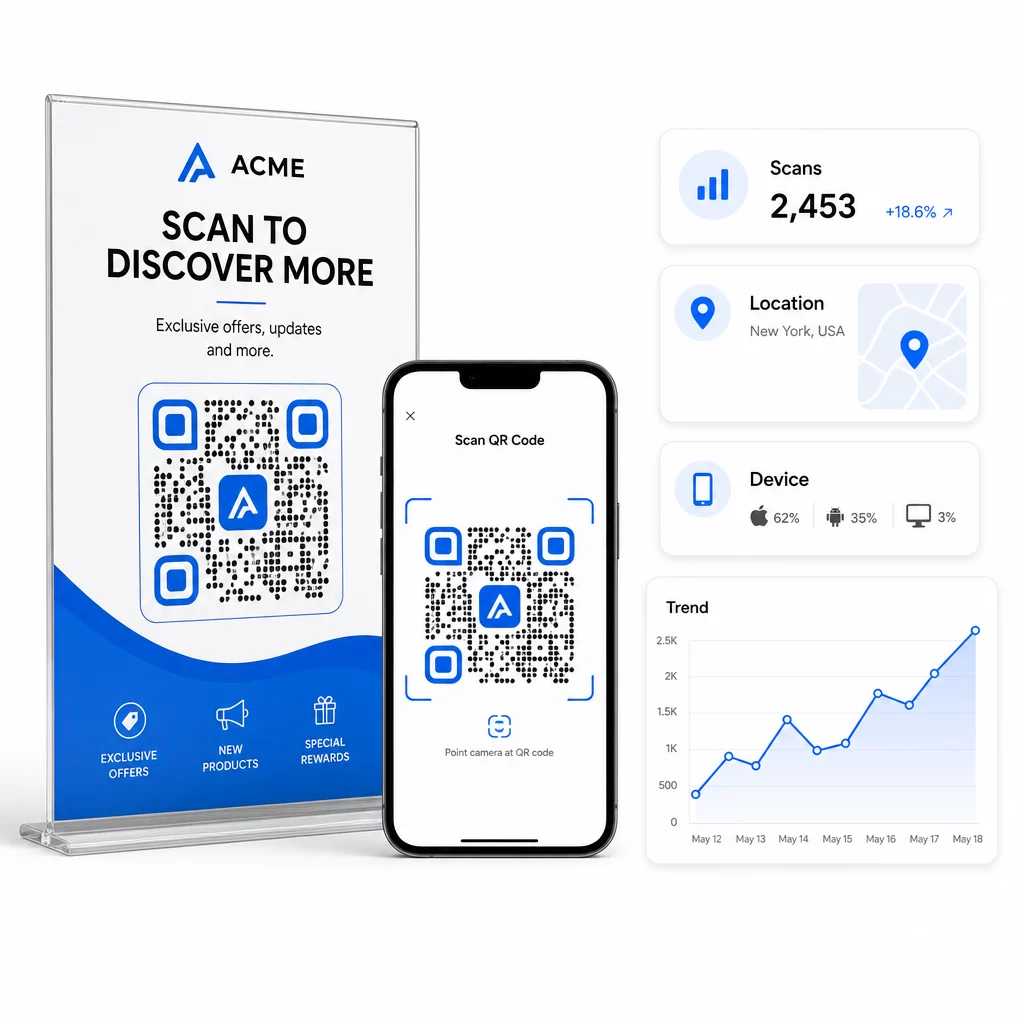
Dzięki dynamicznym kodom QR, każde skanowanie generuje dane, które można śledzić: całkowita liczba skanów, unikalne skany, znaczniki czasu, lokalizacja geograficzna, typ urządzenia i system operacyjny. Pozwala to odpowiedzieć na pytania takie jak: Które materiały drukowane faktycznie generują ruch? Które lokalizacje działają najlepiej? O jakiej porze dnia klienci angażują się?
Aby uzyskać głębszą atrybucję, dodaj parametry UTM do docelowych adresów URL przed osadzeniem ich w kodzie QR. Kieruje to ruch generowany przez kody QR do Google Analytics jako odrębne źródło, gdzie możesz analizować zaangażowanie, współczynniki konwersji i zachowanie oddzielnie od innych kanałów. Spójna konwencja nazewnictwa – na przykład, `utm`medium=qrcode` i `utm`source=storedisplay` – sprawia, że raportowanie jest przejrzyste i porównywalne w różnych kampaniach. Szczegółowy przewodnik konfiguracji znajdziesz w artykule Parametry UTM dla kodów QR.
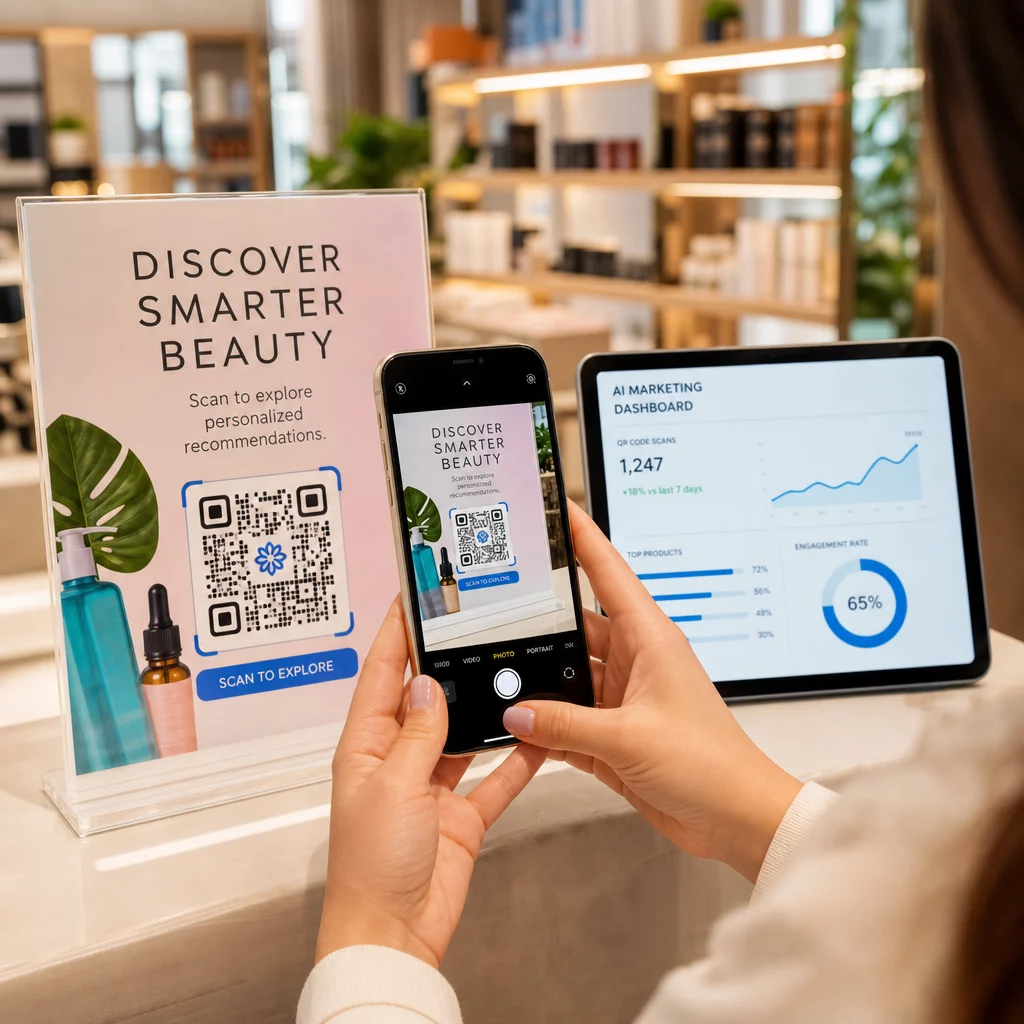
Wbudowany pulpit nawigacyjny Pageloot konsoliduje te dane w jednym miejscu: liczbę skanów, podział geograficzny, raporty urządzeń i porównania na poziomie kampanii – bez konieczności oddzielnej konfiguracji analityki dla podstawowych metryk.
Monitoruj każde skanowanie w czasie rzeczywistym Plik Generator dynamicznych kodów QR zapewnia pełny pulpit nawigacyjny wydajności z danymi geograficznymi, podziałami urządzeń i trendami skanowania. Aktualizuj miejsca docelowe bez ponownego drukowania za każdym razem, gdy Twoja kampania się zmienia.
Zbuduj skalowalną strategię marketingową z kodami QR
Jednorazowe kody QR to punkt wyjścia. Skoordynowana strategia generuje złożone zwroty.
Przed wygenerowaniem kodów określ, co każdy z nich ma osiągnąć – i upewnij się, że miejsce docelowe spełnia tę obietnicę. Kod, który kieruje użytkownika na stronę niezoptymalizowaną pod kątem urządzeń mobilnych, stronę 404 lub nieistotną stronę główną, podważy zaufanie i wyeliminuje wszelkie powody do ponownego skanowania.
Użyj dynamiczne kody QR dla kampanii z określonymi datami rozpoczęcia i zakończenia, rotacyjnymi promocjami lub lokalizacjami, które udostępniają materiały w różnych sezonach. Możliwość aktualizacji miejsca docelowego bez ponownego drukowania oznacza, że Twoje fizyczne materiały pozostają aktualne, nawet gdy Twoja kampania się zmienia.
Aby uzyskać krok po kroku podejście do planowania i realizacji kampanii z kodami QR, Marketing z kodem QR: lista kontrolna dla małych firm obejmuje wyznaczanie celów, wybór typu kodu, najlepsze praktyki projektowe i optymalizację po uruchomieniu w ustrukturyzowanym formacie.
Marki, które widzą rzeczywiste rezultaty z kodów QR, traktują je jako kanał wydajnościowy – taki, w którym umiejscowienie, projekt, miejsce docelowe i śledzenie są planowane z wyprzedzeniem. Ta dyscyplina jest tym, co oddziela współczynnik skanowania wynoszący 0,5% od takiego, który warto raportować.
Najczęściej zadawane pytania
Statyczny kod QR koduje miejsce docelowe bezpośrednio w swoim wzorze i nie może być zmieniony po utworzeniu. Nie dostarcza również żadnych danych o skanowaniu. Dynamiczny kod QR przechowuje krótki adres URL przekierowania, co oznacza, że możesz zaktualizować miejsce docelowe w dowolnym momencie – nawet po wydrukowaniu – i śledzić każde skanowanie za pomocą danych o lokalizacji, urządzeniu i czasie. W przypadku większości kampanii marketingowych dynamiczne kody QR są lepszym wyborem, ponieważ obsługują śledzenie, testy A/B i aktualizacje kampanii bez konieczności ponownego drukowania.
Potrzebujesz dynamicznego kodu QR połączonego z platformą śledzącą. Gdy ktoś zeskanuje kod, platforma rejestruje zdarzenie i zbiera dane, w tym liczbę skanów, znacznik czasu, lokalizację geograficzną i typ urządzenia. Możesz również dodać parametry UTM do docelowego adresu URL, aby ruch generowany przez kody QR pojawiał się jako oddzielne, identyfikowalne źródło w Google Analytics. Panel Pageloot dostarcza te dane w czasie rzeczywistym, nie wymagając oddzielnej konfiguracji analitycznej dla podstawowych metryk.
W przypadku wizytówek i ulotek użyj minimalnego rozmiaru około 1 cala (2,5 cm) kwadratowego. W przypadku menu i broszur dąż do co najmniej 1,5 cala (3,8 cm). W przypadku plakatów użyj co najmniej 2 cali (5 cm). W przypadku billboardów i oznakowania zewnętrznego zastosuj zasadę 10:1: szerokość kodu powinna wynosić co najmniej jedną dziesiątą maksymalnej oczekiwanej odległości skanowania. Zawsze zachowaj pustą strefę ciszy o szerokości co najmniej czterech modułów ze wszystkich stron i używaj wysokiego kontrastu – ciemny wzór na jasnym tle – aby zapewnić niezawodne skanowanie.