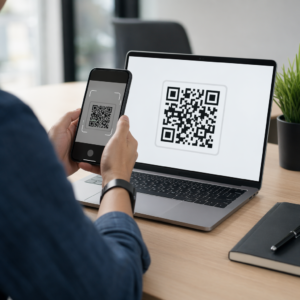
Přemýšleli jste někdy, co se vlastně děje v té půlsekundě mezi namířením telefonu na QR kód a načtením webové stránky? Proces je rychlejší, než se zdá, a jeho pochopení vám pomůže vytvářet kódy, které se pokaždé spolehlivě naskenují.
Co je vlastně QR kód
QR kód je dvourozměrná matice černobílých čtverců uspořádaných do jedinečného vzoru. Na rozdíl od tradičního čárového kódu – který kóduje data v jedné vodorovné linii s různými šířkami čar – QR kód ukládá informace horizontálně i vertikálně. To mu dává mnohem větší datovou kapacitu a umožňuje jeho čtení z více orientací.
Každý QR kód je tvořen několika funkčními oblastmi:
- Vyhledávací vzory – tři velké čtverce v rozích, které pomáhají skeneru lokalizovat kód, určit jeho orientaci a najít jeho okraje, i když je kód nakloněný
- Časovací vzory – střídající se černobílé moduly probíhající mezi vyhledávacími vzory, které definují strukturu mřížky a pomáhají skeneru správně určit velikost každého modulu
- Klidová zóna – prázdný bílý okraj obklopující kód, široký alespoň čtyři moduly, který jej odděluje od okolní grafiky, aby skener mohl detekovat jeho hranice
- Informace o formátu – vyhrazená oblast poblíž vyhledávacích vzorů, která ukládá úroveň opravy chyb a maskovací vzor, aby skener přesně věděl, jak interpretovat data
- Datové moduly – jednotlivé černobílé čtverce, kde se nachází skutečný zakódovaný obsah, čtené jako binární jedničky (černé) a nuly (bílé)
Data v těchto modulech mohou být kódována v několika režimech: pouze číselné, alfanumerické, 8bitové binární bajty nebo Kanji. QR kód verze 1 má 21×21 modulů; kód verze 40 se rozšiřuje na 177×177 a může pojmout až 7 089 číselných znaků, 4 296 alfanumerických znaků nebo 2 953 bajtů binárních dat. Více o tom, jak tyto kompromisy fungují, se dozvíte v průvodci Datové limity QR kódu.
Proces skenování, krok za krokem
Když namíříte fotoaparát na QR kód, v milisekundách se rozvine vícestupňový proces.

Krok 1: Snímání obrazu
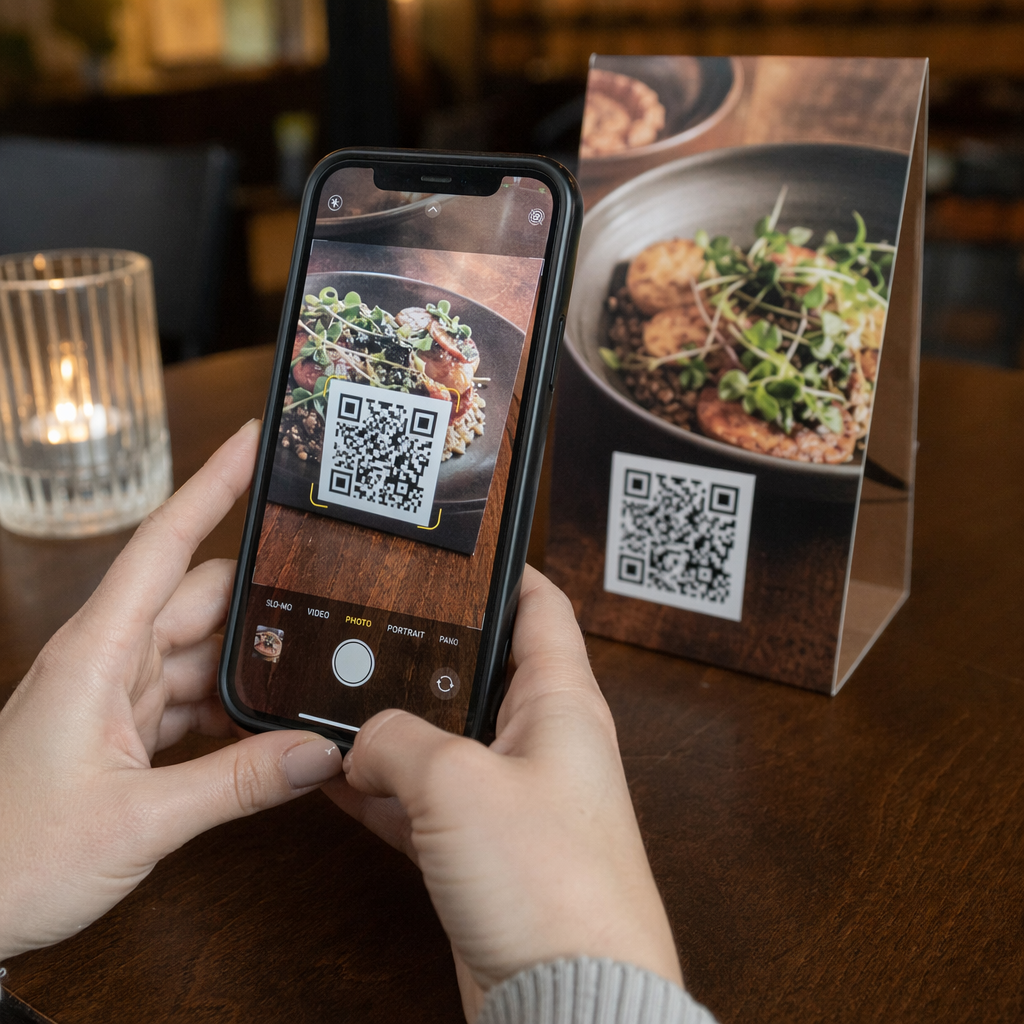
Kamera zachytí dvourozměrnou mřížku jako vizuální obraz. Toto je surový vstup – fotografie černobílého vzoru. Většina moderních fotoaparátů chytrých telefonů to zvládne bez jakékékoli specializované skenovací aplikace. Pokud chcete pochopit celou škálu způsobů, jak spustit skenování napříč různými zařízeními, průvodce skenováním QR kódů podrobně pokrývá pracovní postupy pro iPhone, Android, tablet a stolní počítače.
Krok 2: Detekce vzoru
Software skeneru používá rozpoznávání vzorů k nalezení QR kódu v obraze. Hledá tři vyhledávací vzory v rozích. Jakmile jsou nalezeny, skener určí:
- Kde je kód umístěn v rámečku
- Jakým směrem je orientován (i když je otočený nebo mírně zkosený)
- Kde jsou okraje kódu
Tento krok je důvodem, proč QR kódy zůstávají čitelné i pod úhlem – vyhledávací vzory poskytují algoritmu dostatek geometrie pro korekci zkreslení.
Krok 3: Vzorkování mřížky a extrakce dat
Jakmile je pozice a orientace kódu stanovena, skener přečte časovací vzory a zarovnávací značky, aby pochopil strukturu mřížky. Poté vzorkuje každý modul specifickou klikatou cestou – zprava doleva, nahoru a poté dolů – začíná ze známé pozice a prochází každý datový modul, dokud není dosaženo koncového indikátoru.
Při procházení touto cestou skener čte:
- A indikátor režimu (čtyři moduly), který specifikuje typ kódování – numerický, alfanumerický, bajtový nebo Kanji
- A indikátor počtu znaků který uvádí, kolik znaků je zakódováno
- Zbývající datové kódové slova až do konce datového proudu
Krok 4: Oprava chyb
Po přečtení datových modulů skener zpracuje kódová slova pro opravu chyb. QR kódy používají Reed-Solomonovu korekci chyb, která vkládá redundantní data, jež umožňují rekonstrukci původního obsahu, i když je část kódu fyzicky poškozena nebo zakryta.
Existují čtyři standardizované úrovně opravy chyb:
| Úroveň | Kapacita obnovy | Nejlépe se hodí pro |
|---|---|---|
| L (nízká) | ~7% | Čisté vnitřní prostředí |
| M (střední) | ~15% | Obecné marketingové materiály |
| Q (kvartil) | ~25% | Průmyslové nebo venkovní použití |
| H (vysoké) | ~30% | Kódy s logy, drsné podmínky |
Vyšší korekce chyb znamená, že kód může přežít větší poškození, ale také vyžaduje více modulů, čímž se celkový symbol stává hustším. Pokud přidáváte logo do QR kódu nebo jej umisťujete někam vystavenému povětrnostním vlivům, volba úrovně H je správná. Pro hlubší pohled na to, jak se tento kompromis projevuje v praxi, viz článek o jak funguje oprava chyb v editovatelných QR kódech.
Krok 5: Dekódování na lidsky čitelný obsah
Jakmile jsou datové bity rekonstruovány, skener dekóduje binární sekvenci podle režimu kódování QR kódu. Černé čtverce se stávají jedničkami a bílé čtverce nulami. Tento binární řetězec je poté převeden na lidsky čitelný obsah – URL adresu, telefonní číslo, blok textu, kontaktní informace nebo jakýkoli jiný datový typ, pro který byl kód původně vytvořen.
Pokud kód obsahuje URL adresu, vaše zařízení zobrazí výzvu k jejímu otevření. To je okamžik, kdy se proces skenování předá vašemu prohlížeči nebo aplikaci.
Vyzkoušejte bezplatný skener QR kódů od Pageloot Potřebujete dekódovat QR kód přímo z obrázku nebo webkamery? The Skener QR kódů Pageloot funguje v jakémkoli moderním prohlížeči – není nutné stahovat aplikaci.
Jak se QR skenery liší od skenerů čárových kódů
Základní fyzika je podobná: oba typy skenerů osvětlují vzor, detekují odražené světlo a dekódují výsledek. Standardní laserový skener čárových kódů však čte v jedné vodorovné linii, a proto dokáže zpracovat pouze 1D čárové kódy. Čtení 2D QR kódu vyžaduje obrazový senzor, který zachytí celý vzor najednou.
Pro přímé srovnání toho, jak se tyto dva formáty liší ve schopnostech a případech použití, vysvětlení skeneru čárových kódů podrobně pokrývá systém osvětlení, senzor a dekodér – a srovnání čárového kódu vs. QR kódu rozebírá, který formát dává větší smysl pro různé obchodní aplikace.
Co usnadňuje (nebo ztěžuje) skenování QR kódu
Pochopení procesu skenování odhaluje, proč některé designové volby snižují čitelnost:
- Nízký kontrast – skener rozlišuje moduly podle rozdílu v odrazu světla mezi černými a bílými oblastmi; kód vytištěný šedě na světlém pozadí tímto testem neprojde
- Chybějící klidová zóna – bez jasného bílého okraje skener nemůže spolehlivě lokalizovat okraje kódu, zvláště pokud je v blízkosti okolní text nebo grafika
- Příliš malé pro pozorovací vzdálenost – platí pravidlo 10:1: na každých 10 cm skenovací vzdálenosti by kód měl být široký alespoň 1 cm; praktické minimum pro tisk zblízka je 2×2 cm
- Inverzní nebo nekonvenční barvy – světlé moduly na tmavém pozadí mohou u některých skenerů zmást rozpoznávání vzorů
- Rozmazaný nebo pixelovaný výstup – rastrové obrázky s nízkým rozlišením se při tisku rozpadají; vektorové formáty jako SVG nebo EPS zůstávají ostré v jakékoli velikosti
Pro komplexní pokyny ohledně velikosti, kontrastu, umístění a testování, článek o osvědčené postupy čitelnosti QR kódů pokrývá každý faktor s konkrétními doporučeními.

Vytvářejte kódy určené ke skenování Ten Generátor QR kódů Pageloot vám umožňuje vytvářet, přizpůsobovat a testovat QR kódy se správnou korekcí chyb, kontrastem a formátem pro váš konkrétní případ použití – a dynamické kódy lze aktualizovat po tisku bez generování nového obrázku.
Statické vs. Dynamické QR kódy: Co vidí skener
Z pohledu skeneru vypadá každý QR kód stejně: matice modulů kódující řetězec dat. Rozdíl mezi statickými a dynamickými kódy je v tom, co tato data obsahují.
A statický QR kód kóduje konečný cíl přímo – plná URL adresa, text nebo kontaktní informace jsou vloženy do modulů v době vytvoření. Změna obsahu znamená vygenerování nového kódu.
A dynamický QR kód kóduje krátkou přesměrovací URL adresu, která odkazuje na server. Po naskenování toto přesměrování přesměruje uživatele na jakýkoli cíl, který vlastník kódu aktuálně nastavil. To znamená, že fyzický kód se nikdy nemění, ale jeho chování lze okamžitě aktualizovat. Dynamické kódy také umožňují sledování skenování – každé skenování zaznamená datový bod, který ukazuje, kdy a kde byl kód naskenován, na jakém zařízení a jak často.
Pokud kampaň s QR kódy potřebuje být měřitelná nebo se propojený obsah může změnit, dynamické kódy jsou praktickou volbou. Pro firmy porovnávající celou škálu možností aplikací pro skenování a co hledat v nástroji pro skenování, je Porovnání aplikací pro skenování QR kódů pokrývá hlavní možnosti.
Často kladené otázky
Ne. Většina chytrých telefonů se systémem iOS 11 nebo novějším a moderní zařízení Android dokáže skenovat QR kódy přímo prostřednictvím nativní aplikace fotoaparátu. Pro větší kontrolu – například skenování z uloženého obrázku nebo kontrola historie skenování – vyhrazený nástroj jako je Pageloot QR skener funguje z jakéhokoli prohlížeče bez instalace.
Nejčastějšími příčinami jsou nízký kontrast, chybějící tichá zóna, kód, který je příliš malý pro pozorovací vzdálenost, nebo obraz, který je příliš rozmazaný na rozlišení modulů. Starší zařízení s fotoaparáty s nižším rozlišením jsou na tyto problémy citlivější. Testování na více zařízeních před tiskem a použití vyšších úrovní korekce chyb (Q nebo H) snižuje pravděpodobnost selhání. Úplný seznam příčin a řešení naleznete v průvodci QR kód nefunguje.
QR kód verze 40 s nejnižší úrovní opravy chyb může zakódovat až 7 089 číselných znaků, 4 296 alfanumerických znaků nebo 2 953 bajtů binárních dat. V praxi kratší URL adresy a jednodušší obsah vytvářejí méně husté kódy, které se skenují rychleji a spolehlivěji. Úplný rozpis kompromisů mezi verzí, kapacitou a opravou chyb je popsán v průvodci limity dat QR kódů.