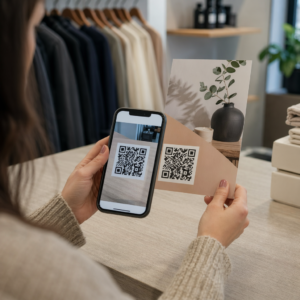
Pernah terfikir apa sebenarnya yang berlaku dalam setengah saat antara menghalakan telefon anda ke kod QR dan mendarat di halaman web? Prosesnya lebih pantas daripada yang kelihatan, dan memahaminya membantu anda mencipta kod yang boleh diimbas dengan andal setiap kali.
Apa Sebenarnya Kod QR
Kod QR ialah matriks dua dimensi petak hitam dan putih yang disusun dalam corak unik. Tidak seperti kod bar tradisional – yang mengekod data dalam satu baris mendatar dengan lebar bar yang berbeza-beza – kod QR menyimpan maklumat secara mendatar dan menegak. Itulah yang memberikannya kapasiti data yang jauh lebih besar dan menjadikannya boleh dibaca dari pelbagai orientasi.
Setiap kod QR dibina daripada beberapa kawasan berfungsi:
- Corak pencari – tiga petak besar di penjuru yang membantu pengimbas mencari kod, menentukan orientasinya, dan mencari tepinya, walaupun kod itu condong
- Corak pemasaan – modul hitam-putih berselang-seli yang berjalan di antara corak pencari yang menentukan struktur grid dan membantu pengimbas menentukan saiz setiap modul dengan betul
- Zon senyap – margin putih kosong yang mengelilingi kod, sekurang-kurangnya empat modul lebar, yang memisahkannya daripada grafik sekeliling supaya pengimbas dapat mengesan sempadannya
- Maklumat format – kawasan khusus berhampiran corak pencari yang menyimpan tahap pembetulan ralat dan corak penyamaran supaya pengimbas tahu dengan tepat cara mentafsir data
- Modul data – petak hitam-putih individu tempat kandungan terkod sebenar berada, dibaca sebagai satu binari (hitam) dan sifar (putih)
Data dalam modul tersebut boleh dikodkan dalam beberapa mod: angka sahaja, alfanumerik, bait binari 8-bit, atau Kanji. Kod QR Versi 1 ialah modul 21×21; kod Versi 40 berkembang kepada 177×177 dan boleh memuatkan sehingga 7,089 aksara angka, 4,296 aksara alfanumerik, atau 2,953 bait data binari. Ketahui lebih lanjut tentang cara pertukaran ini berfungsi dalam panduan kepada had data kod QR.
Proses Pengimbasan, Langkah demi Langkah
Apabila anda menghalakan kamera ke kod QR, proses berbilang peringkat berlaku dalam milisaat.

Langkah 1: Pengambilan Imej
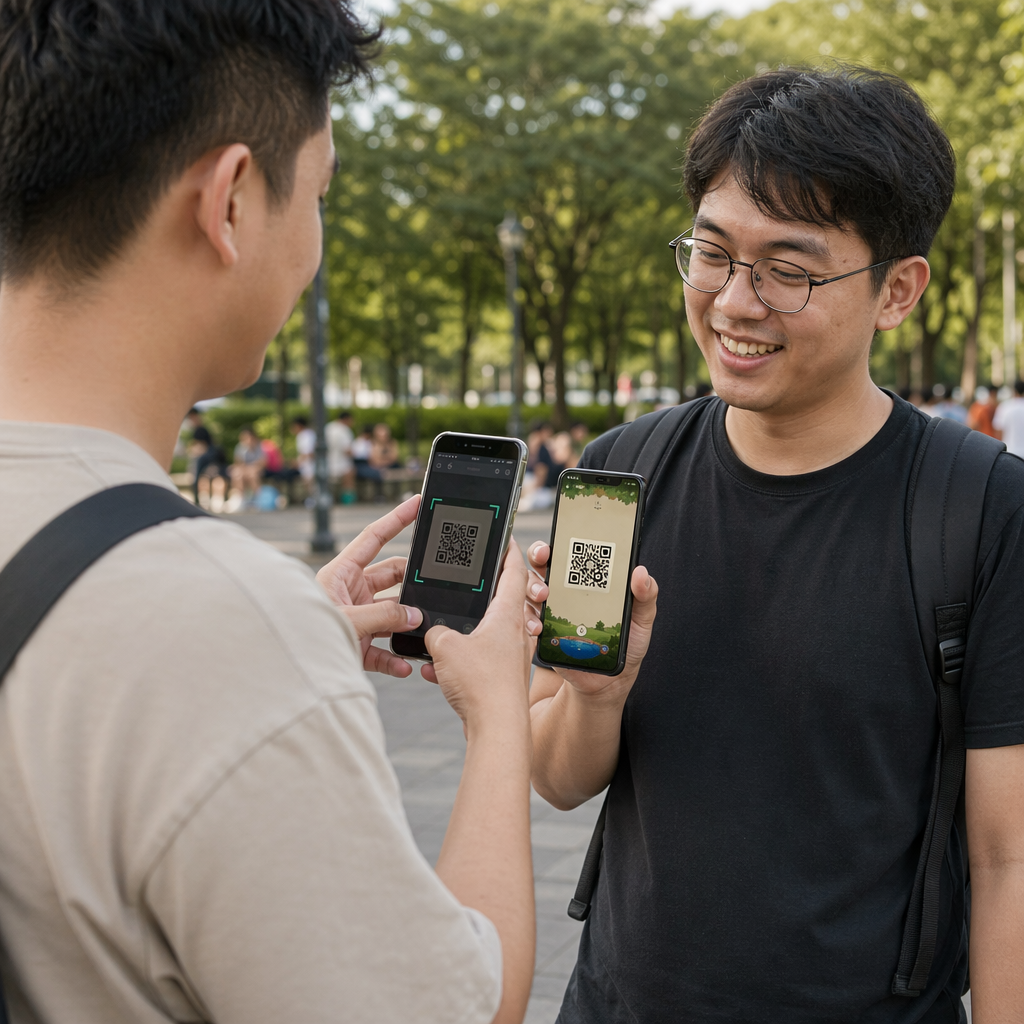
Kamera menangkap grid dua dimensi sebagai imej visual. Ini adalah input mentah – gambar corak hitam-putih. Kebanyakan kamera telefon pintar moden boleh mengendalikan ini tanpa sebarang aplikasi pengimbasan khusus. Jika anda ingin memahami pelbagai cara untuk mencetuskan imbasan merentasi peranti yang berbeza, panduan mengimbas kod QR merangkumi aliran kerja iPhone, Android, tablet, dan desktop secara terperinci.
Langkah 2: Pengesanan Corak
Perisian pengimbas menggunakan pengecaman corak untuk mencari kod QR dalam imej. Ia mencari tiga corak pencari di sudut. Setelah ditemui, pengimbas menentukan:
- Di mana kod diletakkan dalam bingkai
- Arah mana ia diorientasikan (walaupun diputar atau sedikit condong)
- Di mana tepi kod berada
Langkah ini adalah sebab mengapa kod QR kekal boleh dibaca pada sudut – corak pencari memberikan algoritma geometri yang mencukupi untuk membetulkan herotan.
Langkah 3: Pensampelan Grid dan Pengekstrakan Data
Dengan kedudukan dan orientasi kod yang telah ditetapkan, pengimbas membaca corak masa dan penanda penjajaran untuk memahami struktur grid. Ia kemudiannya mengambil sampel setiap modul dalam laluan zigzag tertentu – kanan ke kiri, atas kemudian bawah – bermula dari kedudukan yang diketahui dan melalui setiap modul data sehingga penunjuk akhir dicapai.
Semasa ia melalui laluan ini, pengimbas membaca:
- A penunjuk mod (empat modul) yang menentukan jenis pengekodan – angka, alfanumerik, bait, atau Kanji
- A penunjuk kiraan aksara yang menyatakan berapa banyak aksara yang dikodkan
- Baki perkataan kod data sehingga akhir aliran data
Langkah 4: Pembetulan Ralat
Selepas membaca modul data, pengimbas memproses perkataan kod pembetulan ralat. Kod QR menggunakan pembetulan ralat Reed–Solomon, yang membenamkan data berlebihan yang membolehkan kandungan asal dibina semula walaupun sebahagian daripada kod rosak secara fizikal atau terhalang.
Terdapat empat tahap pembetulan ralat piawai:
| Tahap | Kapasiti Pemulihan | Terbaik Digunakan Untuk |
|---|---|---|
| L (Rendah) | ~7% | Persekitaran dalaman yang bersih |
| M (Sederhana) | ~15% | Bahan pemasaran umum |
| Q (Kuartil) | ~25% | Penggunaan industri atau luaran |
| H (Tinggi) | ~30% | Kod dengan logo, keadaan yang teruk |
Pembetulan ralat yang lebih tinggi bermakna kod boleh bertahan lebih banyak kerosakan tetapi juga memerlukan lebih banyak modul, menjadikan simbol keseluruhan lebih padat. Jika anda menambah logo pada kod QR atau meletakkannya di tempat yang terdedah kepada cuaca, memilih Tahap H adalah pilihan yang tepat. Untuk melihat dengan lebih mendalam bagaimana pertukaran ini berlaku dalam amalan, lihat artikel mengenai cara pembetulan ralat berfungsi dalam kod QR yang boleh diedit.
Langkah 5: Menyahkod kepada Kandungan Boleh Dibaca Manusia
Setelah bit data dibina semula, pengimbas menyahkod jujukan binari mengikut mod pengekodan kod QR. Petak hitam menjadi satu dan petak putih menjadi sifar. Rentetan binari itu kemudian ditukar menjadi kandungan yang boleh dibaca manusia – URL, nombor telefon, blok teks, maklumat hubungan, atau sebarang jenis data lain yang kod itu asalnya dibina untuk dibawa.
Jika kod itu mengandungi URL, peranti anda memaparkan gesaan untuk membukanya. Itulah saat proses pengimbasan diserahkan kepada pelayar atau aplikasi anda.
Cuba Pengimbas Kod QR Percuma Pageloot Perlu menyahkod kod QR terus daripada imej atau kamera web anda? Ia Pengimbas kod QR Pageloot berfungsi dalam mana-mana pelayar moden – tiada muat turun aplikasi diperlukan.
Bagaimana Pengimbas QR Berbeza daripada Pengimbas Kod Bar
Fizik asas adalah serupa: kedua-dua jenis pengimbas menerangi corak, mengesan cahaya yang dipantulkan, dan menyahkod hasilnya. Tetapi pengimbas kod bar laser standard membaca dalam satu garisan mendatar, itulah sebabnya ia hanya boleh mengendalikan kod bar 1D. Membaca kod QR 2D memerlukan penderia berasaskan imej yang menangkap corak penuh sekaligus.
Untuk perbandingan langsung bagaimana kedua-dua format ini berbeza dalam keupayaan dan kes penggunaan, itu penjelasan pengimbas kod bar merangkumi sistem pencahayaan, penderia, dan komponen penyahkod secara terperinci – dan itu perbandingan kod bar lwn. kod QR menghuraikan format mana yang lebih sesuai untuk aplikasi perniagaan yang berbeza.
Apa yang Menjadikan Kod QR Mudah (atau Sukar) untuk Diimbas
Memahami proses pengimbasan mendedahkan mengapa pilihan reka bentuk tertentu menjejaskan kebolehbacaan:
- Kontras rendah – pengimbas membezakan modul berdasarkan perbezaan pantulan cahaya antara kawasan hitam dan putih; kod yang dicetak dalam warna kelabu pada latar belakang pucat gagal ujian ini
- Zon senyap hilang – tanpa margin putih yang jelas, pengimbas tidak dapat mengesan tepi kod dengan pasti, terutamanya jika teks atau grafik di sekelilingnya rapat
- Terlalu kecil untuk jarak pandangan – peraturan 10:1 terpakai: untuk setiap 10 cm jarak imbasan, kod hendaklah sekurang-kurangnya 1 cm lebar; minimum praktikal untuk kegunaan cetakan jarak dekat ialah 2×2 cm
- Warna terbalik atau tidak konvensional – modul terang pada latar belakang gelap boleh mengelirukan pengecaman corak dalam sesetengah pengimbas
- Output kabur atau berpiksel – imej raster resolusi rendah akan pecah pada skala cetakan; format vektor seperti SVG atau EPS kekal jelas pada sebarang saiz
Untuk panduan komprehensif mengenai saiz, kontras, penempatan, dan pengujian, artikel mengenai amalan terbaik kebolehbacaan kod QR meliputi setiap faktor dengan cadangan khusus.

Cipta Kod yang Dibina untuk Diimbas Yang Penjana kod QR Pageloot membolehkan anda membina, menyesuaikan, dan menguji kod QR dengan pembetulan ralat, kontras, dan format yang betul untuk kes penggunaan khusus anda – dan kod dinamik boleh dikemas kini selepas mencetak tanpa menjana imej baharu.
Kod QR Statik lwn. Dinamik: Apa yang Dilihat oleh Pengimbas
Dari perspektif pengimbas, setiap kod QR kelihatan sama: matriks modul yang mengekod rentetan data. Perbezaan antara kod statik dan dinamik adalah apa yang terkandung dalam data tersebut.
A kod QR statik mengekod destinasi akhir secara langsung – URL penuh, teks, atau maklumat hubungan dimasukkan ke dalam modul pada masa penciptaan. Mengubah kandungan bermakna menjana kod baharu.
A kod QR dinamik mengekod URL pengalihan pendek yang menunjuk ke pelayan. Apabila diimbas, pengalihan itu akan menghantar pengguna ke destinasi yang telah ditetapkan oleh pemilik kod. Ini bermakna kod fizikal tidak pernah berubah, tetapi tingkah lakunya boleh dikemas kini serta-merta. Kod dinamik juga membolehkan penjejakan imbasan – setiap imbasan mendaftarkan titik data yang menunjukkan bila dan di mana kod diimbas, pada peranti apa, dan berapa kerap.
Jika kempen kod QR perlu diukur atau kandungan yang dipautkan mungkin berubah, kod dinamik adalah pilihan praktikal. Bagi perniagaan yang membandingkan pelbagai pilihan aplikasi pengimbas dan apa yang perlu dicari dalam alat pengimbasan, the Perbandingan aplikasi pengimbas kod QR merangkumi pilihan utama.
Soalan lazim
Tidak. Kebanyakan telefon pintar yang menjalankan iOS 11 atau lebih baru dan peranti Android moden boleh mengimbas kod QR secara terus melalui aplikasi kamera asli. Untuk kawalan yang lebih – seperti mengimbas dari imej yang disimpan atau menyemak sejarah imbasan – alat khusus seperti pengimbas QR Pageloot berfungsi dari mana-mana pelayar tanpa pemasangan.
Punca paling biasa ialah kontras rendah, zon senyap yang hilang, kod yang terlalu kecil untuk jarak pandangan, atau imej yang terlalu kabur untuk menyelesaikan modul. Peranti lama dengan kamera resolusi rendah lebih sensitif terhadap isu-isu ini. Menguji merentasi pelbagai peranti sebelum mencetak, dan menggunakan tahap pembetulan ralat yang lebih tinggi (Q atau H), mengurangkan peluang kegagalan. Lihat senarai penuh punca dan penyelesaian dalam panduan kod QR tidak berfungsi.
Kod QR Versi 40 pada tahap pembetulan ralat terendah boleh mengekod sehingga 7,089 aksara angka, 4,296 aksara alfanumerik, atau 2,953 bait data binari.