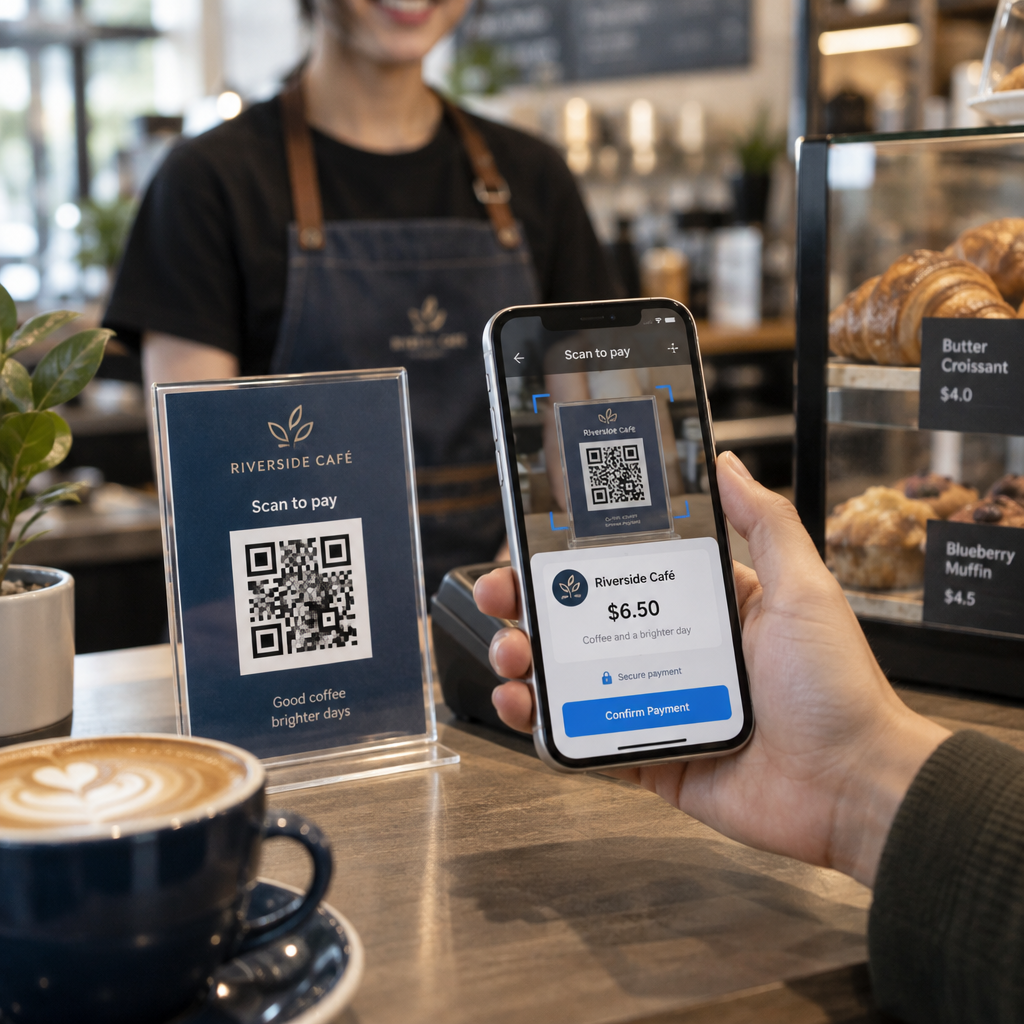
Ste se kdaj vprašali, kaj se dejansko dogaja v pol sekunde med tem, ko usmerite telefon v kodo QR in pristanete na spletni strani? Postopek je hitrejši, kot se zdi, in razumevanje vam pomaga ustvariti kode, ki se vsakič zanesljivo skenirajo.
Kaj je koda QR
Koda QR je dvodimenzionalna matrika črno-belih kvadratov, razporejenih v edinstvenem vzorcu. Za razliko od tradicionalne črtne kode – ki kodira podatke v eni sami vodoravni črti različnih širin črt – koda QR shranjuje informacije tako vodoravno kot navpično. To ji daje veliko večjo podatkovno zmogljivost in jo omogoča branje iz več smeri.
Vsaka koda QR je sestavljena iz več funkcionalnih regij:
- Iskalni vzorci – trije veliki kvadrati v vogalih, ki skenerju pomagajo locirati kodo, določiti njeno orientacijo in najti njene robove, tudi ko je koda nagnjena
- Časovni vzorci – izmenični črno-beli moduli, ki potekajo med iskalnimi vzorci in določajo strukturo mreže ter pomagajo skenerju pravilno določiti velikost vsakega modula
- Tiha cona – prazna bela obroba okoli kode, široka vsaj štiri module, ki jo ločuje od okoliške grafike, tako da lahko skener zazna njene meje
- Informacije o formatu – namensko območje blizu iskalnih vzorcev, ki shranjuje raven popravljanja napak in vzorec maskiranja, tako da skener natančno ve, kako interpretirati podatke
- Podatkovni moduli – posamezni črno-beli kvadrati, kjer se nahaja dejanska kodirana vsebina, prebrani kot binarne enice (črne) in ničle (bele)
Podatki v teh modulih so lahko kodirani v več načinih: samo številčno, alfanumerično, 8-bitni binarni bajti ali Kanji. Koda QR različice 1 je 21×21 modulov; koda različice 40 se razširi na 177×177 in lahko shrani do 7.089 številčnih znakov, 4.296 alfanumeričnih znakov ali 2.953 bajtov binarnih podatkov. Več o tem, kako delujejo te kompromisi, si preberite v vodniku do Omejitve podatkov QR kode.
Postopek skeniranja, korak za korakom
Ko usmerite kamero v kodo QR, se v milisekundah odvije večstopenjski postopek.

Korak 1: Zajem slike
Kamera zajame dvodimenzionalno mrežo kot vizualno sliko. To je surov vhod – fotografija črno-belega vzorca. Večina sodobnih kamer pametnih telefonov to zmore brez namenske aplikacije za skeniranje. Če želite razumeti celoten nabor načinov za sprožitev skeniranja na različnih napravah, je vodnik za skeniranje QR kod podrobno pokriva delovne tokove za iPhone, Android, tablice in namizne računalnike.
Korak 2: Zaznavanje vzorca
Programska oprema skenerja uporablja prepoznavanje vzorcev za lociranje QR kode znotraj slike. Išče tri iskalne vzorce v vogalih. Ko so najdeni, skener določi:
- Kje je koda postavljena v okvirju
- V katero smer je usmerjena (tudi če je zasukana ali rahlo poševna)
- Kje so robovi kode
Ta korak je razlog, zakaj so QR kode berljive pod kotom – iskalni vzorci dajejo algoritmu dovolj geometrije za popravljanje popačenja.
Korak 3: Vzorčenje mreže in ekstrakcija podatkov
Ko sta položaj in usmerjenost kode določena, skener prebere časovne vzorce in poravnalne oznake, da razume strukturo mreže. Nato vzorči vsak modul po določeni cikcak poti – od desne proti levi, nato navzgor in navzdol – začenši z znanim položajem in se premika skozi vsak podatkovni modul, dokler ni dosežen končni indikator.
Ko prehaja to pot, skener prebere:
- A indikator načina (štiri module), ki določa vrsto kodiranja – številčno, alfanumerično, bajtno ali kandži
- A indikator števila znakov ki navaja, koliko znakov je kodiranih
- Preostale podatkovne kodne besede do konca podatkovnega toka
Korak 4: Popravljanje napak
Po branju podatkovnih modulov skener obdela kodne besede za popravljanje napak. QR kode uporabljajo Reed–Solomonovo popravljanje napak, ki vdeluje odvečne podatke, ki omogočajo rekonstrukcijo izvirne vsebine, tudi če je del kode fizično poškodovan ali zakrit.
Obstajajo štiri standardizirane ravni popravljanja napak:
| Raven | Zmogljivost obnovitve | Najboljše za |
|---|---|---|
| L (nizko) | ~7% | Čista notranja okolja |
| M (srednje) | ~15% | Splošni marketinški materiali |
| Q (kvartil) | ~25% | Industrijska ali zunanja uporaba |
| H (visoko) | ~30% | Kode z logotipi, težki pogoji |
Višje popravljanje napak pomeni, da koda lahko preživi več poškodb, vendar zahteva tudi več modulov, kar povzroči gostejši celoten simbol. Če dodajate logotip QR kodi ali jo postavljate nekam, kjer je izpostavljena vremenskim vplivom, je izbira ravni H prava odločitev. Za podrobnejši vpogled v to, kako se ta kompromis obnese v praksi, si oglejte članek o kako deluje popravljanje napak v QR kodah, ki jih je mogoče urejati.
Korak 5: Dekodiranje v človeku berljivo vsebino
Ko so podatkovni biti rekonstruirani, skener dekodira binarno zaporedje glede na način kodiranja QR kode. Črni kvadrati postanejo enice in beli kvadrati postanejo ničle. Ta binarni niz se nato pretvori v človeku berljivo vsebino – URL, telefonsko številko, blok besedila, kontaktne informacije ali katero koli drugo vrsto podatkov, za katero je bila koda prvotno zgrajena.
Če koda vsebuje URL, vaša naprava prikaže poziv za odprtje. To je trenutek, ko se postopek skeniranja preda vašemu brskalniku ali aplikaciji.
Preizkusite Pagelootov brezplačni skener QR kod Morate dekodirati QR kodo neposredno iz slike ali vaše spletne kamere? The Pageloot skener QR kod deluje v katerem koli sodobnem brskalniku – prenos aplikacije ni potreben.
Kako se skenerji QR kod razlikujejo od skenerjev črtnih kod
Osnovna fizika je podobna: obe vrsti skenerjev osvetljujeta vzorec, zaznavata odbito svetlobo in dekodirata rezultat. Toda standardni laserski skener črtnih kod bere v eni vodoravni črti, zato lahko obravnava samo 1D črtne kode. Branje 2D QR kode zahteva slikovni senzor, ki zajame celoten vzorec naenkrat.
Za neposredno primerjavo, kako se ta dva formata razlikujeta po zmogljivosti in primeru uporabe, the razlaga skenerja črtnih kod podrobno pokriva sistem osvetljevanja, senzor in komponente dekoderja – in the primerjava črtne kode proti QR kodi razčlenjuje, kateri format je bolj smiseln za različne poslovne aplikacije.
Kaj omogoča enostavno (ali težko) skeniranje QR kode
Razumevanje postopka skeniranja razkriva, zakaj nekatere oblikovalske odločitve škodijo berljivosti:
- Nizek kontrast – skener razlikuje module po razliki v odboju svetlobe med črnimi in belimi površinami; koda, natisnjena v sivi barvi na svetlem ozadju, ne uspe na tem testu
- Manjkajoča mirna cona – brez jasnega belega roba skener ne more zanesljivo določiti robov kode, še posebej, če so okoliško besedilo ali grafike blizu
- Premajhen za razdaljo gledanja – velja pravilo 10:1: za vsakih 10 cm razdalje skeniranja mora biti koda široka vsaj 1 cm; praktični minimum za uporabo pri tiskanju na kratke razdalje je 2×2 cm
- Obrnjene ali nekonvencionalne barve – svetli moduli na temnem ozadju lahko zmedejo prepoznavanje vzorcev pri nekaterih skenerjih
- Zamegljen ali pikseliziran izhod – rastrske slike nizke ločljivosti se pri tiskanju razpadejo; vektorski formati, kot sta SVG ali EPS, ostanejo ostri pri kateri koli velikosti
Za izčrpna navodila o velikosti, kontrastu, postavitvi in testiranju, članek o najboljšimi praksami za berljivost QR kod pokriva vsak dejavnik s posebnimi priporočili.

Ustvarite kode, narejene za skeniranje Vprašanje Generator QR kod Pageloot vam omogoča izdelavo, prilagoditev in testiranje QR kod s pravilno korekcijo napak, kontrastom in formatom za vaš specifičen primer uporabe – in dinamične kode je mogoče posodobiti po tiskanju, ne da bi ustvarili novo sliko.
Statične proti dinamičnim QR kodam: Kaj vidi skener
Z vidika skenerja je vsaka QR koda videti enako: matrika modulov, ki kodirajo niz podatkov. Razlika med statičnimi in dinamičnimi kodami je v tem, kaj ti podatki vsebujejo.
A statična koda QR kodira končno destinacijo neposredno – celoten URL, besedilo ali kontaktni podatki so vgrajeni v module ob ustvarjanju. Spreminjanje vsebine pomeni generiranje nove kode.
A dinamična QR koda kodira kratek preusmeritveni URL, ki kaže na strežnik. Ko je skeniran, ta preusmeritev preusmeri uporabnika na katero koli destinacijo, ki jo je lastnik kode trenutno nastavil. To pomeni, da se fizična koda nikoli ne spremeni, vendar se njeno vedenje lahko takoj posodobi. Dinamične kode omogočajo tudi sledenje skeniranj – vsako skeniranje registrira podatkovno točko, ki prikazuje, kdaj in kje je bila koda skenirana, na kateri napravi in kako pogosto.
Če mora biti kampanja QR kod merljiva ali se lahko povezana vsebina spremeni, so dinamične kode praktična izbira. Za podjetja, ki primerjajo celotno paleto možnosti aplikacij za skeniranje in kaj iskati pri orodju za skeniranje, je Primerjava aplikacij za skeniranje QR kod pokriva glavne možnosti.
Pogosta vprašanja
Ne. Večina pametnih telefonov z operacijskim sistemom iOS 11 ali novejšim in sodobne naprave Android lahko skenirajo kode QR neposredno prek izvorne aplikacije kamere. Za večji nadzor – kot je skeniranje iz shranjene slike ali preverjanje zgodovine skeniranja – namensko orodje, kot je skener QR Pageloot, deluje iz katerega koli brskalnika brez namestitve.
Najpogostejši vzroki so nizek kontrast, manjkajoča tiha cona, koda, ki je premajhna za razdaljo gledanja, ali slika, ki je preveč zamegljena za razločitev modulov. Starejše naprave s kamerami nižje ločljivosti so bolj občutljive na te težave. Testiranje na več napravah pred tiskanjem in uporaba višjih ravni popravljanja napak (Q ali H) zmanjšata možnost napak. Celoten seznam vzrokov in rešitev si oglejte v vodniku za nedelujoče QR kode.
QR koda različice 40 z najnižjo stopnjo popravljanja napak lahko kodira do 7.089 številčnih znakov, 4.296 alfanumeričnih znakov ali 2.953 bajtov binarnih podatkov. V praksi krajši URL-ji in enostavnejša vsebina ustvarjajo manj goste kode, ki se hitreje in zanesljiveje skenirajo. Celotna razčlenitev kompromisov med različico, zmogljivostjo in popravljanjem napak je zajeta v vodniku o omejitvah podatkov QR kode.