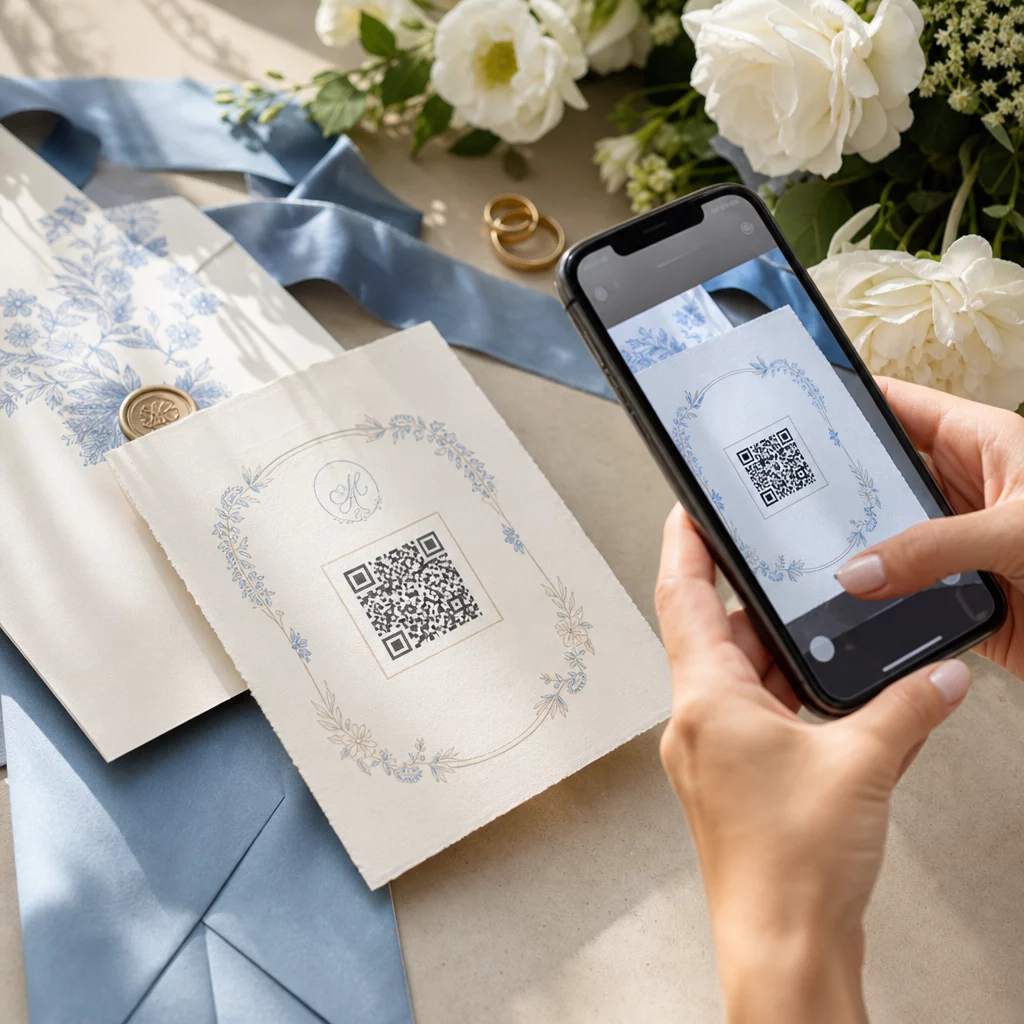
Die Planung einer Hochzeit erfordert die Koordination dutzender beweglicher Teile zwischen Gästen, Anbietern und Veranstaltungsorten. QR-Codes bieten eine einfache Möglichkeit, all diese Informationen an einem scannbaren Berührungspunkt zu verbinden – wodurch Papierverschwendung reduziert, die Koordinationszeit verkürzt und der Tag für alle Beteiligten reibungsloser gestaltet wird.
Warum QR-Codes bei Hochzeiten gut funktionieren
Bei einer durchschnittlichen US-Hochzeit mit etwa 116 Gästen ist es eine echte logistische Herausforderung, alle informiert und auf dem gleichen Stand zu halten. Physische Druckmaterialien gehen verloren, veralten und kosten Geld für die Reproduktion. QR-Codes lösen alle drei Probleme auf einmal.
Ein einziger Code kann Gäste mit Ihrer Hochzeitswebsite, Ihrem RSVP-Formular, Wegbeschreibungen zum Veranstaltungsort oder Ihrer Fotogalerie verbinden – und weil dynamische QR-Codes Sie die Ziel-URL ohne Neudruck aktualisieren können, können Sie Last-Minute-Änderungen bis zum Tag selbst vornehmen. Allein diese Flexibilität macht sie für jedes Paar, das eine komplexe Gästeliste verwaltet, eine Überlegung wert.
Auch die Akzeptanzkurve ist kein Hindernis mehr. Schätzungsweise 99,5 Millionen Menschen in den USA werden voraussichtlich im Jahr 2025 QR-Codes scannen, und die überwiegende Mehrheit der Smartphones kann dies nativ mit der Kamera-App tun – keine zusätzliche App erforderlich.
Erstellen Sie Ihren Hochzeits-QR-Code Bereit anzufangen? Nutzen Sie den QR-Code-Generator um anpassbare, dynamische Hochzeits-QR-Codes zu erstellen, die Sie jederzeit aktualisieren können.
So generieren Sie Hochzeits-QR-Codes
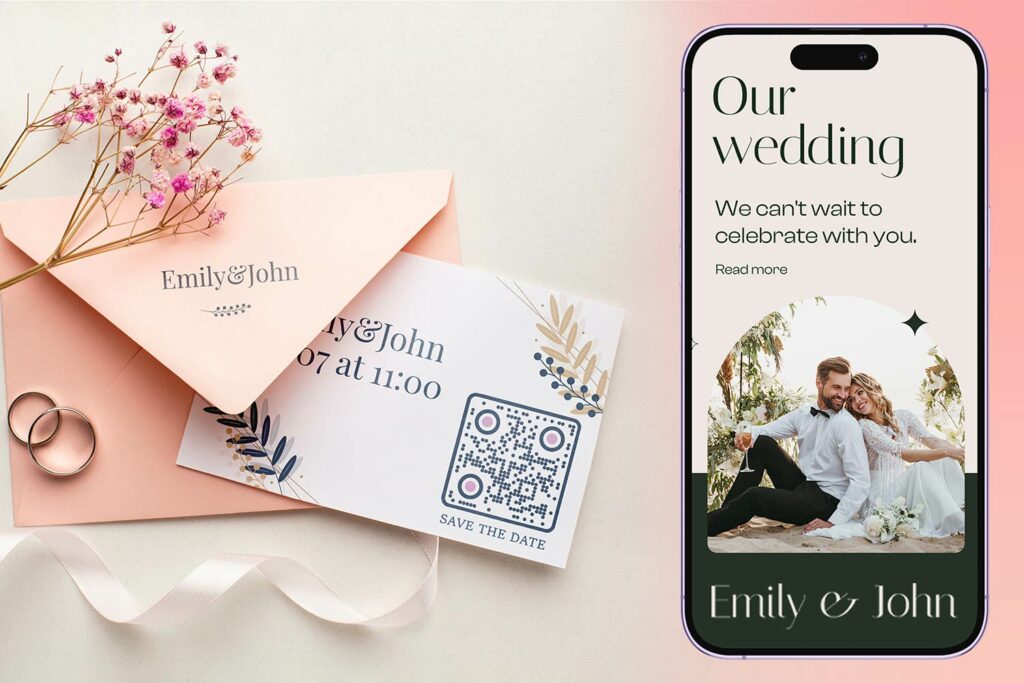
Das Erstellen eines Hochzeits-QR-Codes dauert nur wenige Minuten. Hier ist der grundlegende Prozess:
- Wählen Sie Ihren QR-Code-Typ. Verschiedene Anwendungsfälle erfordern unterschiedliche Code-Typen – ein Link QR-Code-Generator funktioniert für Hochzeitswebsites und Fotoalben, während der QR-Code für Veranstaltungen erstellen ideal für Save-the-Dates und Kalendereinträge ist.
- Geben Sie Ihren Inhalt ein. Fügen Sie die URL, den Formularlink, das PDF oder die Veranstaltungsdetails hinzu, auf die Gäste beim Scannen zugreifen sollen.
- Passen Sie das Design an. Passen Sie die Farben und den Stil des QR-Codes an Ihre Hochzeitsästhetik an – fügen Sie Ihr Monogramm oder Ihre Initialen als Logo hinzu, wählen Sie eine Farbpalette, die zu Ihrem Thema passt, und wählen Sie eine Rahmenform, die zu Ihrem Layout der Papeterie passt.
- Vor dem Drucken testen. Scannen Sie den fertigen Code auf mehreren Geräten unter realistischen Lichtverhältnissen, bevor Sie ihn in den Druck geben. Hinweise zur Größenanpassung für verschiedene Druckmaterialien finden Sie unter QR-Code-Größen für verschiedene Druckmaterialien.
- Herunterladen und verteilen. Laden Sie es in einem hochauflösenden Format (SVG oder PDF) herunter, um es sauber auf Einladungen, Programmen, Speisekarten und Beschilderungen zu drucken.
Halten Sie die wichtigsten Details auf allen gedruckten Materialien sichtbar. Uhrzeit, Datum und Ort sollten immer im Klartext erscheinen. Verwenden Sie QR-Codes, um zusätzliche Inhalte einzubetten – nicht, um die wesentlichen Informationen zu ersetzen, die Gäste auf einen Blick benötigen.
Wo Hochzeits-QR-Codes verwendet werden können
📷 Photo Sharing
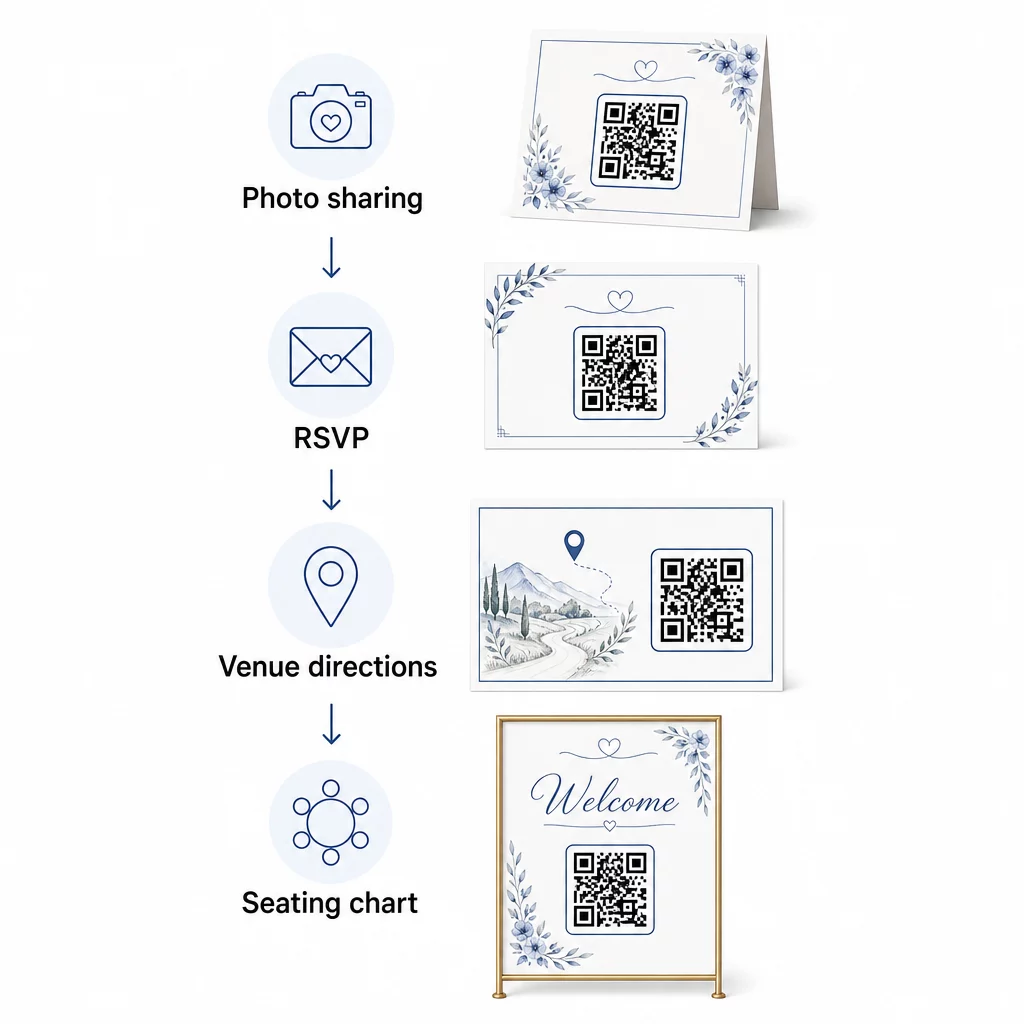
Einer der beliebtesten Anwendungsfälle für Hochzeits-QR-Codes ist das gemeinsame Teilen von Fotos. Platzieren Sie einen QR-Code auf Tischdekorationen oder an der Bar, der zu einem gemeinsamen Album führt, in dem Gäste professionelle Fotos ansehen und ihre eigenen Schnappschüsse hochladen können. Das Verknüpfen mit einem gemeinsamen Google Fotos-Album oder Dropbox-Ordner ermöglicht Echtzeit-Beiträge während der gesamten Veranstaltung. Pageloots Dateiupload-Funktion macht es einfach, Bildergalerien direkt über einen QR-Code zu hosten und zu teilen.
💌 RSVPs
Ein QR-Code auf Ihrer Save-the-Date-Karte oder Einladung, der direkt zu einem RSVP-Formular führt, reduziert den Aufwand im Antwortprozess. Gäste scannen, füllen ein kurzes Formular aus und senden es ab – kein Umschlag erforderlich. Verwenden Sie den Google Forms QR-Code erstellen um Ihre Einladung direkt mit einem Google Formular zu verbinden, das Essenspräferenzen, Ernährungsbeschränkungen und Musikwünsche zusammen mit der Anwesenheitsbestätigung sammelt. Eine vollständige Anleitung finden Sie im Leitfaden zu QR-Code für Anmeldung zu Veranstaltungen: RSVP erstellen.
📍 Venue Directions
Vermeiden Sie das Hin und Her, bei dem Gäste nach Wegbeschreibungen oder Parkanweisungen fragen. Ein Standort-QR-Code auf Ihrer Einladung oder Wegbeschreibungskarte öffnet Ihren Veranstaltungsort mit einem einzigen Scan direkt in Google Maps. Der Google Maps QR-Code erstellen ermöglicht es Ihnen, einen Code zu erstellen, der Gäste zum genauen Ort leitet – einschließlich Parkplätzen oder separaten Zeremonien- und Empfangsräumen.
🗓️ Save-the-Dates and Event Details
Anstelle einer einfachen Save-the-Date-Karte verlinken Sie auf eine vollständige Veranstaltungsseite mit Zeremonien- und Empfangszeiten, Unterkunftsvorschlägen, Kleiderordnung und einem Link zu Ihrer Hochzeitswebsite. Die QR-Code für Veranstaltungen erstellen ermöglicht es Ihnen, eine gebrandete Landingpage mit allen Veranstaltungsdetails zu erstellen, und der Google Kalender QR-Code Generator ermöglicht es Gästen, das Datum mit einem einzigen Tippen zu ihrem Kalender hinzuzufügen.
🪑 Digitale Sitzplatztabellen
Platzieren Sie einen einzelnen QR-Code am Eingang des Veranstaltungsortes, der zu einem digitalen Sitzplan verlinkt. Gäste scannen bei Ankunft und sehen sofort ihre Tischzuweisung – kein gedrucktes Schild erforderlich. Dieser Ansatz erleichtert auch die Verwaltung von Last-Minute-Sitzplatzänderungen, da Sie die verlinkte Seite aktualisieren, anstatt physische Beschilderung neu zu drucken.
📜 Wedding Programs
Ein QR-Code, der das gedruckte Zeremonienprogramm ersetzt, reduziert Papierkosten und ermöglicht Aktualisierungen bis kurz vor Beginn der Zeremonie. Verlinken Sie auf ein PDF-Programm mit dem PDF QR-Code Generator damit Gäste auf ihren Telefonen mitverfolgen können. Wenn Lesungen, Musik oder der Ablauf der Veranstaltung sich ändern, aktualisieren Sie das PDF, ohne den Code zu ändern.
🍽️ Interaktive Menüs
Platzieren Sie QR-Codes an jedem Gedeck, die zum vollständigen Abendmenü verlinken, einschließlich Zutaten und Allergeninformationen. Für Empfänge mit Late-Night-Food-Stationen oder Cocktail-Menüs können Sie den verlinkten Inhalt den ganzen Abend über mit einem dynamischen Code aktualisieren.
🎁 Wedding Favors
Befestigen Sie eine kleine QR-Code-Karte an jedem Gastgeschenk, die zu einer personalisierten Dankesnachricht, einer Videobotschaft des Paares oder einer kuratierten Playlist verlinkt, die Gäste mit nach Hause nehmen können. Es verleiht eine persönliche Note, ohne die Kosten für physische Gastgeschenke zu erhöhen.
Vor- und Nachteile von Hochzeits-QR-Codes
| Vorteile | Nachteile |
|---|---|
| Einfacher Zugang zu Informationen ohne gedruckte Handzettel | Nicht alle Gäste sind möglicherweise vertraut mit Smartphones |
| Kostengünstig – reduziert den Druck für Programme und Menüs | Erfordert WLAN oder mobile Daten am Veranstaltungsort |
| Echtzeit-Updates über dynamische Codes | Erfordert eine durchdachte Platzierung und Größe, um zuverlässig gescannt werden zu können |
| Interaktiv und ansprechend für Gäste | Einige ältere Gäste benötigen möglicherweise kurze Anweisungen |
| Zentralisierte Informationen in einem scannbaren Code | Schlecht gestaltete Codes können bei schlechten Lichtverhältnissen schwer zu scannen sein |
Für Veranstaltungsorte mit unzuverlässigem Mobilfunkempfang sollten Sie eine gedruckte Sicherung für wichtige Informationen wie Sitzpläne und Wegbeschreibungen in Betracht ziehen.
QR-Codes gestalten, die zu Ihrer Hochzeitsästhetik passen
Ein einfacher Schwarz-Weiß-QR-Code muss nicht mit eleganter Papeterie kollidieren. Die meisten QR-Code-Generatoren – einschließlich Pageloot – ermöglichen es Ihnen, Farben anzupassen, ein Monogramm oder Logo in die Mitte einzufügen, Rahmenformen zu wählen und das Design an Ihre Einladungssuite anzupassen.
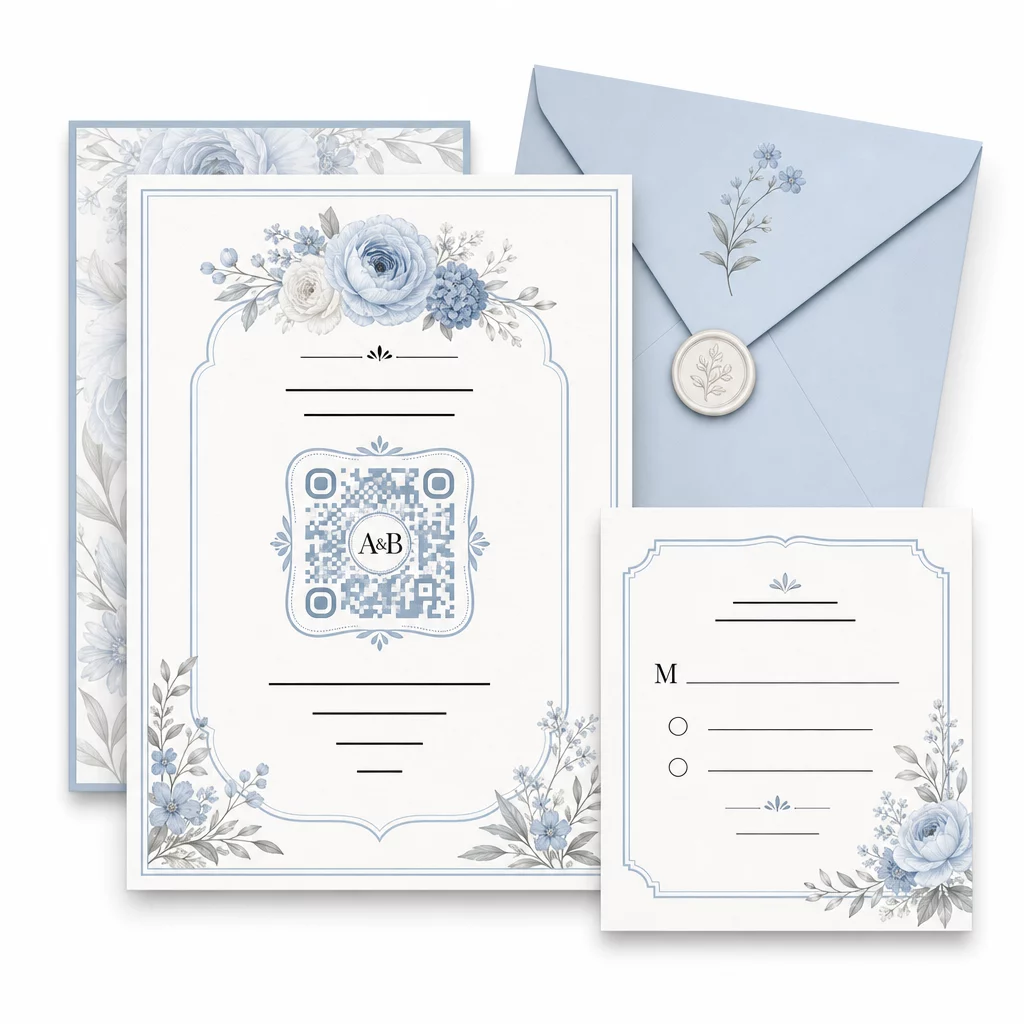
Einige praktische Richtlinien, um die Scannbarkeit beim Anpassen zu erhalten:
- Halten Sie die Vordergrundfarbe mindestens 40 % dunkler als den Hintergrund
- Vermeiden Sie es, den Code auf gemustertem oder strukturiertem Papier zu platzieren, das die Module verdecken könnte
- Halten Sie eine klare Ruhezone (den weißen Rand) um den Code herum ein
- Für Einladungen mindestens 0,8 × 0,8 Zoll drucken; für Beschilderungen größer
Für eine vollständige Aufschlüsselung der Best Practices für das Design, siehe Best Practices für die Lesbarkeit von QR-Codes.
Dynamische QR-Codes für Hochzeitsflexibilität nutzen
Hochzeiten beinhalten ständige Änderungen in letzter Minute – Caterer aktualisieren Menüs, Zeremoniezeiten verschieben sich und Veranstaltungsort-Layouts werden angepasst. Dynamische QR-Codes ermöglichen es Ihnen, die Ziel-URL jederzeit zu aktualisieren, selbst nachdem Einladungen verschickt oder Programme gedruckt wurden. Der Code selbst bleibt gleich; nur der Inhalt, auf den er verweist, ändert sich.
Das bedeutet, Sie können:
- Den Sitzplan am Morgen der Hochzeit aktualisieren, ohne die Beschilderung neu drucken zu müssen
- Ein PDF-Programm austauschen, um eine kurzfristige Sprecheränderung widerzuspiegeln
- Links zur Fotogalerie nach der Hochzeit zum selben Code hinzufügen, der bereits auf Gastgeschenkanhängern verteilt wurde
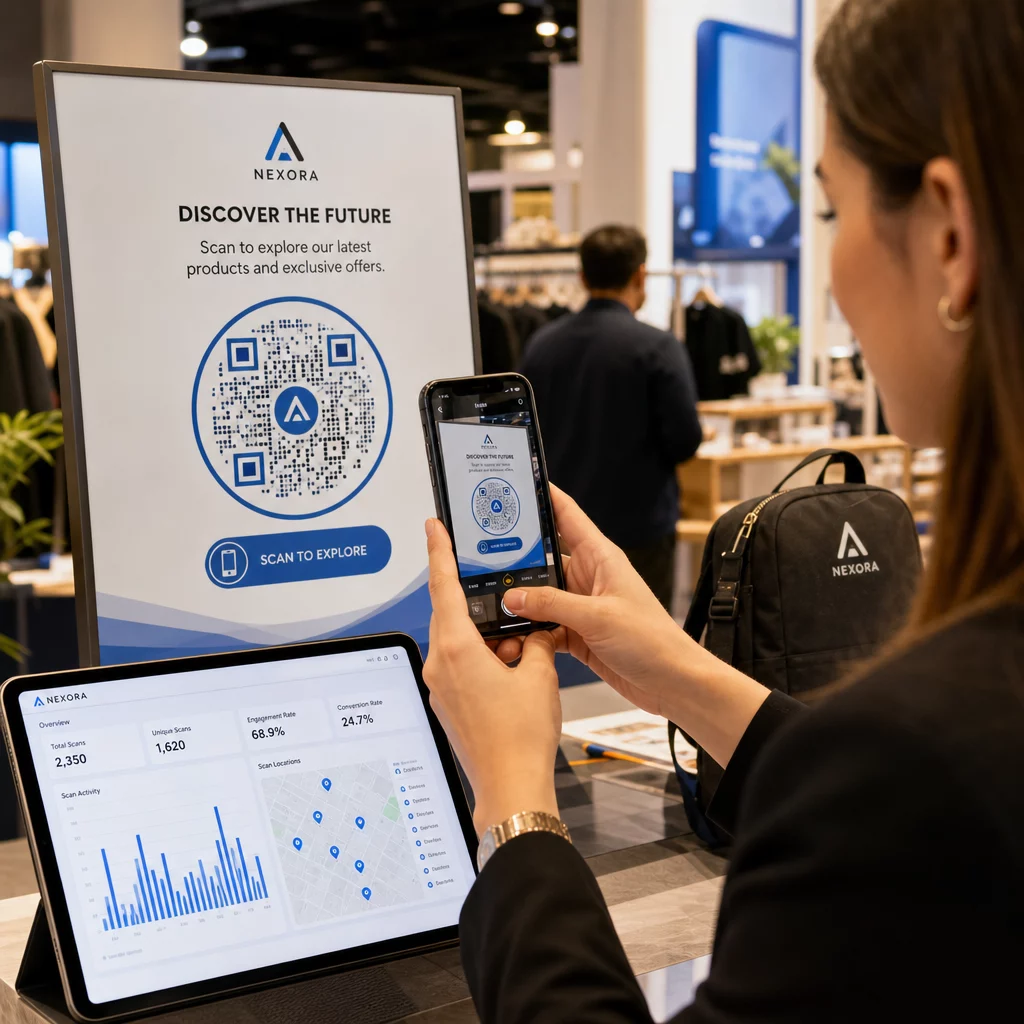
Dynamische Codes bieten auch Scan-Analysen – Sie können sehen, wie viele Gäste Ihren RSVP-Code gescannt haben, wann und auf welchem Gerät. Diese Daten sind nützlich für die Planung von Folgekommunikationen und das Verständnis der Gästeinteraktion. Erfahren Sie mehr über die Verfolgung der QR-Code-Leistung für Veranstaltungen.
Ihre Hochzeitsdetails auf dem neuesten Stand halten Verwenden Sie . dynamische QR-Codes um Veranstaltungsort-Anweisungen, Sitzpläne oder Menüs in Echtzeit zu aktualisieren – kein Neudruck erforderlich, selbst nachdem Einladungen verschickt wurden.
Eine digitale Hochzeitseinladung mit einem QR-Code erstellen
Wenn Sie Ihre Einladungen vollständig digital gestalten möchten, ist das Einbetten eines QR-Codes in eine gestaltete digitale Einladung unkompliziert. Der Code kann direkt mit Ihrem RSVP-Formular, Ihrer Hochzeitswebsite oder Ihrer Event-Landingpage verknüpft werden – dies automatisiert die Antwortverfolgung und bietet den Gästen alles, was sie brauchen, an einem Ort. Eine Schritt-für-Schritt-Anleitung finden Sie im Leitfaden zu Hochzeitseinladung mit QR-Code digital erstellen.
QR-Codes funktionieren sowohl auf gedruckten als auch auf digitalen Einladungen gleichermaßen gut, sodass Sie denselben Code in beiden Formaten verwenden können, ohne doppelten Aufwand. Ob Sie RSVPs koordinieren, Fotos teilen oder Gäste zu ihren Plätzen leiten, QR-Codes bieten Ihnen eine praktische, aktualisierbare und gastfreundliche Lösung für die logistische Seite Ihrer Hochzeit. Beginnen Sie mit ein oder zwei Anwendungsfällen mit hoher Wirkung – RSVPs und Wegbeschreibungen zum Veranstaltungsort liefern tendenziell den unmittelbarsten Nutzen – und erweitern Sie diese dann basierend auf dem, was zu Ihrer Veranstaltung passt.
Erstellen Sie Ihre Hochzeits-QR-Codes Erstellen Sie anpassbare, dynamische Hochzeits-QR-Codes mit dem Pageloot QR-Code-Generator – kostenloser Start, mit einer 14-tägigen Testphase, um auf Analysen und Bearbeitungsfunktionen zuzugreifen.
Häufig gestellte Fragen
Ja, aber nur, wenn Sie einen dynamischen QR-Code verwenden. Dynamische Codes verwenden einen Redirect-Server, sodass Sie die Ziel-URL ändern können – indem Sie Ihren Sitzplan, Ihre Speisekarte oder Veranstaltungsdetails aktualisieren – ohne einen neuen Code zu erstellen oder Materialien neu zu drucken.
Nein. Jedes Smartphone mit einer Kamera, das ein einigermaßen aktuelles Betriebssystem (iOS 11+ oder Android 8+) verwendet, kann einen QR-Code direkt über die native Kamera-App scannen. Für weniger vertraute Gäste reicht es in der Regel aus, einen kurzen Hinweis “Mit Ihrer Telefonkamera scannen” neben dem Code zu platzieren.
Für Einladungen und gedruckte Programme streben Sie eine Mindestgröße von 0,8 × 0,8 Zoll (20 × 20 mm) an. Für Beschilderungen am Veranstaltungsort und Sitzplananzeigen, die Gäste aus einigen Metern Entfernung scannen werden, skalieren Sie proportional hoch – etwa 1 cm Codegröße pro 10 cm erwarteter Scan-Entfernung. Testen Sie immer auf dem tatsächlichen gedruckten Material vor dem vollständigen Drucklauf.