QR kód Instagram: generátor
Vložte odkaz na profil, příspěvek nebo reel na Instagramu a získejte QR kód, který se na jakémkoli telefonu otevře. Tento bezplatný generátor QR kódů pro Instagram umí nahrát logo i nastavit vlastní barvy a kód si stáhnete jako PNG, SVG nebo PDF. Ke stažení není potřeba registrace.
Vytvořte QR kód pro Instagram Příklady
Klepnutím na obrázky je zvětšíte
Instagram QR kód: co to je
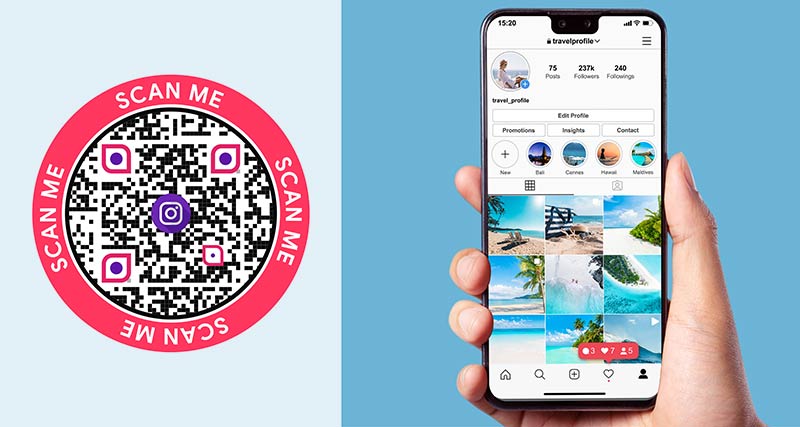
An Instagram QR code is a QR code that contains an Instagram link. When someone scans it with a phone camera, Instagram opens on your profile, a post or a reel. Nobody has to search for your username or type a URL.
People also call it an IG QR code or a QR code for an Instagram account, and they look for an IG QR code generator to make one. There are two ways to get one. Instagram has a code built into the app, and it only links to your profile. A custom code from a generator like this one can link to any profile, post or reel, and it can carry your logo and colors.


Jak vytvořit QR kód Instagram ve čtyřech krocích


Open Instagram and copy the link to your profile, a post or a reel. Steps for phone and computer are further down this page.


Paste the link into the generator at the top of this page. Add your logo, pick your colors and add a frame such as “Scan me”.


Scan the code with two different phones before you print. Check that it opens the right profile, post or reel. Then download PNG for screens, or SVG and PDF for print.


Want to see how many people scan it? Tick Sledovat skeny to start a free 14-day trial. A dynamic code shows when, where and on which device each scan happened.
Bezplatná 14denní zkušební verze. Není vyžadována žádná kreditní karta.


Jak vygenerovat QR kód pro Instagram v Pageloot
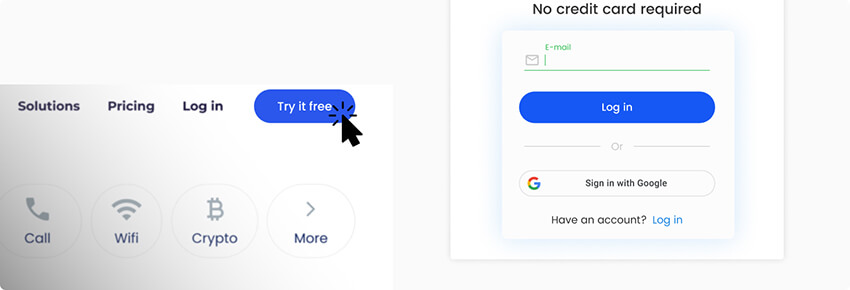
Můžete vyzkoušet bezplatný generátor QR kódů pro Instagram nebo se zaregistrujte na 14denní bezplatnou zkušební verzi. Pokud dáváte přednost placené verzi, vyberte si jeden ze čtyř předplatitelských plánů, které nabízejí pokročilé funkce a statistiky dat.

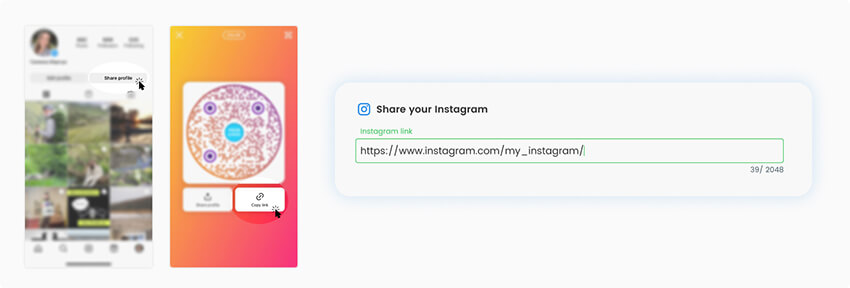
Na určené místo musíte vložit URL odkaz, což může být odkaz na vaši profilovou stránku, příspěvek nebo zvýraznění příběhu. Adresy URL Instagramu můžete získat ze smartphonů i notebooků.

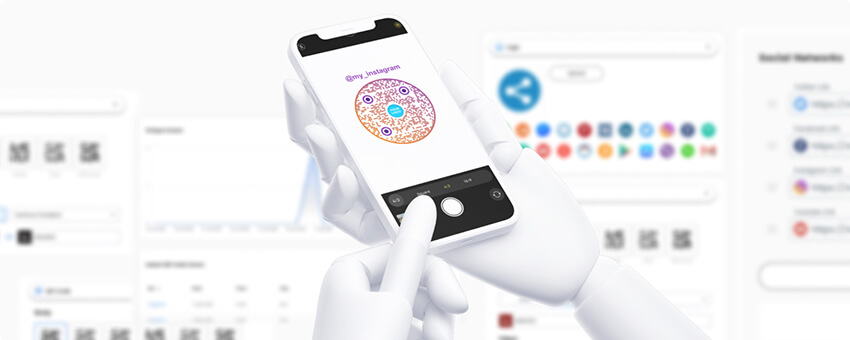
Váš QR kód bude vygenerován automaticky, než budete pokračovat, zkontrolujte jej a naskenujte, abyste zjistili, zda funguje správně.

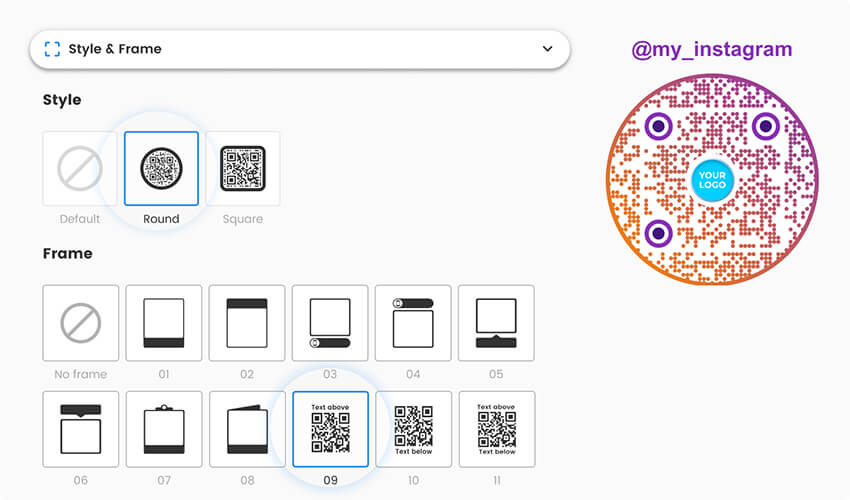
Pokud QR kód funguje správně, můžete si jej nyní přizpůsobit. Změňte jeho barvu a pozadí, dejte mu rámeček nebo vystřihněte tvar a přidejte logo nebo obrázek.

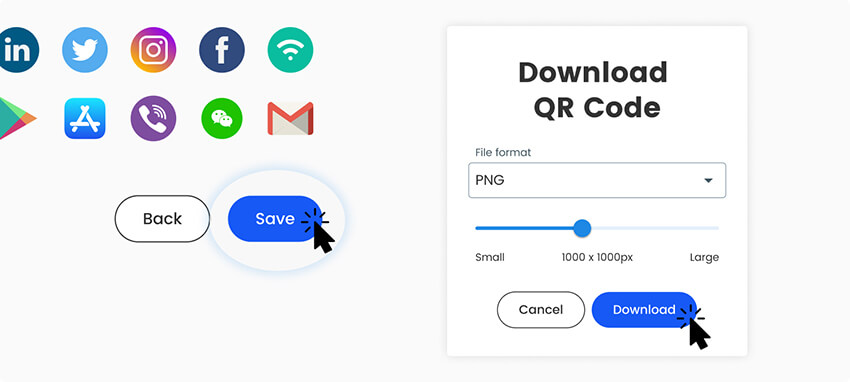
Až budete hotovi, uložte a stáhněte si svůj QR kód pro Instagram. S prémiovým účtem budete moci sledovat výkon svého QR kódu pomocí řídicího panelu generátoru.

Jak zkopírovat odkaz na Instagram v telefonu


The generator needs an Instagram link. Here is how to get one for each kind of content. Button names can change a little between app versions.
- Profil: open your profile, tap Share profile, poté Kopírovat odkaz. The link looks like instagram.com/yourname.
- Post: open the post, tap the paper plane (share) icon, then Kopírovat odkaz.
- Reel: open the reel, tap the paper plane icon, then Kopírovat odkaz.
- Computer: open instagram.com in a browser, go to the profile, post or reel, and copy the address from the address bar.
Paste the link into the generator above. If you are on your phone, press and hold in the link field and choose Vložit. You can also make QR codes for LinkedIn, Facebook a další sociální sítě.
QR kód přímo z Instagramu, nebo vlastní
Instagram has its own QR code, and it is free. Open your profile and tap Share profile. On some app versions, open the menu and choose QR kód. Instagram shows a code for your profile. You can change its background, for example with a color, an emoji or a selfie, and then save or share it.
It is a good choice for a quick share, like showing your code to a friend or on a screen. It has limits:
- It links to your profile only. You cannot link to a post or a reel.
- You cannot upload your logo or set your own colors and shapes.
- It saves as an image, so there is no SVG or PDF for large print.
- Instagram does not show you how many people scanned it.
A custom code from this generator has none of these limits. It uses your logo and colors, links to a profile, post or reel, and downloads as PNG, SVG or PDF. Use Instagram’s code for casual sharing. Use a custom code for anything you print.
Statický nebo dynamický? A static code is enough if your username will not change and you only want people to land on your profile. Choose a dynamic code if you might rename the account, want to point the same printed code to a new post or campaign later, or want scan stats. Tick ÚPRAVA POZDĚJI nebo Sledovat skeny výše pro zahájení bezplatné 14denní zkušební verze.
Často kladené otázky


Chcete-li vytvořit QR kód pro Instagram, zkopírujte odkaz na svůj profil, příspěvek nebo reel. V telefonu otevřete svůj profil, klepněte na Sdílet profil a poté na Kopírovat odkaz. Vložte jej do generátoru QR kódů pro Instagram v horní části této stránky, přidejte své logo nebo barvy, pokud chcete, a stáhněte si kód. Funguje to stejně na telefonu i na počítači.
Ano. Otevřete svůj profil a klepněte na Sdílet profil. V některých verzích otevřete nabídku a zvolte QR kód. Odkazuje pouze na váš profil, má několik stylů pozadí a nezobrazuje žádné statistiky skenování. Pro logo, odkaz na příspěvek nebo reel, nebo tiskové soubory použijte vlastní kód. Chcete-li sdílet kód uvnitř Instagramu, viz jak zveřejnit QR kód na Instagramu.
Použijte tento generátor Instagram QR kódů s nahráním loga. Vložte svůj odkaz, poté otevřete možnosti designu a nahrajte své logo. Logo ponechejte malé a uprostřed a kód před tiskem naskenujte dvěma telefony. Velmi velké logo může ztížit čtení kódu.
Ano. Otevřete příspěvek nebo reel, klepněte na ikonu papírového letadla, zvolte Kopírovat odkaz a vložte odkaz do generátoru. Vlastní kód Instagramu může odkazovat pouze na váš profil. Pokud bude příspěvek později smazán nebo archivován, kód zobrazí chybu.

Ne. QR kódy pro Instagram fungují s fotoaparátem na iPhonu nebo telefonu Android, který kód načte a otevře odkaz. S nainstalovanou aplikací se otevře Instagram. Bez ní se veřejný profil otevře v prohlížeči. Soukromý účet zobrazuje profil pouze schváleným sledujícím.
Ano. Kódy PNG, SVG a PDF můžete vytvářet a stahovat bez účtu. Sledování skenů a pozdější úpravy vyžadují účet Pageloot, a můžete začít s 14denní bezplatnou zkušební verzí. Plán Starter stojí 7 EUR měsíčně, účtováno ročně, a kód NEW30 vám poskytne 30% slevu na váš první nákup.
Statický kód přestane fungovat, protože odkaz obsahuje vaše staré uživatelské jméno. Dynamický kód funguje dál: změníte cíl na svůj nový odkaz ve svém účtu Pageloot a nic není třeba znovu tisknout. Totéž platí pro nasměrování tištěného kódu na nový příspěvek.
Ne s vlastním kódem Instagramu. Dynamický kód Pageloot zobrazuje skenování s časem, místem a zařízením, a podrobnosti závisí na vašem plánu. Bezplatný kód má pouze veřejný součet, který můžete vidět přidáním + na konec jeho krátkého odkazu.


Napište nám a rádi vám pomůžeme.
Hodnocení 4,86 / 5 hvězdiček


Bezplatná 14denní zkušební verze. Není vyžadována žádná kreditní karta.


Kde použít Instagram QR kód? Příklady
Klepnutím na obrázky je zvětšíte


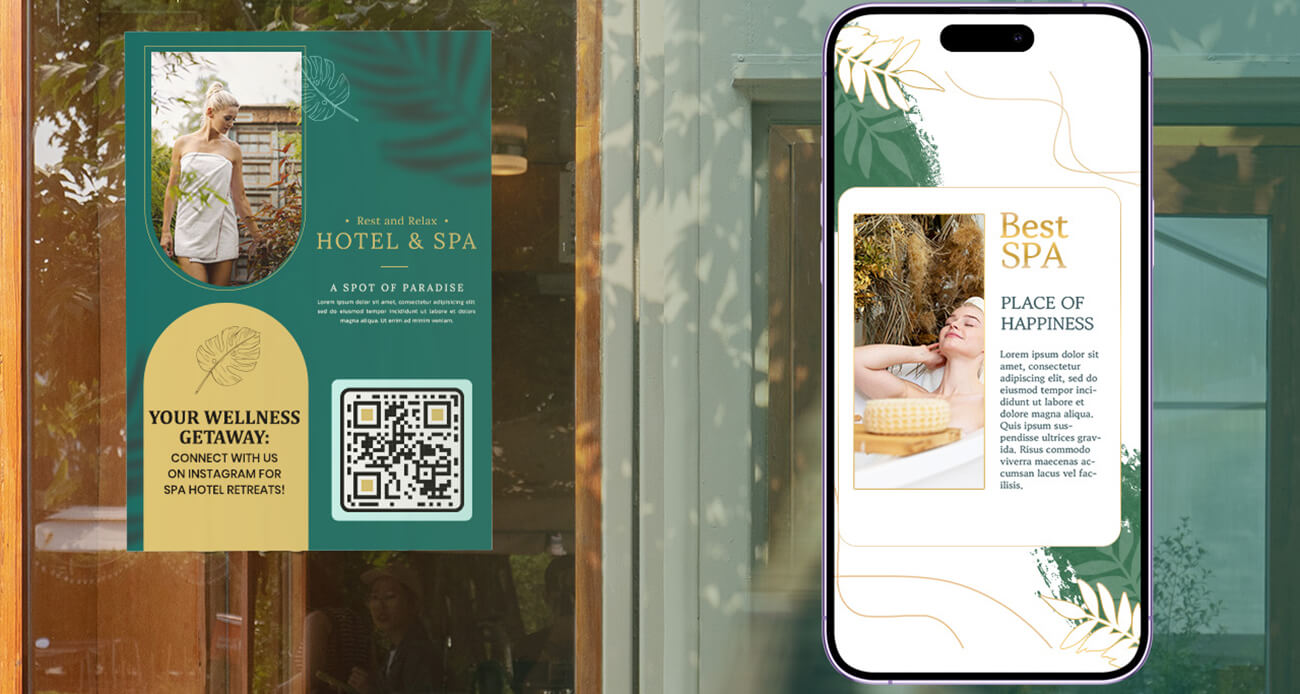
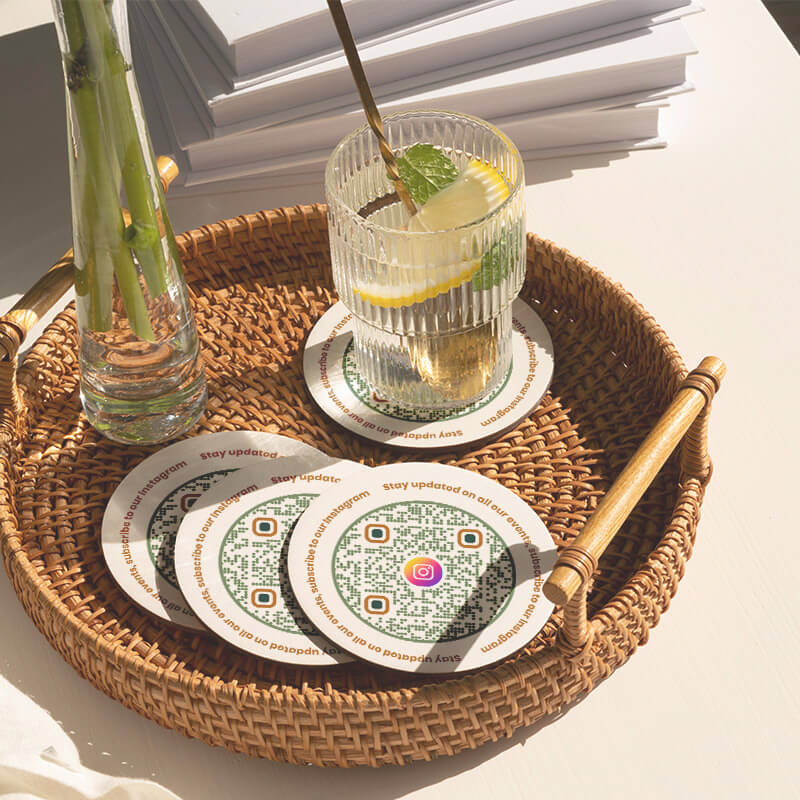
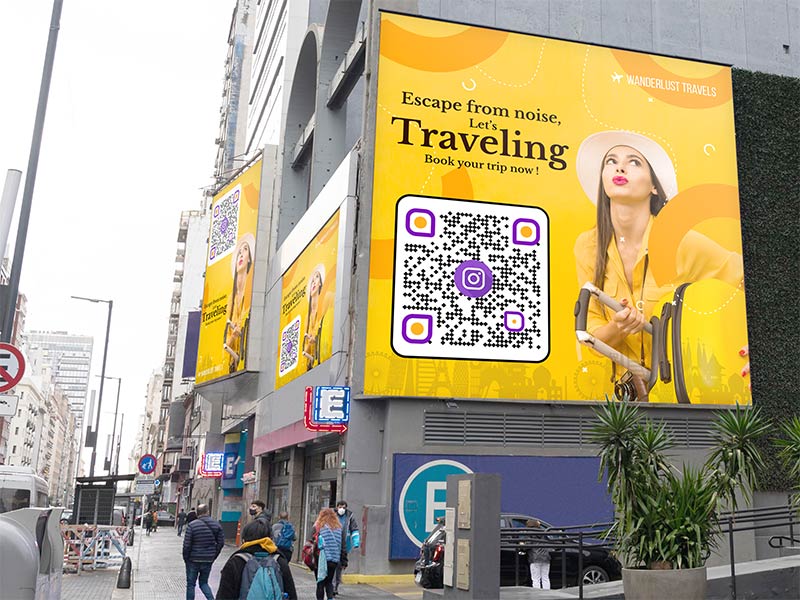
Put the code on the tour desk, on hotel room cards or on a booking confirmation. Link to a reel of the trip so guests see real photos before they book. At a market stall or a festival, print the code on your banner so visitors can follow you while they stand there.


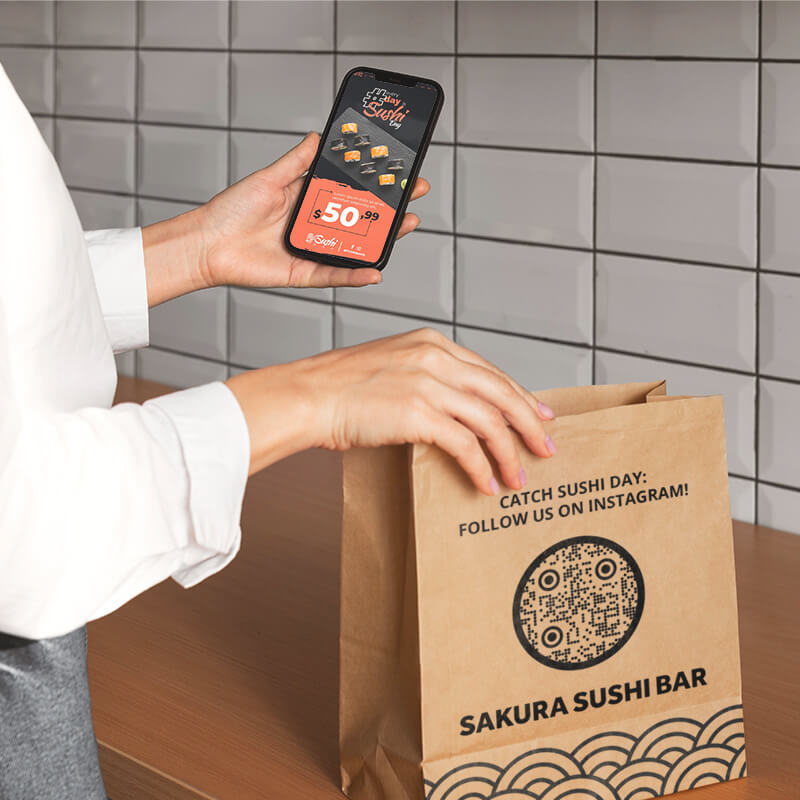
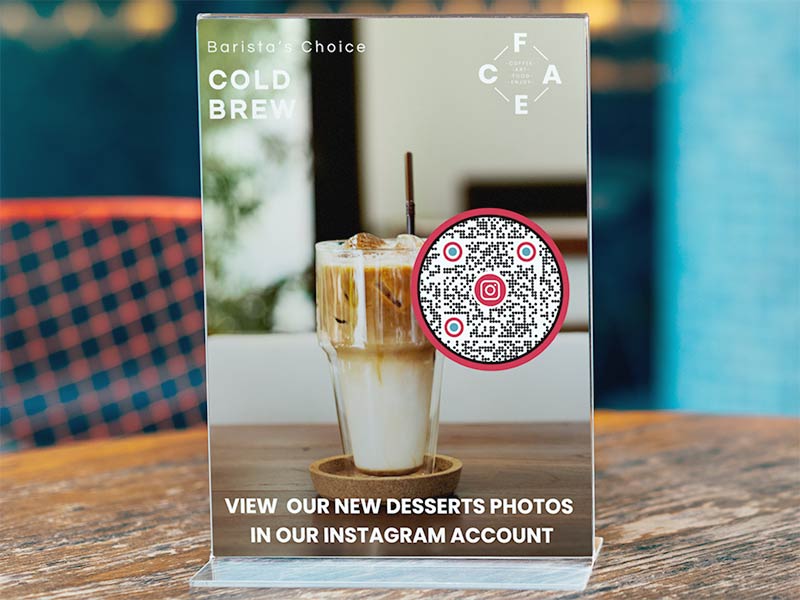
Print the code on the menu, on table tents and on takeaway bags. Link to a reel of your daily special or to your profile. Guests scan while they wait for their food, and your next dish shows up in their feed.


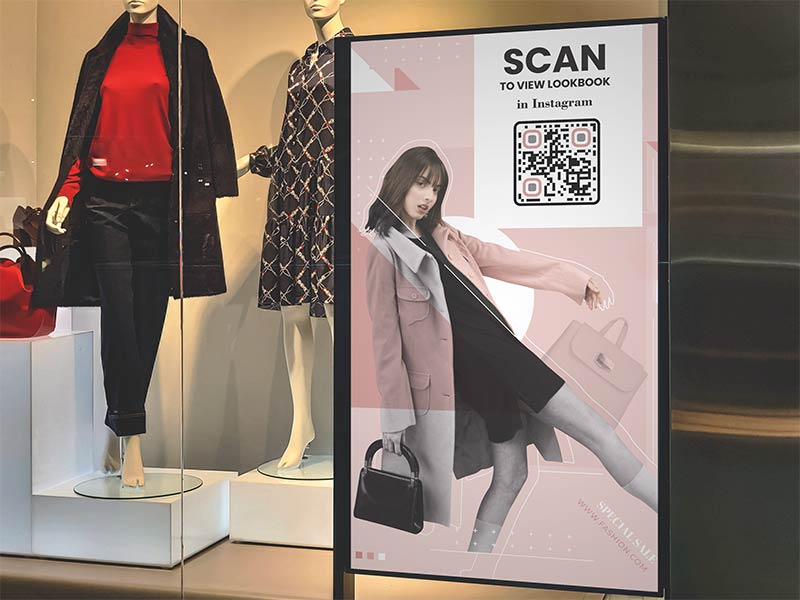
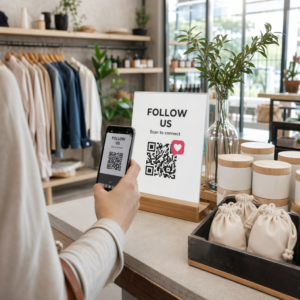
Stick the code on the shop window, next to the checkout and on shipping boxes. Add a small card to each parcel with “Tag us on Instagram” and the code. A window code also works after closing time, when people walk past.


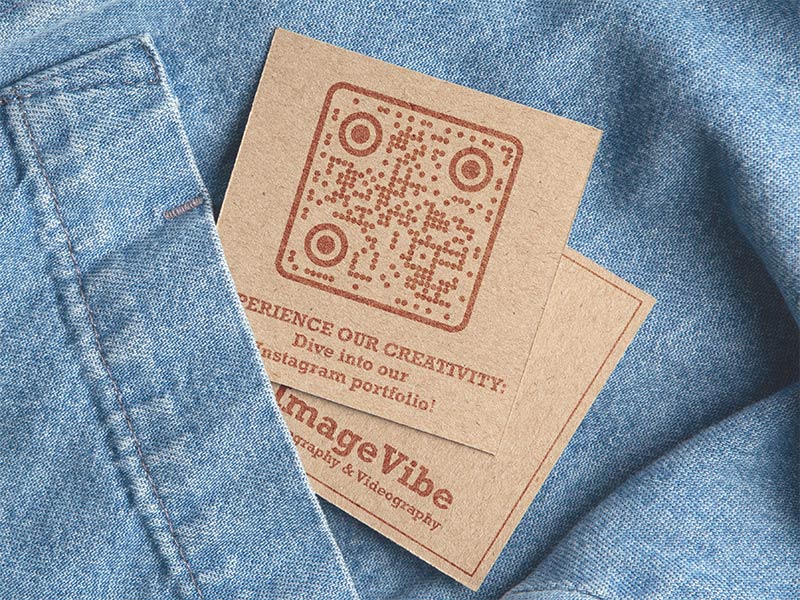
Photographers, designers, hair stylists and makeup artists show their work on Instagram. Put the code on the back of a business card and a new client sees your portfolio on the spot. A code of 2 x 2 cm (0.8 in) fits on a standard card.
Jak získat více skenů pro a Instagram QR kód?
-
Řekněte lidem, proč skenovat
A code alone gets few scans. Add a frame with a short line such as "Scan to follow" or "See today's special". -
Usnadněte si skenování
Print it at least 2 x 2 cm (0.8 in), dark code on a light background, with a white border. Go bigger for windows and posters.
-
Umístěte jej tam, kde lidé čekají
Counters, tables, checkout lines and event entrances. People scan when they have a few seconds and a phone in their hand. -
Link to something specific
A reel of a new product or a post with an offer gives people a clear reason to scan, more than a general profile.
Instagram QR kód nefunguje? Zkontrolujte nejdřív tyto věci
A phone opens the link in a browser if the Instagram app is not installed, if you are not logged in, or if you scanned from inside another app. Install or update Instagram and log in. People without the app can still see your public profile on the web page and follow from there.


People who scan the code of a private account see your profile, but not your posts, until you accept their follow request. A code that links to one post or reel of a private account shows nothing to people who do not follow you. For a public code, link to a public account.
Instagram profile links contain your username. After you rename the account, a static code still points to the old name, and people see “Sorry, this page isn’t available”. If someone else takes your old name, the code sends people to their profile.
A static code can’t be edited, so you would have to print a new one. A dynamic code fixes this: change the destination to your new link in your Pageloot account, and the printed code keeps working.


Print it at least 2 x 2 cm (0.8 in). Keep a white border and use a dark code on a light background. Do not let a big logo cover the middle. If the code links to a post or reel, check that it was not deleted, archived or hidden, because then the code shows an error.
Proč vytvořit Instagram QR kód v Pageloot


Vytvořte a stáhněte si svůj kód bez nutnosti vytváření účtu.


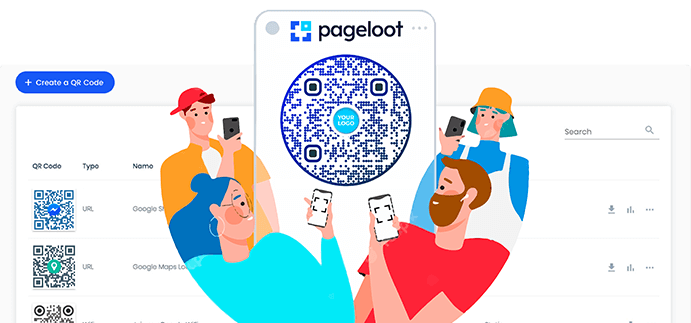
Add a frame such as “Scan me”, change colors and shapes, and put your logo or profile picture in the middle.


Instagram’s own code links to your profile only. Here you can link to any profile, post or reel.


Download your Instagram QR code as PNG for screens, or SVG and PDF for sharp printing at any size. Choose a size from 200 to 2000 px.


With a dynamic code you can change where the printed code points, for example after a username change or for a new campaign.


A dynamic code shows when, where and on which device people scanned. How much detail you see depends on your plan.