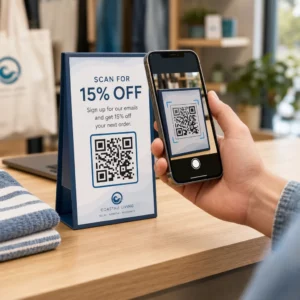
Kas te pole kindel, kuidas QR-koodidest peale lihtsa veebilingi tõelist väärtust saada? Ettevõtted, mis käsitlevad QR-koode strateegilise tööriistana – mitte uudsusena – näevad märgatavalt suuremat kaasatust, madalamaid printimiskulusid ja tugevamaid kliendisuhteid. See artikkel käsitleb kolme praktilist viisi, kuidas QR-koode turunduses, kliendisuhtluses ja meeskonna koolituses rakendada.
1. Tõsta oma turundust QR-koodidega
QR-koodidest on saanud kaasaegsete turundusstrateegiate nurgakivi. Nende võime koheselt ühendada kasutajad veebisisu, vormide ja profiilidega muudab need asendamatuks ettevõtetele, kes soovivad oma publikut hõõrdumiseta kaasata. Siin on kolm praktilist rakendust, mida kaaluda.
Visiitkaardid digitaalse pöördega
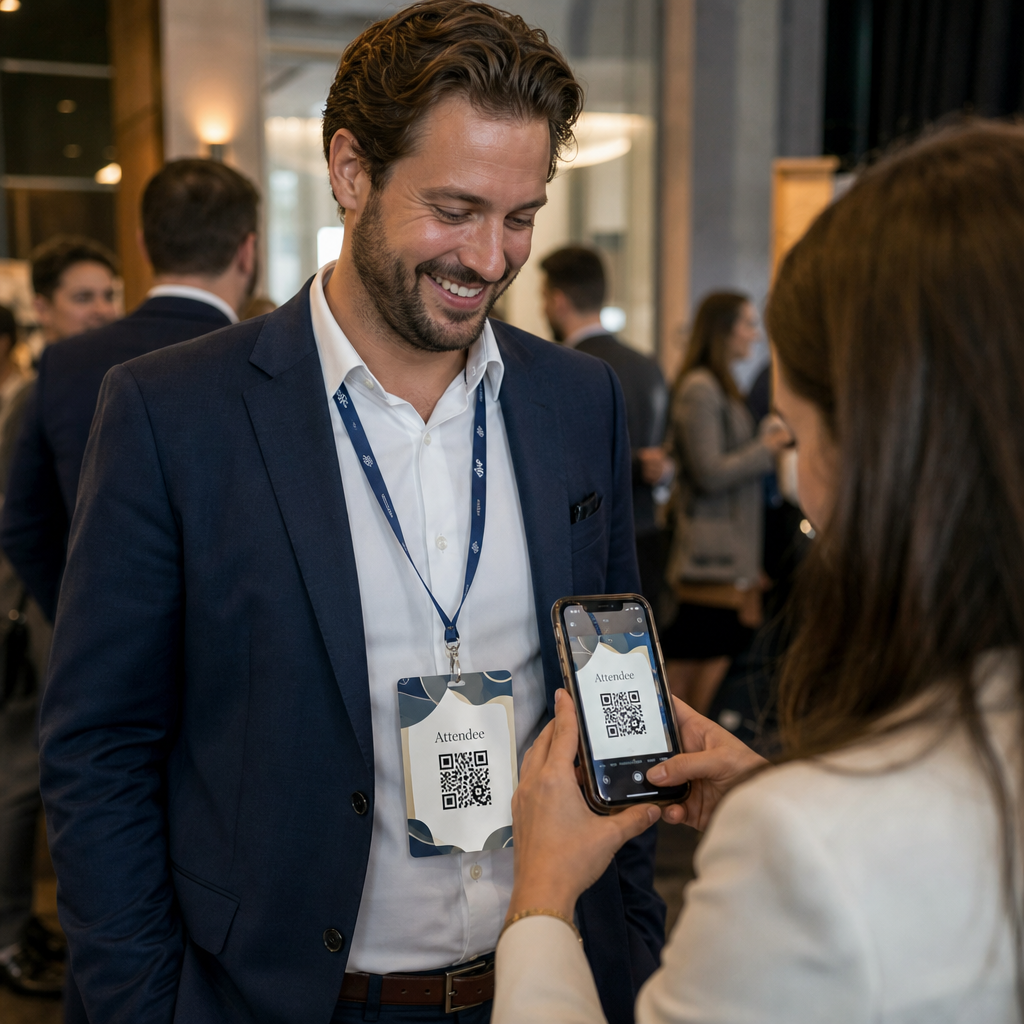
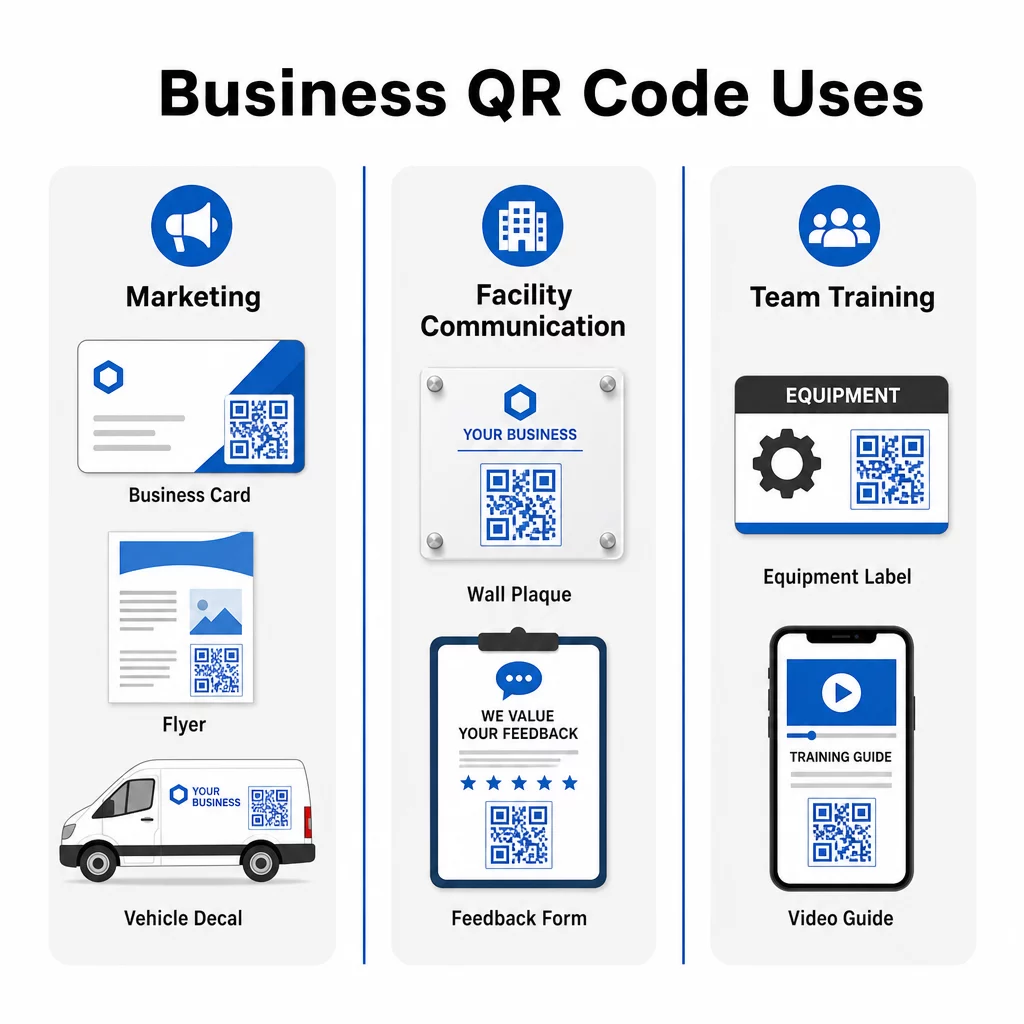
QR-koodide lisamine visiitkaartidele moderniseerib traditsioonilist võrgustikutööriista. Esiküljele lisage oma nimi ja kontaktandmed. Tagaküljele lisage QR-kood, mis lingib teie veebisaidile, LinkedIni profiilile või eripakkumisele – andes saajatele kohese võimaluse rohkem teada saada või ühendust võtta.
See lähenemine töötab eriti hästi koos lingi QR-koodile mis suunab saajad mobiilile optimeeritud sihtlehele. Kui teie veebisaidi URL või pakkumine muutub, võimaldab dünaamiline QR-kood teil sihtkohta värskendada ilma ühtegi kaarti uuesti printimata.
Trükimaterjalide muutmine
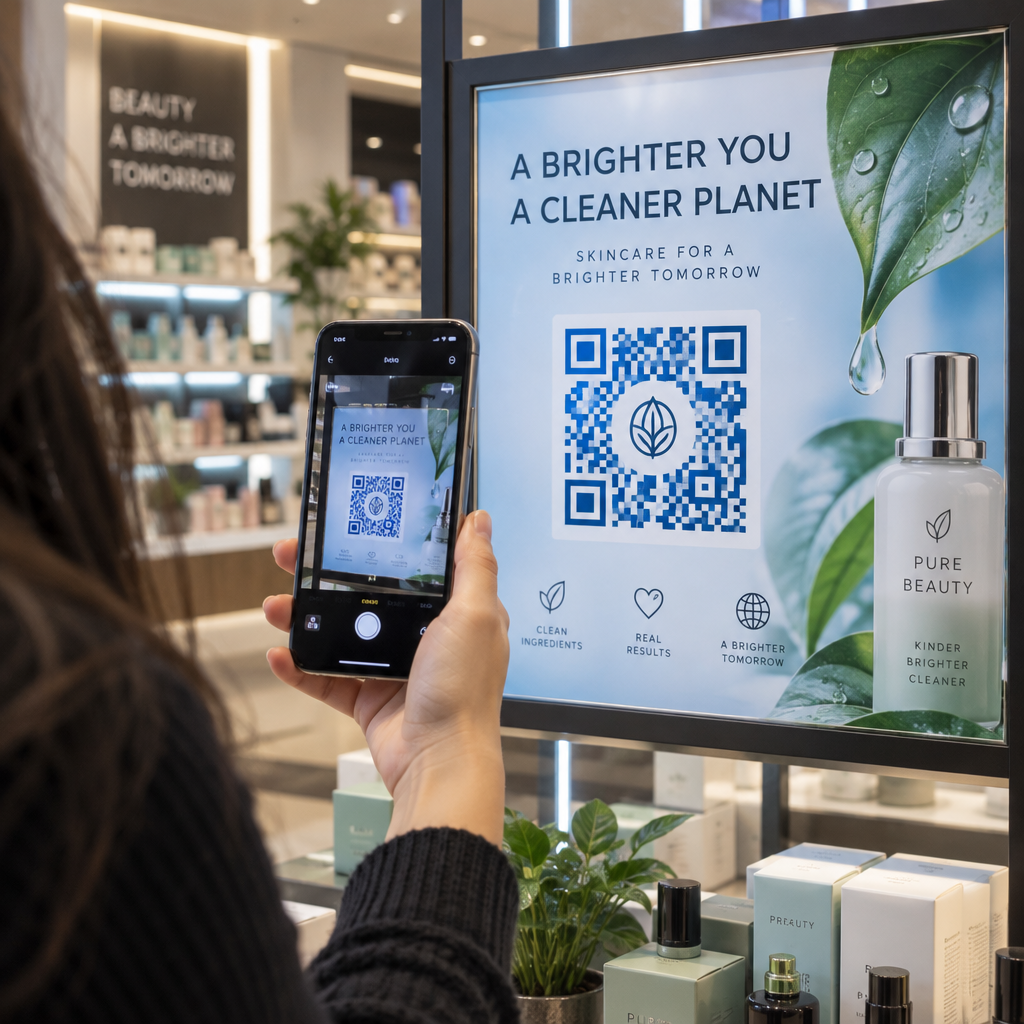
Flaierid, brošüürid ja plakatid võivad QR-koodidega sidumisel saavutada uue kaasatuse taseme. Skaneeritav kood annab potentsiaalsetele klientidele kohese järgmise sammu, suunates nad:
- Juhtumiuuringute või iseloomustuste juurde, mis loovad usaldust
- Teenuste lehele või hinnakirja juurde
- A Google'i ettevõtte profiil arvustuste julgustamiseks või otsepäringute tegemiseks
- Kupongi või sooduspakkumise juurde mis on seotud kampaaniaga
Näiteks võib puhastusettevõte kasutada ühte QR-koodi kliendi eduloo tutvustamiseks ja teist, et suunata kasutajad lehele “Küsi pakkumist”. Pakkudes mitut teed, arvestate erinevate huvidega, hoides samal ajal iga üleskutse lihtsa ja spetsiifilisena – “Skaneeri pakkumise saamiseks” või “Vaata, mida kliendid ütlevad”.”
Sõidukireklaam mõjuga
QR-koodid sõidukite kleebistel, magnetitel või kleepsudel võivad muuta passiivse reklaami interaktiivseks kogemuseks. Kui teie ettevõtte sõidukid pargivad tihedates kohtades, nagu kaubanduskeskused, koolid või ürituste toimumiskohad, lisab teie veebisaidile või töökohataotluse lehele viitav QR-kood mõõdetavat väärtust sellele, mis muidu oleks ühesuunaline mulje.
Näiteks selle asemel, et teenuseid otse reklaamida, kasutas üks ettevõte oma sõidukil QR-koodi, et suunata liiklust oma lehele “Nüüd palkame”. Kohandades QR-koodi sihtkohta vastavalt praegustele prioriteetidele – olgu selleks siis klientide hankimine või värbamine – maksimeerite asjakohasuse ja muudate iga parkimiskoha oluliseks.
Jälgige, millised turundusmaterjalid toovad kõige rohkem skaneeringuid Tahad teada, kas sinu flaierid või sõiduki kleebis tekitavad rohkem huvi? Kasuta Dünaamilise QR koodi generaator et luua jälgitavaid, muudetavaid koode ja pääseda reaalajas täielikule jõudluse armatuurlauale.
2. Sujuv suhtlus kliendiasutustes
Üks kõige tähelepanuta jäetud QR-koodide rakendusi on suhtluse parandamine kliendi- või kliendiasutustes. See on eriti tõhus teenindusettevõtetele, nagu koristusfirmad, kinnisvarahaldurid ja rajatiste meeskonnad, kus reaalajas probleemide teatamine ja kiire lahendamine on olulised.
QR-koodide paigutamine tagasiside ja taotluste jaoks
Väikeste QR-koodidega tahvlite paigaldamine puhkeruumidesse, tualettruumidesse või muudesse tiheda liiklusega kohtadesse lihtsustab töötajate suhtlust teie meeskonnaga. Need QR-koodid võivad viidata:
- Vormid tagasiside esitamiseks või hooldusprobleemidest teatamiseks
- Tarne taotluste lehed esmatarbekaupade, nagu seebi või paberrätikute tellimiseks
- Eelnevalt täidetud e-kiri, kus on juba täidetud väljad nime, osakonna ja probleemi kirjelduse jaoks
Näiteks puhastusettevõte võib kasutada dünaamilist QR-koodi, mis on lingitud eelnevalt kirjutatud e-kirja malliga. Skaneerimine loob tugimeeskonnale adresseeritud sõnumi, mille asjakohased väljad on valmis täitmiseks. See tagab kiire ja järjepideva suhtluse, hoides samal ajal kõiki kursis.
Selle lähenemisviisi struktureerimise kohta saate lisateavet meie juhendist QR-koodide loomine tagasiside kogumiseks.
Täpsem näpunäide: Looge iga kliendi asukoha jaoks spetsiifilised QR-koodid, et sõnumid suunataks automaatselt õigele personalile. Dünaamilised QR-koodid võimaldavad teil sihtkohta uuendada ilma füüsilisi silte asendamata, säästes nii aega kui ka uuesti printimise kulusid.
3. Meeskonna koolituse tõhustamine QR-koodidega
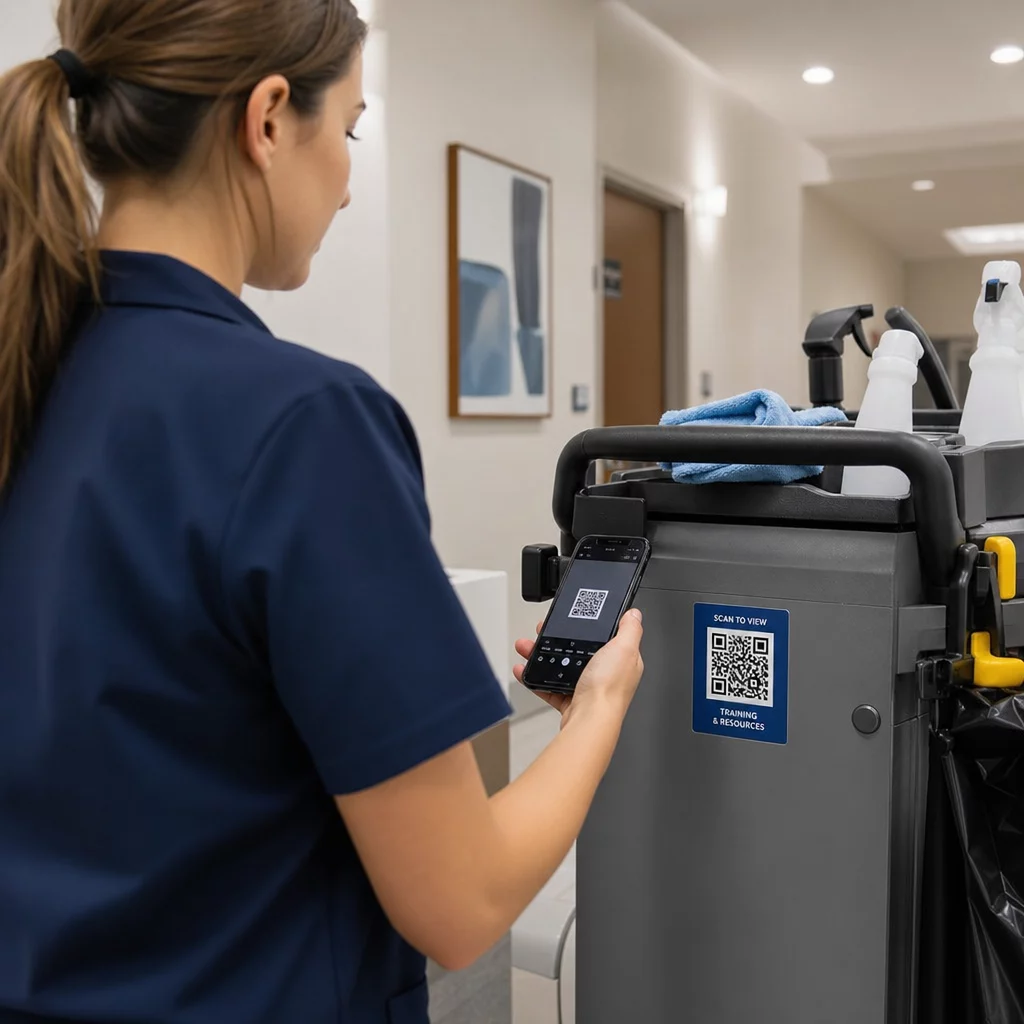
Töötajate koolitamine on sageli aeganõudev ja ressursimahukas, eriti kõrge voolavusega või mitme teeninduskohaga tööstusharudes. QR-koodid lihtsustavad seda protsessi, andes töötajatele kohese juurdepääsu koolitusmaterjalidele, kasutusjuhenditele ja tõrkeotsingu juhenditele – just seal, kus nad neid vajavad.
Koolitus liikvel olles
Lisage QR-koodid otse seadmetele, koristuskärudele või hoiualadele. Need koodid võivad linkida:
- Koolitusvideod uutele töötajatele tehnikate ja protseduuride kiireks õppimiseks
- Ohutuskaardid (SDS) kemikaalide õige kasutamise mõistmiseks
- Tõrkeotsingu juhendid seadmetele nagu tolmuimejad või põrandapesumasinad
See tagab, et töötajatel on vajalik teave käeulatuses, vähendades seisakuid ja parandades järjepidevust meeskondade vahel. Näiteks seljakott-tolmuimeja QR-kood võiks linkida kokkupaneku ja hoolduse õpetusele – aidates meeskonnaliikmetel lahendada väiksemaid probleeme ilma järelevalvet ootamata.
Ülesandepõhine juhendamine
Looge ülesandekaardid sisseehitatud QR-koodidega, et saada üksikasjalikke juhiseid korduvate kohustuste kohta. Alguskaart võib sisaldada QR-koodi, mis lingib öiste puhastustööde videodemonstratsioonile. See on eriti kasulik uute töötajate sisseelamisel või ajutiste töötajate puhul, kes peavad kiiresti uue keskkonnaga kohanema.
Dünaamilised QR-koodid on siin eriti väärtuslikud, sest need võimaldavad teil koolitusmaterjale või protseduure aja jooksul uuendada, ilma et peaksite füüsilisi silte või kaarte asendama. Saate uurida kuidas dünaamilised QR-koodid töötavad ja millal neid süvitsi kasutada.
Täpsemad QR-koodi funktsioonid: kohandamine ja analüütika
Kuigi põhilised QR-koodid on tõhusad, dünaamilised QR-koodid pakuvad paindlikkust ja ülevaadet, mida enamik ettevõtteid pikaajaliseks kasutamiseks vajab. Siin on, miks need on investeeringut väärt:
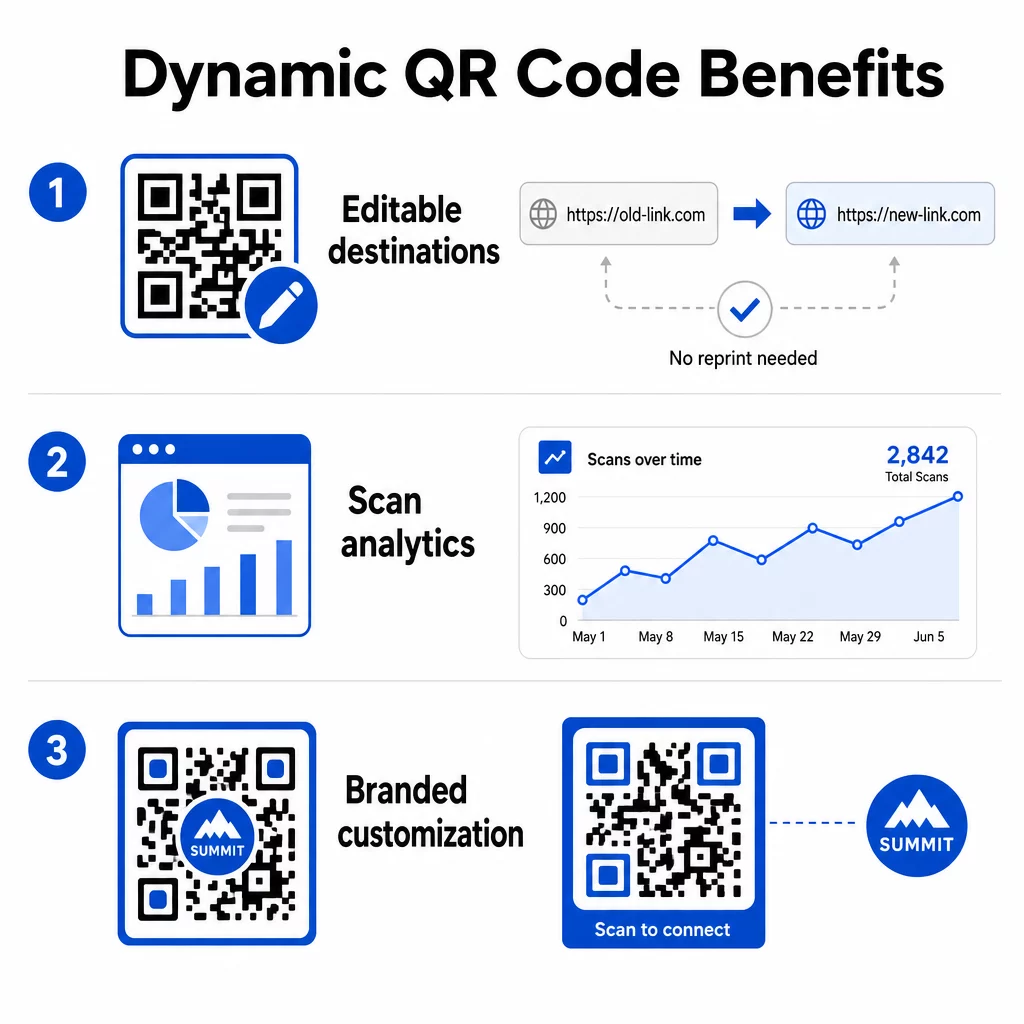
- Muudetavad sihtkohad: Uuendage lingitud URL-i igal ajal ilma materjale uuesti printimata – ideaalne koolituskaartide, asutuste tahvlite või aja jooksul arenevate turunduskampaaniate jaoks
- Analüütika jälgimine: Jälgige skaneerimiste arvu, aegu, geograafilisi asukohti ja seadmetüüpe, et mõista, kuidas kasutajad teie sisuga suhtlevad ja kus teie pingutused vilja kannavad
- Kohandamine: Kujundage koode brändivärvide, logode või unikaalsete kujunditega professionaalse ja ühtse välimuse saavutamiseks kõigis materjalides
Neid funktsioone kombineerides saavad ettevõtted hoida oma QR-koodi strateegia nii funktsionaalsena kui ka visuaalselt oma brändiga kooskõlas. Juhiste saamiseks QR-koodi paigutus turundusmaterjalides, sealhulgas suuruse, kontrasti ja paigutuse parimate tavade kohta, on olemas üksikasjalik juhend, mida tasub enne printimist üle vaadata.
Peamised järeldused
- Kasutage QR-koode visiitkaartidel, flaieritel ja sõidukireklaamidel, et suunata liiklust sihtlehtedele – olgu selleks teie veebisait, iseloomustused või töökohataotlus
- Paigutage QR-koodid kliendiasutustesse, et lihtsustada tagasiside esitamist, tarne taotlusi ja probleemide teatamist
- Lisage QR-koode seadmetele ja töökaartidele, et töötajad saaksid koheselt ligi koolitusvideotele, ohutuslehtedele ja tõrkeotsingu juhenditele
- Kasutage dünaamilised QR-koodid sihtkohtade uuendamiseks ja kaasamise mõõdikute jälgimiseks ilma materjale uuesti printimata
- Kohandage QR-koodi kujundusi brändivärvide ja logodega professionaalse välimuse saavutamiseks
- Veenduge, et kõik lingitud lehed oleksid mobiilisõbralikud ja laadiksid kiiresti
- Testige koode alati mitmel seadmel enne printimist või laiaulatuslikku kasutuselevõttu
- Vaadake regulaarselt skannimisanalüütikat, et mõõta kaasatust ja täpsustada oma lähenemist
QR-koodid on mitmekülgne tööriist, mis aitab teie ettevõttel moderniseerida tegevust, parandada klientide kaasamist ja tugevdada meeskonnatööd. Alustage ühe või kahe ülaltoodud strateegiaga, mõõtke tulemusi ja laiendage sealt edasi. Oma madala hinna ja kasutuslihtsusega pakuvad QR-koodid lihtsat viisi füüsiliste puutepunktide muutmiseks mõõdetavateks digitaalseteks interaktsioonideks.
Alustage tasuta QR-koodiga Looge oma esimene QR-kood sekunditega Pageloot QR-koodi generaator – 14-päevase tasuta prooviperioodi jaoks pole krediitkaarti vaja.
Korduma kippuvad küsimused
Staatiline QR-kood kodeerib fikseeritud sihtkoha, mida ei saa pärast koodi loomist muuta. Dünaamiline QR-kood kasutab lühikest ümbersuunamislinki, mida saate igal ajal värskendada, isegi pärast koodi printimist. Dünaamilised koodid toetavad ka analüütikat – nii saate jälgida skaneerimiste arvu, asukohti ja seadmetüüpe – muutes need paremaks valikuks käimasolevate turunduskampaaniate, koolitusmaterjalide või asutuse teavitustahvlite jaoks.
Kasutage suure kontrastsusega värve, tumeda koodiga heledal taustal, printige minimaalselt umbes 2 × 2 cm suuruses lähiskaneerimiseks, jätke koodi ümber piisavalt valget ruumi ja testige mitmel seadmel enne lõplikku vormistamist. Vältige koodide paigutamist kumeratele pindadele, halvasse valgusse või kohtadesse, kus inimesed ei saa ohutult skaneerimiseks peatuda. Veenduge alati, et lingitud leht on mobiilisõbralik ja laeb kiiresti.
Jah, dünaamilise QR-koodi ja jälgimist võimaldava platvormiga. QR-koodi jälgimine võib pakkuda mõõdikuid, nagu skannimiste koguarv, skannimiste aeg ja kuupäev, skannerite geograafiline asukoht ja seadme tüüp. Staatilised QR-koodid ei toeta jälgimist, seega kui kampaania tulemuslikkuse mõõtmine on teie ettevõtte jaoks oluline, on dünaamilised koodid õige valik.