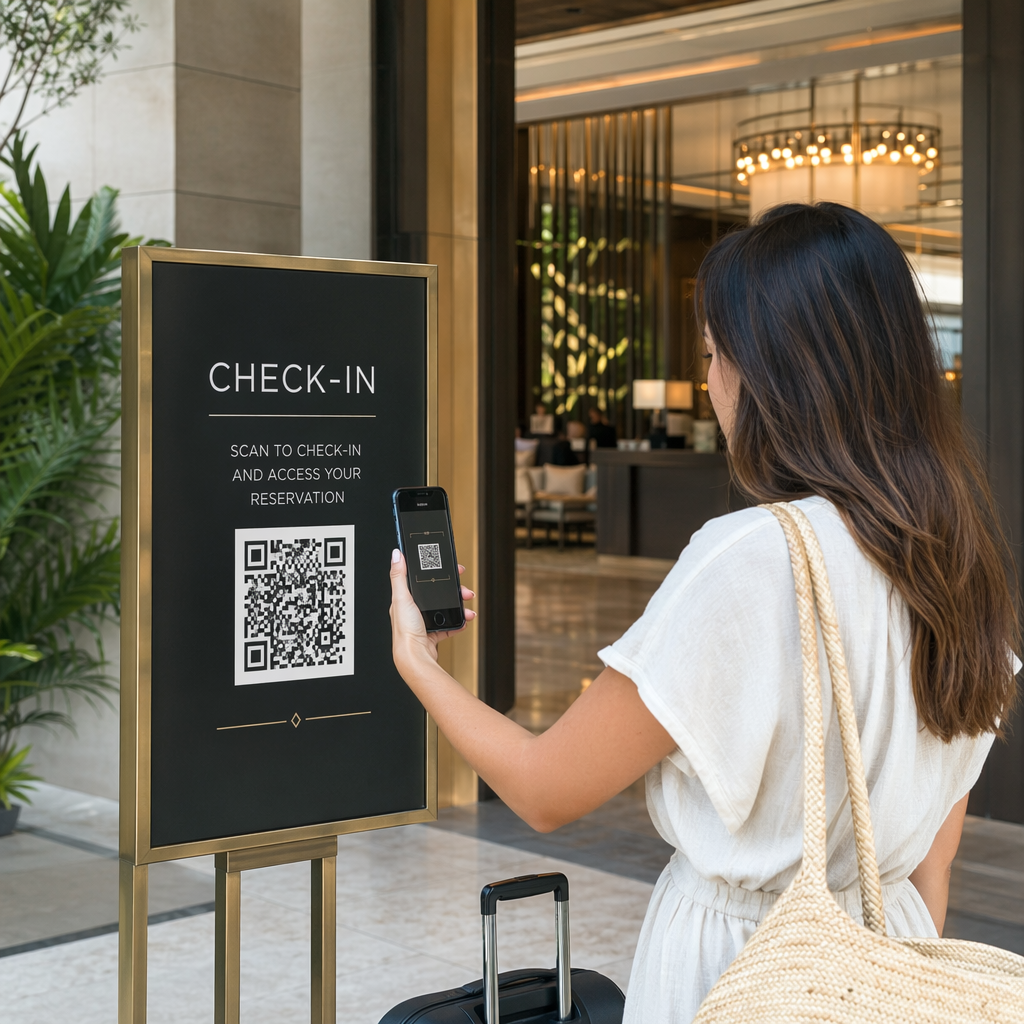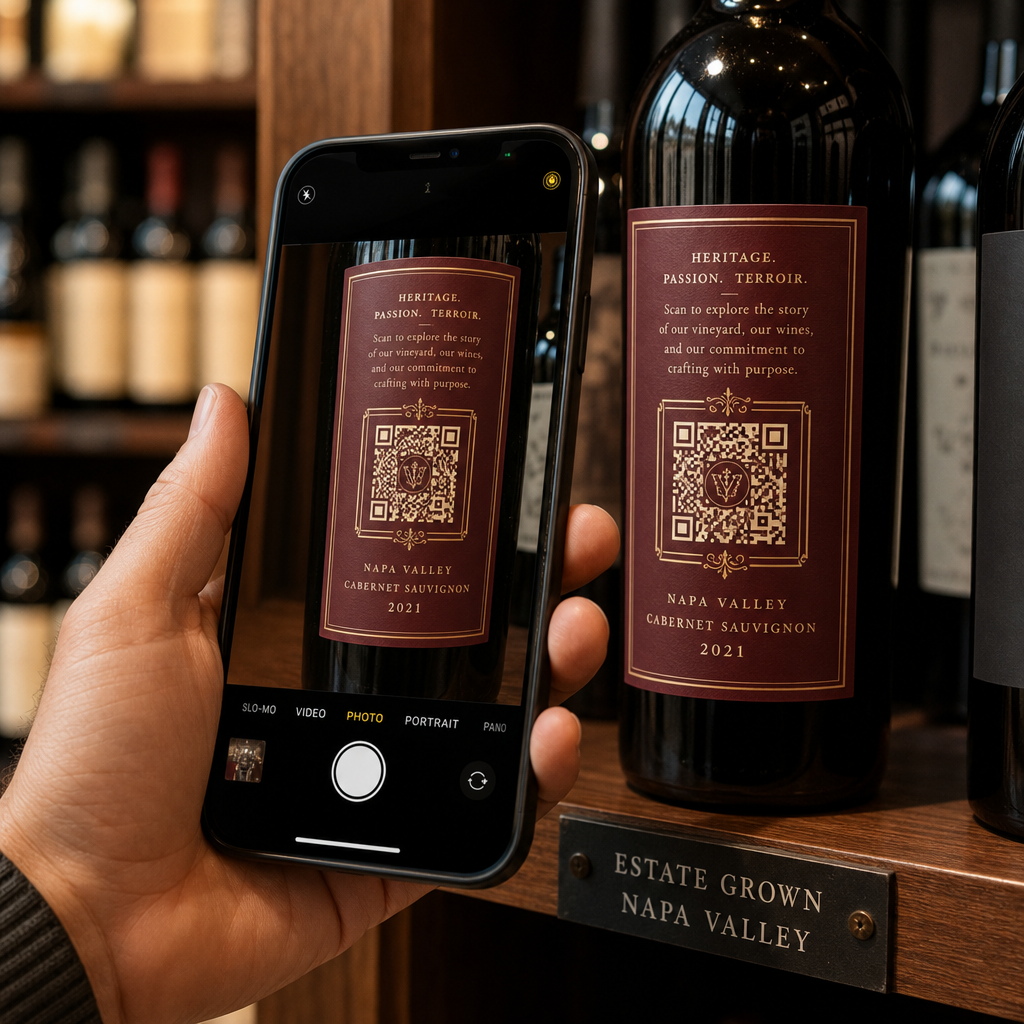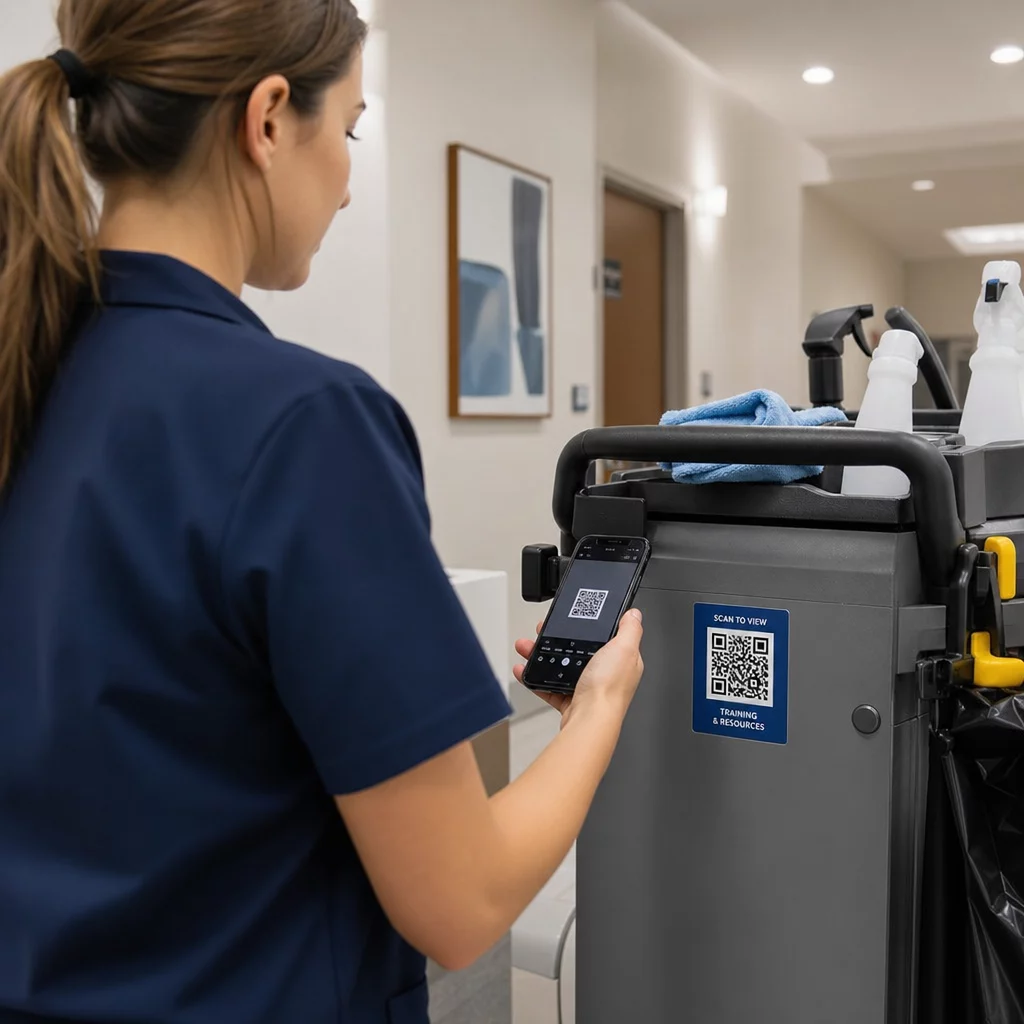
Unsicher, wie Sie über einen einfachen Website-Link hinaus echten Mehrwert aus QR-Codes ziehen können? Unternehmen, die QR-Codes als strategisches Werkzeug – und nicht als Neuheit – behandeln, verzeichnen messbar höhere Engagement-Raten, geringere Druckkosten und stärkere Kundenbeziehungen. Dieser Artikel behandelt drei praktische Wege, QR-Codes in Marketing, Kundenkommunikation und Teamtraining einzusetzen.
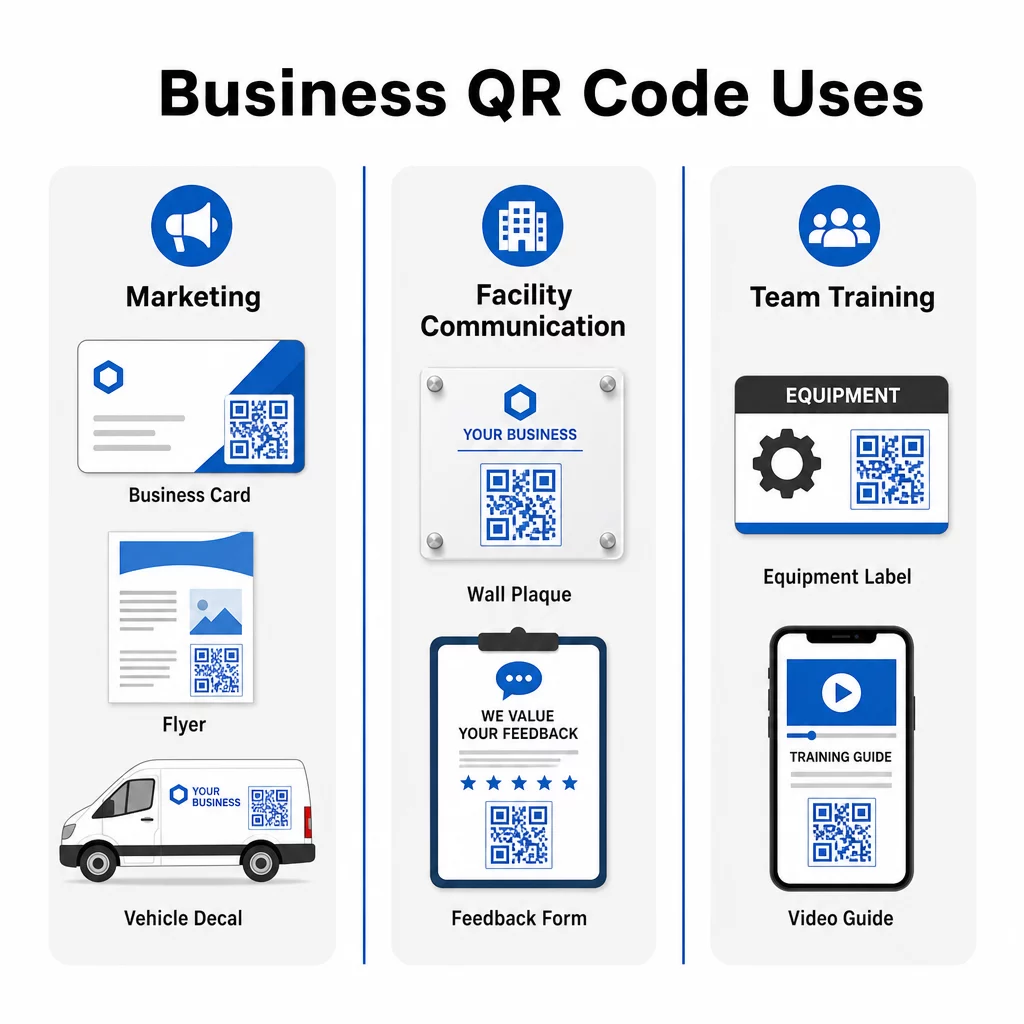
1. Verbessern Sie Ihr Marketing mit QR-Codes
QR-Codes sind zu einem Eckpfeiler moderner Marketingstrategien geworden. Ihre Fähigkeit, Nutzer sofort mit Online-Inhalten, Formularen und Profilen zu verbinden, macht sie unverzichtbar für Unternehmen, die ihr Publikum reibungslos ansprechen möchten. Hier sind drei praktische Anwendungen, die Sie in Betracht ziehen sollten.
Visitenkarten mit digitalem Dreh
Die Integration von QR-Codes in Ihre Visitenkarten modernisiert ein traditionelles Networking-Tool. Auf der Vorderseite geben Sie Ihren Namen und Ihre Kontaktdaten an. Auf der Rückseite fügen Sie einen QR-Code hinzu, der auf Ihre Website, Ihr LinkedIn-Profil oder ein Sonderangebot verweist – so erhalten Empfänger einen sofortigen Weg, mehr zu erfahren oder Kontakt aufzunehmen.
Dieser Ansatz funktioniert besonders gut mit einer Link-QR-Code die Empfänger auf eine mobil-optimierte Landingpage leitet. Wenn sich Ihre Website-URL oder Ihr Angebot ändert, können Sie mit einem dynamischen QR-Code das Ziel aktualisieren, ohne eine einzige Karte neu drucken zu müssen.
Printmaterialien transformieren
Flyer, Broschüren und Plakate können in Kombination mit QR-Codes neue Engagement-Levels erreichen. Ein scannbarer Code bietet Interessenten einen sofortigen nächsten Schritt und leitet sie zu:
- Fallstudien oder Testimonials, die Vertrauen aufbauen
- Einer Serviceseite oder Preisdetails
- EIN Google Business-Profil um Bewertungen oder direkte Anfragen zu fördern
- Einem Gutschein oder Werbeangebot das an die Kampagne gebunden ist
Zum Beispiel könnte ein Reinigungsunternehmen einen QR-Code verwenden, um eine Kundenerfolgsgeschichte zu präsentieren, und einen anderen, um Nutzer auf eine Seite “Angebot anfordern” zu leiten. Indem Sie mehrere Wege anbieten, gehen Sie auf unterschiedliche Interessen ein und halten gleichzeitig jede Handlungsaufforderung einfach und spezifisch – “Für ein Angebot scannen” oder “Sehen Sie, was Kunden sagen.”
Fahrzeugwerbung mit Wirkung
QR-Codes auf Fahrzeugfolierungen, Magneten oder Aufklebern können passive Werbung in ein interaktives Erlebnis verwandeln. Wenn Ihre Geschäftsfahrzeuge in belebten Gegenden wie Einkaufszentren, Schulen oder Veranstaltungsorten parken, fügt ein QR-Code, der auf Ihre Website oder Stellenbewerbungsseite verlinkt, einen messbaren Wert zu dem hinzu, was sonst ein einseitiger Eindruck wäre.
Zum Beispiel nutzte ein Unternehmen, anstatt Dienstleistungen direkt zu bewerben, einen QR-Code auf seinem Fahrzeug, um Traffic auf seine Seite “Jetzt einstellen” zu leiten. Indem Sie das QR-Ziel an aktuelle Prioritäten anpassen – sei es Kundengewinnung oder Personalbeschaffung – maximieren Sie die Relevanz und lassen jeden Parkplatz zählen.
Verfolgen Sie, welche Marketingmaterialien die meisten Scans generieren Möchten Sie wissen, ob Ihre Flyer oder Ihre Fahrzeugfolierung mehr Interesse wecken? Nutzen Sie die Dynamischer QR-Code Generator um verfolgbare, bearbeitbare Codes zu erstellen und in Echtzeit auf ein vollständiges Leistungs-Dashboard zuzugreifen.
2. Nahtlose Kommunikation innerhalb von Kundenanlagen
Eine der am meisten übersehenen Anwendungen von QR-Codes ist die Verbesserung der Kommunikation innerhalb von Kunden- oder Klienteneinrichtungen. Dies ist besonders effektiv für dienstleistungsorientierte Unternehmen wie Reinigungsfirmen, Immobilienverwalter und Facility-Teams, wo die Echtzeit-Problem報告 und schnelle Lösung wichtig sind.
Platzieren von QR-Codes für Feedback und Anfragen
Das Anbringen kleiner Plaketten mit QR-Codes in Pausenräumen, Toiletten oder anderen stark frequentierten Bereichen vereinfacht die Kommunikation von Problemen durch das Personal an Ihr Team. Diese QR-Codes können verlinken zu:
- Formularen zum Einreichen von Feedback oder Melden von Wartungsproblemen
- Seiten für Materialanfragen zum Bestellen von Essentials wie Seife oder Papierhandtüchern
- Einer vorab ausgefüllten E-Mail mit bereits ausgefüllten Feldern für Name, Abteilung und Problembeschreibung
Zum Beispiel könnte ein Reinigungsunternehmen einen dynamischen QR-Code verwenden, der mit einer vorformulierten E-Mail-Vorlage verknüpft ist. Das Scannen erstellt eine Nachricht an das Support-Team, wobei die relevanten Felder zur Vervollständigung bereitstehen. Dies gewährleistet eine schnelle, konsistente Kommunikation und hält gleichzeitig alle auf dem Laufenden.
Mehr über die Strukturierung dieses Ansatzes erfahren Sie in unserem Leitfaden zum Erstellen von QR-Codes zur Feedback-Erfassung.
Erweiterter Tipp: Erstellen Sie QR-Codes, die spezifisch für jeden Kundenstandort sind, damit Nachrichten automatisch an das richtige Personal weitergeleitet werden. Dynamische QR-Codes ermöglichen es Ihnen, das Ziel zu aktualisieren, ohne physische Plaketten ersetzen zu müssen, was sowohl Zeit als auch Nachdruckkosten spart.
3. Teamtraining mit QR-Codes stärken
Die Schulung von Mitarbeitern ist oft zeitaufwendig und ressourcenintensiv, insbesondere in Branchen mit hohen Fluktuationsraten oder mehreren Servicestandorten. QR-Codes vereinfachen diesen Prozess, indem sie Mitarbeitern sofortigen Zugriff auf Schulungsmaterialien, Bedienungsanleitungen und Fehlerbehebungsleitfäden ermöglichen – genau dort, wo sie sie benötigen.
Training unterwegs
Fügen Sie QR-Codes direkt an Geräten, Reinigungswagen oder Lagerbereichen an. Diese Codes können verlinken zu:
- Schulungsvideos für neue Mitarbeiter, um Techniken und Verfahren schnell zu erlernen
- Sicherheitsdatenblätter (SDB) zum Verständnis des richtigen Chemikalieneinsatzes
- Fehlerbehebungsanleitungen für Geräte wie Staubsauger oder Bodenreinigungsmaschinen
Dies stellt sicher, dass Mitarbeiter die benötigten Informationen jederzeit zur Hand haben, was Ausfallzeiten reduziert und die Konsistenz in den Teams verbessert. Ein QR-Code auf einem Rucksackstaubsauger könnte beispielsweise auf ein Tutorial zur Montage und Wartung verlinken – und Teammitgliedern helfen, kleinere Probleme ohne Wartezeit auf Aufsicht zu lösen.
Aufgabenspezifische Anleitung
Erstellen Sie Aufgabenkarten mit eingebetteten QR-Codes für detaillierte Anweisungen zu wiederkehrenden Verantwortlichkeiten. Eine Starterkarte könnte einen QR-Code enthalten, der auf eine Videodemonstration nächtlicher Reinigungsaufgaben verlinkt. Dies ist besonders nützlich während der Einarbeitung oder für Zeitarbeitskräfte, die sich schnell an eine neue Umgebung anpassen müssen.
Dynamische QR-Codes sind hier besonders wertvoll, da sie es Ihnen ermöglichen, Schulungsmaterialien oder Verfahren im Laufe der Zeit zu aktualisieren, ohne physische Beschilderungen oder Karten ersetzen zu müssen. Sie können erkunden, wie dynamische QR-Codes funktionieren und wann man sie ausführlicher einsetzt.
Erweiterte QR-Code-Funktionen: Anpassung und Analysen
Während einfache QR-Codes effektiv sind, dynamische QR-Codes bieten sie die Flexibilität und Einblicke, die die meisten Unternehmen für den langfristigen Einsatz benötigen. Hier ist, warum sie die Investition wert sind:
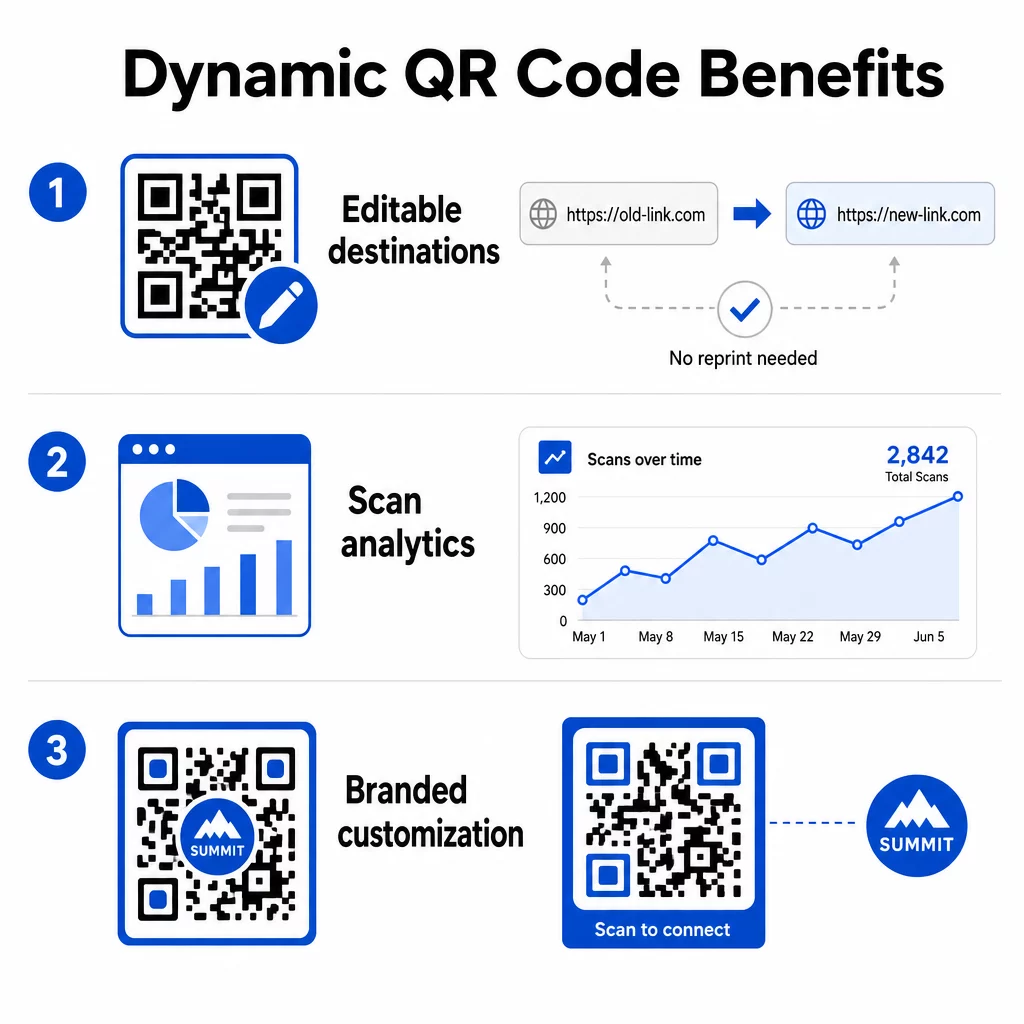
- Bearbeitbare Ziele: Aktualisieren Sie die verknüpfte URL jederzeit, ohne Materialien neu drucken zu müssen – ideal für Schulungskarten, Gebäudetafeln oder Marketingkampagnen, die sich im Laufe der Zeit entwickeln
- Analyse-Tracking: Überwachen Sie Scan-Anzahlen, -Zeiten, geografische Standorte und Gerätetypen, um zu verstehen, wie Benutzer mit Ihren Inhalten interagieren und wo sich Ihre Bemühungen auszahlen
- Anpassung: Gestalten Sie Codes mit Markenfarben, Logos oder einzigartigen Formen für ein professionelles und kohärentes Erscheinungsbild über alle Materialien hinweg
Durch die Kombination dieser Funktionen können Unternehmen ihre QR-Code-Strategie sowohl funktional als auch visuell an ihre Marke anpassen. Für Anleitungen zur Platzierung von QR-Codes in Marketingmaterialien, einschließlich Größe, Kontrast und Best Practices für die Positionierung, gibt es einen detaillierten Leitfaden, den Sie vor dem Drucken überprüfen sollten.
Wichtige Erkenntnisse
- Verwenden Sie QR-Codes auf Visitenkarten, Flyern und Fahrzeugwerbung, um Traffic auf gezielte Seiten zu lenken – sei es Ihre Website, Testimonials oder eine Stellenbewerbung
- Platzieren Sie QR-Codes in Kundeneinrichtungen, um die Einreichung von Feedback, Materialanfragen und die Meldung von Problemen zu vereinfachen
- Fügen Sie QR-Codes zu Geräten und Aufgabenkarten hinzu, damit Mitarbeiter sofort auf Schulungsvideos, Sicherheitsdatenblätter und Fehlerbehebungsanleitungen zugreifen können
- Verwenden Sie . dynamische QR-Codes um Ziele zu aktualisieren und Engagement-Metriken zu verfolgen, ohne Materialien neu drucken zu müssen
- Passen Sie QR-Code-Designs mit Markenfarben und Logos für ein professionelles Erscheinungsbild an
- Stellen Sie sicher, dass alle verlinkten Seiten mobilfreundlich sind und schnell laden
- Testen Sie Codes immer auf mehreren Geräten, bevor Sie sie drucken oder in großem Maßstab bereitstellen
- Überprüfen Sie regelmäßig die Scan-Analysen, um das Engagement zu messen und Ihren Ansatz zu verfeinern
QR-Codes sind ein vielseitiges Werkzeug, das Ihrem Unternehmen helfen kann, Abläufe zu modernisieren, die Kundenbindung zu verbessern und die Teamzusammenarbeit zu stärken. Beginnen Sie mit einer oder zwei der oben genannten Strategien, messen Sie die Ergebnisse und erweitern Sie von dort aus. Mit ihren geringen Kosten und ihrer einfachen Handhabung bieten QR-Codes einen unkomplizierten Weg, physische Berührungspunkte in messbare digitale Interaktionen umzuwandeln.
Beginnen Sie mit einem kostenlosen QR-Code Erstellen Sie Ihren ersten QR-Code in Sekundenschnelle mit dem Pageloot QR-Code-Generator – keine Kreditkarte für die 14-tägige kostenlose Testphase erforderlich.
Häufig gestellte Fragen
Ein statischer QR-Code kodiert ein festes Ziel, das nach der Erstellung des Codes nicht mehr geändert werden kann. Ein dynamischer QR-Code verwendet einen kurzen Weiterleitungslink, den Sie jederzeit aktualisieren können, selbst nachdem der Code gedruckt wurde. Dynamische Codes unterstützen auch Analysen – so können Sie Scan-Zahlen, Standorte und Gerätetypen verfolgen – was sie zur besseren Wahl für laufende Marketingkampagnen, Schulungsmaterialien oder Kommunikationsplaketten in Einrichtungen macht.
Verwenden Sie kontrastreiche Farben mit einem dunklen Code auf hellem Hintergrund, drucken Sie ihn in einer Mindestgröße von etwa 2 × 2 cm für das Scannen aus nächster Nähe, lassen Sie ausreichend Weißraum um den Code herum und testen Sie ihn vor der Fertigstellung auf mehreren Geräten. Vermeiden Sie es, Codes auf gekrümmten Oberflächen, bei schlechter Beleuchtung oder in Bereichen zu platzieren, in denen Personen nicht sicher anhalten können, um zu scannen. Bestätigen Sie immer, dass die verlinkte Seite mobilfreundlich ist und schnell lädt.
Ja, mit einem dynamischen QR-Code und einer Tracking-fähigen Plattform. QR-Code-Tracking kann Metriken wie die Gesamtanzahl der Scans, Uhrzeit und Datum der Scans, den geografischen Standort der Scanner und den Gerätetyp liefern. Statische QR-Codes unterstützen kein Tracking, wenn also die Messung der Kampagnenleistung für Ihr Unternehmen wichtig ist, sind dynamische Codes die richtige Wahl.