Are your customers struggling to scan your QR codes on the first try? A slow or delayed scan frustrates users and leads to abandoned campaigns and lost conversions. By applying targeted design adjustments and technical optimizations, you can ensure your codes trigger instant scans on any smartphone camera.
Why Contrast is the Foundation of Scannability
Camera sensors read QR codes by detecting the light difference between the dark modules and the bright background. When contrast is weak, the scanner camera struggles to differentiate between the data elements and the surface, resulting in sluggish autofocus searches or complete scan failures. While customized branding colors make assets visually distinct, functional readability must always come first.
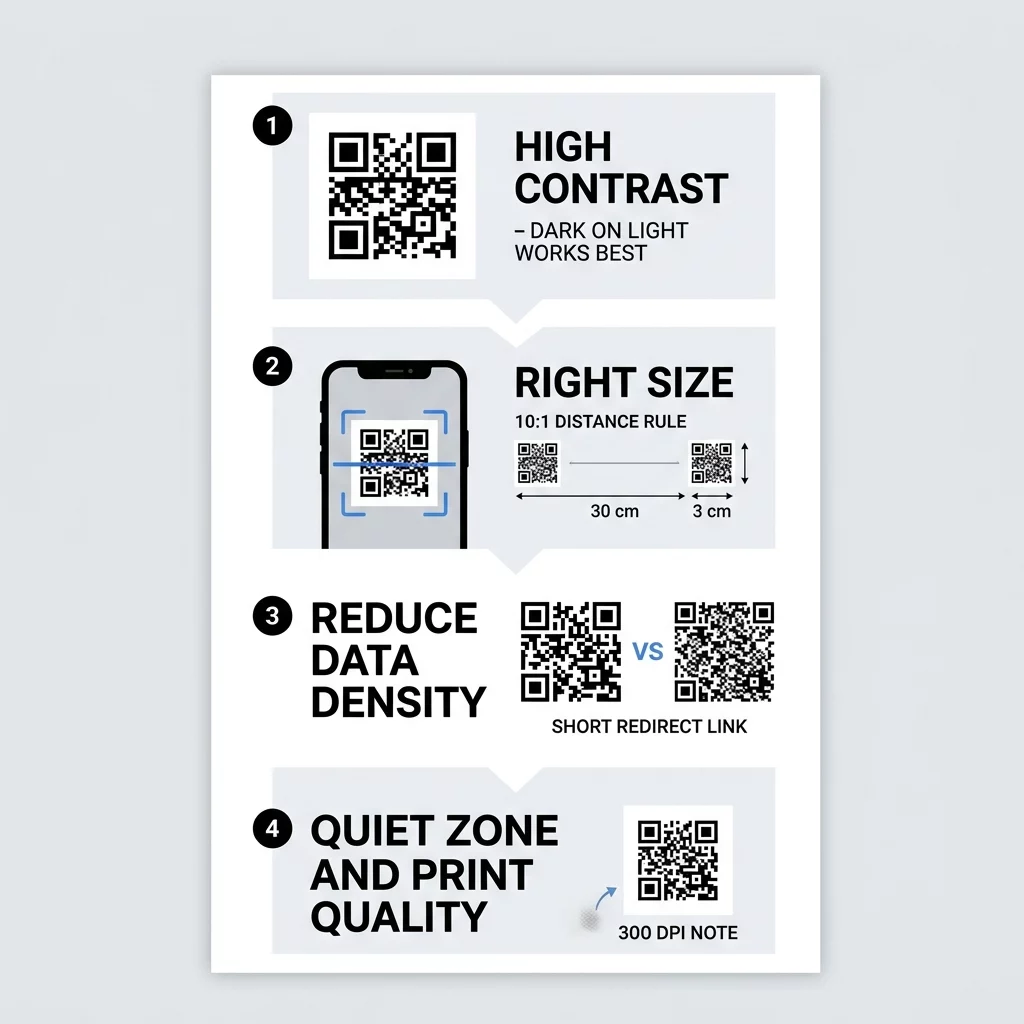
To maximize scanning speed, place dark foreground modules on a clean, light background. Standard black on white provides the highest possible contrast ratio of 21:1, allowing cameras to decode data in milliseconds. When integrating brand colors, maintain a minimum contrast ratio of 4.5:1. Avoid light-on-light color combinations, subtle pastels, and inverted designs featuring white codes on dark backdrops, as many native mobile camera readers cannot interpret inverted polarities. Review our guide to QR code color contrast best practices to select combinations that preserve camera response times.
Choosing the Right Size for Scanning Distance
Physical dimensions directly dictate how fast a camera can resolve individual data squares. If a code is too small for the user’s distance, the lens cannot focus sharply on the grid pattern. The universal standard for calculating dimensions is the 10:1 ratio, meaning the width of the code should measure at least one-tenth of the total distance between the mobile device and the display.
For hand-held items like business cards, product tags, and brochures, the minimum physical print size is 2 × 2 cm (0.8 × 0.8 inches). If printing on textured cardstock or packaging that scatters light, enlarge the code by 25% to 50% to prevent camera reading delays. Consult our complete QR code size guide to match your exact media dimensions to viewer distances.
| Print Application | Typical Scanning Distance | Recommended Minimum Dimensions |
|---|---|---|
| Business cards | 4–8 inches | 2 × 2 cm (0.8 × 0.8 in) |
| Restaurant menus | 12–20 inches | 3 × 3 cm (1.2 × 1.2 in) |
| Product packaging | 15–25 inches | 5 × 5 cm (2.0 × 2.0 in) |
| Posters and wall signs | 5 feet or more | 15 × 15 cm (6.0 × 6.0 in) |
Reducing Data Density with Dynamic Codes
Every character embedded into a static QR code adds physical modules to the grid. A code encoding an extensive web address requires a dense pattern – such as a Version 10 grid with 57 × 57 modules – forcing camera software to analyze thousands of tiny points. High-density patterns require users to hold their phones steady at an exact focal length, slowing down the scan experience. Complex patterns also suffer from ink bleed during printing, where adjacent dots merge together and distort the data.
Dynamic QR codes resolve this challenge by routing users through a short redirect link. Because the encoded URL contains fewer characters, the symbol remains at a lower density version with larger, clearly defined modules. These simplified patterns allow camera sensors to register the code instantly from broad angles and variable light conditions. To understand the balance between payload and symbol structure, explore our guide to understand QR code data limits.
Configuring error correction also impacts density. QR standards feature four levels (L, M, Q, H) using Reed–Solomon algorithms to restore damaged data from 7% up to 30%. While high correction is critical when adding central logos or placing codes in dirty environments, excessive redundancy increases the module count unnecessarily. For standard marketing materials without embedded graphics, Level M (15% restoration) offers an ideal balance of durability and low module density. You can read more about how error correction works to pick the right setting for your distribution environment.
Create Fast, Scannable Dynamic Codes Want to keep your module patterns clean and update destinations anytime? Use the QR Code Generator to design high-speed codes with optimal contrast and custom branding.
Protecting Finder Patterns with the Quiet Zone
The quiet zone is the blank border surrounding the entire perimeter of a QR code. According to the ISO/IEC 18004 specification, this margin must measure at least four modules wide on all four sides. If individual modules measure 2 mm across, the quiet zone must remain at least 8 mm clear of any text, design patterns, borders, or artwork.
Mobile scanning software uses the three corner squares – known as position detection patterns or finder patterns – to identify the angle, skew, and orientation of the code. When graphics, text, or package folds intrude into the quiet zone, optical scanners cannot distinguish where the code begins. Applying our established best practices for QR code readability ensures your margins isolate the code cleanly against busy graphic layouts.
Curved packaging presents another physical barrier to fast scans. Printing across the curve of a can, bottle, or squeeze tube compresses the modules horizontally from the camera’s perspective, confusing the decoding engine. Always place codes on flat surface planes whenever possible, or reduce the code footprint relative to the container diameter so the camera captures the full symbol without distortion.
Print Resolution and Material Selection
The digital clarity of your graphic file and the physical texture of your printing material dictate how sharply the camera resolves each module. Low-resolution graphics result in soft, pixelated edges that require cameras to refocus repeatedly before processing data.
Follow these production guidelines to maintain sharp module definitions:
- Export designs in vector formats like SVG, EPS, or PDF to preserve sharp lines at any dimension.
- Maintain at least 300 DPI for raster files, or 600 DPI for micro-prints like business cards.
- Choose matte or satin finishes rather than glossy substrates to avoid light reflection.
- Apply a solid white background layer beneath the code if printing on semi-transparent or textured stock.
Glossy laminates and reflective shrink wraps produce intense white glare spots under direct lighting, blinding camera lenses to the dark modules underneath. If a glossy finish is required for package durability, place the QR code on a non-reflective, flat section of the label. You can review steps to test a QR code before printing to inspect material samples prior to final press runs.
Validating Performance Across Real-World Conditions
A digital file that scans in seconds on a calibrated monitor can fail when exposed to real-world store lighting, shadows, and varied mobile hardware. Budget smartphones often lack premium optics and optical stabilization, requiring stronger visual clarity to scan quickly.
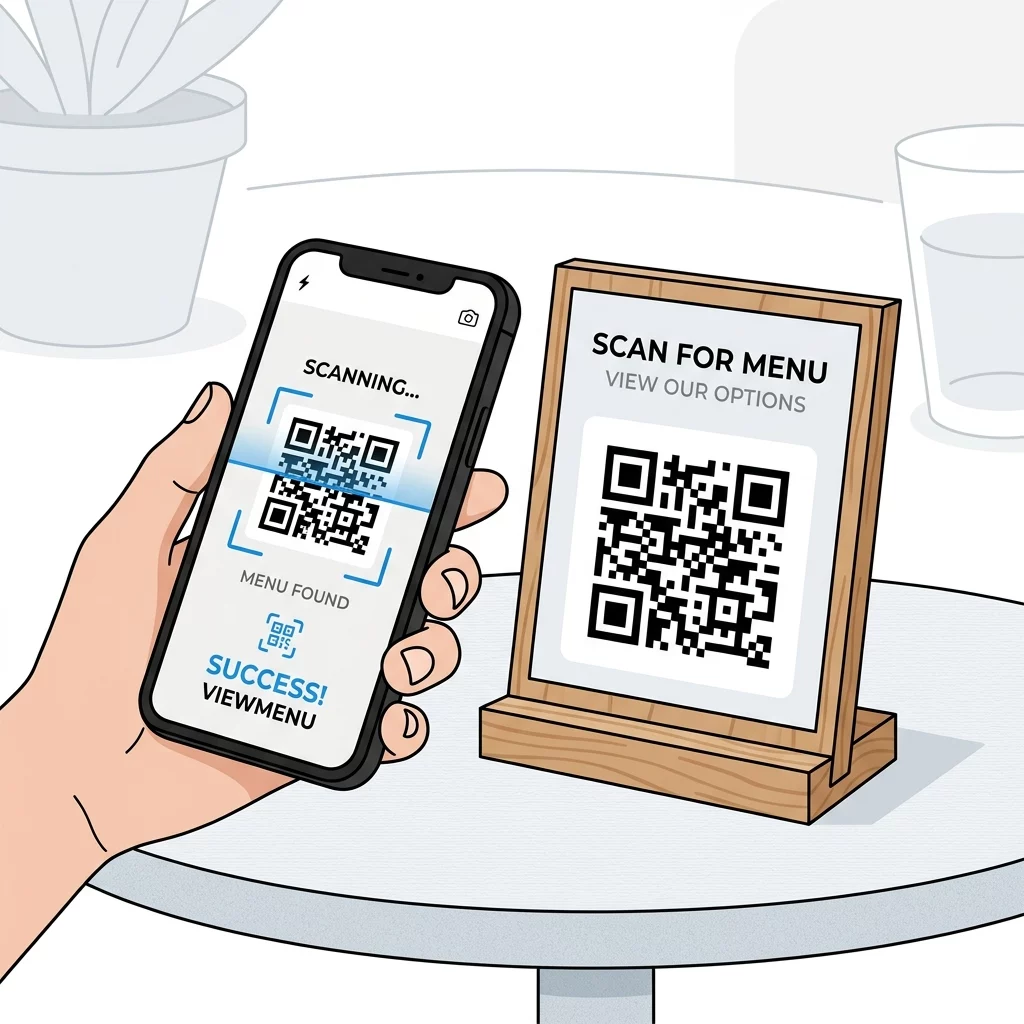
Conduct field validation using a comprehensive evaluation routine:
- Inspect printed proofs under direct sunlight, fluorescent lighting, and low-light environments.
- Check readability from various camera angles up to 45 degrees.
- Verify scan response across multiple smartphone models, operating systems, and camera resolutions.
- Confirm that destination URLs load instantly and render seamlessly on mobile networks.
If your test prints take more than two seconds to register, evaluate potential layout bottlenecks by exploring why your QR code is not working. You can also upload test graphics into an online QR code scanner to verify that data payload strings decode cleanly without missing characters.
Optimizing your codes for instant scanning requires combining adequate sizing, clean contrast, generous quiet zones, and low data density. By treating the physical and optical requirements of camera sensors with the same care as your visual branding, you deliver frictionless physical-to-digital journeys for your audience. Create, refine, and deploy your next high-performance campaign using the Pageloot QR Code Generator to capture every scan effortlessly.
Frequently Asked Questions
Reducing data density by switching from a static code to a dynamic QR code has the greatest impact on speed. Dynamic codes store a short URL, creating a simple grid with larger modules that smartphone cameras can recognize and decode instantly.
Yes, provided there is strong contrast between the modules and the background. Maintain at least a 4.5:1 contrast ratio with dark foreground elements on a light background, and avoid light pastels, gradients, or inverted schemes.
The quiet zone must be at least four modules wide on all four sides of the code symbol. Keeping this border completely clear of text, graphics, and borders allows optical sensors to identify the position detection patterns without reading delays.