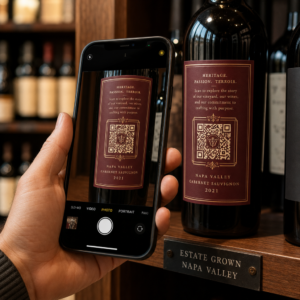
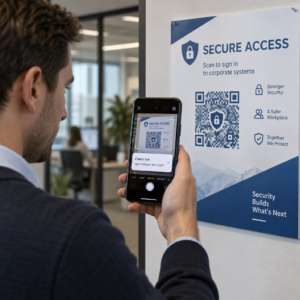
QR kodunuzun jenerik siyah-beyaz bir kare yerine markanızın bir parçası gibi görünmesini ister misiniz? Sade bir QR kodu işe yarar, ancak logonuz ve renklerinizle markalı bir kod tanınırlık oluşturur ve daha fazla taranır. Bu kılavuz, taranabilirliğinden ödün vermeden profesyonel görünen özel bir QR kodu oluşturmayı size gösterir.
Neden Markalı QR Kodları Daha İyi Performans Gösterir?
Standart bir QR kodu, tarayıcıya işletmeniz hakkında hiçbir şey söylemez. Markalı bir kod, daha taranmadan önce daha fazla iş yapar. Logonuz kodun içinde yer aldığında ve marka renkleriniz tasarımı çerçevelediğinde, müşteriler kaynağı hemen tanır. Bu tanıma güven oluşturur – ve güven taramaları artırır.
Kapsanan araştırma Markalı QR kodlarının 7 örneği logolu markalı QR kodlarının, jenerik olanlara kıyasla tarama oranlarını -70 oranında artırabileceğini göstermektedir. Rakamların ötesinde, markalı bir kod ambalajda, tabelalarda veya basılı materyallerde her göründüğünde görsel kimliğinizi pekiştirir.
Görsel kimliklerini hala şekillendiren işletmeler, bir işletme için benzersiz logo onu QR kodları, ambalaj ve diğer markalı materyallerde uygulamadan önce. Önemli olan, hangi tasarım seçimlerinin yardımcı olduğunu ve hangilerinin taranabilirliği bozduğunu bilmektir.
QR Kodu Hata Düzeltmesi Logo Entegrasyonunu Nasıl Mümkün Kılar
Kodunuzu özelleştirmeden önce, logoların kodu bozmadan neden eklenebildiğini anlamak faydalıdır. QR kodları, Reed-Solomon kodlarına dayalı yerleşik hata düzeltmesi içerir; bu, tarayıcıların desenin bir kısmı gizlendiğinde bile deseni yeniden oluşturabilmesi için yedek veri ekler.
Dört hata düzeltme seviyesi vardır:
- Seviye L – hasarlı kod kelimelerinin %7'sine kadarını kurtarır; en küçük kod boyutu; temiz iç mekan kullanımı için en iyisi
- Seviye M – 'ine kadarını kurtarır; çoğu pazarlama uygulaması için standart seçim
- Seviye Q – 'ine kadarını kurtarır; dış mekan kullanımı veya dokulu yüzeyler için uygundur
- Seviye H – 'una kadarını kurtarır; logo eklediğinizde önerilir
Bir QR kodunun ortasına bir logo yerleştirdiğinizde, desenin bir kısmını kasıtlı olarak gizlemiş olursunuz. H Seviyesi hata düzeltme bunu telafi eder, tarayıcının eksik verileri yeniden yapılandırmasına olanak tanır. Bu olmadan, küçük bir logo bile tarama hatalarına neden olabilir.
Bunun pratikte nasıl çalıştığına dair daha derinlemesine bir bakış için bkz. Düzenlenebilir QR Kodlarda Hata Düzeltme Nasıl Çalışır.
Logolu Markalı Bir QR Kodu Oluşturun Markanızı yansıtan bir QR kodu oluşturmaya hazır mısınız? Şunu kullanın: Logolu QR Kod Oluşturucu logonuzu yüklemek, renklerinizi seçmek ve dakikalar içinde taranabilir, markanıza uygun bir kod oluşturmak için.
Logo Yerleşimi: Taranabilirliği Koruyan Kurallar
Bir logoyu yanlış eklemek, markalı QR kodlarının başarısız olmasının en yaygın nedenlerinden biridir. Kodunuzu güvenilir tutmak için şu yönergeleri izleyin:
- Logoyu ortada tutun. Bir QR kodunun merkezi, hata düzeltme kapsamından en çok yararlanan veri modüllerini içerir. Logoyu ortalamak, tarayıcı yönlendirmesi için kritik olan ve asla kapatılmaması gereken üç köşe konum işaretleyicisinden kaçınır.
- Logo kapsamını kod alanının yaklaşık -25'i ile sınırlayın. 'dan fazlasını kaplamak, H Seviyesi hata düzeltmenin bile kurtarabileceğinin ötesine geçer. 'ye yakın olmak size rahat bir güvenlik marjı sağlar.
- Yüksek çözünürlüklü bir logo dosyası kullanın. Bir kodun ortasındaki bulanık veya pikselli bir logo, özellikle eski cihazlarda taramayı engelleyebilecek görsel gürültü ekler. En iyi sonuç için PNG veya SVG gibi bir vektör formatı kullanın.
- Basit, kare veya dairesel logoları tercih edin. Dikey dikdörtgen logolar, kodun kenarları boyunca uzanan zamanlama desenleriyle çakışma riski taşır. Yatay veya kompakt şekiller daha güvenlidir.
- Baskıdan önce birden fazla cihazda test edin. Yeni bir iPhone'da mükemmel tarayan bir kod, daha düşük çözünürlüklü kameraya sahip eski bir Android'de başarısız olabilir. Platformlar ve aydınlatma koşulları arasında test edin.
Güvenli logo entegrasyonu hakkında daha fazla bilgiyi şu kılavuzda bulabilirsiniz: QR kodlarına logo nasıl eklenir.
Renk ve Kontrast: Marka Renklerinizi Taranabilir Tutmak
QR kodunuzda marka renklerinizi kullanabilirsiniz, ancak renk seçimleri kodun güvenilir bir şekilde taranıp taranmadığını doğrudan etkiler. Tarayıcılar, belirli tonları değil, koyu modüller ile açık bir arka plan arasındaki farkı okur. Bu kontrast ortadan kalktığında, taranabilirlik de ortadan kalkar.
Uyulması Gereken Kontrast Kuralları
- Açık bir arka plan üzerinde koyu ön plan modülleri kullanın. Bu temel gereksinimdir. Beyaz üzerine klasik siyah, 21:1 kontrast oranı sunar ve evrensel olarak en güvenilir kombinasyondur.
- Minimum 4.5:1 kontrast oranını koruyun daha küçük kodlar için. Uzaktan bakılan büyük formatlı kodlar için 4:1 oranı kabul edilebilir. Bunu herhangi bir web erişilebilirlik kontrast denetleyicisi ile doğrulayabilirsiniz.
- Renkleri asla tersine çevirmeyin. Açık-koyu (siyah üzerine beyaz) bir düzen çarpıcı görünebilir, ancak birçok QR tarayıcı tersine çevrilmiş renk düzenlerinde başarısız olur.
- Modül deseni içinde gradyanlardan kaçının. Gradyanlar, yerel kontrastı azaltan ve tarayıcıları karıştıran ara tonlar oluşturur. Gradyan efekti istiyorsanız, bunu yalnızca kod deseninin dışındaki çerçeve veya arka plan gibi dekoratif öğelere uygulayın.
- Sessiz bölgeyi temiz tutun. Sessiz bölge, QR kodunu çevreleyen boş kenar boşluğudur. ISO standardı, her tarafta en az dört modül boş alan gerektirir. Her modül 2 mm genişliğindeyse, sessiz bölge her tarafta en az 8 mm olmalıdır. Metin, dekoratif öğeler veya hatta logonuzu bu sınıra çok yakın yerleştirmek tarama hatalarına neden olabilir.
Hangi renk kombinasyonlarının işe yaradığını ve hangilerinden kaçınılması gerektiğini tam olarak anlamak için, şu kılavuza bakın: QR kodu renk kontrastı en iyi uygulamaları.
Boyut ve Çözünürlük: Baskı İçin Doğru Ayarları Yapmak
Taranamayacak kadar küçük, güzel markalı bir QR kodu amacına ulaşamaz. Boyut hem okunabilirliği hem de tarama mesafesini etkiler.
- Yakın mesafe kullanımı için minimum boyut 0.8 × 0.8 inçtir (yaklaşık 2 × 2 cm). Bunun altında, çoğu tarayıcı zorlanır.
- Tarama mesafesi için 10:1 kuralını uygulayın. Beklenen her 10 cm tarama mesafesi için kod en az 1 cm genişliğinde olmalıdır. 50 cm uzaktan taranması amaçlanan bir kod en az 5 cm genişliğinde olmalıdır.
- Baskı için vektör formatlarında dışa aktarın. SVG, EPS ve PDF formatları kalite kaybı olmadan ölçeklenir. Düşük çözünürlüklü rasterleştirilmiş bir PNG, basıldığında bulanık görünür ve bulanık bir kod taranamayabilir. Baskı uygulamaları için her zaman 300 DPI veya daha yüksek çözünürlükte dışa aktarın.
Bağlama özel boyutlandırma rehberliği için şuraya bakın: QR kodu okunabilirliği için en iyi uygulamaları.
Adım Adım: Logolu Markalı Bir QR Kodu Oluşturma
Güvenilir bir şekilde taranan markalı bir QR kodu oluşturmak için pratik bir iş akışı aşağıdadır.
- Logo yerleştirmeyi ve renk özelleştirmeyi destekleyen bir jeneratör seçin. Tüm araçlar bunu yapmaz. Hata düzeltme seviyelerini ayarlamanıza, logo yüklemenize ve renkleri bağımsız olarak ayarlamanıza olanak tanıyan birini arayın. Pageloot'un QR kod oluşturucu tüm bunları kapsar.
- Logo eklemeden önce hata düzeltme seviyenizi H olarak ayarlayın. Bazı jeneratörler varsayılan olarak M Seviyesine ayarlanmıştır, bu da bir logo mevcut olduğunda yeterli değildir.
- Hedef URL'nizi veya içeriğinizi girin. Bir kampanya veya basılı materyal için kod oluşturuyorsanız, bir dinamik QR kodu böylece hedefi daha sonra yeniden basım yapmadan güncelleyebilirsiniz.
- Logonuzu yükleyin. Bir PNG veya SVG dosyası kullanın. Logoyu basit tutun – küçük boyutlarda netliğini kaybeden ince metinlerden veya karmaşık illüstrasyonlardan kaçının.
- Marka renklerinizi uygulayın. Marka paletinizle uyumlu koyu bir ön plan rengi seçin ve bunu açık veya beyaz bir arka planla eşleştirin. Sonlandırmadan önce kontrast oranını test edin.
- Bir harekete geçirici mesaj içeren bir çerçeve ekleyin. “Menümüzü görüntülemek için tarayın” veya “Özel teklifler için tarayın” gibi kısa bir ifade belirsizliği ortadan kaldırır ve tarama oranlarını artırır. Eşleştirebilirsiniz QR Kod Çerçeveleri marka renklerinize ve logonuzla.
- Önizleyin ve test edin. İndirmeden önce kodu en az iki farklı cihazda tarayın. Farklı aydınlatma koşullarında ve kullanıcıların taramasını beklediğiniz mesafelerden kontrol edin.
- Doğru formatta indirin. Baskı için SVG veya EPS, dijital kullanım için yüksek çözünürlüklü PNG kullanın.

Hızla uyarlayabileceğiniz hazır markalı tasarımlar için, keşfedin QR kod şablonları.
Markalı Kampanyalar için Dinamik QR Kodları Kullanma
Markalı QR kodunuz basılı materyallerde yer alacaksa, dinamik bir kod size önemli bir avantaj sağlar. Statik bir kodla hedef kalıcı olarak kilitlenir. Dinamik bir kodla, desende kodlanmış URL, kontrol ettiğiniz kısa bir yönlendirmeye işaret eder. Kodu yeniden basmadan veya yeniden tasarlamadan istediğiniz zaman nereye yönlendirdiğini değiştirebilirsiniz.
Bu özellikle markalı kodlar için önemlidir çünkü:
- Mevsimlik teklifleri veya kampanya açılış sayfalarını değiştirmek isteyebilirsiniz
- Fiziksel materyale dokunmadan bozuk bağlantıları düzeltebilirsiniz
- Tarama analizi alırsınız – kodun ne zaman, nerede ve ne sıklıkta tarandığına dair gerçek zamanlı veriler
Dinamik kodlar, profesyonel görünen bir koda daha fazla çaba harcadığınız için markalı tasarımlarla da iyi uyum sağlar. Bu yatırımı güncellenebilir içerikle korumak pratik bir anlam ifade eder. Hakkında daha fazla bilgi edinin: özel QR kodları için mevcut tüm özellik seti.
Sektöre Göre Gerçek Dünya Uygulamaları
Diğer işletmelerin markalı QR kodlarını nasıl kullandığını anlamak, kendi materyalleriniz için doğru yaklaşımı belirlemenize yardımcı olabilir.
- Perakende: Giyim markaları, stil rehberlerine, beden tablolarına veya çevrimiçi mağazaya bağlantı veren, logolarını içeren QR kodlarını etiketlere yerleştirir. Ortadaki logo, kodu satış noktasında tanınabilir ve markaya uygun hale getirir.
- Restoranlar: Masa standı veya menü kapağındaki bir QR kodu, dijital menüye, rezervasyon sistemine veya sadakat programına bağlanabilir. Kod renklerini restoranın paletiyle eşleştirmek tasarımı uyumlu tutar.
- Etkinlikler: Etkinlik organizatörleri, uygulama indirmelerini, check-in'leri veya oturum programlarını yönlendirmek için rozetlerde, tabelalarda ve basılı programlarda markalı QR kodları kullanır. Kodlar değişken ışıkta taranabileceği için yüksek hata düzeltme burada özellikle önemlidir.
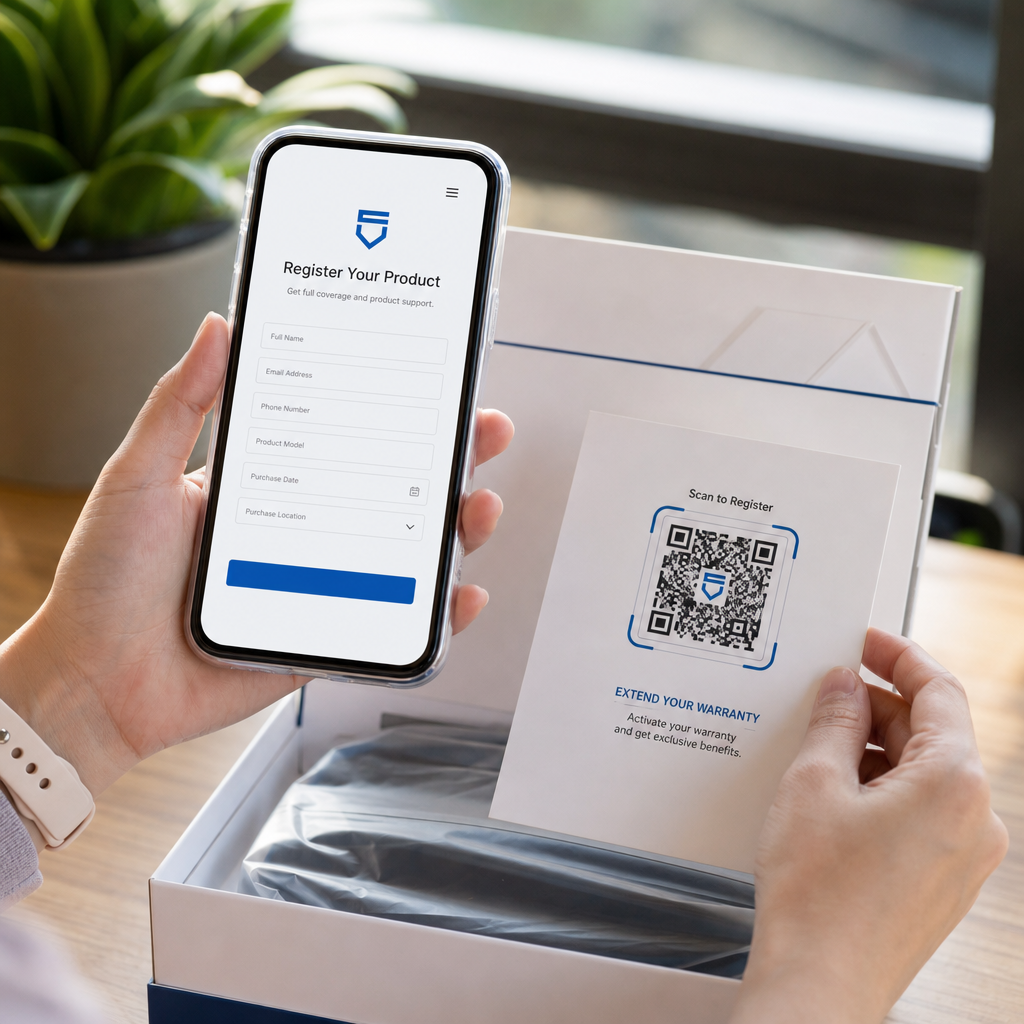
- Ürün ambalajı: Ambalaj üzerindeki markalı bir QR kodu, montaj talimatlarına, garanti kaydına veya ürün incelemelerine bağlanabilir. Burada dinamik bir kod kullanmak, ürün geliştikçe hedefi güncelleyebileceğiniz anlamına gelir.

Daha ayrıntılı örnekler için bkz. Markalı QR kodlarının 7 örneği.
Sıkça sorulan sorular
Doğru yönergeleri takip ederseniz değil. Logo eklemeden önce hata düzeltmeyi H Seviyesine ayarlayın, logoyu ortalanmış tutun ve kapsama alanını toplam kod alanının yaklaşık -25'i ile sınırlayın. Üç köşe konum işaretleyicisini kapatmaktan kaçının. Yazdırmadan önce son kodu birden fazla cihazda test edin.
Evet, koyu modüller ile açık arka plan arasında yeterli kontrastı koruduğunuz sürece. En az 4.5:1 kontrast oranını hedefleyin. Modül deseni içinde gradyanlardan kaçının, renkleri asla açık-koyu olarak tersine çevirmeyin ve sessiz bölgeyi (kodun etrafındaki boş kenar boşluğu) her zaman tamamen temiz tutun.
Yakın mesafeli tarama için önerilen minimum boyut 0,8 × 0,8 inçtir (yaklaşık 2 × 2 cm). Daha uzak mesafelerden taranması amaçlanan kodlar için 10:1 kuralını kullanın: beklenen her 10 cm tarama mesafesi için kod en az 1 cm genişliğinde olmalıdır. Pikselleşmeyi önlemek için baskı dosyalarını her zaman SVG veya EPS gibi bir vektör formatında dışa aktarın.