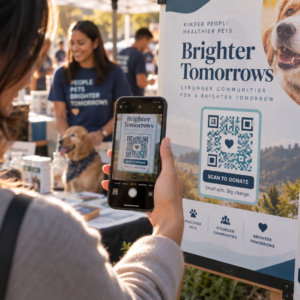
Bojujete s prepojením vašich fyzických marketingových materiálov s merateľnými digitálnymi výsledkami? Väčšina firiem tlačí letáky, vešia plagáty a balí produkty bez jasného spôsobu sledovania angažovanosti – a to znamená stratené príležitosti. Táto príručka pokrýva päť praktických spôsobov, ako použiť online generátor QR kódov na premenu offline kontaktných bodov na aktívne, sledovateľné marketingové kanály.
Použite dynamické QR kódy na budovanie retargetovateľných publík
Nie všetky QR kódy sú rovnaké. Dynamické kódy QR kódujú krátku presmerovaciu URL namiesto pevného cieľa, čo znamená, že môžete kedykoľvek zmeniť, kam kód smeruje – bez pretlačenia jediného letáku alebo balenia. Ak ste už vytlačili svoje materiály, ale potrebujete aktualizovať vstupnú stránku alebo vymeniť sezónnu ponuku, dynamický kód to okamžite zvládne.
Hlbšou marketingovou výhodou je retargeting. Keď zákazník naskenuje váš kód a pristane na stránke, ktorú ovládate, môžete spustiť Facebook Pixel alebo pripojiť značky Google Analytics k tejto relácii. Odtiaľ môžete vytvárať vlastné publiká a podobné segmenty z ľudí, ktorí fyzicky interagovali s vašimi materiálmi. To premení tlačený plagát na digitálny zdroj potenciálnych zákazníkov.
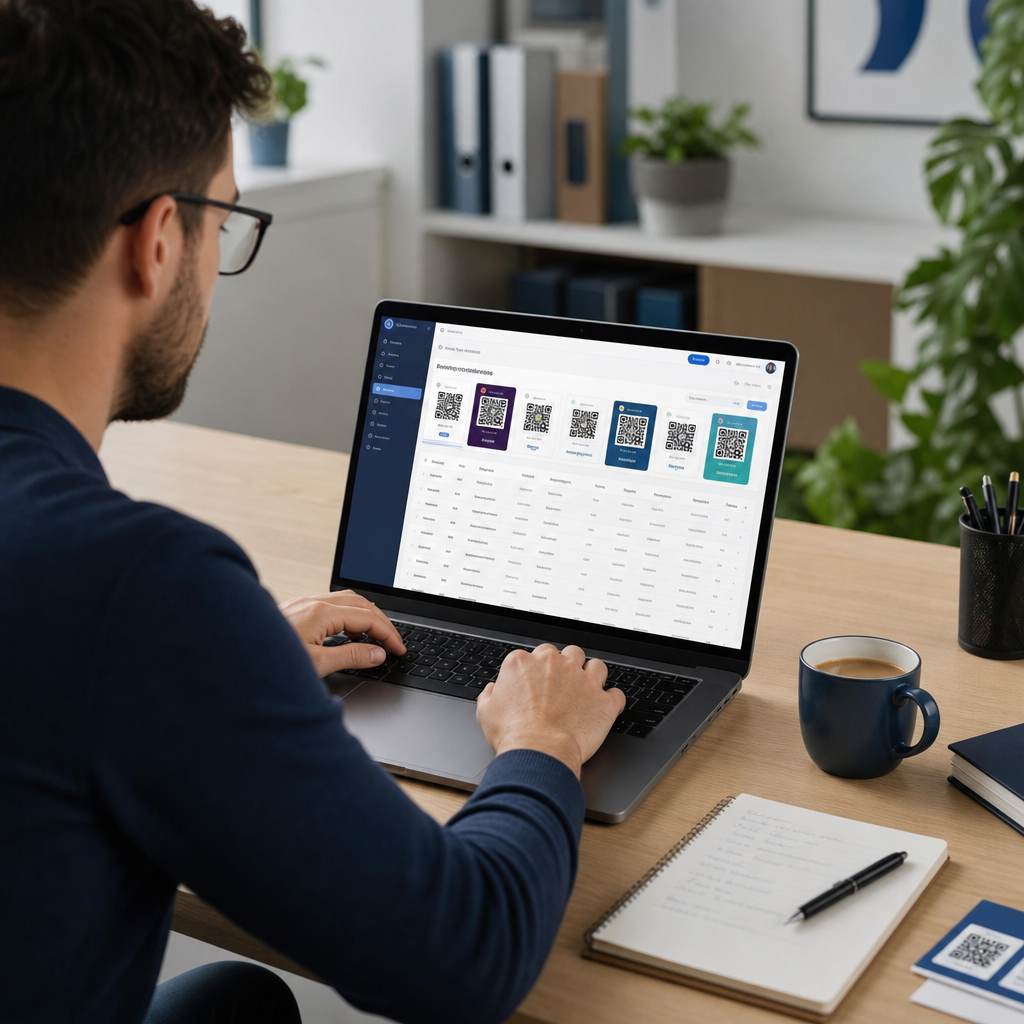
Dynamické QR kódy vám tiež poskytujú podrobné analýzy skenovania – počty skenov, časové pečiatky, geografickú polohu, typ zariadenia a operačný systém – údaje, ktoré statické kódy jednoducho nemôžu poskytnúť. Pre akúkoľvek kampaň, kde potrebujete flexibilitu, sledovanie alebo úpravy v reálnom čase, sú dynamické kódy správnou voľbou.
Vytvorte sledovateľné QR kódy pre vašu ďalšiu kampaň Chcete aktualizovať ciele, sledovať každé skenovanie a budovať retargetovateľné publiká z vašich tlačových materiálov? Začnite s generátorom QR kódov a spustite svoju prvú dynamickú kampaň ešte dnes.
Navrhnite si QR kód tak, aby zodpovedal vašej značke
Obyčajný čiernobiely QR kód na inak vyleštenom značkovom kúsku vysiela nesprávny signál. Moderné generátory QR kódov vám umožňujú prispôsobiť farby, tvary a vzory tak, aby zodpovedali vašej vizuálnej identite, a kód môžete zabaliť do CTA rámca – orámovania s inštruktívnym textom ako “Naskenujte a získajte 20% zľavu” alebo “Naskenujte a pozrite si dnešné menu.”
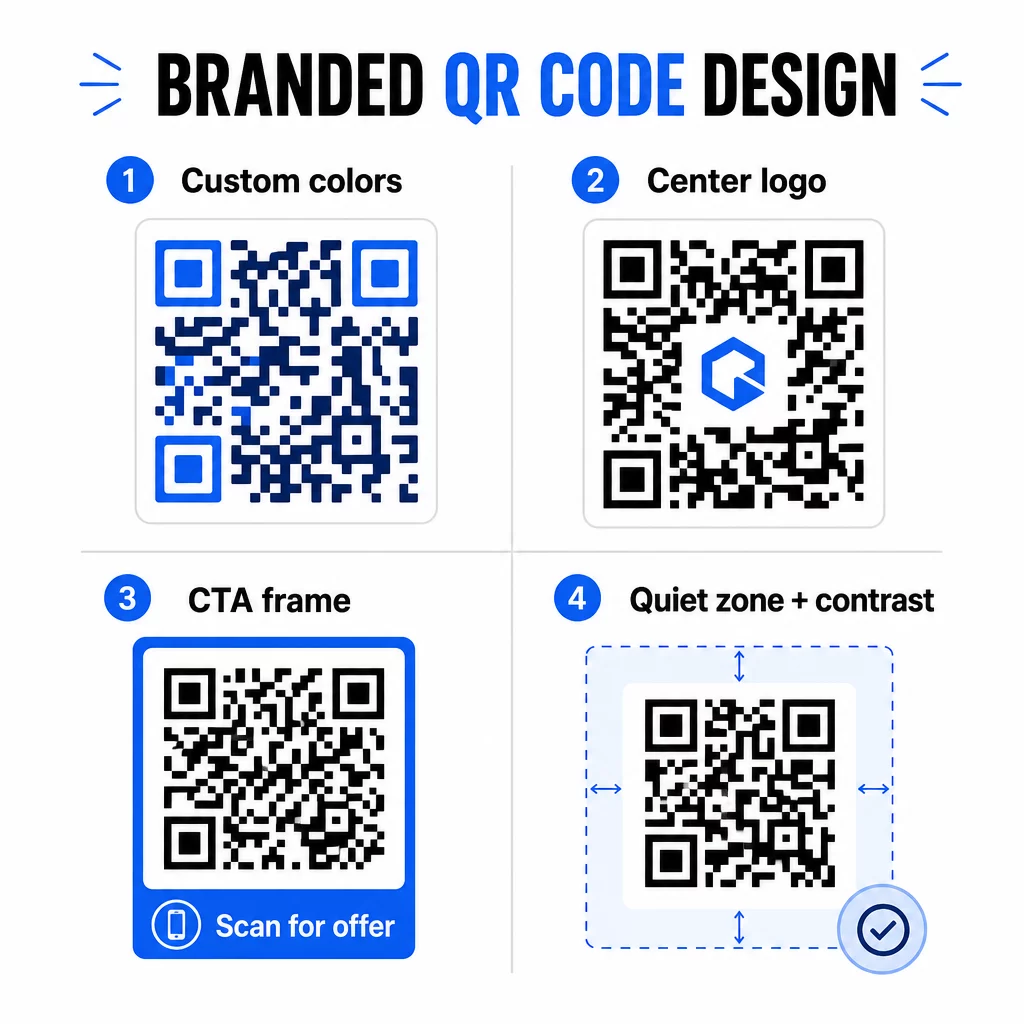
Ten CTA rámec robí skutočnú prácu. Výskum rámov QR kódov dôsledne ukazuje, že kódy bez akýchkoľvek pokynov získavajú oveľa menej skenov, pretože ľudia nevedia, čo dostanú. Špecifická výzva zameraná na výhody odstraňuje túto váhavosť.
Niekoľko pravidiel dizajnu, ktoré treba dodržiavať:
- Udržujte kód tmavý na svetlom pozadí – invertované alebo nízko-kontrastné farebné kombinácie mätú mnoho skenerov
- Udržujte tichú zónu (jasný okraj s minimálne štyrmi modulmi) okolo celého obvodu kódu
- Tlačte s minimálnou veľkosťou 2 × 2 cm (0,8 × 0,8 palca) pre väčšinu materiálov; pre billboardy sa zamerajte na minimálne 40 × 40 cm
- Používajte vektorové alebo vysokorozlíšenie exporty, aby moduly zostali ostré pri akejkoľvek veľkosti
Ak chcete pridať logo do stredu kódu, nastavte úroveň korekcie chýb na Q alebo H, aby kód zostal skenovateľný aj s časťou vzoru zakrytou. Viac sa dozviete o štandardoch umiestnenia QR kódov pre rôzne materiály aby ste sa uistili, že váš dizajn funguje vo všetkých formátoch.
Prekročte rámec URL adries – Používajte QR kódy pre kupóny, recenzie a udalosti
Väčšina marketérov štandardne odkazuje QR kód na webovú stránku a tam končí. Tento prístup sotva poškriabe povrch toho, čo je možné.
Zvážte tieto prípady použitia:
- Kupónové kódy: A QR kód kupónu privedie zákazníkov na stránku zobrazujúcu vaše aktuálne ponuky a zľavy, s CTA, ktorá ich vedie k pokladni
- Recenzie Google: Umiestnite QR kód recenzií Google na účtenky, obaly alebo stolové stojany, aby bolo zanechanie spätnej väzby čo najjednoduchšie – jedno naskenovanie a stránka s recenziami sa otvorí automaticky
- Podujatia: Kód QR kódu udalosti konsoliduje podrobnosti o mieste konania, rozvrhy a registračné odkazy v jednom skenovaní, a pretože je dynamický, môžete aktualizovať informácie, ak sa niečo zmení, bez opätovnej tlače
- Sociálne médiá: A kód QR pre sociálne médiá poskytuje zákazníkom priamu cestu k sledovaniu vašich účtov alebo pripojeniu sa k vašej komunite z akéhokoľvek fyzického materiálu
- Smerovanie k polohe: A Kód QR Mapy Google otvorí vašu polohu v aplikácii Mapy jedným skenovaním – užitočné na pozvánkach na udalosti, výkladoch obchodov a vizitkách
Každý z týchto prípadov použitia rieši konkrétny problém v zákazníckej ceste. Kľúčom je priradiť typ QR kódu k tomu, čo vaše publikum v danom momente skutočne potrebuje.
Vykonajte prieskum publika pred nasadením
QR kód je len taký efektívny, ako kampaň, ktorá za ním stojí. Pred vygenerovaním jediného kódu si nájdite čas na pochopenie toho, koho cielite a kde trávi čas – fyzicky aj digitálne.
Začnite jasným definovaním vášho publika:
- Aké problémy sa snažia vyriešiť?
- Kde sa stretávajú s vašou značkou vo fyzickom svete – maloobchodné regály, udalosti, priama pošta, obaly produktov?
- Aké zariadenia používajú a ako pohodlne sa cítia pri skenovaní QR kódov?
Potom si preverte, čo robia vaši konkurenti. Kam umiestňujú kódy? Na aké destinácie odkazujú? Identifikácia medzier v ich prístupe je často miestom, kde sa nachádza najjasnejšia príležitosť.
Tento základ tiež formuje váš výber medzi statickými a dynamickými QR kódmi. Statické kódy sú vhodné pre trvalý, nemenný obsah, ako sú prihlasovacie údaje k Wi-Fi alebo pevný produktový manuál. Dynamické kódy sú správnou voľbou pre marketingové kampane, kde sa môžu meniť destinácie, ponuky alebo obsah. Včasné rozhodnutie vám ušetrí neskoršiu pretlač materiálov.
Pre konkrétne marketing pre malé podniky, dokonca aj jednoduchý audit umiestnenia – pýtanie sa, kde sa vaši zákazníci fyzicky zastavia alebo čakajú – môže odhaliť vysoko hodnotné miesta, ktoré väčšina konkurentov prehliada.
Veďte hodnotou, nielen výzvou na skenovanie
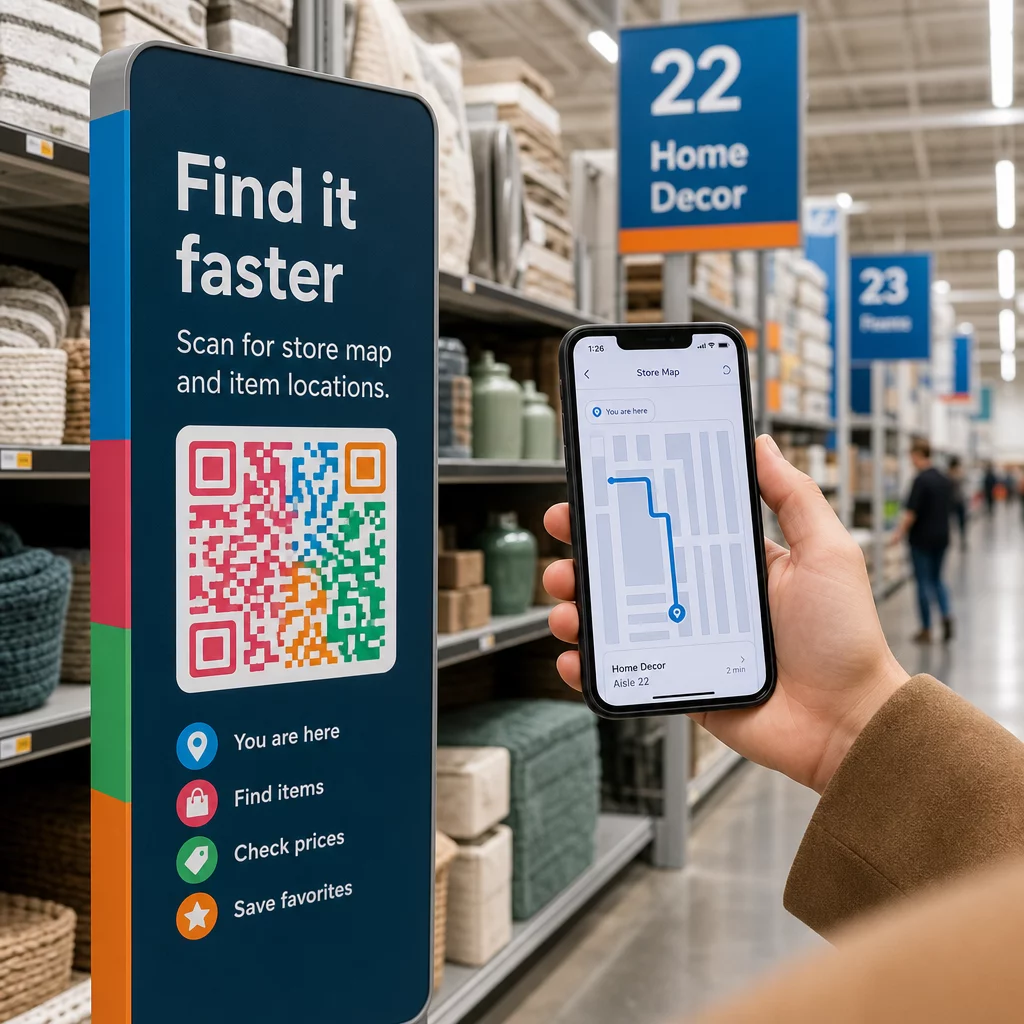
Miera skenovania sa dramaticky zlepší, keď ľudia pochopia, čo získajú predtým, ako skenujú. Všeobecná výzva “Skenujte ma” žiada pozornosť bez toho, aby niečo ponúkala na oplátku. Konkrétna výzva – “Skenujte pre odomknutie exkluzívnej zľavy” alebo “Skenujte pre stiahnutie sprievodcu nastavením” – dáva ľuďom jasný dôvod konať.
Toto sa spája so širším princípom efektívneho marketingu: zákazníci reagujú na to, po čom túžia, nielen na to, čo potrebujú. Váš QR kód by mal byť vstupným bodom k niečomu skutočne užitočnému alebo odmeňujúcemu.
Praktické spôsoby, ako dodať hodnotu prostredníctvom QR kódov:
- Ponúknite zľavu alebo exkluzívny kupón, ktorý je prístupný iba skenovaním
- Odkážte na PDF sprievodcu, inštruktážne video alebo demo produktu, ktoré uľahčí rozhodovanie o kúpe
- Prepojte zákazníkov so stránkou recenzií a poďakujte im za ich čas
- Poskytnite účastníkom podujatia okamžitý prístup k programom, životopisom rečníkov alebo mapám miesta konania
Keď sa zákazníci dostanú na vašu vstupnú stránku, uistite sa, že zážitok je konzistentný. Cieľová stránka by mala byť optimalizovaná pre mobilné zariadenia, rýchlo sa načítať a mať jasný ďalší krok. Dobre navrhnutý kód, ktorý vedie k zlej mobilnej skúsenosti, stratí konverzie v poslednej chvíli.
Prepojte tlačené materiály s digitálnou angažovanosťou Pripravení uviesť tieto nápady do praxe? Preskúmajte riešenia QR kódov podľa odvetvia a prípadu použitia aby ste našli ten správny formát pre vašu ďalšiu kampaň.
Testujte pred spustením, potom sledujte, čo funguje
Predtým, ako sa akýkoľvek QR kód dostane na tlačené alebo distribuované materiály, dôkladne ho otestujte. Naskenujte kód na viacerých zariadeniach a operačných systémoch, v rôznych svetelných podmienkach a zo vzdialeností, z ktorých bude vaše publikum realisticky stáť. Pri tlačových materiáloch otestujte finálny tlačený výstup – nielen digitálny náhľad.
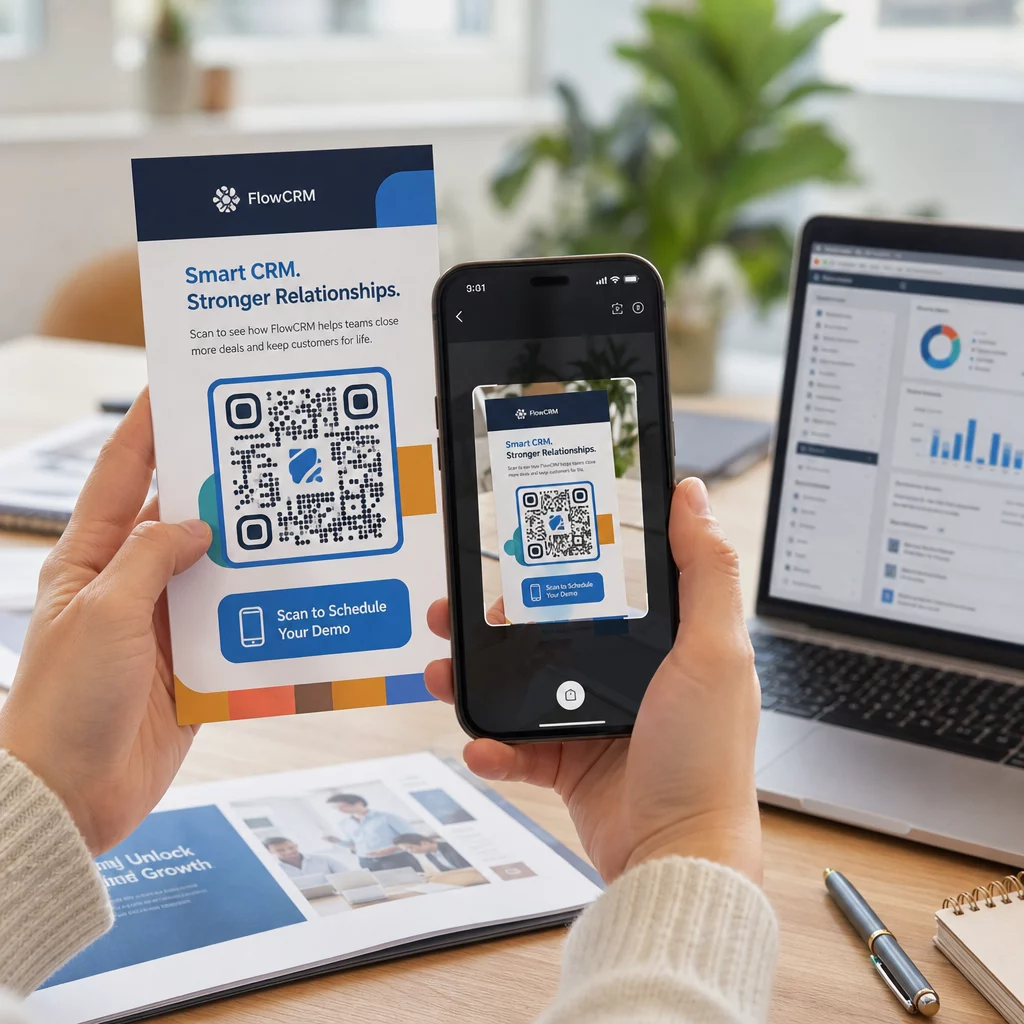
Keď je vaša kampaň spustená, použite svoj analytický panel na monitorovanie:
- Celkový počet skenov a počet unikátnych skenov
- Geografické rozdelenie miesta, kde dochádza k skenovaniu
- Údaje o zariadeniach a operačných systémoch
- Vzory načasovania skenovania (deň v týždni, čas dňa)
Tieto údaje vám povedia, ktoré umiestnenia a materiály generujú angažovanosť a ktoré nie. Ak konkrétne umiestnenie alebo materiál nedosahuje očakávané výsledky, môžete aktualizovať cieľ dynamického kódu a otestovať novú ponuku alebo vstupnú stránku – bez toho, aby ste sa dotkli samotného vytlačeného kódu.
Pre kampane integrované s Google Analytics, pridanie parametrov UTM do cieľových URL adries vášho QR kódu vám poskytne úplný obraz o tom, ako offline skeny prispievajú k online konverziám, priamo vo vašich existujúcich nástrojoch na vytváranie prehľadov.
Firmy, ktoré dosahujú najlepšie výsledky s QR kódmi, sú tie, ktoré ich považujú za merateľný kanál – stanovujú si ciele, sledujú výkonnosť a iterujú na základe skutočných údajov, nie predpokladov.
Začnite vytvárať merateľné kampane s QR kódmi Generujte, prispôsobujte a sledujte QR kódy pre každý marketingový prípad použitia s Pageloot. Vyskúšajte si generátor QR kódov zadarmo na 14 dní – nie je potrebná kreditná karta.
Často kladené otázky
Statický QR kód kóduje pevnú destináciu, ktorá sa nedá zmeniť po vytvorení a nepodporuje sledovanie. Dynamický QR kód kóduje krátku presmerovaciu URL adresu, čo znamená, že môžete aktualizovať destináciu kedykoľvek bez opätovnej tlače a získate prístup k analytike skenovania vrátane polohy, typu zariadenia a načasovania. Pre väčšinu marketingových kampaní sú dynamické kódy lepšou voľbou, pretože vám poskytujú flexibilitu a merateľné údaje.
Minimálna odporúčaná veľkosť pre spoľahlivé skenovanie na väčšine tlačových materiálov je 2 × 2 cm (približne 0,8 × 0,8 palca). S narastajúcou očakávanou vzdialenosťou skenovania by sa kód mal proporcionálne zväčšovať – bežné pravidlo je, že šírka kódu by mala byť aspoň jedna desatina vzdialenosti, z ktorej sa bude skenovať. Pre veľkoformátové materiály, ako sú billboardy, sa zamerajte na minimálne 40 × 40 cm. Vždy otestujte finálny vytlačený výstup na viacerých zariadeniach pred distribúciou.
Najefektívnejšie prístupy sú spárovanie vášho kódu so špecifickou, výhodou riadenou výzvou k akcii (napríklad “Naskenujte a získajte zľavu” namiesto “Naskenujte ma”), umiestnenie kódu tam, kde sa vaše publikum prirodzene zastaví alebo sústredí pozornosť, a zabezpečenie, aby cieľová stránka prinášala skutočnú hodnotu. Prispôsobenie dizajnu kódu tak, aby zodpovedal vašej značke, tiež pomáha – vizuálne odlišné kódy v súlade so značkou priťahujú viac pozornosti ako generické čiernobiele vzory.