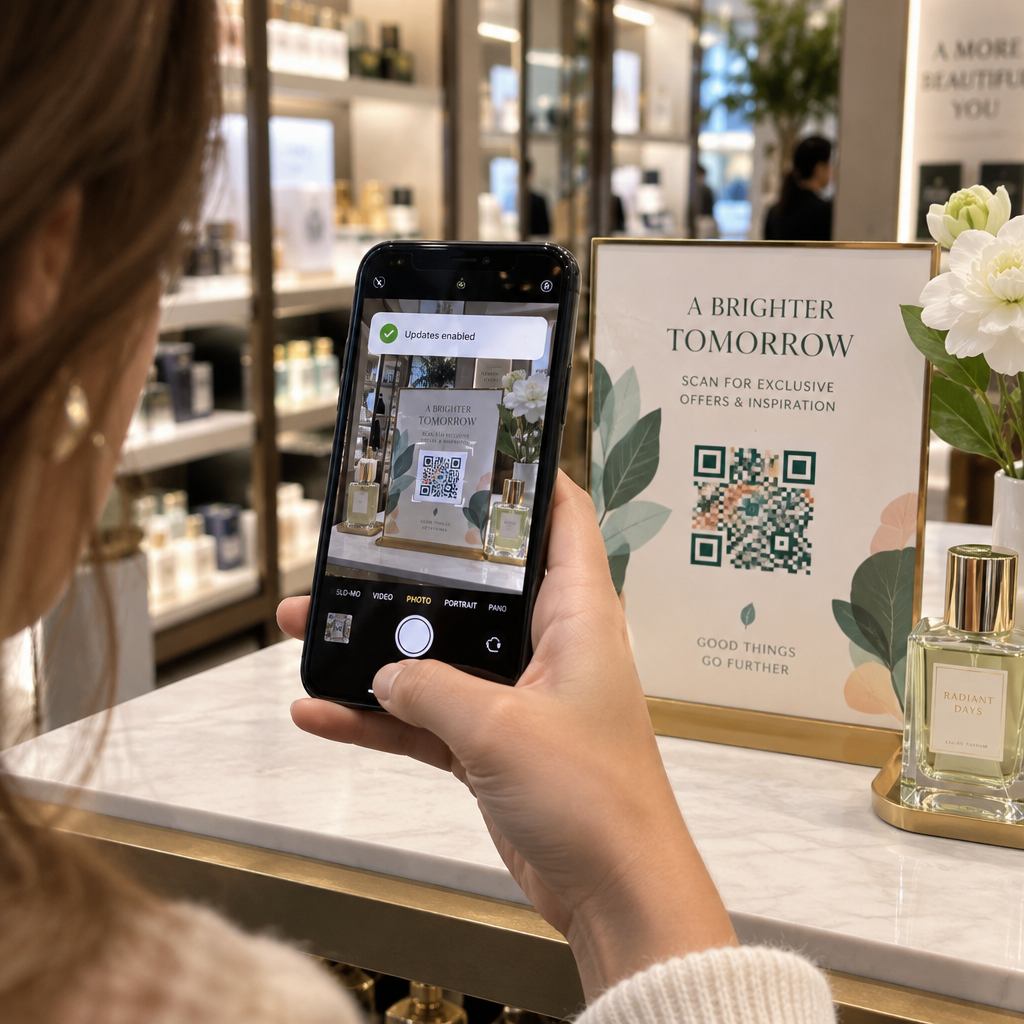
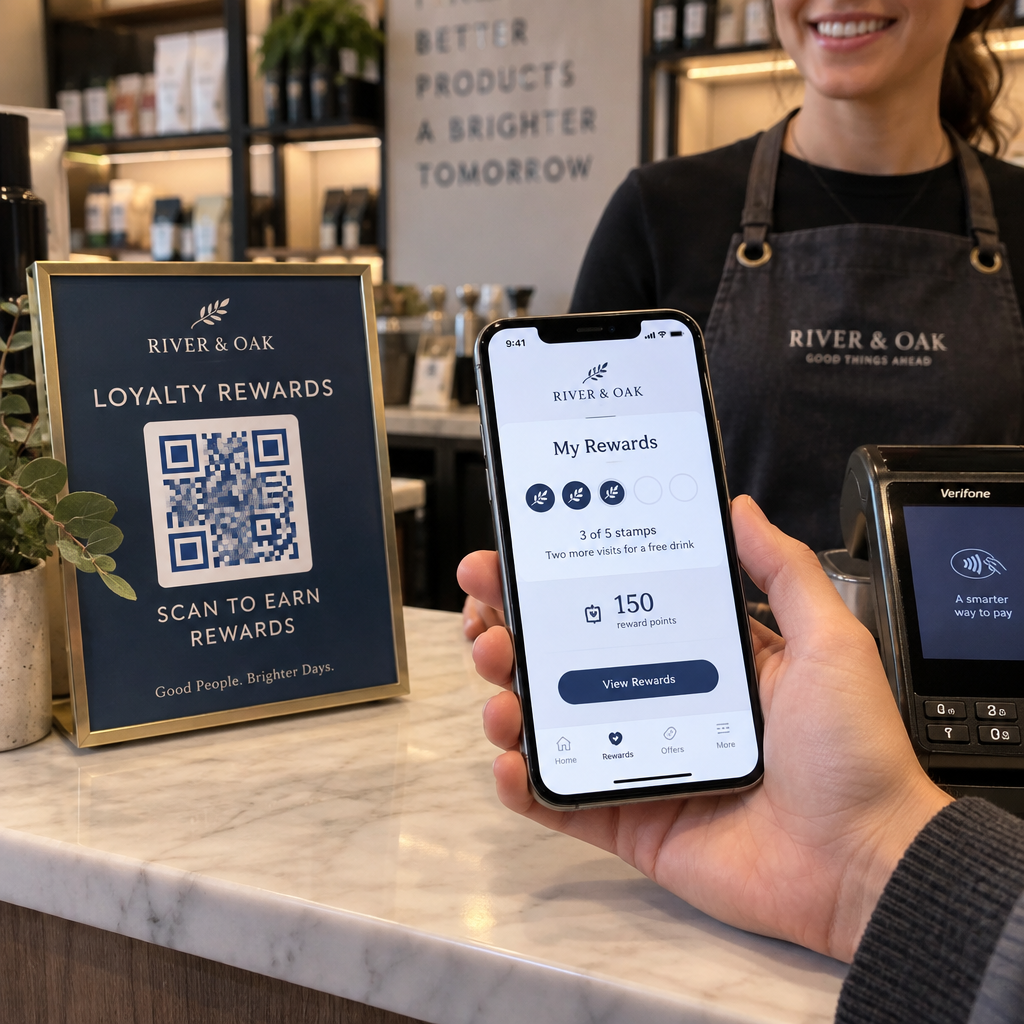
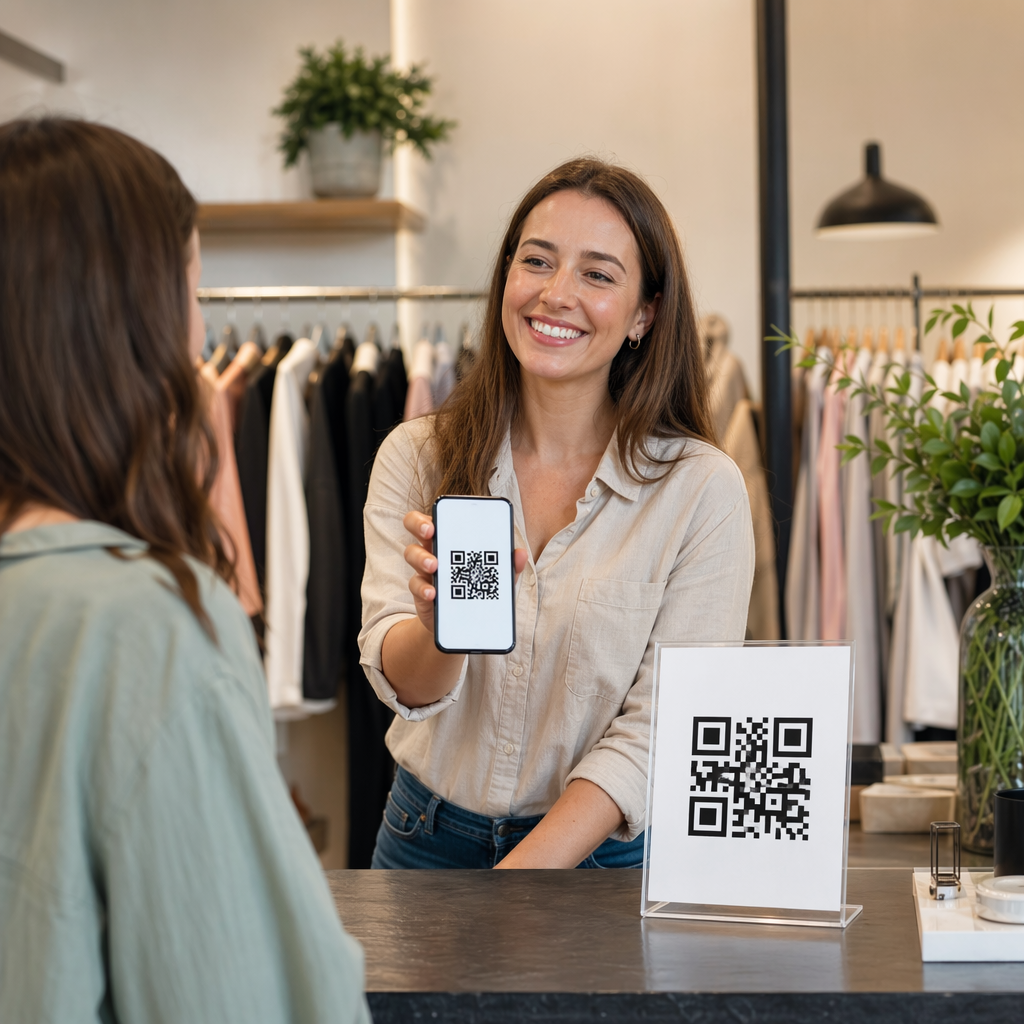
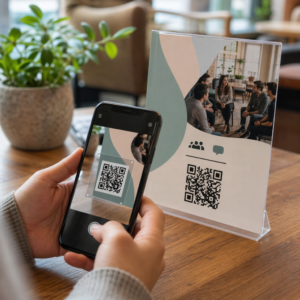
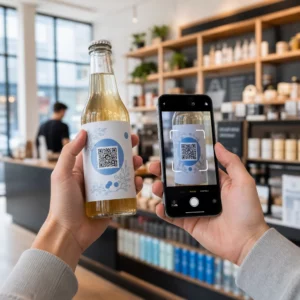
Stai ancora gestendo l'ingresso agli eventi con liste invitati stampate e registrazioni manuali? Questo approccio rallenta le code d'ingresso, frustra i partecipanti e lascia gli organizzatori con poca visibilità su ciò che sta realmente accadendo sul campo. Questa pagina copre ogni modo pratico di utilizzare i codici QR agli eventi – dalla biglietteria e i check-in agli RSVP e al follow-up post-evento – in modo da poter gestire operazioni più fluide e ottenere risultati misurabili.
Perché gli Organizzatori di Eventi Stanno Adottando i Codici QR
L'adozione dei codici QR tra i professionisti degli eventi non è più una nicchia. Il 43% dei marketer utilizza i codici QR specificamente per gli eventi, rendendo gli eventi il caso d'uso di QR più comune tra i professionisti del marketing. Gli stessi dati mostrano che oltre il 90% dei marketer ha dichiarato di utilizzare i codici QR nel 2025, con il 94% che ha aumentato il proprio utilizzo anno dopo anno.
La ragione di questo cambiamento è pratica: i partecipanti sono già a loro agio con la scansione. Più di due terzi dei consumatori ha utilizzato un codice QR almeno una volta nell'ultimo anno, e circa la metà della Gen Z e dei Millennial scansiona codici QR almeno una volta a settimana. Con il 98% degli americani che possiede un telefono cellulare, non esiste una barriera significativa per far scansionare i partecipanti.
Per gli organizzatori, il vantaggio è il controllo in tempo reale. È possibile tracciare gli ingressi, monitorare la partecipazione per sessione, aggiornare le informazioni sull'evento senza ristampare materiali e misurare l'engagement molto tempo dopo la fine dell'evento.
Casi d'Uso dei Codici QR per Eventi
I codici QR sono abbastanza flessibili da gestire quasi ogni esigenza operativa e di engagement in un evento. Ecco le applicazioni più efficaci.
Biglietteria e Gestione degli Ingressi
Il punto di partenza più comune è la sostituzione dei biglietti cartacei con codici QR scansionabili. Ogni partecipante riceve un codice QR unico – consegnato via email, PDF o mobile – che il personale scansiona all'ingresso per convalidare l'accesso e registrare la presenza in tempo reale.
Questo approccio elimina la necessità di controllare manualmente le liste, velocizza le code d'ingresso e previene le frodi da uso duplicato, poiché ogni codice può essere impostato per una convalida a scansione singola. Per una spiegazione dettagliata dell'architettura di sicurezza dietro a questo, consulta la guida su Come creare biglietti per eventi con QR code sicuri.
Puoi generare i biglietti direttamente utilizzando il Generatore di QR code per eventi inserendo l'URL dell'evento, il titolo, la descrizione e i dettagli di contatto, quindi personalizzando il design del codice prima di scaricarlo per la distribuzione.
Semplifica l'Ingresso al Tuo Evento Crea codici QR brandizzati e tracciabili per biglietti, landing page e check-in. Prova il Generatore di QR code per eventi gratuitamente per 14 giorni – nessuna carta di credito richiesta.
Check-In dei Partecipanti e Monitoraggio delle Presenze
Il check-in basato su QR funziona facendo scansionare al personale il codice di ogni partecipante con un telefono, un tablet o un'app di scansione dedicata. Una scansione valida contrassegna automaticamente la persona come registrata e aggiorna istantaneamente i tuoi registri di presenza.
Questo è significativamente più veloce dei metodi manuali. Secondo la guida ai codici QR per i check-in degli eventi, i check-in con codice QR riducono il tempo medio di elaborazione a meno di 2 secondi per persona e possono ridurre la durata totale dell'ingresso fino al 50% rispetto ai processi manuali.
Per eventi in corso, corsi o conferenze multi-sessione, lo strumento Codice QR per Presenze di Pageloot consente ai partecipanti di effettuare il self-check-in scansionando un codice collegato a un modulo Google o a uno strumento simile, con le risposte che vengono automaticamente inserite in un foglio di calcolo per il monitoraggio in tempo reale. Scopri di più sulla creazione di questo tipo di sistema sulla pagina di monitoraggio delle presenze.
Raccolta RSVP
Invece di indirizzare gli ospiti a digitare un URL, un codice QR sul tuo invito, volantino o pagina dell'evento li porta direttamente al tuo modulo RSVP con una singola scansione. Questo elimina l'attrito e di solito aumenta i tassi di risposta.
Usa di Pageloot Generatore di QR code per Google Form per collegare qualsiasi modulo Google a un codice scansionabile, quindi posizionarlo su inviti stampati, grafiche digitali o segnaletica dell'evento. Per istruzioni passo-passo, la guida sui codici QR RSVP per eventi illustra la selezione della piattaforma, la generazione del codice e la conformità alla privacy.
Programmi e Informazioni sull'Evento
Un codice QR posizionato su un badge, un segnaposto o un cartello della sede può collegare i partecipanti a un programma eventi in tempo reale, biografie dei relatori, mappe del piano o dettagli delle sessioni. Poiché i codici QR dinamici ti consentono di aggiornare l'URL di destinazione dopo la stampa, puoi correggere i cambiamenti di programma o aggiungere informazioni senza ristampare i materiali.
Questo è uno degli argomenti pratici più forti per l'utilizzo di codici dinamici rispetto a quelli statici. Se un relatore annulla o una sala cambia, aggiorni il link – non il materiale stampato.
Integrazione con Google Calendar
Per conferenze, workshop o qualsiasi evento a pagamento con sessioni, collegare un codice QR a una voce di Google Calendar consente ai partecipanti di aggiungere l'evento direttamente al proprio calendario con una sola scansione. Usa il Generatore di QR code Google Calendar per creare questo codice, quindi posizionalo su email di conferma, biglietti o inviti.
Navigazione della sede
Le grandi sedi – centri congressi, festival all'aperto, spazi per conferenze su più piani – spesso causano attrito semplicemente perché i partecipanti non riescono a trovare dove devono andare. Un codice QR su segnaletica, biglietti o inviti che si apre direttamente in Google Maps elimina completamente tale attrito. Creane uno usando il Generatore di QR code Google Maps e includilo ovunque i partecipanti lo vedranno prima o durante l'evento.
Condivisione di foto e coinvolgimento sociale
I codici QR possono collegare i partecipanti a una galleria fotografica condivisa, a una pagina hashtag brandizzata o a un portale di caricamento in modo che gli ospiti possano contribuire e visualizzare le foto dell'evento in tempo reale. Questo crea un ciclo di partecipazione che estende l'esperienza dell'evento oltre la sede fisica. Per una guida pratica alla configurazione, vedi come usare un codice QR per condividere foto.
Sondaggi post-evento e follow-up
La ricerca mostra che il 41% degli organizzatori utilizza sondaggi post-evento per misurare il ROI, e il 40% si affida al coinvolgimento sui social media. Un codice QR su un badge, un volantino o un cartello di uscita che rimanda a un modulo di feedback facilita la risposta dei partecipanti mentre l'evento è ancora fresco. Collegare quel modulo a un Google Form tramite il generatore di Pageloot significa che le risposte confluiscono direttamente in un foglio di calcolo che puoi analizzare immediatamente.
Come creare un codice QR per eventi con Pageloot
Il processo richiede pochi minuti e non richiede competenze tecniche.
- Apri il generatore – Vai al Generatore di QR code per eventi e seleziona “Crea codice QR per evento”.”
- Aggiungi i dettagli del tuo evento – Inserisci l'URL della pagina dell'evento, il titolo, la descrizione e le informazioni di contatto. Pageloot costruisce una landing page attorno a questo contenuto.
- Progetta il codice QR – Regola colori, forme e aggiungi il tuo logo per abbinarlo al branding del tuo evento.
- Scegli dinamico se hai bisogno di flessibilità – I codici dinamici ti consentono di aggiornare il link di destinazione dopo la stampa. Questa è la scelta giusta per qualsiasi cosa possa cambiare prima o durante l'evento.
- Testa il codice – Scansiona su dispositivi iOS e Android in diverse condizioni di illuminazione prima di distribuire.
- Scarica e distribuisci – Esporta in PNG, PDF o SVG e posizionalo su biglietti, segnaletica, inviti o materiali digitali.
Codici QR statici vs. dinamici per eventi
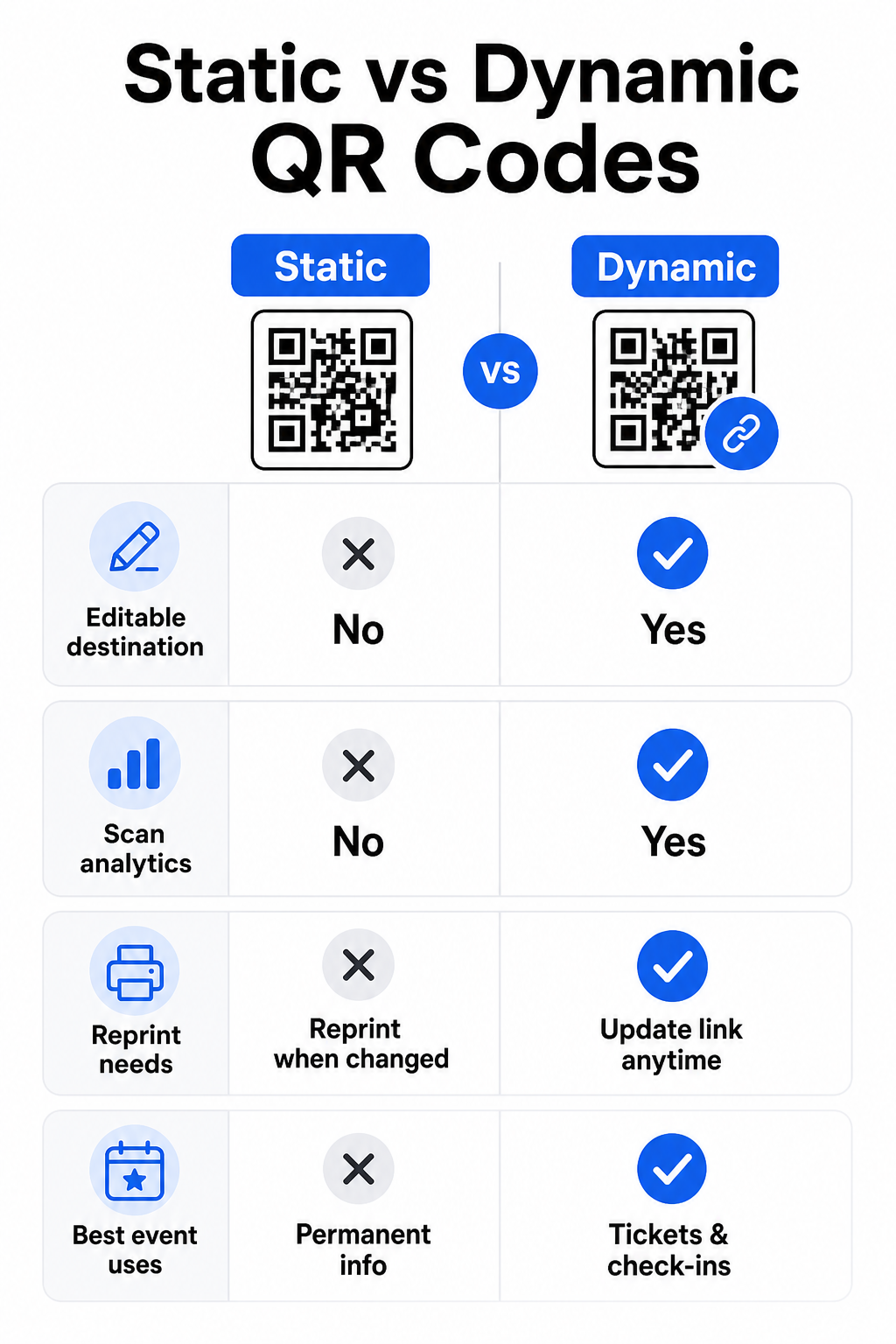
Comprendere la differenza tra codici QR statici e dinamici ti aiuta a fare la scelta giusta per ogni caso d'uso.
| FUNZIONE | Codice QR statico | Codice QR dinamico |
|---|---|---|
| Destinazione modificabile dopo la stampa | No | Sì |
| Analisi delle scansioni | No | Sì |
| Il codice cambia se la destinazione cambia | Sì (ristampa richiesta) | No |
| Ideale per | Link semplici e permanenti | Biglietti, orari, campagne |
| Costo | Gratuito | Abbonamento a pagamento |
Per la maggior parte delle operazioni di evento – specialmente biglietteria, check-in e qualsiasi cosa che possa richiedere aggiornamenti – i codici QR dinamici sono la scelta migliore. Forniscono anche analisi delle scansioni, che ti dicono quante persone hanno scansionato, quando, su quale dispositivo e da quale posizione. La guida alla creazione di codici QR dinamici per i check-in CRM spiega come collegare questi dati al tuo più ampio flusso di lavoro di gestione dei partecipanti.
Posizionamento e dimensionamento dei codici QR per eventi
Un codice QR che non può essere scansionato in modo affidabile vanifica il suo scopo. Le seguenti linee guida riflettono la ricerca sull'usabilità e scenari pratici di eventi.
Dimensioni minime per tipo di materiale:
- Inviti stampati: almeno 1,5 × 1,5 pollici
- Badge o braccialetti: almeno 1,5 pollici quadrati
- Segnaposto o cartellini da tavolo: almeno 1 × 1 pollice (1,5 pollici preferiti)
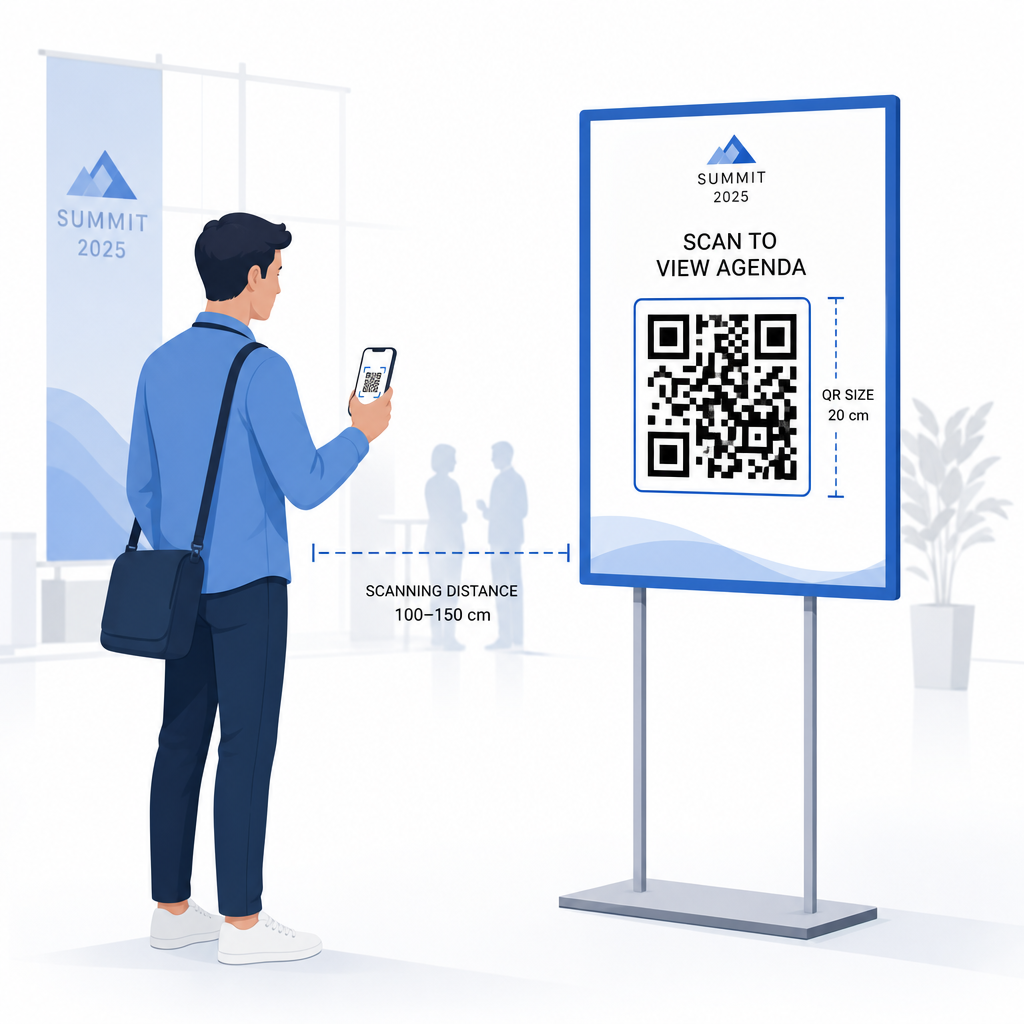
- Segnaletica per eventi: almeno 5 × 5 pollici, aumentando a 7 × 7 pollici per sedi più larghe di 30 piedi
Una regola pratica utile: la dimensione più piccola del codice QR dovrebbe essere all'incirca un decimo della distanza di scansione. Un codice scansionato da 3 piedi di distanza dovrebbe essere largo almeno 3,6 pollici.
Linee guida per il posizionamento:
- Posiziona i codici a altezza occhi o petto – circa 3-5 piedi dal pavimento – in modo che i partecipanti possano scansionare senza piegarsi o allungarsi
- Posiziona i codici dove le persone si fermano o aspettano naturalmente: ingressi, banchi di registrazione, tavoli, vicino a display e in coda
- Mantieni un contrasto elevato: i moduli scuri su sfondo chiaro scansionano in modo più affidabile; evita schemi di colori invertiti o a basso contrasto
- Mantieni un zona silenziosa di almeno 4 moduli di spazio vuoto su tutti e quattro i lati del codice; testo o grafica all'interno di questo margine causano errori di scansione
- Testa ogni codice nella sua dimensione finale stampata, dalla distanza di scansione prevista, sia su iOS che su Android, prima dell'evento
Per ulteriori indicazioni, il guida definitiva ai codici QR per il check-in degli eventi include requisiti tecnici dettagliati per la scansione e le migliori pratiche per le operazioni di accesso.
Monitoraggio delle prestazioni dell'evento con QR Analytics
Uno dei vantaggi sottoutilizzati dei codici QR dinamici sono i dati che generano. La dashboard di analisi di Pageloot cattura conteggi di scansioni, timestamp, tipi di dispositivo e posizioni geografiche in tempo reale.
Per gli organizzatori di eventi, questi dati rispondono a domande pratiche:
- Quale punto di ingresso ha avuto il volume di scansioni più alto e a che ora?
- I partecipanti hanno interagito con il programma o il contenuto degli sponsor durante l'evento?
- Quante persone hanno scansionato il codice del sondaggio post-evento?
- Quale canale promozionale – volantino stampato, post sui social media, email – ha generato il maggior numero di scansioni di biglietti?
Queste informazioni informano le decisioni sul personale, ti aiutano a identificare i colli di bottiglia e danno agli sponsor una prova misurabile del coinvolgimento del pubblico. Per uno sguardo più approfondito agli strumenti disponibili, consulta la raccolta di migliori strumenti per il monitoraggio degli eventi con codice QR.
Vedi Chi sta Scansionando e Quando Le analisi integrate di Pageloot ti danno dati di scansione in tempo reale su tutti i tuoi codici QR evento in un'unica dashboard. Inizia con il Generatore di QR code per eventi e gestisci il tuo prossimo evento con piena visibilità.
Scansione di Codici QR al Tuo Evento
Se hai bisogno di una soluzione di scansione per il personale per convalidare i biglietti o registrare i partecipanti, Pageloot Lettore QR code funziona direttamente nel browser – nessun download di app richiesto. Il personale può scansionare da qualsiasi smartphone o tablet puntando la fotocamera sul codice o caricando un'immagine.
Per eventi più grandi con stazioni di scansione dedicate, le fot.
Problemi comuni con i codici QR agli eventi (e come evitarli)
Anche i codici QR ben progettati falliscono quando determinate condizioni non sono soddisfatte. Ecco i problemi più frequenti e le loro soluzioni:
- Codice troppo piccolo: Rispettare le dimensioni minime indicate sopra; in caso di dubbio, stampare più grande
- Scarso contrasto: Utilizzare moduli scuri su uno sfondo bianco o chiaro; evitare di posizionare i codici su superfici scure o a fantasia
- Materiale lucido: Le finiture opache scansionano in modo più affidabile perché eliminano il riflesso; evitare materiali lucidi per badge o braccialetti
- Codice danneggiato: Graffi o strappi fisici bloccano la scansione; utilizzare le impostazioni di correzione degli errori quando si generano codici per materiali fisici
- Zona di silenzio assente: Verificare che nulla – testo, bordi, immagini – invada il margine bianco attorno al codice
- Codice non testato: Scansionare sempre la versione stampata finale su più dispositivi prima di distribuire su larga scala
Per ulteriore risoluzione dei problemi sui codici QR stampati direttamente sui biglietti, consultare la guida ai codici QR sui biglietti.
I codici QR offrono agli organizzatori di eventi un collegamento diretto tra punti di contatto fisici e sistemi digitali – che si tratti di convalidare un biglietto, registrare la partecipazione, raccogliere feedback o navigare in una sede. La chiave è scegliere codici dinamici dove la flessibilità è importante, dimensionarli e posizionarli per una scansione affidabile, e utilizzare l'analisi per capire come i partecipanti stanno effettivamente interagendo.
Inizia con il Generatore di QR code per eventi per creare il tuo primo codice QR per eventi, o esplorare lo Codice QR per Presenze strumento per costruire un sistema di check-in che registra automaticamente ogni arrivo.
Domande frequenti
Un codice QR statico ha una destinazione fissa che non può essere modificata dopo essere stato creato. Se i dettagli del tuo evento cambiano, devi ristampare il codice. Un codice QR dinamico ti permette di aggiornare l'URL di destinazione in qualsiasi momento senza cambiare il codice stampato stesso. I codici dinamici forniscono anche analisi delle scansioni – dati su quando, dove e con quale frequenza il codice viene scansionato – cosa che i codici statici non fanno. Per la maggior parte delle applicazioni per eventi, in particolare per la biglietteria e gli orari, i codici dinamici sono la scelta pratica.
Apri il Generatore di codici QR per eventi di Pageloot e seleziona l'opzione per creare un codice QR per eventi. Inserisci l'URL del tuo evento o il link di registrazione, aggiungi i dettagli dell'evento come titolo e descrizione, quindi personalizza il design del codice con il tuo branding. Scarica il codice e distribuiscilo ai partecipanti via email, PDF o biglietto stampato. All'evento, il personale scansiona il codice di ogni partecipante utilizzando la fotocamera di uno smartphone o lo Scanner di codici QR Pageloot per contrassegnarli come registrati.
Per la segnaletica standard degli eventi, si raccomanda un minimo di 5 × 5 pollici. Per sedi più grandi con larghezza superiore a 30 piedi, aumentare le dimensioni ad almeno 7 × 7 pollici. Una regola pratica affidabile è che la dimensione più piccola del codice dovrebbe essere circa un decimo della distanza di scansione prevista – quindi un codice visualizzato da 5 piedi di distanza dovrebbe essere largo circa 6 pollici. Testare sempre il codice stampato alla distanza di scansione effettiva prima dell'evento.