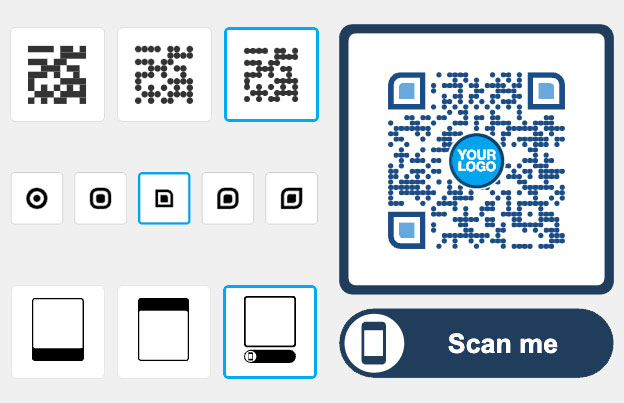
QR codes for products: put product information in a scan
Add a QR code to your product, its packaging or its label, and customers scan it to open the product page, a manual, a video or a reorder link. You can make a QR code for products for free. With a Pageloot account you can also edit the link after printing and see scans.

Trusted by 1050+ product brands in 57 countries


Where to put a QR code on a product
Put the code where customers already look at the product. Print it at least 2 x 2 cm (0.8 in), with a white border and dark colors on a light background. Test it with two phones before a print run.
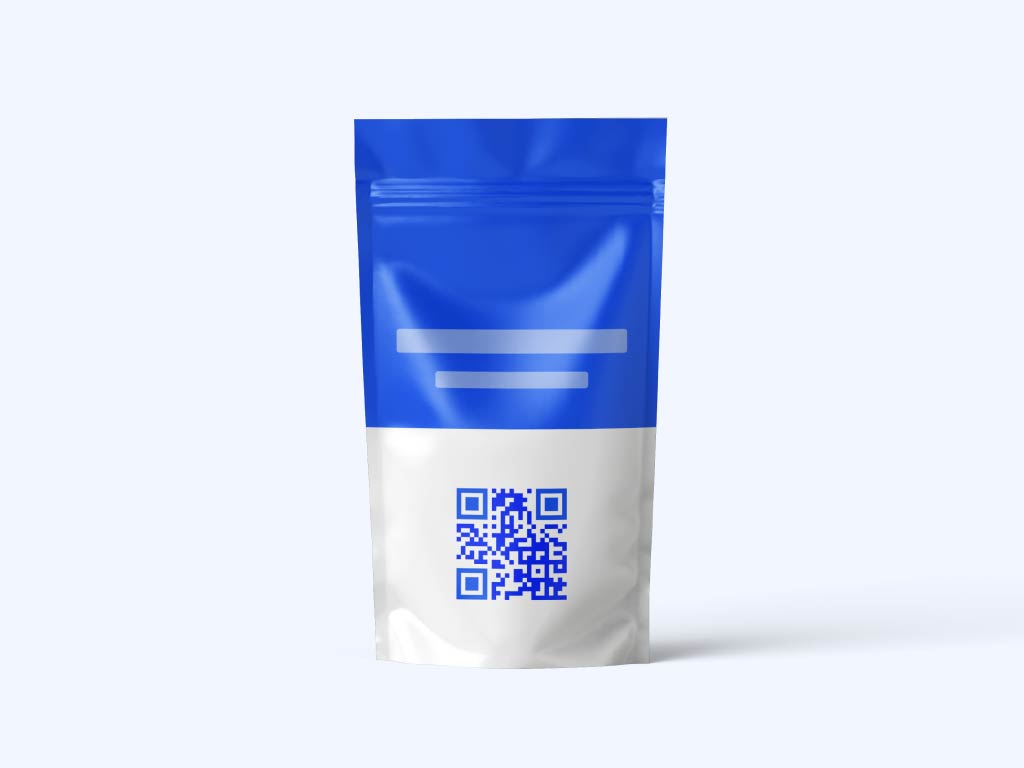
Packaging and labels
Link the box, label or hang tag to the product page, the instructions or a how-to video. Add a short line next to the code, such as “Scan for setup help”, so people know what they get.

Shop windows and shelf displays
Link a window sticker or shelf card to the online store, a product catalog or a current offer. Shoppers can look at the full range or order a size that is not on the shelf.

Warranty and loyalty cards
Put a code on the card inside the box. It can open the warranty registration form, a care guide or a repeat-order page. A dynamic code lets you change the page later without reprinting the cards.

Receipts and delivery notes
Add a code to the receipt or the delivery note. It can open a review page, a how-to guide or an offer for the next order.
Take a look
at a real case
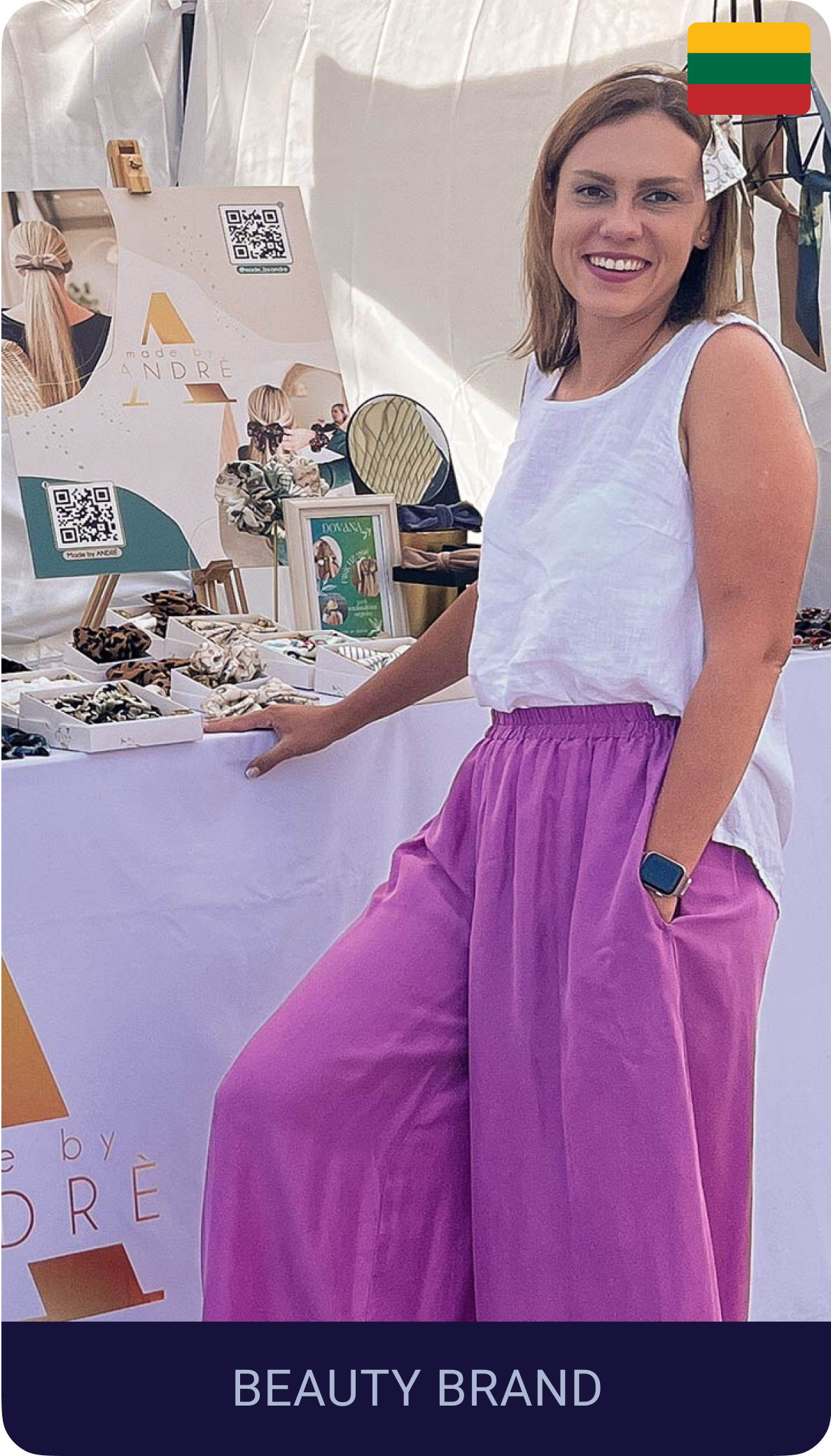
How Andre grows social media with QR codes
From events to packaging, Made by Andre uses dynamic QR codes to boost visibility, grow their audience, and stay flexible with real-time updates.
Stands out at exhibitions and fairs
Adds QR leaflets in every order
Tracks scans and edits links anytime
Andre
Designer, Made by Andre
Which QR code type to use for product information
Pick the type by what customers should see after the scan:
- List of links
Send customers to a product page, an online store, a catalog or an offer. One code can link to several pages, for example the product page, the manual and support. Good for packaging, flyers and retail displays.
- vCard
Lets a customer save your sales rep’s or support team’s name, phone number and email with one scan. Fits business cards, trade show booths and packaging inserts. See the vCard QR code generator.
- Image gallery
Show product photos, lookbooks or color options on one page. Useful for product tags and pop-up events where customers want to see more than the box shows.
Replace a printed leaflet with a PDF: user guide, specification sheet, installation steps, care instructions or warranty terms. Make sure the file opens fast on a phone before you print. See the PDF QR code generator.

For product based companies
"Pageloot helped us connect with customers like never before. The QR code advertising features make sharing our brand story so easy.."
Elena Carter
Brand strategist, Glow Brands
Static or dynamic QR codes for products
A static code is enough when the link will never change, for example a manual that stays online for the life of the product. Static codes never expire.
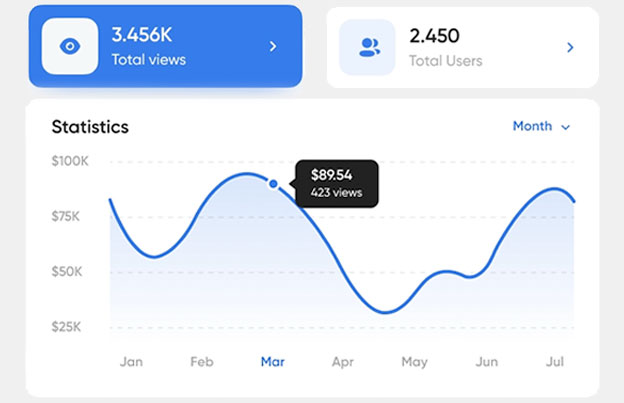
A dynamic code is worth paying for when the destination changes: a new product version, a new campaign, a replaced manual, a moved web shop. With a dynamic code you change the destination in your Pageloot account and the printed code follows, so you do not reprint packaging. It also shows scan stats: when, where and on what device, so you can see which product line or placement gets scanned.
Dynamic codes need a plan. Start with the 14-day free trial and compare plans on the pricing page. Scans are unlimited, and plans have a 30-day money-back guarantee. After a monthly or yearly plan ends, dynamic codes go inactive, so keep the plan active for as long as the printed codes are in use.
 Digital documents

 Social media
 E-mail lists
 Get reviewsDigital documents
Benefits
Share PDF flies
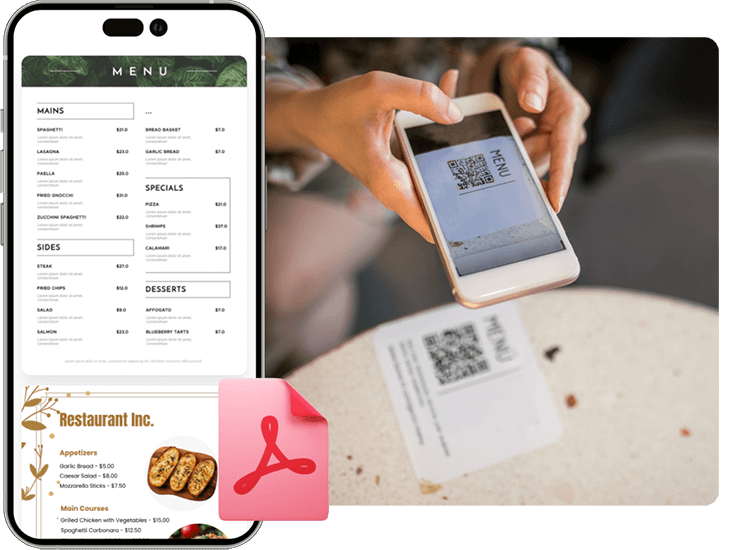
Create a QR code for easy access to digial menus or product manuals for restaurants, cafes, or any business. Visitors can scan to view items conveniently from their smartphone.
 Social media
Benefits
Social media growth
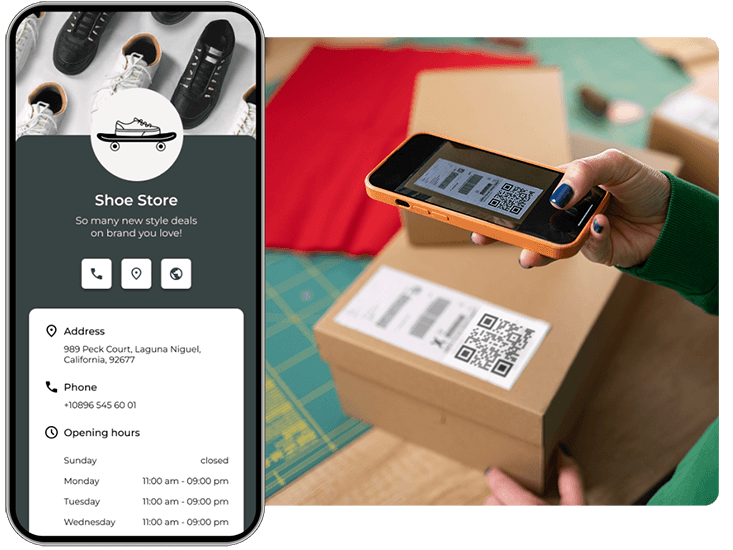
Grow your audience with QR codes and marketing for social media. Connect users to profiles with one scan.
 E-mail lists
Benefits
Get more leads
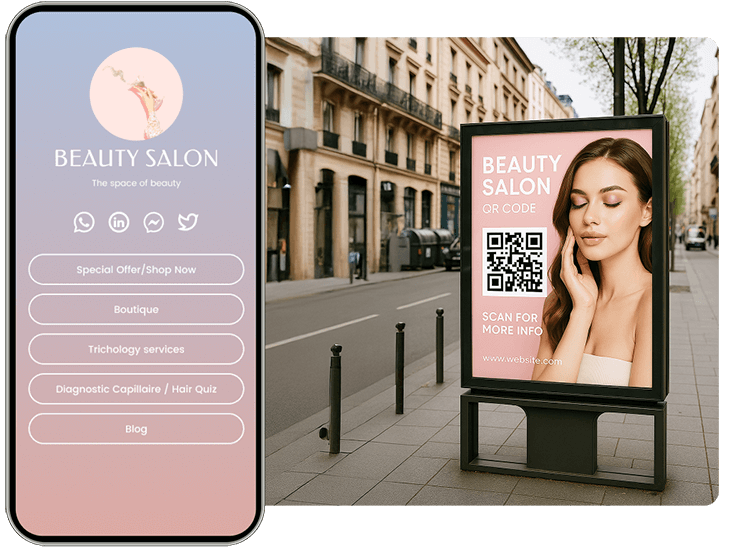
Collect customer emails and survey responses with a QR code marketing on forms. Help your clients grow their lists easily.
 Get reviews
Benefits
Get more reviews
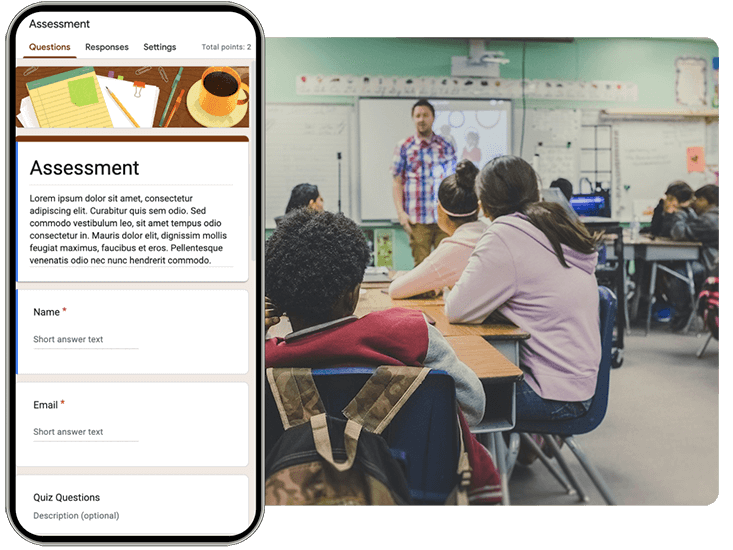
Boost your credibility with a marketing QR code for Google or Tripadvisor reviews. Encourage feedback to build trust.
Hear from product business owners
See how they are using Pageloot to turn QR codes into real growth.








Frequently asked questions

Choose the type, for example link, PDF or video. Paste the link or upload the file, add your logo and colors, and download the code as PNG, SVG or PDF. Test it with two phones before you print it on the product or packaging.
Link to something the customer needs after buying or while choosing: the product page, a user guide, a how-to video, warranty registration or a reorder page. Do not link to your home page. Send people to the one page that answers their question.
Common places are the box, the label, a hang tag, an insert card inside the package, the user manual and the receipt. Choose a flat area that is not curved, folded or covered by a seam.
At least 2 x 2 cm (0.8 in) for a box or label, and larger if people scan from a distance, such as a shelf display. Use dark colors on a light background and keep a white border around the code. Do not stretch it.
Yes, with a dynamic code. You change the destination in your Pageloot account and the printed code opens the new page. A static code cannot be changed, so a new link means a new code and a new print run.
Use a static code if the link will stay the same for the life of the product. Use a dynamic code if the page may change, or if you want scan stats. Static codes never expire. Dynamic codes need an active plan.
Yes, with a dynamic code. Scan stats show when, where and on what device the code was scanned. Use a different code for each product or placement to compare them. Static codes have no stats.
Yes. You can make a QR code on Pageloot and download it as PNG, SVG or PDF. To edit the link later or see scans, use a Pageloot account (14-day free trial).
Check four things. The code should be at least 2 x 2 cm (0.8 in). It needs dark colors on a light background with a white border. It should not sit on a curved or shiny surface. The link behind it must be public and load fast on a phone. Test it with two different phones.
IP-04
Engage customers with QR codes for products
Make a product QR code in a few minutes, and edit the link later without reprinting.