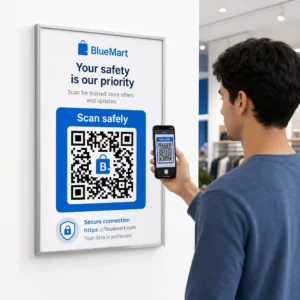
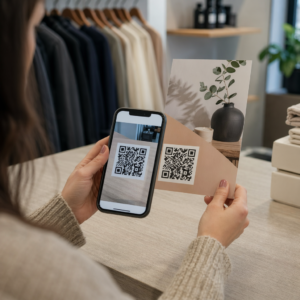
Tarvitsetko nopean, skannattavan tavan yhdistää fyysiset materiaalit digitaaliseen sisältöön? QR-kooditarrat muuttavat minkä tahansa pinnan interaktiiviseksi kosketuspisteeksi – ja niiden oikeaoppinen käyttö edellyttää materiaalien, suunnitteluvalintojen ja koodityyppien ymmärtämistä, jotka määräävät, skannaavatko asiakkaat niitä todella.
Mitä ovat QR-kooditarrat?
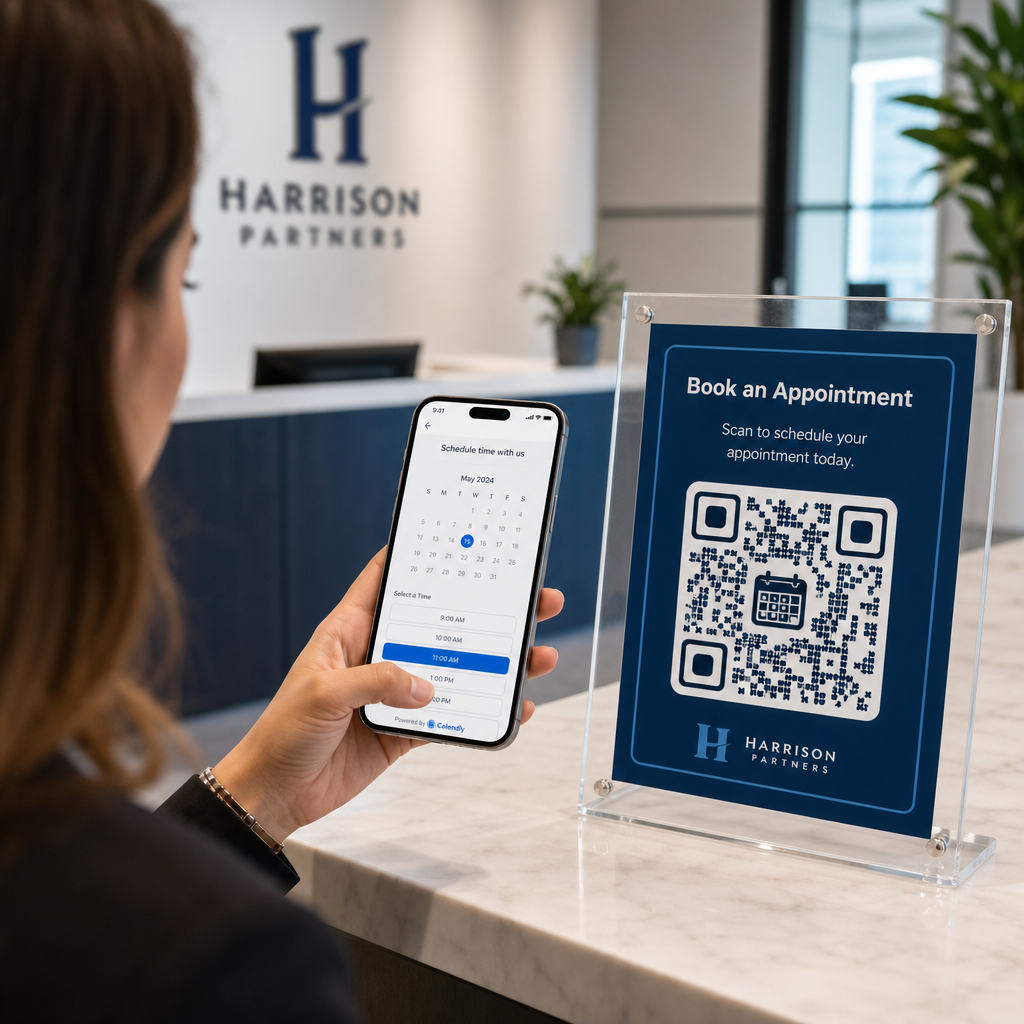
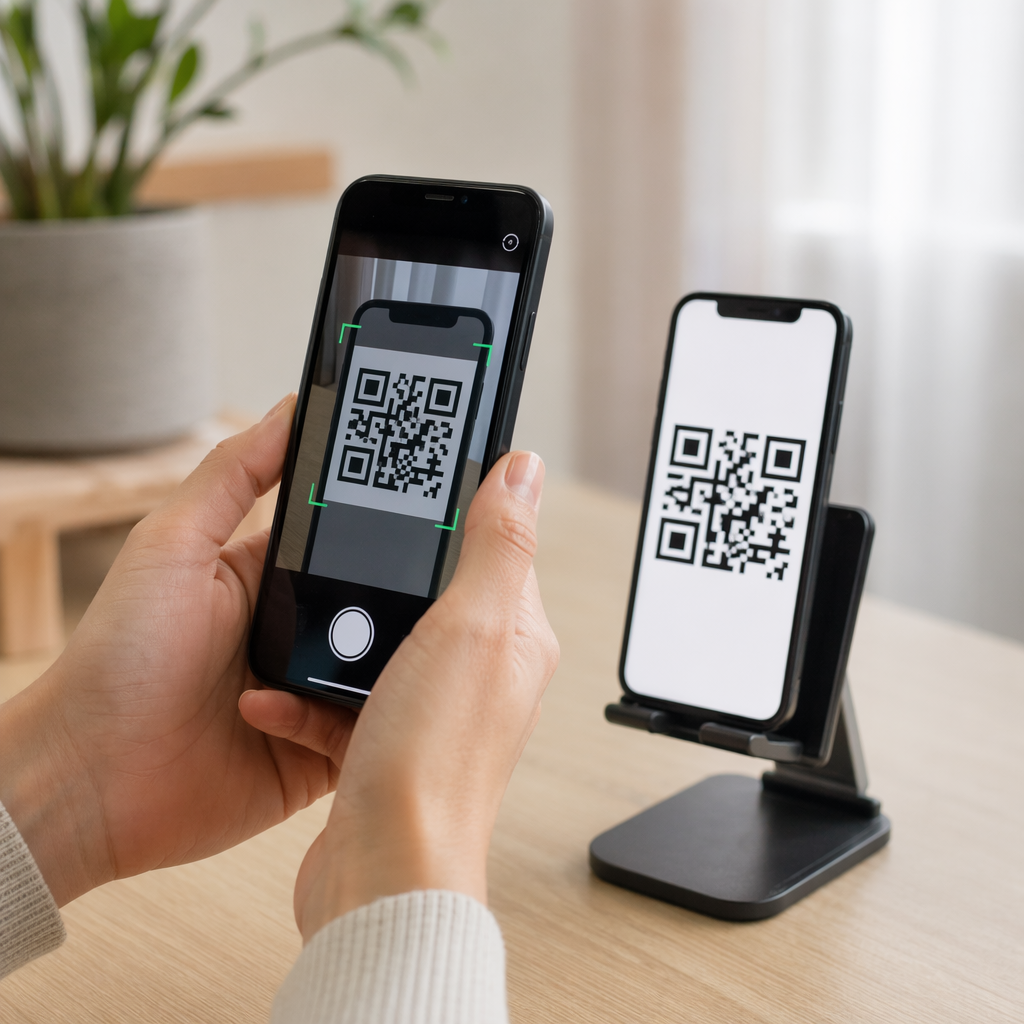
QR-kooditarrat ovat tarroja, joihin on painettu skannattava QR-koodi. Kun asiakas osoittaa älypuhelimen kameran yhteen niistä, koodi ohjaa hänet välittömästi verkkosivustolle, digitaaliseen ruokalistaan, yhteystietosivulle, kampanjatarjoukseen tai mihin tahansa muuhun sisältöön, jonka olet linkittänyt. Yritykset käyttävät niitä tuotepakkauksissa, näyteikkunoissa, ajoneuvoissa, ravintolapöydissä, tapahtumakylteissä ja lähetysmateriaaleissa – missä tahansa fyysisellä pinnalla voi aloittaa digitaalisen vuorovaikutuksen.
Tärkein ero, joka on otettava huomioon ennen yhdenkään tarran painamista: onko koodisi STAATTINEN VAI DYNAAMINEN.
- A staattinen QR-koodi koodaa kohteen pysyvästi. Kun se on painettu, sitä ei voi muuttaa, eikä se seuraa skannauksia.
- A dynaaminen QR-koodi osoittaa lyhyeen uudelleenohjaus-URL-osoitteeseen, jonka voit päivittää milloin tahansa – ilman uudelleenpainatusta. Se tallentaa myös skannaustiedot, mukaan lukien ajan, määrän ja maantieteellisen sijainnin.
Tarrasovelluksissa, joissa painat suuria määriä tai toteutat aikarajoitettuja kampanjoita, Dynaaminen QR-koodi generaattori on käytännöllinen valinta. Kampanjan muuttaminen tai URL-osoitteen päivittäminen ei maksa mitään, kun tarrat ovat jo hyllyillä tai ajoneuvoissa.
Seuraa jokaista tarrojesi skannausta Haluatko tietää tarkalleen, mitkä tarrasijoittelut lisäävät sitoutumista? Käytä Dynaaminen QR-koodi generaattori luodaksesi muokattavia, seurattavia koodeja täydellisellä analytiikan hallintapaneelilla – uudelleenpainatusta ei tarvita, kun sisältösi muuttuu.
Kuinka luoda QR-koodi tarroillesi
Tulostusvalmiin QR-koodin saaminen vaatii kolme vaihetta:
- Luo QR-koodisi. Käytä QR-koodigeneraattori luodaksesi koodin, joka linkittää kohdesisältöösi – URL-osoitteeseen, PDF-tiedostoon, digitaaliseen ruokalistaan, vCardiin tai muuhun kohteeseen. Jos odotat päivittäväsi kyseistä kohdetta tai seuraavasi skannaussuorituskykyä, luo dynaaminen koodi.
- Mukauta suunnittelua. Lisää logosi, brändivärisi ja toimintakehote, jotta tarrasta tulee tunnistettava ja skannauksen arvoinen. The QR-koodi generaattori logolla antaa sinun upottaa logon suoraan koodin sisään, mikä lisää brändin tunnistettavuutta ja skannausmääriä verrattuna tavallisiin mustavalkoisiin koodeihin.
- Lataa tulostusvalmiissa muodossa. Vie koodisi SVG-, EPS- tai PDF-muodossa vektoriskaalausta varten, tai korkearesoluutioisena PNG-kuvana jos yhdistät sen etikettisuunnitteluun. Anna nämä tiedostot tarratulostajallesi tai käytä niitä tulostettavien tarra-arkkien kanssa kotona.
Oikean tarramateriaalin valinta
Materiaalivalinta vaikuttaa suoraan siihen, skannaako QR-koodisi luotettavasti aiotussa ympäristössään. Tärkeimmät vaihtoehdot, joita tarratulostajilta löydät, ovat:
- Kiiltävä BOPP- tai PET-laminaatti – sopii sisä- ja ulkokäyttöön, kirkkaille väreille, mutta voi heijastaa ylävalon alla ja vaikeuttaa skannausta tietyistä kulmista.
- Matta BOPP-laminaatti – vähentää häikäisyä myymälävalaistuksessa ja auringonvalossa, mikä tekee siitä suositun valinnan tarroille, jotka skannataan myymälässä tai kassalla. Monet brändit ja suunnittelijat suosivat myös sen hienostunutta ulkonäköä.
- Läpinäkyvä tarramateriaali – painettu valkoisella musteella värien taakse, jotta kuviot pysyvät näkyvissä; toimii hyvin pulloetiketeissä ja pakkauksissa, joissa halutaan “etiketitön” ulkonäkö.
- Vinyyli laminaatilla – kestävä ja säänkestävä, suositellaan ulkokäyttöön, ajoneuvojen tarroihin ja kaikille kosteudelle tai UV-valolle altistuville pinnoille. Vinyyliset QR-kooditarrat kestävät huomattavasti pidempään kuin tavalliset paperietiketit näissä olosuhteissa.
- Ohut BOPP-etikettimateriaali – riittävän joustava mukautumaan kaareviin pintoihin, mikä tekee siitä käytännöllisen valinnan pulloihin ja tuotepakkauksiin.
Mattapintaiset materiaalit skannautuvat yleensä nopeammin ja luotettavammin kuin kiiltävät, kun koodeja skannataan kirkkaassa tai suorassa valossa. Jos tarrasi ovat ulkona tai ajoneuvoissa, priorisoi vedenkestävä vinyyli paperipohjaisten materiaalien sijaan.
Koko- ja suunnittelumääritykset, jotka vaikuttavat skannattavuuteen
QR-kooditarra, joka ei skannaudu luotettavasti, on pahempi kuin ei tarraa ollenkaan. Ennen tiedostojen lähettämistä tulostettavaksi varmista, että nämä vaatimukset täyttyvät:
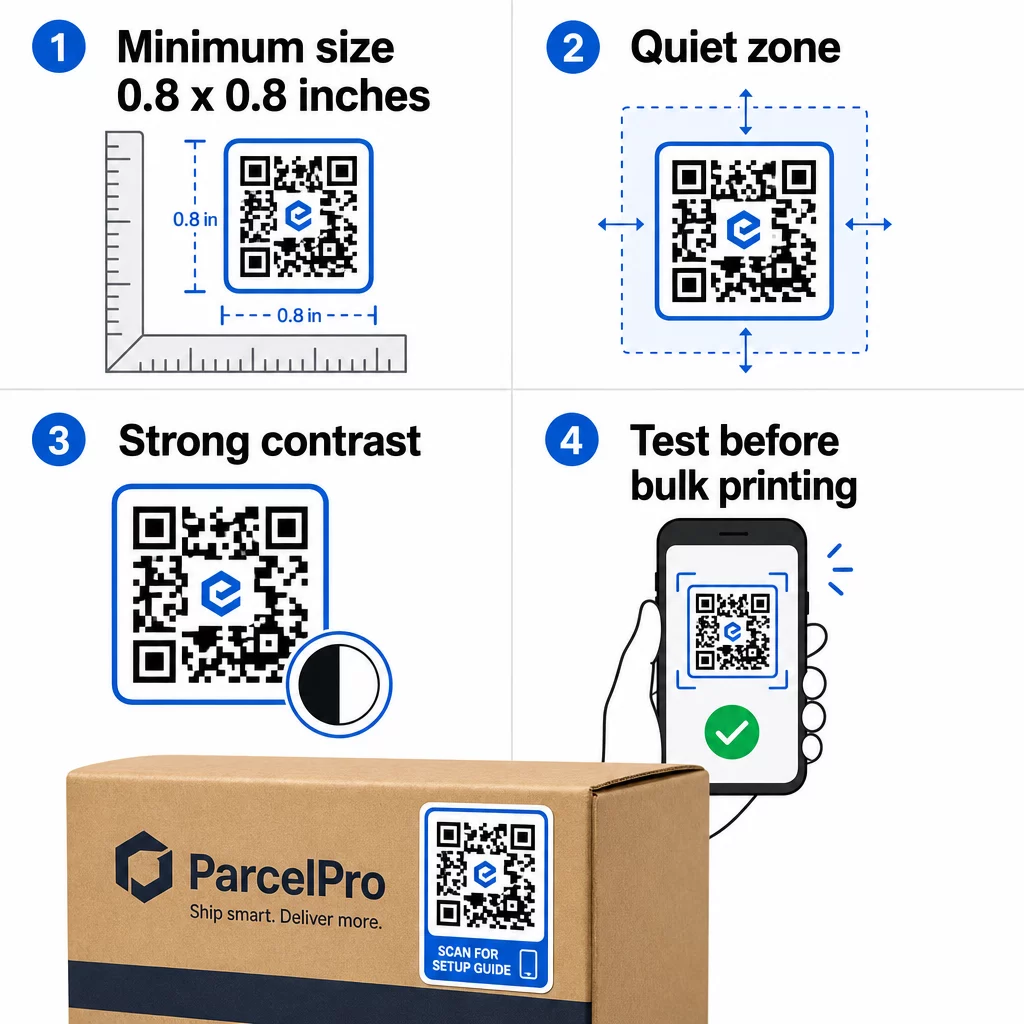
- Minimikoko: 0,8 × 0,8 tuumaa (2 × 2 cm) yksinkertaiselle URL-osoitteelle. Suuremmat koodit, joissa on enemmän datatiheyttä, on skaalattava suhteellisesti.
- Hiljainen vyöhyke: Jätä vähintään neljä moduulia selkeää, painamatonta tilaa koodin kaikille neljälle sivulle. Tämän marginaalin sisään sijoitetut tekstit, logot tai reunukset aiheuttavat skannausvirheitä.
- Kontrastisuhde: Säilytä vähintään 4:1 kontrastisuhde tummien moduulien ja vaalean taustan välillä. Musta valkoisella on edelleen luotettavin yhdistelmä. Vältä vaaleaa tummalla -inversioita – monet skannerit epäonnistuvat käänteisissä värimaailmoissa.
- Ei liukuvärejä koodimoduuleissa: Liukuvärit luovat välisävyjä, joita skannerien on vaikea lukea. Käytä vain yhtenäisiä värejä.
- Testaa ennen massatulostusta: Skannaa koodisi useilla laitteilla – eri puhelimilla, eri kamerasovelluksilla – ja testaa valaistusolosuhteissa, joissa tarraa todella käytetään. Ulkotarrojen osalta testaa auringonvalossa. Vähittäiskaupan hyllytarrojen osalta testaa loisteputkivalaistuksessa.
Täydellisen koon erittelyn eri painomateriaaleille löydät oppaasta QR-koodin koon määrittäminen eri painomateriaaleille. For contrast and color guidance, QR-koodin värikontrastin parhaita käytäntöjä . Kontrasti- ja väriohjeita varten,.
Missä käyttää QR-kooditarroja
QR-kooditarrat toimivat monissa erilaisissa yrityssovelluksissa. Tässä ovat yleisimmät ja tehokkaimmat sijoituspaikat:
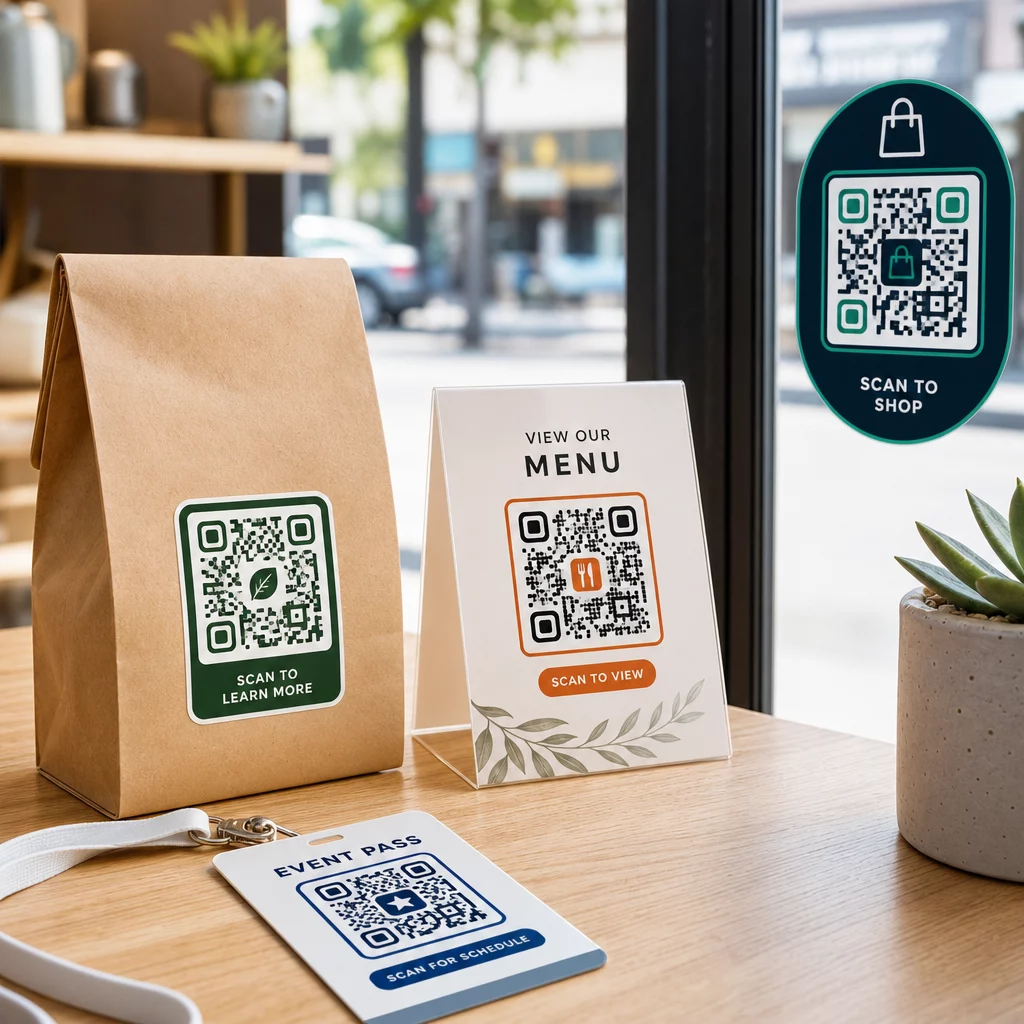
Tuotepakkaukset ja etiketit – Ohjaa asiakkaat tuoteohjeisiin, ainesosatietoihin, video-oppaisiin, alennuskoodeihin tai arvostelusivuille. Tarrat toimivat sekä ensisijaisissa pakkauksissa (itse tuote) että toissijaisissa pakkauksissa (laatikot, suojukset). Syvemmän katsauksen mahdollisuuksiin, katso QR-koodeja tuotepakkauksissa ja perimmäistä opasta QR-koodeihin tuotetarroissa.
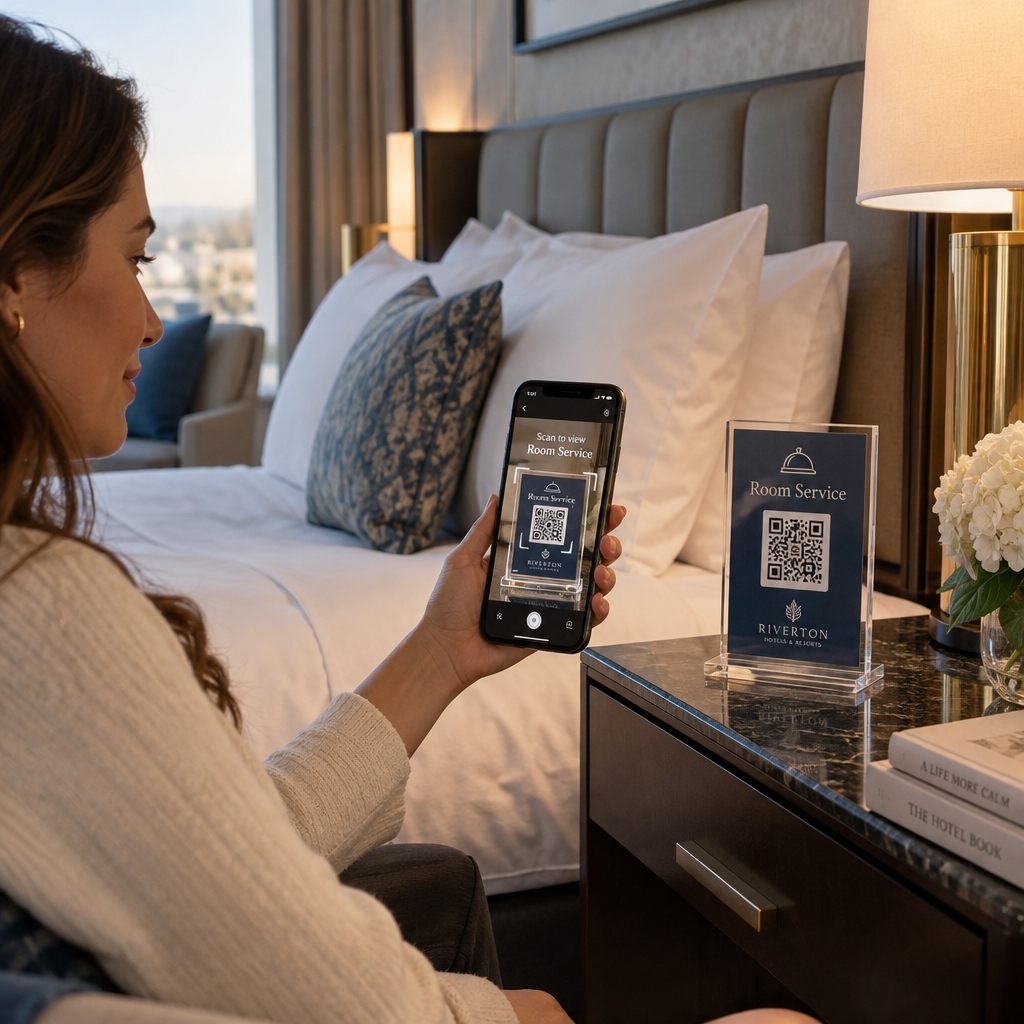
Ravintola- ja majoitusalojen pöydät – Pöydällä tai ovessa oleva QR-kooditarra ohjaa vieraat digitaaliseen ruokalistaan, Wi-Fi-salanaan tai arvostelualustalle. Dynaamisten koodien avulla voit päivittää ruokalistan tai kampanjan vaihtamatta jokaista tarraa.
Liiketilojen ikkunat ja ovet – Ikkunatarroilla, joissa on QR-koodi, voi tehokkaasti jakaa aukioloaikoja, kampanjoita tai sosiaalisen median linkkejä ohikulkijoille, jotka kulkevat ohi aukioloaikojen ulkopuolella.
Ajoneuvotarrat – Yrityksen ajoneuvossa oleva QR-kooditarra muuttaa sen liikkuvaksi mainokseksi, joka ohjaa skannaajan varaus-sivulle, palvelulistaan tai yhteydenottolomakkeeseen.
Vähittäiskaupan ja verkkokaupan pakkaukset – Lähteviin lähetyksiin tai tuotepakkauksiin kiinnitetyt tarrat voivat ohjata asiakkaita unboxing-videoihin, kanta-asiakasohjelmiin tai ristiinmyyntisivuille lisäämättä pakkaukseen massaa.
Tapahtumakyltit ja liput – Lisää QR-tarrat rintamerkkeihin, kyltteihin tai lippuihin ohjataksesi osallistujat aikatauluihin, sisäänkirjautumisprosesseihin tai puhujamateriaaleihin.
| Tarran tyyppi | Paras materiaali | Tyypillinen käyttö |
|---|---|---|
| Räätälöity bränditarra | Matta tai kiiltävä BOPP | Tuotepakkaukset, kampanjat |
| Vedenkestävä ulkotarra | Vinyyli laminaatilla | Ajoneuvotarrat, ulkokyltit |
| Ikkunatarra tai -decal | Kirkas tai valkoinen vinyyli | Liiketilat, vähittäiskaupan ikkunat |
| Pieni etikettitarra | Ohut BOPP | Pullot, tuotetunnisteet, käyntikortit |
| Ravintolan pöytätarra | Matta laminaatti | Ruokalinkit, arvostelusivujen linkit |
Dynaamisten QR-koodien käyttö tarrakampanjoissa
Kaikissa kampanjoissa, joissa kohde saattaa muuttua – kausitarjoukset, ruokalistapäivitykset, vaihtuvat tarjoukset – dynaamiset QR-koodit ovat välttämättömiä. Tarra itsessään ei muutu; vain sen takana oleva kohde-URL muuttuu. Tällä on merkitystä, kun olet painanut tuhansia tarroja ja aloitussivun URL muuttuu, tai kun kampanja päättyy ja haluat ohjata skannaajat uuteen tarjoukseen.
Dynaamiset koodit tarjoavat myös skannausanalytiikkaa: kokonaisskannaukset, skannausajankohdat ja maantieteelliset tiedot. Tämän avulla voit arvioida, mitkä sijoittelut todella lisäävät sitoutumista ja mukauttaa toimintaa sen mukaisesti. Tuotepakkauksessa oleva tarra toimii eri tavalla kuin näyteikkunassa oleva, ja analytiikka auttaa sinua näkemään tämän eron selvästi.
Sillä QR-koodit pakkauksissa, jotka palvelevat vähittäiskaupan kampanjoita, dynaamiset koodit mahdollistavat myös A/B-testien suorittamisen ohjaamalla eri koodieriä eri aloitussivuille ja vertailemalla tuloksia.
Päivitä tarrakampanjasi ilman uudelleenpainatusta Onko sinulla käynnissä aikarajoitettu kampanja? Se Dynaaminen QR-koodi generaattori antaa sinun ohjata tarrojasi uudelle URL-osoitteelle heti kun kampanja päättyy – ei uusia tarroja, ei hukkaan menneitä painatuksia.
Usein kysytyt kysymykset
Pienin luotettava koko yksinkertaiselle URL-osoitteelle on 0,8 × 0,8 tuumaa (2 × 2 cm). Tarroille, jotka sijoitetaan kauemmas skannerista – kyltteihin tai ajoneuvotarroihin – suurenna suhteellisesti. Yleinen sääntö on tehdä koodista vähintään yksi kymmenesosa skannausetäisyydestä. Jätä aina selkeä, vähintään neljän moduulin kokoinen hiljainen vyöhyke koodin ympärille kaikilta puolilta, ja testaa lopullinen koko oikeilla laitteilla ennen massatulostusta.
Ei, jos se on staattinen QR-koodi – ne koodaavat kohteensa pysyvästi. Dynaamisella QR-koodilla sen sijaan voit muuttaa linkitettyä URL-osoitetta, tiedostoa tai sisältöä milloin tahansa tilisi hallintapaneelin kautta koskematta tarraan. Tämä tekee dynaamisista koodeista käytännöllisen valinnan kaikkiin sovelluksiin, joissa URL-osoitteet tai kampanjat saattavat muuttua, mukaan lukien tuotepakkaukset, kausiluonteiset kampanjat ja ravintoloiden ruokalistat.
Vinyylitarrat laminaattipinnoitteella ovat kestävin vaihtoehto ulkokäyttöön. Ne kestävät vettä, UV-säteilyä ja fyysistä kulumista paljon paremmin kuin paperi- tai tavalliset BOPP-tarrat. Matta laminaatti vähentää häikäisyä suorassa auringonvalossa, mikä parantaa skannattavuutta. Pinnoille, kuten ajoneuvoihin tai ulkokyltteihin, varmista, että tulostimesi tarjoaa UV-kestäviä materiaaleja, jotka on suunniteltu pitkäaikaiseen ulkokäyttöön.