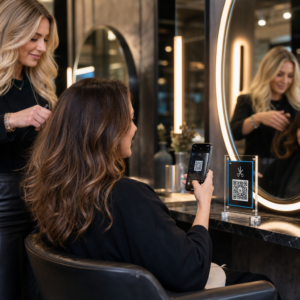
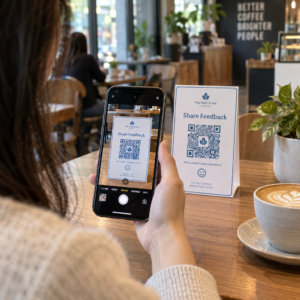
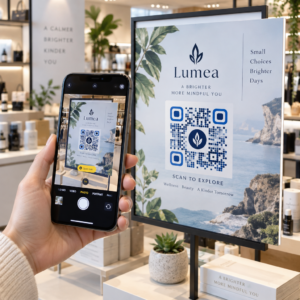
Las etiquetas con código QR permiten a un cliente pasar del paquete en su mano a una página de producto, un manual, un enlace de pedido o un chat de soporte con un solo escaneo. Esta guía muestra cómo hacer una etiqueta de producto con código QR que escanee al primer intento: qué tipo de código usar, qué tan grande imprimirlo, dónde colocarlo y qué probar antes de una tirada de impresión completa.
Código QR en Etiquetas de Producto: La Respuesta Corta
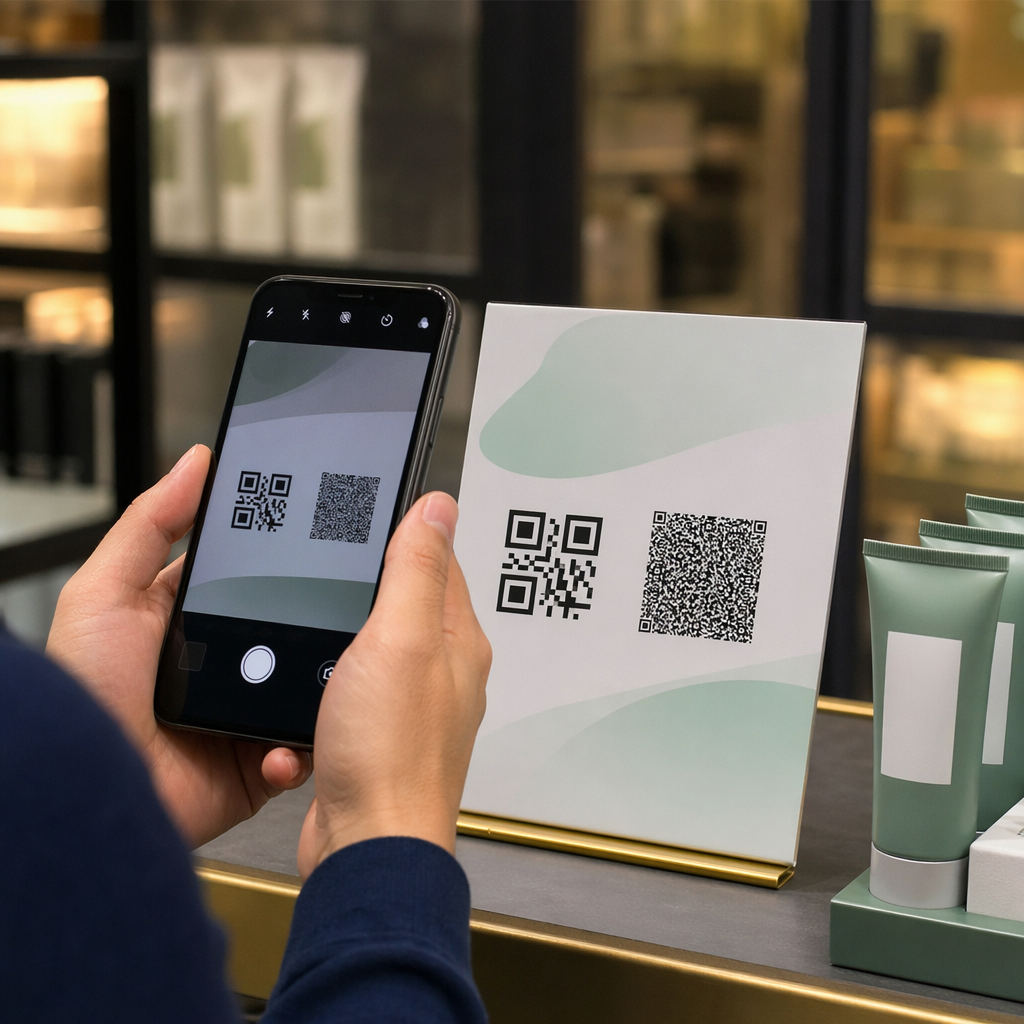
- El tamaño: imprima el código de al menos 2 x 2 cm (0.8 x 0.8 pulgadas). Use de 2.5 a 3 cm si los clientes escanean desde un estante o un mostrador.
- Zona tranquila: mantenga un borde en blanco de al menos 4 módulos (aproximadamente 4 a 8 mm en una etiqueta) en los cuatro lados.
- Colores: código oscuro sobre un fondo claro. Negro sobre blanco es lo más seguro.
- Resolución: use un archivo vectorial (SVG, PDF o EPS) para imprimir. Si usa PNG, expórtelo al tamaño de impresión final a 300 ppp.
- Tipo: use un código estático para un enlace que nunca cambiará. Use un código dinámico si el destino podría cambiar o si desea estadísticas de escaneo.
- Prueba: imprima uno en el material de etiqueta real y escanéelo con dos o tres teléfonos antes de solicitar la tirada completa.
Por qué los códigos QR pertenecen a las etiquetas de los productos
Una etiqueta impresa tiene espacio limitado y no se puede actualizar después de la impresión. Un código QR añade más espacio: detalles de ingredientes y origen, vídeos de configuración, registro de garantía, manuales de usuario y listas de piezas de repuesto pueden estar todos detrás de un pequeño cuadrado.
Usos típicos de un código QR en un producto:
- Información del producto: especificaciones, ingredientes, alérgenos o instrucciones de cuidado que no caben en la etiqueta.
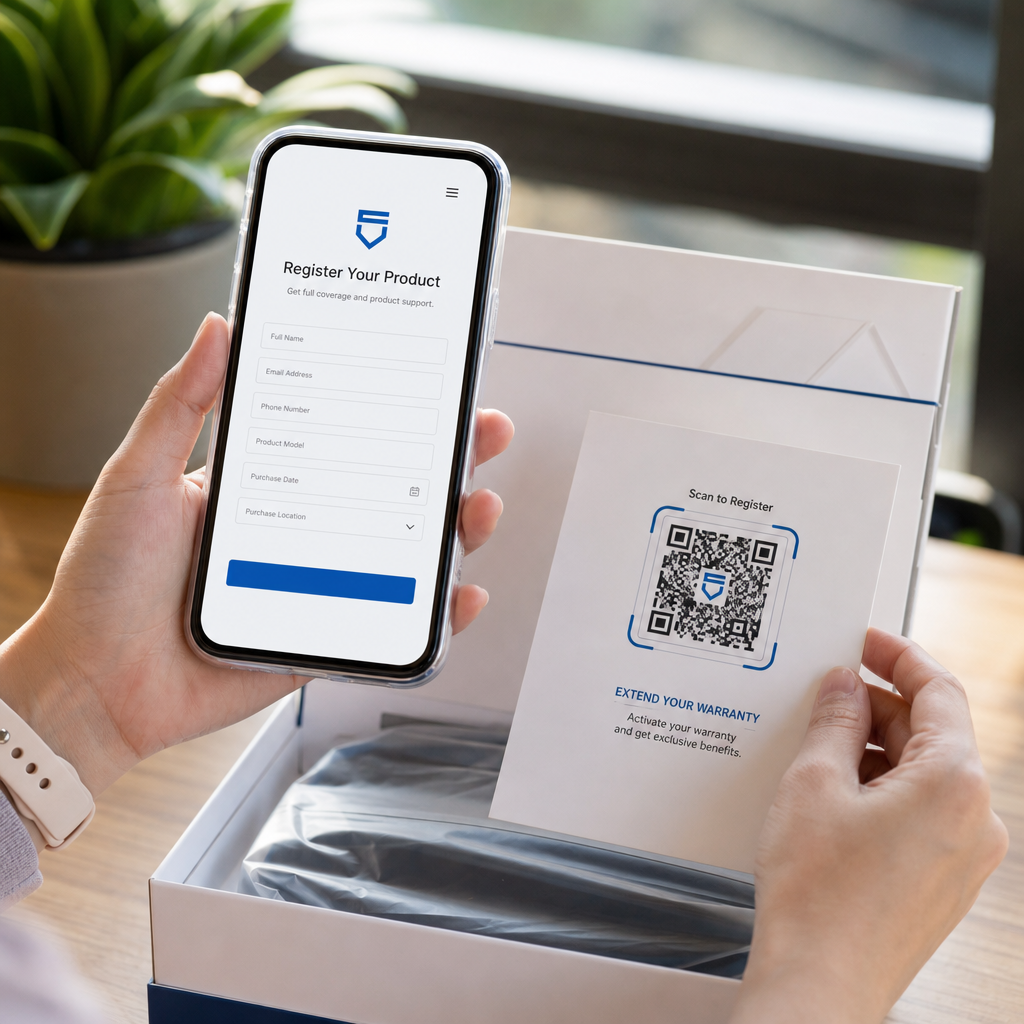
- Manuales y configuración: un manual en PDF o un vídeo corto, para que pueda imprimir un folleto más pequeño o ninguno en absoluto.
- Reordenamiento: un enlace directo a la página del producto, útil para consumibles como filtros, café o productos de limpieza.
- Soporte: un enlace a una página de ayuda, un formulario o un chat de WhatsApp.
- Reciclaje y devoluciones: instrucciones de desecho o un formulario de devolución.
- Ofertas y lealtad: un código de descuento, una página de registro o una solicitud de reseña después de la compra.
Para una visión más amplia de los tipos de embalaje y la experiencia del cliente, consulte el guía de códigos QR en el embalaje del producto.
Elija un Código QR Dinámico o uno Estático
UNA código QR estático almacena el destino dentro del patrón. Es gratis de crear, nunca caduca y funciona mientras la página a la que apunta exista. Si esa URL cambia, el código impreso apunta al lugar equivocado y debe reimprimir.
UNA código QR dinámico almacena un enlace de redirección corto, para que pueda cambiar el destino en cualquier momento sin cambiar el código impreso. En las etiquetas de productos, esto ayuda de tres maneras:
- Puede intercambiar una promoción estacional o página de destino sin una nueva tirada de impresión.
- Puede arreglar un enlace roto o movido de inmediato.
- Puede ver estadísticas de escaneo: cuándo, dónde y en qué dispositivo escanearon las personas.
Use un código estático cuando el enlace sea permanente, por ejemplo, un manual alojado en su propio sitio. Use un código dinámico cuando las etiquetas permanezcan en los estantes durante meses y el destino pueda cambiar. Puede crear un código QR para la etiqueta de su producto con el generador gratuito de Pageloot. Los códigos dinámicos vienen con una prueba gratuita de 14 días, y los planes se enumeran en la página de precios de Pageloot.
Rastree cada escaneo de las etiquetas de sus productos. Para ver dónde y cuándo los clientes escanean su embalaje, cree un código dinámico con el Generador de códigos QR de Pageloot y use el panel de escaneo.
Cómo hacer etiquetas con código QR: Paso a paso
- Decida a dónde debe llevar el código. Elija una página optimizada para móviles y manténgala corta y rápida de cargar.
- Abre el generador de códigos QR, elija el tipo (URL, PDF, video u otro) e ingrese el destino.
- Elija estático o dinámico. Marque la opción dinámica solo si desea editar el destino más tarde o rastrear escaneos.
- Mantenga el diseño simple: código oscuro, fondo claro, sin gradientes detrás del patrón.
- Descargue un archivo vectorial (SVG o PDF) para el diseñador de etiquetas, o un PNG en el tamaño final.
- Coloque el código en el diseño de la etiqueta en el tamaño planificado, con la zona de silencio y una breve llamada a la acción al lado.
- Imprima una etiqueta de prueba en el material real y escanéela antes de la tirada completa.
Tamaño: ¿Qué Tan Grande Debe Ser el Código?
El tamaño es la razón más común por la que un código QR de etiqueta no se escanea. Si el código es demasiado pequeño, la cámara del teléfono no puede separar los módulos individuales (los pequeños cuadrados que componen el patrón).
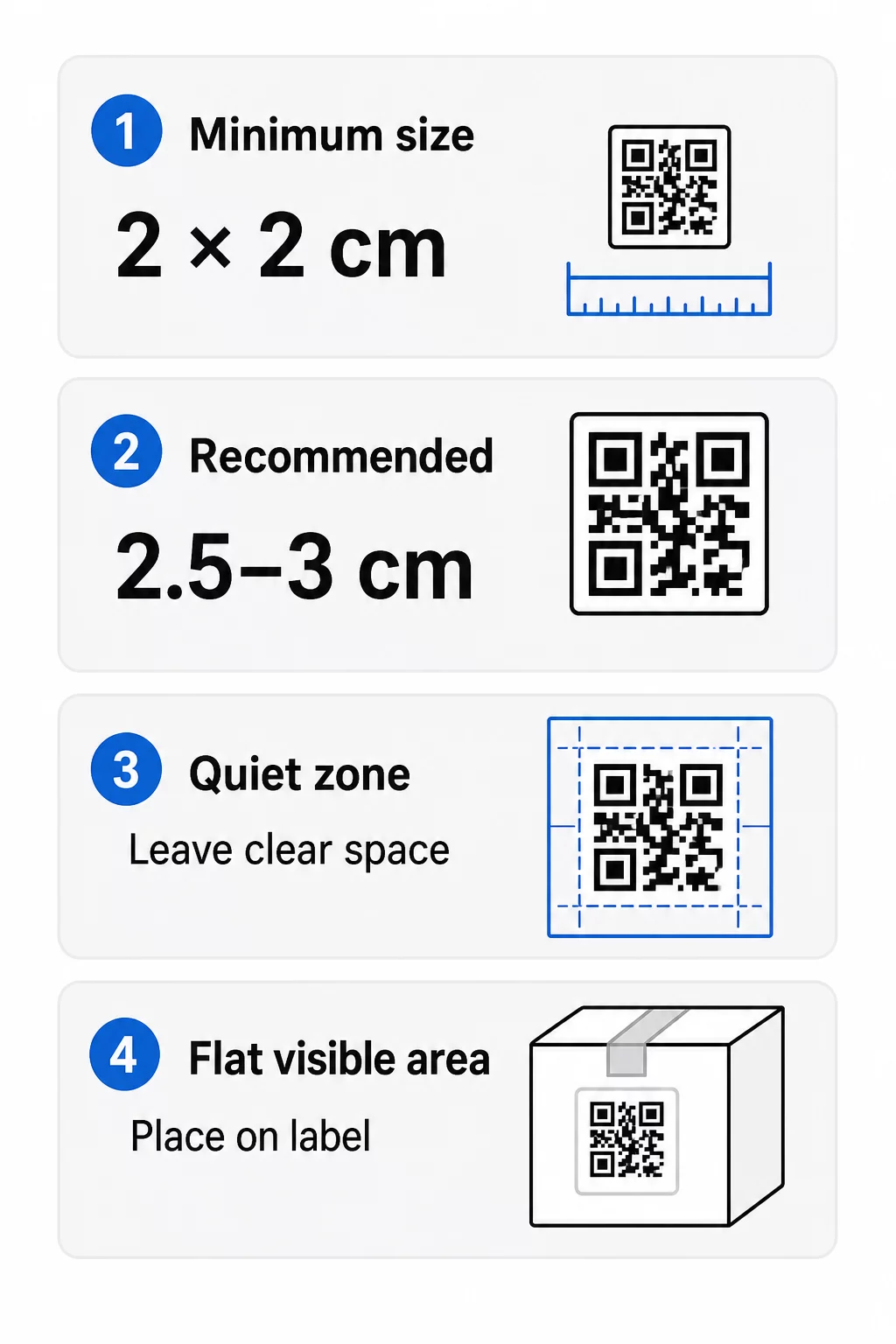
- Mínimo absoluto: 2 x 2 cm (0.8 x 0.8 pulgadas) para un código escaneado a distancia de un brazo.
- Recomendado para empaques de productos: 2.5 a 3 cm por lado.
- Regla de distancia: un teléfono lee un código desde aproximadamente 10 veces su ancho. Un código de 3 cm se escanea desde unos 30 cm (12 pulgadas); un código de 10 cm desde aproximadamente 1 m.
- Los códigos densos necesitan más espacio: una URL larga crea un patrón más denso con módulos más pequeños. Utilice un enlace corto o un código dinámico para mantener el patrón simple.
Si añade un logotipo, aumente el tamaño en un 20 a 30 por ciento. Si usa colores personalizados, añada un 10 a 15 por ciento. Trate estos como puntos de partida y confirme con una impresión de prueba. Para diferentes materiales de impresión, consulte guía de tamaño de códigos QR para materiales impresos.
Ubicación: Dónde Colocar el Código en la Etiqueta
- Coloque el código en un área plana, no sobre pliegues, costuras, bordes o perforaciones.
- Elija un panel visible. La etiqueta frontal o trasera es mejor que la parte inferior del paquete.
- Use un código por panel para que los escáneres no se confundan.
- Mantenga la zona de silencio vacía. Sin texto, borde o ilustraciones dentro de ella.
- Añada una breve llamada a la acción junto al código, como “Escanee para el manual” o “Escanee para reordenar”.
- No coloque el código debajo de un envoltorio retráctil, un termosellado o un borde de barniz que cree deslumbramiento.
Las superficies curvas necesitan un cuidado especial. En botellas, frascos y tubos, el patrón se dobla alejándose de la cámara. Mantenga el código pequeño en relación con la curva, colóquelo en la parte más plana y pruebe desde varios ángulos. Imprimir el código en una etiqueta plana que se asienta sobre la curva funciona mejor que imprimirlo en un hombro muy curvo.
Para más información sobre la ubicación, lea el Guía de colocación de códigos QR para marketing.
La Zona Tranquila: El Borde Vacío Que Hace Posible el Escaneo
Cada código QR necesita un zona tranquila: un margen en blanco alrededor de todo el símbolo. Le indica al escáner dónde empieza y termina el código.
La zona de silencio estándar tiene al menos 4 módulos de ancho en los cuatro lados. Un módulo es el ancho de un cuadrado pequeño. En un código de etiqueta típico, esto es de aproximadamente 4 a 8 mm. No imprima su marca, un borde o texto de etiqueta dentro de ella. Si la etiqueta se imprime sobre un fondo cargado, coloque el código en un recuadro de color claro sólido.
Contraste: Código Oscuro, Fondo Claro
Los escáneres leen la diferencia entre módulos oscuros y un fondo claro. Sin suficiente contraste, el patrón no se detecta.
- Utilice un primer plano oscuro sobre un fondo claro. El negro sobre blanco es el más fiable.
- Busque una relación de contraste de al menos 4:1.
- Evite tonos similares para el primer plano y el fondo, como el verde oscuro sobre verde medio.
- Evite códigos claros sobre oscuros (invertidos). Algunos escáneres no pueden leerlos, así que pruébelos antes de usarlos.
- Evite degradados y sombras sobre el patrón.
- Evite imprimir el código en una superficie muy brillante, estriada o irregular.
Los colores personalizados de marca pueden funcionar si los prueba bajo iluminación real. La guía de mejores prácticas de contraste de color de códigos QR tiene una tabla comparativa de combinaciones comunes.
Corrección de Errores: Protección Integrada contra Daños
Los códigos QR tienen cuatro niveles de corrección de errores. Establecen cuánto del código puede dañarse o cubrirse y aún así ser leído:
| Nivel | Capacidad de Recuperación | Lo mejor para |
|---|---|---|
| L (Bajo) | aproximadamente 7% | Superficies limpias, sin superposición de logotipo |
| M (Medio) | aproximadamente 15% | Etiquetas de productos generales |
| Q (Cuartil) | aproximadamente 25% | Etiquetas con un logotipo o elementos de marca sobre el código |
| H (Alto) | aproximadamente 30% | Superficies con riesgo de arañazos o desgaste, o diseños complejos |
Para la mayoría de las etiquetas de productos, el Nivel M o Q es una buena elección. Con un logotipo en el centro, use Q o H. Los niveles más altos hacen que el patrón sea más denso, por lo que es posible que necesite un tamaño de impresión ligeramente mayor.
Resolución de impresión y formatos de archivo
- Archivos vectoriales (SVG, PDF, EPS) se escalan a cualquier tamaño sin perder nitidez. Úselos siempre que su impresora o diseñador de etiquetas los acepte.
- PNG o JPEG: exporte al tamaño de impresión final a 300 ppp. 200 ppp pueden funcionar para códigos pequeños en papel liso.
- No amplíe un PNG pequeño para una etiqueta más grande. Los bordes se difuminan y el código puede dejar de escanearse.
- Verifique la prueba de impresión. La expansión de la tinta puede rellenar pequeños módulos en papel absorbente.
Ambos Generador de código QR con logo y la generador de PNG de código QR pueden exportar archivos para imprimir. Verifique las opciones de descarga en la herramienta para el formato que necesite.
Casos de Uso Prácticos para Códigos QR en Etiquetas de Productos
Elija el destino según lo que el cliente necesite al sostener el producto:
- Alimentos y bebidas: una página con ingredientes, alérgenos y origen, o una receta.
- Electrónica y herramientas: un video de configuración, el manual en PDF y un formulario de garantía.
- Cosméticos: pasos de uso y una lista completa de ingredientes.
- Consumibles: una página de reordenación con un solo toque.
- Hardware y embalaje: instrucciones de reciclaje o devolución.
- Cualquier producto: una solicitud de reseña corta o un descuento para el próximo pedido.
La mayoría de estos se benefician de códigos QR dinámicos, porque la página se puede actualizar después de imprimir la etiqueta. Para ejemplos por sector, consulta soluciones de códigos QR por industria. Para lealtad, empaque y compromiso, consulta soluciones de códigos QR para productos.
Siempre pruebe antes de imprimir a escala
Antes de una tirada completa:
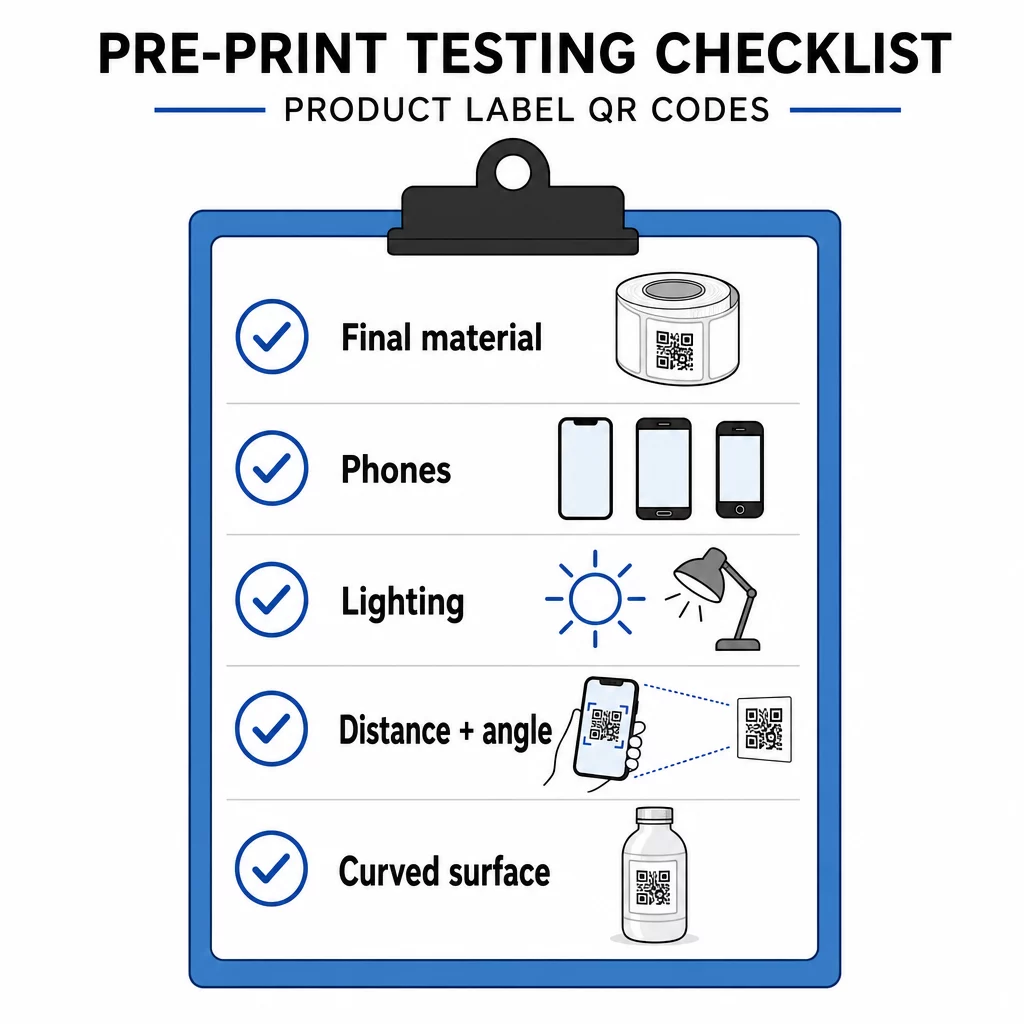
- Imprime el código en su tamaño final sobre el material real de la etiqueta.
- Escanea con al menos dos o tres teléfonos, tanto iPhone como Android.
- Escanea con luz brillante, luz diurna y luz tenue.
- Escanea desde la distancia y el ángulo que usará un cliente.
- En una superficie curva, escanea desde la izquierda, el centro y la derecha.
- Abre el destino en un teléfono con datos móviles, no solo con Wi-Fi.
¿Código QR en un producto no escanea? Revisa esto
- Demasiado pequeño: Agranda el código o acorta el enlace.
- Zona tranquila demasiado estrecha: El texto o la obra de arte toca el código.
- Bajo contraste: colores claros, degradados o un código invertido.
- Reflejo: La película brillante o el barniz reflejan la luz. Usa un acabado mate o mueve el código.
- Impresión borrosa: baja resolución o dispersión de tinta. Usa un archivo vectorial y revisa la prueba.
- Superficie curva o arrugada: mueve el código a un área más plana.
- Destino incorrecto: el enlace ha cambiado. Con un código dinámico, edita el destino. Con un código estático, debes reimprimir.
Para más comprobaciones, consulta el guía de mejores prácticas de legibilidad de códigos QR.
Preguntas frecuentes
El mínimo común es 2 x 2 cm (0.8 x 0.8 pulgadas) para códigos escaneados a la distancia de un brazo. Para empaques, de 2.5 a 3 cm por lado es más seguro. Como guía, un teléfono lee un código desde aproximadamente 10 veces su ancho impreso.
Elige el destino, crea el código en un generador de códigos QR, descarga un archivo vectorial o un PNG de alta resolución, añádelo al diseño de tu etiqueta con una zona tranquila y una breve llamada a la acción, luego imprime una etiqueta de prueba y escanéala en varios teléfonos antes de la tirada completa.
Solo con un código QR dinámico. Un código dinámico almacena un enlace de redirección corto, por lo que puedes cambiar el destino sin modificar el código impreso. Un código estático no se puede cambiar después de la impresión.
Un código estático nunca caduca, porque el destino se almacena en el patrón. Un código dinámico funciona mientras tu plan esté activo, así que revisa tu plan antes de imprimir etiquetas que permanecerán en uso durante años.
Utilice un formato vectorial: SVG, PDF o EPS. Se mantienen nítidos en cualquier tamaño. Si debe usar PNG, expórtelo al tamaño de impresión final a 300 ppp y no lo amplíe.
Sí. Para un logotipo, utilice el nivel de corrección de errores Q o H, amplíe el código entre un 20 y un 30 por ciento, mantenga un fuerte contraste entre oscuro y claro, y pruebe la etiqueta impresa antes de la tirada completa.
En un área plana y visible, como la etiqueta frontal o posterior, lejos de pliegues, costuras y bordes, con una zona de silencio vacía y una llamada a la acción corta junto a ella.