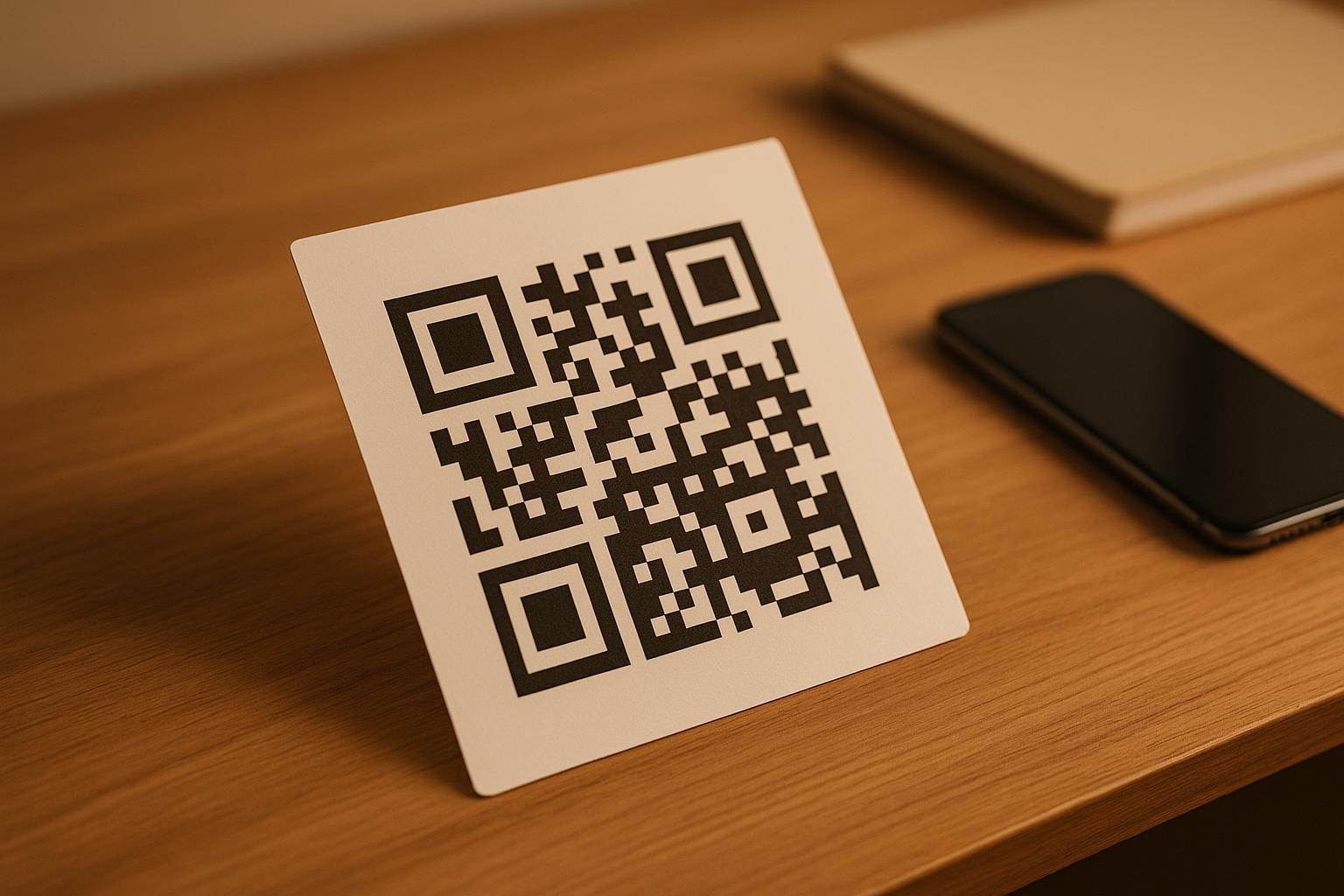
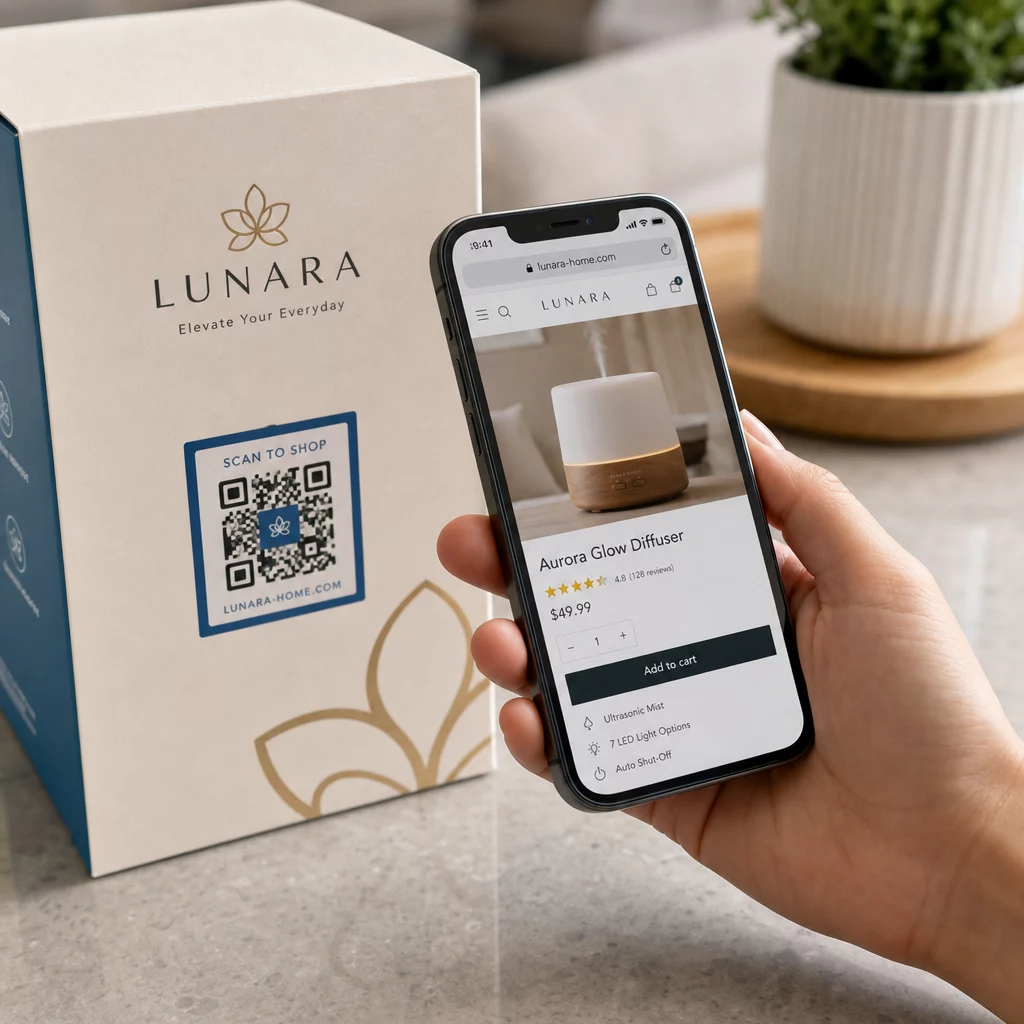
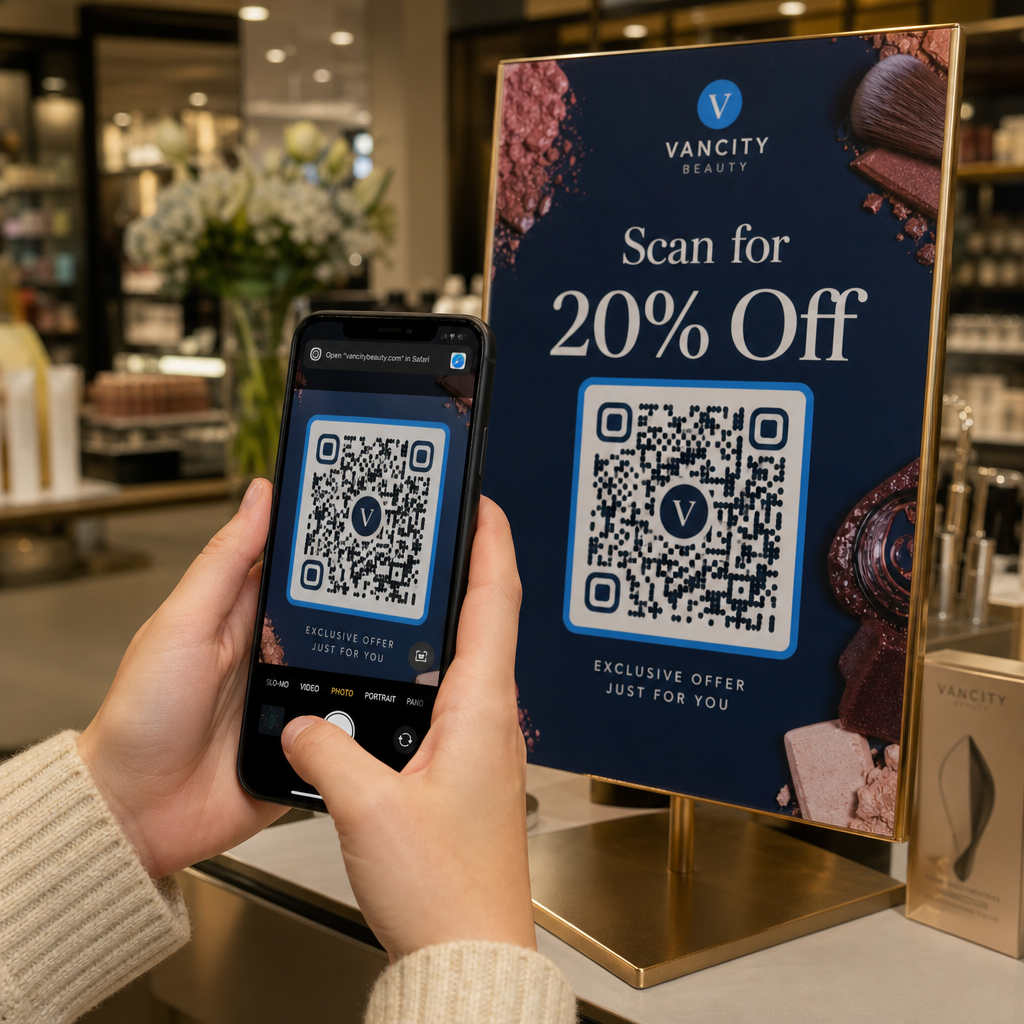
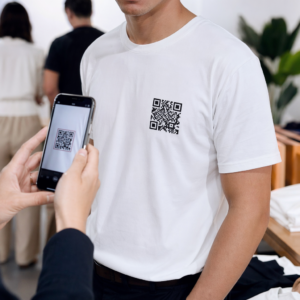
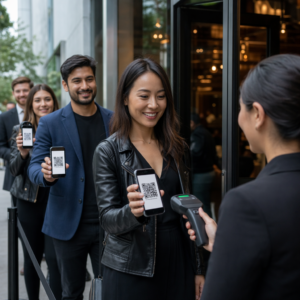
QR-kodetiketter låter en kund gå från förpackningen i handen till en produktsida, en manual, en länk för ombeställning eller en supportchatt med en enda skanning. Denna guide visar hur man gör en QR-produktetikett som skannas direkt: vilken kodtyp att använda, hur stor den ska tryckas, var den ska placeras och vad som ska testas före en fullständig tryckning.
QR-kod på produktetiketter: Det korta svaret
- Storlek: tryck koden minst 2 x 2 cm (0,8 x 0,8 tum). Använd 2,5 till 3 cm om kunder skannar från en hylla eller disk.
- Tyst zon: håll en tom kant på minst 4 moduler (cirka 4 till 8 mm på en etikett) på alla fyra sidor.
- Färger: mörk kod på ljus bakgrund. Svart på vitt är säkrast.
- Upplösning: använd en vektorfil (SVG, PDF eller EPS) för tryck. Om du använder PNG, exportera den i slutlig utskriftsstorlek vid 300 dpi.
- Typ: använd en statisk kod för en länk som aldrig kommer att ändras. Använd en dynamisk kod om destinationen kan ändras eller om du vill ha skanningsstatistik.
- Testa: tryck en på det riktiga etikettmaterialet och skanna den med två eller tre telefoner innan du beställer hela upplagan.
Varför QR-koder hör hemma på produktetiketter
En tryckt etikett har begränsat utrymme och kan inte uppdateras efter att den har tryckts. En QR-kod ger mer utrymme: ingrediens- och ursprungsdetaljer, installationsvideor, garantiregistrering, användarmanualer och reservdelslistor kan alla rymmas bakom en liten ruta.
Typiska användningsområden för en QR-kod på en produkt:
- Produktinformation: specifikationer, ingredienser, allergener eller skötselanvisningar som inte får plats på etiketten.
- Manualer och installation: en PDF-manual eller en kort video, så du kan trycka ett mindre blad eller inget alls.
- Ombeställning: en direktlänk till produktsidan, användbar för förbrukningsvaror som filter, kaffe eller rengöringsmedel.
- Support: en länk till en hjälpsida, ett formulär eller en WhatsApp-chatt.
- Återvinning och returer: instruktioner för kassering eller ett returformulär.
- Erbjudanden och lojalitet: en rabattkod, en registreringssida eller en begäran om recension efter köp.
För en bredare titt på förpackningstyper och kundupplevelsen, se guiden till QR-koder på produktförpackningar.
Välj en dynamisk QR-kod eller en statisk
A statisk QR-kod lagrar destinationen i mönstret. Den är gratis att skapa, den upphör aldrig att gälla och den fungerar så länge sidan den pekar på finns. Om den URL:en ändras, pekar den utskrivna koden till fel plats och du måste skriva ut den igen.
A dynamisk QR-kod lagrar en kort omdirigeringslänk, så att du kan ändra destinationen när som helst utan att ändra den utskrivna koden. På produktetiketter hjälper detta på tre sätt:
- Du kan byta en säsongsbetonad kampanj eller landningssida utan en ny utskrift.
- Du kan åtgärda en trasig eller flyttad länk omedelbart.
- Du kan se skanningsstatistik: när, var och på vilken enhet folk skannade.
Använd en statisk kod när länken är permanent, till exempel en manual som hostas på din egen webbplats. Använd en dynamisk kod när etiketterna kommer att ligga på hyllorna i månader och destinationen kan ändras. Du kan skapa en QR-kod för din produktetikett med den kostnadsfria Pageloot-generatorn. Dynamiska koder kommer med en 14-dagars gratis provperiod, och planer listas på Pageloots prissida.
Spåra varje skanning från dina produktetiketter. För att se var och när kunder skannar din förpackning, skapa en dynamisk kod med Pageloot QR-kodgenerator och använd skanningspanelen.
Så här gör du QR-kodetiketter: Steg för steg
- Bestäm vart koden ska leda. Välj en mobilvänlig sida och håll den kort och snabb att ladda.
- Öppna QR-kodgenerator, välj typ (URL, PDF, video eller annat) och ange destinationen.
- Välj statisk eller dynamisk. Kryssa i det dynamiska alternativet endast om du vill redigera destinationen senare eller spåra skanningar.
- Håll designen enkel: mörk kod, ljus bakgrund, inga gradienter bakom mönstret.
- Ladda ner en vektorfil (SVG eller PDF) för etikettformgivaren, eller en PNG i slutlig storlek.
- Placera koden på etikettkonstverket i den planerade storleken, med den tysta zonen och en kort uppmaning till handling bredvid.
- Skriv ut en testetikett på det verkliga materialet och skanna den före hela produktionen.
Storlek: Hur stor behöver koden vara?
Storleken är den vanligaste anledningen till att en etikett-QR-kod misslyckas med att skannas. Om koden är för liten kan telefonkameran inte separera de enskilda modulerna (de små rutorna som utgör mönstret).
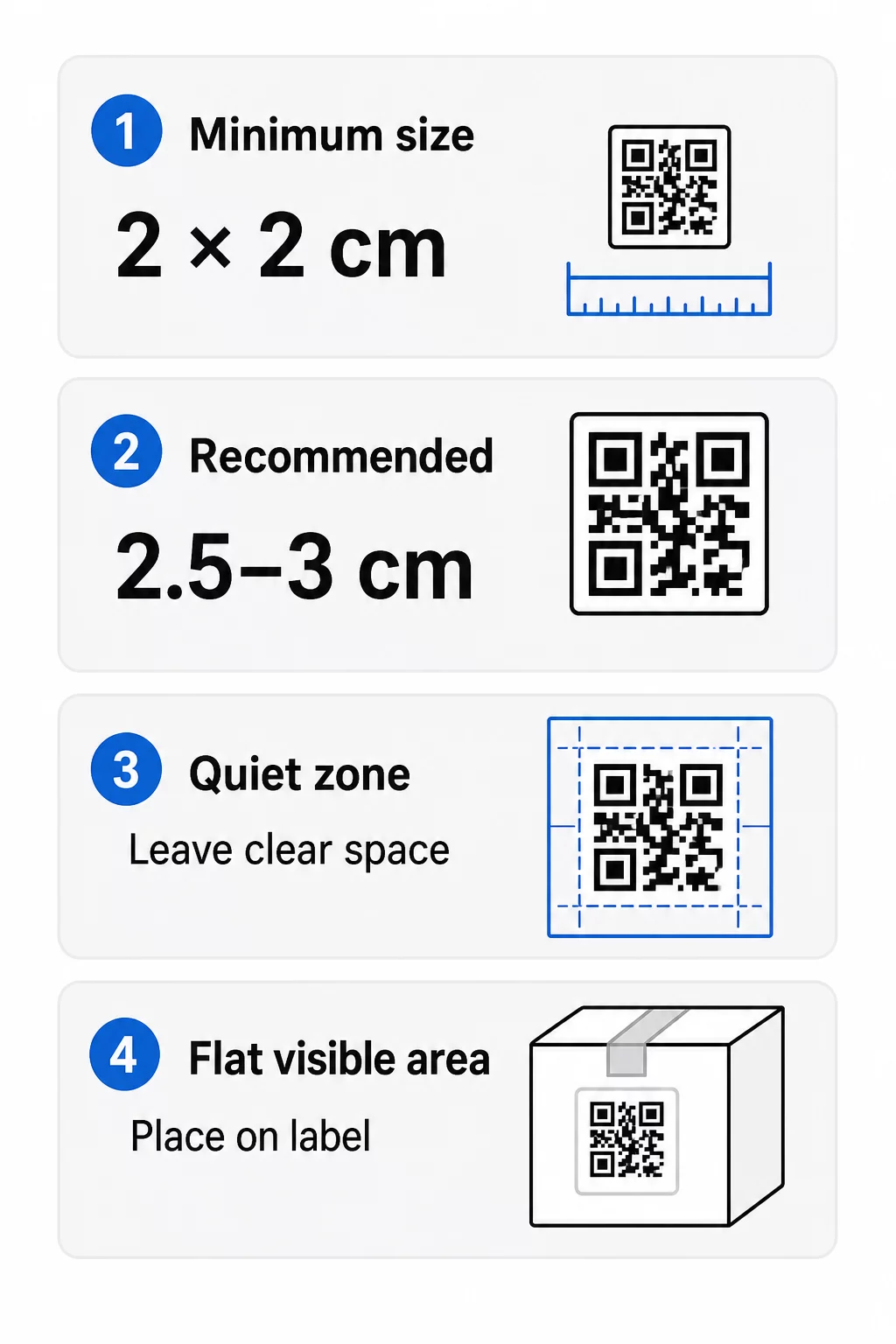
- Absolut minimum: 2 x 2 cm (0.8 x 0.8 tum) för en kod som skannas på armlängds avstånd.
- Rekommenderas för produktförpackningar: 2,5 till 3 cm per sida.
- Avståndsregel: en telefon läser en kod från ungefär 10 gånger dess bredd. En 3 cm kod skannas från cirka 30 cm (12 tum); en 10 cm kod från cirka 1 m.
- Täta koder behöver mer utrymme: en lång URL skapar ett tätare mönster med mindre moduler. Använd en kort länk, eller en dynamisk kod, för att hålla mönstret enkelt.
Om du lägger till en logotyp, öka storleken med 20 till 30 procent. Om du använder anpassade färger, lägg till 10 till 15 procent. Behandla detta som utgångspunkter och bekräfta med ett testutskrift. För olika tryckmaterial, se storleksguide för QR-koder för tryckmaterial.
Placering: Var koden ska placeras på etiketten
- Placera koden på ett plant område, inte över veck, sömmar, kanter eller perforeringar.
- Välj en synlig yta. Etiketten på fram- eller baksidan är bättre än på förpackningens botten.
- Använd en kod per yta så att skannrar inte blir förvirrade.
- Håll den tysta zonen tom. Ingen text, kant eller konstverk inuti den.
- Lägg till en kort uppmaning bredvid koden, som “Skanna för manualen” eller “Skanna för att beställa igen”.
- Placera inte koden under krympplast, en värmeförsegling eller en lackkant som skapar blänk.
Kupade ytor kräver extra försiktighet. På flaskor, burkar och tuber böjs mönstret bort från kameran. Håll koden liten i förhållande till kurvaturen, placera den på den plattaste delen och testa från flera vinklar. Att trycka koden på en platt etikett som sitter på kurvan fungerar bättre än att trycka den på en skarpt böjd axel.
För mer om placering, läs Placeringsguide för QR-koder för marknadsföring.
Den tysta zonen: Den tomma kanten som får skanningen att fungera
Varje QR-kod behöver en tyst zon: en tom marginal runt hela symbolen. Den talar om för skannern var koden börjar och slutar.
Den standardiserade tysta zonen är minst 4 moduler bred på alla fyra sidor. En modul är bredden av en liten kvadrat. På en typisk etikettkod är detta cirka 4 till 8 mm. Skriv inte ut ditt varumärke, en ram eller etiketttext inuti den. Om etiketten trycks på en upptagen bakgrund, placera koden på en enfärgad ljus ruta.
Kontrast: Mörk kod, ljus bakgrund
Skannrar läser skillnaden mellan mörka moduler och en ljus bakgrund. Utan tillräcklig kontrast upptäcks inte mönstret.
- Använd en mörk förgrund på en ljus bakgrund. Svart på vitt är det mest tillförlitliga.
- Sikta på ett kontrastförhållande på minst 4:1.
- Undvik liknande nyanser för förgrund och bakgrund, till exempel mörkgrönt på mellangrönt.
- Undvik ljusa koder på mörk bakgrund (inverterade). Vissa skannrar kan inte läsa dem, så testa innan du använder dem.
- Undvik övertoningar och skuggor över mönstret.
- Undvik att trycka koden på en mycket glansig, ribbad eller ojämn yta.
Anpassade varumärkesfärger kan fungera om du testar dem under verkliga ljusförhållanden. Den guide för bästa praxis för färgkontrast i QR-koder har en jämförelsetabell över vanliga kombinationer.
Felkorrigering: Inbyggt skadeskydd
QR-koder har fyra felkorrigeringsnivåer. De anger hur mycket av koden som kan skadas eller täckas och fortfarande vara läsbar:
| Nivå | Återställningskapacitet | Bäst för |
|---|---|---|
| L (låg) | ungefär 7% | Rena ytor, ingen logotypöverlagring |
| M (medelstor) | ungefär 15% | Allmänna produktetiketter |
| Q (kvartil) | ungefär 25% | Etiketter med en logotyp eller varumärkeselement över koden |
| H (hög) | ungefär 30% | Ytor som riskerar att repas eller slitas, eller komplexa designer |
För de flesta produktetiketter är nivå M eller Q ett bra val. Med en logotyp i mitten, använd Q eller H. Högre nivåer gör mönstret tätare, så du kan behöva en något större utskriftsstorlek.
Utskriftsupplösning och filformat
- Vektorfiler (SVG, PDF, EPS) skalas till valfri storlek utan att förlora skärpa. Använd dem när din skrivare eller etikettdesigner accepterar dem.
- PNG eller JPEG: exportera i den slutliga utskriftsstorleken med 300 dpi. 200 dpi kan fungera för små koder på slätt papper.
- Förstora inte en liten PNG för en större etikett. Kanterna blir suddiga och koden kanske slutar att skannas.
- Kontrollera tryckprovet. Färgspridning kan fylla ut små moduler på absorberande papper.
Både den QR-kodgenerator med logotyp och QR-kod PNG-generator kan exportera filer för utskrift. Kontrollera nedladdningsalternativen i verktyget för det format du behöver.
Praktiska användningsfall för QR-koder på produktetiketter
Välj destination baserat på vad kunden behöver när de håller produkten:
- Mat och dryck: en sida med ingredienser, allergener och ursprung, eller ett recept.
- Elektronik och verktyg: en installationsvideo, manualen i PDF och ett garantiformulär.
- Kosmetika: användningssteg och en fullständig ingredienslista.
- Förbrukningsvaror: en sida för ombeställning med ett tryck.
- Hårdvara och förpackningar: återvinnings- eller returinstruktioner.
- Valfri produkt: en kort recensionsförfrågan eller en rabatt på nästa beställning.
De flesta av dessa drar nytta av dynamiska QR-koder, eftersom sidan kan uppdateras efter att etiketten har skrivits ut. För exempel per sektor, se QR-kodlösningar per bransch. För lojalitet, förpackningar och engagemang, se produkt-QR-kodlösningar.
Testa alltid innan du trycker i stor skala
Före en fullständig utskrift:
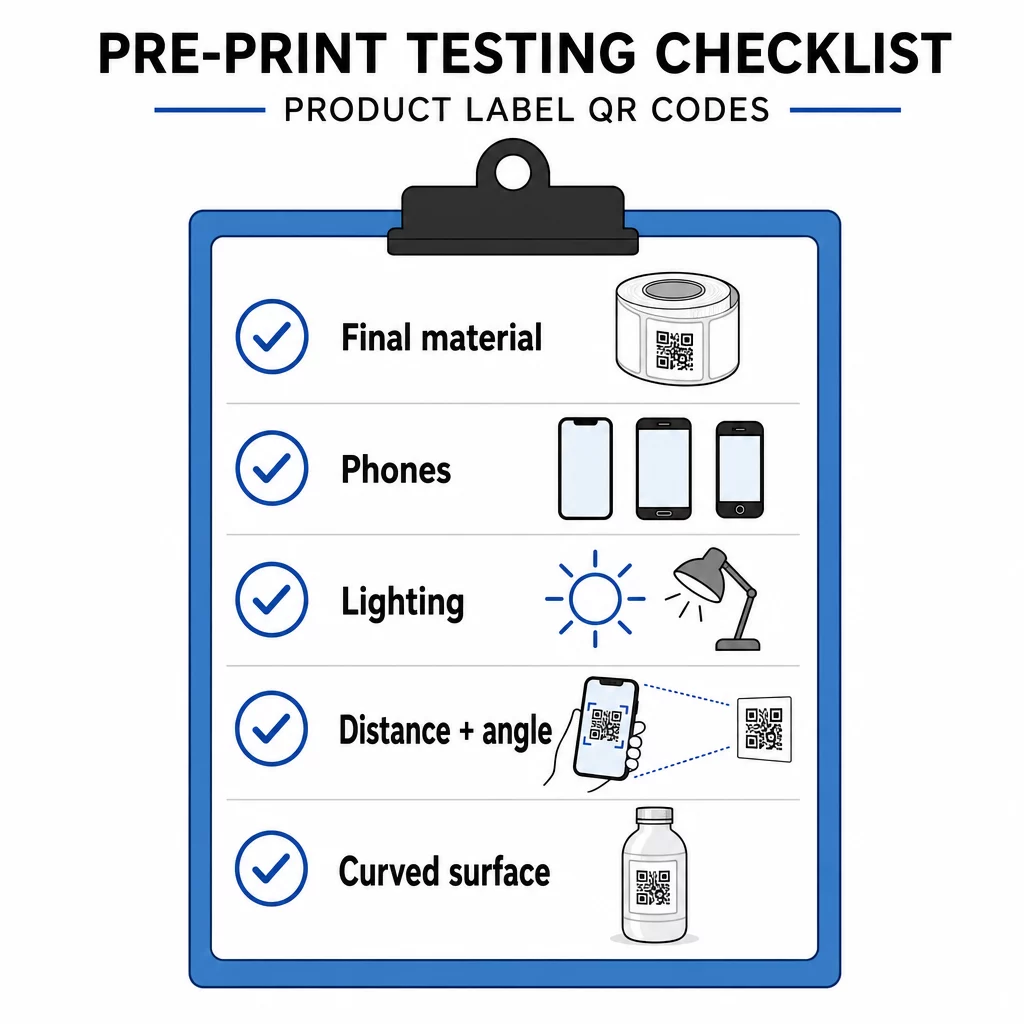
- Skriv ut koden i dess slutgiltiga storlek på själva etikettmaterialet.
- Skanna med minst två eller tre telefoner, både iPhone och Android.
- Skanna i starkt ljus, dagsljus och svagt ljus.
- Skanna från det avstånd och den vinkel en kund kommer att använda.
- På en krökt yta, skanna från vänster, mitten och höger.
- Öppna destinationen på en telefon med mobildata, inte bara via Wi-Fi.
QR-kod på en produkt skannas inte? Kontrollera detta
- För liten: förstora koden eller förkorta länken.
- Tyst zon för smal: text eller grafik vidrör koden.
- Låg kontrast: ljusa färger, gradienter eller en inverterad kod.
- Bländning: glansig film eller lack reflekterar ljus. Använd en matt yta eller flytta koden.
- Suddigt tryck: låg upplösning eller bläckutspädning. Använd en vektorfil och granska korrektur.
- Krökt eller veckad yta: flytta koden till ett plattare område.
- Fel destination: länken har ändrats. Med en dynamisk kod, redigera destinationen. Med en statisk kod måste du skriva ut igen.
För fler kontroller, se guide för bästa praxis för QR-kodläsbarhet.
Vanliga frågor
Det vanliga minimimåttet är 2 x 2 cm (0,8 x 0,8 tum) för koder som skannas på armlängds avstånd. För förpackningar är 2,5 till 3 cm per sida säkrare. Som en vägledning läser en telefon en kod från cirka 10 gånger dess tryckta bredd.
Välj destinationen, skapa koden i en QR-kodgenerator, ladda ner en vektorfil eller en högupplöst PNG, lägg till den i din etikettdesign med en tyst zon och en kort uppmaning till handling, skriv sedan ut en testetikett och skanna den på flera telefoner innan den fullständiga upplagan.
Endast med en dynamisk QR-kod. En dynamisk kod lagrar en kort omdirigeringslänk, så att du kan ändra destinationen utan att ändra den tryckta koden. En statisk kod kan inte ändras efter utskrift.
En statisk kod upphör aldrig att gälla, eftersom destinationen lagras i mönstret. En dynamisk kod fungerar så länge din plan är aktiv, så kontrollera din plan innan du skriver ut etiketter som kommer att vara i bruk i flera år.
Använd ett vektorformat: SVG, PDF eller EPS. De håller sig skarpa i alla storlekar. Om du måste använda PNG, exportera den i slutlig utskriftsstorlek med 300 dpi och förstora den inte.
Ja. Använd felkorrigeringsnivå Q eller H för en logotyp, förstora koden med 20 till 30 procent, bibehåll stark kontrast mellan mörkt och ljust, och testa den tryckta etiketten innan den fullständiga körningen.
På en plan, synlig yta som fram- eller baksidan av etiketten, bort från veck, sömmar och kanter, med en tom tyst zon och en kort uppmaning intill den.