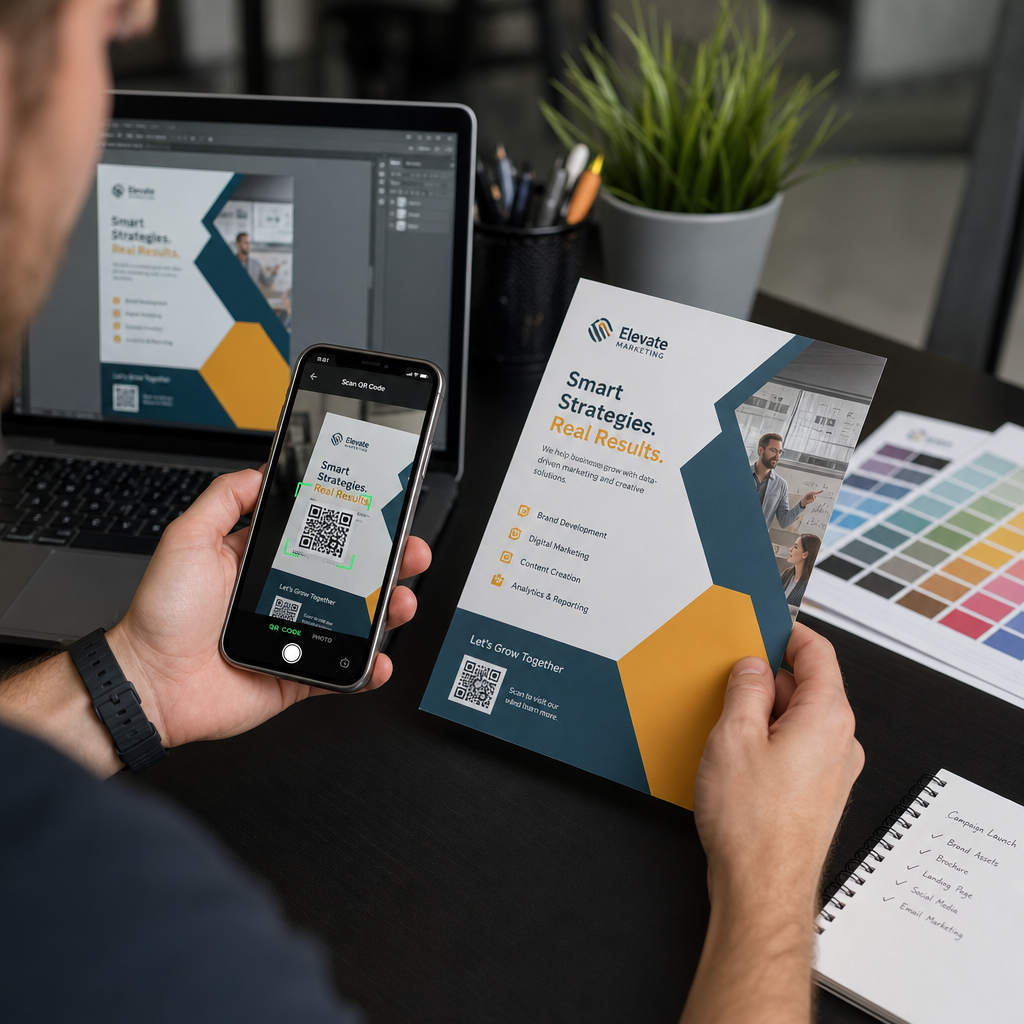
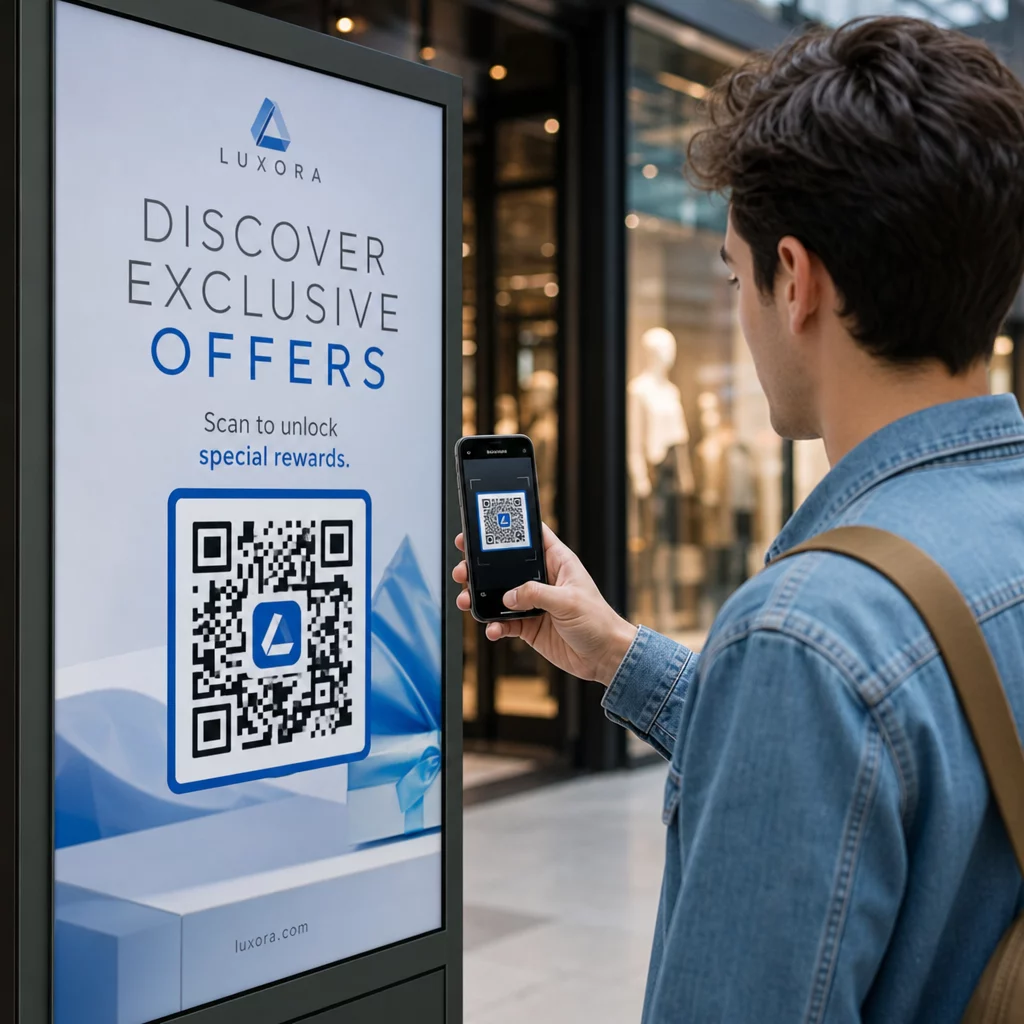
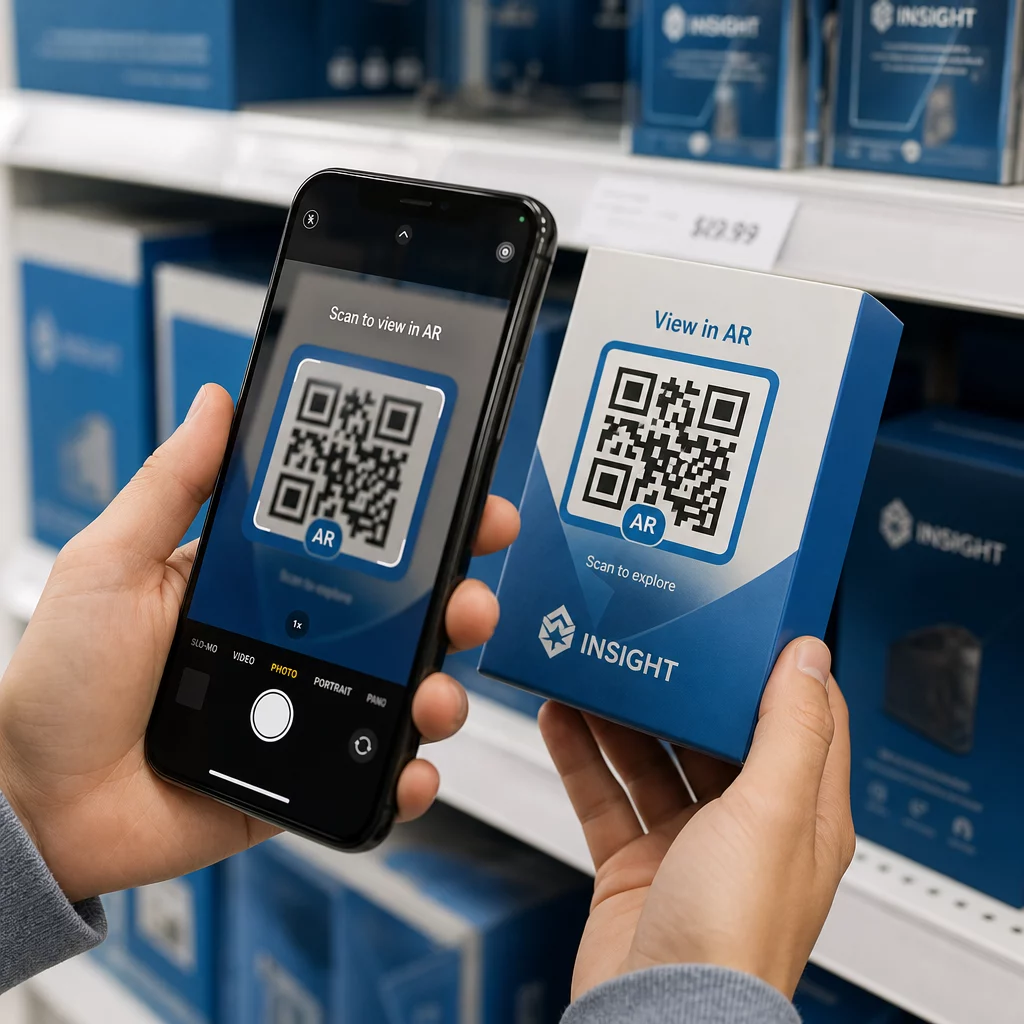
QR-code labels laten een klant met één scan van het pakket in hun hand naar een productpagina, een handleiding, een herbestellink of een ondersteunende chat gaan. Deze gids toont hoe je een QR-productlabel maakt dat meteen scant: welk codetype te gebruiken, hoe groot het te printen, waar het te plaatsen, en wat te testen voor een volledige printrun.
QR-code op productlabels: het korte antwoord
- Maat: print de code minimaal 2 x 2 cm (0.8 x 0.8 inch). Gebruik 2,5 tot 3 cm als klanten vanaf een plank of toonbank scannen.
- Stille zone: houd een blanco rand van minimaal 4 modules (ongeveer 4 tot 8 mm op een label) aan alle vier de zijden.
- Kleuren: donkere code op een lichte achtergrond. Zwart op wit is het veiligst.
- Resolutie: gebruik een vectorbestand (SVG, PDF of EPS) om te printen. Als je PNG gebruikt, exporteer het dan op het uiteindelijke printformaat met 300 dpi.
- Type: gebruik een statische code voor een link die nooit zal veranderen. Gebruik een dynamische code als de bestemming kan veranderen of als je scanstatistieken wilt.
- Test: print er één op het echte labelmateriaal en scan het met twee of drie telefoons voordat je de volledige oplage bestelt.
Waarom QR-codes thuishoren op productetiketten
Een geprint label heeft beperkte ruimte en kan niet worden bijgewerkt nadat het is geprint. Een QR-code voegt meer ruimte toe: details over ingrediënten en herkomst, installatievideo's, garantieregistratie, gebruikershandleidingen en onderdelenlijsten kunnen allemaal achter één klein vierkantje schuilgaan.
Typische toepassingen van een QR-code op een product:
- Productinformatie: specificaties, ingrediënten, allergenen of zorginstructies die niet op het label passen.
- Handleidingen en installatie: een PDF-handleiding of een korte video, zodat je een kleiner foldertje of helemaal geen hoeft te printen.
- Opnieuw bestellen: een directe link naar de productpagina, handig voor verbruiksartikelen zoals filters, koffie of schoonmaakmiddelen.
- Ondersteuning: een link naar een helppagina, een formulier of een WhatsApp-chat.
- Recycling en retouren: afvalinstructies of een retourformulier.
- Aanbiedingen en loyaliteit: een kortingscode, een aanmeldpagina of een beoordelingsverzoek na aankoop.
Voor een bredere kijk op verpakkingstypen en de klantervaring, zie de gids voor QR-codes op productverpakkingen.
Kies een dynamische QR-code of een statische
EEN statische QR-code slaat de bestemming op in het patroon. Het is gratis te maken, het verloopt nooit en het werkt zolang de pagina waarnaar het verwijst bestaat. Als die URL verandert, verwijst de geprinte code naar de verkeerde plaats en moet u opnieuw printen.
EEN dynamische QR-code slaat een korte omleidingslink op, zodat u de bestemming op elk moment kunt wijzigen zonder de geprinte code aan te passen. Op productetiketten helpt dit op drie manieren:
- U kunt een seizoenspromotie of landingspagina wijzigen zonder een nieuwe printrun.
- U kunt een kapotte of verplaatste link direct herstellen.
- U kunt scanstatistieken zien: wanneer, waar en met welk apparaat mensen hebben gescand.
Gebruik een statische code wanneer de link permanent is, bijvoorbeeld een handleiding die op uw eigen site wordt gehost. Gebruik een dynamische code wanneer etiketten maandenlang in de schappen blijven en de bestemming kan veranderen. U kunt een QR-code maken voor uw productetiket met de gratis Pageloot generator. Dynamische codes worden geleverd met een gratis proefperiode van 14 dagen, en abonnementen staan vermeld op de Pageloot prijspagina.
Volg elke scan van uw productetiketten. Om te zien waar en wanneer klanten uw verpakking scannen, maakt u een dynamische code met de Pageloot QR-codegenerator en gebruik het scandashboard.
QR-code etiketten maken: stap voor stap
- Beslis waar de code naartoe moet leiden. Kies een mobielvriendelijke pagina en zorg dat deze kort en snel laadt.
- Open de QR-codegenerator, kies het type (URL, PDF, video of anders) en voer de bestemming in.
- Kies statisch of dynamisch. Vink de dynamische optie alleen aan als u de bestemming later wilt bewerken of scans wilt bijhouden.
- Houd het ontwerp eenvoudig: donkere code, lichte achtergrond, geen verlopen achter het patroon.
- Download een vectorbestand (SVG of PDF) voor de etiketontwerper, of een PNG op de uiteindelijke grootte.
- Plaats de code op het etiketontwerp op de geplande grootte, met de stille zone en een korte call-to-action ernaast.
- Print een testetiket op het echte materiaal en scan het voordat de volledige oplage wordt geproduceerd.
Grootte: Hoe groot moet de code zijn?
Grootte is de meest voorkomende reden waarom een QR-code op een etiket niet kan worden gescand. Als de code te klein is, kan de telefooncamera de afzonderlijke modules (de kleine vierkantjes die het patroon vormen) niet scheiden.
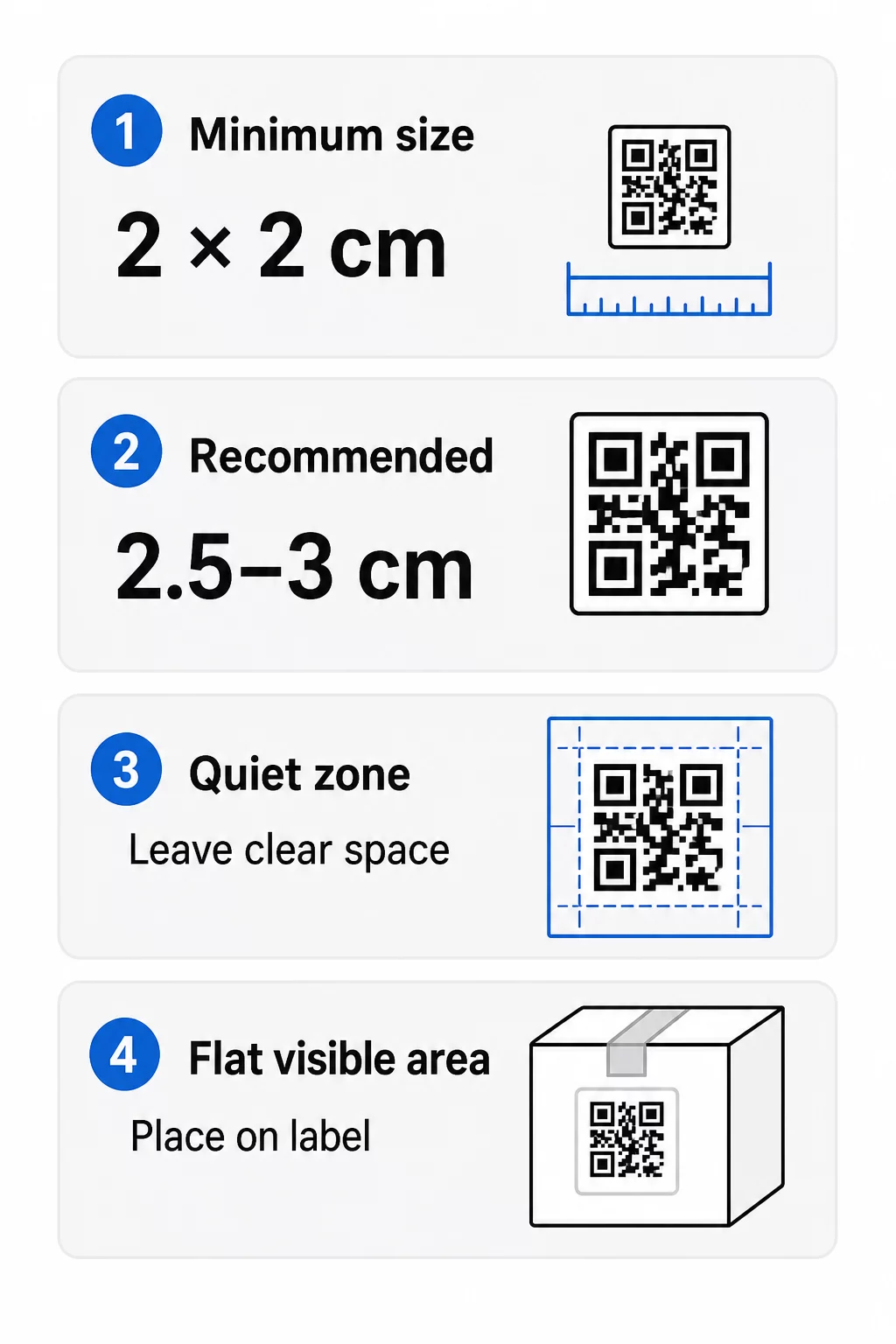
- Absoluut minimum: 2 x 2 cm (0.8 x 0.8 inch) voor een code die op armlengte wordt gescand.
- Aanbevolen voor productverpakkingen: 2,5 tot 3 cm per zijde.
- Afstandsregel: een telefoon leest een code van ongeveer 10 keer de breedte. Een code van 3 cm wordt gescand vanaf ongeveer 30 cm (12 inch); een code van 10 cm vanaf ongeveer 1 m.
- Dichte codes hebben meer ruimte nodig: een lange URL zorgt voor een dichter patroon met kleinere modules. Gebruik een korte link, of een dynamische code, om het patroon eenvoudig te houden.
Als u een logo toevoegt, vergroot u de maat met 20 tot 30 procent. Als u aangepaste kleuren gebruikt, voeg dan 10 tot 15 procent toe. Beschouw dit als uitgangspunten en bevestig met een testprint. Voor verschillende printmaterialen, zie de QR-code maatvoeringgids voor printmaterialen.
Plaatsing: Waar de code op het etiket te plaatsen
- Plaats de code op een vlak oppervlak, niet over vouwen, naden, randen of perforaties.
- Kies een zichtbaar paneel. Het voor- of achteretiket is beter dan de onderkant van de verpakking.
- Gebruik één code per paneel, zodat scanners niet in de war raken.
- Houd de stille zone leeg. Geen tekst, rand of illustraties erin.
- Voeg een korte call-to-action toe naast de code, zoals “Scan voor de handleiding” of “Scan om opnieuw te bestellen”.
- Plaats de code niet onder krimpfolie, een heatseal of een lakrand die schittering veroorzaakt.
Gebogen oppervlakken vereisen extra aandacht. Op flessen, potten en tubes buigt het patroon weg van de camera. Houd de code klein ten opzichte van de curve, plaats deze op het platste deel en test vanuit verschillende hoeken. Het afdrukken van de code op een plat etiket dat op de curve zit, werkt beter dan het afdrukken op een scherp gebogen schouder.
Voor meer informatie over plaatsing, lees de QR-code plaatsingsgids voor marketing.
De Rustzone: De Lege Rand Die Scannen Mogelijk Maakt
Elke QR-code heeft een stille zone: een blanco marge rond het hele symbool. Het vertelt de scanner waar de code begint en eindigt.
De standaard stille zone is minimaal 4 modules breed aan alle vier zijden. Eén module is de breedte van één klein vierkantje. Op een typische labelcode is dit ongeveer 4 tot 8 mm. Druk uw merknaam, een rand of labeltekst er niet in af. Als het etiket op een drukke achtergrond wordt afgedrukt, plaats de code dan op een effen licht vlak.
Contrast: Donkere code, lichte achtergrond
Scanners lezen het verschil tussen donkere modules en een lichte achtergrond. Zonder voldoende contrast wordt het patroon niet gedetecteerd.
- Gebruik een donkere voorgrond op een lichte achtergrond. Zwart op wit is het meest betrouwbaar.
- Streef naar een contrastverhouding van minimaal 4:1.
- Vermijd vergelijkbare tinten voor voorgrond en achtergrond, zoals donkergroen op middengroen.
- Vermijd licht-op-donker (omgekeerde) codes. Sommige scanners kunnen deze niet lezen, dus test voordat je ze gebruikt.
- Vermijd verlopen en schaduwen over het patroon.
- Vermijd het printen van de code op een sterk glanzend, geribbeld of oneffen oppervlak.
Aangepaste merkkleuren kunnen werken als je ze test onder echte lichtomstandigheden. De gids voor best practices voor kleurcontrast van QR-codes heeft een vergelijkingstabel van veelvoorkomende combinaties.
Foutcorrectie: Ingebouwde bescherming tegen schade
QR-codes hebben vier foutcorrectieniveaus. Ze bepalen hoeveel van de code beschadigd of bedekt mag zijn en nog steeds leesbaar is:
| Niveau | Herstelcapaciteit | Beste voor |
|---|---|---|
| L (Laag) | ongeveer 7% | Schone oppervlakken, geen logo-overlay |
| M (Gemiddeld) | ongeveer 15% | Algemene productetiketten |
| Q (kwartiel) | ongeveer 25% | Etiketten met een logo of merkelementen over de code |
| H (Hoog) | ongeveer 30% | Oppervlakken met risico op krassen of slijtage, of complexe ontwerpen |
Voor de meeste productetiketten is niveau M of Q een goede keuze. Met een logo in het midden, gebruik Q of H. Hogere niveaus maken het patroon dichter, dus mogelijk heb je een iets grotere printgrootte nodig.
Printresolutie en bestandsformaten
- Vectorbestanden (SVG, PDF, EPS) schalen naar elk formaat zonder scherpte te verliezen. Gebruik ze wanneer je printer of labelontwerper ze accepteert.
- PNG of JPEG: exporteer op het uiteindelijke printformaat met 300 dpi. 200 dpi kan werken voor kleine codes op glad papier.
- Vergroot een kleine PNG niet voor een groter etiket. De randen vervagen en de code wordt mogelijk niet meer gescand.
- Controleer de drukproef. Inktspreiding kan kleine modules op absorberend papier opvullen.
Zowel de QR code met logo maken en de QR-code PNG-generator kunnen bestanden voor print exporteren. Controleer de downloadopties in de tool voor het formaat dat je nodig hebt.
Praktische Toepassingen voor QR-codes op Productetiketten
Kies de bestemming op basis van wat de klant nodig heeft bij het vasthouden van het product:
- Voeding en drank: een pagina met ingrediënten, allergenen en herkomst, of een recept.
- Elektronica en gereedschap: een installatievideo, de handleiding in PDF en een garantieformulier.
- Cosmetica: gebruiksstappen en een volledige ingrediëntenlijst.
- Verbruiksartikelen: een pagina voor direct opnieuw bestellen.
- Hardware en verpakking: recycling- of retourinstructies.
- Elk product: een korte beoordelingsaanvraag of een korting voor de volgende bestelling.
De meeste hiervan profiteren van dynamische QR-codes, omdat de pagina kan worden bijgewerkt nadat het label is afgedrukt. Voor voorbeelden per sector, zie QR-code oplossingen per branche. Voor loyaliteit, verpakking en betrokkenheid, zie QR-codeoplossingen voor producten.
Altijd testen vóór massale productie
Vóór een volledige druk:
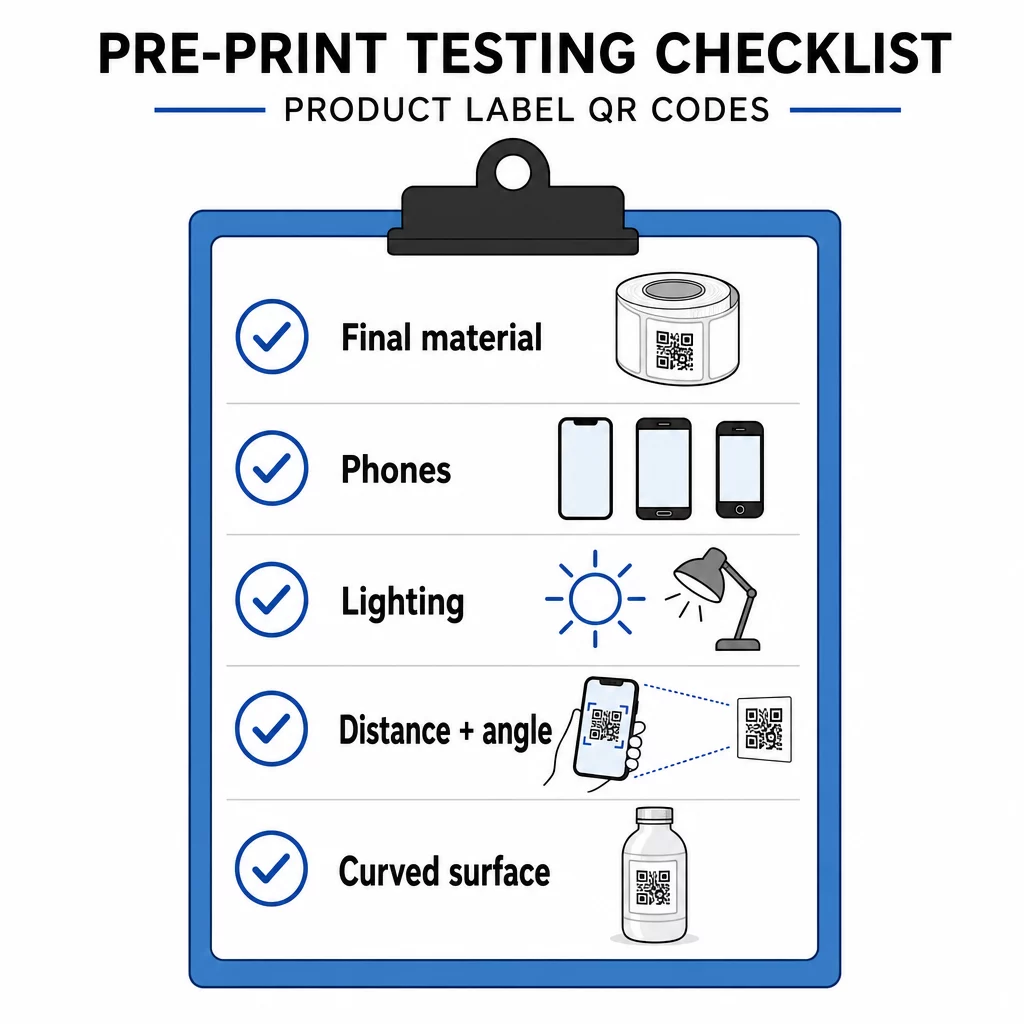
- Druk de code op het uiteindelijke formaat af op het daadwerkelijke labelmateriaal.
- Scan met ten minste twee of drie telefoons, zowel iPhone als Android.
- Scan in fel licht, daglicht en schemerlicht.
- Scan vanaf de afstand en hoek die een klant zal gebruiken.
- Scan op een gebogen oppervlak vanaf links, het midden en rechts.
- Open de bestemming op een telefoon met mobiele data, niet alleen via Wi-Fi.
QR-code op een product niet scanbaar? Controleer deze punten
- Te klein: vergroot de code of verkort de link.
- Stille zone te smal: tekst of illustratie raakt de code.
- Laag contrast: lichte kleuren, verlopen of een geïnverteerde code.
- Schittering: glanzende folie of vernis reflecteert licht. Gebruik een matte afwerking of verplaats de code.
- Vage afdruk: lage resolutie of inktuitvloeiing. Gebruik een vectorbestand en controleer de proef.
- Gebogen of gekreukt oppervlak: verplaats de code naar een platter gebied.
- Verkeerde bestemming: de link is gewijzigd. Bij een dynamische code, bewerk de bestemming. Bij een statische code moet u opnieuw afdrukken.
Voor meer controles, zie de gids voor best practices voor de leesbaarheid van QR-codes.
Veelgestelde vragen
Het gangbare minimum is 2 x 2 cm (0,8 x 0,8 inch) voor codes die op armlengte worden gescand. Voor verpakkingen is 2,5 tot 3 cm per zijde veiliger. Als richtlijn leest een telefoon een code vanaf ongeveer 10 keer de afgedrukte breedte.
Kies de bestemming, maak de code aan in een QR-codegenerator, download een vectorbestand of een PNG met hoge resolutie, voeg deze toe aan je labelontwerp met een rustige zone en een korte call-to-action, print vervolgens een testlabel en scan deze op verschillende telefoons voordat de volledige oplage wordt gedrukt.
Alleen met een dynamische QR-code. Een dynamische code slaat een korte omleidingslink op, zodat u de bestemming kunt wijzigen zonder de geprinte code te veranderen. Een statische code kan niet meer worden gewijzigd na het afdrukken.
Een statische code verloopt nooit, omdat de bestemming is opgeslagen in het patroon. Een dynamische code werkt zolang je abonnement actief is, dus controleer je abonnement voordat je labels afdrukt die jarenlang in gebruik zullen blijven.
Gebruik een vectorformaat: SVG, PDF of EPS. Deze blijven scherp op elk formaat. Als je toch PNG moet gebruiken, exporteer het dan op het uiteindelijke afdrukformaat met 300 dpi en vergroot het niet.
Ja. Gebruik foutcorrectieniveau Q of H voor een logo, vergroot de code met 20 tot 30 procent, zorg voor een sterk contrast tussen donker en licht, en test het afgedrukte label voordat de volledige oplage wordt geproduceerd.
Op een vlakke, zichtbare plek, zoals het voor- of achteretiket, weg van vouwen, naden en randen, met een lege rustzone en een korte call-to-action ernaast.