Have you ever printed marketing materials only to discover that your QR code fails to scan? Undersized codes frustrate customers, waste printing budgets, and lead to lost engagement opportunities. This guide explains how physical dimensions impact readability and outlines exact measurements to keep your codes scannable across every format.
Why Module Density and Distance Dictate QR Code Size
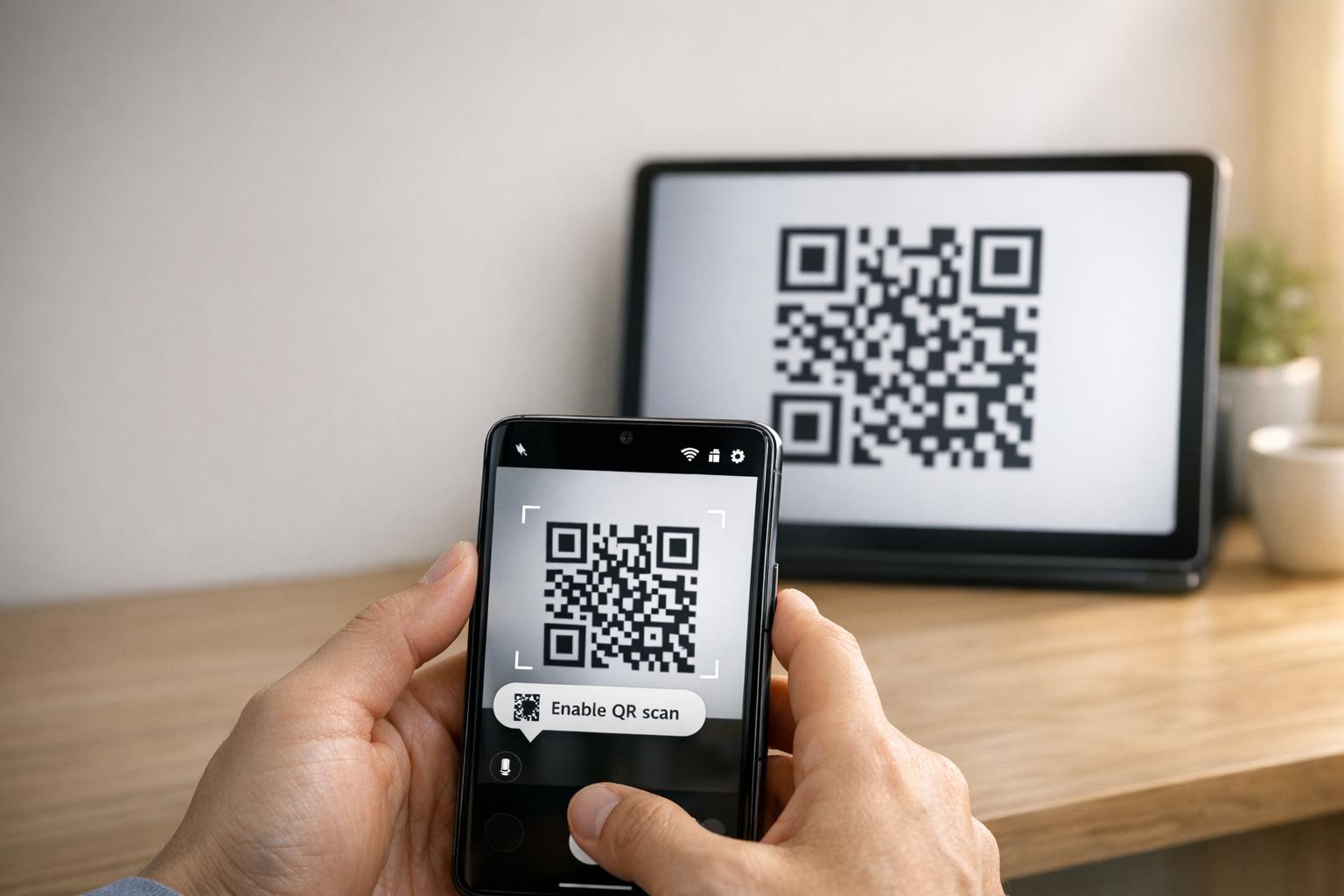
A QR code is an arrangement of tiny black and white squares called modules. For a smartphone camera to decode this data, its optical sensor must differentiate every single module from its neighbors. When a code is printed too small, these squares bleed together into an illegible blur that mobile cameras cannot process.
The physical width of individual modules is known technically as the X-dimension. When you increase the overall size of the code, you expand this X-dimension, providing the camera sensor with more surface area to register contrast. Scanning distance magnifies this requirement because optical resolution degrades as the user moves farther away. Sizing your code generously provides a physical buffer against common environmental challenges, such as dim lighting, glare, or camera shake.
How to Calculate Size Using the 10:1 Scanning Rule
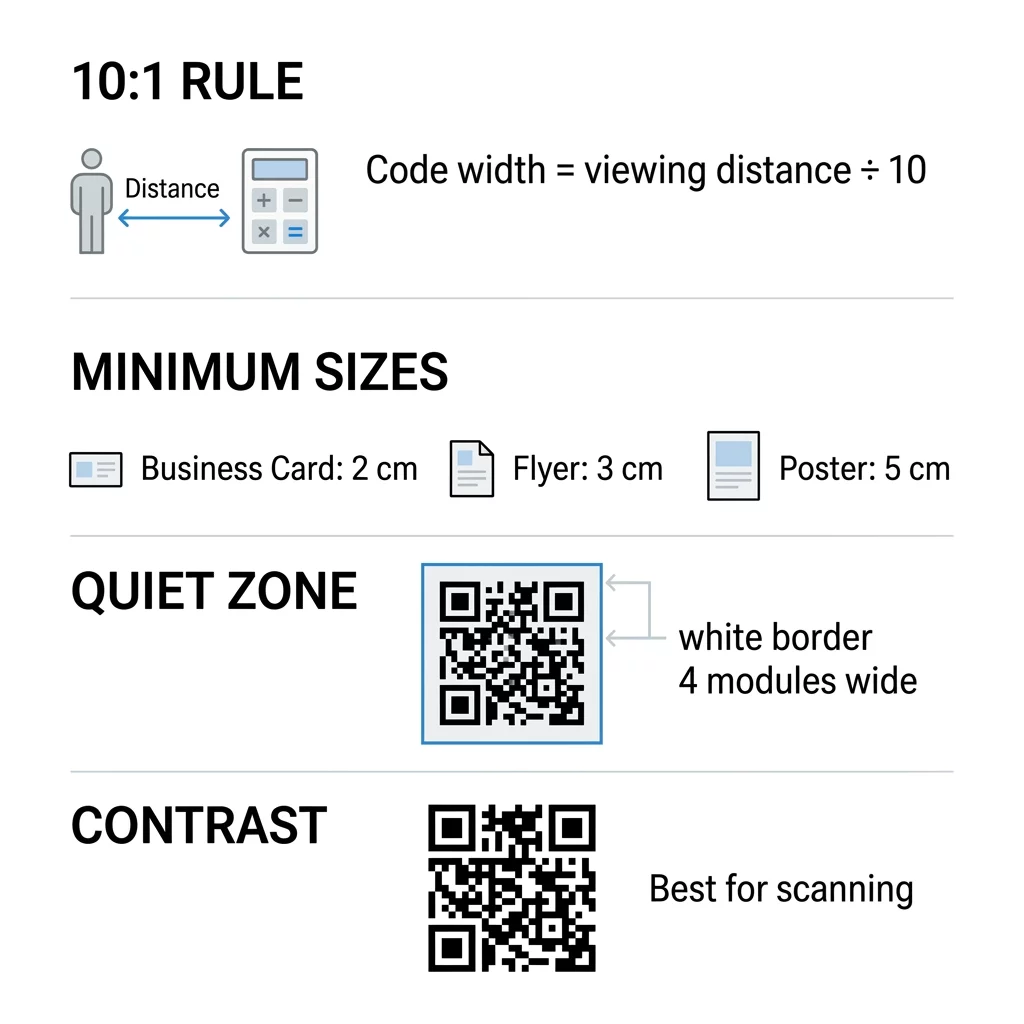
The standard industry formula for sizing printed codes is the 10:1 scanning ratio. This rule states that the width of the QR code should equal roughly one-tenth of the total distance between the code and the intended scanner. For instance, if you expect a customer to scan a display from 1 meter (roughly 40 inches) away, your code should be at least 10 centimeters (about 4 inches) wide.
Applying this ratio from our QR code size guide ensures that physical dimensions match human behavior:
- Close-range handheld items scanned at 8 inches require a width of at least 0.8 inches.
- Desktop displays or tabletop menus scanned at 20 inches require a width of at least 2 inches.
- Wall signage scanned from 5 feet away requires a width of at least 6 inches.
- Outdoor media viewed from 30 feet requires a width of at least 3 feet.
For highway billboards viewed from 50 feet or more, codes often need to measure 5 feet wide or larger so that mobile lenses can resolve the modules from inside a vehicle.
Recommended QR Code Dimensions Across Print Formats
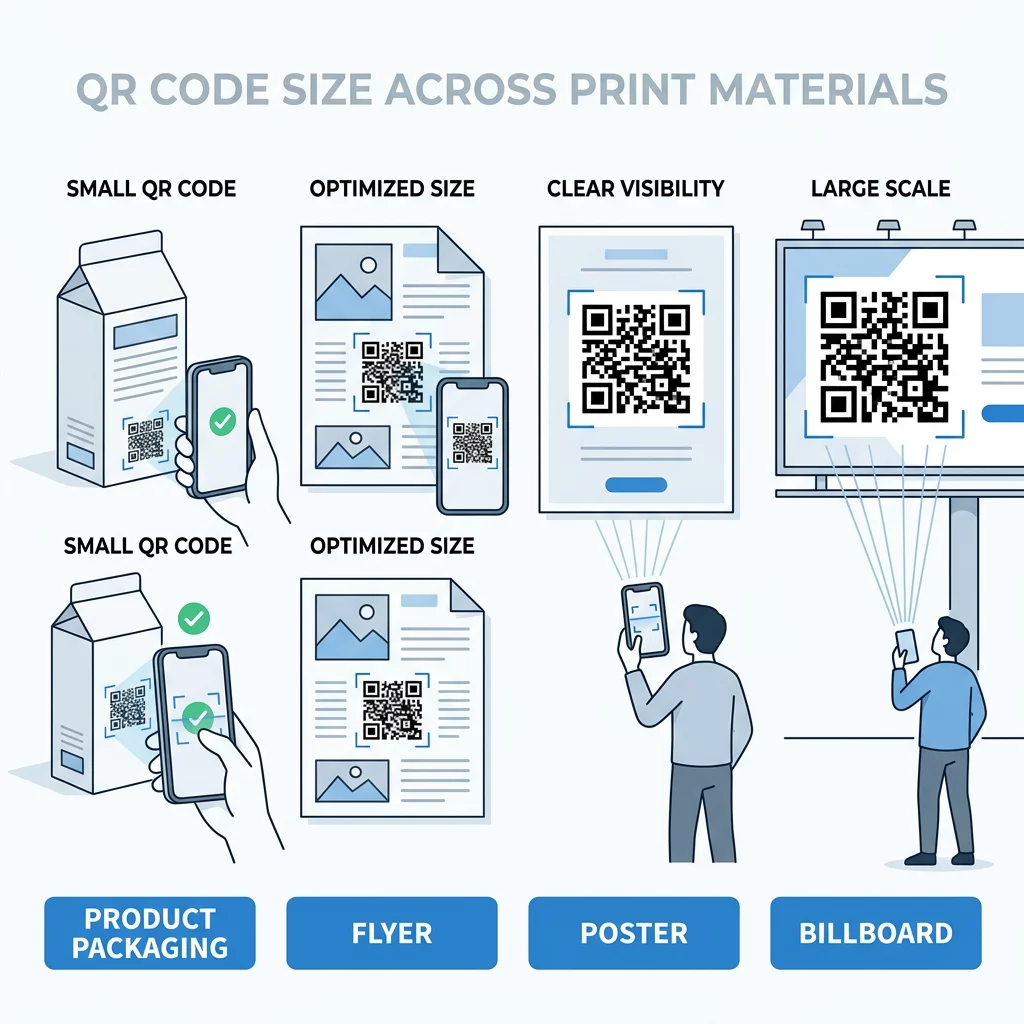
While the 10:1 formula provides an accurate baseline, specific print materials feature standardized viewing ranges. Selecting proper dimensions requires balancing physical layout restrictions against practical scanning ergonomics.
| Print Format | Typical Scanning Distance | Recommended Minimum Dimensions |
|---|---|---|
| Business cards | 6–12 inches (15–30 cm) | 0.8 x 0.8 inches (2 x 2 cm) |
| Product labels & packaging | 12–24 inches (30–60 cm) | 1.0 x 1.0 inches (2.5 x 2.5 cm) |
| Flyers & brochures | 2–3 feet (60–90 cm) | 1.2 x 1.2 inches (3 x 3 cm) |
| Wall posters (A3/A2) | 3–6 feet (1–2 meters) | 1.6 x 1.6 to 3.2 x 3.2 inches (4–8 cm) |
| Trade show pull-up banners | 6–10 feet (2–3 meters) | 4.0 x 4.0 to 10.0 x 10.0 inches (10–25 cm) |
| Billboards & highway displays | 30+ feet (10+ meters) | 40.0 x 40.0 inches (1 x 1 meter) or larger |
For compact items like business stationery, adhering to best QR code sizes for business cards ensures that standard mobile sensors focus without needing digital zoom. When incorporating codes on product packaging, place them away from seams, folds, and severe package curves that distort module geometry.
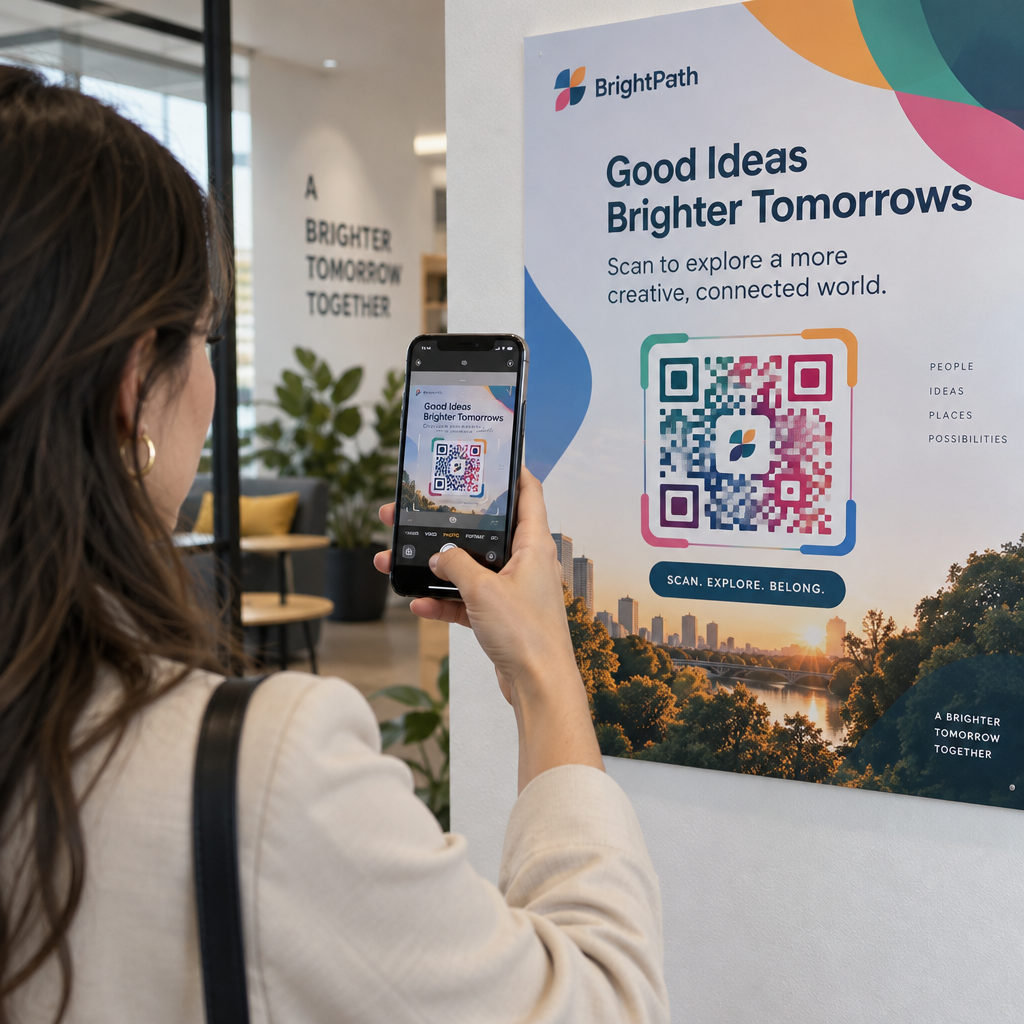
For high-traffic environments, scaling up QR codes on posters allows pedestrians to scan without crowding the wall. Similarly, deploying large-format QR codes for trade shows ensures attendees can capture product sheets and booth details from aisles away. If you plan roadside advertising, review dedicated strategies for QR code call-to-actions on billboards to balance typography, placement, and visual hierarchy.
How Data Density and Material Surfaces Alter Sizing
The amount of raw data encoded directly affects physical sizing requirements. A QR code storing an extensive URL with dozens of tracking parameters requires more rows and columns than a simple alphanumeric code. As the module count increases within the same overall footprint, individual squares shrink, demanding higher camera resolution to read.
To keep your code compact without sacrificing scannability:
- Choose dynamic QR codes to route through a short redirect URL, keeping the module grid sparse and legible.
- Avoid embedding extensive plain text strings or heavy payload data directly into the graphic.
- Increase overall print dimensions whenever high error correction levels add extra data modules.
Substrate choice also plays a decisive role. Understanding how printing techniques impact QR code scannability helps prevent costly production failures. Highly reflective plastics, glass bottles, and textured corrugated cardboard scatter light and blur module edges. If you must print on textured, irregular, or curved materials, enlarge the code by 25% to 50% above the baseline recommendation to compensate for optical distortion.
Maintaining Essential Quiet Zones and High Contrast
Size alone cannot guarantee performance if edge clearance and visual contrast are compromised. Every standard code requires a mandatory border known as the quiet zone. According to ISO/IEC 18004 standards, this margin must measure at least four modules wide on all four sides. The quiet zone acts as a blank separation buffer, signaling to the scanner software where surrounding text and artwork end and where data begins.
Contrast requirements are equally strict. Scanners rely on light reflectance differences to identify individual grid squares:
- Maintain a contrast ratio of at least 4:1 between the foreground modules and background surface.
- Print dark modules against a crisp, solid light background rather than using inverted colors.
- Avoid patterned backgrounds, transparent backings, or textured imagery behind the data grid.
- Follow established guidelines for QR code placement in marketing by keeping codes at natural eye level and clear of heavy glare.
Generate Print-Ready QR Codes in Seconds Need sharp vector exports that scale to any dimension without losing scan quality? Create customized, dynamic codes with the QR code generator to keep your materials working flawlessly.
Testing and Validating Before Mass Production
Never send an asset to mass production without rigorous pre-press validation. Scaling raster images like JPEG or PNG files often leads to pixelation, which softens the sharp edges that scanner sensors rely on. When learning how to resize a QR code, always export vector assets such as SVG, EPS, or vector PDF. Vectors maintain mathematical precision and pin-sharp module boundaries at any scale, while raster files must adhere to at least 300 DPI at final print size.
Once proof prints are produced on the final target material:
- Scan the printed sample using several mobile phone models across different camera generations.
- Validate reading performance under varied lighting conditions, including direct sunlight and low indoor light.
- Check the code at the maximum intended viewing distance and from oblique angles.
- Upload a digital proof to a web-based QR code scanner to verify that optical decoders read the encoded destination accurately.
Ensuring Scan Reliability on Every Campaign
Achieving flawless QR code scannability requires treating physical dimensions, viewing distance, quiet zones, and material textures as interconnected variables. By applying the 10:1 distance formula and keeping your data grids clean, you protect your print investments and ensure a frictionless path from physical marketing touchpoints to digital destinations.
Frequently Asked Questions
The recommended minimum size for close-range handheld scanning is 0.8 x 0.8 inches (2 x 2 cm). Codes printed smaller than this often cause standard smartphone camera lenses to lose focus, which leads to high scan failure rates.
Dynamic codes store a short redirect link rather than raw destination text or complex tracking parameters. This reduces the total number of modules in the grid, allowing individual squares to remain larger and easier to scan at compact dimensions.
Textured, curved, or reflective substrates scatter light and blur module boundaries. When printing on materials like corrugated cardboard, glossy finishes, or curved containers, increase the code dimensions by 25% to 50% to maintain scannability.