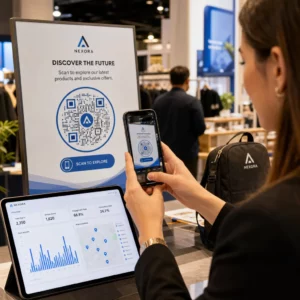
Czy Twoje kody QR narażają Twoich klientów na ryzyko, o którym nie wiesz? Oszuści sprawili, że oszustwa związane z kodami QR stały się powszechnym zagrożeniem, a firmy używające ich w kampaniach marketingowych mogą nieumyślnie stać się narzędziem ataku. Ten przewodnik przedstawia konkretne zagrożenia bezpieczeństwa, które musisz znać, oraz praktyczne kroki do prowadzenia kampanii, którym Twoi klienci mogą zaufać.
Prawdziwe zagrożenia stojące za marketingiem z kodami QR
Zrozumienie, z czym masz do czynienia, to pierwszy krok do ochrony Twoich kampanii. Kody QR są z natury nieprzejrzyste – użytkownicy nie widzą, dokąd prowadzą, dopóki ich nie zeskanują. To czyni je atrakcyjnym narzędziem dla cyberprzestępców.
Manipulacja i klonowanie kodów
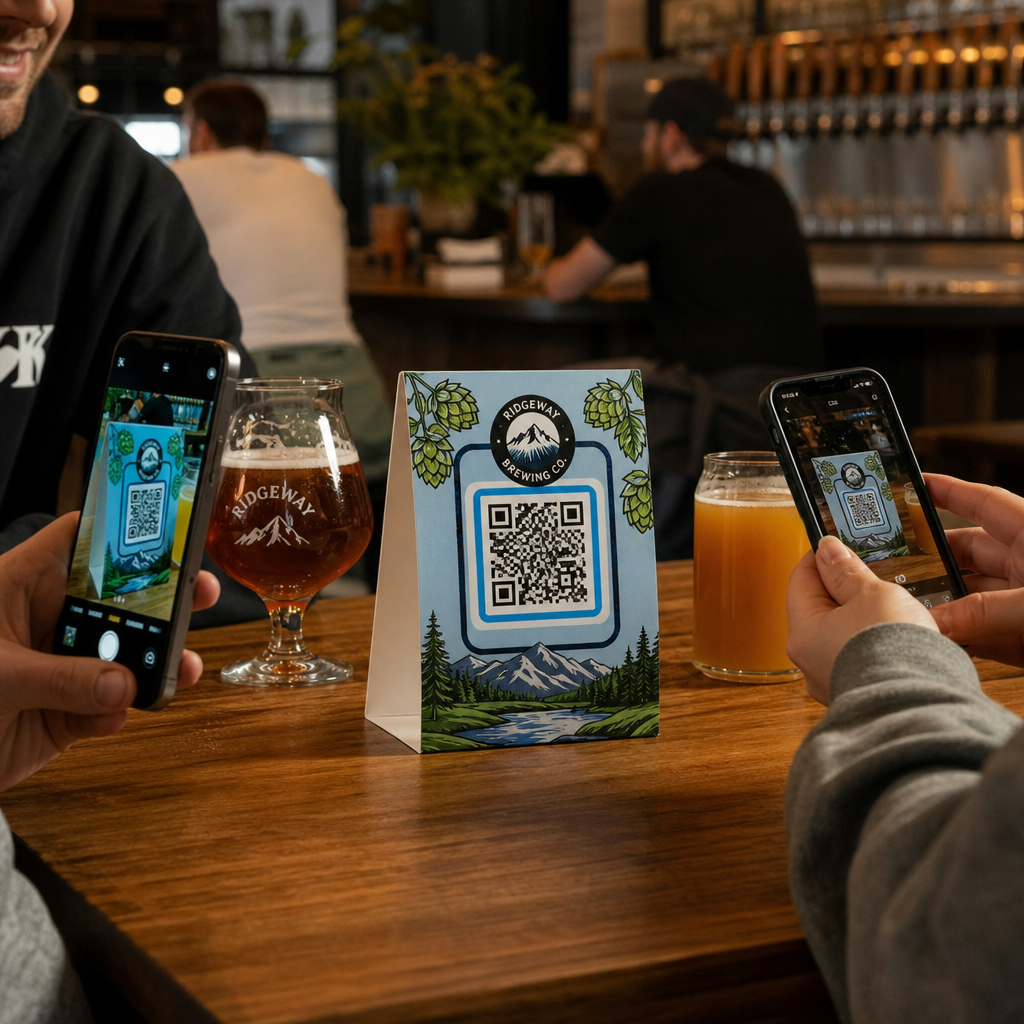
Jeden z najprostszych ataków polega na fizycznym zastąpieniu legalnego kodu QR fałszywym. Przestępcy drukują fałszywe kody w formie naklejek i umieszczają je na prawdziwych w miejscach publicznych – parkometrach, stolikach w restauracjach, wystawach sklepowych. Kiedy klient skanuje coś, co wygląda jak Twój kod, jest faktycznie przekierowywany na fałszywą stronę zaprojektowaną do kradzieży danych płatniczych lub danych logowania.
Ten rodzaj ataku jest szczególnie niebezpieczny, ponieważ Twoja marka ponosi straty wizerunkowe, nawet jeśli jesteś ofiarą. Klienci kojarzą oszukańcze doświadczenie z Twoją firmą.
Phishing z kodami QR (“Quishing”)
Quishing to forma oszustwa tożsamości, w której atakujący osadzają złośliwe linki w kodach QR i rozpowszechniają je za pośrednictwem poczty elektronicznej, ulotek drukowanych lub publicznych znaków. Strona docelowa często wygląda na legalną – naśladując prawdziwą stronę logowania lub płatności – gdzie ofiary są proszone o wprowadzenie poufnych informacji.
Federalne agencje ścigania w USA specjalnie ostrzegały, że ataki quishingowe często tworzą fałszywe poczucie pilności, aby zmusić ludzi do szybkiego skanowania i działania. Phishing danych uwierzytelniających stanowi zdecydowaną większość zaawansowanych zagrożeń związanych z kodami QR, co czyni go jednym z najpoważniejszych ryzyk dla firm, które obsługują konta klientów lub płatności.
Narażenie na naruszenie prywatności danych
Każde skanowanie kodu QR może przechwytywać metadane – typ urządzenia, lokalizację, znacznik czasu, przeglądarkę – w zależności od konfiguracji śledzenia. Bez odpowiednich kontroli dane te mogą zostać ujawnione, niewłaściwie przetworzone lub zebrane w sposób naruszający przepisy dotyczące prywatności. Firmy działające zgodnie z RODO (dla użytkowników z UE) lub CCPA/CPRA (dla mieszkańców Kalifornii) ponoszą znaczne kary za niewłaściwe przetwarzanie danych. Dowiedz się więcej o konkretnych zagrożeniach dla prywatności, które stwarzają kody QR, i jak im zaradzić.
Zepsute doświadczenia, które podważają zaufanie
Bezpieczeństwo to nie tylko ataki. Kod QR, który prowadzi do uszkodzonego linku, strony nieprzystosowanej do urządzeń mobilnych lub wolno ładującej się witryny, tworzy złe doświadczenie, które podważa zaufanie klientów. Jeśli Twoje kody zawodzą nawet sporadycznie, klienci stają się mniej chętni do ich skanowania – i bardziej podatni na argument, że “kodom QR nie można ufać”.”
Bezpieczne tworzenie kodów QR: Co należy zrobić prawidłowo przed uruchomieniem
Używaj dynamicznych kodów QR zamiast statycznych
Najważniejsza decyzja dotycząca bezpieczeństwa, jaką możesz podjąć, to wybór dynamiczne kody QR zamiast statycznych. Oto dlaczego to ma znaczenie:
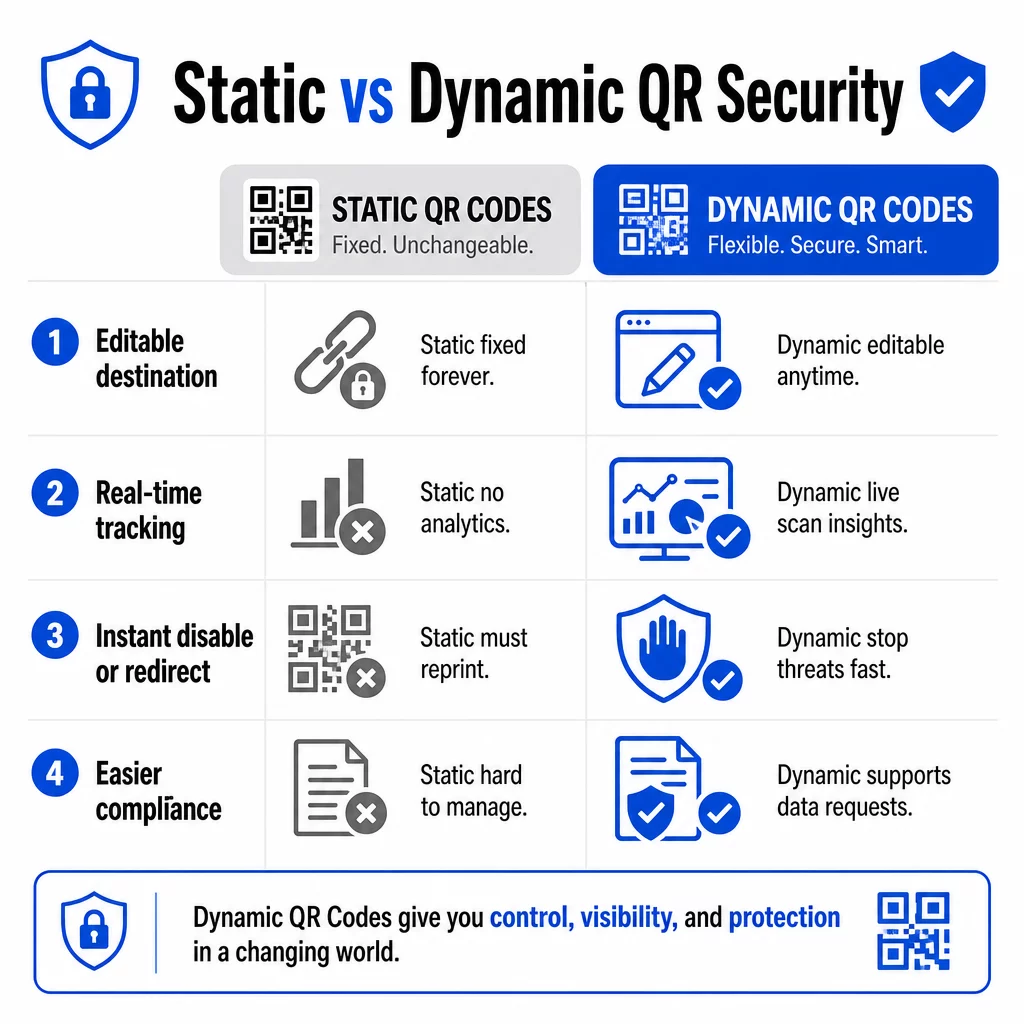
| FUNKCJA | Statyczne kody QR | Dynamiczne kody QR |
|---|---|---|
| Docelowy URL | Ustalony na stałe | Edytowalny w każdej chwili |
| Śledzenie skanowania | Nieobsługiwane | Pełne analizy wliczone |
| Reakcja na zagrożenia | Wymaga ponownego wydruku | Wyłącz lub przekieruj natychmiast |
| Wsparcie zgodności | Trudne | Łatwiejsze zarządzanie żądaniami danych |
| Koszt | Darmowe lub niskie | Oparte na subskrypcji |
Kody statyczne osadzają miejsce docelowe bezpośrednio w wzorze. Po wydrukowaniu nie można ich zmienić. Jeśli kod statyczny zostanie naruszony lub prowadzi do problematycznego miejsca, jedyną opcją jest ponowne wydrukowanie i rozprowadzenie każdego materiału, na którym się pojawia.
Kody dynamiczne używają krótkiego adresu URL przekierowania, który kontrolujesz z panelu. Jeśli wykryjesz podejrzaną aktywność skanowania lub musisz zaktualizować miejsce docelowe, możesz to zrobić natychmiast – bez dotykania ani jednego wydrukowanego elementu. W przypadku każdej trwającej kampanii, kody dynamiczne są odpowiednim wyborem.
Śledź i chroń swoje kampanie w czasie rzeczywistym Użyj Generator dynamicznych kodów QR aby tworzyć kody, które możesz natychmiast aktualizować, monitorować i wyłączać, jeśli coś wygląda podejrzanie.
Linkuj tylko do miejsc zabezpieczonych protokołem HTTPS
Każdy adres URL, do którego prowadzą Twoje kody QR, powinien używać szyfrowania TLS/SSL – wskazywanego przez `https://` i ikonę kłódki w przeglądarce. Zapewnia to, że połączenie między urządzeniem użytkownika a Twoją witryną jest zaszyfrowane, a witryna jest certyfikowana i zaufana.
Unikaj linkowania do miejsc HTTP, nawet tymczasowo. Jeśli adres strony się zmieni, skonfiguruj przekierowania prawidłowo, zamiast pozwolić, aby oryginalny adres URL przestał działać. Martwy link to naruszenie zaufania; przekierowanie na niezabezpieczoną stronę to ryzyko bezpieczeństwa. Zapoznaj się z pełną listą kontrolną najlepszych praktyk bezpiecznego generowania kodów QR.
Dodaj widoczne oznakowanie marki do każdego kodu
Zwykły czarno-biały kod QR nie daje użytkownikom żadnej informacji o tym, skąd pochodzi ani czy jest bezpieczny. Markowe kody QR – te, które zawierają Twoje logo, kolory marki i szablony projektowe – są znacznie trudniejsze do przekonującego replikowania przez atakujących i sygnalizują klientom legalność, zanim zeskanują.
Używaj kolorów zgodnych z Twoją identyfikacją wizualną, utrzymuj wysoki kontrast dla łatwości skanowania i zachowaj czyste projekty. Kiedy używasz również adresu URL, który zawiera Twoją nazwę domeny (zamiast ogólnej domeny krótkiego linku), klienci mają dodatkowy punkt weryfikacji.
Zastosuj kontrolę dostępu opartą na rolach
Jeśli wielu członków zespołu zarządza Twoimi kampaniami kodów QR, ogranicz, kto może edytować lub wyłączać kody. Nieautoryzowane zmiany w aktywnych kodach – czy to przypadkowe, czy złośliwe – stanowią poważne ryzyko. Scentralizowane zarządzanie z uprawnieniami opartymi na rolach zapewnia, że tylko upoważnione osoby mogą wprowadzać zmiany, co jest szczególnie ważne dla zespołów korporacyjnych lub agencji zarządzających kodami w imieniu wielu klientów.
Fizyczne umieszczenie i zapobieganie manipulacjom
Sposób i miejsce wyświetlania kodów QR wpływa zarówno na użyteczność, jak i bezpieczeństwo. Decyzje dotyczące umieszczenia zasługują na tyle samo uwagi, co same kody.
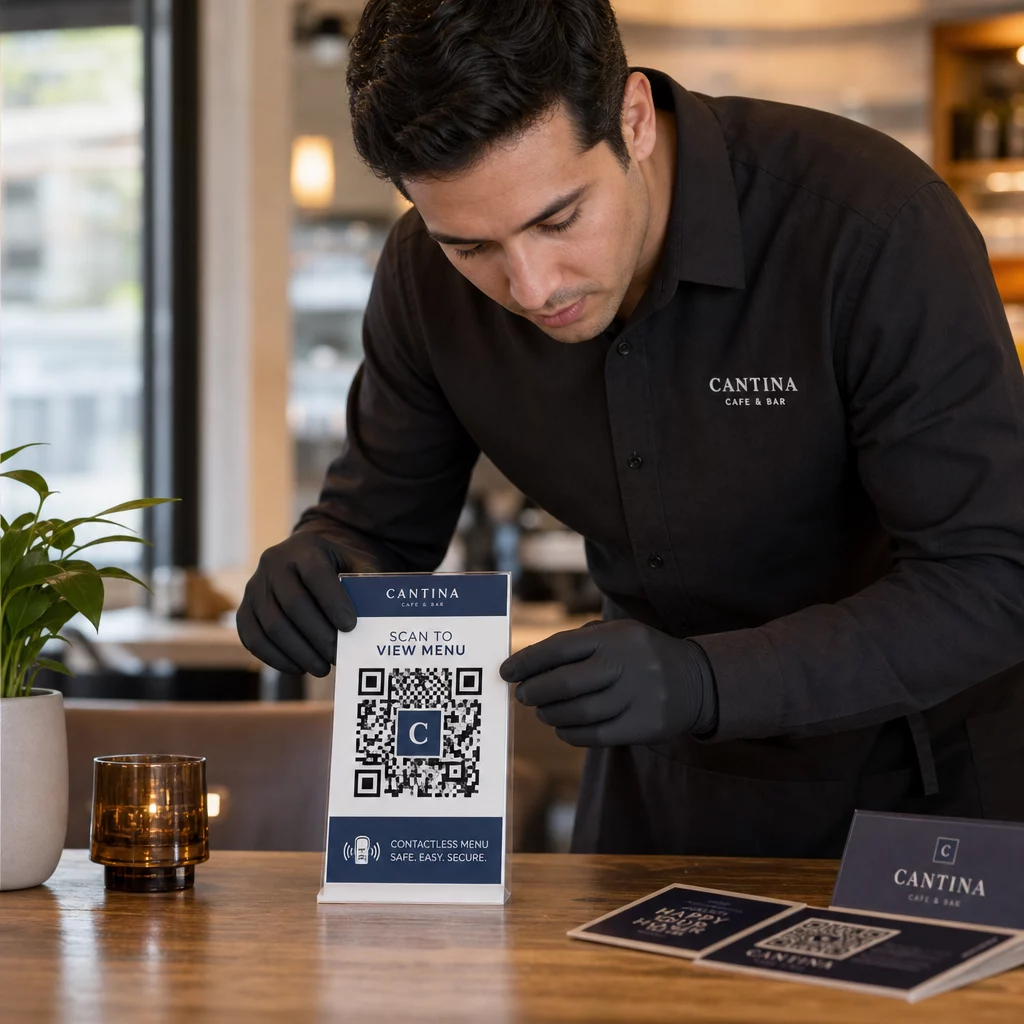
- Używaj materiałów odpornych na manipulacje dla kodów wyświetlanych w miejscach publicznych. Kody na menu, blatach czy ścianach powinny być drukowane bezpośrednio na materiałach, a nie naklejane jako usuwalne naklejki, tam gdzie to możliwe.
- Regularnie sprawdzaj fizyczne kody, zwłaszcza w miejscach o dużym natężeniu ruchu. Zachowaj obraz referencyjny, jak wygląda Twój legalny kod, aby personel mógł wykryć nieautoryzowane zamienniki.
- Zabezpiecz wyświetlacze w stałych miejscach. Kody pod szkłem, laminowane na powierzchniach lub zintegrowane z oznakowaniem są znacznie trudniejsze do manipulowania niż luźne wkładki lub papierowe ulotki.
- Umieść kody na odpowiedniej wysokości wzroku – zazwyczaj między 106 a 167 cm – w dobrze oświetlonych miejscach z dobrym kontrastem do tła.
Federalne wytyczne wyraźnie ostrzegają konsumentów, aby przed zeskanowaniem sprawdzali fizyczne kody QR pod kątem oznak manipulacji (takich jak naklejka umieszczona na oryginalnym kodzie). Utrudniając fizyczną wymianę kodów, zmniejszasz ryzyko, że klienci natkną się na fałszywą wersję.
Co powiedzieć klientom, zanim zeskanują
Klienci to Twoja druga linia obrony. Kiedy rozumieją, jak wygląda bezpieczna interakcja z kodem QR, są lepiej przygotowani do wykrycia czegoś nieprawidłowego.
Zawsze umieszczaj jasne, konkretne wezwanie do działania obok każdego kodu QR. Niejasne instrukcje, takie jak “Skanuj tutaj”, nie pomagają użytkownikom ocenić, czy kod jest legalny. Zamiast tego użyj zwrotów takich jak:
- “Skanuj, aby zobaczyć dzisiejsze menu”
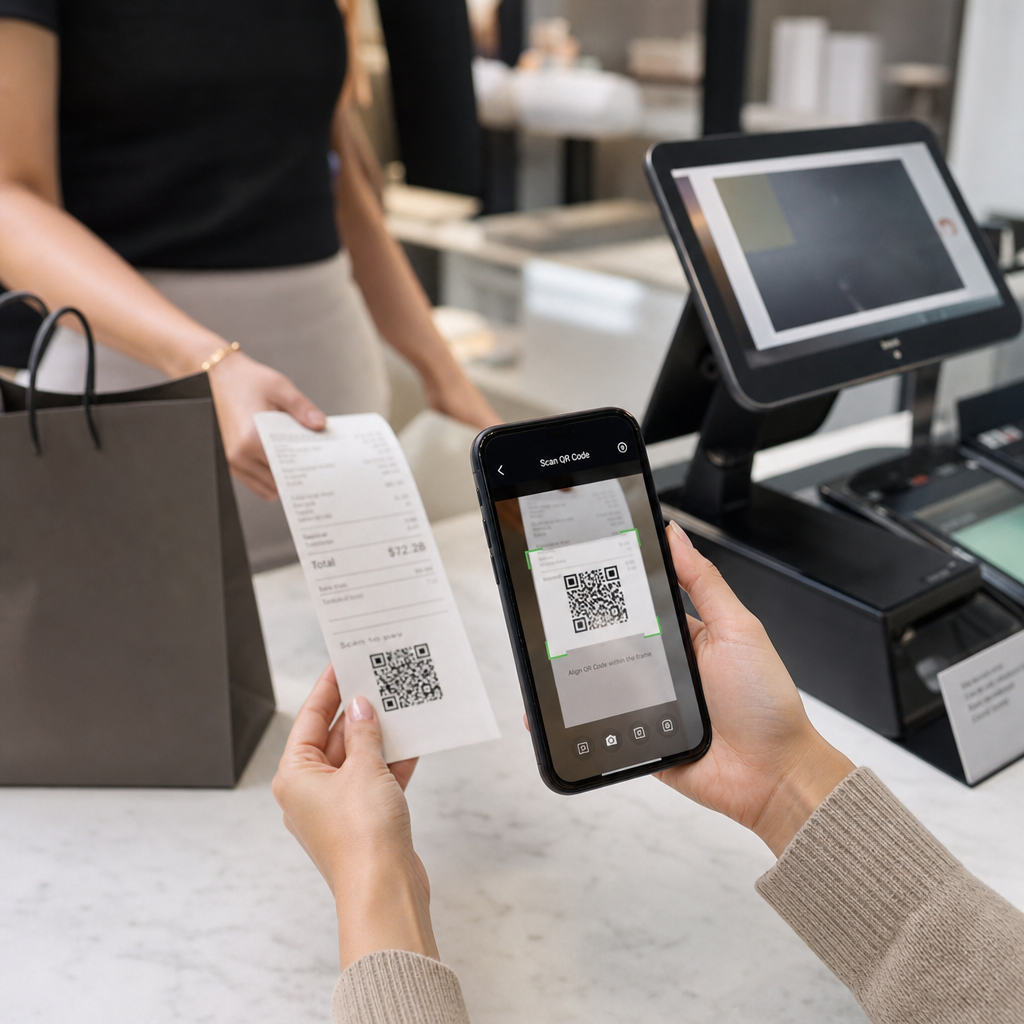
- “Skanuj, aby uzyskać dostęp do paragonu”
- “Skanuj, aby uzyskać instrukcje konfiguracji produktu”
Ta informacja kontekstowa mówi użytkownikom, czego powinni się spodziewać po zeskanowaniu – ułatwiając rozpoznanie, gdy coś jest nie tak. Kod QR, który obiecuje wyświetlić menu, ale otwiera stronę logowania, to natychmiastowy sygnał ostrzegawczy.
Zachęcaj klientów do podglądu adresu URL przed jego otwarciem. Większość nowoczesnych aparatów w smartfonach wyświetla docelowy adres URL przed uruchomieniem przeglądarki. Użytkownicy powinni szukać Twojej rozpoznawalnej domeny i sprawdzać błędy ortograficzne lub podstawione znaki (na przykład `paeg1oot.com` zamiast `pageloot.com`).
Odradzaj korzystanie z aplikacji do skanowania kodów QR innych firm pobranych z nieznanych źródeł. Natywne aparaty w smartfonach (zarówno iOS, jak i Android zawierają wbudowane skanowanie QR) są najbezpieczniejszą opcją i wyświetlają podglądy adresów URL przed nawigacją.
Monitorowanie Kampanii pod kątem Podejrzanej Aktywności
Tworzenie bezpiecznego kodu QR nie jest jednorazową czynnością. Aktywne monitorowanie to coś, co odróżnia kampanię, która pozostaje bezpieczna, od tej, która zostaje wykorzystana.
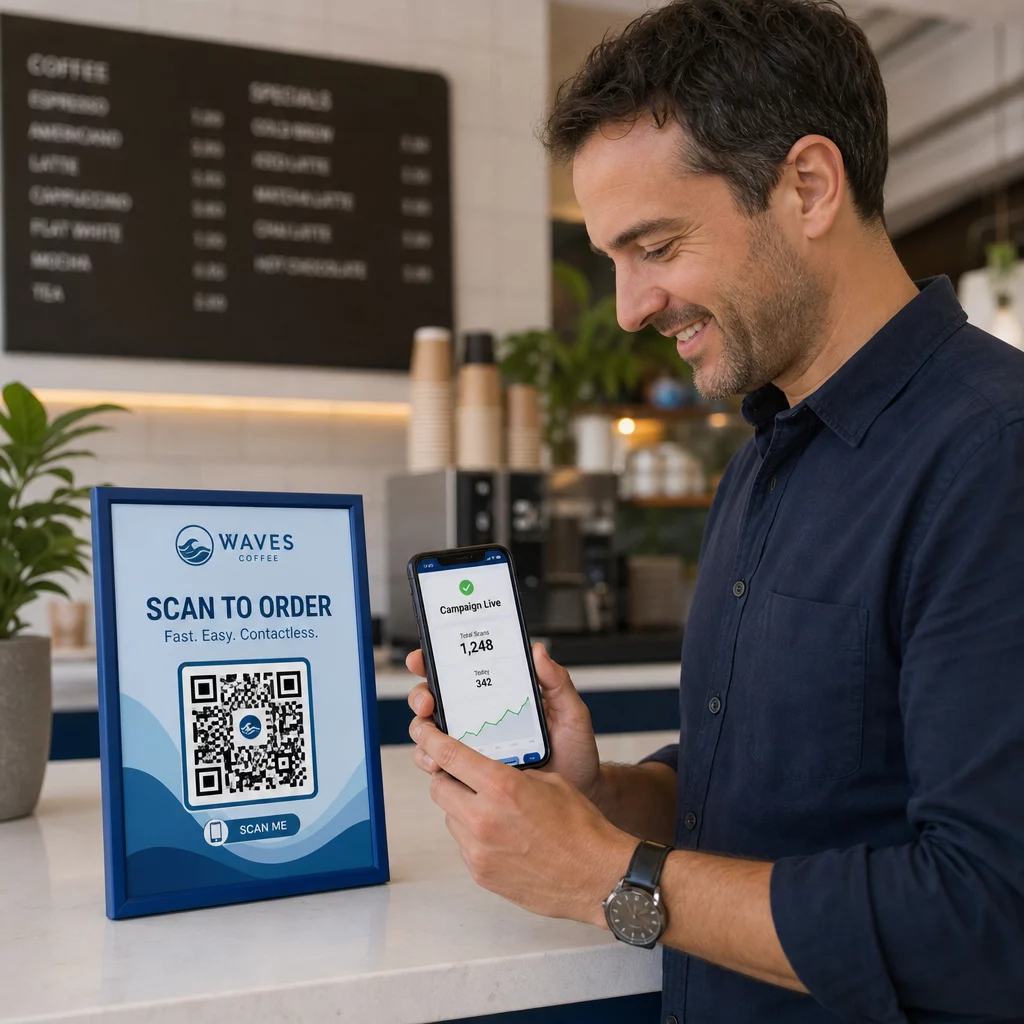
Dynamiczne kody QR dostarczają danych śledzenia w czasie rzeczywistym w tym liczbę skanów, typ urządzenia, system operacyjny i lokalizację geograficzną. Dane te pełnią podwójną funkcję: mierzą wydajność kampanii i sygnalizują anomalie.
Zwróć uwagę na te sygnały ostrzegawcze w danych skanowania:
- Nagły wzrost liczby skanów z nieoczekiwanego regionu geograficznego
- Duża liczba skanów z jednego urządzenia lub adresu IP w krótkim czasie
- Wzorce skanowania, które nie pasują do oczekiwanej grupy odbiorców (niewłaściwe urządzenia, niewłaściwe czasy, niewłaściwe lokalizacje)
Każdy z tych wzorców może wskazywać, że kod jest wykorzystywany lub testowany przez nieuczciwe podmioty. Dzięki dynamicznym kodom możesz natychmiast wyłączyć dotknięty adres URL, przekierować na bezpieczną stronę docelową i zbadać sprawę, zanim zdecydujesz, czy wznowić kampanię.
Ustanów regularne audyty – zarówno cyfrowe (przeglądanie analityki), jak i fizyczne (sprawdzanie rozmieszczenia kodów) – zgodnie z ustalonym harmonogramem. Im szybciej wykryjesz problem, tym mniejsze szkody może on spowodować.
Zobacz Każde Skanowanie w Czasie Rzeczywistym Pulpit nawigacyjny Pageloot zapewnia pełny wgląd w wydajność skanowania i anomalie. Zacznij śledzić swoje kampanie z kodami QR z dynamicznymi kodami już dziś.
Zachowanie zgodności z przepisami o ochronie danych
Jeśli Twoje kody QR zbierają jakiekolwiek dane użytkownika – nawet tylko lokalizację skanowania i typ urządzenia – masz obowiązki prawne w zależności od miejsca, w którym znajdują się Twoi klienci.
RODO ma zastosowanie, gdy kierujesz reklamy do użytkowników w Unii Europejskiej. Wymaga wyraźnej zgody przed zbieraniem danych osobowych i nakazuje, aby użytkownicy mogli żądać dostępu do swoich danych lub ich usunięcia. Nieprzestrzeganie przepisów wiąże się z karami w wysokości do 4% globalnych rocznych przychodów lub 20 milionów euro, w zależności od tego, która kwota jest wyższa.
CCPA/CPRA ma zastosowanie do mieszkańców Kalifornii i daje im prawo do rezygnacji ze zbierania danych. Chociaż nie zawsze wymaga zgody z góry, wymaga jasnego ujawnienia i dostępnego mechanizmu rezygnacji. Celowe naruszenia mogą skutkować karami w wysokości do 7 988 USD za incydent.
Praktyczne kroki w celu zachowania zgodności:
- Zbieraj tylko minimalną ilość danych niezbędną do osiągnięcia celów kampanii
- Upewnij się, że Twoja polityka prywatności jest łatwo dostępna z każdej strony docelowej kodu QR
- Korzystaj z platformy kodów QR, która obsługuje żądania usunięcia danych
- Wybieraj platformy z uznanymi certyfikatami zgodności, takimi jak RODO, SOC 2 lub HIPAA, tam gdzie ma to zastosowanie
Przejrzystość w zakresie sposobu przetwarzania danych jest zarówno wymogiem prawnym, jak i środkiem budowania zaufania. Klienci, którzy rozumieją, co zbierasz – i dlaczego – są bardziej skłonni do korzystania z Twoich kodów. Dowiedz się więcej o tym, jak tworzyć kampanie z kodami QR szanujące prywatność.
Testowanie przed wdrożeniem
Żaden kod QR nie powinien zostać uruchomiony bez przetestowania go na wielu urządzeniach i w różnych warunkach. Kod, który doskonale skanuje się na Twoim telefonie, może zawieść na starszym urządzeniu z Androidem, w słabym oświetleniu lub po wydrukowaniu w mniejszym rozmiarze.
Przed wdrożeniem:
- Testuj na urządzeniach z systemem iOS i Android, używając natywnych aplikacji aparatu
- Skanuj w warunkach oświetleniowych przewidywanych w każdej lokalizacji umieszczenia
- Sprawdź, czy miejsce docelowe ładuje się poprawnie i jest w pełni zoptymalizowane pod kątem urządzeń mobilnych
- Potwierdź szybkość ładowania strony – wolne strony zwiększają wskaźnik porzuceń i stwarzają możliwość przekierowania niecierpliwych użytkowników gdzie indziej
- Sprawdź, czy adres URL wyświetlany w podglądzie przed skanowaniem odpowiada Twojej oczekiwanej domenie
Dla Kody QR umieszczone w materiałach drukowanych, używaj formatów wektorowych (SVG, EPS lub PDF) do druku, aby uniknąć rozmycia. Zachowaj strefę ciszy – białą ramkę wokół kodu – o szerokości co najmniej czterech modułów z każdej strony. Minimalny praktyczny rozmiar dla większości materiałów marketingowych to 0,8 × 0,8 cala; dla wizytówek oglądanych z bliska, co najmniej 1 × 1 cal.
Szkolenie Twojego Zespołu
Kontrole technologiczne mają swoje granice. Twój zespół marketingowy musi rozumieć, jak wygląda bezpieczna kampania z kodami QR i jakie sygnały wskazują, że coś poszło nie tak.
Omów te obszary podczas szkolenia zespołu:
- Jak rozpoznać fizyczny kod, który został naruszony
- Jak interpretować analitykę skanowania i identyfikować anomalie
- Jakie kroki podjąć, gdy podejrzewa się, że kod został naruszony (wyłączyć, zbadać, powiadomić)
- Jak stosować branding i wymagania HTTPS podczas tworzenia nowych kodów
- Jak pisać skuteczne wezwania do działania, które dostarczają kontekstu użytkownikom
Plik Marketing z kodem QR: lista kontrolna dla małych firm jest użytecznym odniesieniem do wbudowania tych przepływów pracy w standardowy proces Twojego zespołu.
Najczęściej zadawane pytania
Statyczne kody QR trwale osadzają docelowy adres URL w wzorze kodu i nie mogą być zmienione po utworzeniu. Jeśli statyczny kod zostanie naruszony lub prowadzi do niedziałającej strony, musisz ponownie wydrukować każdy fizyczny przedmiot, na którym się pojawia. Dynamiczne kody QR używają krótkiego adresu URL przekierowania, który kontrolujesz z panelu, dzięki czemu możesz natychmiast zaktualizować miejsce docelowe lub wyłączyć kod bez ponownego drukowania czegokolwiek. Kody dynamiczne zapewniają również analizy skanowania w czasie rzeczywistym, co pomaga wykrywać podejrzane działania. Dla każdej kampanii marketingowej, w której liczy się bezpieczeństwo i elastyczność, kody dynamiczne są lepszym wyborem.
Regularnie sprawdzaj fizyczne kody w każdej lokalizacji umieszczenia i porównuj je z obrazem referencyjnym prawidłowego kodu. Cyfrowo, monitoruj analitykę skanów pod kątem nietypowych wzorców – nieoczekiwanych skoków wolumenu, skanów z nierozpoznanych regionów geograficznych lub wysokiej częstotliwości skanów z jednego urządzenia. Ponieważ dynamiczne kody QR śledzą te metryki w czasie rzeczywistym, możesz szybko wykryć anomalie i wyłączyć dotknięte przekierowanie, zanim nastąpią znaczące szkody.
Każda strona docelowa połączona z kodu QR powinna używać HTTPS (szyfrowanie TLS/SSL), ładować się szybko na urządzeniach mobilnych i wyraźnie wyświetlać tożsamość Twojej marki, aby użytkownicy mogli potwierdzić, że są we właściwym miejscu. W przypadku stron, które zbierają jakiekolwiek dane użytkownika, należy umieścić widoczny link do polityki prywatności oraz dostępny mechanizm rezygnacji lub zgody, zgodnie z wymogami RODO lub CCPA. Jeśli strona obsługuje wrażliwe informacje, takie jak płatności lub dane logowania, rozważ dodanie uwierzytelniania wieloskładnikowego jako dodatkowej warstwy ochrony.