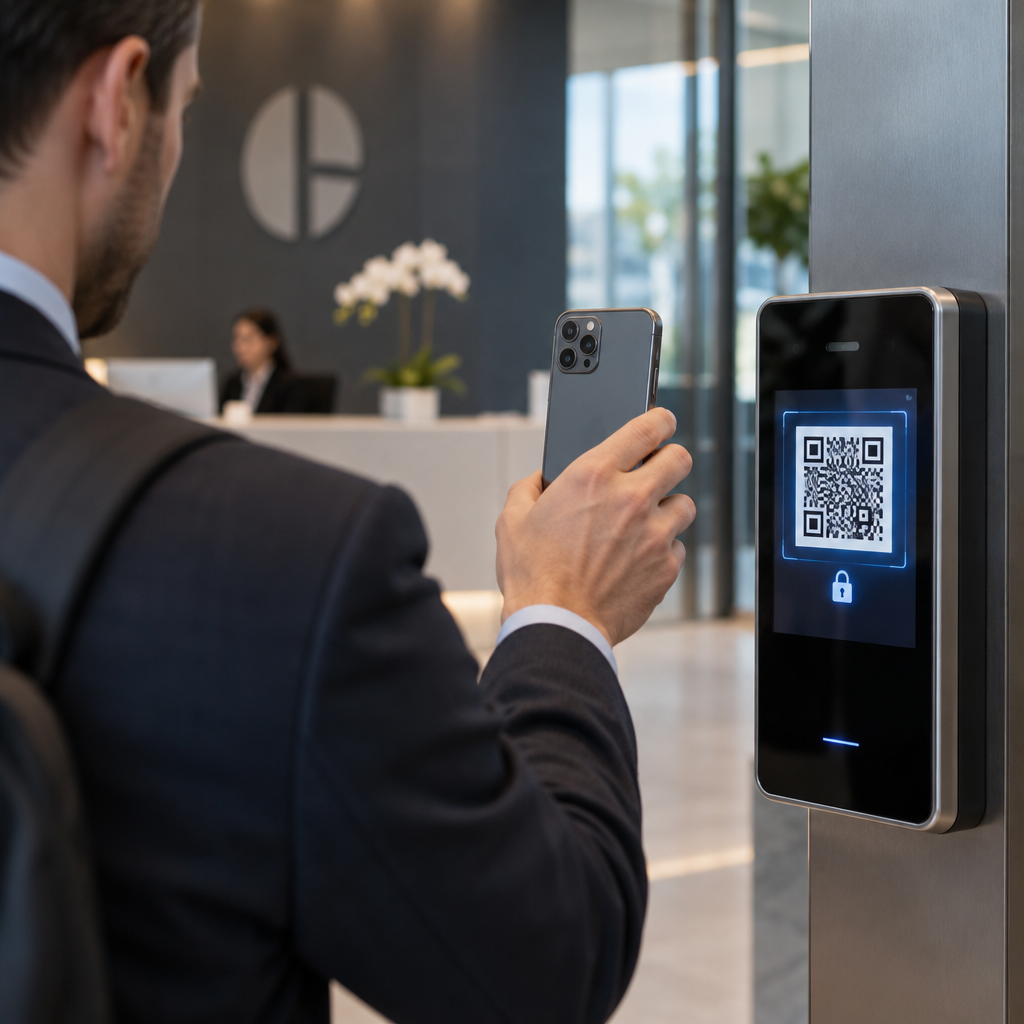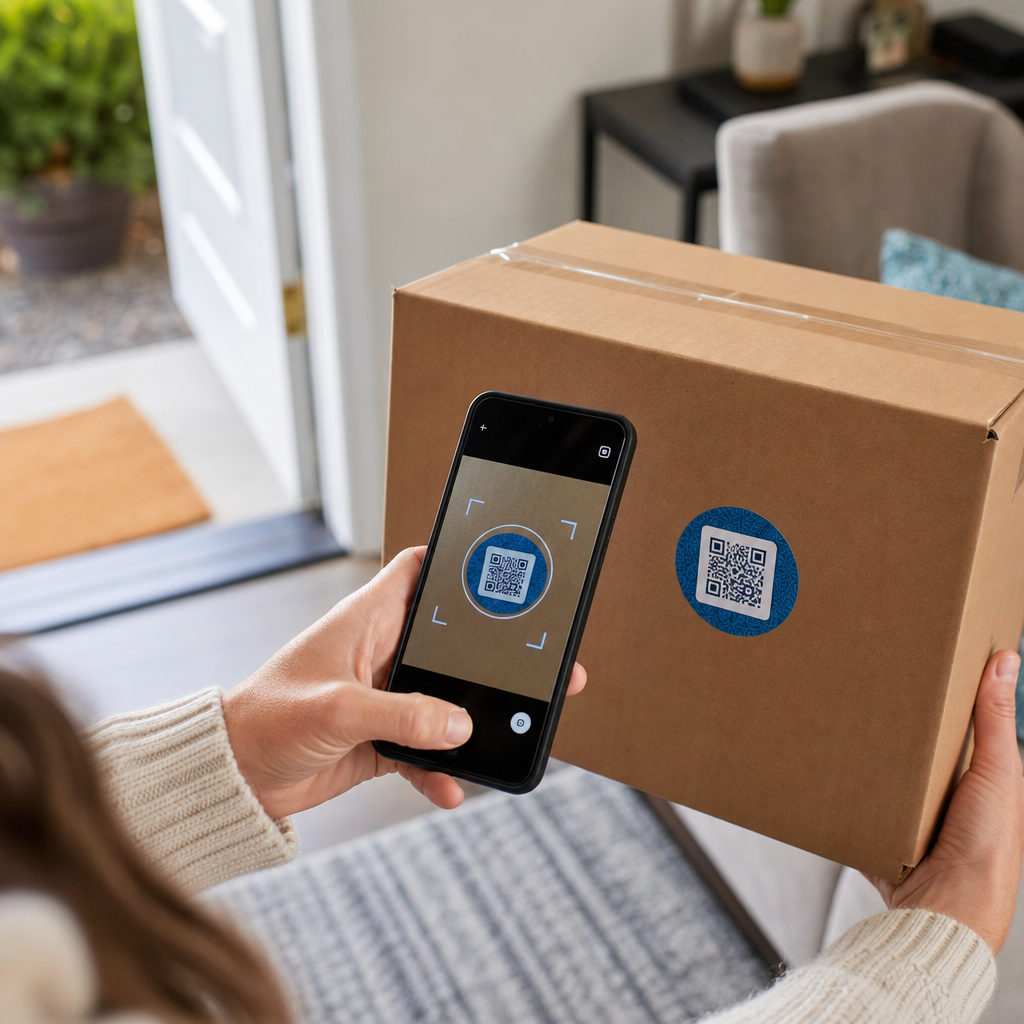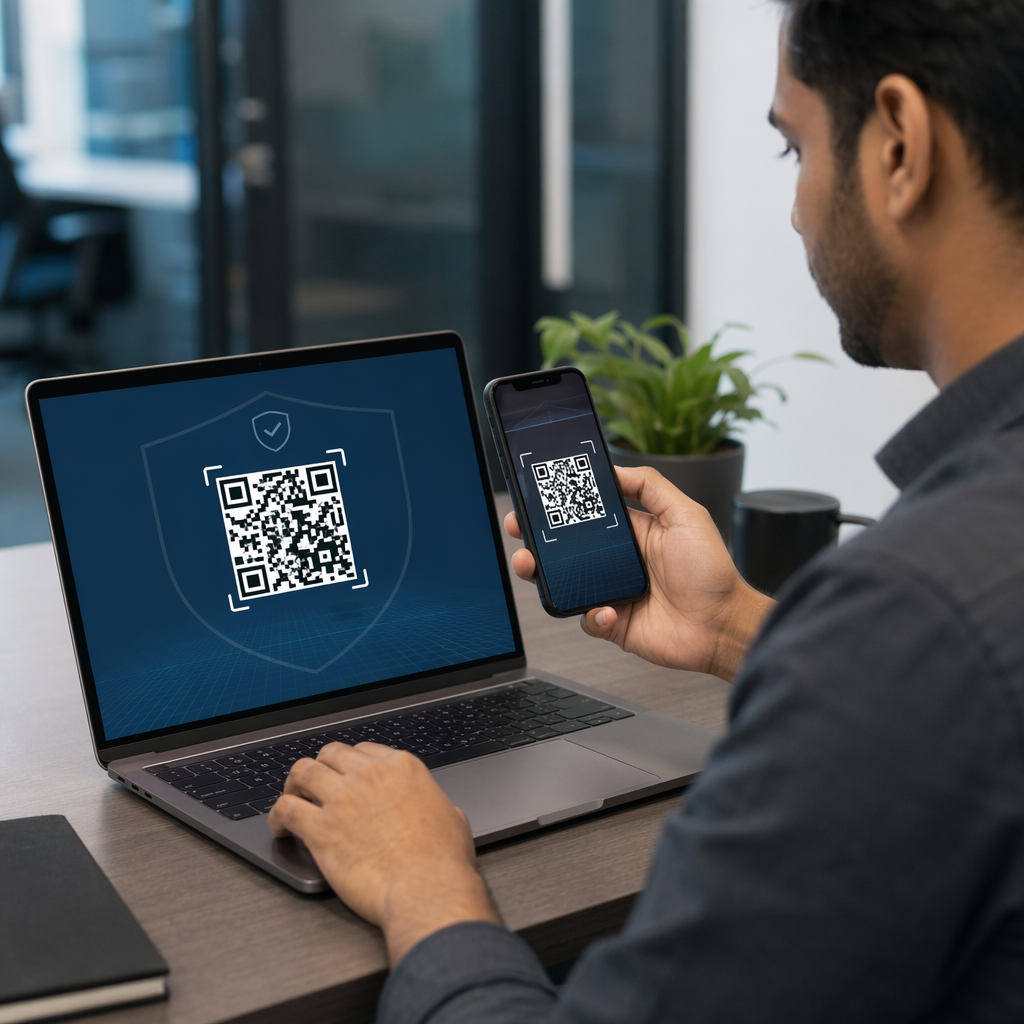
Codurile dvs. QR vă pun clienții în pericol fără să vă dați seama? Escrocii au transformat frauda cu coduri QR într-o amenințare majoră, iar afacerile care le utilizează în campanii de marketing pot deveni, fără să vrea, vehiculul unui atac. Acest ghid vă prezintă riscurile specifice de securitate pe care trebuie să le cunoașteți și pașii practici pentru a derula campanii în care clienții dvs. pot avea încredere.
Adevăratele Amenințări din Spatele Marketingului cu Coduri QR
Înțelegerea cu ce vă confruntați este primul pas pentru a vă proteja campaniile. Codurile QR sunt, prin natura lor, opace – utilizatorii nu pot vedea unde duc până nu le-au scanat deja. Acest lucru le face un instrument atractiv pentru actorii răi.
Manipularea și Clonarea Codurilor
Unul dintre cele mai simple atacuri implică înlocuirea fizică a unui cod QR legitim cu unul fraudulos. Infractorii tipăresc coduri false sub formă de autocolante și le plasează peste cele reale în locuri publice – parcometre, mese de restaurant, vitrine de magazine. Atunci când un client scanează ceea ce pare a fi codul dvs., este de fapt direcționat către un site falsificat, conceput pentru a fura date de plată sau credențiale de conectare.
Acest tip de atac este deosebit de periculos, deoarece brandul dvs. suferă o lovitură de reputație chiar și atunci când sunteți victima. Clienții asociază experiența frauduloasă cu afacerea dvs.
Phishing cu Coduri QR (“Quishing”)
Quishing-ul este o formă de fraudă de identitate în care atacatorii încorporează linkuri malițioase în coduri QR și le distribuie prin e-mail, fluturași tipăriți sau semnalizare publică. Site-ul de destinație arată adesea legitim – imitând o pagină reală de conectare sau de plată – unde victimele sunt solicitate să introducă informații sensibile.
Agențiile federale de aplicare a legii din S.U.A. au avertizat în mod specific că atacurile de tip quishing creează adesea un fals sentiment de urgență pentru a-i presa pe oameni să scaneze și să acționeze rapid. Phishing-ul de credențiale reprezintă marea majoritate a amenințărilor avansate cu coduri QR, făcându-l unul dintre cele mai grave riscuri pentru afacerile care gestionează conturi de clienți sau plăți.
Expunerea Confidențialității Datelor
Fiecare scanare de cod QR poate capta metadate – tipul dispozitivului, locația, marcajul temporal, browserul – în funcție de modul în care este configurată urmărirea dvs. Fără controale adecvate, aceste date pot fi expuse, gestionate incorect sau colectate în moduri care încalcă reglementările privind confidențialitatea. Afacerile care operează sub GDPR (pentru utilizatorii din UE) sau CCPA/CPRA (pentru rezidenții din California) se confruntă cu amenzi semnificative pentru gestionarea necorespunzătoare a datelor. Aflați mai multe despre riscurile specifice de confidențialitate pe care le creează codurile QR și cum să le abordați.
Experiențe Defectuoase Care Subminează Încrederea
Securitatea nu înseamnă doar atacuri. Un cod QR care duce la un link rupt, o pagină care nu este optimizată pentru mobil sau un site care se încarcă lent creează o experiență proastă care erodează încrederea clienților. Dacă codurile dvs. eșuează chiar și ocazional, clienții devin mai puțin dispuși să le scaneze – și mai susceptibili la argumentul că “nu se poate avea încredere în codurile QR.”
Crearea Securizată a Codurilor QR: Ce Trebuie Să Faceți Corect Înainte de Lansare
Utilizați Coduri QR Dinamice în Locul Celor Statice
Cea mai importantă decizie de securitate pe care o poți lua este alegerea codurile QR dinamice în detrimentul celor statice. Iată de ce contează:
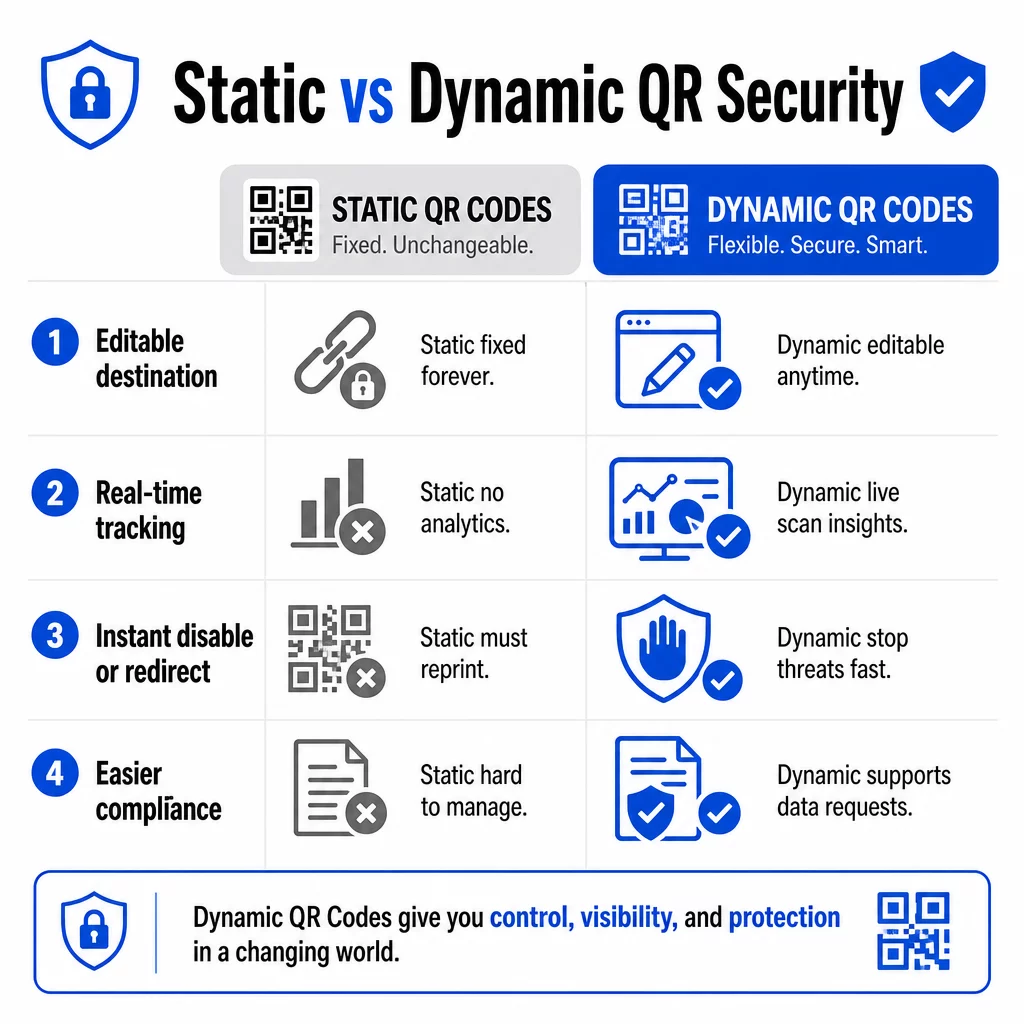
| FUNCȚIE | Coduri QR statice | Coduri QR dinamice |
|---|---|---|
| URL destinație | Fixat permanent | Editabil oricând |
| Urmărirea scanării | Nu este suportat | Analize complete incluse |
| Răspuns la amenințări | Trebuie retipărit | Dezactivează sau redirecționează instantaneu |
| Suport pentru conformitate | Dificil | Mai ușor de gestionat cererile de date |
| Cost | Gratuit sau redus | Pe bază de abonament |
Codurile statice încorporează destinația direct în model. Odată tipărite, nu le poți schimba. Dacă un cod static este compromis sau duce undeva problematic, singura ta opțiune este să retipărești și să redistribui fiecare material pe care apare.
Codurile dinamice utilizează un URL scurt de redirecționare pe care îl controlezi dintr-un tablou de bord. Dacă detectezi activitate de scanare suspectă sau trebuie să actualizezi destinația, o poți face imediat – fără să atingi niciun element tipărit. Pentru orice campanie în desfășurare, codurile dinamice sunt alegerea potrivită.
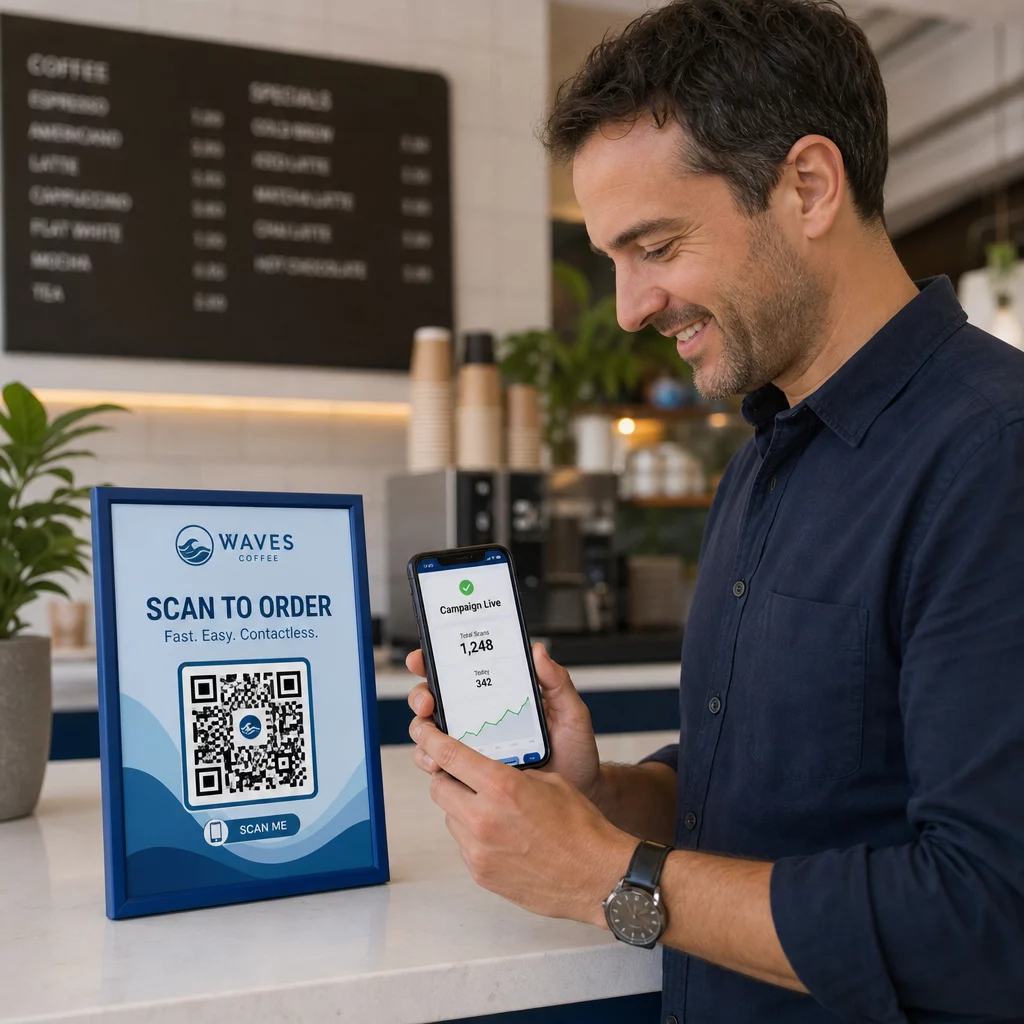
Urmăriți și Protejați-vă Campaniile în Timp Real Folosește Generator cod QR dinamic pentru a crea coduri pe care le puteți actualiza, monitoriza și dezactiva instantaneu dacă ceva pare suspect.
Link doar către Destinații Securizate HTTPS
Fiecare URL către care indică codurile dvs. QR ar trebui să utilizeze criptarea TLS/SSL – indicată de `https://` și pictograma lacătului în browser. Acest lucru asigură că conexiunea dintre dispozitivul utilizatorului și site-ul dvs. este criptată și că site-ul este certificat și de încredere.
Evitați să faceți legătura către destinații HTTP, chiar și temporar. Dacă adresa unei pagini se schimbă, configurați redirecționările corect, mai degrabă decât să lăsați URL-ul original să se întrerupă. Un link mort este un factor de rupere a încrederii; o redirecționare către o pagină nesecurizată este un risc de securitate. Consultați lista completă de verificare pentru cele mai bune practici de generare a codurilor QR sigure.
Adăugați Branding Vizibil Fiecare Cod
Un cod QR simplu alb-negru nu oferă utilizatorilor niciun semnal despre proveniența sa sau dacă este sigur. Codurile QR branduite – cele care încorporează logo-ul, culorile mărcii și șabloanele de design – sunt semnificativ mai greu de replicat convingător de către atacatori și semnalează legitimitate clienților înainte de a scana.
Utilizați culori care se aliniază cu identitatea dvs. vizuală, mențineți un contrast ridicat pentru scanabilitate și păstrați designurile curate. Atunci când utilizați și un URL care include numele domeniului dvs. (mai degrabă decât un domeniu generic de scurtătură), clienții au un punct de verificare suplimentar.
Aplicați Controale de Acces Bazate pe Roluri
Dacă mai mulți membri ai echipei gestionează campaniile dvs. de coduri QR, restricționați cine poate edita sau dezactiva codurile. Modificările neautorizate la codurile active – fie accidentale, fie malițioase – reprezintă un risc serios. Managementul centralizat cu permisiuni bazate pe roluri asigură că doar persoanele autorizate pot face modificări, ceea ce este deosebit de important pentru echipele de întreprindere sau agențiile care gestionează coduri în numele mai multor clienți.
Amplasare Fizică și Prevenirea Manipulării
Modul și locul în care afișați codurile QR afectează atât utilizabilitatea, cât și securitatea. Deciziile de amplasare merită la fel de multă atenție ca și codurile în sine.
- Utilizați materiale anti-manipulare pentru codurile afișate în locuri publice. Codurile de pe meniuri, blaturi sau pereți ar trebui imprimate direct pe materiale, mai degrabă decât aplicate ca autocolante detașabile, acolo unde este posibil.
- Inspectați codurile fizice în mod regulat, mai ales în locațiile cu trafic intens. Păstrați o imagine de referință a modului în care arată codul dvs. legitim, astfel încât personalul să poată identifica înlocuirile neautorizate.
- Asigurați afișajele în locații fixe. Codurile sub sticlă, laminate pe suprafețe sau integrate în semnalistică sunt mult mai greu de manipulat decât inserțiile libere sau fluturașii de hârtie.
- Plasați codurile la nivelul ochilor corespunzător – în general între 3,5 și 5,5 picioare – în zone bine iluminate, cu un contrast bun față de fundal.
Ghidul federal avertizează în mod specific consumatorii să verifice codurile QR fizice pentru semne de manipulare (cum ar fi un autocolant plasat peste original) înainte de scanare. Făcând codurile dvs. fizic mai greu de înlocuit, reduceți riscul ca clienții să întâlnească o versiune frauduloasă.
Ce să le spuneți clienților înainte de a scana
Clienții sunt a doua dvs. linie de apărare. Când înțeleg cum arată o interacțiune sigură cu un cod QR, sunt mai bine poziționați să identifice ceva în neregulă.
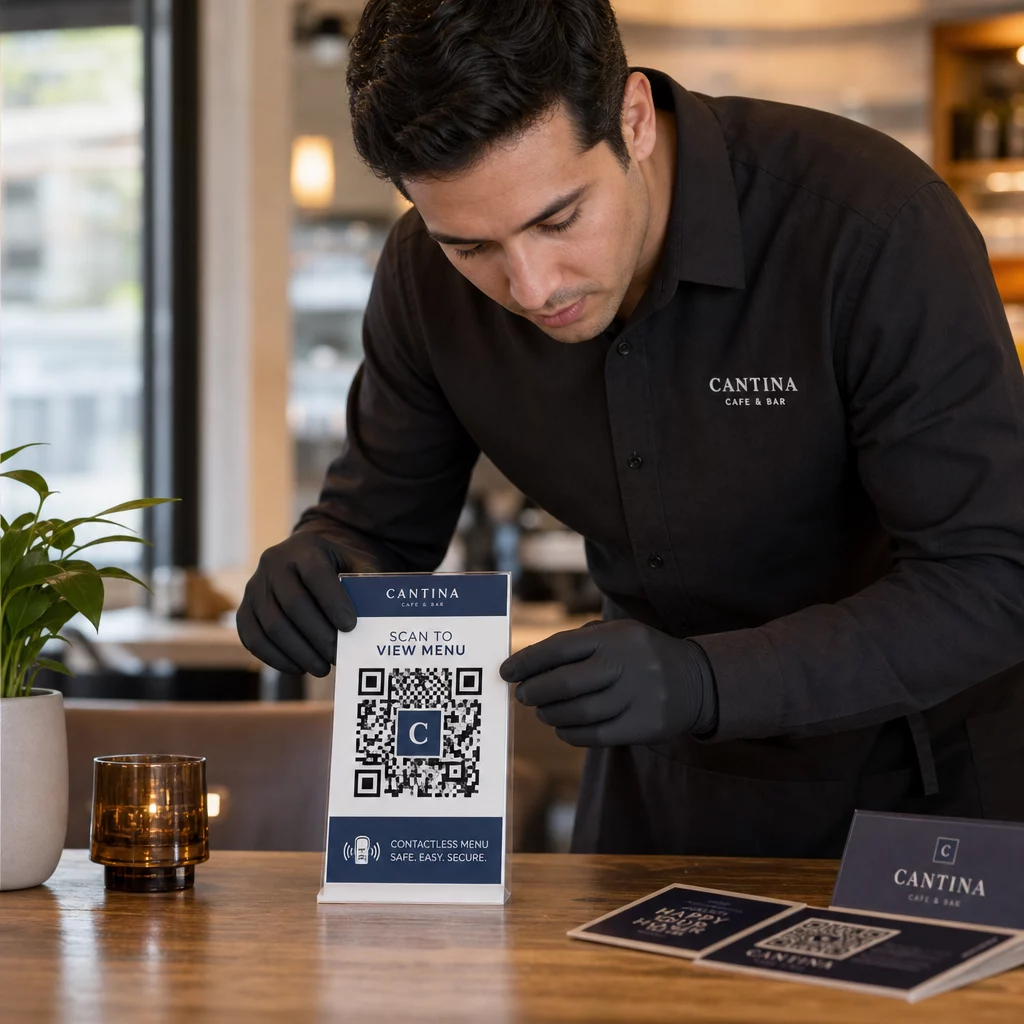
Plasați întotdeauna un apel la acțiune clar și specific lângă fiecare cod QR. Instrucțiunile vagi precum “Scanați aici” nu îi ajută pe utilizatori să evalueze dacă un cod este legitim. În schimb, utilizați expresii precum:
- “Scanați pentru a vizualiza meniul de astăzi”
- “Scanați pentru a accesa chitanța dvs.”
- “Scanați pentru instrucțiuni de configurare a produsului”
Aceste informații contextuale le spun utilizatorilor la ce ar trebui să se aștepte după scanare – facilitând recunoașterea atunci când ceva nu este în regulă. Un cod QR care promite să afișeze un meniu, dar deschide o pagină de conectare, este un semnal de alarmă imediat.
Încurajați clienții să previzualizeze URL-ul înainte de a-l urma. Majoritatea camerelor de smartphone moderne afișează URL-ul de destinație înainte de a lansa browserul. Utilizatorii ar trebui să caute domeniul dvs. recognoscibil și să verifice dacă există greșeli de scriere sau caractere substituite (de exemplu, `paeg1oot.com` în loc de `pageloot.com`).
Sfătuiți să nu utilizați aplicații de scanare QR de la terți descărcate din surse necunoscute. Camerele native ale smartphone-urilor (atât iOS, cât și Android includ scanare QR încorporată) sunt cea mai sigură opțiune și afișează previzualizări URL înainte de navigare.
Monitorizarea Campaniilor pentru Activitate Suspectă
Crearea unui cod QR securizat nu este o acțiune unică. Monitorizarea activă este ceea ce separă o campanie care rămâne securizată de una care este exploatată.
Codurile QR dinamice oferă date de urmărire în timp real inclusiv numărul de scanări, tipul dispozitivului, sistemul de operare și locația geografică. Aceste date au un dublu rol: măsoară performanța campaniei și semnalează anomaliile.
Fii atent la aceste semne de avertizare în datele tale de scanare:
- O creștere bruscă a scanărilor dintr-o regiune geografică neașteptată
- Un volum mare de scanări de pe un singur dispozitiv sau adresă IP într-un interval scurt
- Modele de scanare care nu corespund publicului tău țintă (dispozitive greșite, ore greșite, locații greșite)
Oricare dintre aceste modele ar putea indica faptul că un cod este exploatat sau testat de actori rău intenționați. Cu codurile dinamice, poți dezactiva imediat URL-ul afectat, redirecționa către o pagină de destinație sigură și investiga înainte de a decide dacă reiei campania.
Stabilește audituri regulate – atât digitale (revizuirea analizelor), cât și fizice (inspectarea plasării codurilor) – conform unui program definit. Cu cât detectezi mai repede o problemă, cu atât mai puține daune poate provoca.
Vezi Fiecare Scanare Pe Măsură Ce Se Întâmplă Tabloul de bord Pageloot îți oferă o imagine completă a performanței scanărilor și a anomaliilor. Începe să-ți urmărești campaniile de coduri QR cu coduri dinamice astăzi.
Rămânerea în Conformitate cu Reglementările privind Confidențialitatea Datelor
Dacă codurile tale QR colectează date de utilizator – chiar și doar locația scanării și tipul dispozitivului – ai obligații legale în funcție de locația clienților tăi.
GDPR se aplică atunci când vizați utilizatori din Uniunea Europeană. Acesta necesită consimțământ explicit înainte de colectarea informațiilor personale și impune ca utilizatorii să poată solicita accesul sau ștergerea datelor lor. Nerespectarea atrage amenzi de până la 4% din venitul anual global sau 20 de milioane de euro, oricare dintre acestea este mai mare.
CCPA/CPRA se aplică rezidenților din California și le oferă dreptul de a renunța la colectarea datelor. Deși nu necesită întotdeauna consimțământ prealabil, impune o divulgare clară și un mecanism accesibil de renunțare. Încălcările intenționate pot duce la amenzi de până la 7.988 USD per incident.
Pași practici pentru a rămâne conform:
- Colectați doar datele minime necesare pentru obiectivele campaniei dvs.
- Asigurați-vă că politica dvs. de confidențialitate este ușor de găsit de pe orice pagină de destinație a codului QR
- Utilizați o platformă de coduri QR care acceptă cererile de ștergere a datelor
- Alegeți platforme cu certificări de conformitate recunoscute, cum ar fi GDPR, SOC 2 sau HIPAA, acolo unde este cazul
Transparența în modul în care gestionați datele este atât o cerință legală, cât și o măsură de consolidare a încrederii. Clienții care înțeleg ce colectați – și de ce – sunt mai predispuși să interacționeze cu codurile dvs. Explorați în detaliu cum să construiți campanii de coduri QR care respectă confidențialitatea.
Testare înainte de implementare
Niciun cod QR nu ar trebui să fie lansat fără a fi testat pe mai multe dispozitive și în diverse condiții. Un cod care scanează perfect pe telefonul dvs. poate eșua pe un dispozitiv Android mai vechi, în condiții de iluminare slabă sau atunci când este imprimat la o dimensiune mai mică.
Înainte de implementare:
- Testați pe dispozitive iOS și Android folosind aplicațiile native de cameră
- Scanați în condițiile de iluminare așteptate la fiecare locație de plasare
- Verificați dacă destinația se încarcă corect și este complet optimizată pentru mobil
- Confirmați viteza de încărcare a paginii – paginile lente cresc rata de abandon și creează oportunități pentru utilizatorii nerăbdători de a fi redirecționați în altă parte
- Verificați dacă URL-ul afișat în previzualizarea pre-scanare corespunde domeniului dvs. așteptat
Pentru Coduri QR plasate în materiale tipărite, utilizați formate vectoriale (SVG, EPS sau PDF) pentru imprimare pentru a evita neclaritățile. Mențineți o zonă de liniște – marginea albă din jurul codului – de cel puțin patru module lățime pe fiecare parte. Dimensiunea practică minimă pentru majoritatea materialelor de marketing este de 0.8 × 0.8 inchi; pentru cărțile de vizită vizualizate de aproape, cel puțin 1 × 1 inch.
Instruirea Echipei Dvs.
Controalele tehnologice au limitele lor. Echipa dvs. de marketing trebuie să înțeleagă cum arată o campanie sigură cu coduri QR și ce semne indică faptul că ceva a mers prost.
Acoperiți aceste domenii în instruirea echipei:
- Cum să recunoașteți un cod fizic modificat
- Cum să interpretați analizele de scanare și să identificați anomaliile
- Ce pași să urmați atunci când un cod este suspectat a fi compromis (dezactivați, investigați, notificați)
- Cum să aplicați cerințele de branding și HTTPS la crearea de noi coduri
- Cum să scrieți apeluri la acțiune eficiente care să ofere context utilizatorilor
Cel Lista de verificare pentru marketing cu coduri QR pentru afaceri mici este o referință utilă pentru integrarea acestor fluxuri de lucru în procesul standard al echipei dvs.
Întrebări frecvente
Codurile QR statice încorporează URL-ul de destinație permanent în modelul codului și nu pot fi modificate după creare. Dacă un cod static este compromis sau duce la o pagină defectă, trebuie să retipăriți fiecare element fizic pe care apare. Codurile QR dinamice utilizează un URL scurt de redirecționare pe care îl controlați dintr-un tablou de bord, astfel încât puteți actualiza destinația sau dezactiva codul instantaneu fără a retipări nimic. Codurile dinamice oferă, de asemenea, analize de scanare în timp real, ceea ce vă ajută să detectați activități suspecte. Pentru orice campanie de marketing în care securitatea și flexibilitatea contează, codurile dinamice sunt alegerea mai bună.
Inspectați regulat codurile fizice la fiecare locație de plasare și comparați-le cu o imagine de referință a codului legitim. Digital, monitorizați-vă analizele de scanare pentru modele neobișnuite – vârfuri neașteptate de volum, scanări din regiuni geografice nerecunoscute sau o frecvență ridicată de scanări de pe un singur dispozitiv. Deoarece codurile QR dinamice urmăresc aceste metrici în timp real, puteți detecta anomaliile rapid și dezactiva redirecționarea afectată înainte de a se produce daune semnificative.
Fiecare pagină de destinație legată de un cod QR ar trebui să utilizeze HTTPS (criptare TLS/SSL), să se încarce rapid pe dispozitivele mobile și să afișeze clar identitatea mărcii dvs., astfel încât utilizatorii să poată confirma că se află în locul potrivit. Pentru paginile care colectează date de utilizator, includeți un link vizibil către politica dvs. de confidențialitate și un mecanism accesibil de renunțare sau consimțământ, conform cerințelor GDPR sau CCPA. Dacă pagina gestionează informații sensibile, cum ar fi plăți sau credențiale de conectare, luați în considerare adăugarea autentificării multi-factor ca un strat suplimentar de protecție.