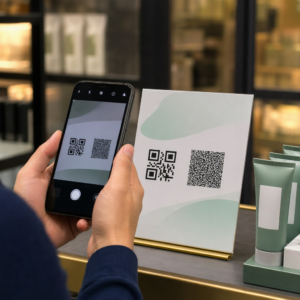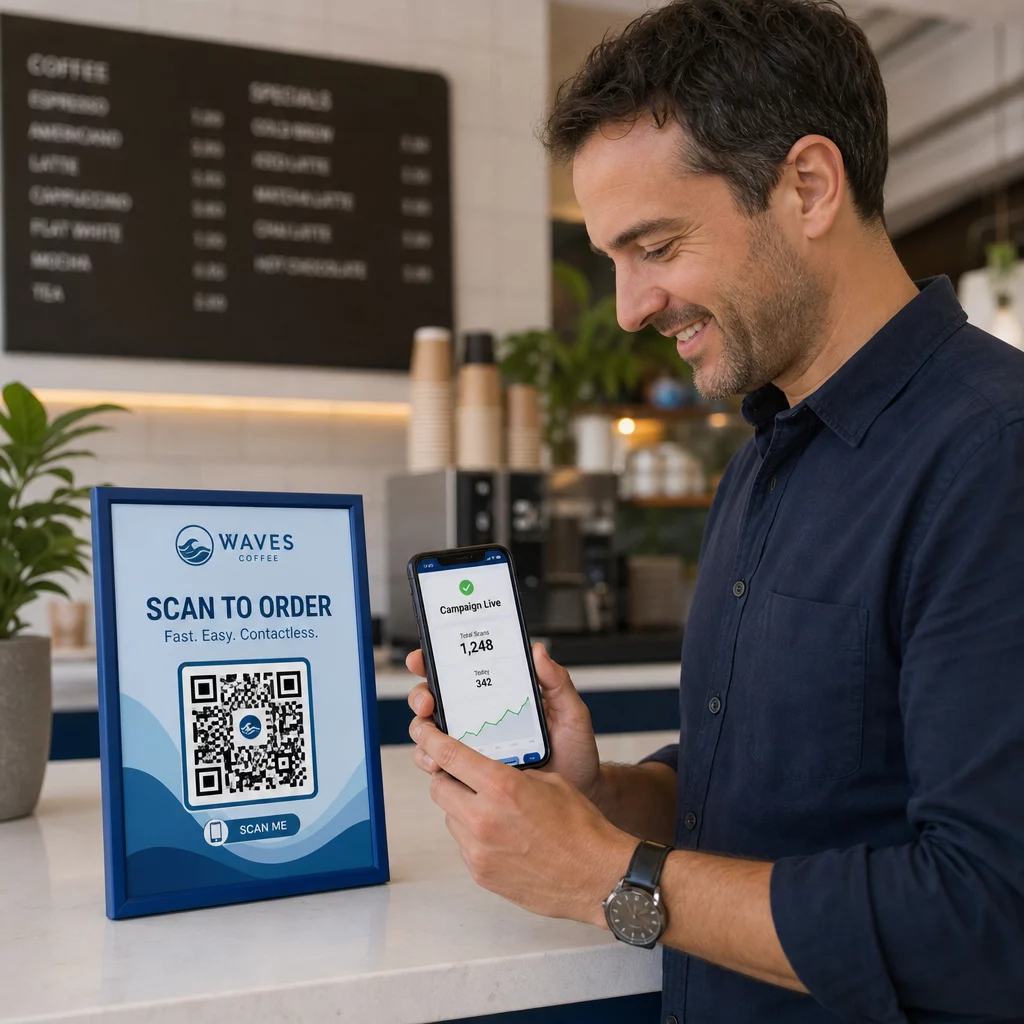
Ohrozujú vaše QR kódy vašich zákazníkov bez toho, aby ste si to uvedomovali? Podvodníci urobili z podvodov s QR kódmi bežnú hrozbu a podniky, ktoré ich používajú v marketingových kampaniach, sa môžu neúmyselne stať nástrojom útoku. Táto príručka vás prevedie konkrétnymi bezpečnostnými rizikami, ktoré potrebujete poznať, a praktickými krokmi na spustenie kampaní, ktorým môžu vaši zákazníci dôverovať.
Skutočné hrozby za marketingom s QR kódmi
Pochopenie toho, proti čomu stojíte, je prvým krokom k ochrane vašich kampaní. QR kódy sú vo svojej podstate nepriehľadné – používatelia nevidia, kam vedú, kým ich už nenasnímajú. To z nich robí atraktívny nástroj pre zlých aktérov.
Manipulácia s kódom a klonovanie
Jeden z najjednoduchších útokov zahŕňa fyzickú výmenu legitímneho QR kódu za podvodný. Zločinci tlačia falošné kódy na nálepkách a umiestňujú ich na skutočné kódy na verejných miestach – parkovacie automaty, stoly v reštauráciách, maloobchodné výklady. Keď zákazník naskenuje to, čo vyzerá ako váš kód, je v skutočnosti presmerovaný na falošnú stránku navrhnutú na krádež platobných alebo prihlasovacích údajov.
Tento typ útoku je obzvlášť nebezpečný, pretože vaša značka utrpí reputačnú ujmu, aj keď ste obeťou. Zákazníci spájajú podvodnú skúsenosť s vaším podnikom.
Phishing pomocou QR kódov (“Quishing”)
Quishing je forma podvodu s identitou, pri ktorej útočníci vkladajú škodlivé odkazy do QR kódov a distribuujú ich prostredníctvom e-mailu, tlačených letákov alebo verejného značenia. Cieľová stránka často vyzerá legitímne – napodobňuje skutočnú prihlasovaciu alebo platobnú stránku – kde sú obete vyzvané na zadanie citlivých informácií.
Federálne orgány činné v trestnom konaní v USA konkrétne varovali, že útoky typu quishing často vytvárajú falošný pocit naliehavosti, aby prinútili ľudí rýchlo skenovať a konať. Phishing na získanie prihlasovacích údajov predstavuje drvivú väčšinu pokročilých hrozieb QR kódov, čo z neho robí jedno z najvážnejších rizík pre podniky, ktoré spravujú zákaznícke účty alebo platby.
Ohrozenie súkromia údajov
Každé skenovanie QR kódu môže zachytiť metadáta – typ zariadenia, polohu, časovú pečiatku, prehliadač – v závislosti od toho, ako je nakonfigurované vaše sledovanie. Bez správnych kontrol môžu byť tieto údaje vystavené, nesprávne spracované alebo zhromaždené spôsobmi, ktoré porušujú predpisy o ochrane súkromia. Podniky pôsobiace podľa GDPR (pre používateľov v EÚ) alebo CCPA/CPRA (pre obyvateľov Kalifornie) čelia značným pokutám za nesprávne spracovanie údajov. Zistite viac o konkrétnych rizikách pre súkromie, ktoré vytvárajú QR kódy, a ako ich riešiť.
Zlomené skúsenosti, ktoré podkopávajú dôveru
Bezpečnosť nie je len o útokoch. QR kód, ktorý vedie na nefunkčný odkaz, stránku neprispôsobenú pre mobilné zariadenia alebo pomaly sa načítavajúcu stránku, vytvára zlú skúsenosť, ktorá narúša dôveru zákazníkov. Ak vaše kódy zlyhajú čo i len občas, zákazníci sú menej ochotní ich skenovať – a náchylnejší na argument, že “QR kódom sa nedá dôverovať.”
Bezpečné vytváranie QR kódov: Čo urobiť správne pred spustením
Používajte dynamické QR kódy namiesto statických
Jedno z najvýznamnejších bezpečnostných rozhodnutí, ktoré môžete urobiť, je výber dynamické QR kódy pred statickými. Tu je dôvod, prečo na tom záleží:
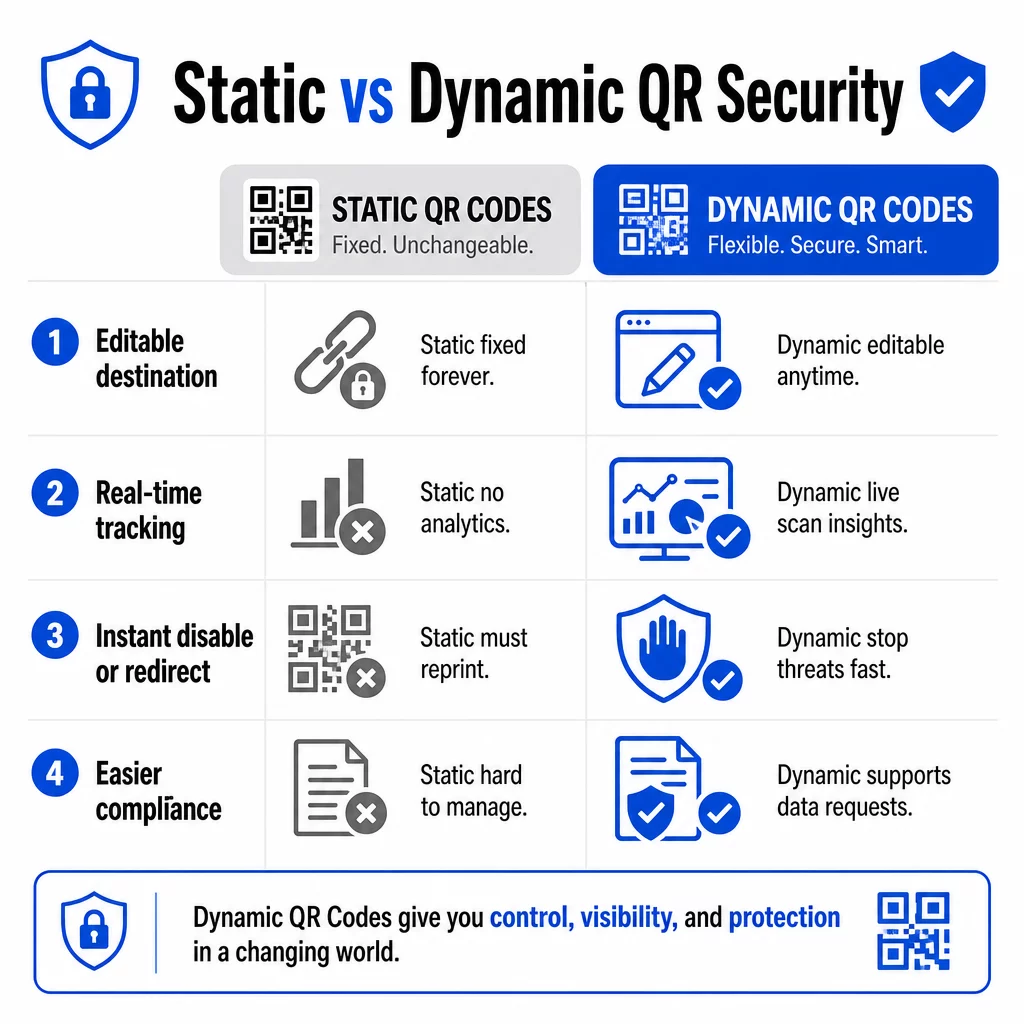
| FUNKCIA | Statické QR kódy | Dynamické QR kódy |
|---|---|---|
| Cieľová URL adresa | Trvalo fixované | Kedykoľvek upraviteľné |
| Sledovanie skenovania | Nepodporované | Vrátane kompletnej analýzy |
| Reakcia na hrozby | Nutná pretlač | Okamžité vypnutie alebo presmerovanie |
| Podpora súladu | Náročné | Jednoduchšie spravovanie žiadostí o údaje |
| Náklady | Bezplatné alebo nízke | Na základe predplatného |
Statické kódy vkladajú cieľ priamo do vzoru. Po vytlačení ich nemôžete zmeniť. Ak je statický kód kompromitovaný alebo vedie na problematické miesto, jedinou možnosťou je pretlačiť a znovu distribuovať každý kus materiálu, na ktorom sa nachádza.
Dynamické kódy používajú krátku presmerovaciu URL adresu, ktorú ovládate z ovládacieho panela. Ak zistíte podozrivú aktivitu skenovania alebo potrebujete aktualizovať cieľ, môžete to urobiť okamžite – bez toho, aby ste sa dotkli jediného vytlačeného predmetu. Pre akúkoľvek prebiehajúcu kampaň sú dynamické kódy vhodnou voľbou.
Sledujte a chráňte svoje kampane v reálnom čase Použi Dynamický QR kód generátor na vytváranie kódov, ktoré môžete okamžite aktualizovať, monitorovať a deaktivovať, ak niečo vyzerá podozrivo.
Odkazujte len na destinácie zabezpečené protokolom HTTPS
Každá URL adresa, na ktorú odkazujú vaše QR kódy, by mala používať šifrovanie TLS/SSL – označené `https://` a ikonou zámku v prehliadači. To zaisťuje, že spojenie medzi zariadením používateľa a vašou stránkou je šifrované a že stránka je certifikovaná a dôveryhodná.
Vyhnite sa odkazovaniu na HTTP destinácie, dokonca aj dočasne. Ak sa adresa stránky zmení, správne nakonfigurujte presmerovania namiesto toho, aby ste nechali pôvodnú URL adresu nefunkčnú. Mŕtvy odkaz narúša dôveru; presmerovanie na nezabezpečenú stránku je bezpečnostné riziko. Prečítajte si celý kontrolný zoznam osvedčených postupov pre bezpečnú generáciu QR kódov.
Pridajte viditeľnú značku ku každému kódu
Obyčajný čiernobiely QR kód nedáva používateľom žiadny signál o tom, odkiaľ pochádza alebo či je bezpečný. Značkové QR kódy – tie, ktoré zahŕňajú vaše logo, farby značky a dizajnové šablóny – sú pre útočníkov výrazne ťažšie presvedčivo replikovať a signalizujú zákazníkom legitimitu ešte predtým, ako ich naskenujú.
Používajte farby, ktoré sú v súlade s vašou vizuálnou identitou, udržujte vysoký kontrast pre skenovateľnosť a udržujte čistý dizajn. Keď tiež použijete URL adresu, ktorá obsahuje názov vašej domény (namiesto generickej domény pre krátke odkazy), zákazníci majú ďalší overovací bod.
Použite riadenie prístupu na základe rolí
Ak viacerí členovia tímu spravujú vaše kampane s QR kódmi, obmedzte, kto môže kódy upravovať alebo deaktivovať. Neoprávnené zmeny živých kódov – či už náhodné alebo škodlivé – predstavujú vážne riziko. Centralizovaná správa s povoleniami na základe rolí zaisťuje, že zmeny môžu vykonávať iba oprávnené osoby, čo je obzvlášť dôležité pre podnikové tímy alebo agentúry spravujúce kódy v mene viacerých klientov.
Fyzické umiestnenie a prevencia proti manipulácii
Ako a kde zobrazujete QR kódy, ovplyvňuje použiteľnosť aj bezpečnosť. Rozhodnutia o umiestnení si zaslúžia rovnakú pozornosť ako samotné kódy.
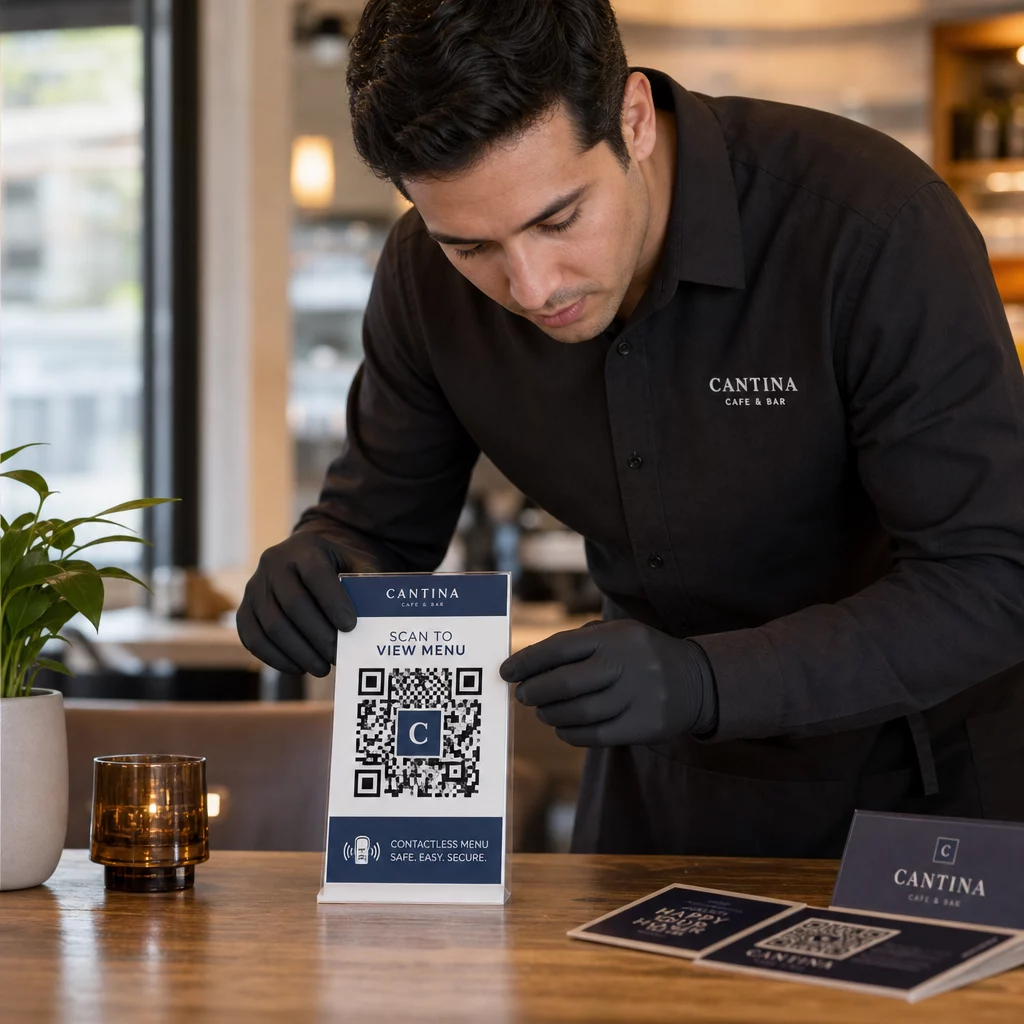
- Používajte materiály odolné proti manipulácii pre kódy zobrazené na verejných miestach. Kódy na jedálnych lístkoch, pultoch alebo stenách by mali byť vytlačené priamo na materiáloch, a nie nalepené ako odnímateľné nálepky, kdekoľvek je to možné.
- Pravidelne kontrolujte fyzické kódy, najmä na miestach s vysokou frekvenciou. Majte referenčný obrázok toho, ako vyzerá váš legitímny kód, aby personál mohol odhaliť neoprávnené náhrady.
- Zabezpečte displeje na pevných miestach. Kódy pod sklom, laminované na povrchy alebo integrované do značenia je oveľa ťažšie sfalšovať ako voľné vložky alebo papierové letáky.
- Umiestnite kódy do vhodnej úrovne očí – zvyčajne medzi 3,5 a 5,5 stopy – v dobre osvetlených priestoroch s dobrým kontrastom voči pozadiu.
Federálne usmernenia konkrétne varujú spotrebiteľov, aby pred skenovaním skontrolovali fyzické QR kódy, či nevykazujú známky manipulácie (napríklad nálepka umiestnená cez originál). Tým, že sťažíte fyzickú výmenu vašich kódov, znižujete riziko, že zákazníci narazia na podvodnú verziu.
Čo povedať zákazníkom predtým, ako naskenujú
Zákazníci sú vaša druhá línia obrany. Keď pochopia, ako vyzerá bezpečná interakcia s QR kódom, sú lepšie pripravení odhaliť niečo nesprávne.
Vždy umiestnite jasnú, špecifickú výzvu na akciu vedľa každého QR kódu. Nejasné pokyny ako “Skenovať tu” nepomáhajú používateľom posúdiť, či je kód legitímny. Namiesto toho použite frázy ako:
- “Naskenujte pre zobrazenie dnešného menu”
- “Naskenujte pre prístup k vášmu účtu”
- “Naskenujte pre pokyny na nastavenie produktu”
Tieto kontextové informácie hovoria používateľom, čo by mali očakávať po skenovaní – čo uľahčuje rozpoznanie, keď je niečo v neporiadku. QR kód, ktorý sľubuje zobrazenie menu, ale otvorí prihlasovaciu stránku, je okamžitým varovným signálom.
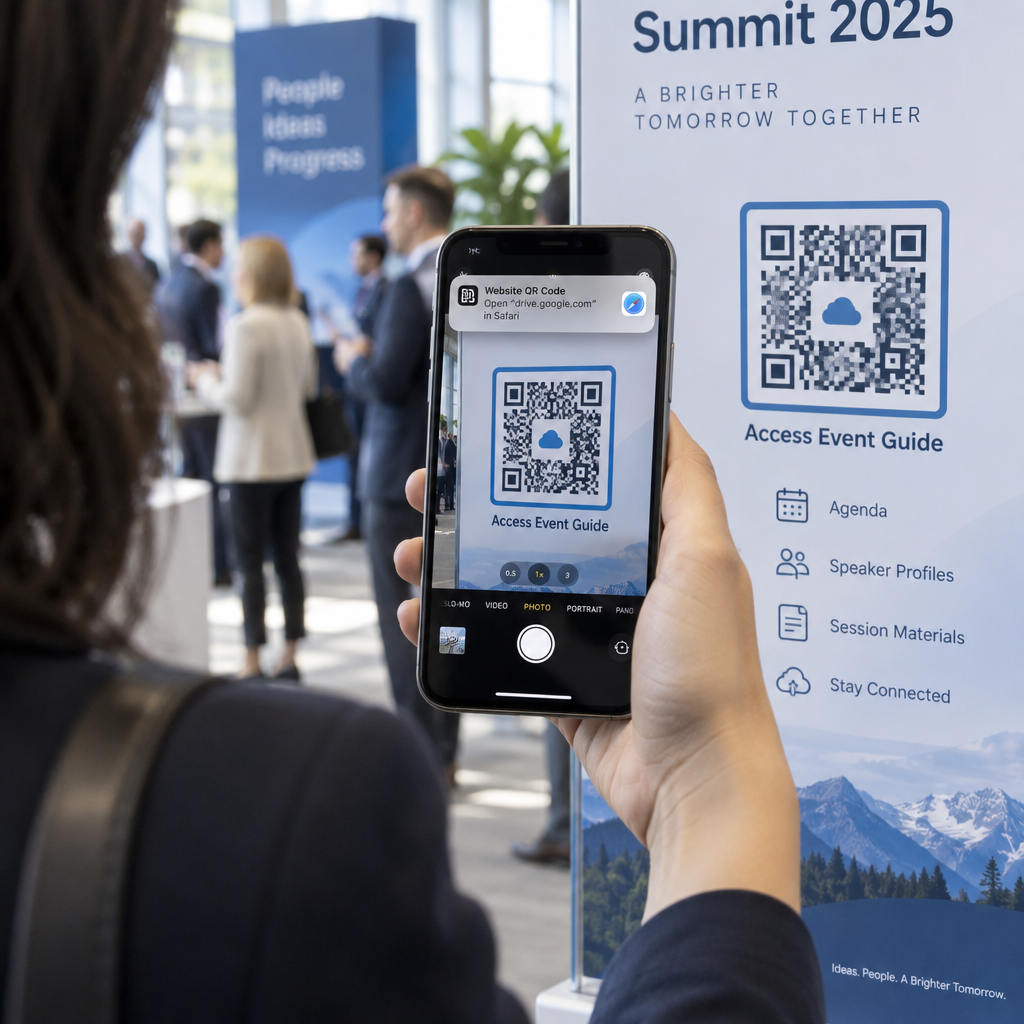
Povzbuďte zákazníkov, aby si pred otvorením URL adresy prezreli jej náhľad. Väčšina moderných fotoaparátov smartfónov zobrazí cieľovú URL adresu pred spustením prehliadača. Používatelia by mali hľadať vašu rozpoznateľnú doménu a kontrolovať preklepy alebo nahradené znaky (napríklad `paeg1oot.com` namiesto `pageloot.com`).
Odporúčajte nepoužívať aplikácie na skenovanie QR kódov tretích strán stiahnuté z neznámych zdrojov. Natívne fotoaparáty smartfónov (iOS aj Android obsahujú vstavané skenovanie QR kódov) sú najbezpečnejšou možnosťou a zobrazujú náhľady URL adries pred navigáciou.
Monitorovanie kampaní pre podozrivú aktivitu
Vytvorenie bezpečného QR kódu nie je jednorazová akcia. Aktívne monitorovanie je to, čo odlišuje kampaň, ktorá zostáva bezpečná, od tej, ktorá je zneužitá.
Dynamické QR kódy poskytujú údaje o sledovaní v reálnom čase vrátane počtu skenov, typu zariadenia, operačného systému a geografickej polohy. Tieto údaje slúžia dvojakému účelu: merajú výkonnosť kampane a označujú anomálie.
Sledujte tieto varovné signály vo vašich údajoch o skenovaní:
- Náhly nárast skenov z neočakávanej geografickej oblasti
- Vysoký objem skenov z jedného zariadenia alebo IP adresy v krátkom časovom úseku
- Vzory skenovania, ktoré nezodpovedajú vašej očakávanej cieľovej skupine (nesprávne zariadenia, nesprávne časy, nesprávne miesta)
Akýkoľvek z týchto vzorov môže naznačovať, že kód je zneužívaný alebo testovaný zlými aktérmi. S dynamickými kódmi môžete okamžite zakázať dotknutú URL adresu, presmerovať na bezpečnú vstupnú stránku a prešetriť situáciu predtým, než sa rozhodnete, či kampaň obnovíte.
Nastavte si pravidelné audity – digitálne (prehliadanie analytiky) aj fyzické (kontrola umiestnenia kódov) – podľa definovaného harmonogramu. Čím skôr problém odhalíte, tým menšie škody môže spôsobiť.
Pozrite si každý sken, ako sa deje Dashboard Pageloot vám poskytuje úplný prehľad o výkonnosti skenovania a anomáliách. Začnite sledovať svoje kampane s QR kódmi s dynamickými kódmi už dnes.
Zostať v súlade s nariadeniami o ochrane osobných údajov
Ak vaše QR kódy zbierajú akékoľvek používateľské údaje – dokonca aj len polohu skenovania a typ zariadenia – máte právne záväzky v závislosti od toho, kde sa nachádzajú vaši zákazníci.
GDPR platí, keď cielite na používateľov v Európskej únii. Vyžaduje výslovný súhlas pred zhromažďovaním osobných údajov a nariaďuje, aby používatelia mohli požiadať o prístup k svojim údajom alebo o ich vymazanie. Nedodržanie nesie pokuty až do výšky 4 % celosvetového ročného obratu alebo 20 miliónov EUR, podľa toho, ktorá suma je vyššia.
CCPA/CPRA platí pre obyvateľov Kalifornie a dáva im právo odmietnuť zhromažďovanie údajov. Hoci nie vždy vyžaduje predchádzajúci súhlas, vyžaduje jasné zverejnenie a prístupný mechanizmus odhlásenia. Úmyselné porušenia môžu viesť k pokutám až do výšky 7 988 USD za incident.
Praktické kroky na zachovanie súladu:
- Zhromažďujte len minimálne údaje potrebné pre ciele vašej kampane
- Urobte svoju politiku ochrany osobných údajov ľahko nájditeľnou z akejkoľvek vstupnej stránky QR kódu
- Používajte platformu QR kódov, ktorá podporuje žiadosti o vymazanie údajov
- Vyberte si platformy s uznávanými certifikáciami zhody, ako sú GDPR, SOC 2 alebo HIPAA, ak je to relevantné
Transparentnosť v tom, ako narábate s údajmi, je zákonnou požiadavkou aj opatrením na budovanie dôvery. Zákazníci, ktorí rozumejú tomu, čo zhromažďujete – a prečo – sa s väčšou pravdepodobnosťou zapoja do vašich kódov. Podrobnejšie preskúmajte, ako vytvárať kampane s QR kódmi rešpektujúce súkromie.
Testovanie pred nasadením
Žiadny QR kód by nemal byť spustený bez testovania na viacerých zariadeniach a v rôznych podmienkach. Kód, ktorý sa dokonale naskenuje na vašom telefóne, môže zlyhať na staršom zariadení so systémom Android, pri slabom osvetlení alebo pri tlači v menšej veľkosti.
Pred nasadením:
- Testujte na zariadeniach so systémom iOS aj Android pomocou natívnych aplikácií fotoaparátu
- Skenujte za svetelných podmienok očakávaných na každom mieste umiestnenia
- Overte, či sa cieľová stránka načíta správne a je plne optimalizovaná pre mobilné zariadenia
- Potvrďte rýchlosť načítania stránky – pomalé stránky zvyšujú mieru opustenia a vytvárajú príležitosti pre netrpezlivých používateľov, aby boli presmerovaní inam
- Skontrolujte, či sa adresa URL zobrazená v ukážke pred skenovaním zhoduje s vašou očakávanou doménou
Pre QR kódy umiestnené v tlačových materiáloch, používajte vektorové formáty (SVG, EPS alebo PDF) pre tlač, aby ste predišli rozmazaniu. Udržujte tichú zónu – biely okraj okolo kódu – širokú aspoň štyri moduly na každej strane. Minimálna praktická veľkosť pre väčšinu marketingových materiálov je 0,8 × 0,8 palca; pre vizitky prezerané zblízka, aspoň 1 × 1 palec.
Školenie vášho tímu
Technologické kontroly majú svoje limity. Váš marketingový tím musí pochopiť, ako vyzerá bezpečná kampaň s QR kódmi a aké znaky naznačujú, že sa niečo pokazilo.
V tímovom školení pokryte tieto oblasti:
- Ako rozpoznať manipulovaný fyzický kód
- Ako interpretovať analytiku skenovania a identifikovať anomálie
- Aké kroky podniknúť, keď je kód podozrivý z kompromitácie (deaktivovať, prešetriť, oznámiť)
- Ako aplikovať požiadavky na branding a HTTPS pri vytváraní nových kódov
- Ako písať efektívne výzvy k akcii, ktoré poskytujú kontext pre používateľov
Ten QR kód marketingový kontrolný zoznam pre malé podniky je užitočným referenčným bodom pre začlenenie týchto pracovných postupov do štandardného procesu vášho tímu.
Často kladené otázky
Statické QR kódy vkladajú cieľovú URL adresu natrvalo do vzoru kódu a po vytvorení ich nemožno zmeniť. Ak je statický kód kompromitovaný alebo vedie na nefunkčnú stránku, musíte pretlačiť každú fyzickú položku, na ktorej sa nachádza. Dynamické QR kódy používajú krátku presmerovaciu URL adresu, ktorú ovládate z ovládacieho panela, takže môžete okamžite aktualizovať cieľ alebo deaktivovať kód bez potreby pretláčania čohokoľvek. Dynamické kódy tiež poskytujú analýzu skenovania v reálnom čase, čo vám pomáha odhaliť podozrivú aktivitu. Pre akúkoľvek marketingovú kampaň, kde záleží na bezpečnosti a flexibilite, sú dynamické kódy lepšou voľbou.
Pravidelne kontrolujte fyzické kódy na každom mieste umiestnenia a porovnajte ich s referenčným obrázkom legitímneho kódu. Digitálne monitorujte svoju analytiku skenovania pre nezvyčajné vzory – neočakávané nárasty objemu, skeny z nepoznaných geografických oblastí alebo vysokú frekvenciu skenov z jedného zariadenia. Pretože dynamické QR kódy sledujú tieto metriky v reálnom čase, môžete rýchlo odhaliť anomálie a zakázať ovplyvnené presmerovanie predtým, než dôjde k značnej škode.
Každá vstupná stránka prepojená z QR kódu by mala používať HTTPS (šifrovanie TLS/SSL), rýchlo sa načítavať na mobilných zariadeniach a jasne zobrazovať identitu vašej značky, aby používatelia mohli potvrdiť, že sú na správnom mieste. Pre stránky, ktoré zhromažďujú akékoľvek používateľské údaje, zahrňte viditeľný odkaz na vaše zásady ochrany osobných údajov a prístupný mechanizmus odhlásenia alebo súhlasu, ako to vyžaduje GDPR alebo CCPA. Ak stránka spracováva citlivé informácie, ako sú platby alebo prihlasovacie údaje, zvážte pridanie viacfaktorovej autentifikácie ako dodatočnej vrstvy ochrany.