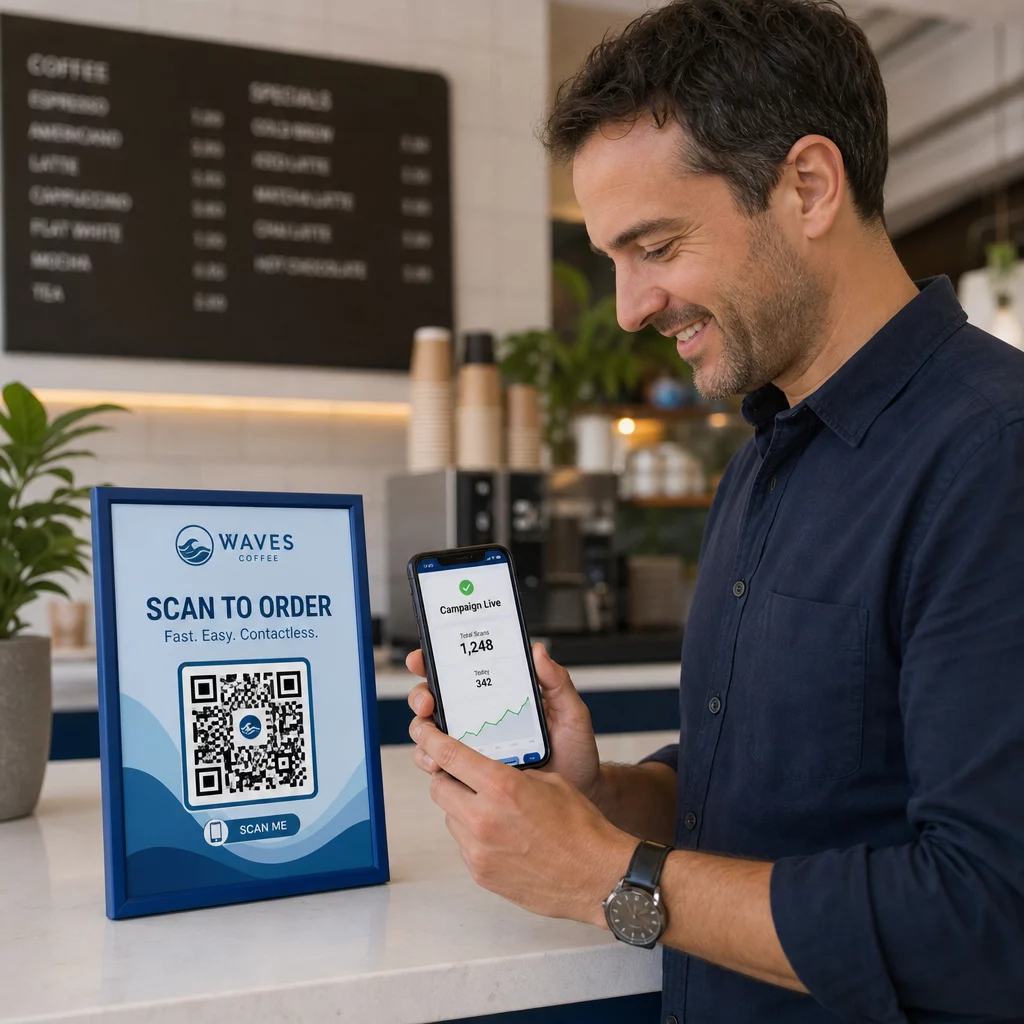
Поставят ли вашите QR кодове клиентите ви в риск, без да го осъзнавате? Измамниците превърнаха измамите с QR кодове в масова заплаха, а бизнесите, които ги използват в маркетингови кампании, могат неволно да се превърнат в средство за атака. Това ръководство ви превежда през специфичните рискове за сигурността, които трябва да знаете, и практическите стъпки за провеждане на кампании, на които вашите клиенти могат да се доверят.
Реалните заплахи зад маркетинга с QR кодове
Разбирането срещу какво сте изправени е първата стъпка към защитата на вашите кампании. QR кодовете са по своята същност непрозрачни – потребителите не могат да видят къде водят, докато не ги сканират. Това ги прави привлекателен инструмент за злонамерени лица.
Подправяне и клониране на кодове
Една от най-простите атаки включва физическа подмяна на легитимен QR код с измамен такъв. Престъпниците отпечатват фалшиви кодове под формата на стикери и ги поставят върху истински на обществени места – паркомати, маси в ресторанти, търговски витрини. Когато клиент сканира това, което изглежда като ваш код, той всъщност е насочен към фалшив сайт, предназначен да открадне данни за плащане или вход.
Този тип атака е особено опасна, защото вашата марка понася репутационен удар, дори когато сте жертва. Клиентите свързват измамно преживяване с вашия бизнес.
Фишинг с QR кодове (“Куишинг”)
Куишингът е форма на измама с идентичност, при която нападателите вграждат злонамерени връзки в QR кодове и ги разпространяват чрез имейл, печатни листовки или обществени табели. Целевият сайт често изглежда легитимен – имитирайки истинска страница за вход или плащане – където жертвите са подканени да въведат чувствителна информация.
Федералните правоприлагащи агенции в САЩ изрично предупредиха, че куишинг атаките често създават фалшиво чувство за спешност, за да принудят хората да сканират и действат бързо. Фишингът за идентификационни данни представлява по-голямата част от напредналите заплахи с QR кодове, което го прави един от най-сериозните рискове за бизнеси, които обработват клиентски акаунти или плащания.
Излагане на данни за поверителност
Всяко сканиране на QR код може да улови метаданни – тип устройство, местоположение, времеви печат, браузър – в зависимост от това как е конфигурирано вашето проследяване. Без подходящи контроли тези данни могат да бъдат изложени, неправилно обработени или събрани по начини, които нарушават разпоредбите за поверителност. Бизнесите, работещи съгласно GDPR (за потребители от ЕС) или CCPA/CPRA (за жители на Калифорния), са изправени пред значителни глоби за неправилно обработване на данни. Научете повече за специфичните рискове за поверителността, които създават QR кодовете, и как да ги адресирате.
Прекъснати преживявания, които подкопават доверието
Сигурността не е само атаки. QR код, който води до неработеща връзка, страница, която не е удобна за мобилни устройства, или бавно зареждащ се сайт, създава лошо преживяване, което подкопава доверието на клиентите. Ако вашите кодове се провалят дори от време на време, клиентите стават по-малко склонни да ги сканират – и по-податливи на аргумента, че “на QR кодовете не може да се вярва”.”
Сигурно създаване на QR кодове: Какво да направите правилно, преди да стартирате
Използвайте динамични QR кодове вместо статични
Единственото най-влиятелно решение за сигурност, което можете да вземете, е да изберете динамични QR кодове пред статичните. Ето защо е важно:
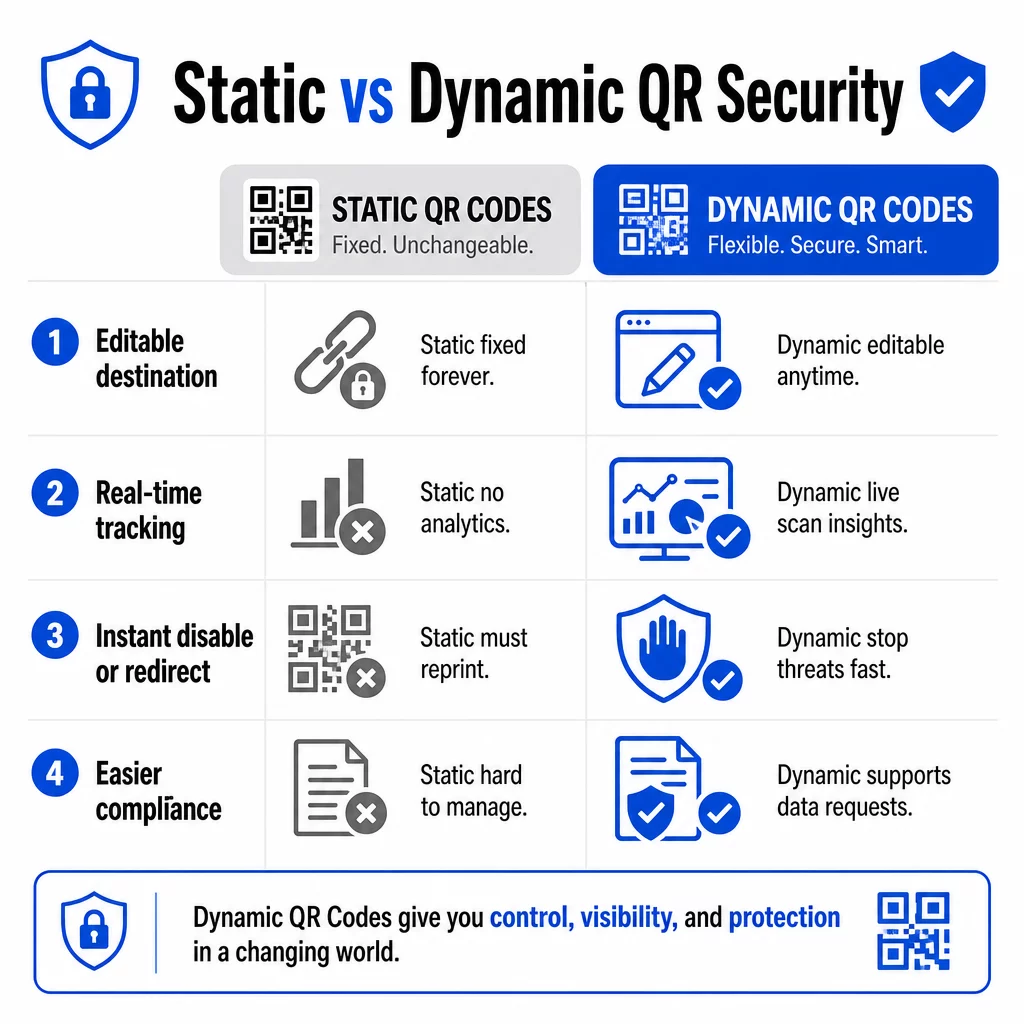
| ФУНКЦИЯ | Статични QR кодове | Динамични QR кодове |
|---|---|---|
| Целеви URL адрес | Фиксиран за постоянно | Редактируем по всяко време |
| Проследяване на сканирането | Не се поддържа | Включена пълна аналитика |
| Отговор на заплахи | Трябва да се препечата | Деактивиране или пренасочване незабавно |
| Поддръжка за съответствие | Трудно | По-лесно управление на заявки за данни |
| Разходи | Безплатно или ниско | Базирано на абонамент |
Статичните кодове вграждат дестинацията директно в шаблона. Веднъж отпечатани, не можете да ги промените. Ако статичен код е компрометиран или води до проблемно място, единствената ви възможност е да препечатате и разпространите всеки материал, на който се появява.
Динамичните кодове използват кратък URL адрес за пренасочване, който контролирате от табло за управление. Ако откриете подозрителна активност при сканиране или трябва да актуализирате дестинацията, можете да го направите незабавно – без да докосвате нито един отпечатан елемент. За всяка текуща кампания динамичните кодове са подходящият избор.
Проследявайте и защитавайте кампаниите си в реално време Използвай Динамичен QR код генератор за да създавате кодове, които можете да актуализирате, наблюдавате и деактивирате незабавно, ако нещо изглежда подозрително.
Свързвайте само към HTTPS-защитени дестинации
Всеки URL адрес, към който сочат вашите QR кодове, трябва да използва TLS/SSL криптиране – обозначено с `https://` и иконата на катинар в браузъра. Това гарантира, че връзката между устройството на потребителя и вашия сайт е криптирана и че сайтът е сертифициран и надежден.
Избягвайте свързването към HTTP дестинации, дори временно. Ако адресът на страница се промени, конфигурирайте пренасочванията правилно, вместо да оставяте оригиналния URL адрес да се счупи. Неработеща връзка е нарушител на доверието; пренасочване към незащитена страница е риск за сигурността. Прегледайте пълния контролен списък за най-добри практики за генериране на сигурни QR кодове.
Добавете видимо брандиране към всеки код
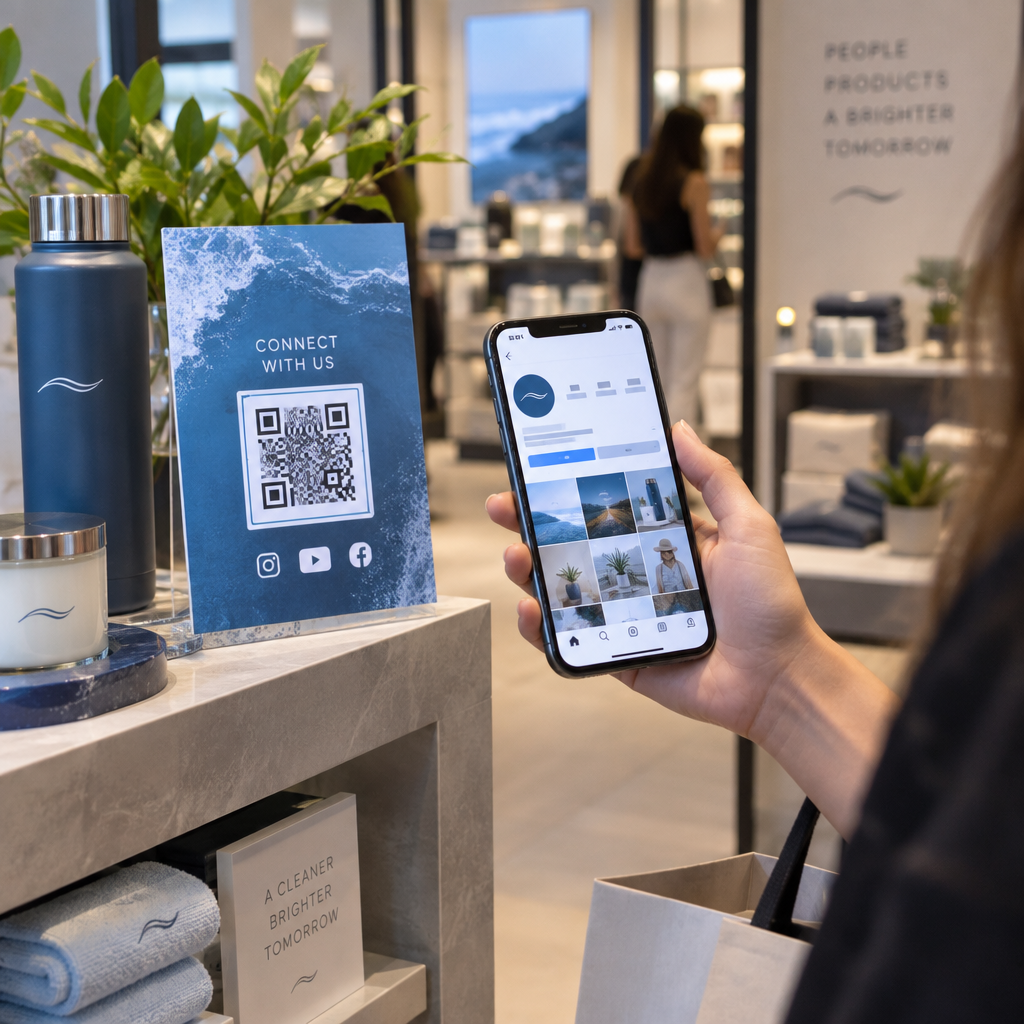
Обикновен черно-бял QR код не дава на потребителите никакъв сигнал откъде идва или дали е безопасен. Брандираните QR кодове – тези, които включват вашето лого, цветове на марката и дизайнерски шаблони – са значително по-трудни за убедително репликиране от нападатели и сигнализират легитимност на клиентите, преди да сканират.
Използвайте цветове, които съответстват на вашата визуална идентичност, поддържайте висок контраст за сканируемост и поддържайте изчистен дизайн. Когато използвате и URL адрес, който включва вашето име на домейн (вместо общ домейн за кратки връзки), клиентите имат допълнителна точка за проверка.
Прилагайте контроли за достъп, базирани на роли
Ако няколко членове на екипа управляват вашите QR код кампании, ограничете кой може да редактира или деактивира кодове. Неоторизирани промени в активни кодове – независимо дали случайни или злонамерени – представляват сериозен риск. Централизираното управление с разрешения, базирани на роли, гарантира, че само оторизирани лица могат да правят промени, което е особено важно за корпоративни екипи или агенции, управляващи кодове от името на множество клиенти.
Физическо разположение и предотвратяване на подправяне
Как и къде показвате QR кодовете влияе както на използваемостта, така и на сигурността. Решенията за разположение заслужават толкова внимание, колкото и самите кодове.
- Използвайте материали, устойчиви на подправяне за кодове, показвани на обществени места. Кодовете върху менюта, плотове или стени трябва да бъдат отпечатани директно върху материали, вместо да се прилагат като подвижни стикери, където е възможно.
- Проверявайте редовно физическите кодове, особено на места с голям трафик. Съхранявайте референтно изображение на това как изглежда вашият легитимен код, за да може персоналът да забелязва неоторизирани подмени.
- Закрепете дисплеите на фиксирани места. Кодовете под стъкло, ламинирани към повърхности или интегрирани в табели, са много по-трудни за подправяне от хлабави вложки или хартиени листовки.
- Поставете кодовете на подходяща височина за очите – обикновено между 106 и 167 сантиметра – в добре осветени зони с добър контраст спрямо фона.
Федералните указания изрично предупреждават потребителите да проверяват физическите QR кодове за признаци на подправяне (като стикер, поставен върху оригинала) преди сканиране. Като правите кодовете си физически по-трудни за подмяна, намалявате риска клиентите да попаднат на измамна версия.
Какво да кажете на клиентите, преди да сканират
Клиентите са вашата втора линия на защита. Когато разбират как изглежда безопасното взаимодействие с QR код, те са по-добре позиционирани да забележат нещо нередно.
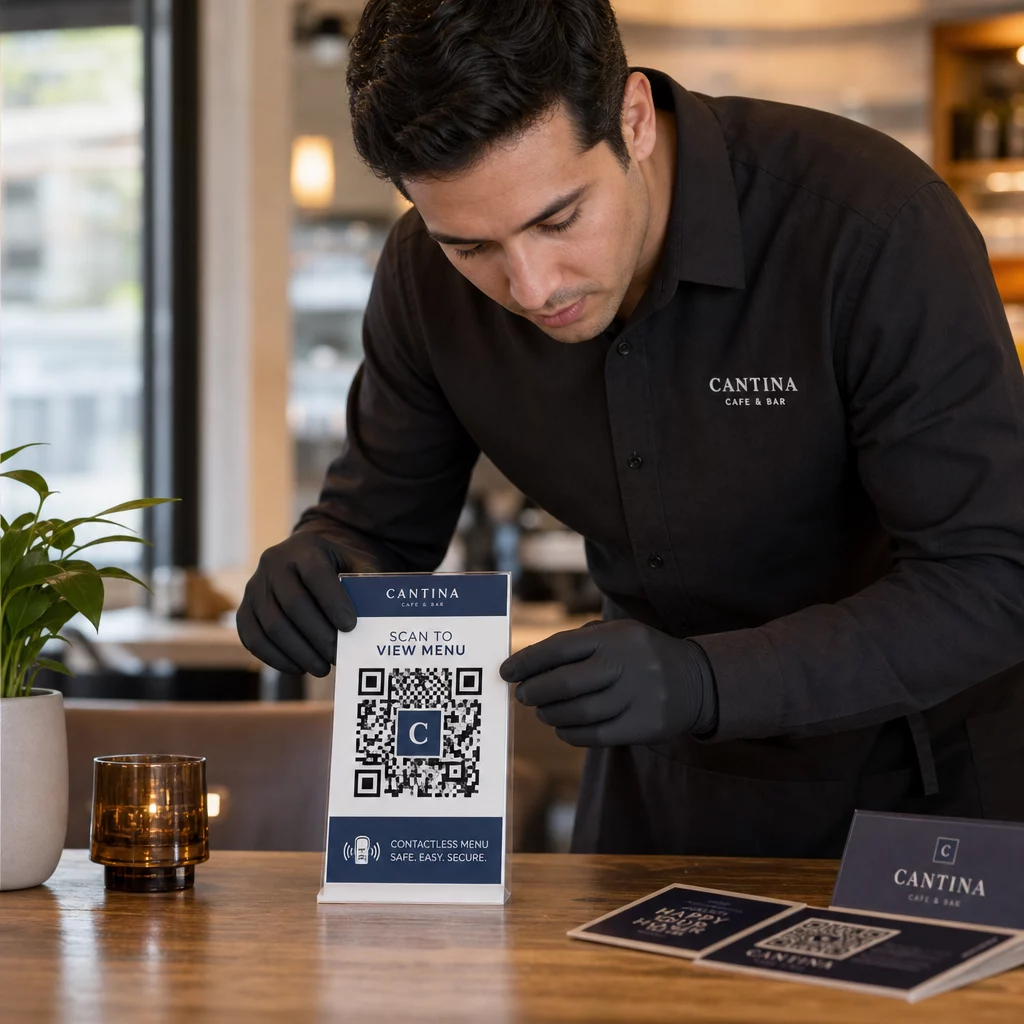
Винаги поставяйте ясен, конкретен призив за действие до всеки QR код. Неясни инструкции като “Сканирайте тук” не помагат на потребителите да преценят дали кодът е легитимен. Вместо това използвайте фрази като:
- “Сканирайте, за да видите днешното меню”
- “Сканирайте, за да получите достъп до вашата касова бележка”
- “Сканирайте за инструкции за настройка на продукта”
Тази контекстуална информация казва на потребителите какво трябва да очакват след сканиране – което улеснява разпознаването, когато нещо не е наред. QR код, който обещава да покаже меню, но отваря страница за вход, е незабавен червен флаг.
Насърчавайте клиентите да преглеждат URL адреса, преди да го последват. Повечето модерни камери на смартфони показват целевия URL адрес, преди да стартират браузъра. Потребителите трябва да търсят вашия разпознаваем домейн и да проверяват за правописни грешки или заместени символи (например, `paeg1oot.com` вместо `pageloot.com`).
Съветвайте да не се използват приложения за сканиране на QR кодове от трети страни, изтеглени от неизвестни източници. Вградените камери на смартфони (както iOS, така и Android включват вградено сканиране на QR) са най-безопасният вариант и показват прегледи на URL адреси, преди да навигират.
Наблюдение на кампании за подозрителна активност
Създаването на сигурен QR код не е еднократно действие. Активното наблюдение е това, което отличава кампания, която остава сигурна, от такава, която е експлоатирана.
Динамичните QR кодове предоставят данни за проследяване в реално време включително брой сканирания, тип устройство, операционна система и географско местоположение. Тези данни служат за две цели: измерват ефективността на кампанията и сигнализират за аномалии.
Следете за тези предупредителни знаци във вашите данни от сканиране:
- Внезапен скок в сканиранията от неочакван географски регион
- Голям обем сканирания от едно устройство или IP адрес за кратък период
- Модели на сканиране, които не съответстват на очакваната ви аудитория (грешни устройства, грешно време, грешни местоположения)
Всеки от тези модели може да показва, че кодът се експлоатира или тества от злонамерени лица. С динамичните кодове можете незабавно да деактивирате засегнатия URL адрес, да пренасочите към безопасна целева страница и да разследвате, преди да решите дали да възобновите кампанията.
Настройте редовни одити – както дигитални (преглед на анализи), така и физически (проверка на разположението на кодовете) – по определен график. Колкото по-рано откриете проблем, толкова по-малко щети може да причини той.
Вижте всяко сканиране в момента, в който се случва Таблото за управление на Pageloot ви дава пълен изглед на ефективността на сканирането и аномалиите. Започнете да проследявате вашите QR код кампании с динамични кодове днес.
Спазване на разпоредбите за поверителност на данните
Ако вашите QR кодове събират потребителски данни – дори само местоположение на сканиране и тип устройство – вие имате законови задължения в зависимост от това къде се намират вашите клиенти.
GDPR прилага се, когато таргетирате потребители в Европейския съюз. Изисква изрично съгласие преди събиране на лична информация и задължава потребителите да могат да поискат достъп до или изтриване на техните данни. Неспазването води до глоби до 4% от глобалния годишен приход или 20 милиона евро, което от двете е по-голямо.
CCPA/CPRA прилага се за жителите на Калифорния и им дава правото да се откажат от събирането на данни. Въпреки че не винаги изисква предварително съгласие, то изисква ясно разкриване и достъпен механизъм за отказ. Умишлените нарушения могат да доведат до глоби до $7,988 на инцидент.
Практически стъпки за поддържане на съответствие:
- Събирайте само минималните данни, необходими за целите на вашата кампания
- Направете вашата политика за поверителност лесна за намиране от всяка целева страница с QR код
- Използвайте платформа за QR кодове, която поддържа заявки за изтриване на данни
- Изберете платформи с признати сертификати за съответствие като GDPR, SOC 2 или HIPAA, където е приложимо
Прозрачността относно начина, по който обработвате данните, е както законово изискване, така и мярка за изграждане на доверие. Клиентите, които разбират какво събирате – и защо – са по-склонни да взаимодействат с вашите кодове. Разгледайте по-подробно как да изградите кампании с QR кодове, зачитащи поверителността.
Тестване преди внедряване
Никой QR код не трябва да бъде пускан на живо, без да е тестван на множество устройства и условия. Код, който се сканира перфектно на вашия телефон, може да не работи на по-старо устройство с Android, при слабо осветление или когато е отпечатан в по-малък размер.
Преди внедряване:
- Тествайте както на iOS, така и на Android устройства, използвайки вградените приложения за камера
- Сканирайте при очакваните условия на осветление на всяко място за поставяне
- Проверете дали дестинацията се зарежда правилно и е напълно оптимизирана за мобилни устройства
- Потвърдете скоростта на зареждане на страницата – бавните страници увеличават отпадането и създават възможности за нетърпеливи потребители да бъдат пренасочени другаде
- Проверете дали URL адресът, показан в прегледа преди сканиране, съответства на очаквания от вас домейн
За QR кодове, поставени в печатни материали, използвайте векторни формати (SVG, EPS или PDF) за печат, за да избегнете размазване. Поддържайте тиха зона – бялата рамка около кода – с ширина поне четири модула от всяка страна. Минималният практически размер за повечето маркетингови материали е 0.8 × 0.8 инча; за визитки, разглеждани отблизо, поне 1 × 1 инч.
Обучение на вашия екип
Технологичният контрол има своите граници. Вашият маркетингов екип трябва да разбира как изглежда една сигурна QR код кампания и какви са признаците, че нещо не е наред.
Обхванете тези области в екипното обучение:
- Как да разпознаете подправен физически код
- Как да интерпретирате анализите на сканиранията и да идентифицирате аномалии
- Какви стъпки да предприемете, когато има съмнение, че кодът е компрометиран (деактивиране, разследване, уведомяване)
- Как да прилагате изискванията за брандиране и HTTPS при създаване на нови кодове
- Как да пишете ефективни призиви за действие, които предоставят контекст на потребителите
На QR код маркетингов контролен списък за малкия бизнес е полезна справка за вграждане на тези работни процеси в стандартния процес на вашия екип.
Често задавани въпроси
Статичните QR кодове вграждат целевия URL адрес за постоянно в модела на кода и не могат да бъдат променяни след създаването им.
Редовно проверявайте физическите кодове на всяко място на поставяне и ги сравнявайте с референтно изображение на легитимния код. Дигитално, наблюдавайте анализите на сканиранията си за необичайни модели – неочаквани пикове в обема, сканирания от неразпознати географски региони или висока честота на сканирания от едно устройство. Тъй като динамичните QR кодове проследяват тези показатели в реално време, можете бързо да откриете аномалии и да деактивирате засегнатото пренасочване, преди да настъпи значителна вреда.
Всяка целева страница, свързана от QR код, трябва да използва HTTPS (TLS/SSL криптиране), да се зарежда бързо на мобилни устройства и ясно да показва идентичността на вашата марка, така че потребителите да могат да потвърдят, че са на правилното място. За страници, които събират потребителски данни, включете видим линк към вашата политика за поверителност и достъпен механизъм за отказ или съгласие, както се изисква от GDPR или CCPA. Ако страницата обработва чувствителна информация като плащания или данни за вход, помислете за добавяне на многофакторна автентикация като допълнителен слой защита.