Sætter dine QR-koder dine kunder i fare, uden at du er klar over det? Svindlere har gjort QR-kode-svindel til en udbredt trussel, og virksomheder, der bruger dem i marketingkampagner, kan uforvarende blive redskabet for et angreb. Denne guide fører dig gennem de specifikke sikkerhedsrisici, du skal kende, og de praktiske skridt til at køre kampagner, dine kunder kan stole på.
De reelle trusler bag QR-kode-marketing
At forstå, hvad du er oppe imod, er det første skridt til at beskytte dine kampagner. QR-koder er i sagens natur uigennemsigtige – brugere kan ikke se, hvor de fører hen, før de allerede har scannet dem. Det gør dem til et attraktivt værktøj for skadelige aktører.
Kode-manipulation og kloning
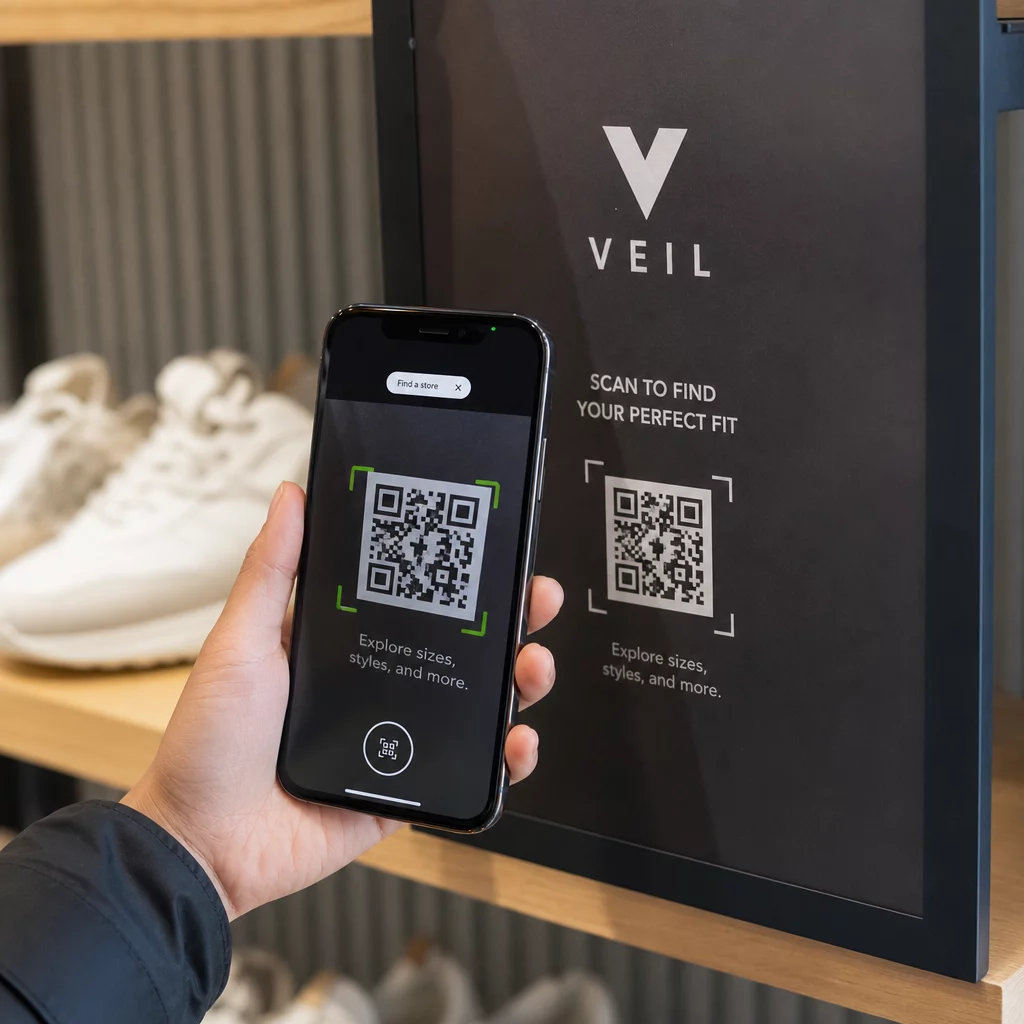
Et af de mest ligetil angreb involverer fysisk at erstatte en legitim QR-kode med en svigagtig. Kriminelle printer klistermærke-baserede falske koder og placerer dem over ægte koder på offentlige steder – parkeringsmålere, restaurantborde, butiksudstillinger. Når en kunde scanner, hvad der ligner din kode, bliver de faktisk dirigeret til et spoofet websted designet til at stjæle betalings- eller loginoplysninger.
Denne type angreb er særligt farlig, fordi dit brand tager det omdømmemæssige slag, selv når du er offeret. Kunder forbinder den svigagtige oplevelse med din virksomhed.
QR-kode-phishing (“Quishing”)
Quishing er en form for identitetssvindel, hvor angribere indlejrer ondsindede links i QR-koder og distribuerer dem via e-mail, trykte flyers eller offentlig skiltning. Destinationssiden ser ofte legitim ud – efterligner en ægte login- eller betalingsside – hvor ofre bliver bedt om at indtaste følsomme oplysninger.
Føderale retshåndhævelsesorganer i USA har specifikt advaret om, at quishing-angreb ofte skaber en falsk følelse af hastværk for at presse folk til at scanne og handle hurtigt. Phishing af legitimationsoplysninger tegner sig for langt de fleste avancerede QR-kode-trusler, hvilket gør det til en af de mest alvorlige risici for virksomheder, der håndterer kundekonti eller betalinger.
Eksponering af databeskyttelse
Hver QR-kode-scanning kan indsamle metadata – enhedstype, placering, tidsstempel, browser – afhængigt af hvordan din sporing er konfigureret. Uden ordentlige kontroller kan disse data blive eksponeret, mishandlet eller indsamlet på måder, der overtræder privatlivsregler. Virksomheder, der opererer under GDPR (for EU-brugere) eller CCPA/CPRA (for Californiens indbyggere), står over for betydelige bøder for forkert datahåndtering. Lær mere om de specifikke privatlivsrisici, QR-koder skaber, og hvordan du håndterer dem.
Ødelagte oplevelser, der underminerer tilliden
Sikkerhed handler ikke kun om angreb. En QR-kode, der fører til et ødelagt link, en ikke-mobilvenlig side eller et langsomt indlæsende websted, skaber en dårlig oplevelse, der underminerer kundernes tillid. Hvis dine koder fejler selv lejlighedsvis, bliver kunderne mindre villige til at scanne dem – og mere modtagelige for argumentet om, at “QR-koder ikke kan stoles på.”
Sikker QR-kode-oprettelse: Hvad du skal have styr på, før du lancerer
Brug dynamiske QR-koder i stedet for statiske
Den enkeltstående mest indflydelsesrige sikkerhedsbeslutning, du kan træffe, er at vælge dynamiske QR-koder frem for statiske. Her er hvorfor det betyder noget:
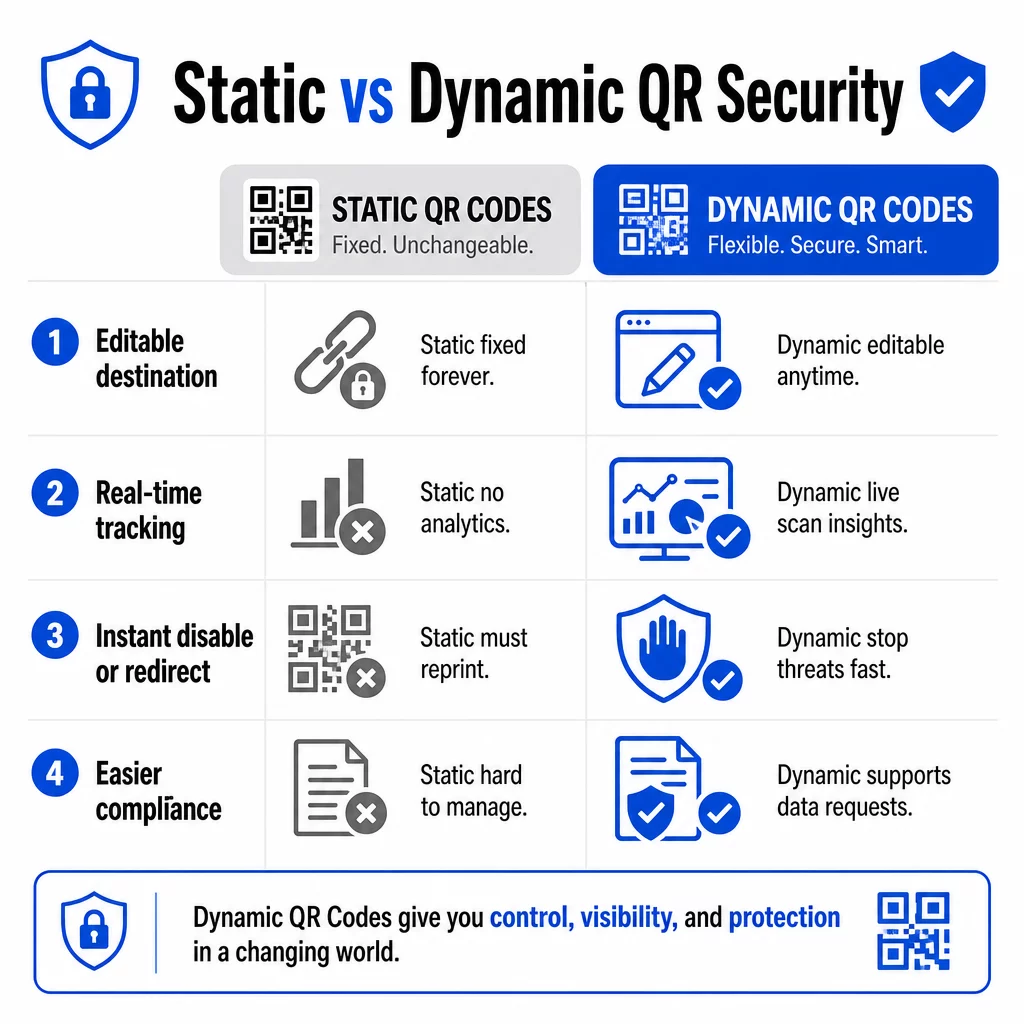
| FUNKTION | Statiske QR-koder | Dynamiske QR-koder |
|---|---|---|
| Destinations-URL | Fastlåst permanent | Kan redigeres når som helst |
| Scanningssporing | Ikke understøttet | Fuld analyse inkluderet |
| Reaktion på trusler | Skal genoptrykkes | Deaktiver eller omdiriger øjeblikkeligt |
| Overholdelsesstøtte | Svært | Nemmere at håndtere dataanmodninger |
| Omkostninger | Gratis eller lav | Abonnementsbaseret |
Statiske koder indlejrer destinationen direkte i mønsteret. Når de er printet, kan du ikke ændre dem. Hvis en statisk kode kompromitteres eller fører et problematisk sted hen, er din eneste mulighed at genoptrykke og omfordele hvert stykke materiale, den vises på.
Dynamiske koder bruger en kort omdirigerings-URL, som du styrer fra et dashboard. Hvis du opdager mistænkelig scanningsaktivitet eller har brug for at opdatere destinationen, kan du gøre det med det samme – uden at røre et eneste printet element. For enhver igangværende kampagne er dynamiske koder det passende valg.
Spor og beskyt dine kampagner i realtid Brug Dynamisk QR-kode generator for at oprette koder, du kan opdatere, overvåge og deaktivere øjeblikkeligt, hvis noget ser mistænkeligt ud.
Link kun til HTTPS-sikrede destinationer
Hver URL, dine QR-koder peger på, skal bruge TLS/SSL-kryptering – angivet med `https://` og hængelåsikonet i browseren. Dette sikrer, at forbindelsen mellem brugerens enhed og dit websted er krypteret, og at webstedet er certificeret og betroet.
Undgå at linke til HTTP-destinationer, selv midlertidigt. Hvis en sides adresse ændres, skal du konfigurere omdirigeringer korrekt i stedet for at lade den originale URL bryde. Et dødt link er en tillidsbrud; en omdirigering til en usikret side er en sikkerhedsrisiko. Gennemgå den fulde tjekliste for bedste praksis for sikker QR-kodegenerering.
Tilføj synlig branding til hver kode
En almindelig sort-hvid QR-kode giver brugerne intet signal om, hvor den kom fra, eller om den er sikker. Brandede QR-koder – dem, der inkorporerer dit logo, brandfarver og designskabeloner – er betydeligt sværere for angribere at overbevisende kopiere, og de signalerer legitimitet til kunderne, før de scanner.
Brug farver, der stemmer overens med din visuelle identitet, oprethold høj kontrast for scannbarhed, og hold design rene. Når du også bruger en URL, der inkluderer dit domænenavn (i stedet for et generisk kort-link domæne), har kunderne et yderligere verificeringspunkt.
Anvend rollebaserede adgangskontroller
Hvis flere teammedlemmer administrerer dine QR-kodekampagner, skal du begrænse, hvem der kan redigere eller deaktivere koder. Uautoriserede ændringer af live-koder – uanset om de er utilsigtede eller ondsindede – udgør en alvorlig risiko. Centraliseret styring med rollebaserede tilladelser sikrer, at kun autoriserede personer kan foretage ændringer, hvilket er særligt vigtigt for virksomhedsteams eller bureauer, der administrerer koder på vegne af flere klienter.
Fysisk placering og manipulationsforebyggelse
Hvordan og hvor du viser QR-koder påvirker både brugervenlighed og sikkerhed. Placeringsbeslutninger fortjener lige så meget opmærksomhed som koderne selv.
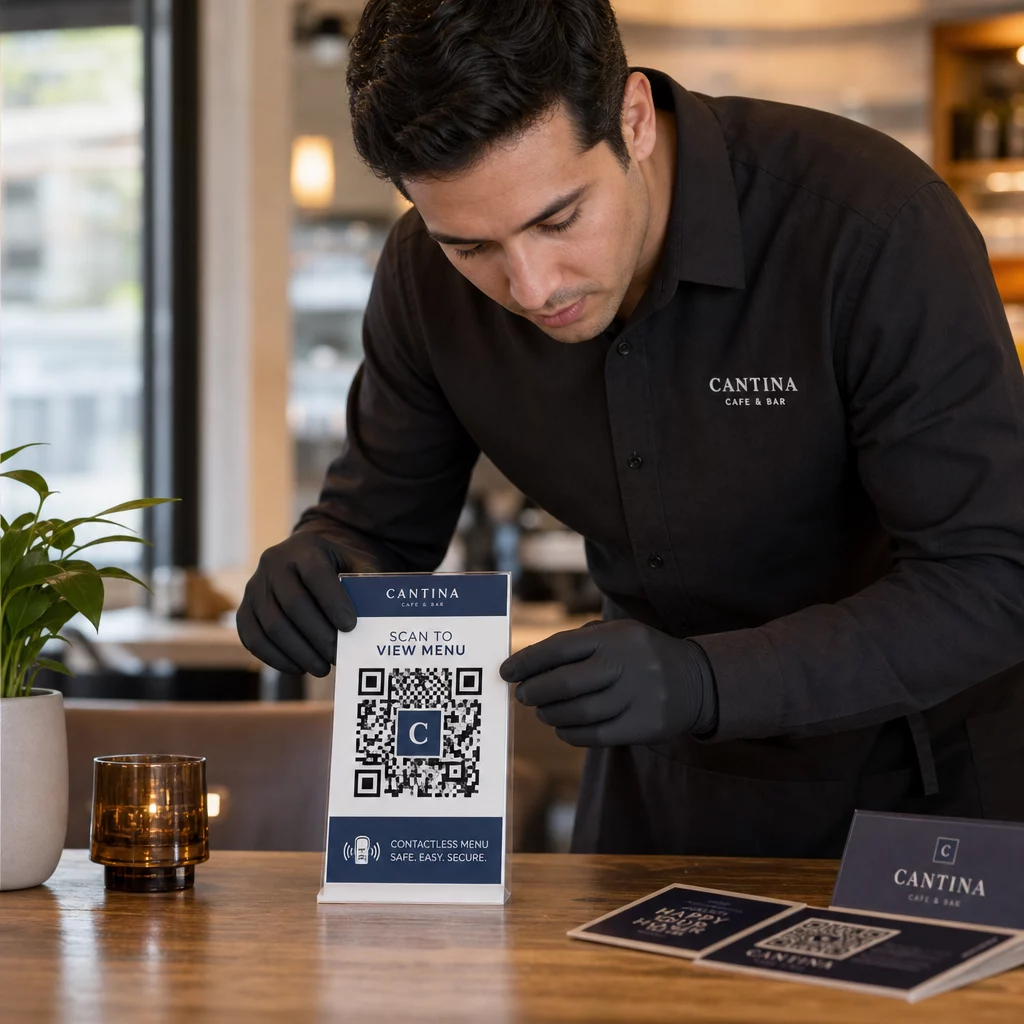
- Brug manipulationssikre materialer til koder, der vises på offentlige steder. Koder på menuer, bordplader eller vægge bør printes direkte på materialer i stedet for at blive påført som aftagelige klistermærker, hvor det er muligt.
- Inspicer fysiske koder regelmæssigt, især på steder med høj trafik. Hav et referencebillede af, hvordan din legitime kode ser ud, så personalet kan opdage uautoriserede udskiftninger.
- Fastgør skærme på faste steder. Koder under glas, lamineret til overflader eller integreret i skiltning er meget sværere at manipulere med end løse indstik eller papiruddelinger.
- Placer koder i passende øjenhøjde – typisk mellem 105 og 165 cm – i godt oplyste områder med god kontrast mod baggrunden.
Føderal vejledning advarer specifikt forbrugere om at tjekke fysiske QR-koder for tegn på manipulation (såsom et klistermærke placeret over originalen), før de scanner. Ved at gøre dine koder fysisk sværere at udskifte, reducerer du risikoen for, at kunder støder på en svigagtig version.
Hvad du skal fortælle kunderne, før de scanner
Kunderne er din anden forsvarslinje. Når de forstår, hvordan en sikker QR-kodeinteraktion ser ud, er de bedre i stand til at opdage, når noget er galt.
Placer altid en klar, specifik opfordring til handling ved siden af hver QR-kode. Vage instruktioner som “Scan her” hjælper ikke brugere med at vurdere, om en kode er legitim. Brug i stedet sætninger som:
- “Scan for at se dagens menu”
- “Scan for at få adgang til din kvittering”
- “Scan for produktopsætningsinstruktioner”
Denne kontekstuelle information fortæller brugere, hvad de kan forvente efter scanning – hvilket gør det lettere at genkende, når noget er galt. En QR-kode, der lover at vise en menu, men åbner en login-side, er et øjeblikkeligt rødt flag.
Opmuntre kunder til at forhåndsvise URL'en, før de følger den. De fleste moderne smartphonekameraer viser destinations-URL'en, før de starter browseren. Brugere bør kigge efter dit genkendelige domæne og tjekke for stavefejl eller udskiftede tegn (for eksempel `paeg1oot.com` i stedet for `pageloot.com`).
Fraråd brugen af tredjeparts QR-scannerapps downloadet fra ukendte kilder. Indbyggede smartphonekameraer (både iOS og Android inkluderer indbygget QR-scanning) er den sikreste mulighed og viser URL-forhåndsvisninger, før der navigeres.
Overvågning af kampagner for mistænkelig aktivitet
Oprettelse af en sikker QR-kode er ikke en engangshandling. Aktiv overvågning er det, der adskiller en kampagne, der forbliver sikker, fra en, der bliver udnyttet.
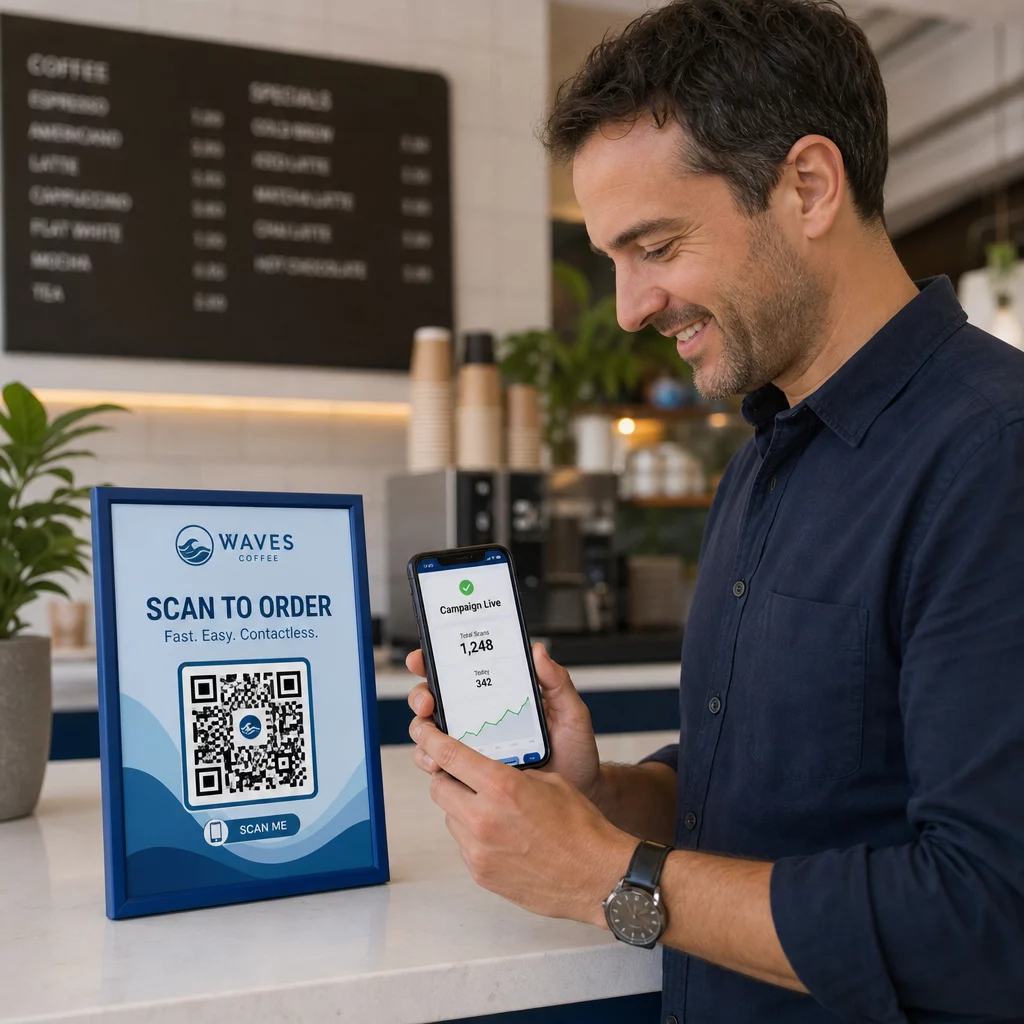
Dynamiske QR-koder giver sporingsdata i realtid herunder antal scanninger, enhedstype, operativsystem og geografisk placering. Disse data tjener et dobbelt formål: de måler kampagnens ydeevne, og de markerer anomalier.
Hold øje med disse advarselstegn i dine scanningsdata:
- En pludselig stigning i scanninger fra en uventet geografisk region
- Et stort antal scanninger fra en enkelt enhed eller IP-adresse inden for et kort tidsrum
- Scanningsmønstre, der ikke matcher dit forventede publikum (forkerte enheder, forkerte tidspunkter, forkerte placeringer)
Ethvert af disse mønstre kan indikere, at en kode bliver udnyttet eller testet af ondsindede aktører. Med dynamiske koder kan du øjeblikkeligt deaktivere den berørte URL, omdirigere til en sikker landingsside og undersøge, før du beslutter, om kampagnen skal genoptages.
Opsæt regelmæssige revisioner – både digitale (gennemgang af analyser) og fysiske (inspektion af kodeplaceringer) – efter en defineret tidsplan. Jo hurtigere du opdager et problem, jo mindre skade kan det forårsage.
Se hver scanning, når den sker Pageloots dashboard giver dig et fuldt overblik over scanningsydeevne og anomalier. Begynd at spore dine QR-kodekampagner med dynamiske koder i dag.
Overholdelse af databeskyttelsesregler
Hvis dine QR-koder indsamler brugerdata – selv blot scanningsplacering og enhedstype – har du juridiske forpligtelser afhængigt af, hvor dine kunder befinder sig.
GDPR gælder, når du målretter brugere i Den Europæiske Union. Den kræver udtrykkeligt samtykke, før personlige oplysninger indsamles, og pålægger, at brugere kan anmode om adgang til eller sletning af deres data. Manglende overholdelse medfører bøder på op til 4 % af den globale årlige omsætning eller 20 millioner euro, alt efter hvad der er størst.
CCPA/CPRA gælder for indbyggere i Californien og giver dem ret til at fravælge dataindsamling. Selvom den ikke altid kræver forudgående samtykke, kræver den klar oplysning og en tilgængelig fravalgsmekanisme. Forsætlige overtrædelser kan resultere i bøder på op til 7.988 dollars pr. hændelse.
Praktiske skridt til at overholde reglerne:
- Indsaml kun de minimumsdata, der er nødvendige for dine kampagnemål
- Gør din privatlivspolitik nem at finde fra enhver QR-kode landingsside
- Brug en QR-kode platform, der understøtter anmodninger om datasletning
- Vælg platforme med anerkendte compliance-certificeringer som GDPR, SOC 2 eller HIPAA, hvor det er relevant
At være gennemsigtig omkring, hvordan du håndterer data, er både et lovkrav og et tillidsskabende tiltag. Kunder, der forstår, hvad du indsamler – og hvorfor – er mere tilbøjelige til at engagere sig med dine koder. Udforsk, hvordan du bygger privatlivsrespekterende QR-kodekampagner mere detaljeret.
Test før du implementerer
Ingen QR-kode bør gå live uden at være testet på tværs af flere enheder og forhold. En kode, der scanner perfekt på din telefon, kan fejle på en ældre Android-enhed, i svag belysning eller når den udskrives i en mindre størrelse.
Før implementering:
- Test på både iOS- og Android-enheder ved hjælp af native kamera-apps
- Scan under de lysforhold, der forventes på hvert placeringssted
- Bekræft, at destinationen indlæses korrekt og er fuldt mobiloptimeret
- Bekræft sideindlæsningshastighed – langsomme sider øger frafaldet og skaber muligheder for utålmodige brugere til at blive omdirigeret andre steder hen
- Kontroller, at den URL, der vises i forhåndsvisningen før scanning, stemmer overens med dit forventede domæne
Til QR-koder placeret i trykt materiale, brug vektorformater (SVG, EPS eller PDF) til udskrivning for at undgå sløring. Oprethold en stille zone – den hvide kant omkring koden – på mindst fire moduler bred på hver side. Den mindste praktiske størrelse for de fleste marketingmaterialer er 0,8 × 0,8 tommer; for visitkort set på tæt hold, mindst 1 × 1 tomme.
Træning af dit team
Teknologiske kontroller rækker kun så langt. Dit marketingteam skal forstå, hvordan en sikker QR-kodekampagne ser ud, og hvilke tegn der indikerer, at noget er gået galt.
Dæk disse områder i teamtræningen:
- Sådan genkendes en manipuleret fysisk kode
- Sådan fortolkes scanningsanalyser og identificeres anomalier
- Hvilke skridt der skal tages, når en kode mistænkes for at være kompromitteret (deaktiver, undersøg, underret)
- Sådan anvendes branding- og HTTPS-krav ved oprettelse af nye koder
- Sådan skrives effektive opfordringer til handling, der giver kontekst for brugerne
Det QR-kode marketing: Tjekliste til små virksomheder er en nyttig reference til at indbygge disse arbejdsgange i dit teams standardproces.
Ofte stillede spørgsmål
Statiske QR-koder indlejrer destinations-URL'en permanent i kodemønsteret og kan ikke ændres efter oprettelse. Hvis en statisk kode kompromitteres eller fører til en ødelagt side, skal du genoptrykke alle fysiske genstande, den vises på. Dynamiske QR-koder bruger en kort omdirigerings-URL, som du styrer fra et dashboard, så du øjeblikkeligt kan opdatere destinationen eller deaktivere koden uden at genoptrykke noget. Dynamiske koder giver også scanningsanalyser i realtid, hvilket hjælper dig med at opdage mistænkelig aktivitet. For enhver marketingkampagne, hvor sikkerhed og fleksibilitet er vigtigt, er dynamiske koder det bedre valg.
Inspicer regelmæssigt fysiske koder på hvert placeringssted og sammenlign dem med et referencebillede af den legitime kode. Digitalt skal du overvåge dine scanningsanalyser for usædvanlige mønstre – uventede stigninger i volumen, scanninger fra ukendte geografiske områder eller en høj frekvens af scanninger fra en enkelt enhed. Fordi dynamiske QR-koder sporer disse målinger i realtid, kan du hurtigt opdage anomalier og deaktivere den berørte omdirigering, før der opstår betydelig skade.
Hver landingsside, der linkes fra en QR-kode, skal bruge HTTPS (TLS/SSL-kryptering), indlæses hurtigt på mobile enheder og tydeligt vise din brandidentitet, så brugerne kan bekræfte, at de er det rigtige sted. For sider, der indsamler brugerdata, skal der inkluderes et synligt link til din privatlivspolitik og en tilgængelig frameldings- eller samtykkemekanisme som krævet af GDPR eller CCPA. Hvis siden håndterer følsomme oplysninger som betalinger eller loginoplysninger, bør du overveje at tilføje multifaktorautentificering som et ekstra beskyttelseslag.