Generator QR Code MP3
Use this MP3 QR code generator to convert MP3 to QR code. It also works as a way to convert an audio file to a QR code. Upload your MP3, add a title, a cover image and your logo, and download the code. When someone scans it, a page opens and the audio plays on their phone.
Hosted audio codes start with a free 14-day trial. If the music is already on Spotify or SoundCloud, you can link to it with a free tautan kode QR alih-alih.
Gaya
Bingkai
Teks di atas
Warna latar belakang
Teks di atas warna
Tubuh
Warna tubuh
Tepi
Jenis bingkai
Warna bingkai tepi
Jenis bola
Warna bola tepi
Dipercaya oleh lebih dari 20.000 merek untuk mendapatkan lebih banyak penjualan, ulasan & pengikut.


Apa yang dimaksud dengan Kode QR MP3?
An MP3 QR code is a QR code that plays an audio file when someone scans it. You may also call it a music QR code or an audio QR code. The audio is not inside the code. The file is stored online, and the code holds a link to it.
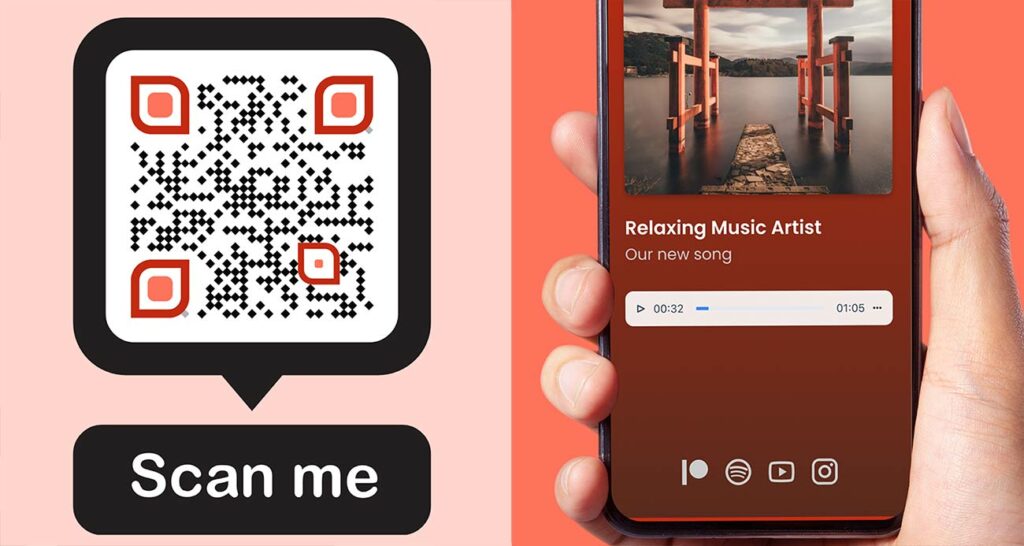
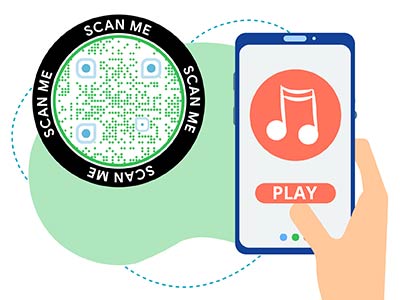
After the scan, the phone opens a page with a play button, a title and a cover image. The listener taps play and hears the file. No app is needed. As an MP3 QR code maker, this tool turns one file into one code. It works for songs, podcasts, tour guides, voice notes and spoken instructions.


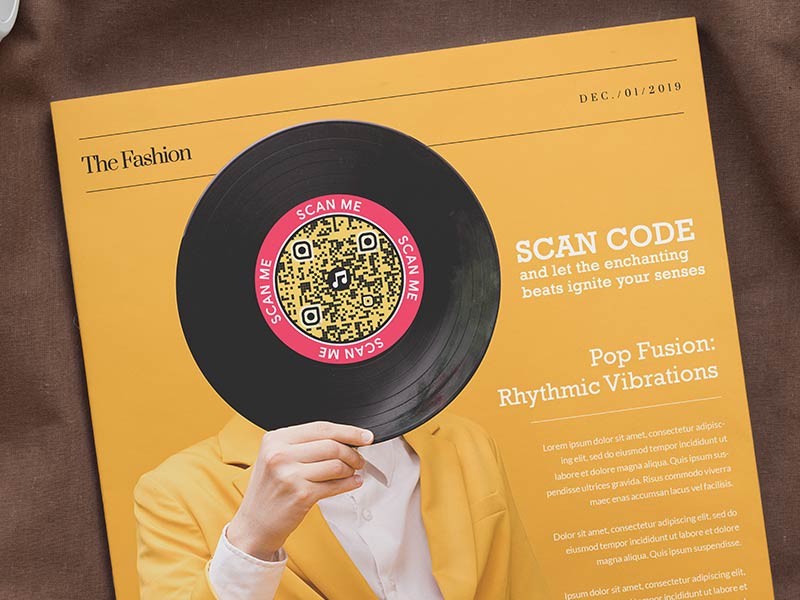
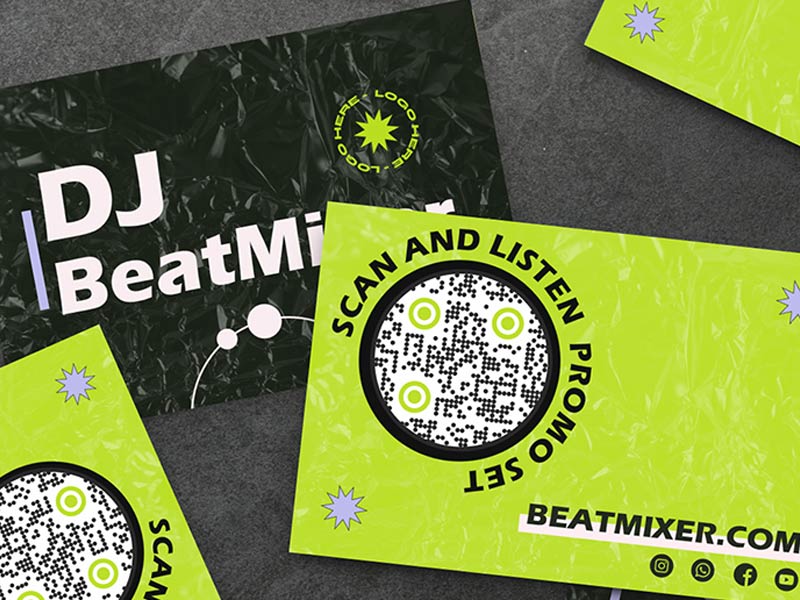
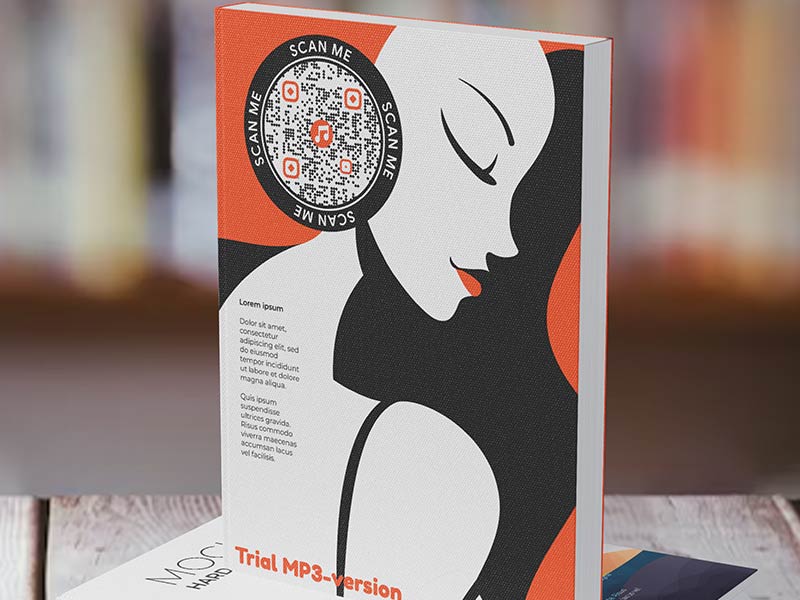
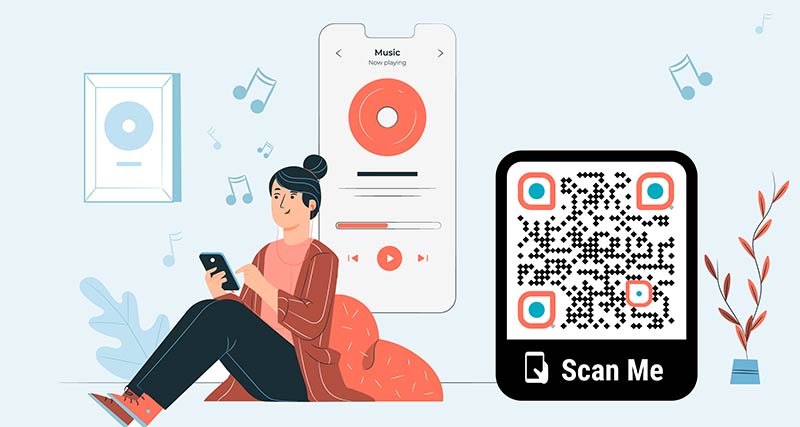
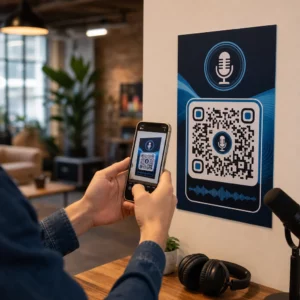
Audio QR code examples
Ketuk pada gambar untuk memperbesar
Bagaimana cara kerja kode QR musik?


Pick your MP3 and trim it to the part people need. A clear file of 1 to 3 minutes works best on a phone. Start with the key point, because listeners decide in the first few seconds.


Upload the MP3 in the QR code MP3 generator. Add a title, a cover image, your colors and your logo. Choose where the code goes: the audio page, a streaming channel or the audio file itself.


Download the code and scan it with an iPhone and an Android phone. Tap play on each and check the sound and the loading time before you print.


Place the code where people can listen. Scan statistics show when and where it is scanned, with more detail on higher plans.
Bagaimana cara membuat kode QR MP3?
Menggunakan alat gratis di halaman ini untuk mulai membuat kode QR musik Anda. Anda dapat mulai membuat kode QR atau mendaftar untuk berlangganan yang mencakup banyak fitur tambahan.
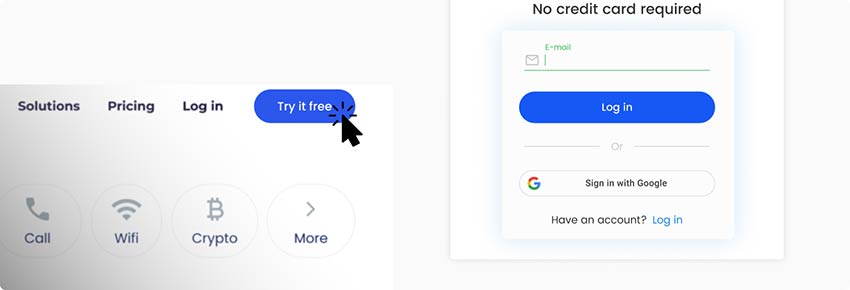

Unggah MP3 yang Anda pilih ke generator kode QR untuk MP3 dan pilih ke mana kode QR akan mengarahkan, baik halaman arahan, saluran streaming, atau file audio itu sendiri.
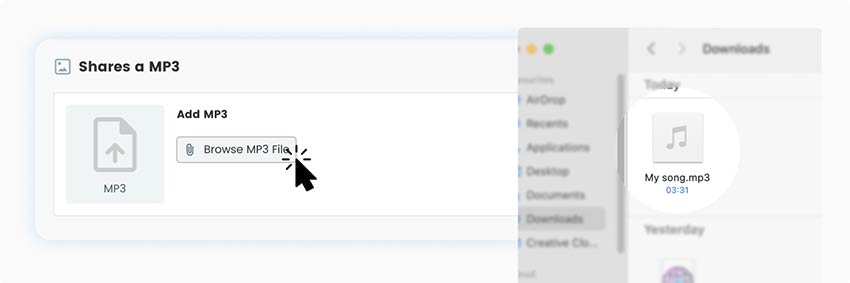

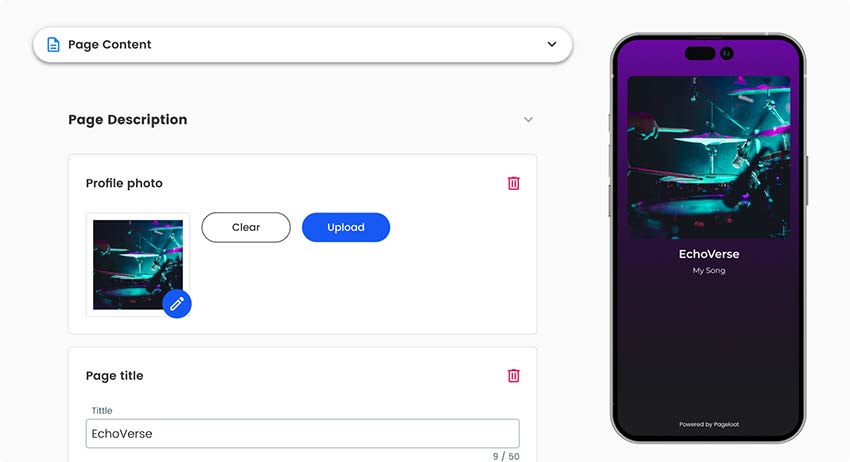
Kemudian Anda dapat menyesuaikan halaman arahan audio yang dibuat oleh generator kode QR audio, menambahkan judul, gambar sampul, mengedit warna, menyertakan logo Anda, atau menambahkan layar selamat datang.

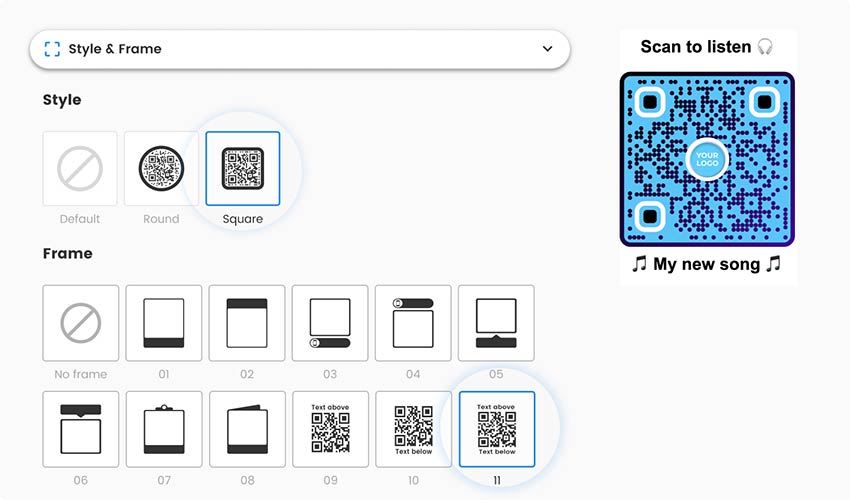
Setelah menyesuaikan halaman arahan audio di generator audio kode QR, pilih bingkai, gambar, dan warna untuk kode QR. Pilih desain yang menarik dan tambahkan branding yang akan mendorong audiens untuk memindai kode.

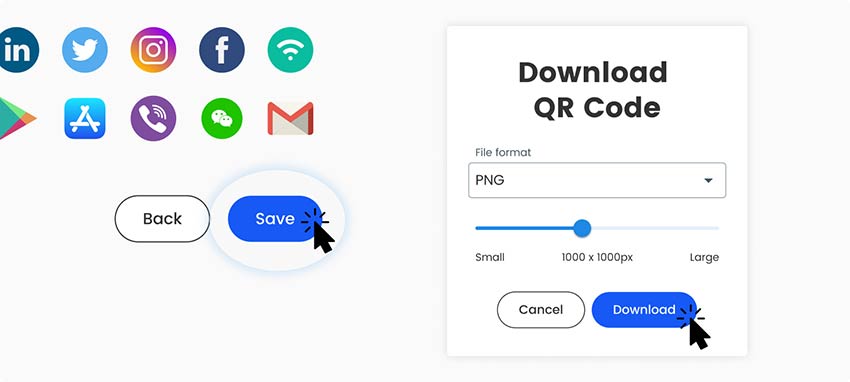
Untuk menyelesaikan prosesnya, Anda perlu menyimpan dan mengunduh kode QR audio Anda. Periksa apakah kode QR berfungsi di berbagai perangkat sebelum mencetaknya dan mengirimkannya ke audiens Anda.

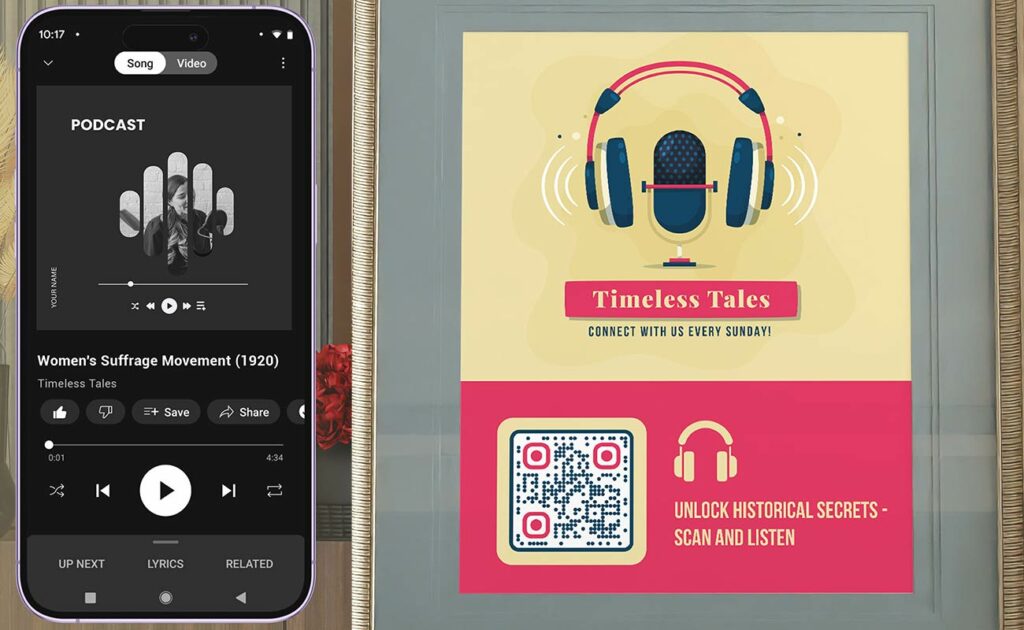
Mengapa saya memerlukan generator kode QR musik?


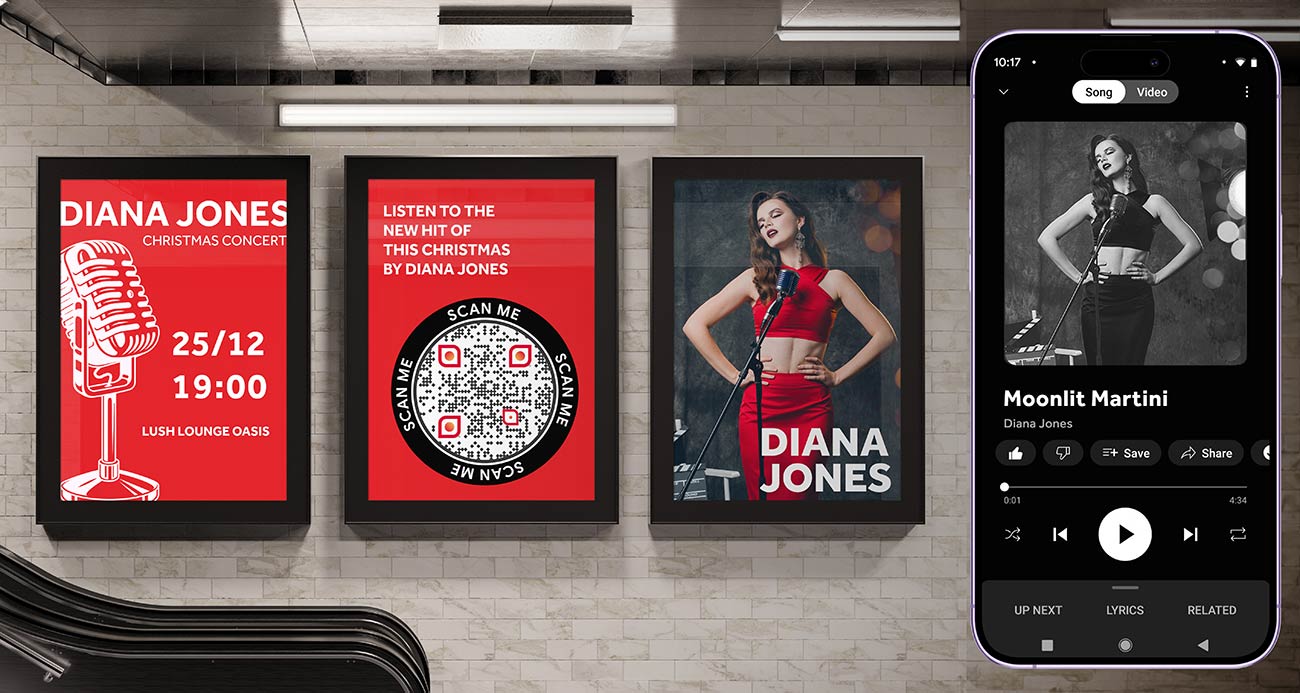
Audio says what print cannot: a voice, a song, a story or a spoken step. A music QR code generator puts that on a poster, a card or a product, and the listener needs only a phone.
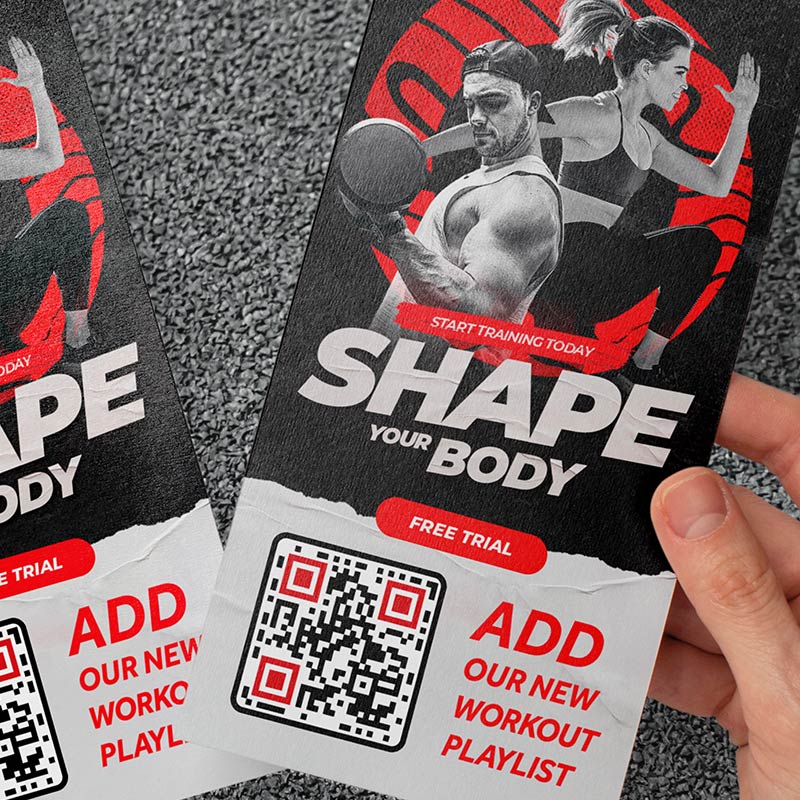
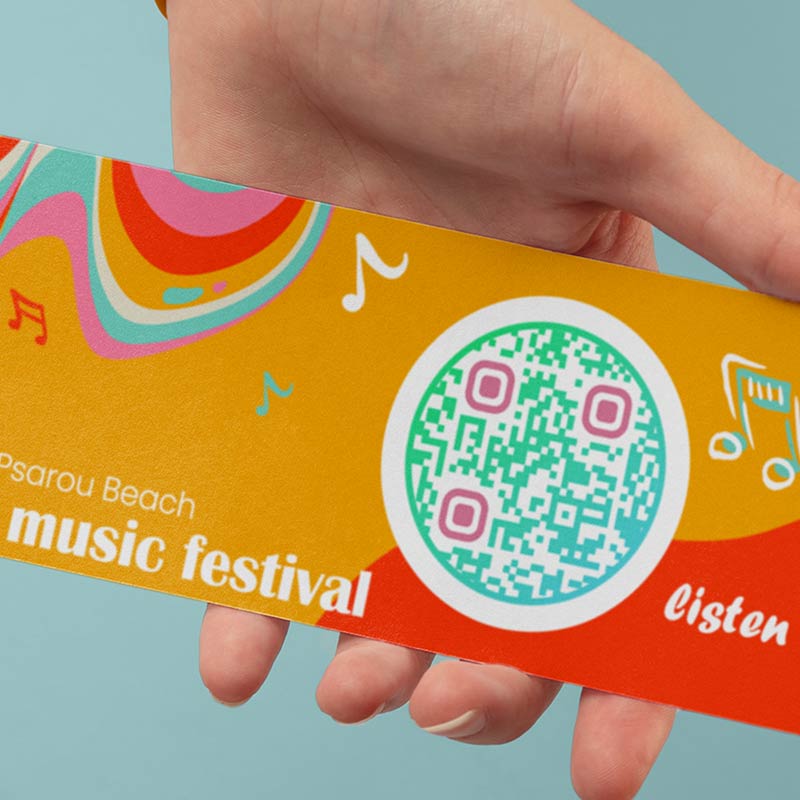
Typical uses are song previews on posters and album covers, podcast episodes on flyers, audiobook samples on book covers, guided tours and spoken instructions. If the sound is already on Spotify, YouTube or SoundCloud, link to it instead of uploading it.
Upload the MP3 or link to Spotify or SoundCloud
There are two ways to make an audio QR code. Choose by who owns the recording and what you want to keep control of.
Upload the file when the recording is yours and exists nowhere else, such as a voice note, a museum guide, a tribute or a demo. The audio is hosted and plays from a page with your title and cover. You need the free 14-day trial first and a paid plan to keep the code working.
Link to a streaming page when the music is already on Spotify or SoundCloud. You host nothing and the artist gets the stream. Use the Generator QR Code Spotify atau pembuat kode QR tautan. Some listeners may be asked to open the Spotify app or sign in. If the track is removed from the service, the code stops working.
Both scan the same way. The difference is where the audio lives.
Pertanyaan yang sering diajukan


You can convert MP3 to QR code free for 14 days with a sign-up. Hosted audio codes stop working after the trial unless you subscribe. If you want a free MP3 QR generator without that limit, you can use another route: link to audio that is already online, such as a Spotify or SoundCloud page, with the free pembuat kode QR tautan.
One. Each MP3 QR code opens one audio file. For several tracks, make one code per track, or link to a playlist on a streaming service.
A title, a description, a cover image, your logo and colors, and a link to your website. Keep the text short, because most listeners scan, tap play and move on.
The first 14 days are free with a sign-up. After that you need a paid plan. See the halaman harga. Code NEW30 gives 30% off your first purchase. A link code to audio hosted elsewhere is free to download.
Use MP3. It plays on every phone and keeps files small. Export at 128 kbps for speech and 192 kbps for music. Formats such as WAV make files many times bigger and can load slowly on mobile data.
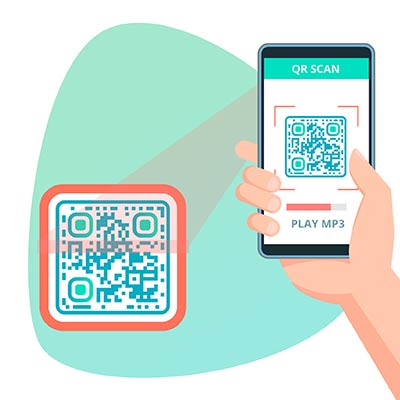
Open the camera app and point it at the code. Tap the banner that appears, then tap play on the page. Modern phones read QR codes with the camera. An older phone may need a Scan QR Code & Barcode aplikasi.
Yes. Copy the track or playlist link and make a link code, or use the Generator QR Code Spotify. You host nothing. If the track is removed, the code stops working, and listeners may be asked to open the Spotify app.
The upload limit depends on your plan and is listed on the halaman harga under file uploads. Smaller is better for listeners anyway: about 1 MB per minute at 128 kbps.


Hubungi kami dan kami akan dengan senang hati membantu!
4.86 / peringkat 5 bintang


Where to use an MP3 QR code: examples
Ketuk pada gambar untuk memperbesar


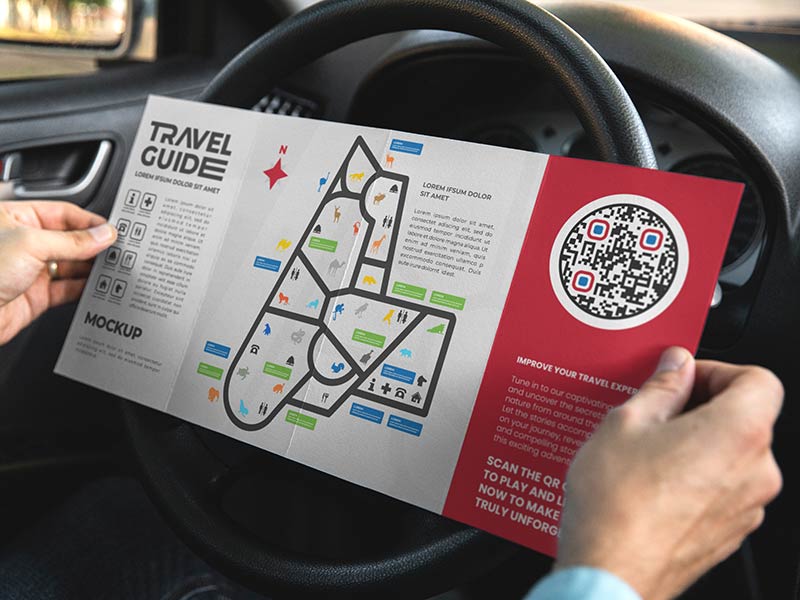
Put a code next to each exhibit, stop or viewpoint. Visitors listen on their own phone with earbuds, so you need no rented devices. One short recording per code works best.


A small plaque or card can play a recorded message or a favorite song. Use weather-resistant material outdoors, and plan how long the code must last before you choose how to host the audio.


Put the code on a box or a manual to play spoken setup steps. It helps people who prefer to listen, and steps that are hard to show in text.


Record a greeting, a story or a song and print the code on a gift tag or a card. The receiver scans it and hears your voice.
Best audio format and file size for a QR code
-
Use MP3
MP3 plays on every phone and keeps files small. For speech, 128 kbps is clear. For music, 192 kbps is a good balance. -
Keep the file small
At 128 kbps one minute is about 1 MB, so a 3-minute guide is about 3 MB. Small files start sooner on mobile data. Your plan also sets an upload limit, shown on the pricing page.
-
Keep it short
Aim for 1 to 3 minutes. For a long show or an album, upload a short clip and point to the full version on a streaming service. -
Check the volume
Phones sound quiet in noisy places. Even out the volume, cut silence and clicks at the start, and listen on the phone speaker, not only on headphones.
MP3 QR code not working? Check these first
Phone browsers do not start sound by themselves, so the listener has to tap play. Print a line next to the code, such as “Scan, then tap play”.


A big file or a weak signal makes audio stall. Export the MP3 at 128 kbps, keep it short, and test on mobile data, not only on Wi-Fi. In basements and tunnels there may be no signal at all.
Each plan has an upload limit, listed on the pricing page. Compress the file or cut it shorter, and upload an MP3 rather than a video or a streaming link.


A hosted audio code stops when the free trial or a paid plan ends. The pricing page says QR codes expire after the trial. For memorials and museum labels, choose a plan you will keep or the kesepakatan seumur hidup, or link to a file you host yourself.
Why make an MP3 QR code with Pageloot


The audio page opens in the phone browser. Listeners need no app and no download.


Add a title, a cover image, your colors and your logo to the audio page.


See when and where the code is scanned. City and device detail depend on your plan.


With a dynamic code you can swap the audio file or change the destination, and the printed code keeps working. This comes with the free 14-day trial.


SVG and PDF files for sharp printing at any size come with the free 14-day trial.


Try hosted audio codes free for 14 days. A link code to Spotify or SoundCloud is free to download.