Paste your Instagram profile, post or reel link and get a QR code that opens it on any phone. This free QR code generator for Instagram works as an Instagram QR code generator with logo upload and your own colors, and you download the code as PNG, SVG or PDF. No signup needed to download.
An Instagram QR code is a QR code that contains an Instagram link. When someone scans it with a phone camera, Instagram opens on your profile, a post or a reel. Nobody has to search for your username or type a URL.
People also call it an IG QR code or a QR code for an Instagram account, and they look for an IG QR code generator to make one. There are two ways to get one. Instagram has a code built into the app, and it only links to your profile. A custom code from a generator like this one can link to any profile, post or reel, and it can carry your logo and colors.
How to create a QR code for Instagram in four steps
Salin
Open Instagram and copy the link to your profile, a post or a reel. Steps for phone and computer are further down this page.
Scan the code with two different phones before you print. Check that it opens the right profile, post or reel. Then download PNG for screens, or SVG and PDF for print.
Melacak
Want to see how many people scan it? Tick Lacak pemindaian to start a free 14-day trial. A dynamic code shows when, where and on which device each scan happened.
Membuat kode QR Instagram
Uji coba gratis selama 14 hari. Tidak diperlukan kartu kredit.
How to generate a QR code for Instagram with Pageloot
Mulai di sini
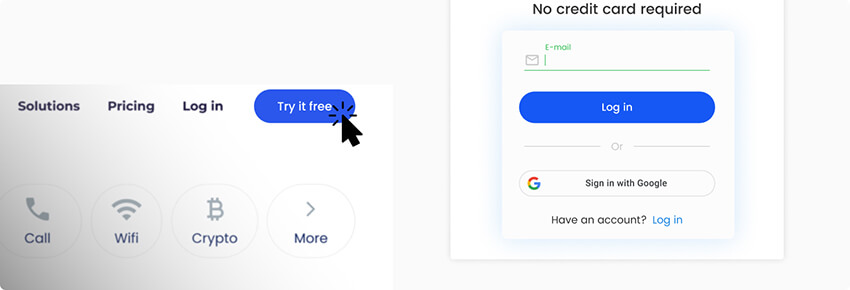
Anda dapat mencobanya generator kode QR gratis untuk Instagram atau mendaftar untuk uji coba gratis selama 14 hari. Jika Anda lebih suka versi berbayar, pilih salah satu dari empat paket langganan yang menawarkan fitur-fitur canggih dan wawasan data.
Tambahkan tautan
Di tempat yang ditentukan, Anda perlu menyertakan tautan URL, yang dapat berupa tautan ke halaman profil, postingan, atau sorotan cerita. Anda bisa mendapatkan URL Instagram dari ponsel cerdas dan laptop.
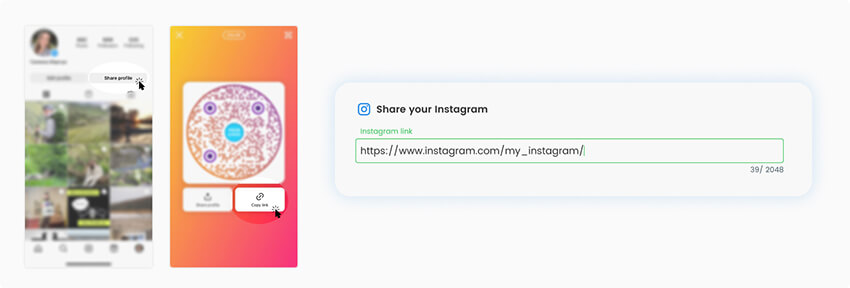
Mengujinya
Kode QR Anda akan dibuat secara otomatis, sebelum melanjutkan, periksa dan pindai untuk mengetahui apakah kode tersebut berfungsi dengan benar.
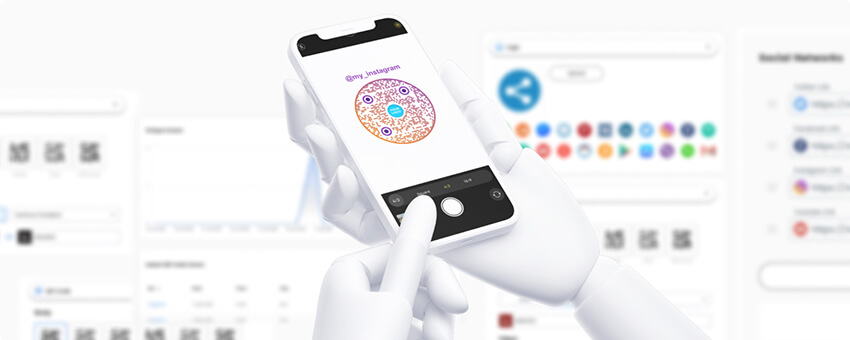
Tambahkan gaya
Jika kode QR berfungsi dengan baik, Anda sekarang dapat menyesuaikannya. Ubah pewarnaan dan latar belakangnya, beri bingkai atau potong bentuk, dan tambahkan logo atau gambar.
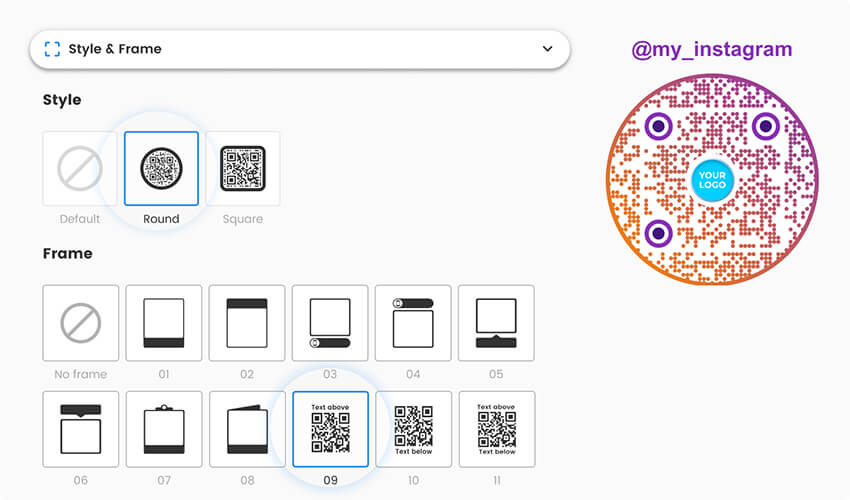
Unduh
Setelah selesai, simpan dan unduh kode QR Anda untuk Instagram. Dengan akun premium, Anda akan dapat melacak kinerja kode QR Anda menggunakan dasbor generator.
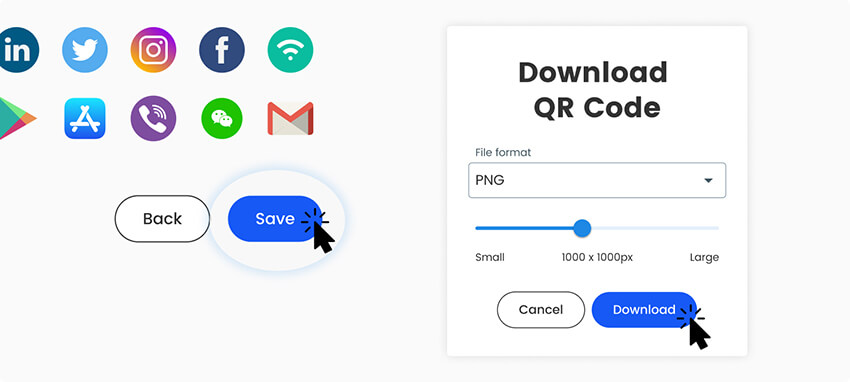
Semua selesai!
How to copy your Instagram link on a phone
The generator needs an Instagram link. Here is how to get one for each kind of content. Button names can change a little between app versions.
Profil: open your profile, tap Share profile, then Salin tautan. The link looks like instagram.com/yourname.
Post: open the post, tap the paper plane (share) icon, then Salin tautan.
Reel: open the reel, tap the paper plane icon, then Salin tautan.
Computer: open instagram.com in a browser, go to the profile, post or reel, and copy the address from the address bar.
Paste the link into the generator above. If you are on your phone, press and hold in the link field and choose Tempel. You can also make QR codes for LinkedIn, Facebook dan lainnya jejaring sosial.
Instagram's built-in QR code or a custom one
Instagram has its own QR code, and it is free. Open your profile and tap Share profile. On some app versions, open the menu and choose Kode QR. Instagram shows a code for your profile. You can change its background, for example with a color, an emoji or a selfie, and then save or share it.
It is a good choice for a quick share, like showing your code to a friend or on a screen. It has limits:
It links to your profile only. You cannot link to a post or a reel.
You cannot upload your logo or set your own colors and shapes.
It saves as an image, so there is no SVG or PDF for large print.
Instagram does not show you how many people scanned it.
A custom code from this generator has none of these limits. It uses your logo and colors, links to a profile, post or reel, and downloads as PNG, SVG or PDF. Use Instagram’s code for casual sharing. Use a custom code for anything you print.
Static or dynamic? A static code is enough if your username will not change and you only want people to land on your profile. Choose a dynamic code if you might rename the account, want to point the same printed code to a new post or campaign later, or want scan stats. Tick Edit nanti atau Lacak pemindaian di atas untuk memulai uji coba gratis 14 hari.
To create a QR code for Instagram, copy the link to your profile, post or reel. On your phone, open your profile, tap Share profile, then Copy link. Paste it into the Instagram QR code generator at the top of this page, add your logo or colors if you like, and download the code. It works the same on a phone and on a computer.
Yes. Open your profile and tap Share profile. On some versions, open the menu and choose QR code. It links to your profile only, has a few background styles and shows no scan stats. For a logo, a post or reel link or print files, use a custom code. To share a code inside Instagram, see cara memposting kode QR di Instagram.
Use this Instagram QR code generator with logo upload. Paste your link, then open the design options and upload your logo. Keep the logo small and in the middle, and scan the code with two phones before you print. A very large logo can make the code hard to read.
Yes. Open the post or reel, tap the paper plane icon, choose Copy link and paste the link into the generator. Instagram’s own code can only link to your profile. If the post is deleted or archived later, the code shows an error.


No. QR codes for Instagram work with the camera on an iPhone or Android phone, which reads the code and opens the link. With the app installed, Instagram opens. Without it, the public profile opens in the browser. A private account only shows the profile to approved followers.
Yes. You can make and download PNG, SVG and PDF codes without an account. Track scans and Edit later need a Pageloot account, and you can start with a 14-day free trial. The Starter plan is EUR 7 a month, billed yearly, and the code NEW30 gives 30% off your first purchase.
A static code will, because the link contains your old username. A dynamic code keeps working: you change the destination to your new link in your Pageloot account, and nothing needs to be reprinted. The same goes for pointing a printed code at a new post.
Not with Instagram’s own code. A dynamic Pageloot code shows scans with time, place and device, and the detail depends on your plan. A free code only has a public total, which you can see by adding + to the end of its short link.
Ada pertanyaan lain?
Hubungi kami dan kami akan dengan senang hati membantu!
Generator kode QR paling mudah dan andal yang pernah ada. File PDF dapat diunggah secara instan. Menu restoran kami sekarang sudah digital.
Lucas Jansen
★★★★★
Pengembang real estat
Ini adalah alat yang sangat baik dan kode QR membawa Anda ke tempat yang Anda inginkan. Kami hanya menggunakan kode QR lokasi tetapi ada begitu banyak fitur yang berguna.
Emma Moretti
★★★★★
Produk Ritel
Mudah digunakan dan cepat. Ini berfungsi dengan baik dan menghasilkan gambar yang sempurna, sehingga karyawan dapat mengunduh vCard saya.
Hugo Laurent
★★★★★
Pemilik restoran
Generator kode QR paling mudah dan andal yang pernah ada. File PDF dapat diunggah secara instan. Menu restoran kami sekarang sudah digital.
Lucas Jansen
★★★★★
Pengembang real estat
Ini adalah alat yang sangat baik dan kode QR membawa Anda ke tempat yang Anda inginkan. Kami hanya menggunakan kode QR lokasi tetapi ada begitu banyak fitur yang berguna.
Emma Moretti
★★★★★
Produk Ritel
Mudah digunakan dan cepat. Ini berfungsi dengan baik dan menghasilkan gambar yang sempurna, sehingga karyawan dapat mengunduh vCard saya.
Membuat kode QR Instagram
Uji coba gratis selama 14 hari. Tidak diperlukan kartu kredit.
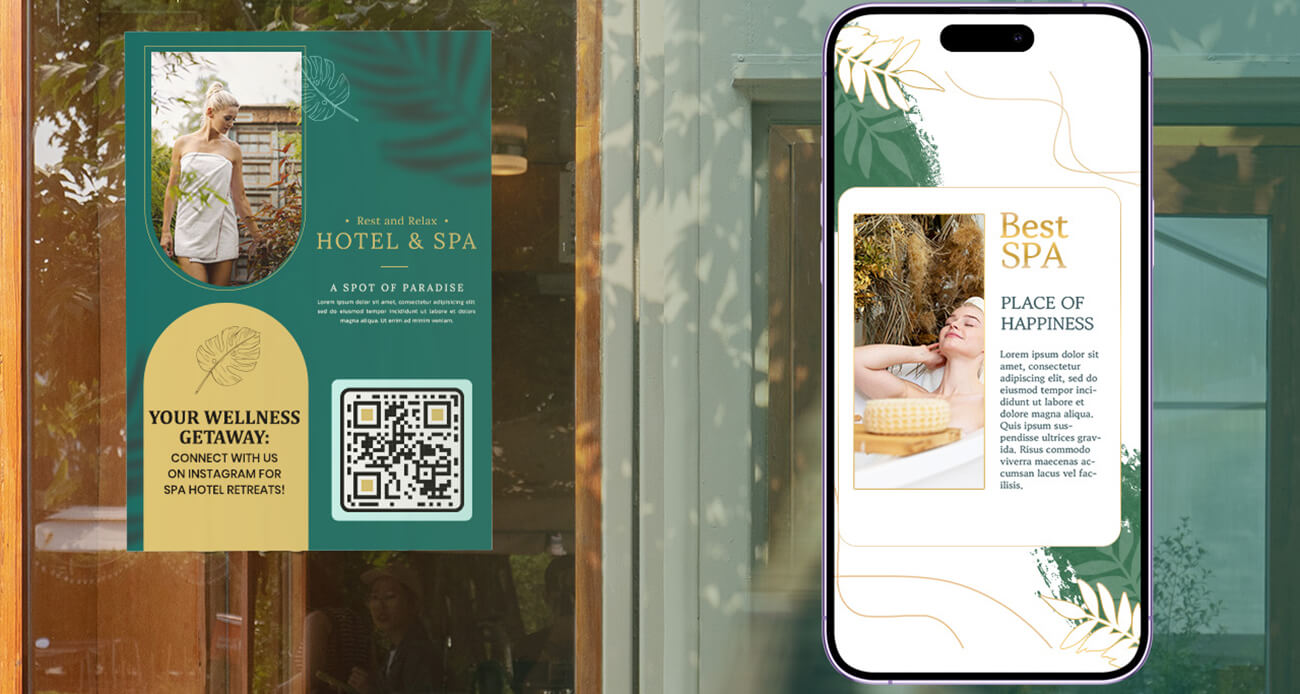
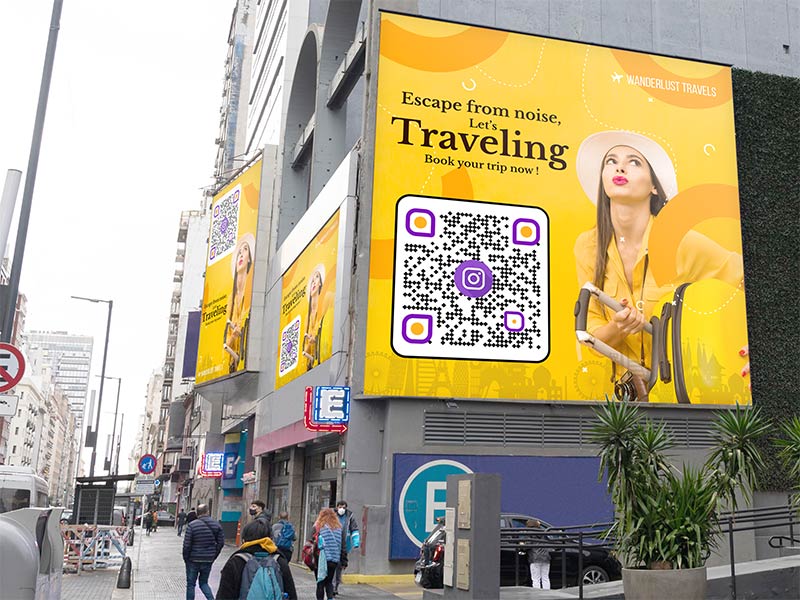
Put the code on the tour desk, on hotel room cards or on a booking confirmation. Link to a reel of the trip so guests see real photos before they book. At a market stall or a festival, print the code on your banner so visitors can follow you while they stand there.
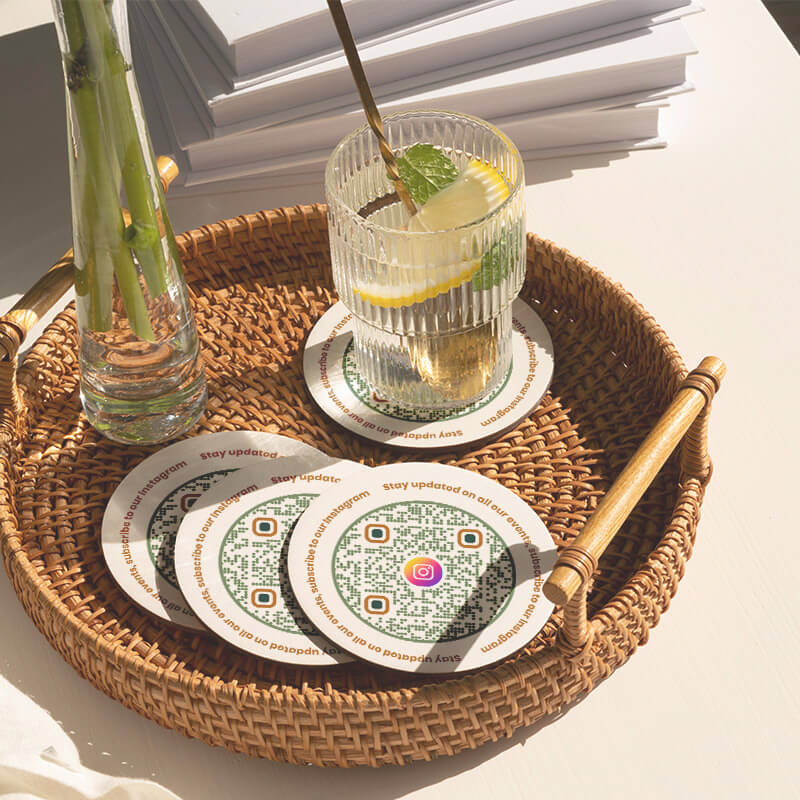
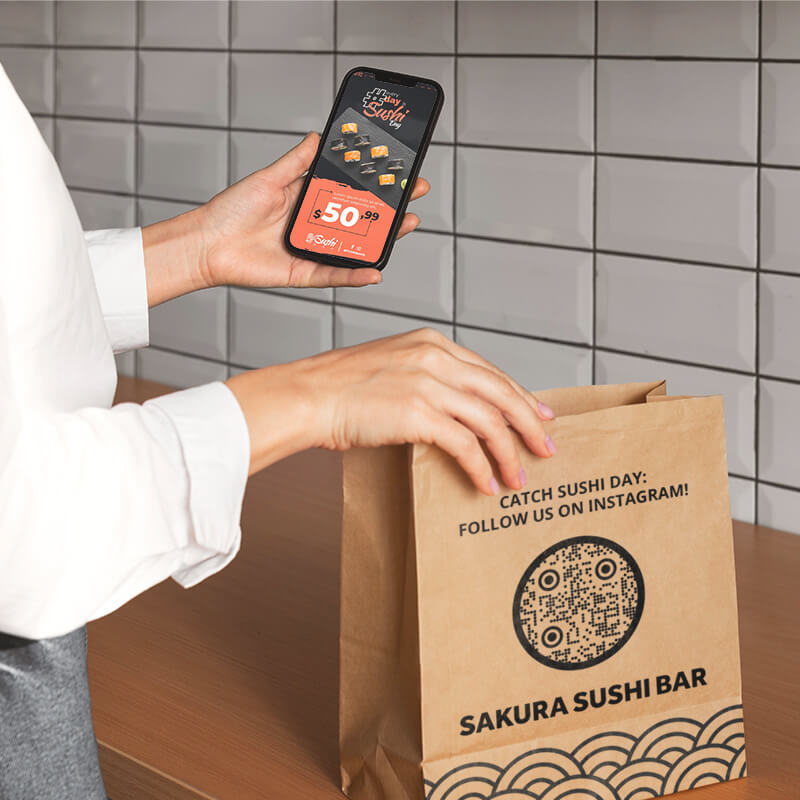
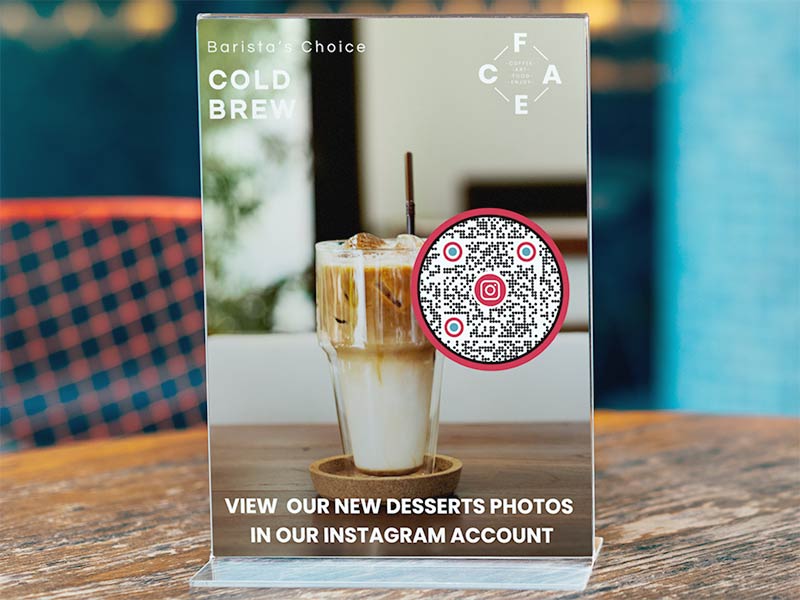
Print the code on the menu, on table tents and on takeaway bags. Link to a reel of your daily special or to your profile. Guests scan while they wait for their food, and your next dish shows up in their feed.
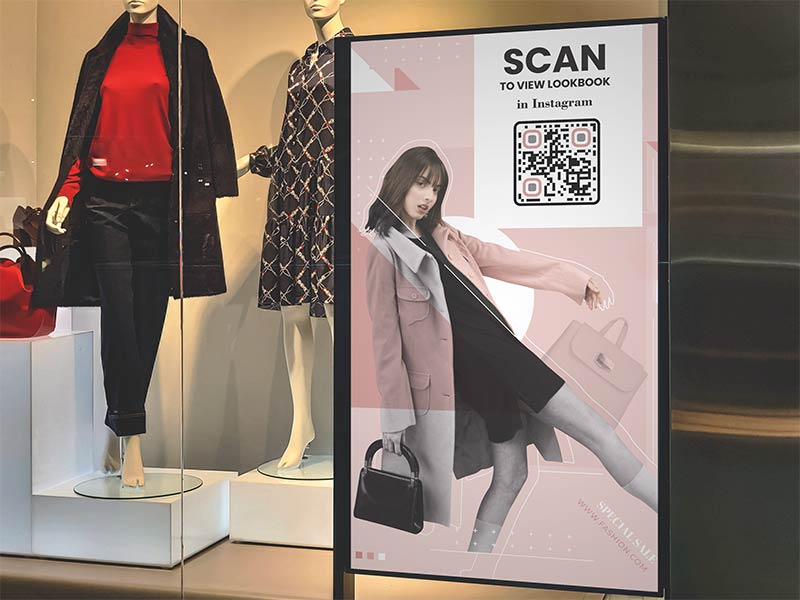
Stick the code on the shop window, next to the checkout and on shipping boxes. Add a small card to each parcel with “Tag us on Instagram” and the code. A window code also works after closing time, when people walk past.
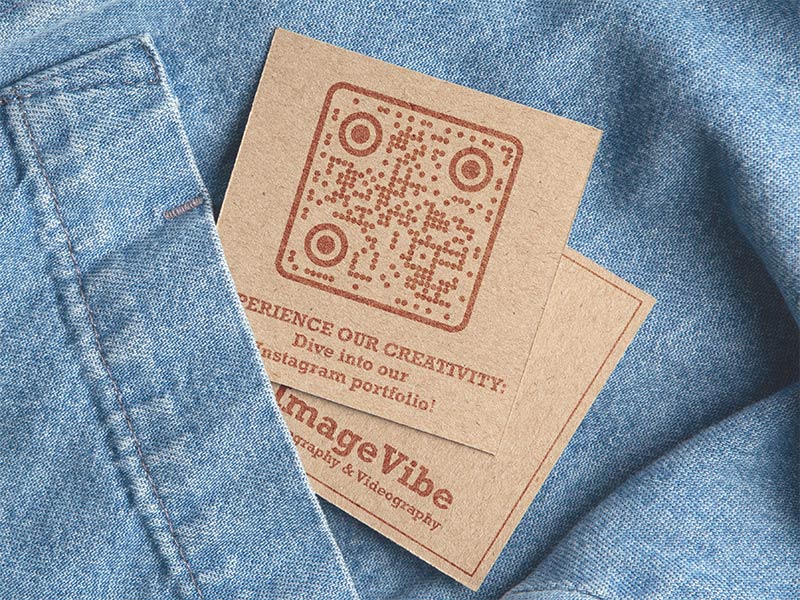
Photographers, designers, hair stylists and makeup artists show their work on Instagram. Put the code on the back of a business card and a new client sees your portfolio on the spot. A code of 2 x 2 cm (0.8 in) fits on a standard card.
Cara mendapatkan lebih banyak pemindaian untuk Kode QR Instagram?
Tell people why to scan A code alone gets few scans. Add a frame with a short line such as "Scan to follow" or "See today's special".
Memudahkan pemindaian Print it at least 2 x 2 cm (0.8 in), dark code on a light background, with a white border. Go bigger for windows and posters.
Put it where people wait Counters, tables, checkout lines and event entrances. People scan when they have a few seconds and a phone in their hand.
Link to something specific A reel of a new product or a post with an offer gives people a clear reason to scan, more than a general profile.
Instagram QR code not working? Check these first
It opens the browser, not the app
A phone opens the link in a browser if the Instagram app is not installed, if you are not logged in, or if you scanned from inside another app. Install or update Instagram and log in. People without the app can still see your public profile on the web page and follow from there.
Your account is private
People who scan the code of a private account see your profile, but not your posts, until you accept their follow request. A code that links to one post or reel of a private account shows nothing to people who do not follow you. For a public code, link to a public account.
Your username changed
Instagram profile links contain your username. After you rename the account, a static code still points to the old name, and people see “Sorry, this page isn’t available”. If someone else takes your old name, the code sends people to their profile.
A static code can’t be edited, so you would have to print a new one. A dynamic code fixes this: change the destination to your new link in your Pageloot account, and the printed code keeps working.
The code will not scan, or shows an error
Print it at least 2 x 2 cm (0.8 in). Keep a white border and use a dark code on a light background. Do not let a big logo cover the middle. If the code links to a post or reel, check that it was not deleted, archived or hidden, because then the code shows an error.
Why make your Instagram QR code with Pageloot
Gratis untuk diunduh
Buat dan unduh kode Anda tanpa membuat akun.
Logo dan warna Anda
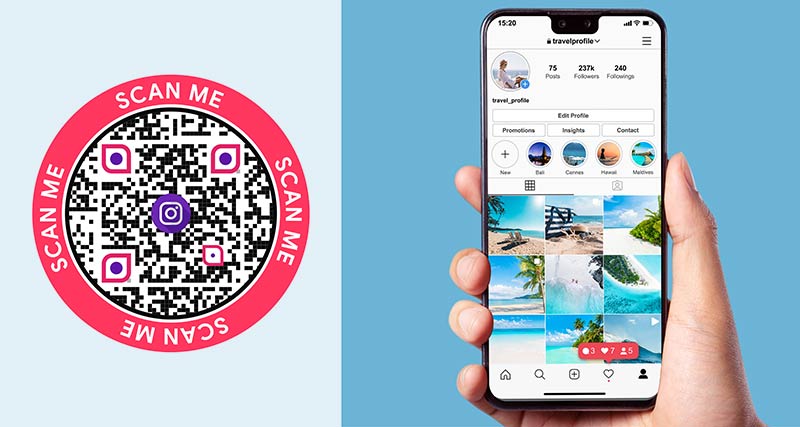
Add a frame such as “Scan me”, change colors and shapes, and put your logo or profile picture in the middle.
Profile, post or reel
Instagram’s own code links to your profile only. Here you can link to any profile, post or reel.
Berkas siap cetak
Download your Instagram QR code as PNG for screens, or SVG and PDF for sharp printing at any size. Choose a size from 200 to 2000 px.
Edit the link later
With a dynamic code you can change where the printed code points, for example after a username change or for a new campaign.
See your scans
A dynamic code shows when, where and on which device people scanned. How much detail you see depends on your plan.