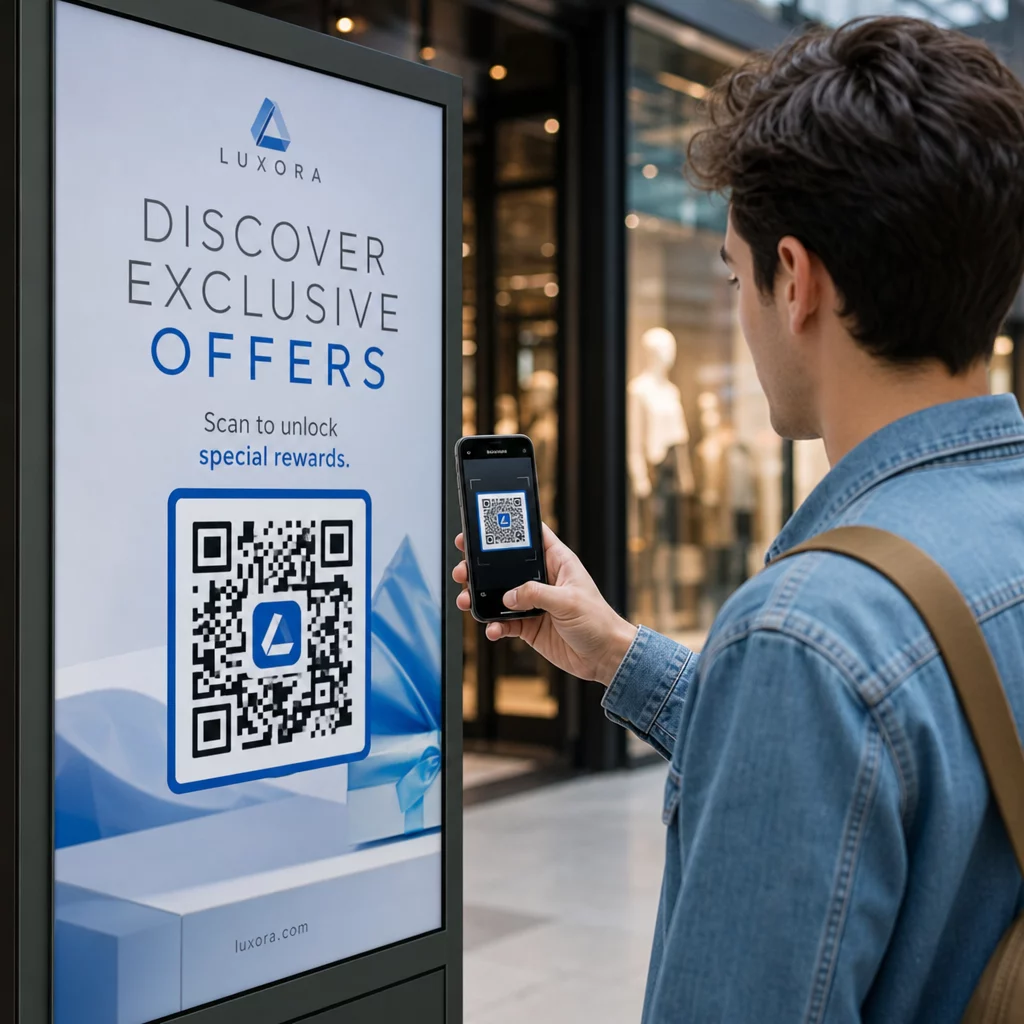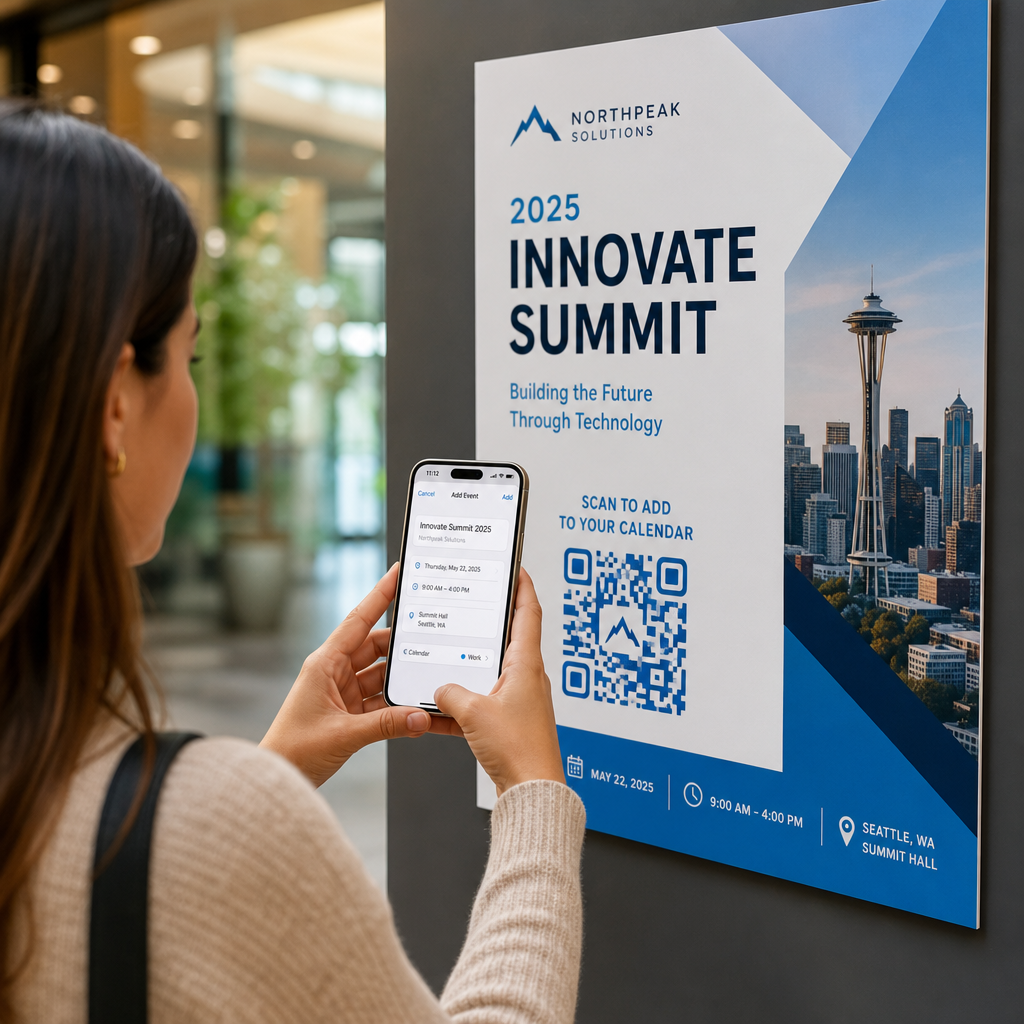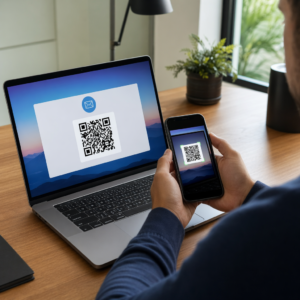
Are you worried that a simple QR code could expose your customers to phishing or malware? As quishing attacks rose nearly 600% recently, failing to secure physical touchpoints can lead to devastating financial and reputational losses. This guide explains how to implement secure QR codes that protect your brand while maintaining a seamless user experience.
The Rising Threat of QR Code Phishing (“Quishing”)
QR codes are no longer just marketing tools; they have become primary targets for cybercriminals. Recent data indicates that QR code phishing, often called “quishing,” reached a point where nearly 2% of scanned QR codes are malicious. These attacks are particularly effective because the human eye cannot distinguish between a legitimate pattern and a malicious one, leading many users to scan without hesitation in high-traffic areas like parking meters or restaurants.
Attackers frequently employ “malicious overlays,” a tactic where a fraudulent sticker is placed directly over a legitimate code on public signage. Once scanned, these codes often redirect users to sophisticated credential-theft pages or trigger automatic downloads of malware. For businesses, the consequences are significant, as the average data breach cost reached $4.45M in 2023. Protecting the integrity of your physical codes is now as vital as securing your digital firewall.
Secure your customer journey today. Use a dynamic QR code generator to maintain full control over your links and disable them instantly if suspicious activity is detected.
Why Static QR Codes Pose a Security Risk
When generating codes for your organization, the technical architecture you choose – static or dynamic – dictates your level of control. Static QR codes encode the destination URL directly into the pattern, making the link permanent. Because they cannot be altered or monitored after printing, they offer no defense if the destination is compromised or if the campaign needs to be shut down immediately.
By contrast, dynamic QR codes route the user through a short redirect URL. This redirect acts as a management layer, allowing you to perform a QR code risk assessment and respond to threats in real-time.
| Security Feature | Static QR Codes | Dynamic QR Codes |
|---|---|---|
| Editability | Non-editable; the link is permanent. | Editable; change URLs without reprinting materials. |
| Tracking | No analytics available for scan behavior. | Real-time monitoring of scan locations and devices. |
| Access Control | Open to anyone who scans. | Supports password protection or time-based expirations. |
| Risk Mitigation | Requires reprinting if the code is compromised. | The destination can be redirected or disabled instantly. |
Technical Best Practices for Secure Generation
To mitigate cyber risks effectively, businesses should move beyond basic generation and implement hardening measures that protect both the data and the user.
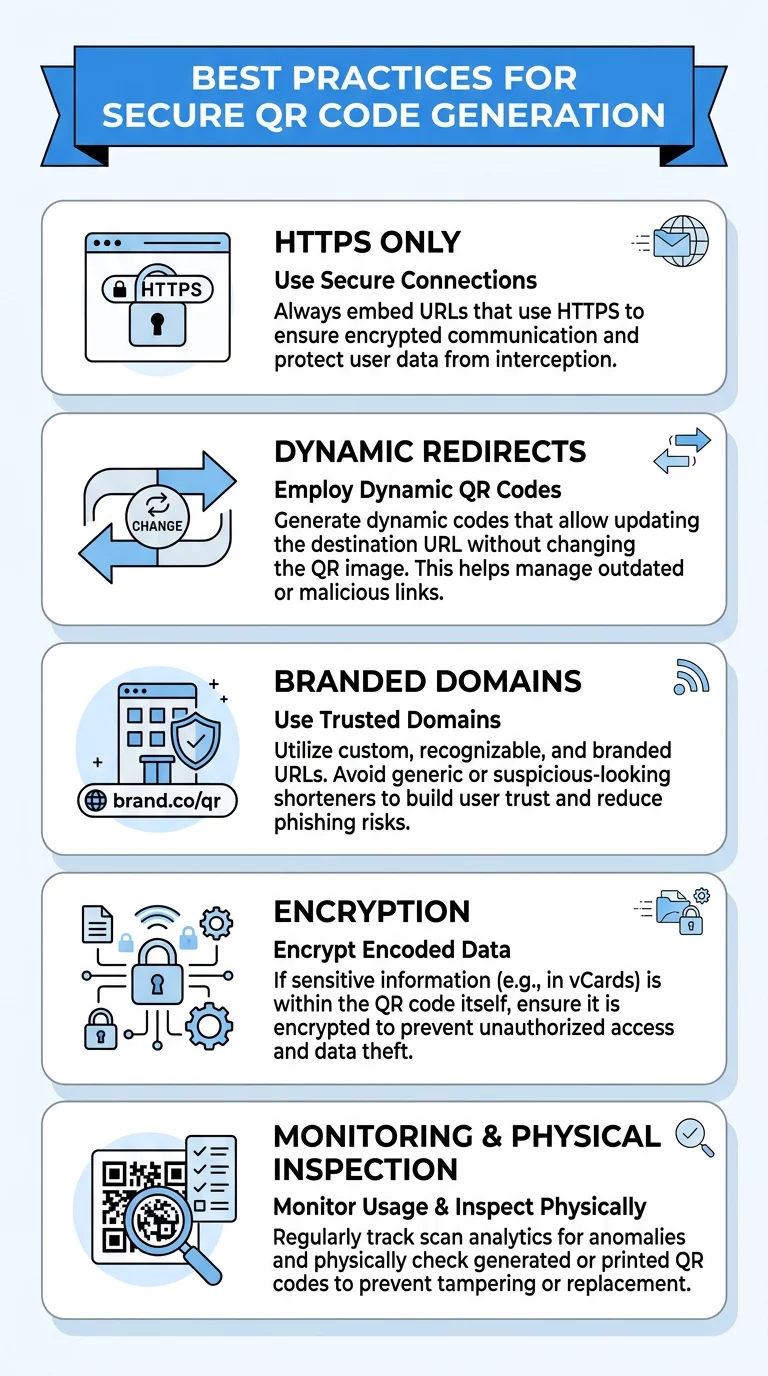
- Enforce HTTPS exclusively: Always use encrypted HTTPS links for your destinations to ensure data transmitted between the user’s device and your server remains secure.
- Implement data encryption: For sensitive applications such as healthcare or financial services, use encrypted QR codes that scramble data into formats accessible only with a specific key.
- Use branded domains: Avoid generic URL shorteners that hide the final destination. Using a custom, branded domain (white-labeling) builds trust because users can see the URL belongs to your organization before they proceed.
- Incorporate visual branding: Adding a logo and brand-specific colors makes it harder for criminals to create convincing physical overlays that match your aesthetic.
Maintaining High Usability and Scannability
Security must be balanced with a smooth user experience. If a code is difficult to scan, users may turn to third-party scanner apps that often lack security filters or request excessive device permissions. Ensuring QR code readability reduces user frustration and keeps them within your secure ecosystem.
Standardizing the size of your codes is the first step toward reliability. Following the 1:10 ratio rule – where a code scanned from 10 inches away is at least 1 inch wide – ensures the camera can focus quickly. For smaller materials like business cards, our QR code size guide recommends staying above 0.8 x 0.8 inches to account for various smartphone camera qualities.
Visual clarity is equally important. Scanners rely on distinct differences between light and dark modules to interpret data. You should always use a dark foreground on a light background and aim for a 4.5:1 contrast ratio to satisfy both technical standards and accessibility requirements. Finally, preserve the “quiet zone” – a clear border at least four modules wide – to prevent surrounding text from interfering with the scanner’s ability to recognize the code.
Bridge the gap between offline and online securely. Create professional, brand-aligned codes that prioritize user safety. Get started with a website QR code generator today.
Regulatory Compliance and Data Privacy
If your QR codes collect user data, such as location, device type, or personal information via forms, you must adhere to global QR code privacy laws. Transparency is essential for maintaining customer trust and avoiding heavy legal penalties.
Compliance requirements vary by region and industry. The GDPR in Europe requires explicit consent if you track IP addresses or precise GPS locations. In the United States, HIPAA regulations are mandatory if you use PDF QR codes to share medical records or patient forms, necessitating encryption and strict access logs. Similarly, the CCPA in California requires that users have a clear option to opt out of data collection.
A Checklist for Secure QR Deployment
Before launching a campaign, use this checklist to validate your security posture and ensure long-term resilience:
- Validate destinations: Double-check that all links point to secure, verified websites with valid SSL certificates.
- Optimize error correction: Use high error correction (Level H) if you are adding a logo, as this allows the code to function even if up to 30% of its area is covered or damaged.
- Physical inspection: Schedule regular visual checks of physical codes in public spaces to look for sticker tampering, peeling edges, or mismatched print quality.
- Monitor scan analytics: Use your dashboard to look for geographic anomalies, such as a surge in scans from a region where you do not operate, which could indicate a bot attack or fraudulent redirection.
FAQ
You should always visually inspect the code for signs of tampering, such as a sticker placed over a professionally printed surface. When you scan, use your device’s built-in camera to preview the URL. If the URL appears misspelled, uses HTTP instead of HTTPS, or seems unrelated to the brand, you should not visit the site.
Yes, dynamic codes offer a significantly higher level of security because they allow you to monitor scan data for suspicious patterns and change the destination URL if a link is compromised. Static codes cannot be edited or tracked, which means they can continue to direct users to malicious sites indefinitely until the physical code is removed.
The most effective strategy is to use high-quality, permanent printing directly on your signage rather than using adhesive stickers. Additionally, implementing branded QR codes with your company logo and custom brand colors makes it much more difficult for attackers to create generic fraudulent overlays that appear legitimate to the casual observer. Secure QR code implementation requires a combination of technical hardening, thoughtful design, and consistent monitoring. By selecting the right tools and following these best practices, you can leverage the convenience of QR technology without compromising your business’s cybersecurity. If you are ready to launch a secure campaign, you can generate your QR code here to get started.