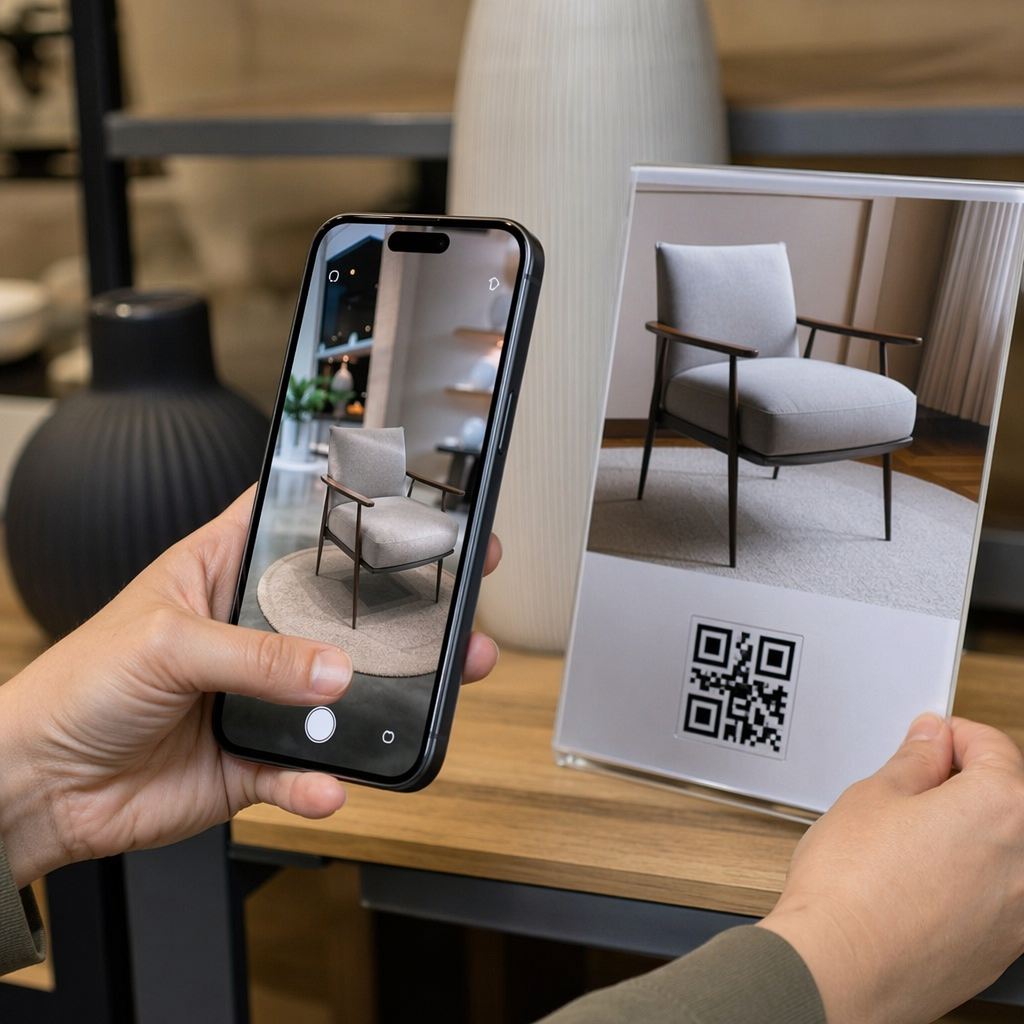
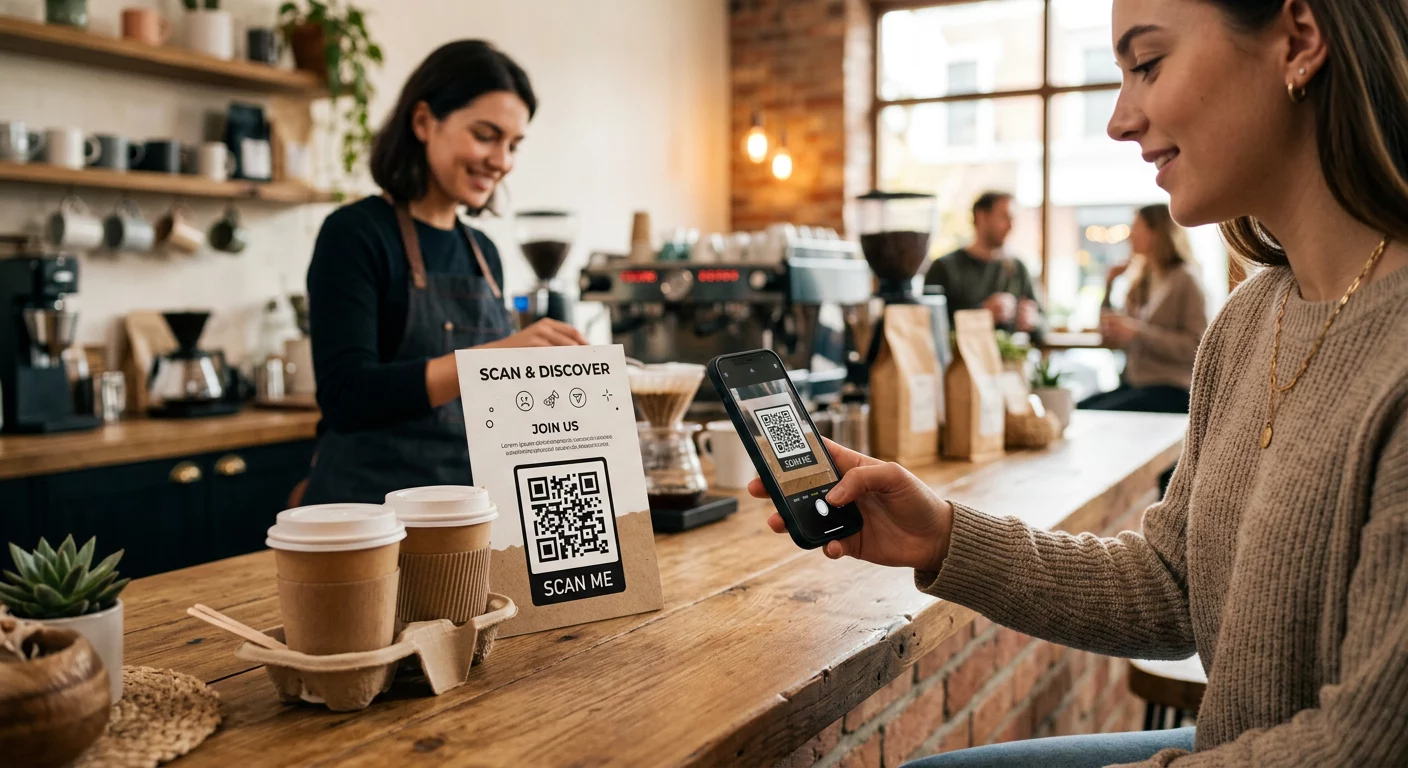
Valaha beolvasott már egy QR-kódot egy bérelt autón, és elgondolkodott azon, hogy valójában mire való – vagy hogy biztonságos-e? A bérbeadó cégek egyre gyakrabban használnak QR-kódokat a papírmunka kiváltására, a járműátvétel felgyorsítására és a teljesen érintésmentes élmény biztosítására. Ez az oldal elmagyarázza az összes gyakori felhasználási esetet, hogyan lehet megkülönböztetni a jogszerű kódot a csalárdtól, és hogyan állíthatják be a bérbeadó vállalkozások saját QR-kód munkafolyamataikat.
Miért alkalmaznak QR-kódokat az autókölcsönző cégek?
A digitális alapú autókölcsönzés felé való elmozdulás jelentősen felgyorsult. Az online foglalások tették ki a globális autókölcsönzési bevétel több mint 71%-át 2024-ben, és a digitálisan foglaló ügyfelek természetesen elvárják, hogy az átvételi és visszavételi folyamat is ugyanolyan kényelmes legyen. Eközben 48 millió amerikai bérelt autót 2023-ban – ami 19,4%-os növekedés az előző évhez képest –, nyomást gyakorolva a kölcsönzőhelyekre, hogy gyorsabban mozgassák az ügyfeleket anélkül, hogy további személyzetet vennének fel.
A QR-kódok pontosan ebbe a résbe illeszkednek. Egyetlen nyomtatott vagy megjelenített kód helyettesíthet egy nyomtatott bérleti szerződést, egy pultnál tett látogatást, egy szóbeli tájékoztatást a jármű jellemzőiről és egy visszajelző kártyát – mindezt egyszerre. Az ügyfelek számára az eredmény kevesebb várakozási idő és több vezetési idő.
Mire használják valójában a QR-kódokat az autókölcsönzésben
A bérbeadó cégek több különböző ponton is alkalmaznak QR-kódokat az ügyfélút során. Íme, amivel a legnagyobb valószínűséggel találkozni fog.

Érintésmentes járműátvétel
Ez a leggyakoribb felhasználás. Az online vagy mobilalkalmazáson keresztül történő digitális bejelentkezés után az ügyfelek kapnak egy QR-kódot, amely feljogosítja őket egy adott jármű átvételére. A parkolóban beolvassák a kódot – akár egy kioszknál, egy kulcsdobozon, vagy közvetlenül az alkalmazáson keresztül –, és a rendszer ellenőrzi a foglalásukat, majd kiadja a kulcsot vagy feloldja a kulcs nélküli hozzáférést.
A nagy kölcsönző márkák már most is népszerűsítik azt a lehetőséget, hogy teljesen kihagyják a pultot, az ügyfelek kiválasztják autójukat és ellenőrzik adataikat okostelefonon, még mielőtt leszállnának. A QR-kód az utolsó lépés, amely lezárja a hurkot a befejezett digitális foglalás és a fizikai járműhozzáférés között.
Bérleti szerződés és dokumentáció hozzáférés
Ahelyett, hogy egy többoldalas nyomtatott bérleti szerződést adnának át, a cégek egy QR-kódot használnak, amelyet egy visszaigazoló e-mailre, kulcscsomagra vagy az autó műszerfalára helyeznek, hogy az ügyfeleket közvetlenül a digitális bérleti szerződésükhöz irányítsák. A beolvasás megnyitja a szerződés, a biztosítási feltételek vagy a kárrendezési szabályzat PDF-jét – bármely okostelefonon olvasható külön alkalmazás letöltése nélkül.
Ez a megközelítés megkönnyíti a dokumentumok frissítését is. Egy dinamikus PDF QR-kóddal, az alapul szolgáló dokumentum megváltoztatható – frissített feltételek, átdolgozott biztosítási szövegezés, új járműjegyzetek – anélkül, hogy bármilyen fizikai anyagot újra kellene nyomtatni. Maga a kód változatlan marad.
Bérleti dokumentumok megosztása papírmunka nélkül Azonnali hozzáférést kell biztosítania az ügyfeleknek a bérleti szerződésekhez, járműkézikönyvekhez vagy biztosítási feltételekhez? Használja a PDF QR kód generátor bármely dokumentumot egy beolvasható kódhoz kapcsolhat – és bármikor frissítheti újranyomtatás nélkül.
Járműorientáció és funkcióismertetők
Az ismeretlen járművezérlők frusztrációt okoznak, különösen azoknak az ügyfeleknek, akik sietve veszik át az autót. A műszerfalon, napellenzőn vagy kesztyűtartóban elhelyezett QR-kód közvetlenül egy rövid útmutatóhoz, videós bemutatóhoz vagy PDF-hez kapcsolódhat, amely elmagyarázza, hogyan párosíthat telefont Bluetooth-on keresztül, hogyan állíthatja be a parkolóérzékelőket, vagy hogyan működtetheti az üzemanyagtartály sapkáját.
Ez csökkenti az ügyfélszolgálati hívásokat és javítja az élményt az adott járműmodell első alkalommal bérlői számára. A link QR-kóddal jól működik itt – ha a járműmodell változik a flotta rotációjában, a cél URL frissíthető anélkül, hogy az autóban lévő fizikai matricát cserélni kellene.
Navigáció és helymeghatározási segítség
Az autóban vagy a bérleti szerződésen található QR-kód közvetlenül egy Google Térkép helyszínre mutathat – hasznos az ügyfelek visszavételi parkolóba, a repülőtér közelében lévő üzemanyagtöltő állomásra vagy egy meghatározott leadási zónába irányításához. A Google Térkép QR-kód generátor egy olyan kódot generál, amely egyetlen beolvasással megnyit egy pontos helyet a Térkép alkalmazásban, megszüntetve a célállomással kapcsolatos bizonytalanságot.
Ügyfél visszajelzések és bérlés utáni felmérések
A visszajelzések azonnali gyűjtése a bérlés után – amíg az élmény friss – megbízhatóbb adatokat eredményez, mint a napokkal később küldött utólagos e-mail. A visszavételi nyugtán, kulcsleadó dobozon vagy kijárati táblán elhelyezett QR-kód közvetlenül egy rövid felmérési űrlapra mutathat. A Google Forms kérdőív QR kód generátor egyszerűvé teszi egy nyomtatott kód és egy visszajelzési űrlap összekapcsolását, és a beolvasáskövetés segítségével láthatja, hány ügyfél használja azt.
Azoknak a vállalkozásoknak, amelyek nyilvános értékelési profiljukat szeretnék építeni, egy Google értékelés QR-kóddal elhelyezve a nyugtán vagy a műszerfalon ösztönzi az elégedett ügyfeleket, hogy közvetlenül a Google-on hagyjanak visszajelzést – súrlódás nélkül.
Hűségprogramba való feliratkozás és promóciók
Egy QR-kód a pultnál, egy kulcstartón vagy egy visszaigazoló e-mailben hivatkozhat egy hűségprogram feliratkozási oldalára, egy ajánlási ajánlatra vagy egy promóciós kedvezményre egy jövőbeli foglaláshoz. Mivel ezek a linkek gyakran változnak a szezonális kampányokkal, egy dinamikus használata link QR-kóddal azt jelenti, hogy a cél frissíthető anélkül, hogy újra kellene nyomtatni az anyagokat egy telephelyhálózatban.
Biztonságos-e QR-kódot szkennelni egy bérelt autóban?
Ez egy ésszerű kérdés, és az őszinte válasz az: a forrástól függ. Bérbeadó cég által elhelyezett legitim QR-kódok – műszerfal matricákon, kulcscsomagokon vagy hivatalos visszaigazoló e-maileken – biztonságosak és a cég tulajdonában lévő tartalomra mutatnak.

A kockázat a manipulált kódokból ered. Ahogy dokumentálva a parkolással kapcsolatos QR-átverésekben, a bűnözők néha hamis QR-kód matricákat helyeznek el a legitim kódok fölé, hogy gyanútlan felhasználókat csalárd fizetési oldalakra irányítsanak át. Mielőtt bármilyen kódot szkennelne egy bérelt járművön vagy egy bérlési kioszknál, ellenőrizze a következőket:
- Fizikai manipuláció: Egy matrica, amelyet egy másik matrica fölé helyeztek, figyelmeztető jel.
- URL előnézet: A legtöbb modern okostelefon kamera megjelenít egy URL előnézetet, mielőtt megnyitná. Ellenőrizze, hogy a domain megegyezik-e a bérbeadó cég hivatalos weboldalával.
- Váratlan fizetési kérelmek: Egy legitim bérlési QR-kód nem kérheti, hogy újra adja meg a fizetési adatokat, amelyeket már megadott a foglaláskor.
Ha valami gyanús, vegye fel a kapcsolatot közvetlenül a bérlési pulttal a szkennelés helyett.
Hogyan állítsák be a bérbeadó vállalkozások a QR-kódokat
A QR-kód rendszert építő vagy fejlesztő bérbeadóknak a következő gyakorlatok jelentős különbséget jelentenek mind a megbízhatóság, mind az ügyfélélmény terén.
Használjon dinamikus kódokat mindenhez, ami változhat
Flottajármű-útmutatók, visszavételi parkolóhelyek és promóciós ajánlatok mind rendszeresen változnak. A statikus QR-kódok rögzített célt kódolnak – ha ez a cél változik, a régi kód használhatatlanná válik. A dinamikus QR-kódok egy átirányítási URL-re mutatnak, amelyet egy olyan platformon keresztül kezelnek, mint például Pageloot, így a cél azonnal frissíthető anélkül, hogy hozzáérne a fizikai kódhoz. Ez különösen értékes a kulcstartókra, műszerfal matricákra vagy táblákra nyomtatott kódok esetében.
A méret és az elhelyezés számít a megbízható szkenneléshez
Egy QR-kód, amely nem szkennelhető, meghiúsítja a célját. Kövesse ezeket az alapvető szabványokat a fizikai elhelyezés tervezésekor:
- Minimális méret: 2 cm × 2 cm (0,8 in × 0,8 in) minden olyan kódhoz, amelyet az ügyfelek közelről fognak szkennelni. Használja a 10:1 szkennelési távolság szabályt táblákhoz – egy 10 cm széles kód megbízhatóan olvasható körülbelül 100 cm távolságból.
- Kontraszt: Sötét modulok világos háttéren. Kerülje a sötét kódok nyomtatását sötét felületekre vagy alacsony kontrasztú színkombinációk használatát.
- Csendes zóna: Hagyjon egy tiszta üres tér szegélyt minden kód körül – ne legyen szöveg, minta vagy lakk, ami belefolyik a szélekbe.
- Elhelyezési magasság: Kioszkra szerelt vagy járműben történő elhelyezés esetén célozzon 3–5 láb magasságot a talajról, hogy a kódok minden felhasználó számára hozzáférhetőek legyenek, beleértve a kerekesszéket használókat is.
Mindig tartalmazzon szöveges alternatívát
Nem minden ügyfél tud vagy akar QR-kódot szkennelni. Helyezzen el egy rövid URL-t, telefonszámot vagy írásos utasítást minden QR-kód mellé, hogy az ügyfeleknek legyen egy tartalék opciójuk. Ez jó akadálymentesítési gyakorlat, és megakadályozza az egyetlen hibapontot, ha az ügyfél kamerája nem működik, vagy nincs hálózati jel egy parkolóházban.
Címkézze fel egyértelműen az egyes kódokat
Mondja el az ügyfeleknek, mit szkennelnek, mielőtt szkennelnék. Egy egyszerű címke – “Szkennelje be a bérleti szerződéséért” vagy “Szkennelje be a visszavételi parkoló megtalálásához” – csökkenti a habozást és növeli a szkennelési arányt. Segít az ügyfeleknek megkülönböztetni egy legitim cégkódot valamitől, ami nem oda való.
Kövesse nyomon a teljesítményt az analitika segítségével
Az analitikával rendelkező platformon épített dinamikus QR-kódok lehetővé teszik a bérbeadó vállalkozások számára, hogy lássák, mely kódokat szkennelik be, mikor és mely helyekről. Ez az adat segít azonosítani, hogy az ügyfelek valóban olvassák-e a jármű-orientációs útmutatókat, részt vesznek-e a hűségprogram ajánlataiban, vagy elhagyják-e az oldalt, mielőtt kitöltenék a visszajelzési űrlapot. Használja ezt a betekintést az elhelyezés módosítására, a szöveg javítására vagy az alulteljesítő kódok újratervezésére.
Nézze meg, mely QR-kódokat használják valójában az ügyfelei Dinamikus QR-kódokkal a Pageloot, nyomon követheti minden szkennelést idő, hely és eszköz szerint – és frissítheti a célokat anélkül, hogy egyetlen matricát is újra kellene nyomtatnia.
Tesztelje telepítés előtt egy flottában
Mielőtt több tucat jármű műszerfalára helyezne egy kódot, tesztelje azt több eszközön – különböző iPhone-modelleken, különböző Android-modelleken – a várható szkennelési távolságból és a járművek tényleges fényviszonyai között. Ellenőrizze, hogy a hivatkozott oldal helyesen töltődik-e be mobilon, nem csak asztali gépen. Egy sikeres szkennelés után egy hibás vagy lassan betöltődő oldal rosszabb benyomást kelt, mint ha egyáltalán nem lenne QR-kód.
.QR-kódok és a szélesebb körű érintésmentes bérlési
A QR-kódok akkor működnek a legjobban, ha egy összekapcsolt munkafolyamat egyik elemei, nem pedig önálló funkciók. A legerősebb eredményeket elérő autókölcsönzők azok, amelyek a digitális foglalást, a mobil bejelentkezést, a QR-alapú dokumentumhozzáférést és a digitális visszavételt egyetlen koherens élménnyé egyesítik. Azok az ügyfelek, akik a teljes bérlést pult felkeresése nélkül bonyolítják le – online foglalás, jármű kiválasztása, szkennelés a felvételhez, és a kulcs bedobása egy dobozba távozáskor – következetesen gyorsabb, kevésbé stresszes élményről számolnak be.
Ez azért fontos, mert A QR-kódok elterjedése szinte minden szolgáltató iparágban növekszik, és ezzel együtt az ügyfelek elvárásai is nőnek. Egy autókölcsönző, amely még mindig papír alapú szerződést és nyomtatott térképet ad át, egyre inkább elmarad attól, amit az ügyfelek egy modern szolgáltatási interakciótól elvárnak.
Azoknak a kölcsönző vállalkozásoknak, amelyek most fedezik fel a QR-kódokat, vagy a szokásos átvételi munkafolyamaton túlra szeretnének terjeszkedni, a Pageloot QR Kód Generátor lefedi a felhasználási esetek teljes skáláját – a PDF dokumentumoktól és Google űrlapoktól a helymeghatározási linkekig és véleménygyűjtésig – beépített dinamikus szerkesztéssel és analitikával. Felfedezheti továbbá a QR-kód megoldásokat más iparágakban hogy lássa, hogyan használják hasonló vállalkozások ugyanazokat az eszközöket.
Gyakori kérdések
Bérbeadó cégek járműben elhelyezett QR-kódokat használnak több célra: linkelés a bérleti szerződés digitális másolatához, járműhasználati útmutató biztosítása (hogyan csatlakoztassuk a Bluetooth-t, használjuk a parkolóérzékelőket stb.), ügyfelek irányítása az üzemanyag-visszatérítési helyre, vagy bérlés utáni visszajelzések gyűjtése. Ha a kód a bérbeadó cég hivatalos matricáján van, biztonságos beolvasni – de mindig ellenőrizze az URL előnézetét, mielőtt megnyitja a célhelyet.
Igen, sok autókölcsönzőnél. Az érintésmentes bérlési folyamat jellemzően magában foglalja az online foglalást, az identitás digitális ellenőrzését, egy QR-kód vagy digitális kulcs fogadását a telefonon, a helyszínen történő szkennelést a járműhöz való hozzáféréshez, és a kulcs leadását egy kulcsgyűjtő dobozba, pultos interakció nélkül. Az azonosítási követelmények – beleértve az érvényes fizikai vezetői engedély bemutatását – továbbra is érvényesek lehetnek a cégtől és a helyszíntől függően.
A dinamikus QR-kódok használatával a statikusak helyett. Egy dinamikus QR-kód egy átirányítási URL-re mutat, amelyet egy Pageloot-hoz hasonló platformon keresztül kezelnek. Ha a cél megváltozik – például egy jármű útmutató URL, egy visszaküldési telek térkép, vagy egy szezonális promóció – frissíti a célt a platform irányítópultján, és a meglévő nyomtatott kód automatikusan az új tartalomra mutat. Nincs szükség újranyomtatásra.