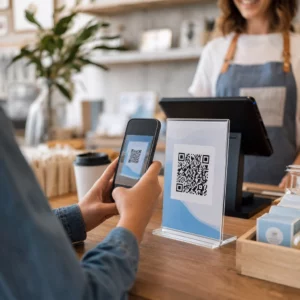
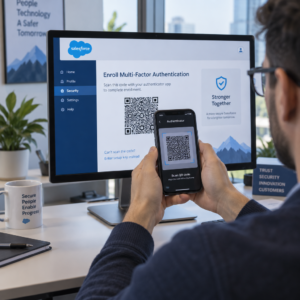
¿Alguna vez has guardado una captura de pantalla de un código QR, solo para darte cuenta de que la cámara de tu teléfono no puede escanear tu propia pantalla? Intentar abrir enlaces desde imágenes guardadas es frustrante cuando las aplicaciones de cámara estándar esperan un objeto físico. Afortunadamente, puedes decodificar fácilmente cualquier captura de pantalla de código QR utilizando herramientas integradas en el smartphone o herramientas basadas en la web.
Escanear una captura de pantalla de código QR en iPhone y dispositivos iOS
Los iPhones modernos que ejecutan iOS 11 o posterior incluyen funciones nativas del sistema que analizan los datos de imagen almacenados en tu biblioteca de fotos. No necesitas descargar software de terceros solo para extraer un enlace guardado de un archivo de imagen.
Sigue estos pasos para decodificar una captura de pantalla en iOS:
- Abre la aplicación Fotos y localiza tu captura de pantalla guardada.
- Mantén presionado el código QR matriz hasta que aparezca el menú de selección.
- Selecciona tu acción preferida para abrir el enlace en Safari, copiar la URL o compartir el contenido.
Si tu dispositivo admite Live Text (iOS 15 y superior), también aparece un icono de Live Text en la esquina inferior derecha del visor de fotos. Tocar este icono resalta automáticamente el código QR y muestra una pancarta de acción en la parte inferior. Para versiones anteriores de iOS o configuraciones de hardware especializadas, revisar nuestra guía completa sobre escanear códigos QR en iPhone proporciona soluciones alternativas manuales adicionales.
Extraer enlaces de códigos QR de capturas de pantalla en Android
Los sistemas operativos Android aprovechan el reconocimiento óptico de caracteres para procesar archivos de imagen guardados en tu almacenamiento local. Los dispositivos equipados con Google Play Services pueden extraer datos incrustados instantáneamente a través de tu galería de fotos.
Sigue estos pasos para procesar una captura de pantalla en Android:
- Inicia Google Fotos y selecciona la captura de pantalla guardada de tu galería.
- Toca el icono de Google Lens cerca de la parte inferior de tu pantalla para analizar la imagen.
- Selecciona la URL emergente resaltada para abrir el enlace de destino o ejecutar la acción almacenada.
Si tu cámara predeterminada o aplicación de galería carece de reconocimiento óptico nativo, puedes obtener más información sobre atajos de dispositivos alternativos leyendo nuestra guía sobre escanear códigos QR en dispositivos Android.
Escanea imágenes de códigos QR guardadas al instante ¿Necesitas decodificar un código QR guardado en tu dispositivo sin instalar software adicional? Usa el Σαρωτής κώδικα Pageloot QR para subir tu captura de pantalla y extraer tus datos inmediatamente.
Leer capturas de pantalla de códigos QR en navegadores de escritorio y web
Los sistemas operativos de escritorio como Windows y macOS no siempre cuentan con atajos de cámara de apuntar y hacer clic para archivos guardados. Sin embargo, los navegadores web modernos ofrecen formas rápidas de analizar archivos de imagen directamente desde tu disco duro.
Método 1: Google Lens en Chrome de escritorio
Si encuentras una imagen de código QR mientras navegas o guardada en tu computadora, Google Chrome proporciona funciones integradas de reconocimiento de imágenes:
- Arrastra y suelta el archivo de captura de pantalla directamente en una pestaña abierta del navegador Chrome.
- Δεξί κλικ στην εικόνα una vez que se cargue dentro de la ventana del navegador.
- Selecciona “Buscar imagen con Google” para ver el enlace decodificado en el panel lateral.
Método 2: Herramientas de carga de archivos basadas en web
Cuando trabajes en varios sistemas operativos de escritorio, subir un archivo de imagen a un decodificador basado en web es la solución más consistente:
- Guarda la captura de pantalla en tu escritorio local o carpeta de descargas.
- Navega a un escáner en línea usando cualquier navegador web moderno.
- Sube el archivo de imagen a la zona de arrastre para analizar la carga útil codificada al instante.
Para explorar técnicas de escritorio adicionales en Windows y macOS, consulta nuestro tutorial sobre escanear códigos QR en portátiles.
Solución de problemas de capturas de pantalla de códigos QR ilegibles
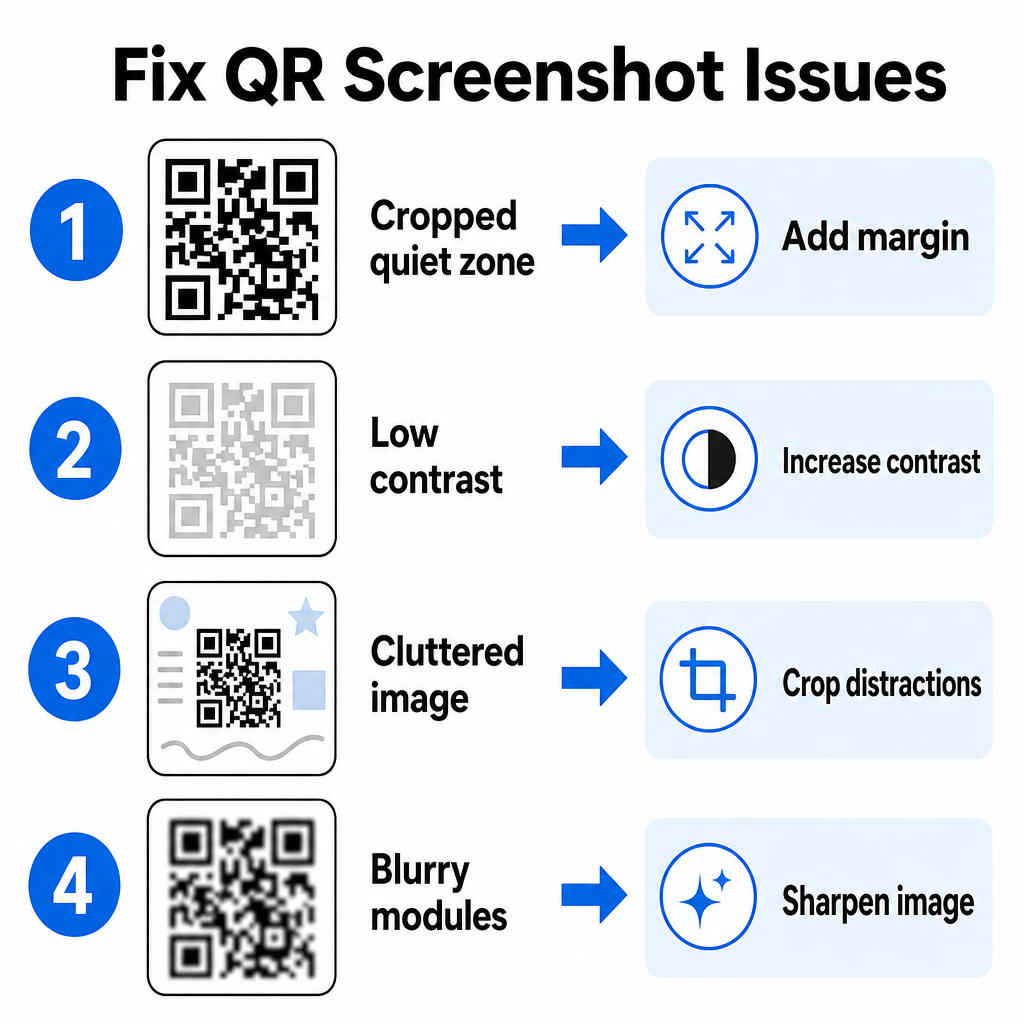
A veces, un decodificador de imágenes no detecta un código QR dentro de una captura de pantalla. Los fallos técnicos suelen deberse a la resolución de la imagen, los patrones de matriz comprimidos o los márgenes insuficientes.
| Πρόβλημα | Causa | Λύση |
|---|---|---|
| Λείπει η Ήσυχη Ζώνη | El borde blanco alrededor del código está demasiado recortado. | Edita la foto para añadir un margen blanco de al menos 4 módulos de ancho alrededor de la matriz. |
| Χαμηλή αντίθεση | Los colores de fondo se mezclan con los módulos de datos oscuros. | Aumenta el contraste o aclara el fondo usando un editor de imágenes básico. |
| Imagen desordenada | El texto o los gráficos circundantes confunden al escáner óptico. | Recorta la captura de pantalla para que el código QR llene la mayor parte del marco. |
| Módulos borrosos | La baja resolución distorsiona el patrón de datos y las marcas de alineación. | Afila o redimensiona el archivo de imagen de la captura de pantalla antes de volver a escanearlo. |
Comprender estos requisitos técnicos te ayuda a corregir imágenes ilegibles rápidamente. Si con frecuencia manejas imágenes de baja resolución o archivos dañados, comparar las mejores aplicaciones de escaneo de códigos QR puede ayudarte a seleccionar herramientas dedicadas equipadas con algoritmos de corrección de errores más potentes.
¿Qué datos se pueden extraer de una captura de pantalla de código QR?
Los códigos QR almacenan formatos de datos estructurados más allá de las simples direcciones de sitios web. Dependiendo de cómo el creador construyó el código, leer una imagen guardada puede desbloquear varias acciones directamente en tu pantalla:
- URL web: Dirige tu navegador a páginas de destino, menús digitales o formularios en línea.
- Detalles de contacto de vCard: Guarda nombres, números de teléfono y direcciones de correo electrónico directamente en tus contactos.
- Credenciales de Wi-Fi: Conecta tu dispositivo a redes inalámbricas transfiriendo nombres de SSID y contraseñas.
- Notas de texto sin formato: Muestra mensajes sin formato, códigos promocionales o instrucciones sin conexión.
- Plantillas de comunicación: Pre-rellena mensajes de texto SMS o borradores de correos electrónicos con los detalles designados del destinatario.
Saber qué tipos de datos existen facilita la navegación por las solicitudes de indicaciones al procesar archivos guardados en diferentes smartphones y dispositivos móviles.
Mejores prácticas de seguridad para escanear imágenes guardadas de códigos QR
Dado que las capturas de pantalla ocultan el destino final de un enlace incrustado hasta que se decodifican, los ciberdelincuentes a veces utilizan códigos QR fraudulentos, una práctica conocida como "quishing", para dirigir a los usuarios a sitios web maliciosos. Proteger tu información personal requiere una verificación básica antes de abrir el contenido decodificado.
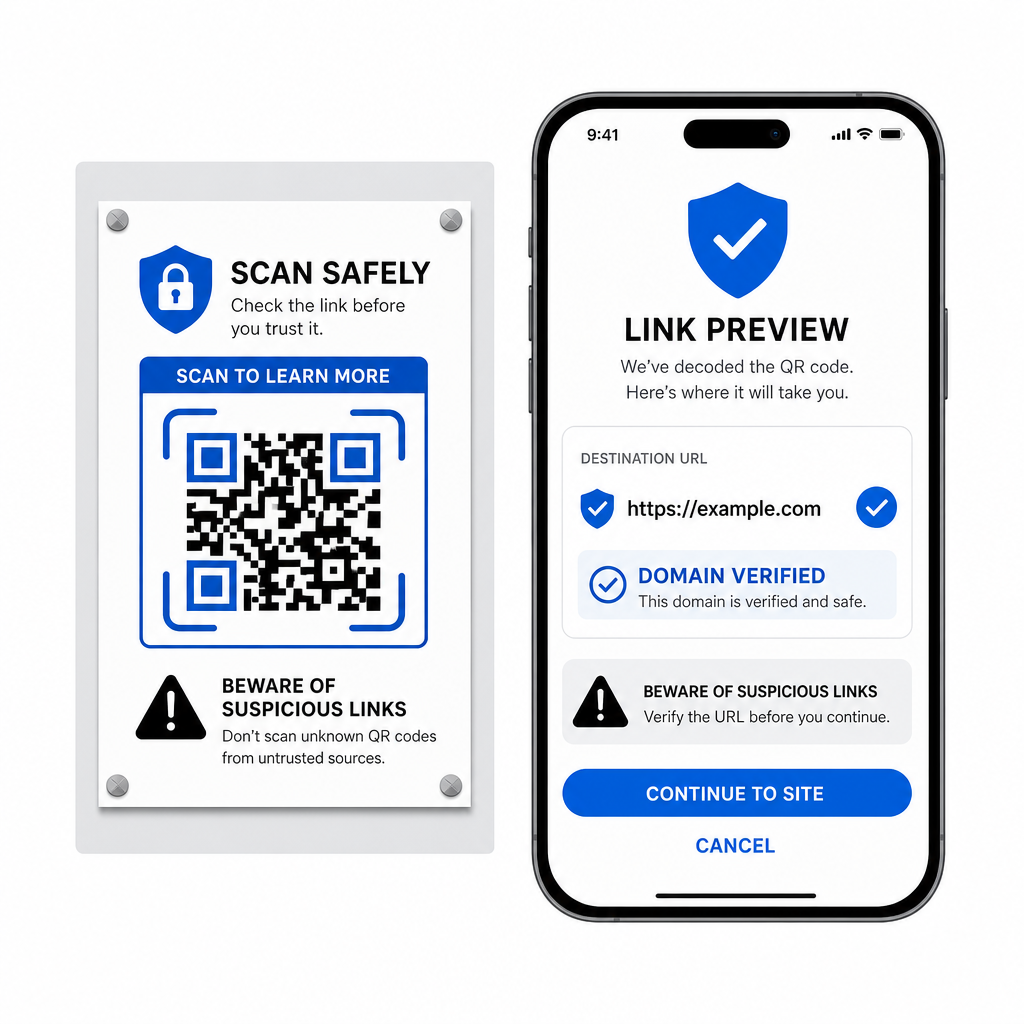
- Previsualiza las URL de destino en el menú emergente del escáner antes de abrirlas.
- Verifica la ortografía del dominio para asegurarte de que la dirección web coincida con el nombre oficial de la marca.
- Evita introducir credenciales confidenciales o detalles de pago en páginas abiertas directamente desde códigos escaneados.
- Rechaza las solicitudes de descarga inesperadas o las solicitudes de permisos que aparecen inmediatamente después de escanear.
Decodifica fácilmente cualquier imagen de código QR
No necesitas un segundo teléfono ni una lente de cámara física para leer un código QR guardado en tu pantalla. Ya sea que presiones prolongadamente una imagen en Apple Photos, escanees un archivo con Google Lens en Android o cargues una captura de pantalla guardada en un navegador de escritorio, extraer enlaces incrustados solo toma unos segundos.
Para un flujo de trabajo multiplataforma más rápido sin instalar software adicional, mantén un escáner basado en navegador marcado para poder soltar archivos de captura de pantalla siempre que necesites revelar su contenido oculto.
Συχνές ερωτήσεις
Sí. iOS y Android cuentan con decodificadores de galería integrados como Apple Photos y Google Lens que extraen datos directamente de las imágenes guardadas. Alternativamente, puedes subir tu archivo de imagen directamente al escáner de códigos QR basado en web de Pageloot.
Las aplicaciones de cámara física requieren entrada óptica de una lente de cámara externa apuntando a un objeto. Leer una imagen almacenada en el almacenamiento interno de tu dispositivo requiere software capaz de analizar archivos de imagen guardados, como decodificadores de fotos de galería o utilidades de carga de archivos.
Recorta la captura de pantalla ajustada alrededor de la matriz del código QR para eliminar las distracciones del fondo. Asegúrate de que el borde blanco (zona de silencio) alrededor de los módulos cuadrados permanezca intacto, y aumenta el brillo o el contraste de la imagen si el diseño se ve oscuro.