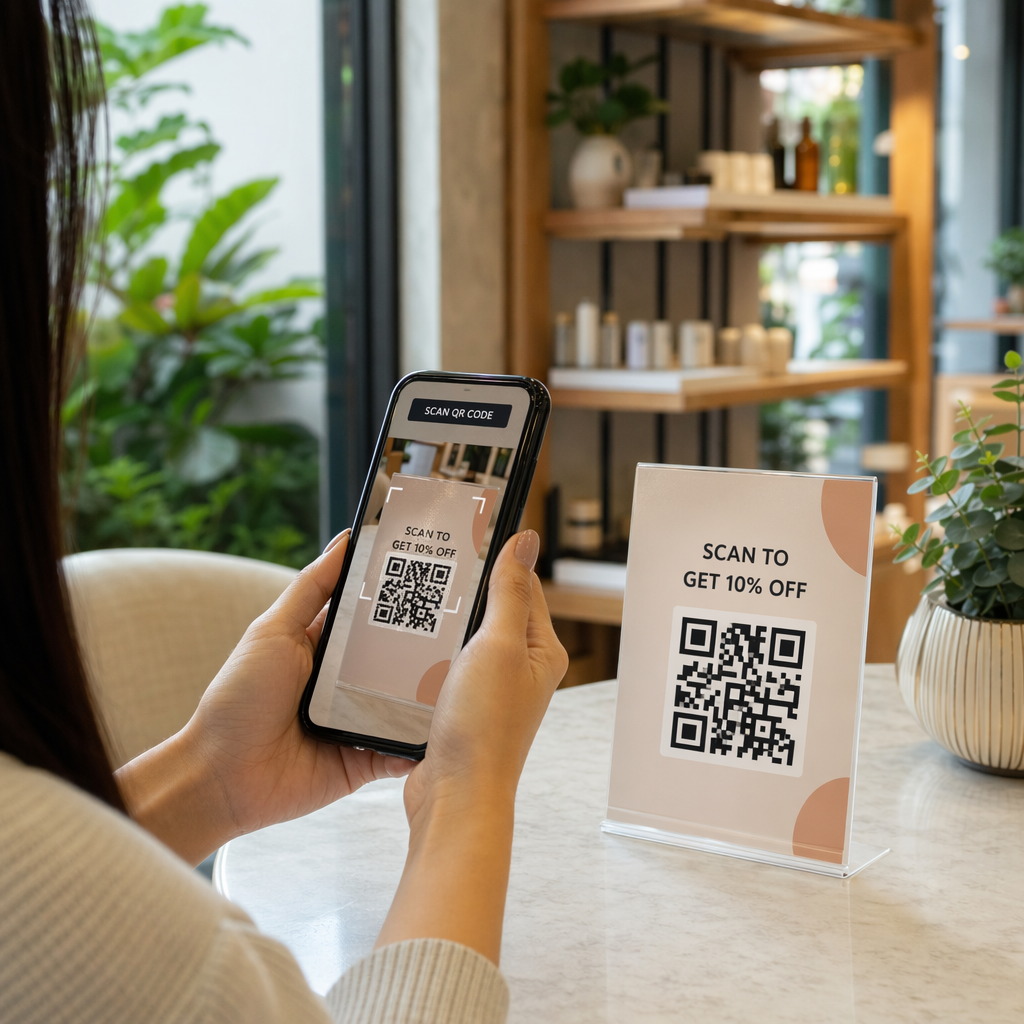

Are you struggling to balance FDA labeling rules with modern digital traceability demands? Placing digital markers incorrectly can clutter required packaging panels, leading to compliance audits, shipment delays, or costly misbranding violations. This guide explains how to implement QR codes alongside FDA requirements while maintaining regulatory compliance across your product lines.
FDA Stance on Digital Labeling and Physical Packaging
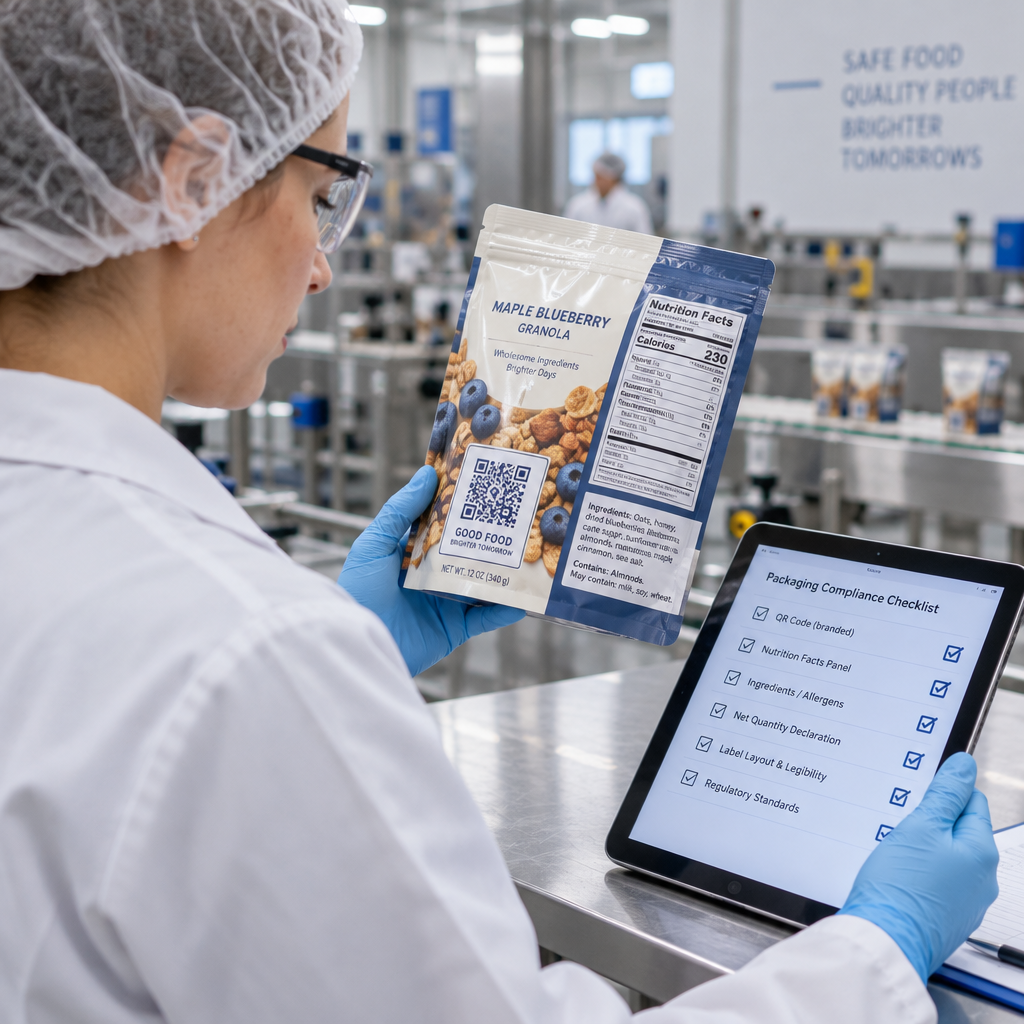
The FDA permits digital tools on regulated packaging, but they do not replace mandatory on-pack declarations. Under food labeling regulations, essential elements like the Statement of Identity, Net Quantity of Contents, ingredient lists, allergen warnings, and Nutrition Facts must remain physically printed on the principal display panel or information panel. A consumer or inspector must be able to read this critical safety and nutritional information without relying on a smartphone or an internet connection.
If you place a code that forces a buyer to scan for required disclosures, the agency can deem the item misbranded. Labeling may also be considered misbranded if design elements crowd or obscure mandatory statements, reducing their required prominence and legibility. Instead, brands use smart QR codes on food packaging to provide voluntary supplemental content, including sourcing stories, recipe ideas, or detailed sustainability certifications.
One notable federal exception exists outside direct FDA regulations: the USDA National Bioengineered Food Disclosure Standard. The USDA explicitly allows an electronic or digital link, such as a QR code, as an authorized method for bioengineered food disclosures. When using this option, packaging must display the prompt “Scan here for more food information” alongside a working telephone number, and the scan must route directly to the disclosure on the first screen without intervening marketing material.
Navigating FSMA Rule 204 and Traceability Lot Codes
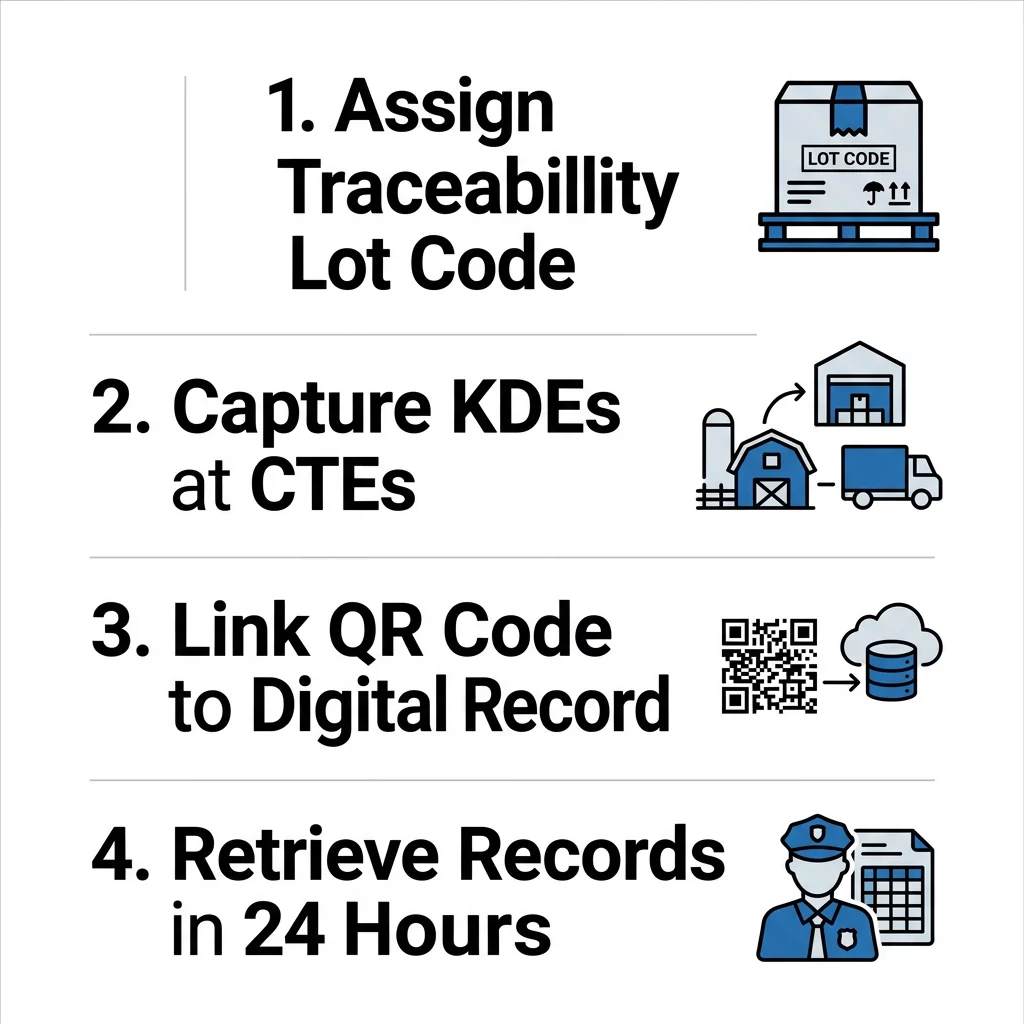
The Food Safety Modernization Act (FSMA) Section 204 establishes recordkeeping requirements for facilities handling items on the Food Traceability List (FTL). Covered entities must capture and maintain records of Critical Tracking Events (CTEs) and Key Data Elements (KDEs) across the supply chain.
A central element of this framework is the Traceability Lot Code (TLC), which ties specific food batches to their initial packing or transformation data. The FDA clarifies that while a TLC must be maintained in your records and shared with supply chain partners, the rule does not mandate printing the TLC directly on the retail food package. However, many organizations use digital carriers to transmit this data efficiently. Encoding a GS1 Digital Link URI into a QR code creates a multi-use access point:
- Transmitting required Key Data Elements directly to distribution partners during receiving steps.
- Accelerating investigations and notifications when managing product recalls across distribution networks.
- Providing regulatory inspectors with digital access to records that must be produced within 24 hours of an official request.
- Supplying shoppers with verified provenance details without redesigning the primary display panel.
Drug and Medical Device Rules: QR Codes vs. DataMatrix
Medical devices, pharmaceuticals, and cosmetics operate under distinct identification frameworks where barcode symbology is strictly regulated. Conflating different 2D barcode standards can create severe compliance hurdles.
Under the Drug Supply Chain Security Act (DSCSA), prescription drug packages must carry a product identifier encoded in a 2D DataMatrix barcode, accompanied by human-readable text. Homogenous cases may utilize a linear barcode or a 2D DataMatrix. A QR code cannot substitute for this mandated DataMatrix because the technical standards and data encoding structures differ. If a pharmaceutical manufacturer voluntarily adds a QR code to carton labeling – such as linking to an electronic Medication Guide – the FDA recommends placing it on a side or back panel away from the official barcode so it does not distract from required health warnings.
For medical devices, the FDA Unique Device Identification (UDI) rule requires labels and device packages to present a UDI in both easily readable plain text and automatic identification and data capture (AIDC) format. AIDC encompasses technologies that allow automated entry into electronic records, including linear barcodes, 2D DataMatrix symbols, and RFID. For regulated healthcare consumer trade items, GS1 standards specify GS1 DataMatrix rather than standard QR codes.
Cosmetic products under the Modernization of Cosmetics Regulation Act (MoCRA) must provide an address, domestic phone number, or electronic contact information – such as a website URL – for adverse event reporting. While a QR code can direct users to that reporting portal, it functions as an access pathway rather than an outright exemption from clear, readable packaging text.
Implementation Best Practices for Regulated Labels
Producing compliant labels requires balancing print geometry, optical contrast, and data architecture. Reviewing standard guidelines for designing product labels with QR codes helps avoid costly label reruns.
- Maintain Quiet Zones: Standard QR codes require a clear quiet zone of at least four times the width of a single module (4X) on all four sides. Encroaching on this margin with text, graphics, or package folds causes optical verification failures.
- Guarantee Visual Contrast: Print dark modules against a solid, light background. Scanners operate by measuring light reflection; reversing this contrast or printing on transparent substrates can lead to scan errors in industrial facilities.
- Size for Operational Scanning: Follow proper specifications for printing QR codes on labels by keeping retail codes at least 0.8 x 0.8 inches (2 x 2 cm). Codes scanned from a distance in distribution hubs require larger dimensions based on scanning distance.
- Isolate Voluntary Codes: Keep marketing or educational QR codes physically separated from linear NDC barcodes, GS1 DataMatrix symbols, and mandatory warning panels to avoid consumer and scanner confusion.
- Pair with Plain Text: Whenever practical, print human-readable fallback information alongside machine-readable codes so personnel can retrieve batch details if the code is torn or damaged.
Keep Your Traceability Links Current Update linked digital documentation and safety data sheets without reprinting your packaging labels. Use the dynamic QR code generator to maintain real-time control over all your compliance destinations.
Integrating 2D barcodes into manufacturing QR code workflows bridges internal warehouse records with external distributor checkpoints, supporting continuous inventory verification.
Maintaining Audit Readiness and Recordkeeping
FDA inspections under FSMA or general food safety provisions require facilities to furnish traceability logs and event data rapidly, often within 24 hours of an official inquiry. A physical barcode is only as reliable as the database behind it.
Pairing physical identifiers with centralized systems enhances overall supply chain tracking with QR codes. Traceability records must be retained for at least two years under FSMA 204 rules. If your packaging directs partners or field staff to digital certificates of analysis, test results, or lot records, ensure the host infrastructure maintains high uptime and robust version control to prevent dead links during an audit.
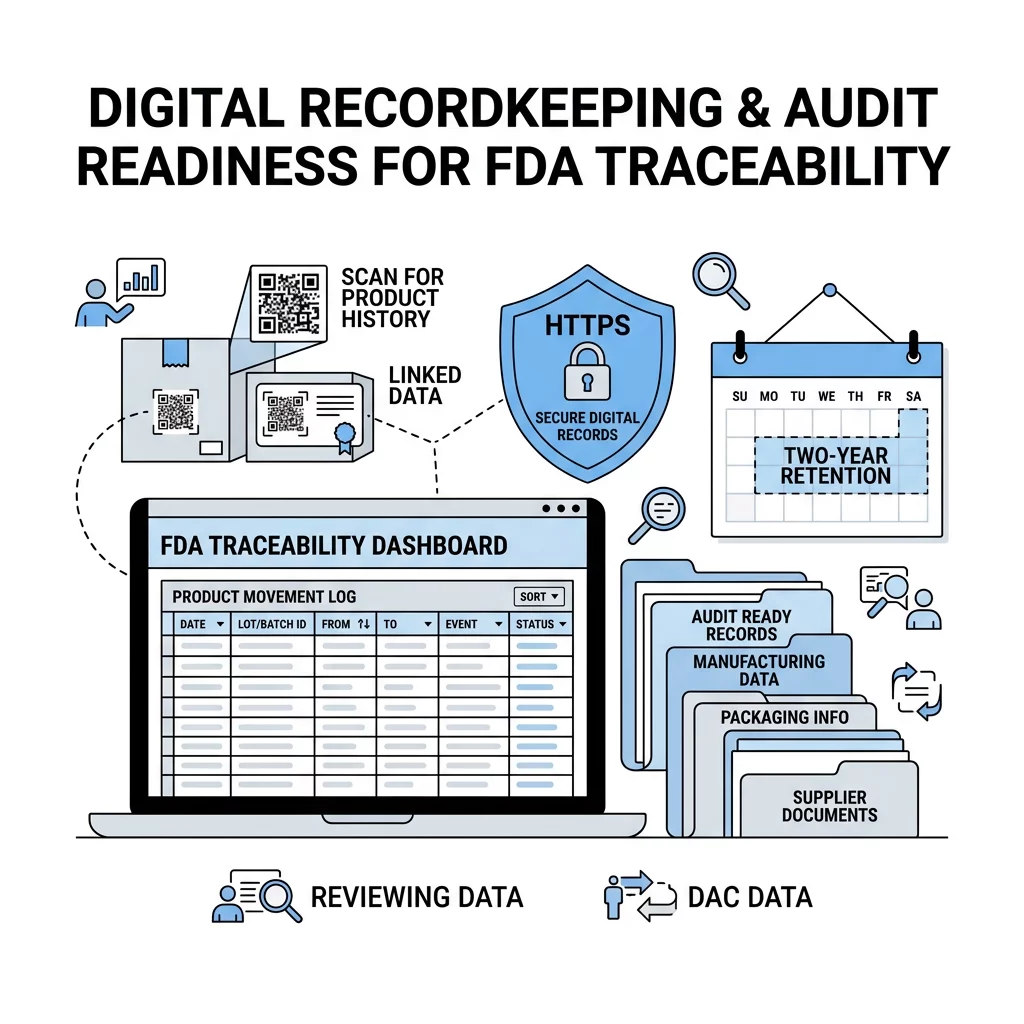
Incorporating digital markers onto QR codes on product packaging enables companies to fulfill modern partner expectations while keeping mandated physical declarations intact.
Deploying Compliant Digital Packaging
Navigating FDA labeling standards requires keeping mandatory declarations legible on physical packaging while using digital links for enhanced traceability and extended consumer information. By maintaining proper quiet zones, choosing appropriate barcode symbologies, and hosting digital documentation on dependable infrastructure, your team can streamline supply chain operations without risking regulatory infractions. Evaluate your current package designs today to ensure all 2D codes support your compliance workflows cleanly and effectively.
Frequently Asked Questions
No. The FDA does not mandate QR codes on food packaging. While the FSMA Food Traceability Rule permits sharing Traceability Lot Codes electronically through links or QR codes, it does not require the code to appear directly on retail packaging, nor does it mandate a specific digital carrier.
No. Mandatory FDA declarations, including Nutrition Facts, allergen warnings, ingredient declarations, and net quantity statements, must be physically printed on the package. Replacing these mandated statements with a digital link constitutes misbranding.
No. The Drug Supply Chain Security Act specifically mandates a 2D DataMatrix symbol on individual prescription drug packages. A standard QR code uses a different encoding structure and is not an authorized substitute for DSCSA product identifiers.